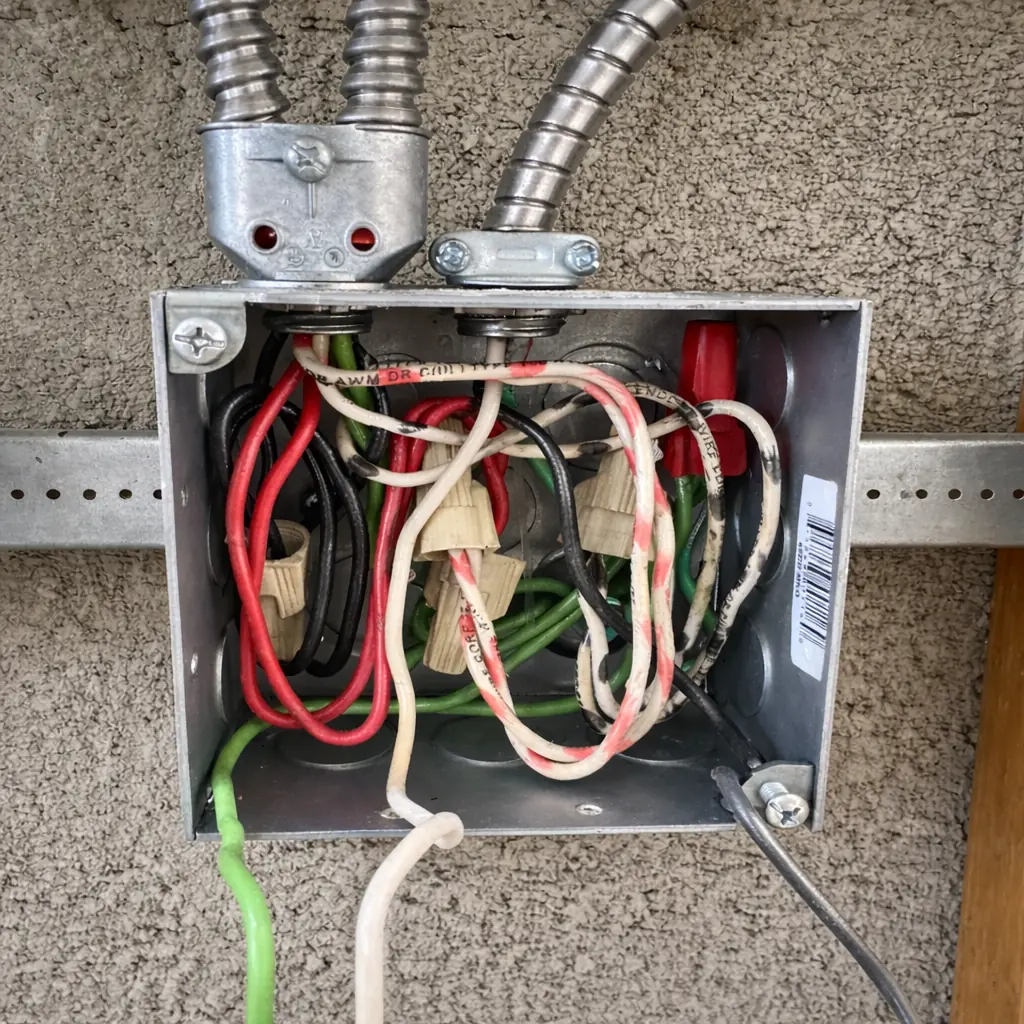
Ceiling fan after installation buzzing
If a ceiling fan started buzzing right after installation, first check blade screws, canopy contact, dimmer use, and mounting wobble before blaming the motor.
Find the fan symptom that matches what changed: no power, remote trouble, slow speeds, wobble, hum, or light problems.
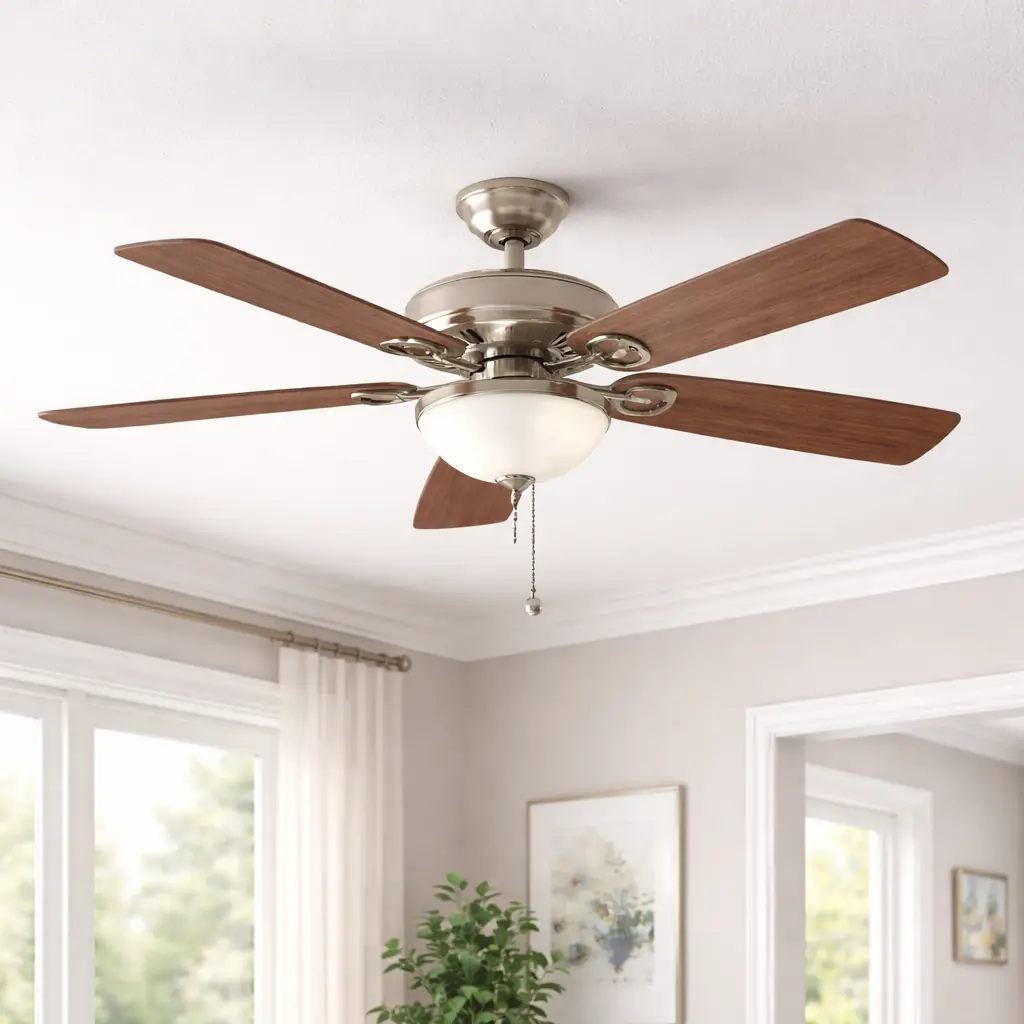
If a ceiling fan started buzzing right after installation, first check blade screws, canopy contact, dimmer use, and mounting wobble before blaming the motor.
Find out why a ceiling fan is buzzing by separating blade vibration, loose hardware, dimmer or control issues, and motor hum before replacing parts.
Track down a ceiling fan clicking noise by checking blade screws, light kit parts, pull chains, and mounting issues before replacing anything.
If your ceiling fan clicks only in reverse, start with blade screws, light kit parts, and the reverse switch area before assuming the motor is bad.
A ceiling fan grinding noise usually comes from blade interference, loose housing parts, worn motor bearings, or a bad pull chain. Start with safe visual checks before opening anything.
If your ceiling fan hums but will not spin, start with blade drag, reverse switch position, and power checks before suspecting a bad ceiling fan capacitor or motor.
Find out why a ceiling fan light flickers by separating bulb, dimmer, remote, and loose-connection problems before replacing parts. Stop early if you notice heat, buzzing, or sparking.
If your ceiling fan light stopped working, start with the bulb, wall switch, pull chain, and remote settings before opening anything. Stop early for heat, sparking, or loose wiring signs.
Find out why a ceiling fan is making noise by separating wobble, rubbing, clicking, and electrical hum. Start with safe checks, tighten what should be tight, and know when to stop and call a pro.
If your ceiling fan runs but barely moves air, start with speed, direction, blade condition, and wobble checks before blaming the motor. Here’s how to narrow it down safely.
Troubleshoot a ceiling fan that will not turn on, will not spin, or has lights but no fan. Start with breaker, wall switch, remote, and pull-chain checks before considering fan parts.
Track down a ceiling fan rattling noise by checking loose blades, light kit parts, canopy hardware, and mounting movement before replacing anything.
If your ceiling fan remote only works when you're standing right under it, start with battery, dip-switch pairing, and receiver interference checks before replacing the remote.
If your ceiling fan runs slow, start with speed settings, pull chain, remote, blade drag, and wobble before suspecting internal parts. Stop early for heat, burning smell, or loose mounting.
If your ceiling fan only runs on one speed, start with the pull chain, wall control, remote settings, and reverse switch before suspecting an internal ceiling fan capacitor or receiver problem.
If your ceiling fan only shakes on high speed, start with blade screws, blade pitch, and balance before assuming the motor is bad. Stop early if the ceiling box or mount moves.
A ceiling fan that smells hot can be overloaded, dirty, running with a failing capacitor, or have a loose electrical connection. Start with power off and treat any burning smell as urgent.
If a ceiling fan smells like burning, shut it off first. Check for dust burn-off, overheated motor signs, loose canopy wiring clues, and when to stop and call an electrician.
If your ceiling fan only runs on one speed, skips speeds, or will not change speed, start with the pull chain, remote settings, and wall control before suspecting the fan capacitor or wiring.
If your ceiling fan stays on low speed, start with the wall control, remote settings, and pull chain before suspecting the fan capacitor or internal speed control.
If a ceiling fan shuts off by itself, start with the breaker, wall switch, remote settings, and heat-related shutdown clues before assuming the motor is bad.
If a ceiling fan trips the breaker, stop using it and check whether the trip happens at the wall switch, when the fan starts, or only with the light kit. Loose wiring, a bad remote receiver, or an internal fan fault are the usual causes.
A wobbling ceiling fan is usually caused by loose blade hardware, bent blade arms, dirty uneven blades, or a mounting problem. Start with the safe checks before using the fan again.
If mice chewed a ceiling fan wire, treat it as a shock and fire risk first. Learn what to shut off, what you can safely check, and when the repair needs an electrician.