Wrong seasonal direction?
Reverse switch or remote direction setting is the first fix.
If a ceiling fan is not moving enough air, start with direction, speed, dust, blade pitch, room size, and mounting height before blaming the motor. A fan can spin normally and still move very little air if one basic setup clue is wrong.
Good clues are a reverse switch in winter direction, heavy dust on blade tops, a fan set to low, short or flat blades, a high ceiling with the wrong downrod, or a fan too small for the room.
Weak airflow is usually setup, cleaning, blade geometry, or room sizing before motor failure.
Don’t start with: Do not replace the fan until direction, speed, blade condition, and room fit have been checked.
Reverse switch or remote direction setting is the first fix.
Clean blades before judging fan size or motor health.
Room size, downrod, and blade span move up.
Control, receiver, capacitor, or motor path.
Balance and blade tracking come first.
Direction, dust, and blade tracking explain many fans that spin but do not feel useful.
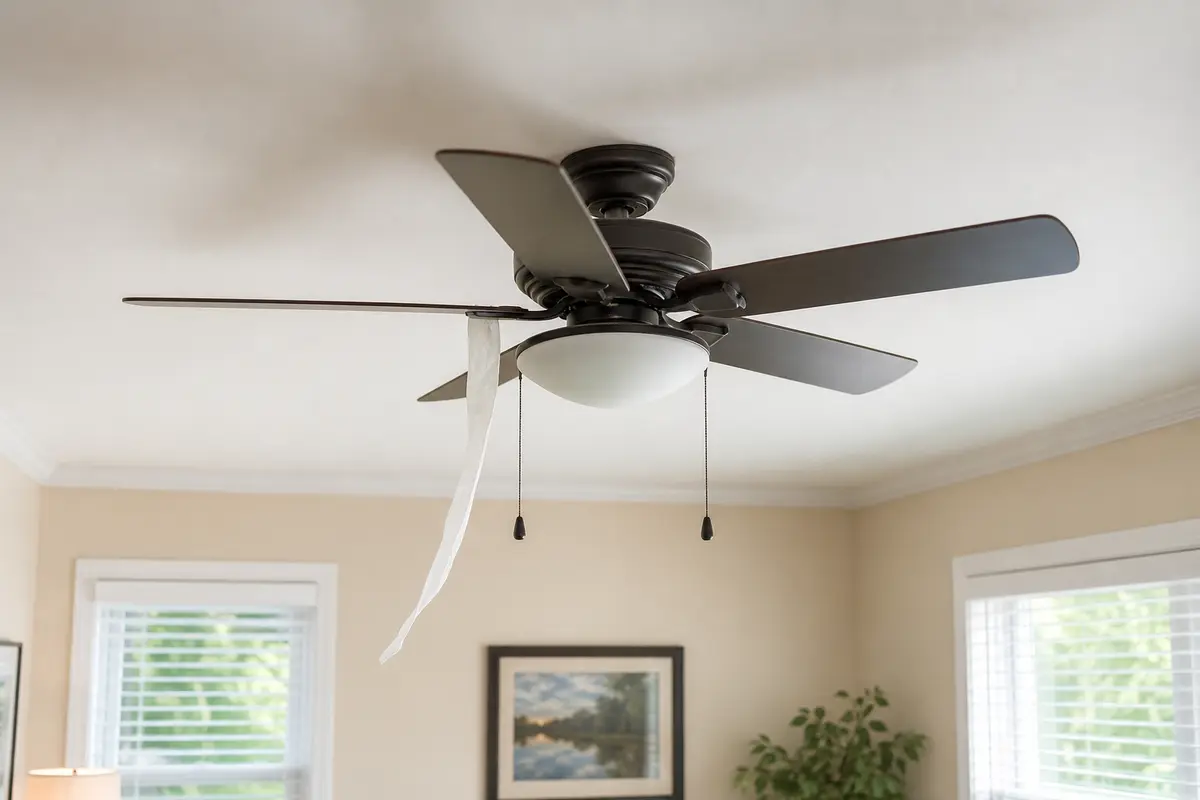
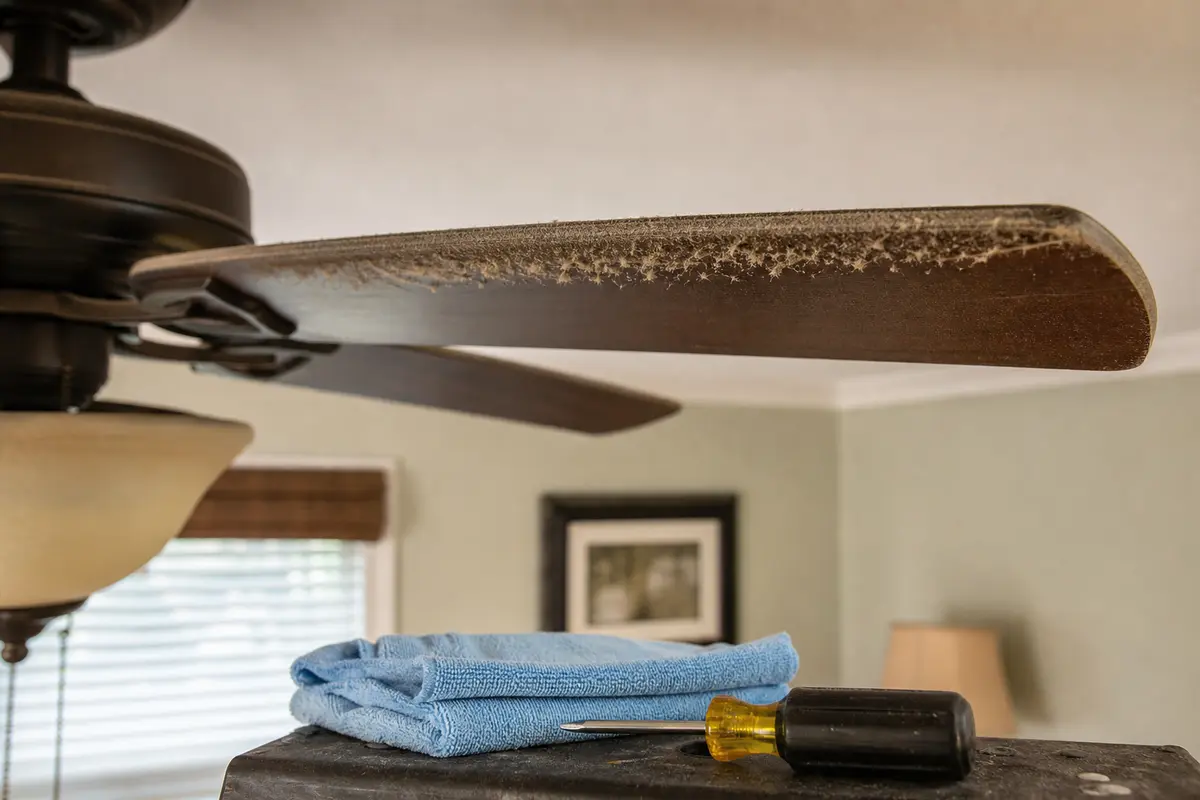
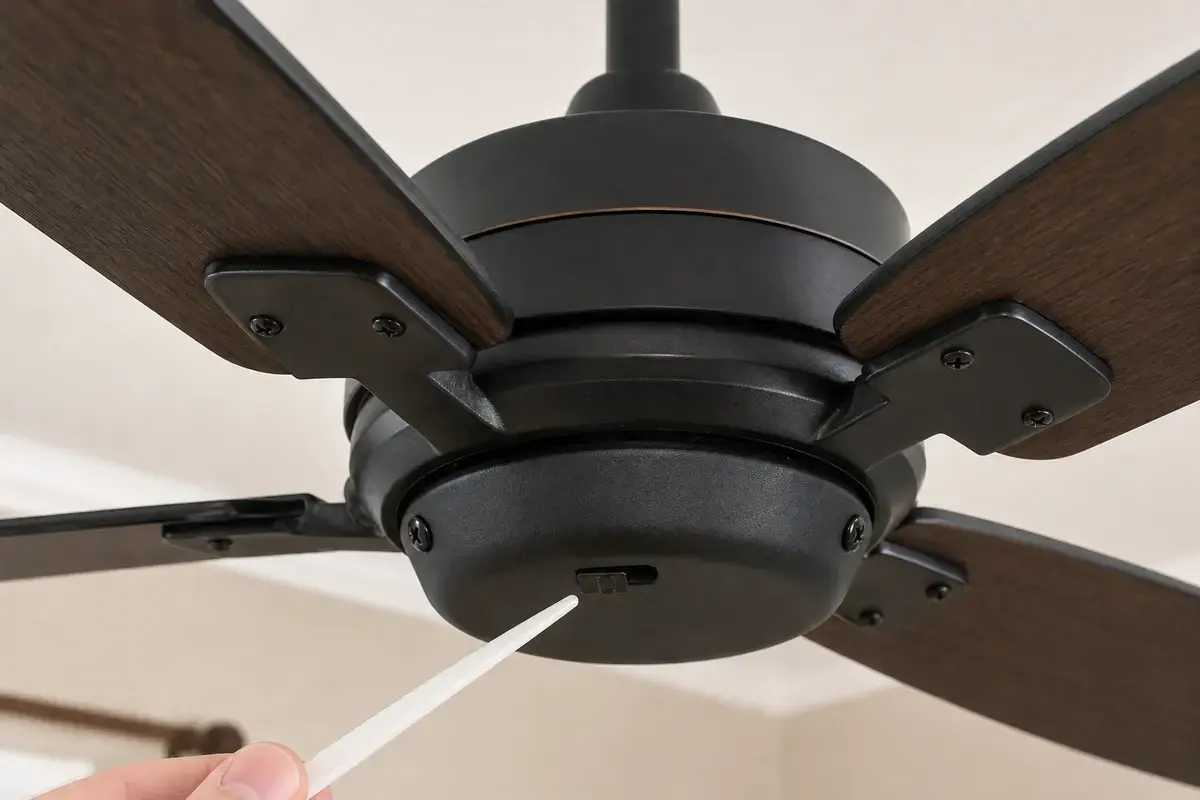
Confirm whether weak airflow is wrong direction, dust buildup, low speed, blade pitch, room size, mounting height, imbalance, or a speed-control fault. Match the exact fan model, bulb base, control setup, symptom pattern, measurements, and confirmed diagnosis before ordering anything.
Weak airflow is not the same as a dead fan. In practice, direction, speed, blade condition, and room fit explain many fans that look normal from across the room.
The usual mistake is replacing a working fan before checking setup clues. Good clue: if the fan is quiet, steady, and spinning at expected speed, motor failure is not the first explanation.
Use direction, dust, speed, and room fit as the map. These checks cost less than buying a new fan and catch most easy misses.
| Pattern | Likely path | Next move |
|---|---|---|
| No breeze below fan | Wrong direction or low speed | Check direction and speed. |
| Airflow improved after cleaning | Dust buildup | Clean blades regularly. |
| Weak in a large room | Fan too small or high | Check span and downrod. |
| Wobble on high | Balance or blade tracking | Correct movement first. |
| Slow on all speeds | Control/capacitor path | Compare speed controls. |
Start with the parts that shape airflow. Good clue: a clean, correctly directed fan should create a noticeable downdraft on high when you stand under it.
A fan can be healthy but undersized for the room or too close to the ceiling to move air well. Controls matter too: a bad receiver or capacitor can leave the fan stuck at weak speed.
These tools support blade cleaning, light hardware checks, balance checks, and safe overhead access before fan replacement is considered.
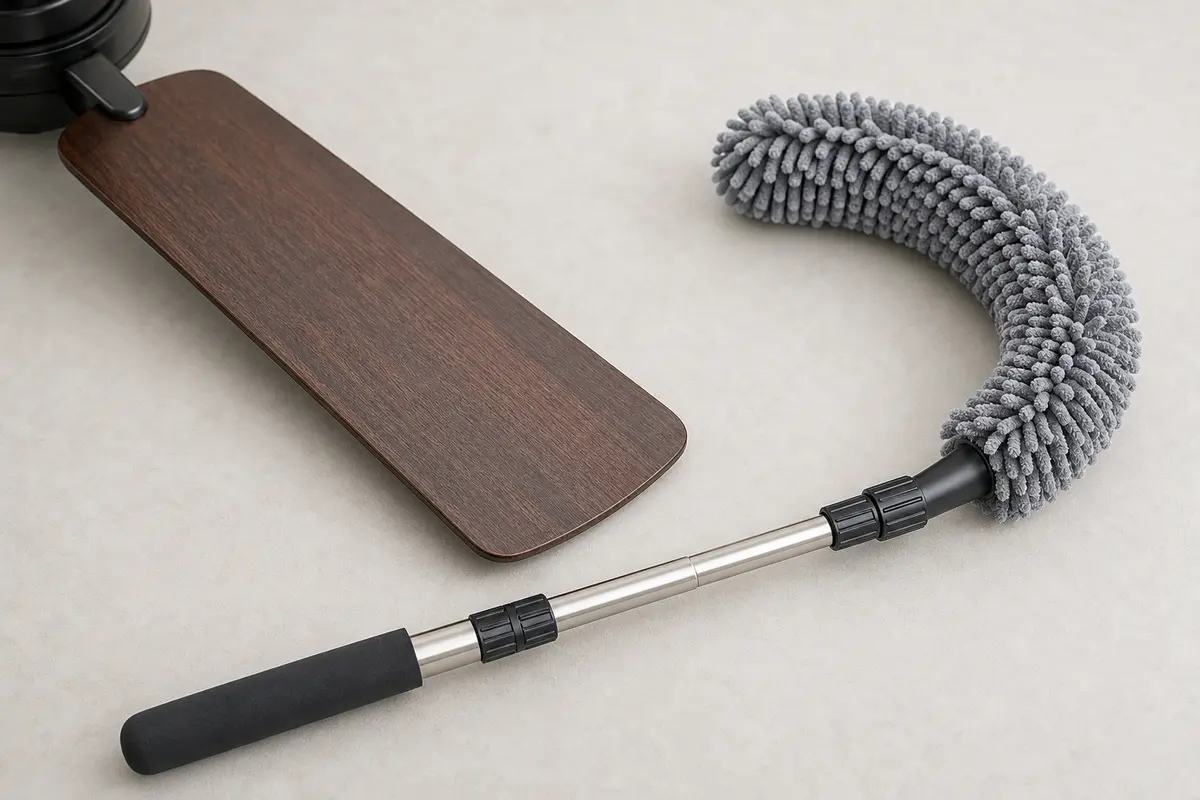
Helps when: Clears dust from blade tops and leading edges so blade pitch can move air instead of pushing a dirty, rough surface.
Skip it when: Skip overhead cleaning if you cannot stand securely or if the fan is loose, hot, wet, or still energized.
Compare fan dusters on Amazon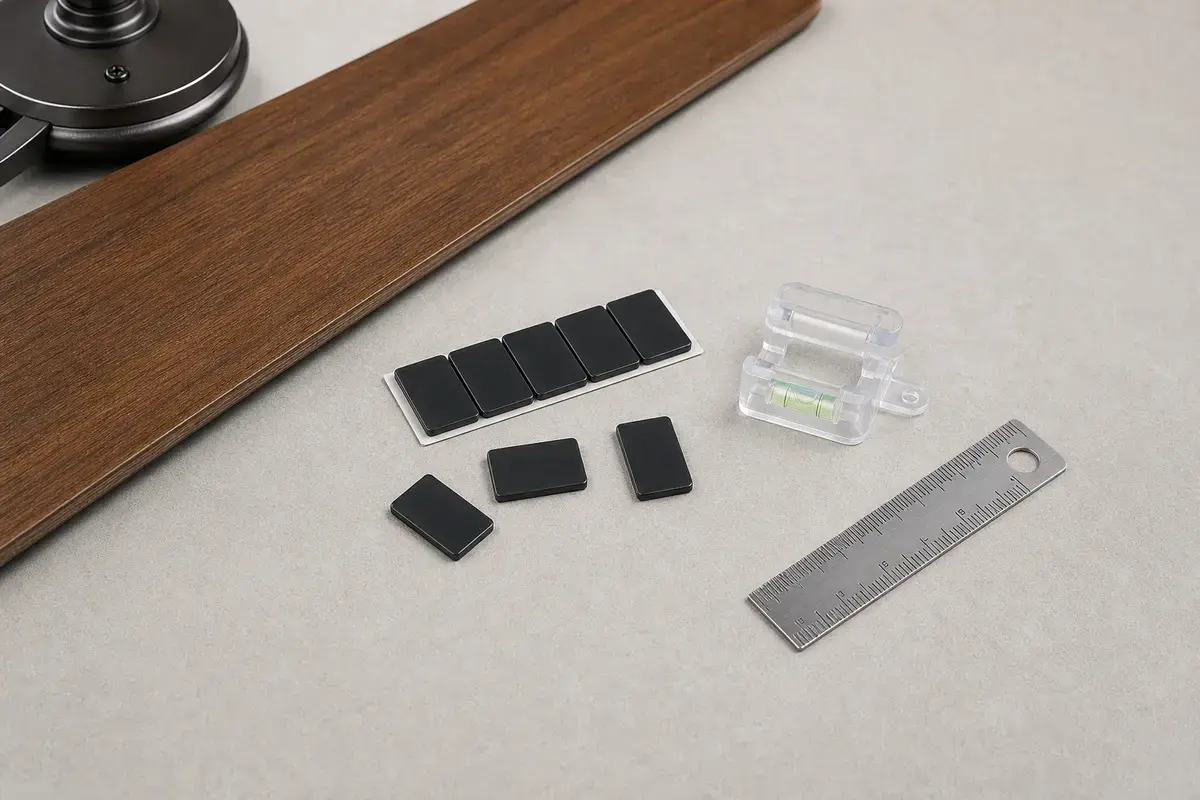
Helps when: Helps prove whether noise or weak airflow is tied to blade imbalance after the mount, blade arms, and hardware are tight.
Skip it when: Skip balancing if the ceiling box, bracket, canopy, or downrod moves; support problems come first.
Compare balancing kits on Amazon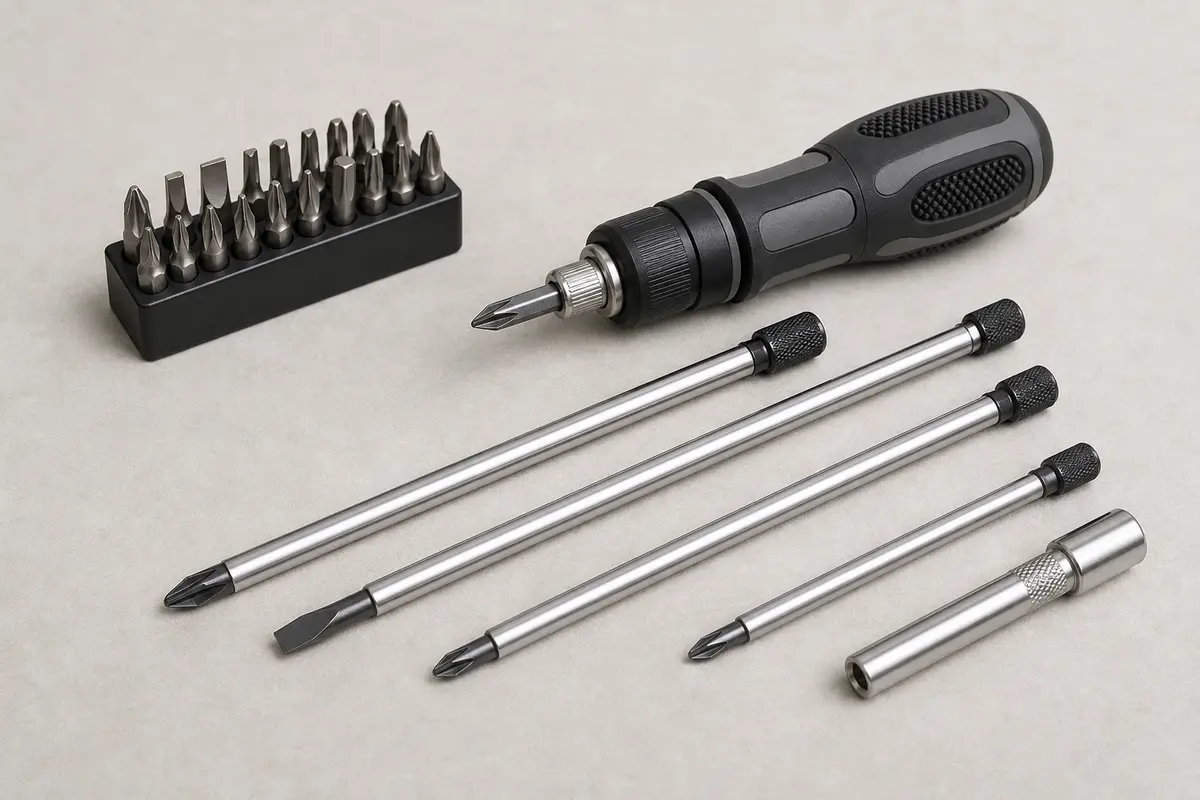
Helps when: Tightens shade screws, blade arms, light-kit screws, canopy screws, and switch-housing screws without stripping hardware.
Skip it when: Skip tightening if the fan is moving at the box, the ladder position is unsafe, or the screw head is damaged.
Compare screwdriver sets on Amazon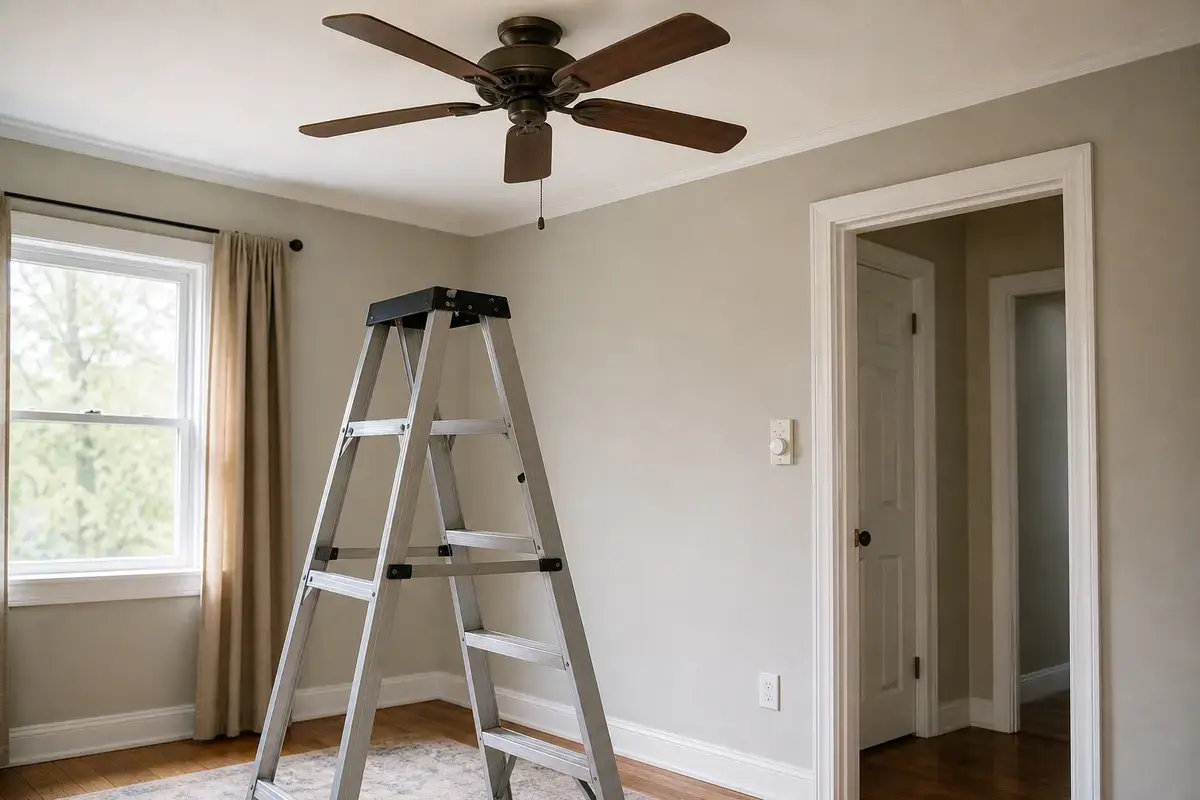
Helps when: Lets you reach the fan housing while standing flat-footed instead of leaning from furniture or the top cap.
Skip it when: Skip DIY overhead work if the fan is over stairs, furniture, a bed, or any spot where you cannot stay balanced.
Compare step ladders on AmazonAs an Amazon Associate I earn from qualifying purchases. Repair Riot may earn a commission at no extra cost to you.
Common causes are wrong direction, low speed, dusty blades, flat or warped blade pitch, poor room sizing, mounting height, or a speed-control problem.
Use the fan manual for your model, but the cooling setting should create a noticeable downdraft where people sit.
Yes. Dust changes the blade surface and adds drag. Clean blades with the fan off before judging the fan size or motor.
No. Bending blade arms can create wobble, stress hardware, and make airflow worse. Replace damaged blades or follow the manufacturer guidance.
That may be normal. If medium and high feel the same as low, speed control, receiver, capacitor, or motor diagnosis moves higher.
Yes. Some low-profile or short-downrod setups move less air, especially in larger rooms or high ceilings.
It can. Wobble wastes motion, changes blade tracking, and loosens hardware. Balance and support checks come before parts.
Consider replacement after direction, cleaning, speed settings, room size, mounting height, and blade condition are ruled out or if the fan is undersized or worn.
Repair Riot reviewed this page around weak ceiling fan airflow, direction, blade dust, speed settings, room fit, mounting height, balance, and safe overhead checks. The source links support home electrical safety and general fan-use context; the diagnostic sequence is original guidance.