Fan runs, light dead?
Bulb, socket, pull-chain, receiver light circuit, or light kit path.
If the ceiling fan light is not working, first check whether the fan motor still works. A working fan points toward bulb, socket, pull-chain, remote, receiver, or light-kit trouble; a dead fan and dead light points back to house power or the wall feed.
Good clues are a fan that runs while the light stays off, a remote light button that fails, a chain that feels detached, one dead socket, or a bulb that does not match the light kit.
The useful split is fan works/light dead versus everything dead.
Don’t start with: Do not buy a light kit or receiver until you know whether power reaches the fan and which control path has failed.
Bulb, socket, pull-chain, receiver light circuit, or light kit path.
Breaker, wall switch, feed, receiver power, or canopy path.
Remote, batteries, pairing, or receiver light output path.
Bulb, socket contact, heat damage, or light-kit wiring path.
Leave power off and call for help.
A dead light can be a bulb, socket, remote, receiver, wall feed, or light-kit fault. The fan motor response tells you where to start.
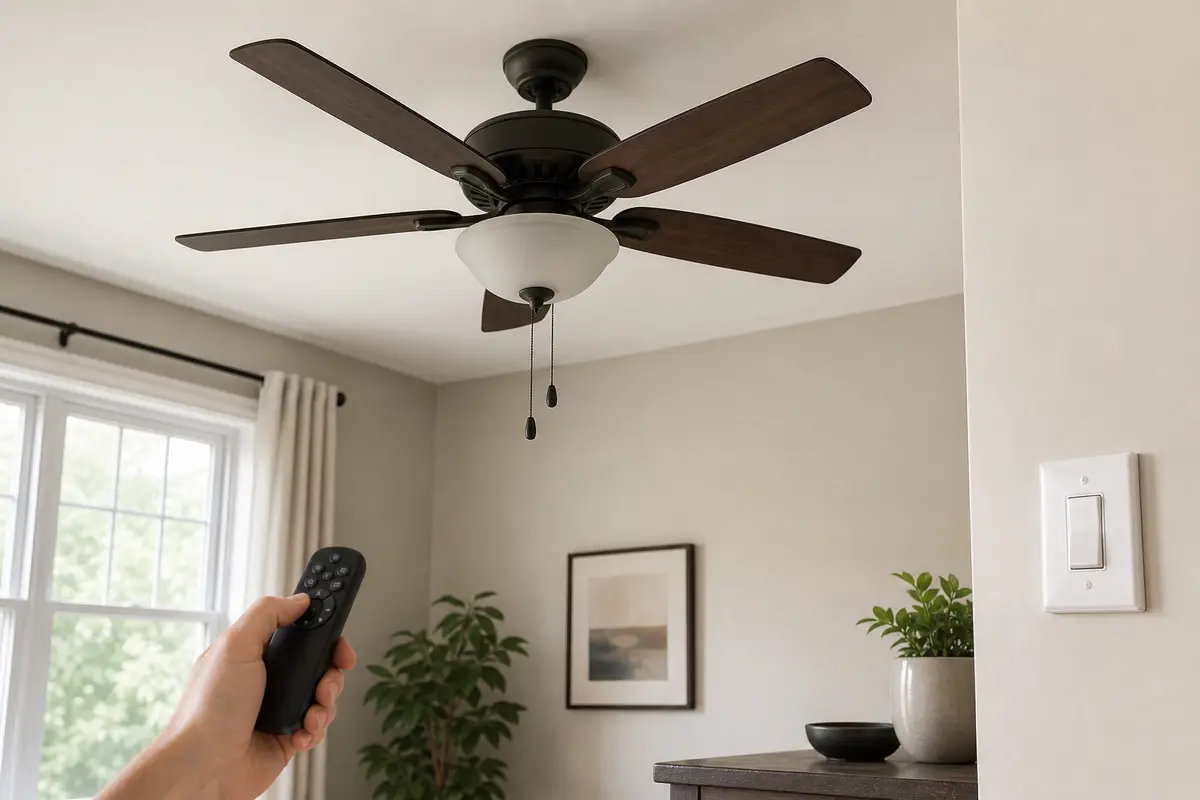
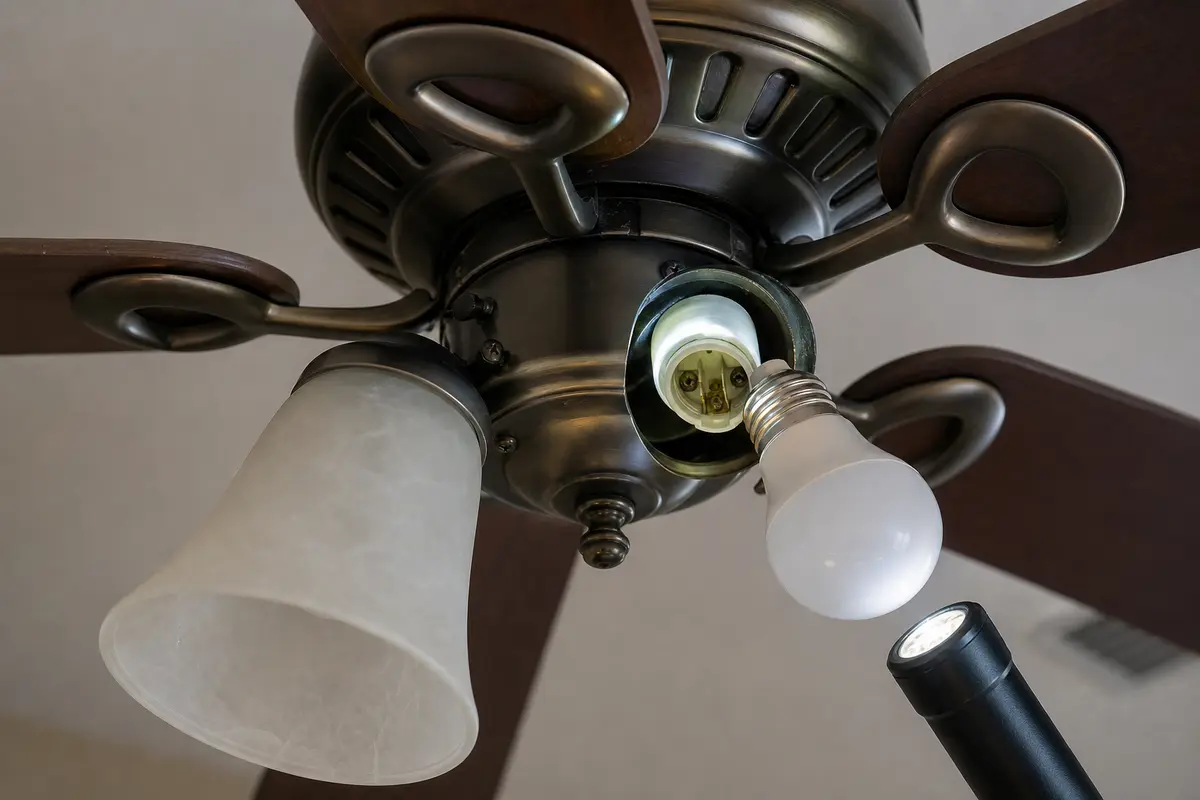
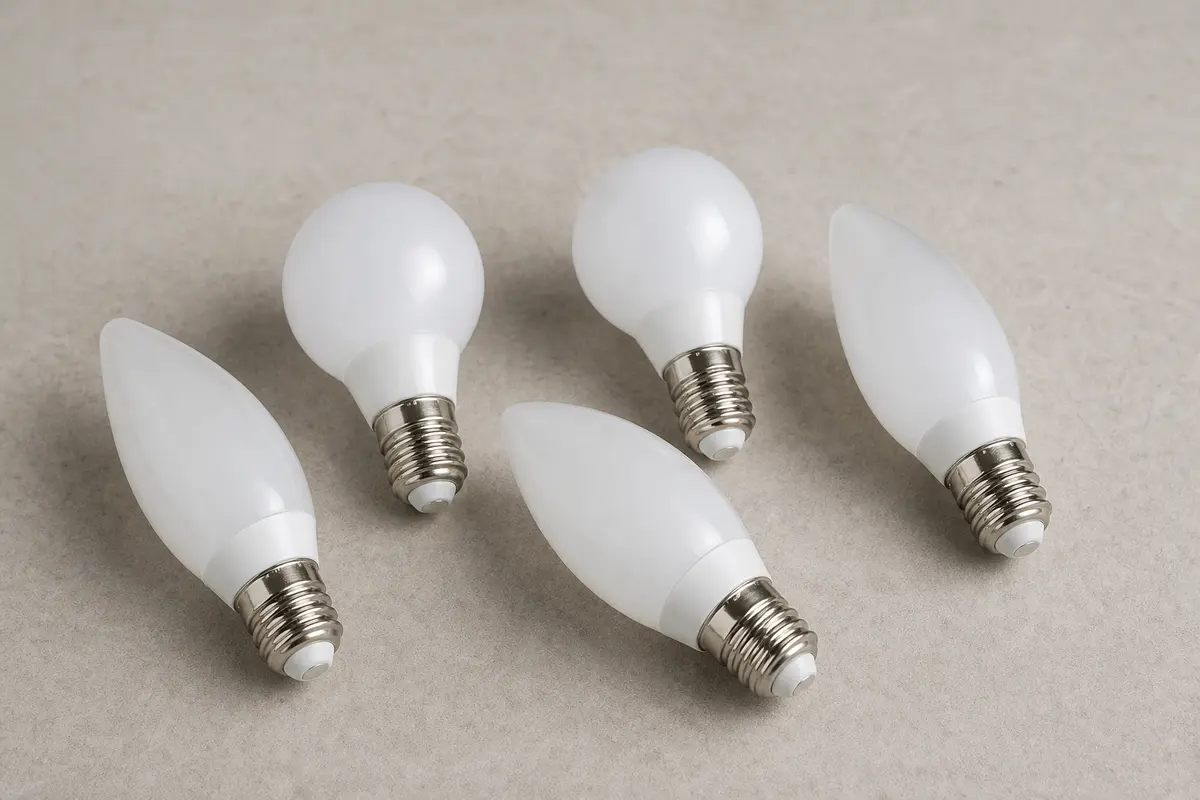
Confirm whether the dead light is bulb failure, socket trouble, pull-chain failure, remote button failure, receiver light output, wall switch feed, or whole-fixture power loss. Match the exact fan model, bulb base, control setup, symptom pattern, measurements, and confirmed diagnosis before ordering anything.
The fan motor response tells you whether the light problem is local or upstream. In practice, a fan that still runs means power is reaching at least part of the fixture, so each next move should follow a test result.
The usual mistake is buying a receiver or light kit before using the working clues. Good clue: if the fan responds to the remote but the light button does nothing, the remote or receiver light path is specific enough to investigate.
Match the dead-light pattern to the next safe move. Bulb, socket, remote, and no-power symptoms look similar from the floor.
| Pattern | Likely path | Next move |
|---|---|---|
| Fan runs, light dead | Bulb/socket/light control | Check bulb and control path. |
| Both fan and light dead | Power feed or wall switch | Check breaker and switch first. |
| Remote light button dead | Remote or receiver | Fresh batteries and close-range test. |
| One socket dead | Socket or local light-kit issue | Inspect with power off. |
| Trip or hot smell | Electrical fault | Leave power off. |
Start with the parts designed to be serviced. Good clue: if one socket fails while others work, the light-kit problem is local instead of the whole fan.
Remote fans can make a light failure look mysterious because the handheld remote, receiver, wall feed, and light kit all sit in the chain. Compare controls before parts.
These tools support safe power-off light-kit checks and basic electrical screening before a canopy or switch box is opened.
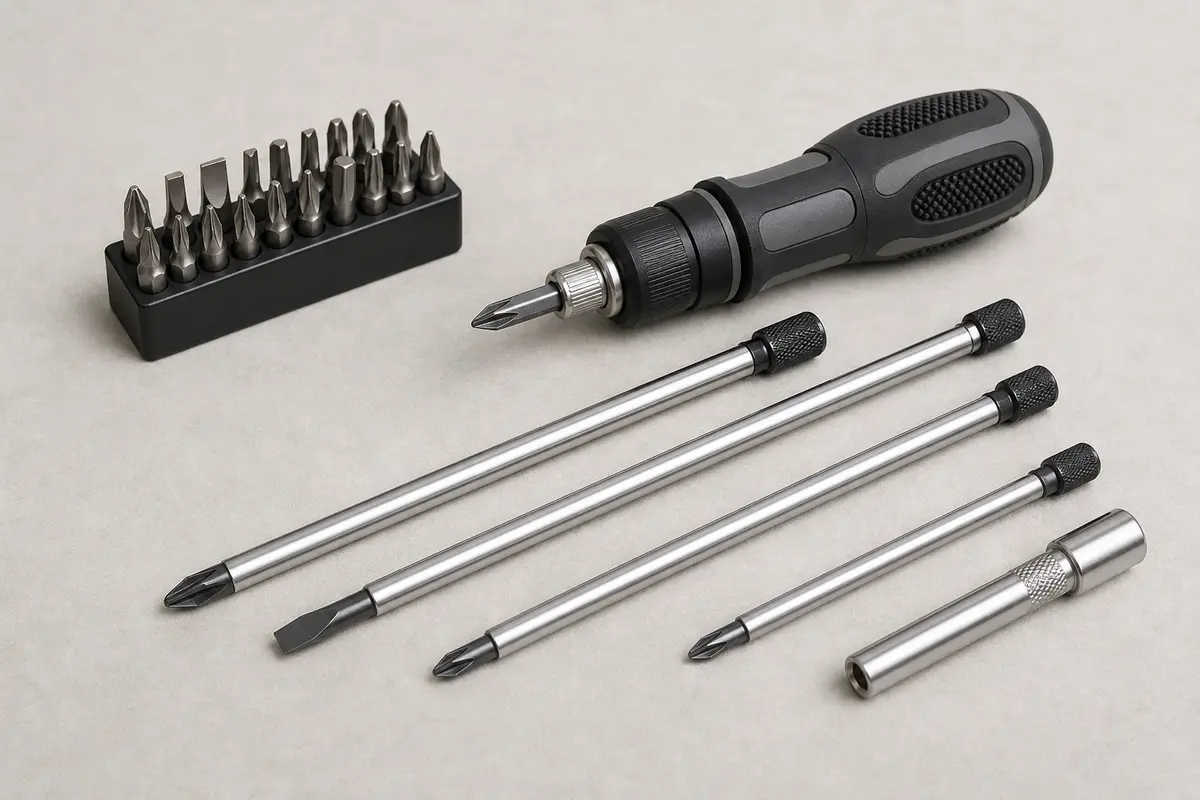
Helps when: Tightens shade screws, blade arms, light-kit screws, canopy screws, and switch-housing screws without stripping hardware.
Skip it when: Skip tightening if the fan is moving at the box, the ladder position is unsafe, or the screw head is damaged.
Compare screwdriver sets on Amazon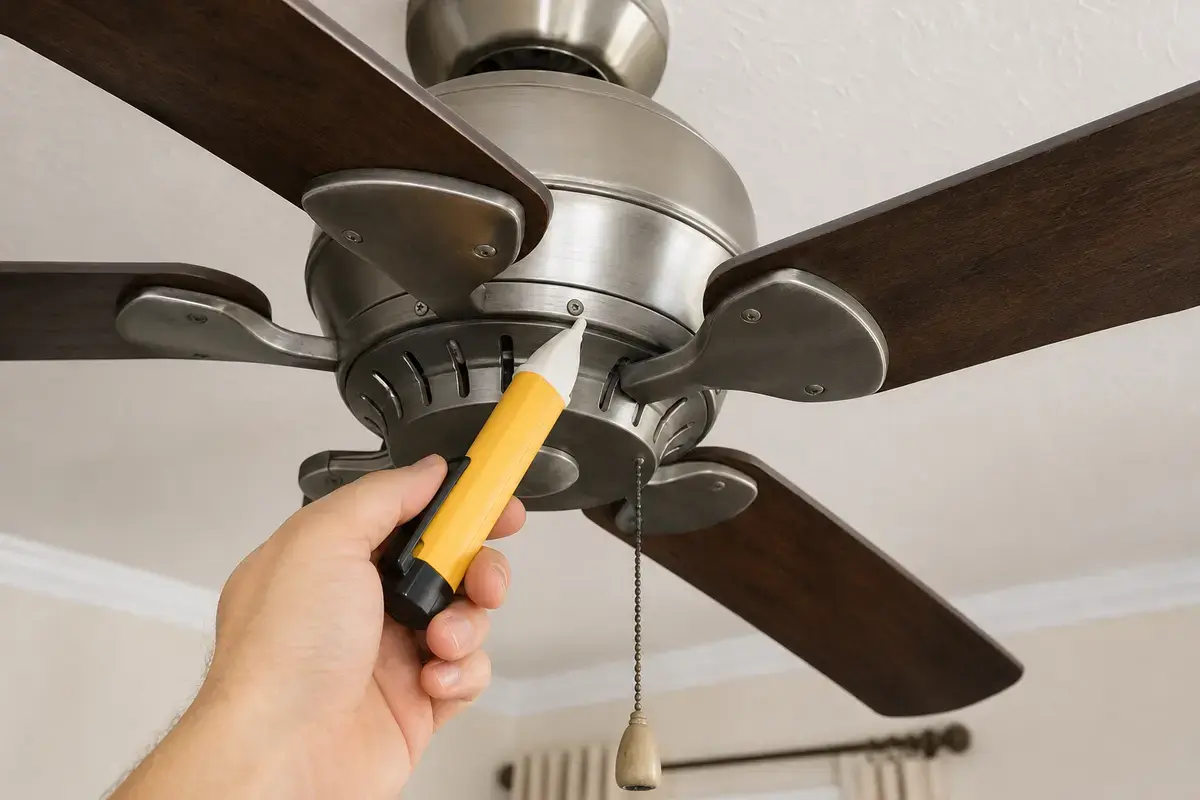
Helps when: Screens for power after the breaker is off before opening a canopy, light kit, switch housing, wall control, or receiver area.
Skip it when: Skip DIY electrical checks if readings are confusing, the breaker trips again, or the fan wiring is unfamiliar.
Compare voltage testers on AmazonAs an Amazon Associate I earn from qualifying purchases. Repair Riot may earn a commission at no extra cost to you.
Parts are reasonable only after the pattern points to them and the fan label, bulb type, receiver space, and wiring layout match.
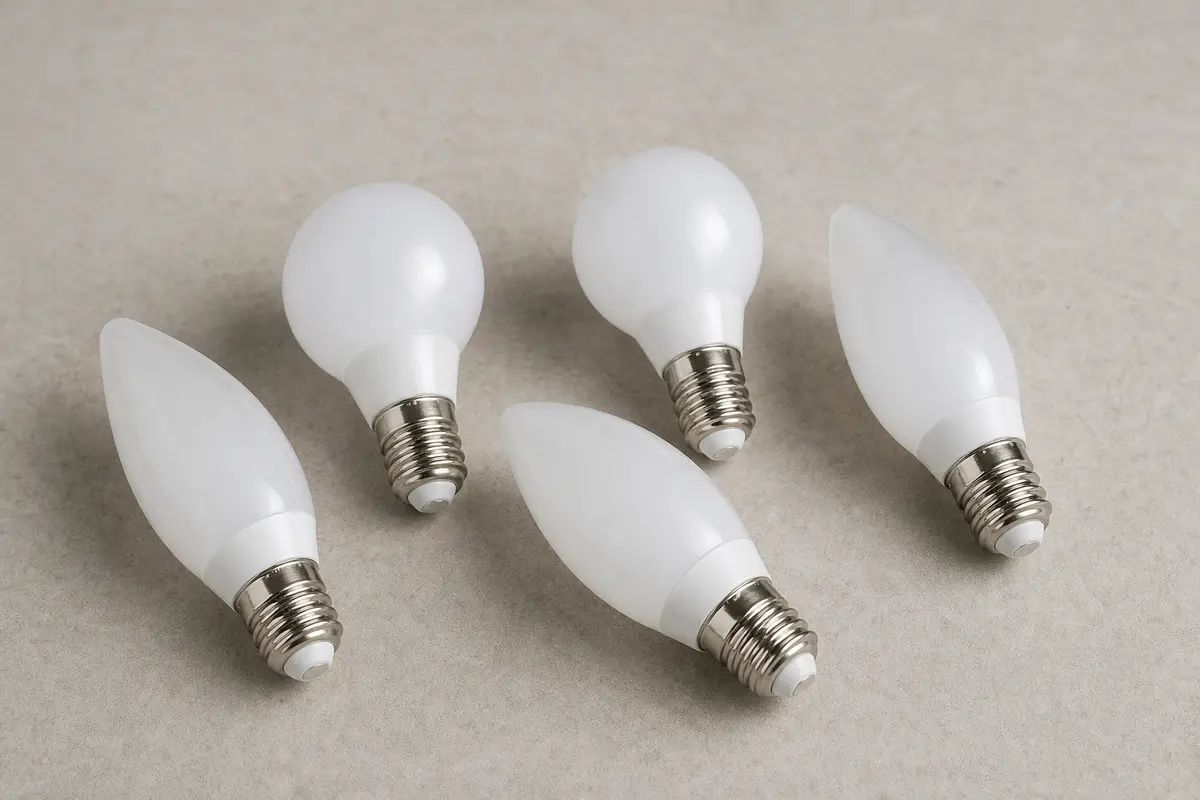
Helps when: Fits flicker or no-light symptoms after the old bulb, socket fit, wattage limit, and control compatibility are checked.
Skip it when: Skip it if the socket is discolored, the breaker trips, the light kit smells hot, or the fan manual calls for a different bulb type.
Compare ceiling fan LED bulbs on Amazon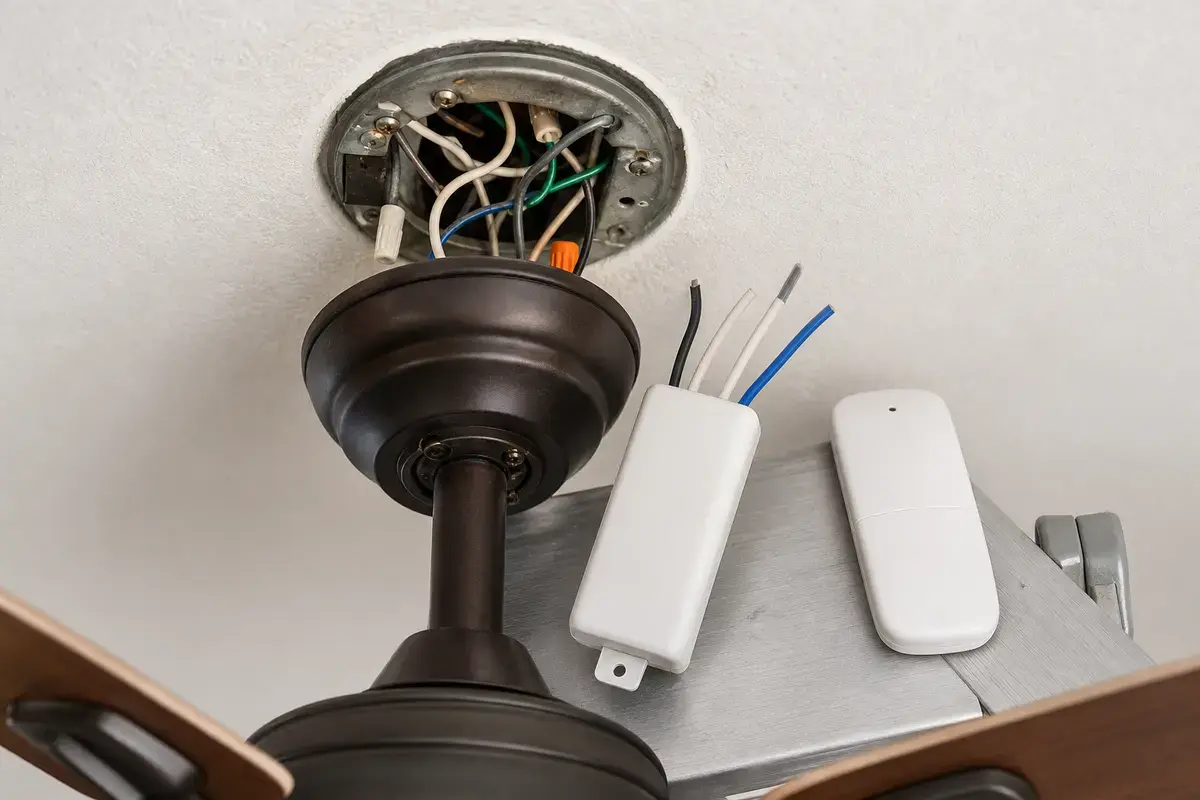
Helps when: Fits the pattern where wall or pull-chain controls still work but the handheld light button fails after fresh batteries and close-range testing.
Skip it when: Skip it if both fan and light are dead, the wall feed is off, or the receiver is the more likely failed piece.
Compare fan remotes on Amazon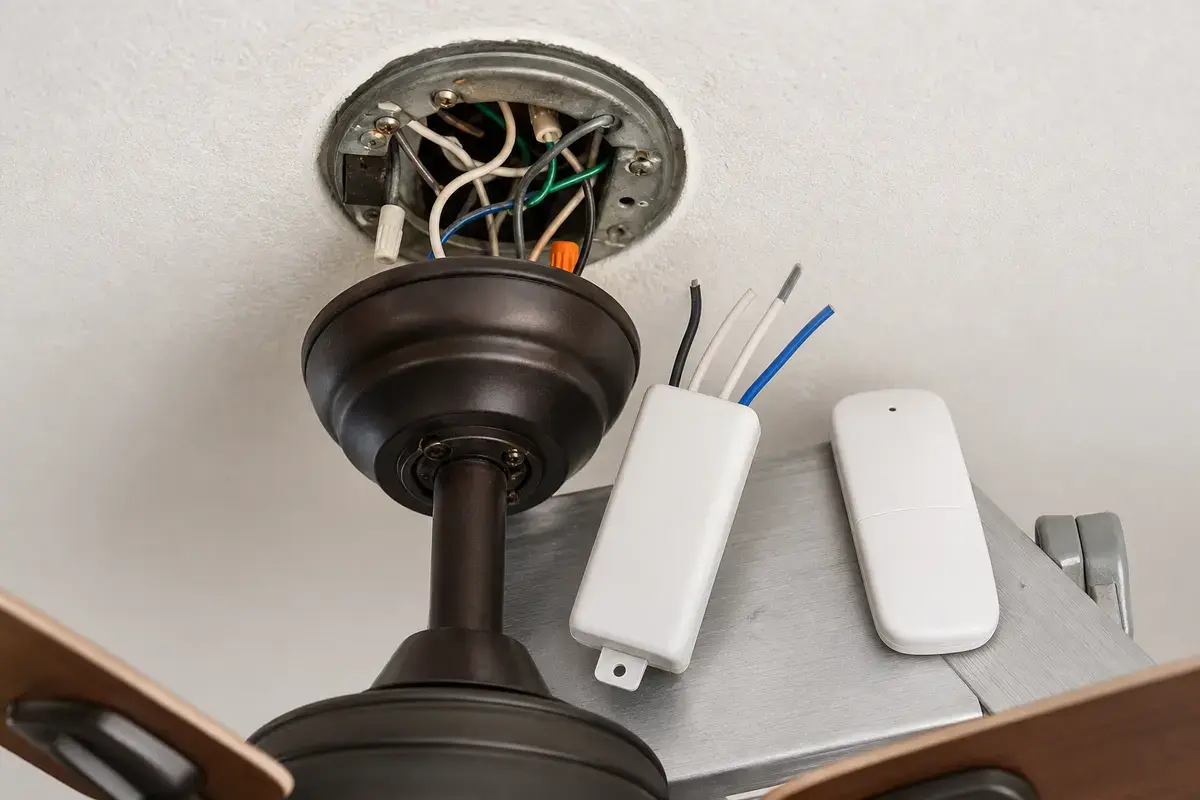
Helps when: Fits the pattern where the fan has power but the remote light path fails after fresh batteries, wall feed, and pairing are checked.
Skip it when: Skip it if the canopy is hot, wiring is scorched, the breaker trips, or you cannot match the fan, space, and wire layout exactly.
Compare fan receivers on AmazonAs an Amazon Associate I earn from qualifying purchases. Repair Riot may earn a commission at no extra cost to you.
Power is likely reaching the fan, so bulb, socket, pull-chain, remote, receiver light output, or the light kit moves ahead of breaker diagnosis.
Yes. Some failures affect the receiver light output or the handheld light button while fan speed still works.
Check breaker, wall switch, and nearby lights or outlets first. A wider outage points upstream of the light kit.
No. Try a compatible known-good bulb, compare controls, and inspect socket clues with power off before buying a light kit.
Yes. A bulb can fail without visible damage. Match the replacement exactly and do not exceed the light-kit rating.
That points to the bulb, socket, local light-kit wiring, or heat damage for that socket. Stop if you see discoloration or smell heat.
Only with the breaker off and power verified. Stop if wiring is unfamiliar, crowded, damaged, or still reads live.
Yes. Some fans have separate switch legs or need the wall feed on before the remote receiver can power the light.
Repair Riot reviewed this page around ceiling fan light no-response symptoms, bulb and socket fit, remote and receiver paths, wall switch feeds, power-off checks, and electrician stop points. The source links support home electrical safety and general ceiling-fan context; the diagnostic sequence is original guidance.