Are the fan and light both dead?
Start with the breaker, wall switch, and nearby lights or outlets. When other devices are dead too, the problem is upstream of the fan.
If a ceiling fan is not working, start by sorting the failure: everything dead, light works but blades do not, or one control works and another does not. Check breaker, wall switch, pull chain, and remote batteries before opening the canopy.
Power and control faults usually show up before a bad motor. Look for the clue: light works, blades hum, remote is dead, or nearby outlets are out.
Use the first minute to separate house power, fan controls, remote receiver, pull-chain switch, and unsafe mounting clues.
Don’t start with: Do not start by taking the fan down, opening wiring, or buying a motor. A ceiling fixture adds shock risk, ladder risk, and support-hardware risk.
Start with the breaker, wall switch, and nearby lights or outlets. When other devices are dead too, the problem is upstream of the fan.
The fan probably has power. Check the pull chain, speed setting, reverse switch position, wall fan control, and remote before pricing a motor.
Use the working control as proof that the motor may still be fine. The failed path may be the remote, receiver, wall control, or pull-chain switch.
Reset power once, test the wall switch, and check the remote pairing or receiver path only after the circuit stays on.
Stop running it. Those clues point toward capacitor or motor-side trouble and can build heat quickly.
Stop DIY. Leave power off and have the mounting, fan-rated box, controls, and wiring checked.
A dead ceiling fan can look like a bad motor when the real clue is at the wall switch, pull chain, remote, or breaker. Use the visible control clues before opening the fan.
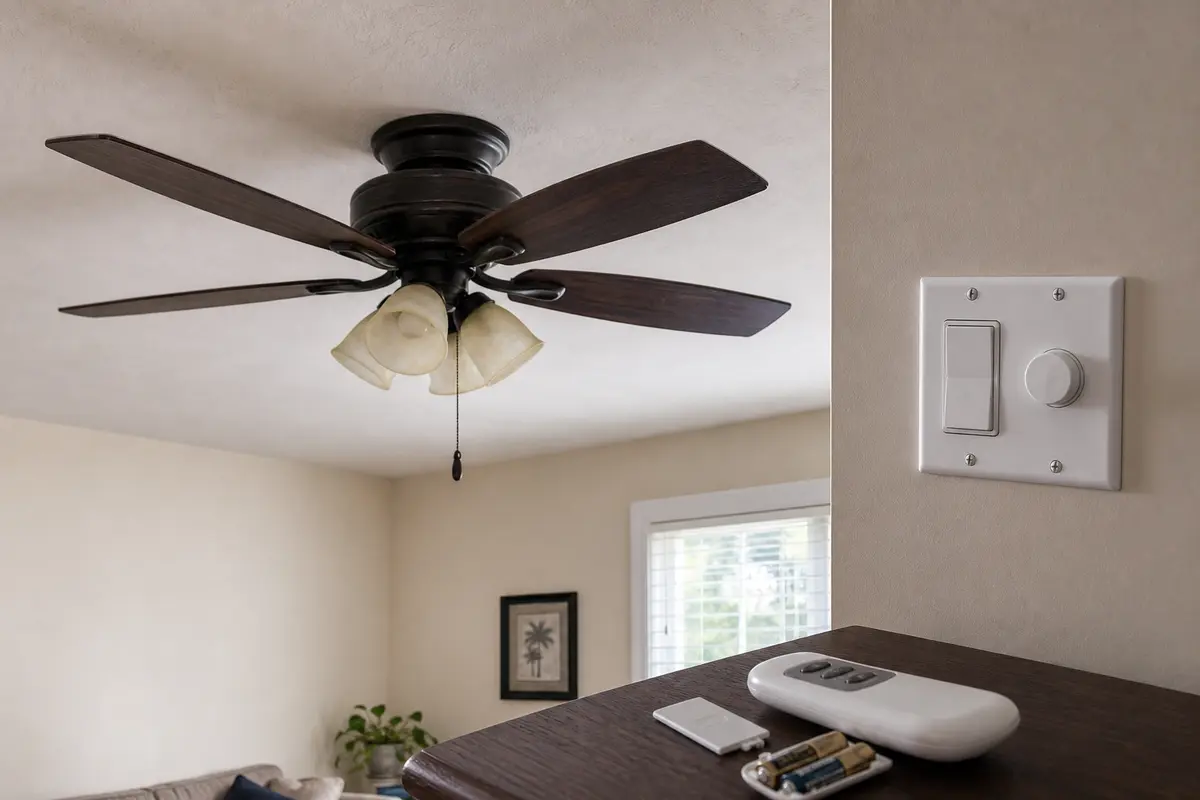
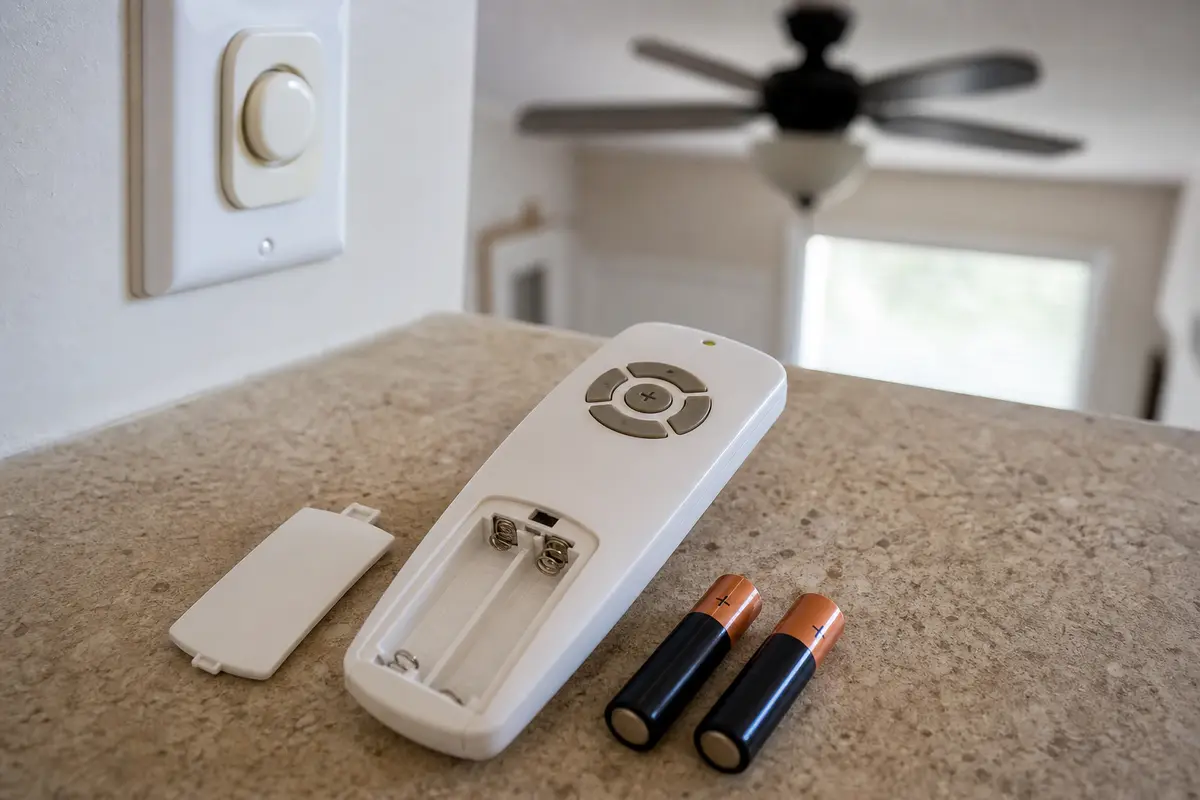
Do not buy a motor, receiver, capacitor, remote, or pull-chain switch from the symptom alone. Copy the fan model label if you can reach it safely, note which controls still work, and match any part by model, wire count, connector shape, rating, and housing space.
Most no-response fan calls start outside the fan housing. The useful question is not which part is bad; it is what still has power and which control still talks to the fan.
A ceiling fan is overhead electrical equipment. The wrong first move can turn a control problem into a wiring or support problem.
Use this map before any cover comes off. One working clue usually changes the repair path.
| What you see | What it usually means | Next move |
|---|---|---|
| Light and blades are both dead | The fan may have lost house power or the wall feed may be off. | Check breaker, wall switch, nearby lights, and nearby outlets first. |
| Light works but blades do not move | Power is likely reaching the fan, so the fan-control path moves up. | Cycle the pull chain, set the fan speed above low, check the remote, and listen for hum. |
| Pull chain works but remote does not | The remote, batteries, pairing, wall feed, or receiver is the better clue. | Install fresh batteries and test close to the fan before opening the canopy. |
| Remote works for the light but not the fan | The receiver or fan-speed control side may be failing. | Compare pull-chain behavior and model-specific pairing before buying a receiver. |
| Fan hums, twitches, or needs a push | A capacitor or motor-side fault is more likely than a dead breaker. | Stop running it and leave internal diagnosis to power-off work or a pro. |
| Breaker trips, smell appears, or canopy feels warm | The fault may be in wiring, controls, receiver, motor, or the circuit. | Leave power off and call a licensed electrician. |
These checks do not require exposed wiring. They separate lost power from a failed control path and keep you off the ladder until the easy clues are used.
Internal fan parts belong later in the sort. Check breaker, wall switch, pull chain, remote batteries, and pairing first; then use the exact symptom to decide what deserves power-off inspection.
These tools support safe sorting and power-off inspection. They do not make live wiring or loose overhead support a homeowner job.
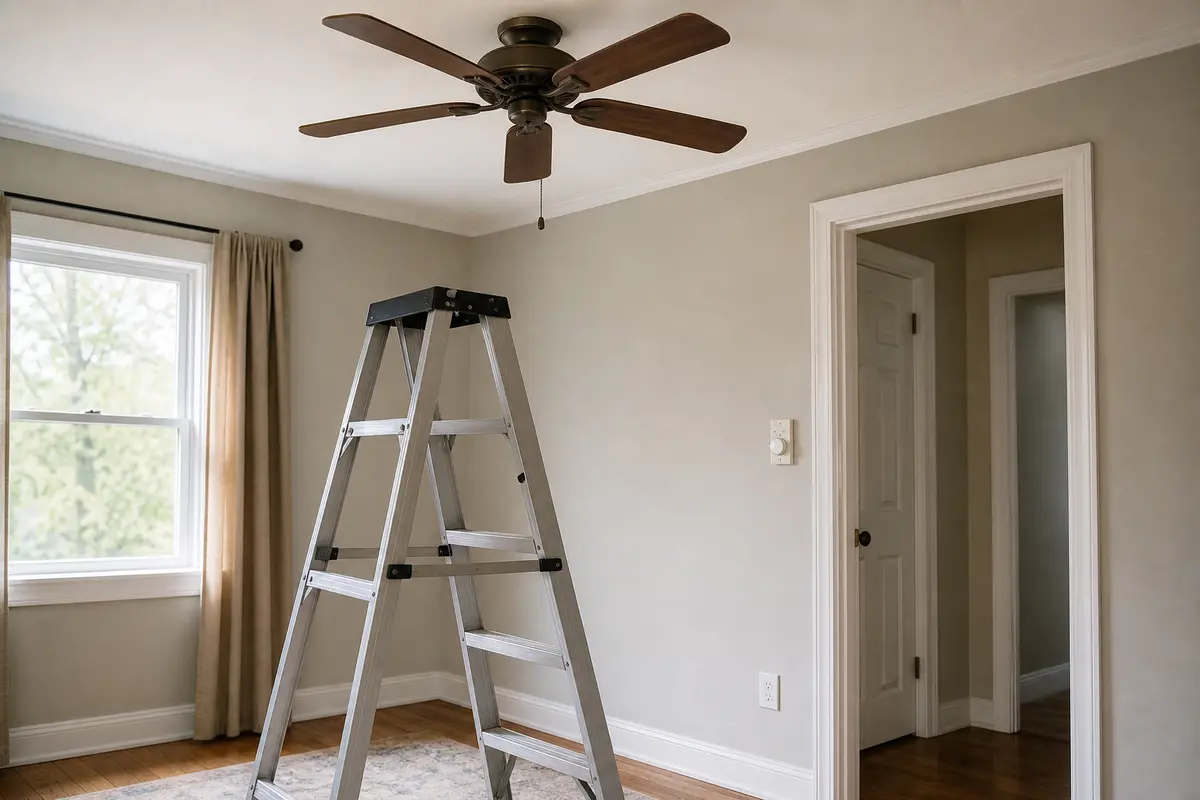
Helps when: Use it when the fan, pull chain, or housing can be reached while you stand flat-footed and balanced.
Skip it when: The fan is over stairs, a bed, tall furniture, or anything that prevents a steady working position.
Compare step ladders on Amazon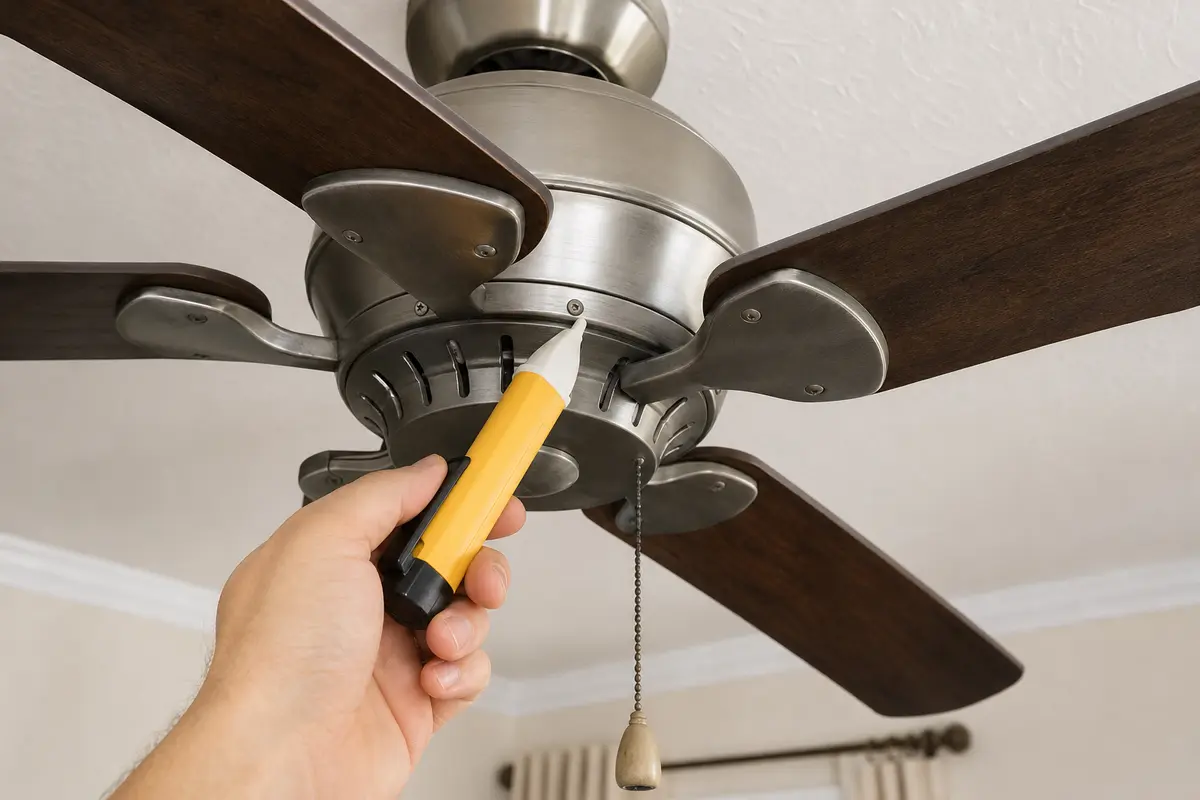
Helps when: Use it after the breaker is off as a no-touch screen before a canopy, switch box, or fan housing is opened.
Skip it when: The reading is unclear, the circuit still appears live, or the wiring layout is not familiar.
Compare voltage testers on Amazon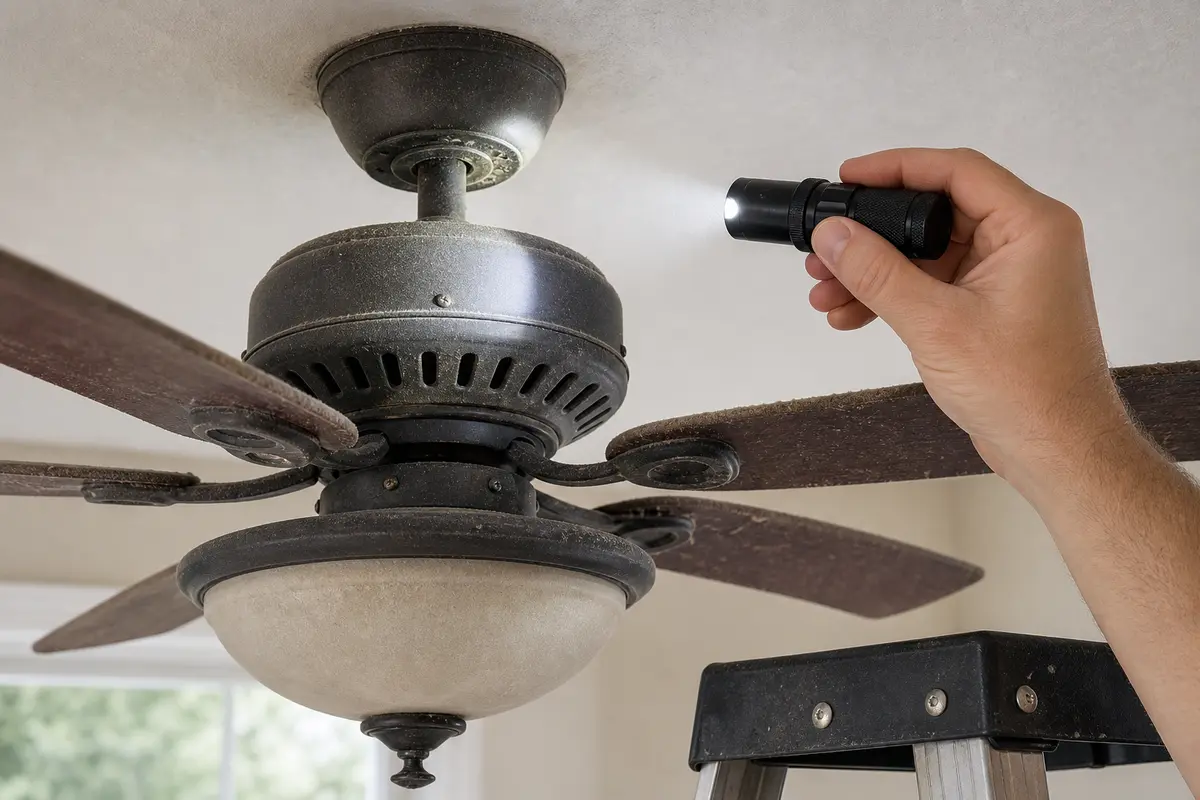
Helps when: Use it to see scorch marks, loose hardware, pull-chain damage, receiver labels, and capacitor markings without guessing.
Skip it when: Better light still leaves you unsure whether the fan is secure or power is off.
Compare inspection flashlights on AmazonAs an Amazon Associate I earn from qualifying purchases. Repair Riot may earn a commission at no extra cost to you.
Parts are reasonable only after the symptom points at them. Ceiling fan controls, receivers, switches, and capacitors vary by model and wiring layout.
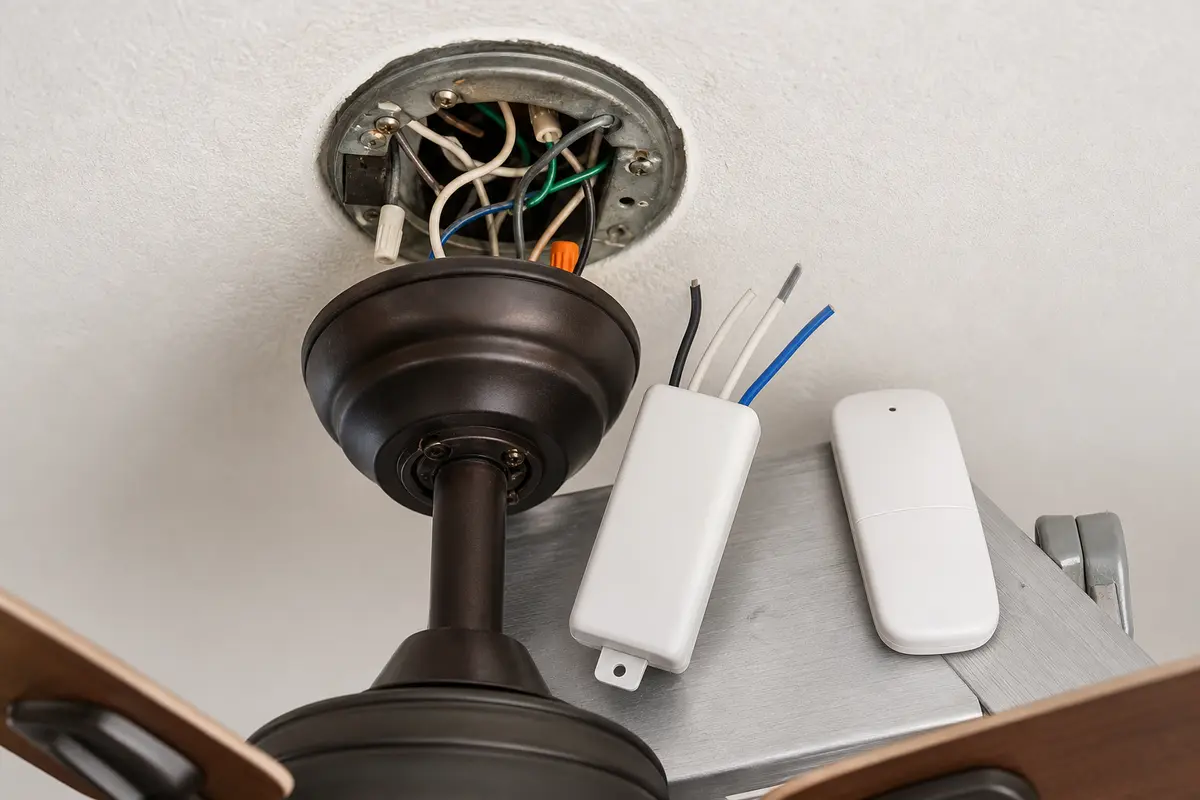
Helps when: The fan runs from the pull chain or wall control, but the handheld remote stays dead after fresh batteries and pairing.
Skip it when: Both light and fan are dead, the wall switch is off, or the receiver may be the failed piece.
Compare ceiling fan remotes on Amazon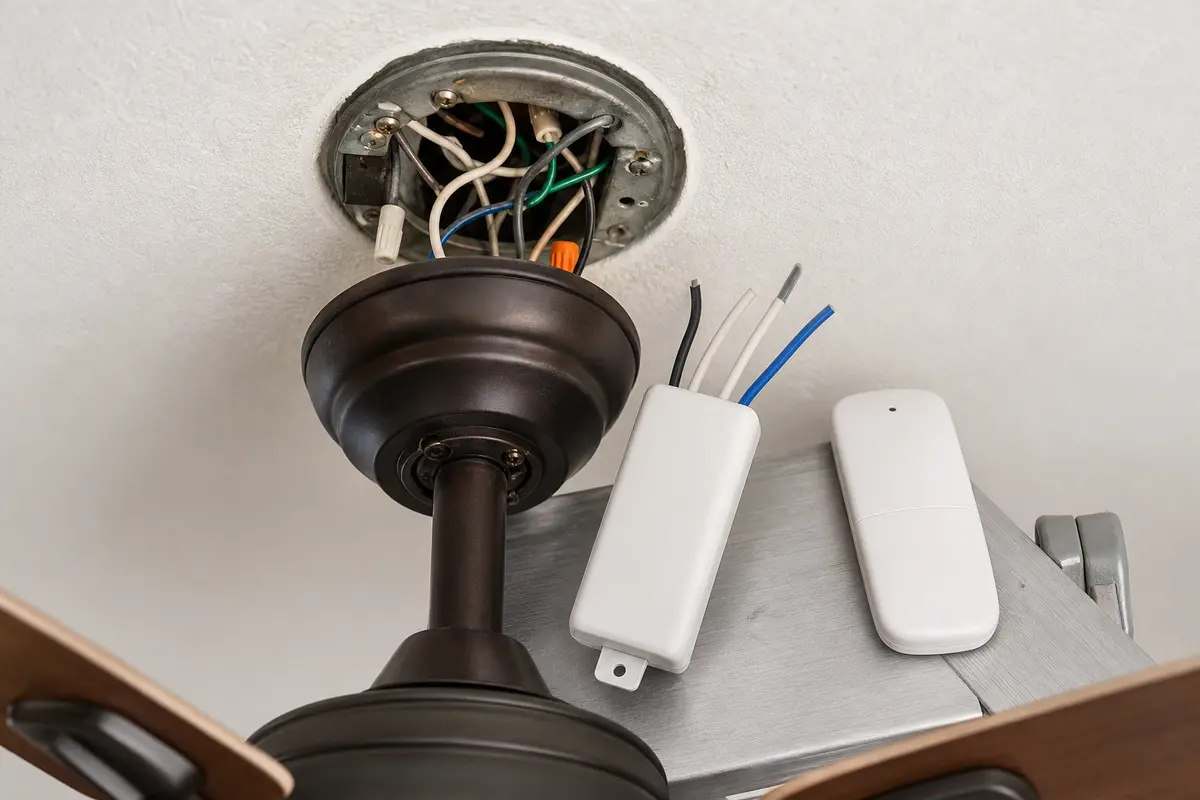
Helps when: Power reaches the fan and the remote path still fails after the handheld remote, batteries, wall feed, and pairing are checked.
Skip it when: The canopy is hot, wiring is scorched, the breaker trips, or the receiver cannot be matched to the fan and canopy space.
Compare fan receivers on Amazon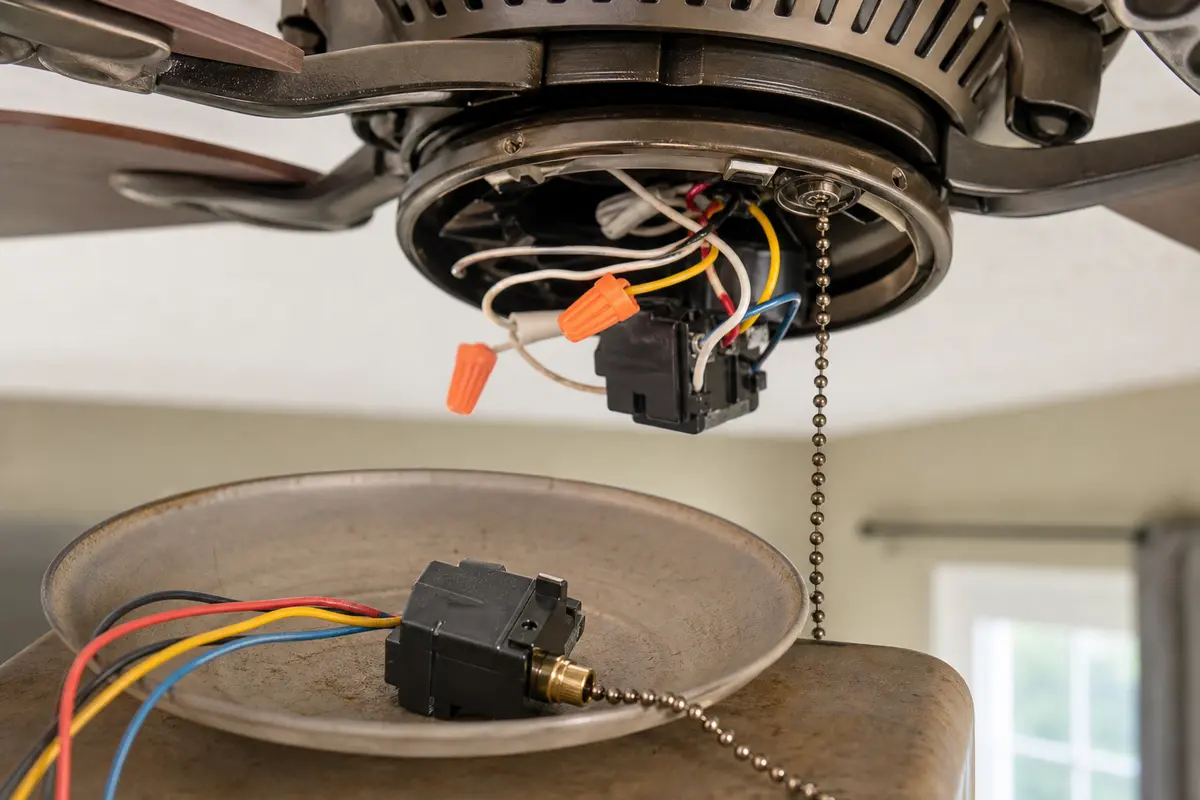
Helps when: The chain is broken, jammed, or no longer changes fan speeds while power is present.
Skip it when: The fan hums, crawls, needs a push, or you cannot match the wire count and switch sequence.
Compare pull-chain switches on Amazon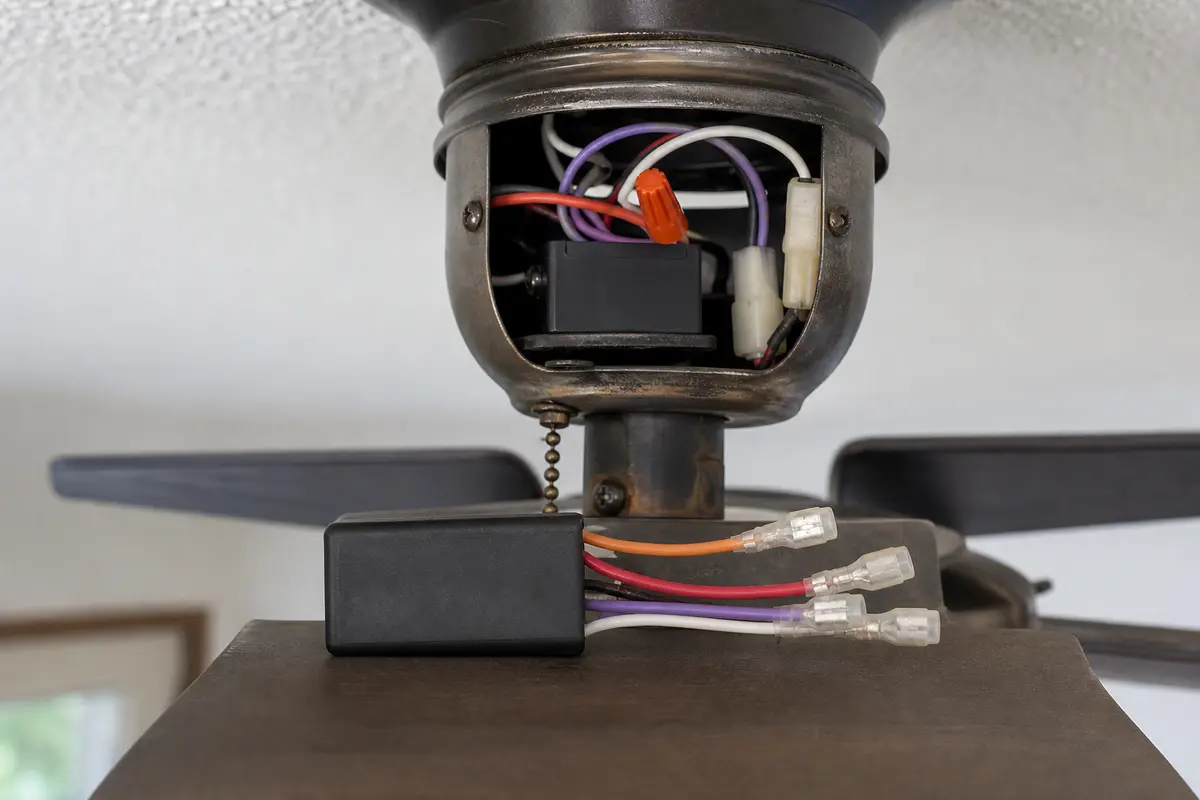
Helps when: The fan hums, starts weakly, crawls, or needs a push after room-side controls are ruled out.
Skip it when: You cannot match the microfarad values, voltage rating, wire count, connector style, and mounting space exactly.
Compare fan capacitors on AmazonAs an Amazon Associate I earn from qualifying purchases. Repair Riot may earn a commission at no extra cost to you.
Good notes keep the next repair from becoming a parts guess. Take photos only after power is off and the fan is stable enough to inspect safely.
The light proves some power is reaching the fan. Work the fan pull chain, remote speed buttons, wall fan control, and reverse switch before you blame the motor. If it hums or starts weakly, leave it off and check internal parts only with the breaker off.
Yes, especially on fans that depend on a receiver in the canopy. Still check the wall switch and breaker first. Fresh batteries and a close-range test come before opening the canopy or buying a receiver.
Check the breaker, wall switch, and whether nearby lights or outlets lost power too. A wider outage points upstream of the fan. Reset a breaker once only, then stop if it trips again.
Stop running it. A hum with no spin, slow crawl, or push-start symptom points toward capacitor or motor-side trouble. Heat can build quickly, so leave it off until the fan is checked with power off.
No. Split the symptom first. Both light and blades dead points to breaker, wall switch, or feed trouble; light working with dead blades points to pull chain, remote, receiver, or the internal start path. Heat, hum, wobble, or several dead speeds means leave the fan off and compare whole-fan replacement with pro diagnosis.
A bad pull-chain switch may jam, spin freely, feel detached, or stop changing speeds while the fan still has power. Match the replacement by fan model, wire count, switch sequence, and mounting style.
Leave the breaker off after one reset. A repeat trip can point to a wiring, control, receiver, motor, or circuit fault. Do not keep testing the fan; call a licensed electrician.
A regular light dimmer is not a fan speed control. The wrong wall control can cause hum, weak speed, heat, or no response. Use only controls rated for the fan and wiring setup.
Not unless you can prove the box and bracket are fan-rated, secure, and de-energized before inspection. A loose or wobbling fan is both an electrical and falling-fixture risk, so this is a good pro handoff.
Repair Riot built this page around observable checks: what has power, which control responds, breaker behavior, hum, heat, wobble, and when wiring or support work becomes a licensed-pro handoff. The repair sequence is original guidance; the sources below set the safety limits and general fan context.