Ceiling/canopy moves?
Support or fan-rated box path; stop using it.
If a ceiling fan is wobbling, start by checking whether the ceiling support moves. Then clean the blades, tighten blade hardware, compare blade tracking, check bent blade arms, and balance only after the mount and hardware are solid.
Good clues are a canopy that shifts, uneven dust, loose blade screws, one blade tip lower than the others, a light kit that swings, or wobble that gets worse as speed increases.
The useful split is support movement versus blade imbalance.
Don’t start with: Do not add balancing weights before support, blade hardware, blade condition, and light-kit movement are checked.
Support or fan-rated box path; stop using it.
Tracking, warped blade, or bent blade arm path.
Clean before balancing.
Shade, trim, or finial path.
Balancing kit after support checks.
Support movement, blade hardware, and blade tracking come before adhesive weights.
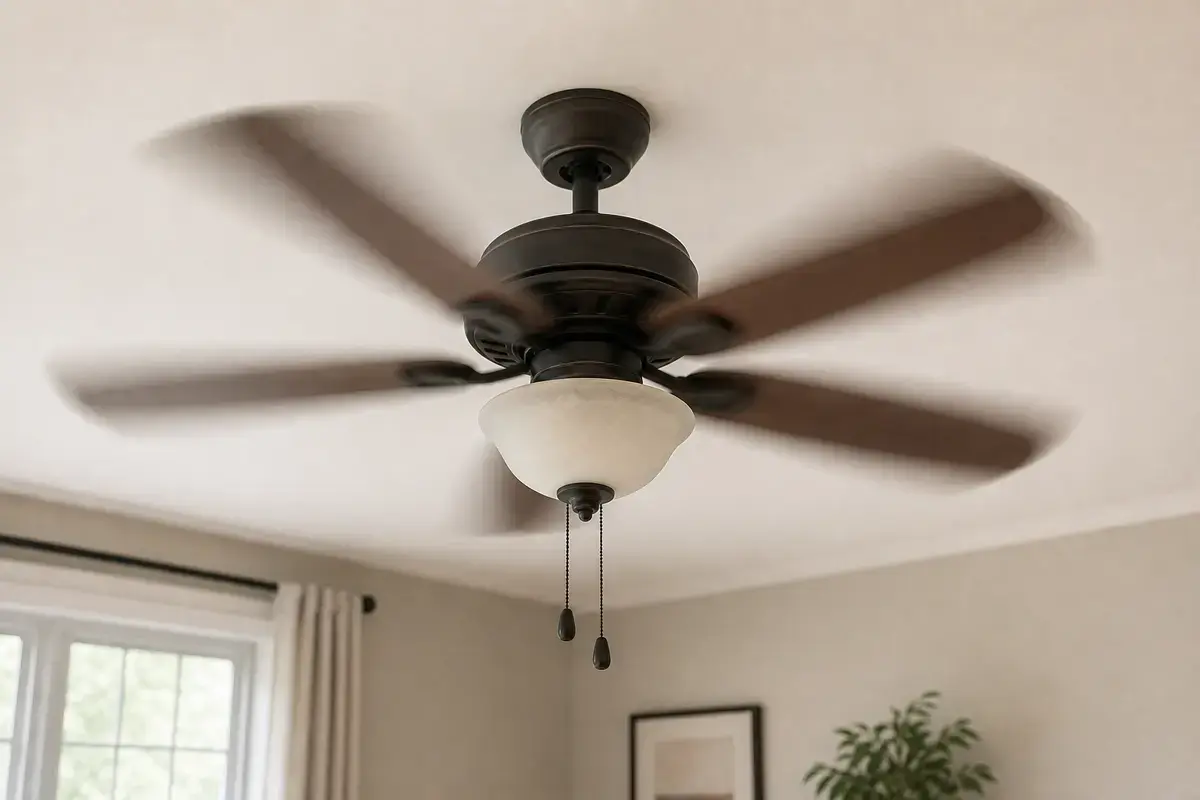
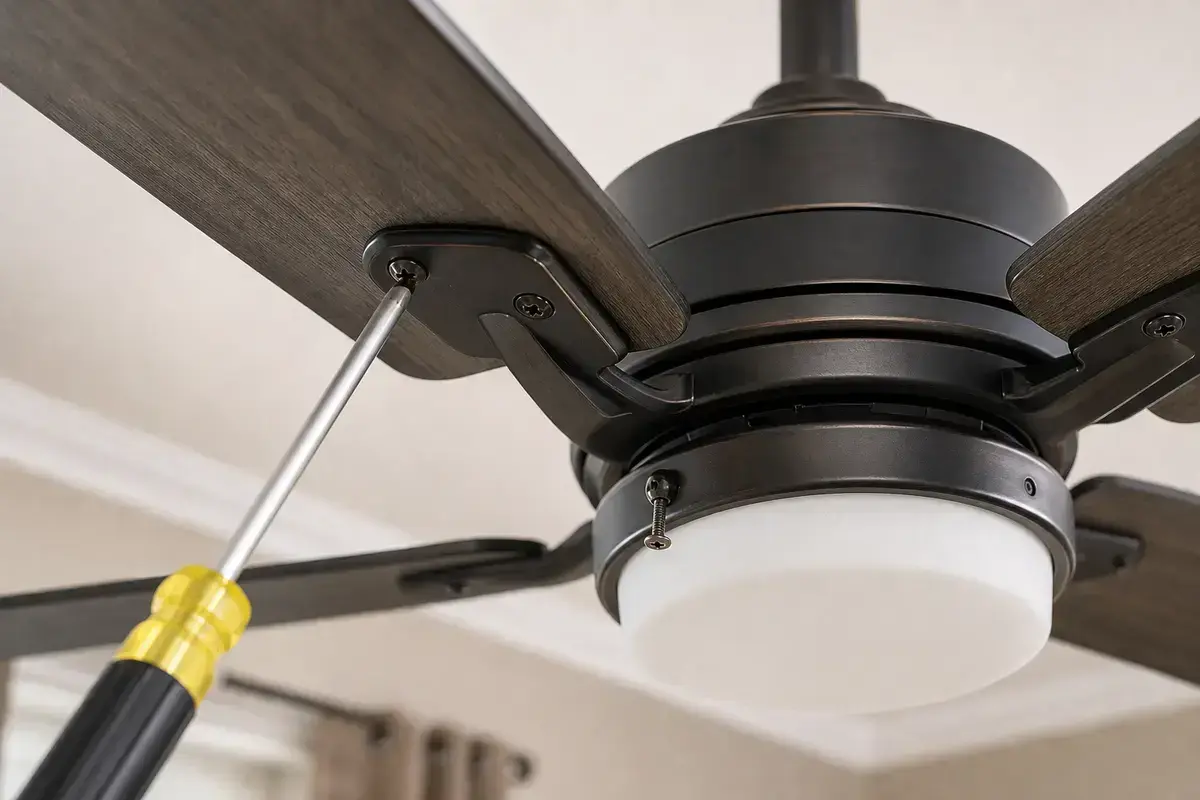
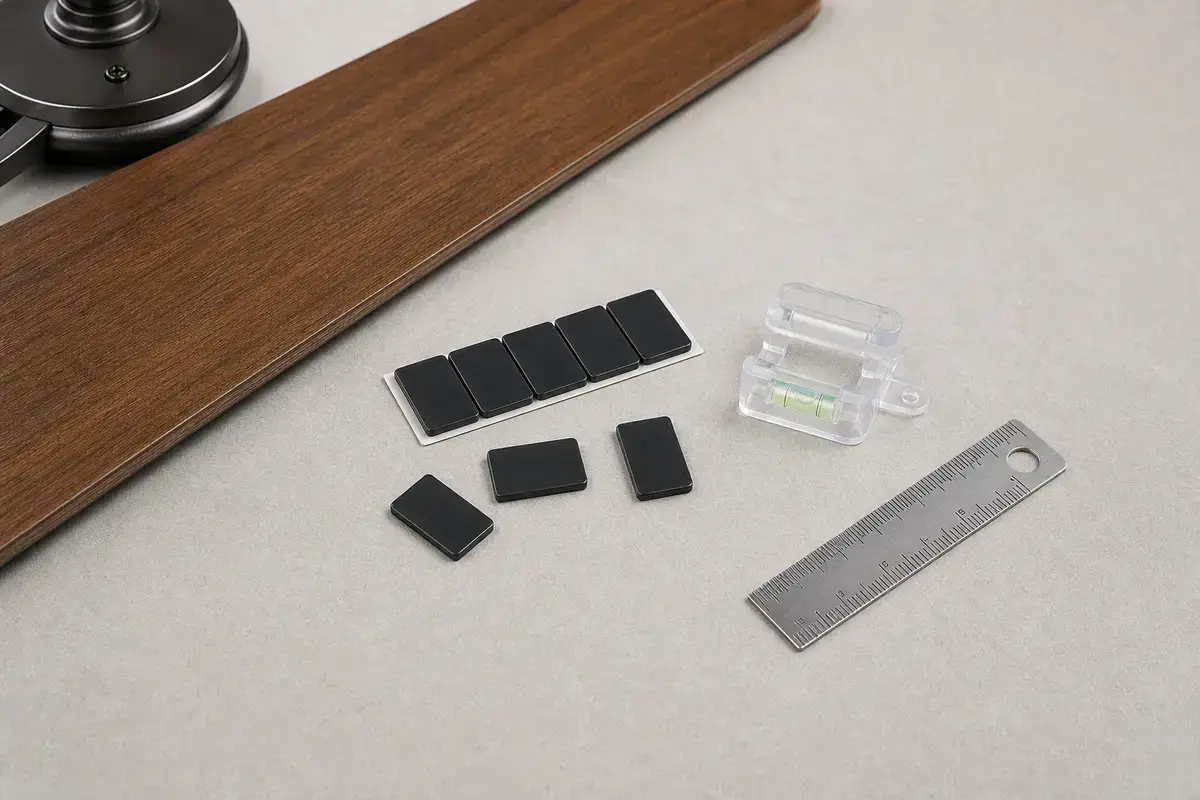
Confirm whether wobble is support movement, loose blade screws, uneven dust, blade tracking, bent blade arms, loose light-kit parts, or minor imbalance. Match the exact fan model, control setup, symptom pattern, measurements, ratings, wiring layout, and confirmed diagnosis before ordering anything.
A wobble is only safe to balance after you know the mount is solid. The key observation is whether the ceiling/canopy moves or only the blade circle wobbles.
The usual mistake is adding weights while screws or support are loose. Good clue: a balancing kit is the last fine-tuning step, not a fix for a moving mount.
Use the moving location, blade tracking, and speed pattern. Support movement changes the repair path immediately.
| Pattern | Likely path | Next move |
|---|---|---|
| Canopy or ceiling moves | Support problem | Stop and verify mount. |
| One blade tip low | Tracking or blade arm | Compare blade height. |
| All blades dusty | Uneven blade loading | Clean evenly first. |
| Light kit swings | Loose shade/trim | Center and snug parts. |
| Minor wobble remains | Balance | Use balancing kit. |
Most wobble fixes start with simple power-off checks. Good clue: one loose blade arm or dust-heavy blade can create a repeating wobble.
If the mount moves, the repair is above the blade circle. A fan-rated box, secure bracket, seated hanger ball, and sound downrod connection matter more than weights.
These tools support safe overhead checks, blade hardware tightening, and balance fine-tuning after support is confirmed.
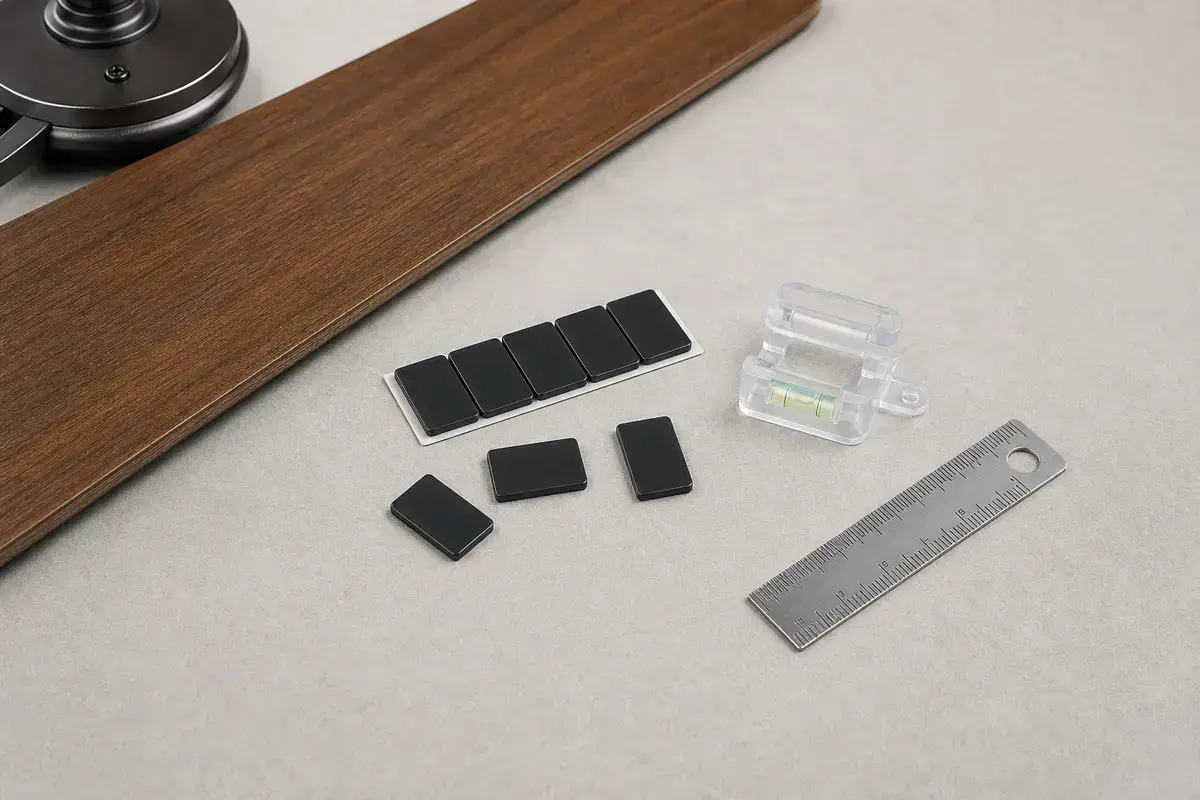
Helps when: Helps fine-tune a small blade imbalance after support, blade screws, blade tracking, and damaged blade arms are checked.
Skip it when: Skip balancing if the ceiling box, bracket, canopy, downrod, blade arm, or blade itself moves or looks damaged.
Compare balancing kits on Amazon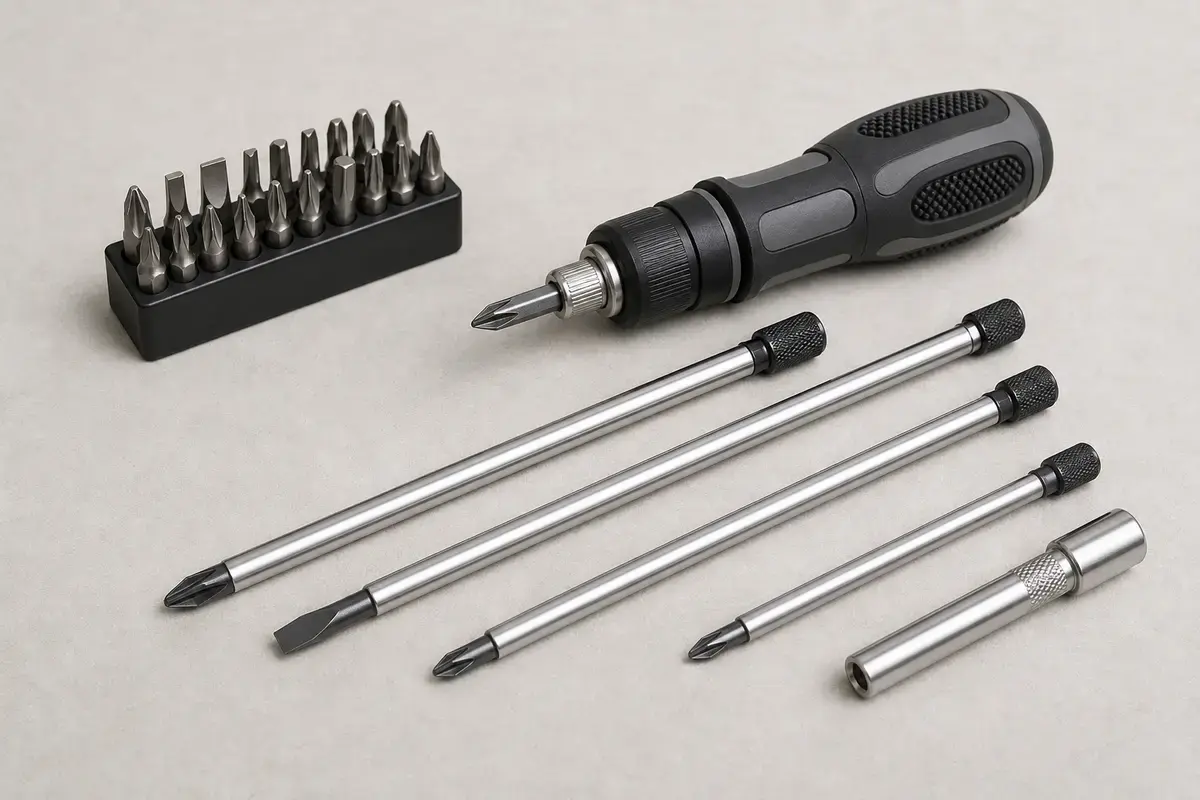
Helps when: Tightens canopy screws, blade arms, switch-housing screws, receiver covers, wall-control plates, and light-kit hardware without stripping them.
Skip it when: Skip tightening if the fan is moving at the box, the ladder position is unsafe, or the screw head is damaged.
Compare screwdriver sets on Amazon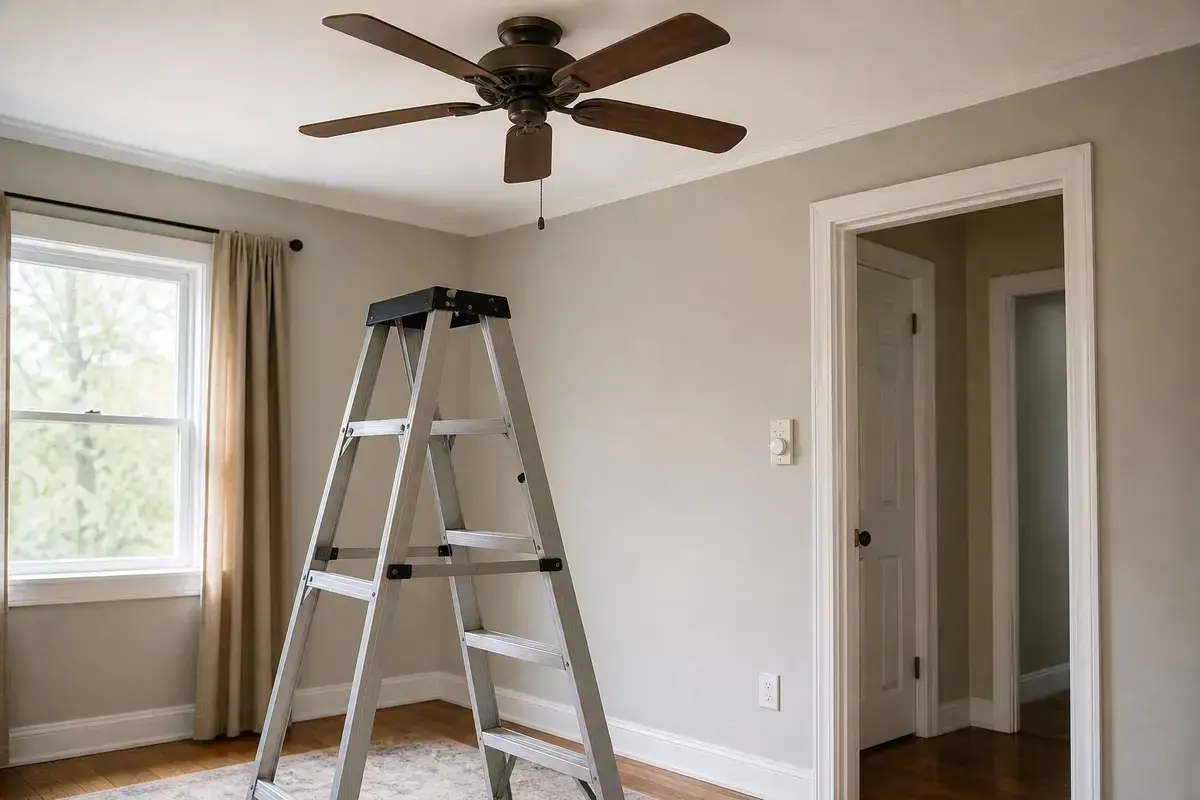
Helps when: Lets you reach the motor housing, blade arms, canopy, and switch housing while standing flat-footed instead of leaning from furniture.
Skip it when: Skip DIY overhead work if the fan is over stairs, furniture, a bed, or any spot where you cannot stay balanced.
Compare step ladders on AmazonAs an Amazon Associate I earn from qualifying purchases. Repair Riot may earn a commission at no extra cost to you.
Replacement parts are for confirmed damage or mismatch, not for ordinary imbalance.
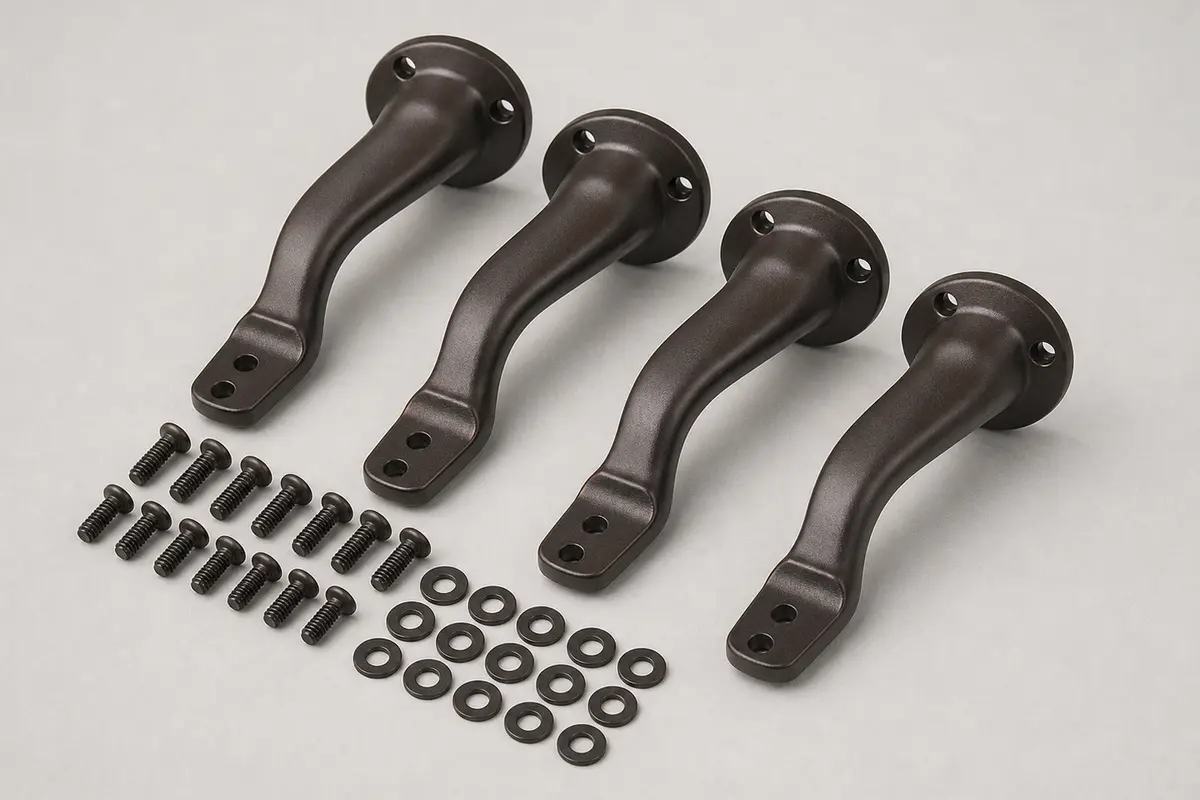
Helps when: Fits a wobble pattern where one blade arm is bent, cracked, stripped, or measurably out of track after support is solid.
Skip it when: Skip it if the ceiling box moves, blade arms do not match the fan model, or the blade itself is cracked or warped.
Compare blade arm sets on AmazonAs an Amazon Associate I earn from qualifying purchases. Repair Riot may earn a commission at no extra cost to you.
Common causes are loose blade screws, uneven dust, blade tracking errors, bent blade arms, warped blades, loose light-kit parts, imbalance, or support movement.
It can be. If the canopy, downrod, bracket, ceiling, or box moves, stop using the fan until support is verified.
No. Clean blades, tighten hardware, check support, and compare blade tracking first.
Yes. Uneven dust changes blade weight and airflow. Clean all blades evenly with power off.
No. Bending can weaken the arm and make tracking worse. Use matched replacement parts if an arm is damaged.
High speed amplifies imbalance and support issues. Do the same support, hardware, tracking, and balance order.
A blade may have been bumped, hardware may have loosened, or dust may have been removed unevenly.
Call when the mount moves, the fan-rated box is unknown, blades are cracked, blade arms are damaged, or the fan was recently installed.
Repair Riot reviewed this page around ceiling fan wobble, support movement, fan-rated box boundaries, blade screws, dust, blade tracking, damaged blade arms, and balancing order. The source links support home electrical safety and general fan context; the diagnostic sequence is original guidance.