Light stays on?
Fan motor, receiver, speed switch, or internal path.
If a ceiling fan stops randomly, separate a power-feed interruption from a heat or receiver shutdown. Wall switch wear, receiver glitches, loose canopy connections, thermal cutoff behavior, dust-choked vents, and vibration can all stop a fan without warning.
Good clues are the fan restarting after cooling, the light staying on while the fan quits, a remote-controlled fan that ignores commands, a sloppy wall switch, or a stop that happens when the fan wobbles.
The useful split is random loss of power versus the fan protecting itself or losing receiver output.
Don’t start with: Do not replace the motor until you know whether the stop follows heat, wall feed, receiver control, vibration, or a wider circuit problem.
Fan motor, receiver, speed switch, or internal path.
Breaker, circuit, or upstream feed path.
Thermal, dust, drag, motor, or capacitor path.
Receiver or handheld control path.
Leave power off and replace/check safely.
Receiver layout, motor heat, and wall-feed behavior explain most random stop patterns before the motor is blamed.
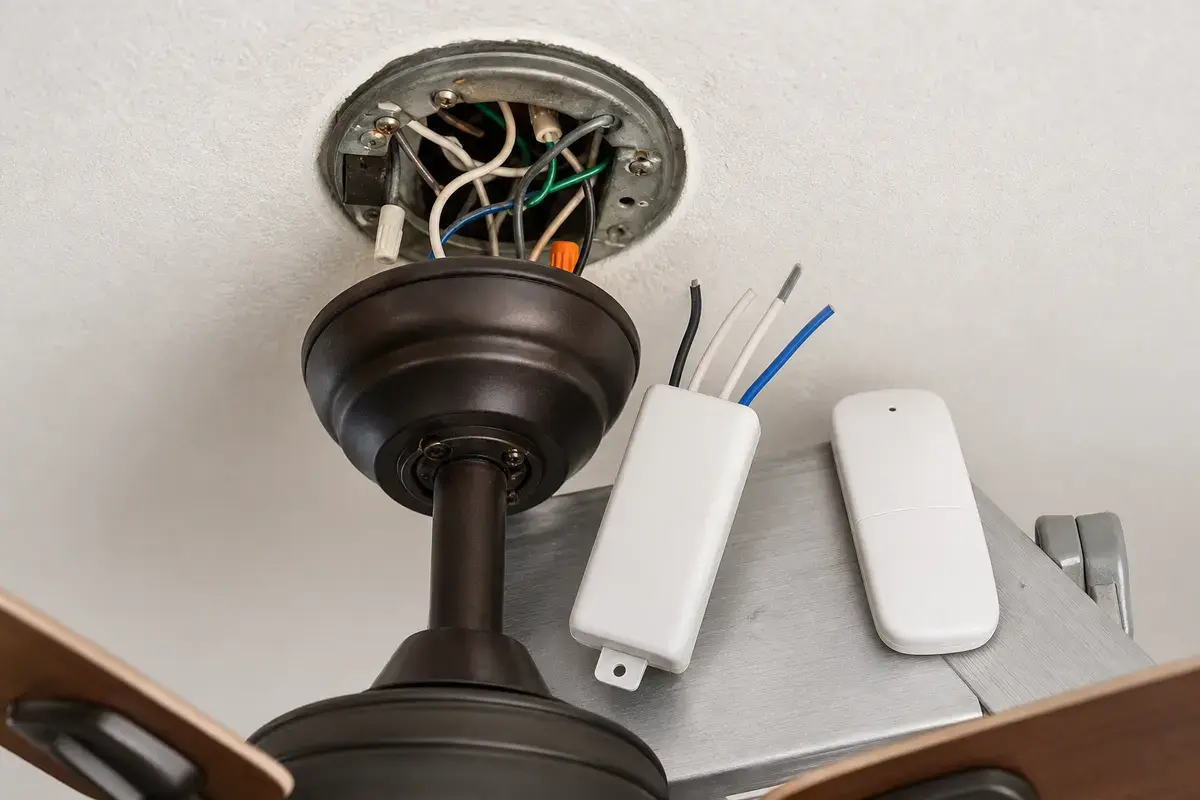
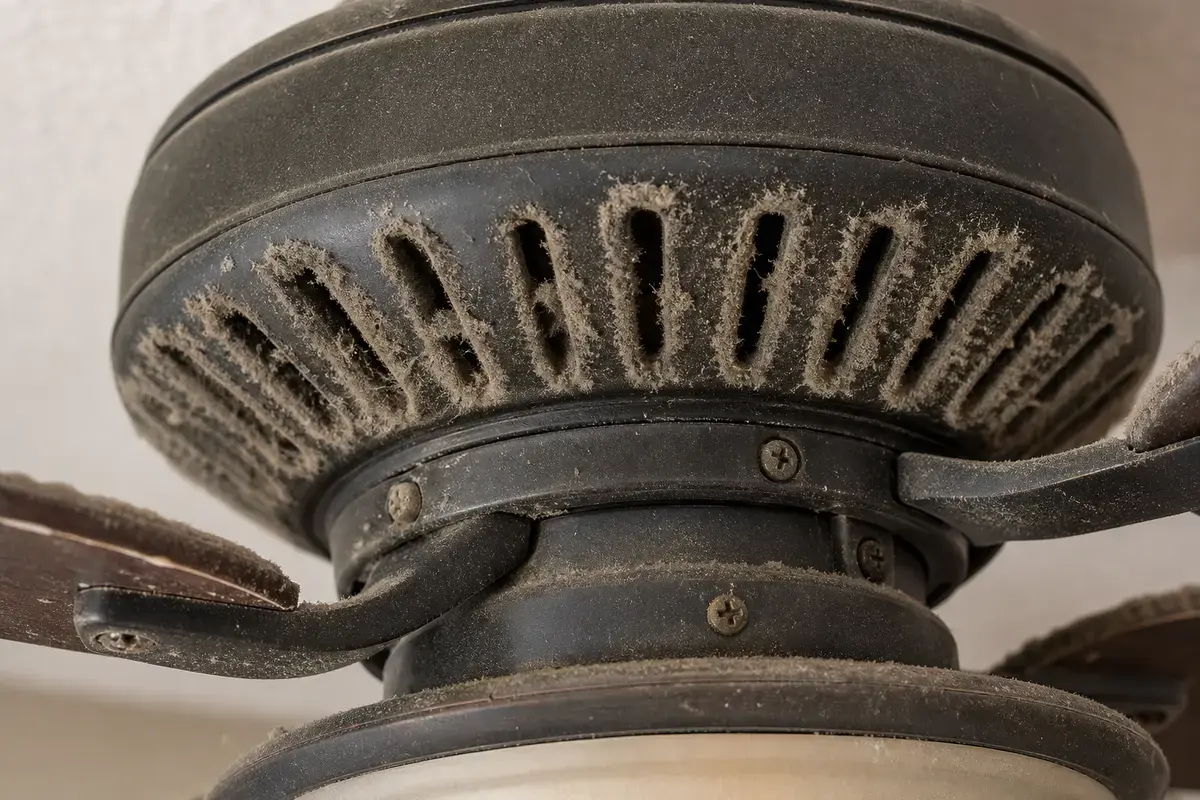
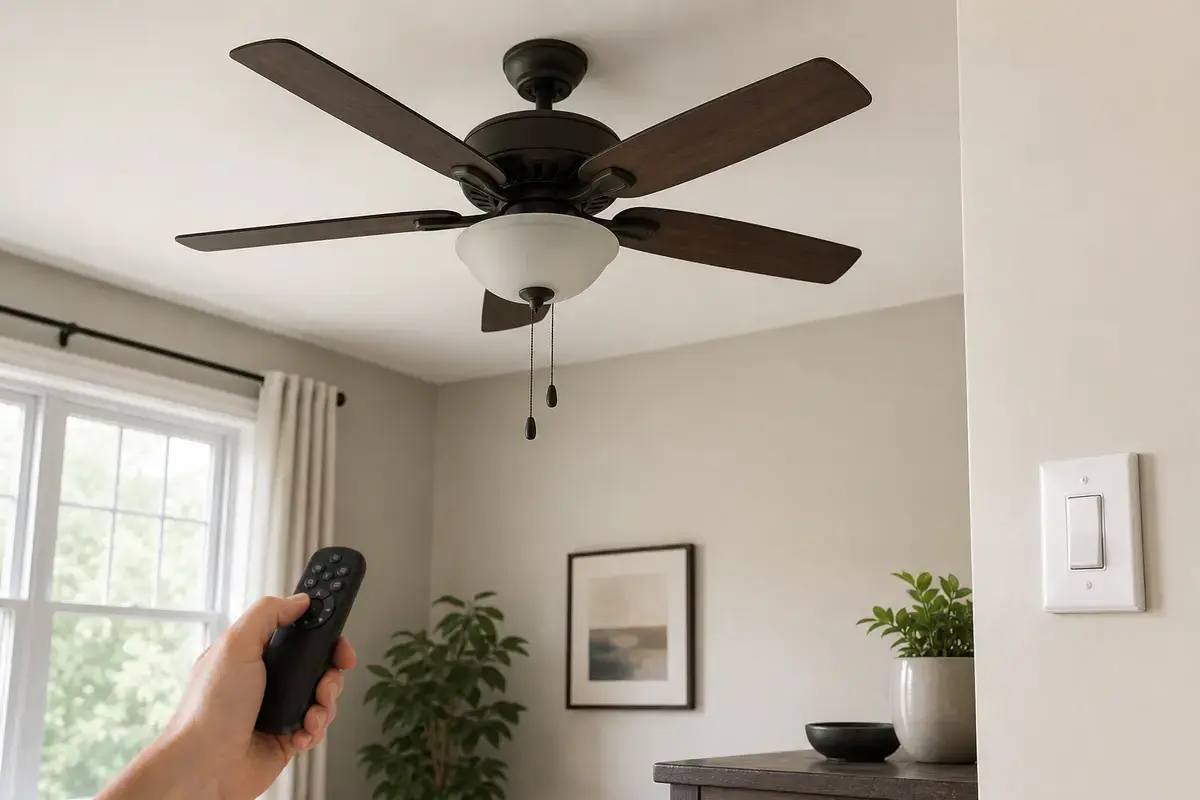
Confirm whether random stopping is wall feed, worn switch, receiver dropout, pull-chain speed switch, loose canopy connection, heat shutdown, vibration, or breaker/circuit trouble. Match the exact fan model, control setup, symptom pattern, measurements, ratings, wiring layout, and confirmed diagnosis before ordering anything.
The important detail is what else dies when the fan stops. A fan-only stop, light-only flicker, whole-room outage, and cool-down restart are different paths.
The usual mistake is replacing the fan because the stop feels random. Good clue: a random symptom often becomes clear once you log time, speed, heat, control path, and what else stayed powered.
Use what loses power, when it restarts, and which control path fails. The result points to feed, receiver, heat, or mechanical stress.
| Pattern | Likely path | Next move |
|---|---|---|
| Fan stops, light stays on | Fan/receiver/speed path | Check receiver and switch housing. |
| Fan and light stop | Wall feed or breaker path | Check switch and circuit clues. |
| Restarts after cooling | Thermal or overload path | Clean vents and check drag. |
| Stops during wobble | Loose connection or support stress | Solve movement first. |
| Trips breaker | Fault path | Leave it off. |
Intermittent power loss is often a connection or receiver problem rather than a bad motor. Good clue: if a control path changes the symptom, follow that control path first.
A fan that quits after a run time and returns after cooling deserves caution. Dust-packed vents, drag, wrong controls, capacitor weakness, and motor failure can all create heat.
These tools support safe power-off inspection after you document when and how the random stop happens.
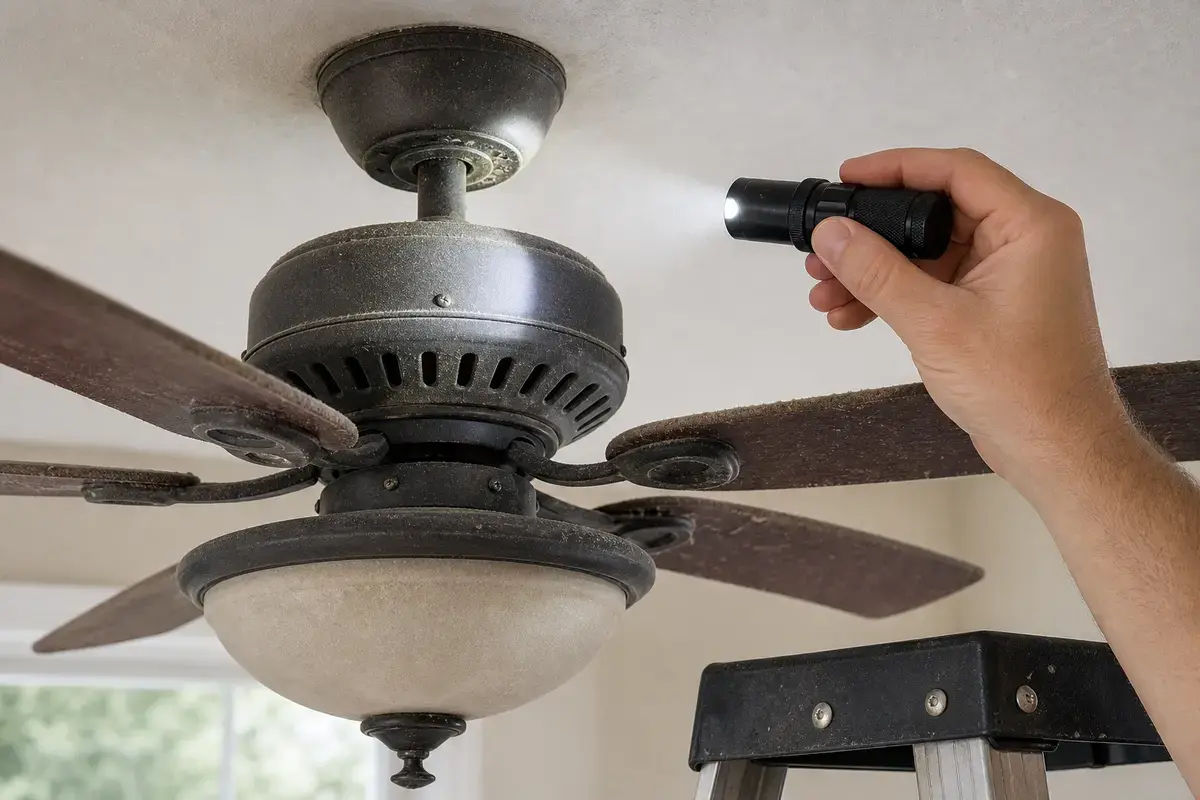
Helps when: Helps see heat staining, loose trim, wire labels, switch markings, receiver labels, blade hardware, and motor vents with power off.
Skip it when: Skip overhead inspection if better light still leaves you unsure about support, wiring, heat, or power-off status.
Compare inspection flashlights on Amazon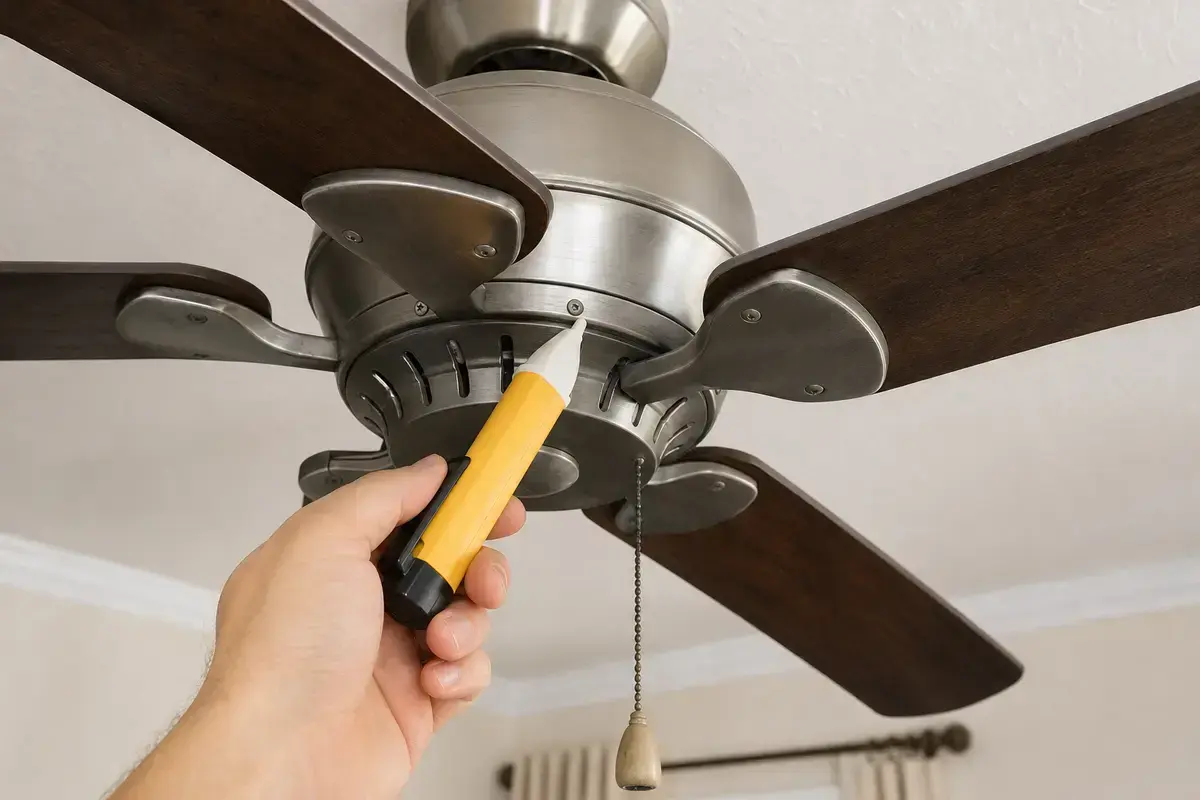
Helps when: Screens for power after the breaker is off before opening a canopy, switch box, receiver area, switch housing, or capacitor compartment.
Skip it when: Skip DIY electrical checks if readings are confusing, the breaker trips again, or the fan wiring is unfamiliar.
Compare voltage testers on Amazon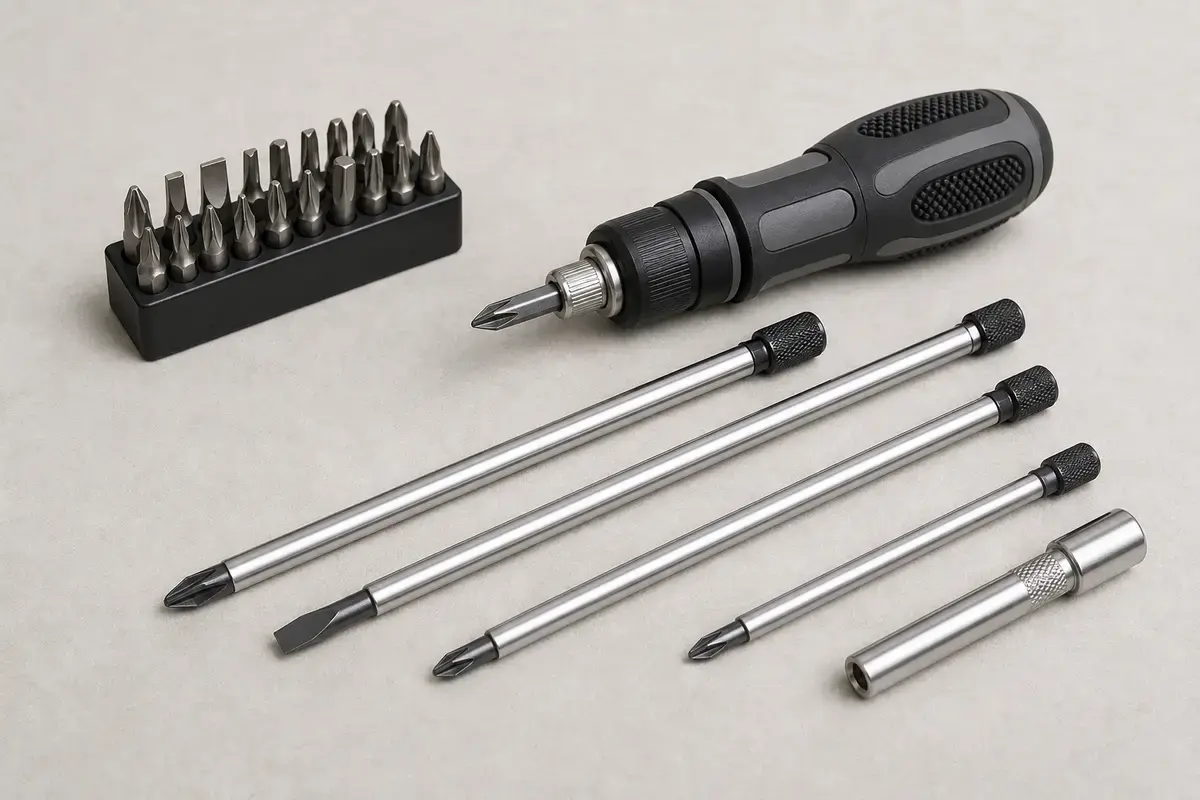
Helps when: Tightens canopy screws, blade arms, switch-housing screws, receiver covers, wall-control plates, and light-kit hardware without stripping them.
Skip it when: Skip tightening if the fan is moving at the box, the ladder position is unsafe, or the screw head is damaged.
Compare screwdriver sets on Amazon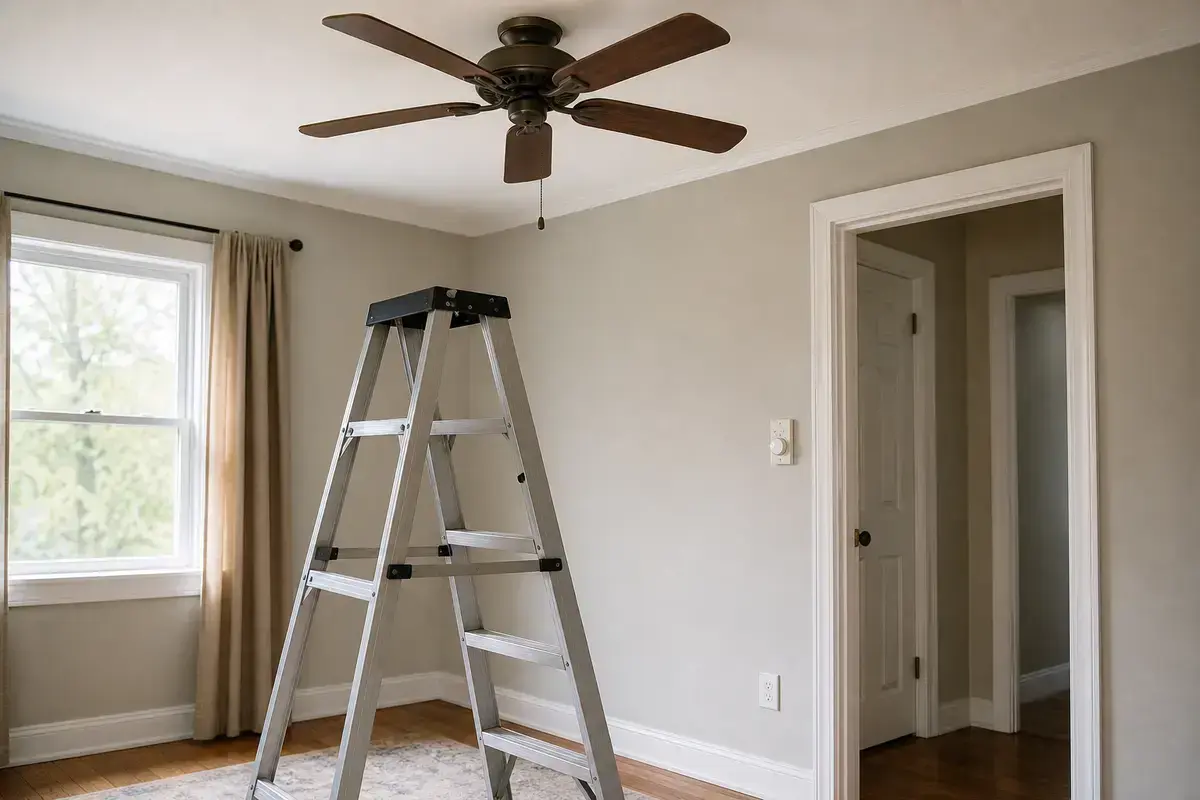
Helps when: Lets you reach the motor housing, blade arms, canopy, and switch housing while standing flat-footed instead of leaning from furniture.
Skip it when: Skip DIY overhead work if the fan is over stairs, furniture, a bed, or any spot where you cannot stay balanced.
Compare step ladders on AmazonAs an Amazon Associate I earn from qualifying purchases. Repair Riot may earn a commission at no extra cost to you.
Parts are reasonable only after the stop pattern proves a wall feed, receiver, or switch-housing failure and no heat or breaker stop sign remains.
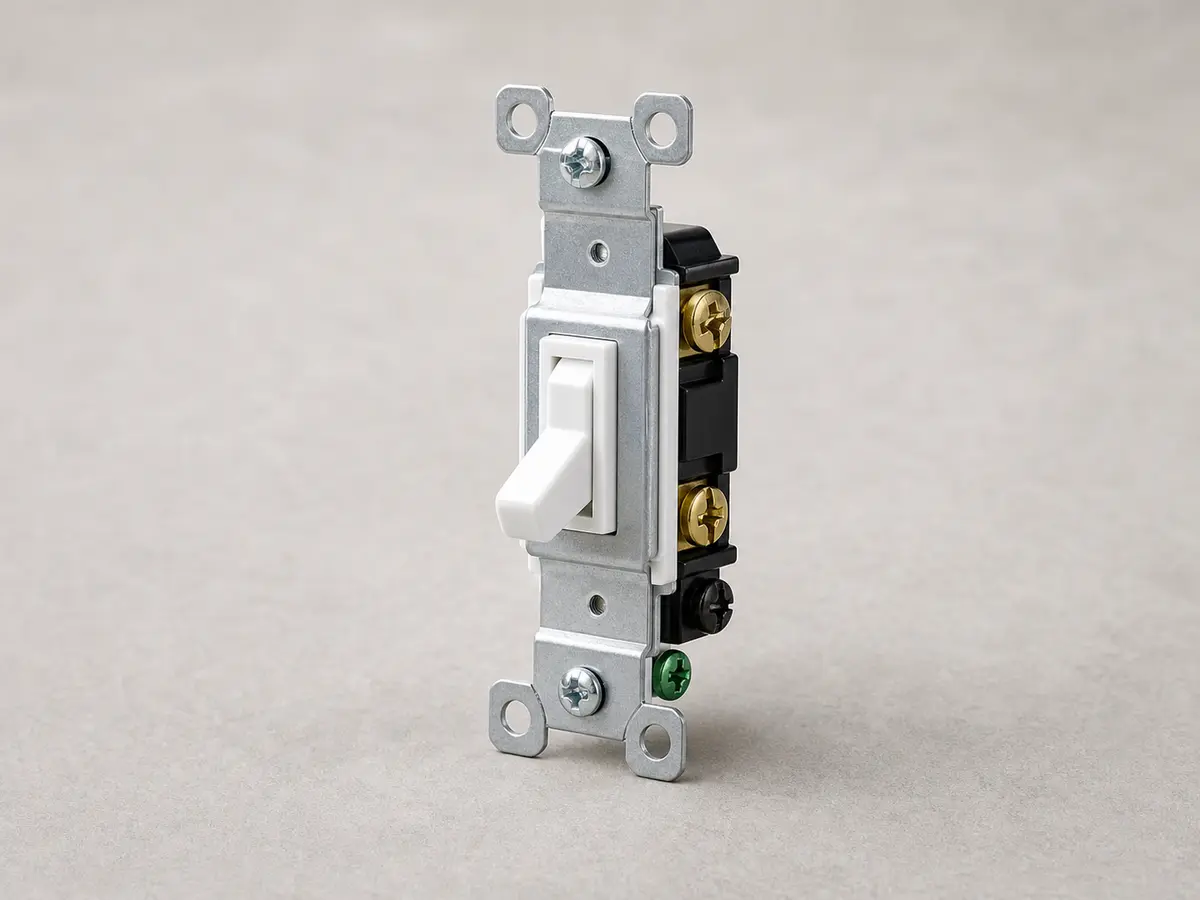
Helps when: Fits a simple on-off fan feed where a worn switch is confirmed and the fan is not controlled by a special fan-rated speed device.
Skip it when: Skip it if the fan needs a speed control, smart control, 3-way setup, receiver control, or any wiring you cannot identify.
Compare wall switches on Amazon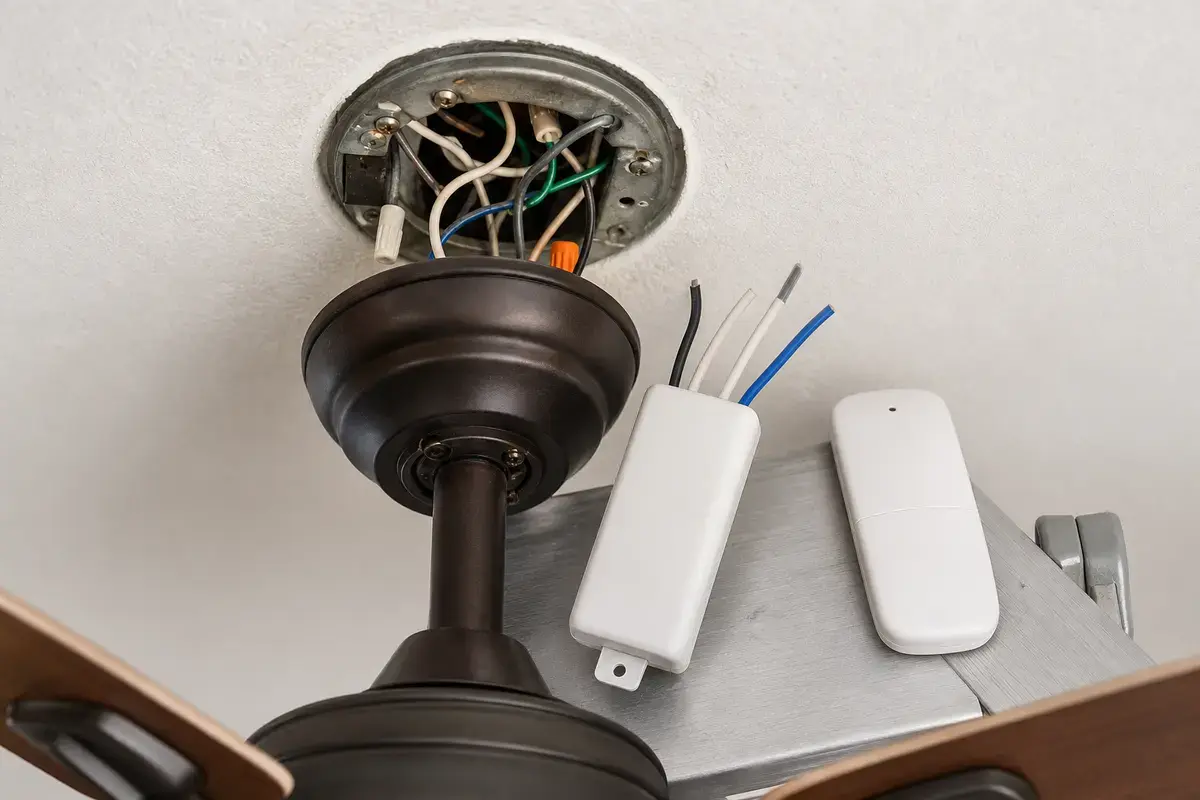
Helps when: Fits fixed-speed, random-stop, or remote-command symptoms after wall feed, batteries, pull-chain settings, heat, and wiring stop signs are checked.
Skip it when: Skip it if the fan has heat, scorch marks, repeated breaker trips, or a wiring layout you cannot match exactly.
Compare remote receiver kits on Amazon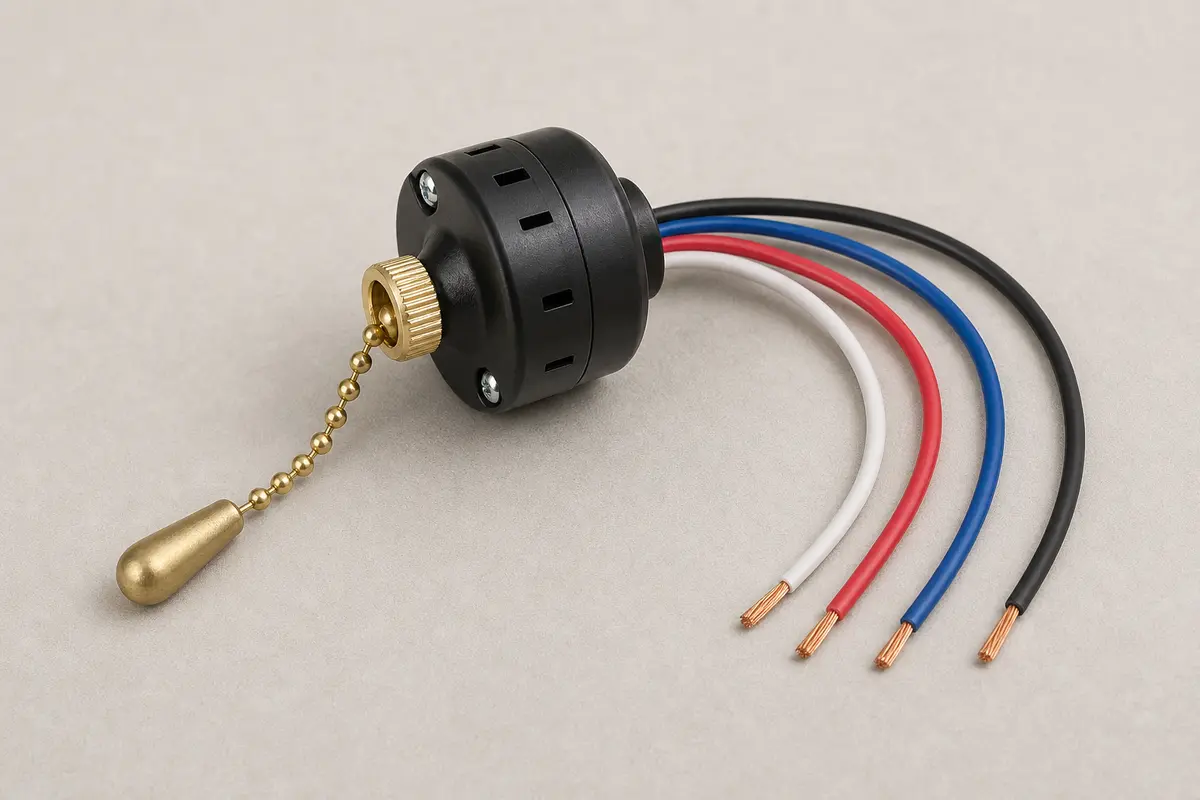
Helps when: Fits a jammed, broken, loose, or no-longer-changing pull chain after power is present and motor or capacitor clues do not dominate.
Skip it when: Skip it if the fan hums, crawls, needs a push, trips the breaker, or you cannot match wire count, switch sequence, and mounting style exactly.
Compare pull-chain speed switches on AmazonAs an Amazon Associate I earn from qualifying purchases. Repair Riot may earn a commission at no extra cost to you.
Common causes are a worn wall switch, receiver dropout, loose canopy or switch-housing connection, heat shutdown, dust, drag, capacitor weakness, vibration, or breaker/circuit trouble.
That points toward thermal protection, motor heat, dust-choked vents, drag, capacitor strain, or a wrong control creating heat.
Yes. A failing receiver can interrupt motor output while the wall feed and room power remain normal.
Yes. A worn or loose switch can drop power under load, especially if it feels sloppy, warm, or crackles.
That narrows the problem toward the fan motor feed, receiver, speed switch, capacitor, or internal fan path.
Stop using it if there is heat, burning smell, buzzing, flicker, wobble before shutdown, or a breaker trip.
Not first. Log control path, run time, cooling behavior, heat, and whether the light or room power also stops.
Share whether the fan, light, wall switch, receiver, breaker, or nearby loads changed when the stop happened.
Repair Riot reviewed this page around random ceiling fan shutdowns, wall feed, remote receivers, switch wear, heat shutdown, vibration, breaker trips, and safe power-off boundaries. The source links support home electrical safety and general fan context; the diagnostic sequence is original guidance.