Works only close?
Battery, remote, antenna, receiver position, or interference path.
If a ceiling fan remote works only close to the fan, the fan is usually hearing a weak signal, not completely losing power. Start with fresh batteries, wall-feed status, distance testing, antenna or receiver position, interference, and pairing before replacing parts.
Good clues are a remote that works within a few feet, buttons that work only when aimed at the canopy, a fan that still works from a wall or pull-chain control, or a receiver hidden tightly in the canopy.
The useful split is weak remote signal versus receiver or power-feed failure.
Don’t start with: Do not open the canopy or buy a receiver until batteries, wall feed, pairing, and close-range behavior are confirmed.
Battery, remote, antenna, receiver position, or interference path.
Fan power is present; remote path moves higher.
Remote button, receiver channel, or pairing path.
Power feed, breaker, wall switch, or receiver power path.
Leave power off and call for help.
Close-range response, receiver placement, and wall-feed status tell you whether to keep testing the remote path or step back to power diagnosis.
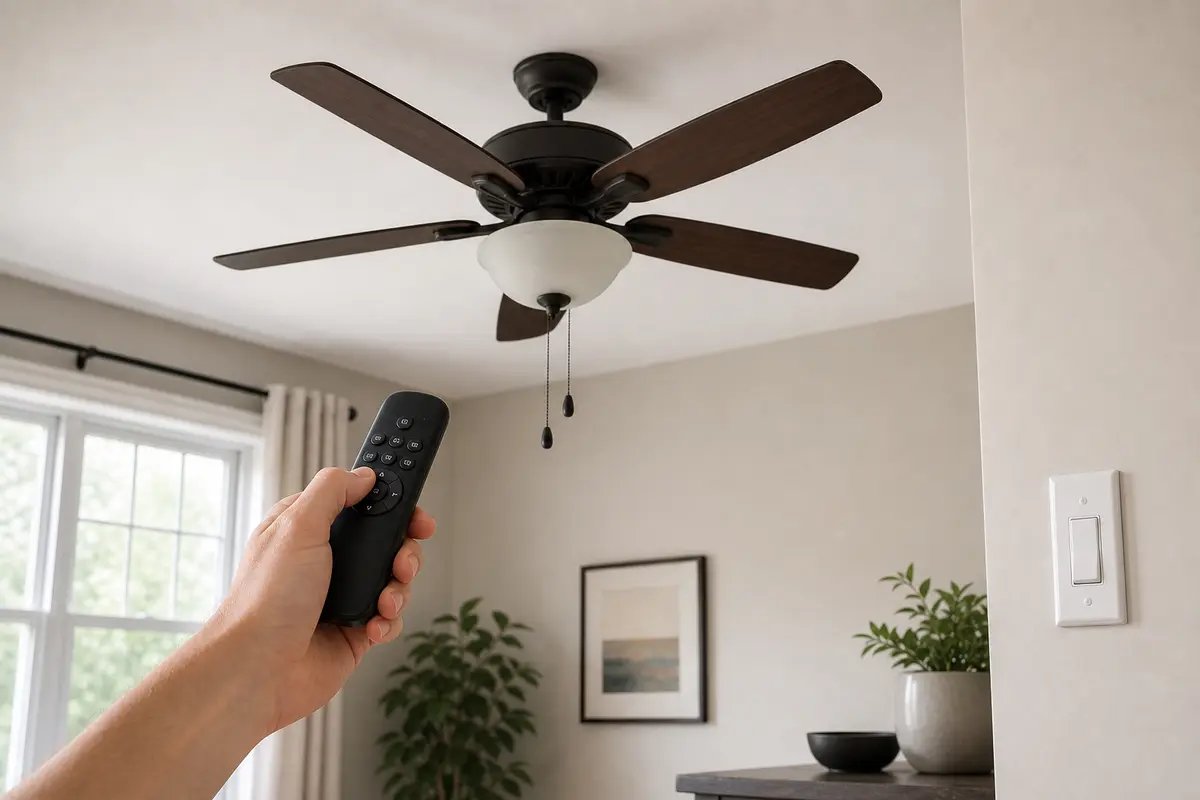
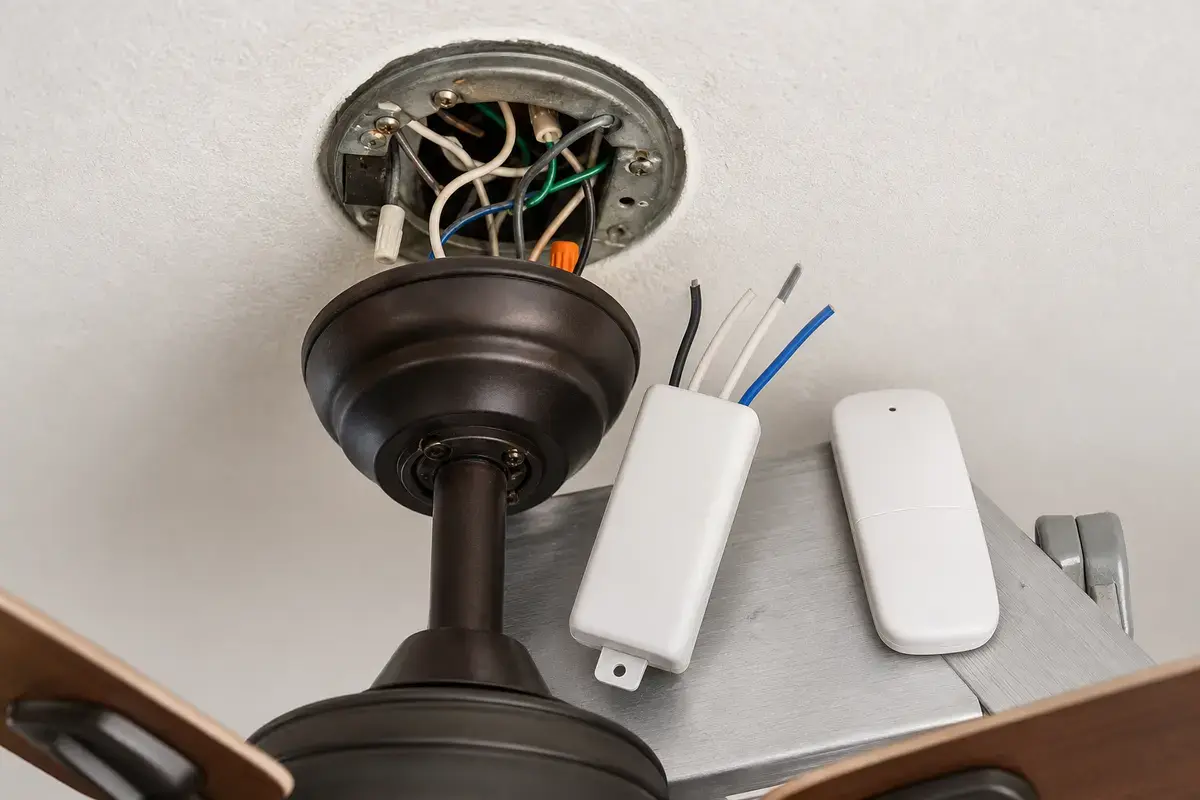
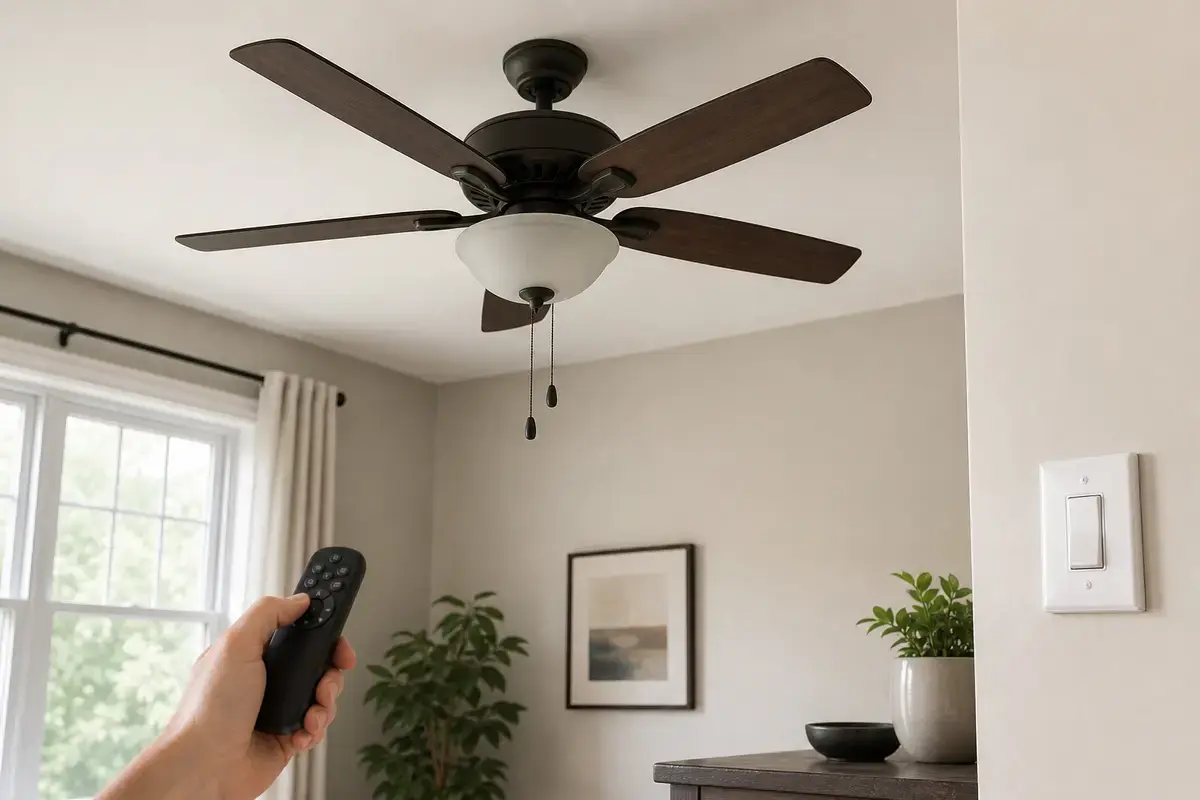
Confirm whether the close-only remote is batteries, contacts, pairing, interference, wall-feed status, receiver position, handheld remote failure, or receiver failure. Match the exact fan model, control setup, symptom pattern, measurements, ratings, and confirmed diagnosis before ordering anything.
A remote that works only near the fan is different from a dead fan. In practice, close-range response proves the receiver heard at least some command, so batteries, signal path, and receiver position come before motor parts.
The usual mistake is opening the canopy or buying a universal receiver before confirming the simple range pattern. Good clue: if the remote works within arm's reach, the receiver is not completely dead.
Use distance, control path, and wall-feed behavior as the map. A close-only remote, dead remote, and whole-fan power loss are different repairs.
| Pattern | Likely path | Next move |
|---|---|---|
| Works only close | Battery/signal/receiver position | Fresh batteries and range test. |
| Works from chain only | Remote or receiver path | Check pairing and receiver. |
| One button fails | Remote button or receiver channel | Compare light and speed buttons. |
| No controls work | Power feed | Check breaker and wall switch. |
| Heat or scorch | Unsafe receiver/wiring clue | Leave power off. |
Use the remote like a test instrument. Good clue: a weak remote often improves with fresh batteries or line-of-sight changes before any cover is removed.
Receiver work is overhead electrical work. Good clue: if the remote works within a few feet with fresh batteries but fails from normal range, photograph the receiver label, antenna position, and canopy crowding before buying anything.
These tools support safe power-off receiver and canopy checks after the no-wiring remote tests are complete.
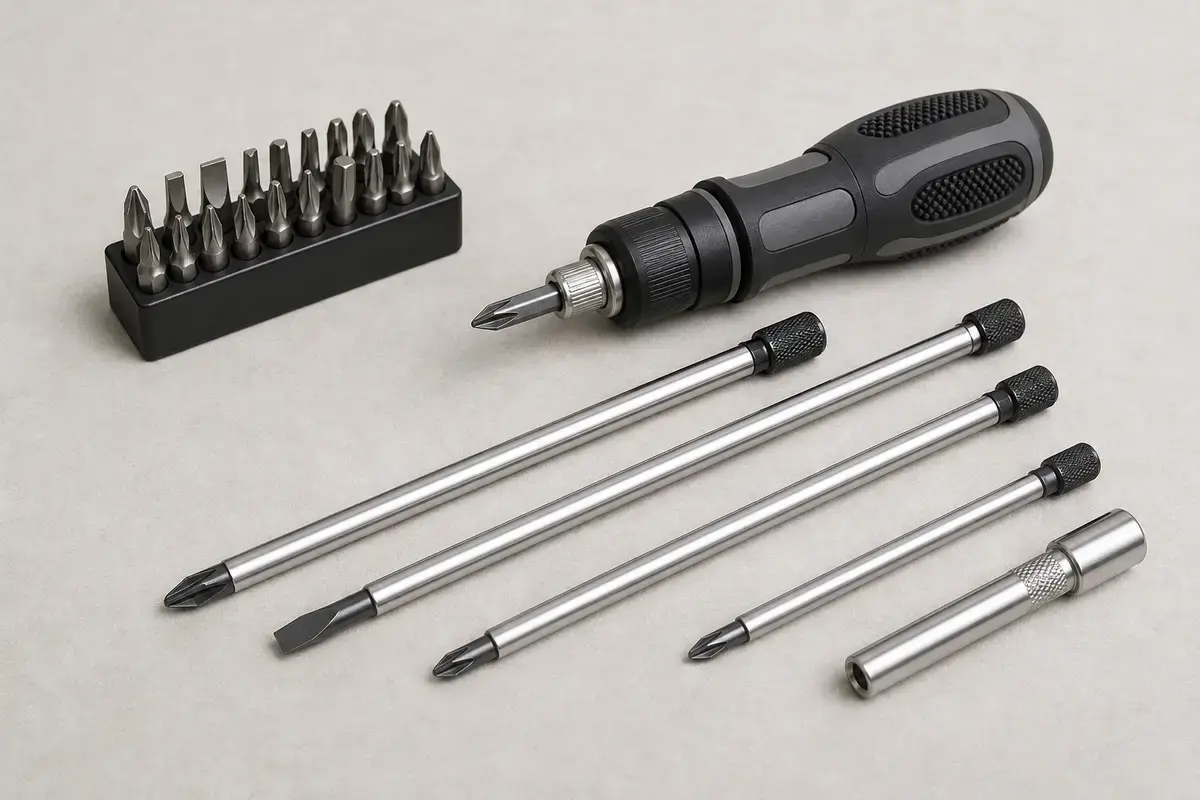
Helps when: Tightens canopy screws, blade arms, switch-housing screws, receiver covers, and wall-control plates without stripping hardware.
Skip it when: Skip tightening if the fan is moving at the box, the ladder position is unsafe, or the screw head is damaged.
Compare screwdriver sets on Amazon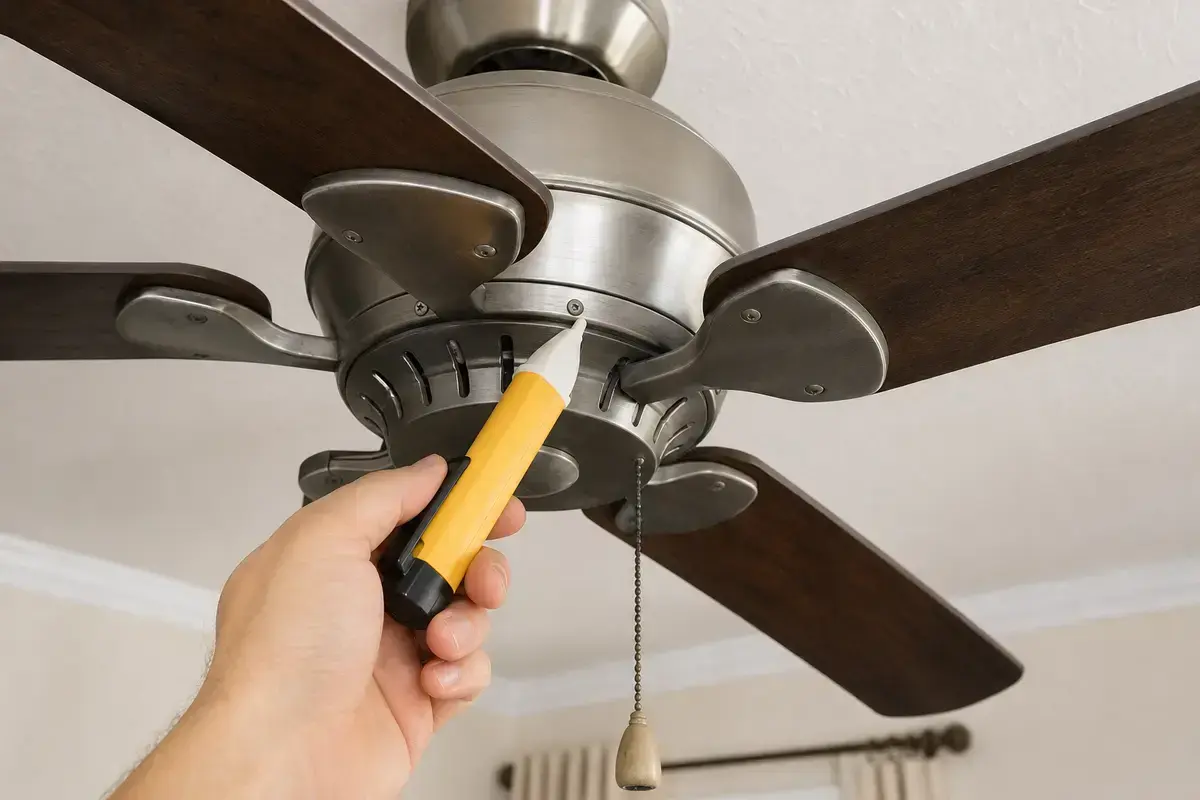
Helps when: Screens for power after the breaker is off before opening a canopy, receiver area, switch housing, wall control, or capacitor compartment.
Skip it when: Skip DIY electrical checks if readings are confusing, the breaker trips again, or the fan wiring is unfamiliar.
Compare voltage testers on AmazonAs an Amazon Associate I earn from qualifying purchases. Repair Riot may earn a commission at no extra cost to you.
Remote parts belong in the cart only after fresh batteries, wall feed, pairing, close-range tests, and receiver-fit checks point there.
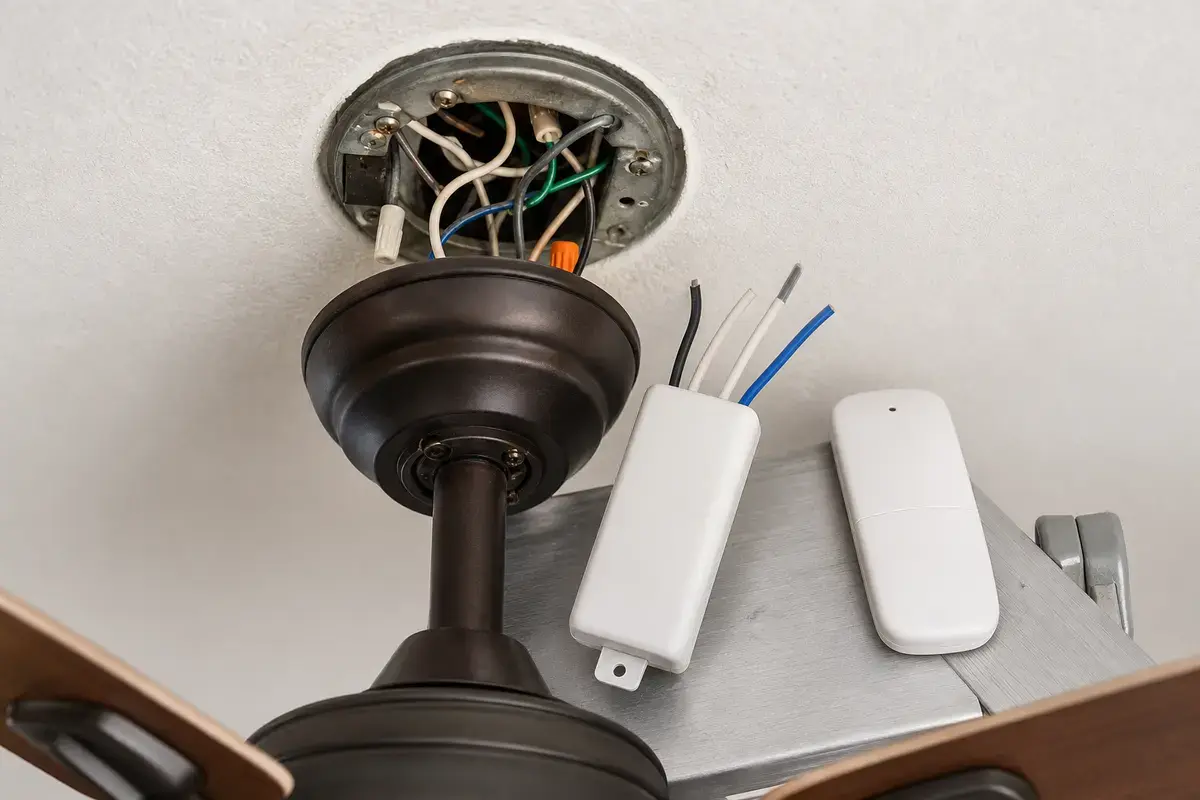
Helps when: Fits the pattern where the fan responds close to the receiver or from another control but the handheld remote is weak after fresh batteries.
Skip it when: Skip it if both fan and light are dead, the wall feed is off, or the receiver is the more likely failed piece.
Compare fan remotes on Amazon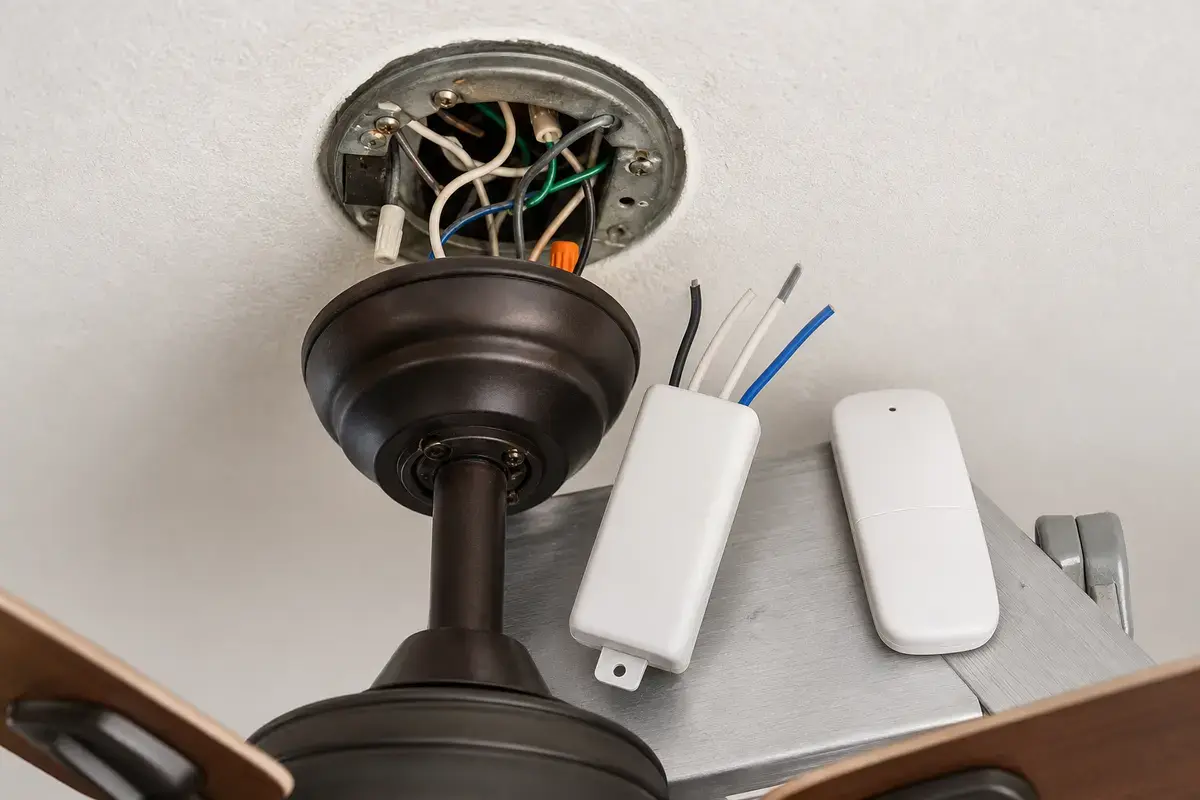
Helps when: Fits close-range remote response or missing remote speeds after batteries, wall feed, pairing, antenna position, and handheld remote clues are checked.
Skip it when: Skip it if the canopy is hot, wiring is scorched, the breaker trips, or you cannot match the fan, space, and wire layout exactly.
Compare fan receivers on AmazonAs an Amazon Associate I earn from qualifying purchases. Repair Riot may earn a commission at no extra cost to you.
Common causes are weak batteries, dirty contacts, poor line of sight, interference, lost pairing, receiver position, or a failing remote/receiver pair.
Yes. Many remote fans need the wall feed left on before the receiver can hear the remote consistently.
No. Fresh batteries, close-range testing, wall feed, and pairing come first. Receiver replacement needs exact fit and wiring match.
Some electronics can cause intermittent behavior. If the problem started with new bulbs or devices, temporarily compare behavior with those loads off when safe.
That points to a remote button, pairing, or receiver channel issue. Compare light, speed, and power buttons before buying parts.
Only with the breaker off and power verified. Stop if the canopy is hot, wiring is scorched, or the receiver layout is unfamiliar.
No. Match load ratings, wire layout, canopy space, light compatibility, and control style.
Photograph the remote model, receiver label, canopy wiring layout, wall control, and the exact range where commands stop working.
Repair Riot reviewed this page around close-range ceiling fan remote symptoms, batteries, wall feed, receiver position, pairing, interference, and power-off receiver boundaries. The source links support home electrical safety and general fan context; the diagnostic sequence is original guidance.