High still looks slow?
Control, receiver, capacitor, drag, or motor path.
If a ceiling fan runs slow, start by proving whether the blades are physically slow or the airflow just feels weak. Direction, dust, wall control, receiver, capacitor, blade drag, and motor heat can all make a fan look underpowered.
Good clues are every speed feeling like low, slow high speed after a control change, heavy blade dust, a fan that hums or needs a push, or a motor housing that gets hot.
The useful split is slow blade rotation versus normal rotation with weak airflow.
Don’t start with: Do not replace the motor or capacitor until blade drag, controls, receiver behavior, and heat clues are checked.
Control, receiver, capacitor, drag, or motor path.
Direction, dust, blade pitch, or room fit path.
Capacitor or motor-start path after drag checks.
Receiver or remote speed control path.
Turn it off and stop testing.
Speed controls, blade dust, and capacitor clues separate weak airflow from a true slow-running fan.
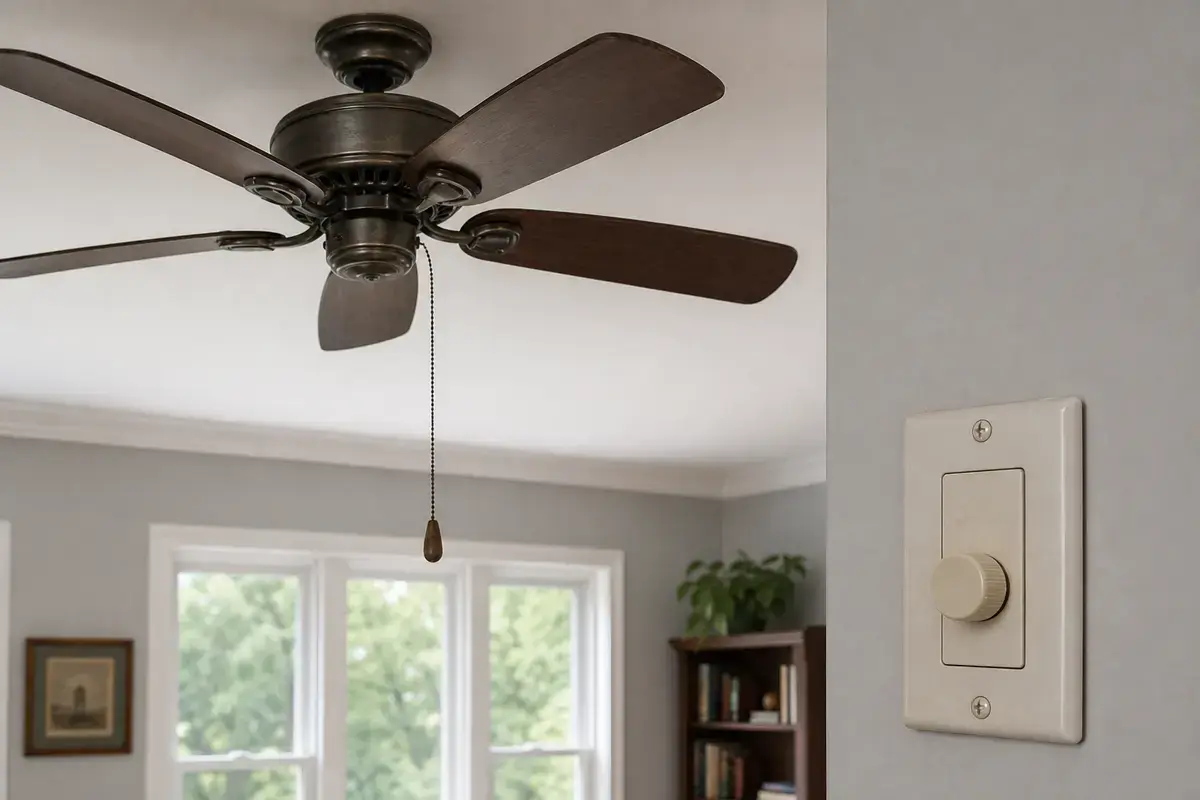
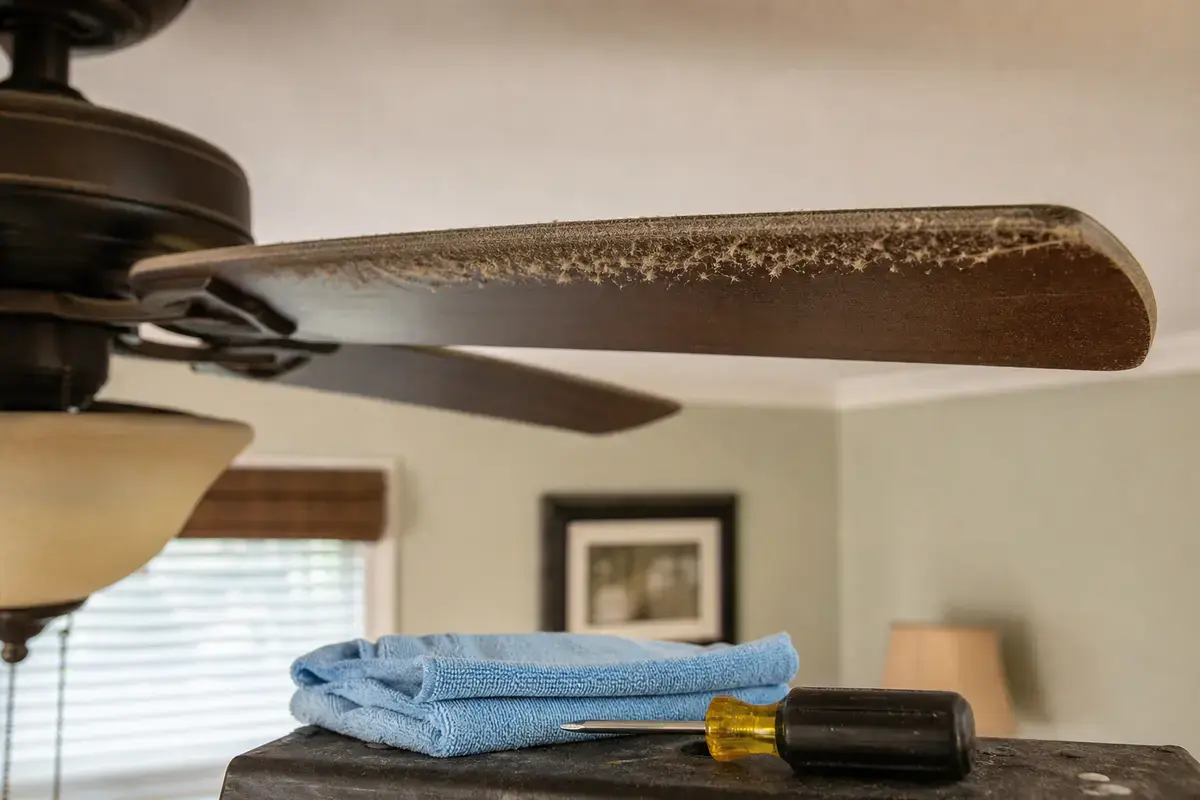
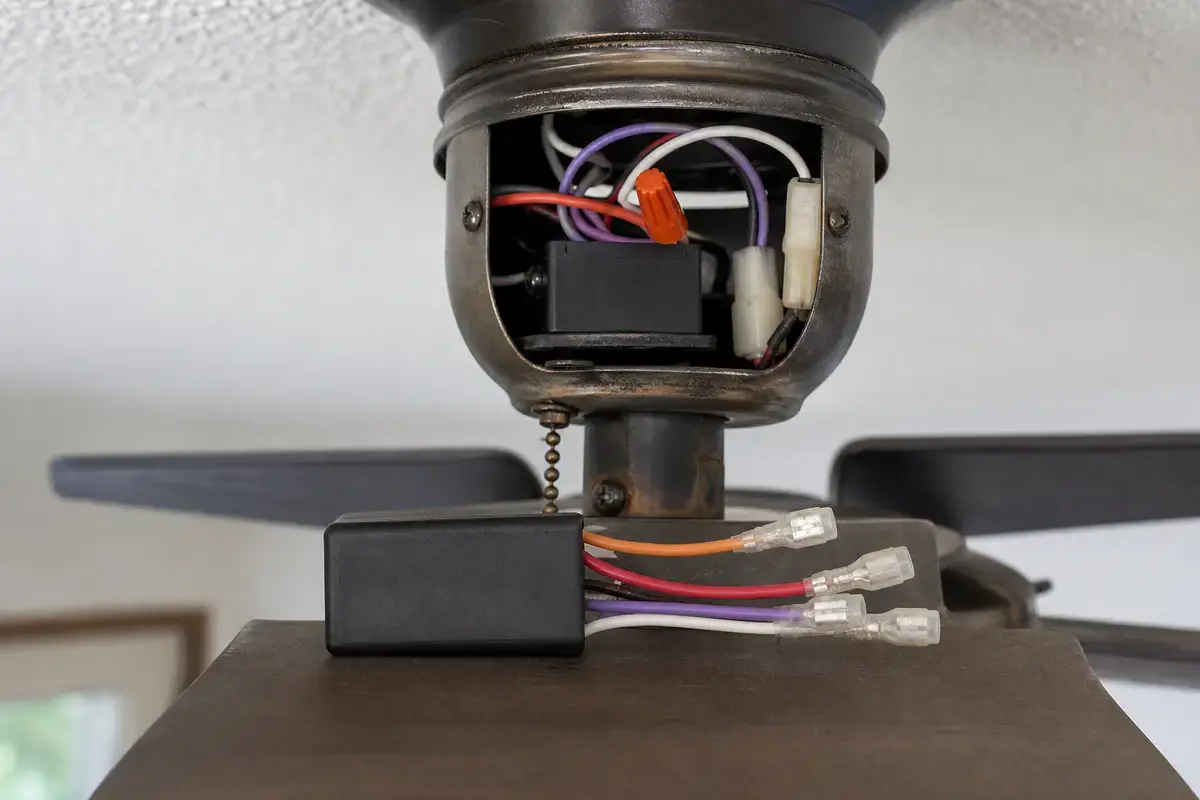
Confirm whether slow running is weak airflow, wrong direction, dust drag, wrong wall control, receiver failure, capacitor weakness, blade drag, or motor heat. Match the exact fan model, control setup, symptom pattern, measurements, ratings, and confirmed diagnosis before ordering anything.
A fan that feels weak may be spinning normally in the wrong direction or moving air poorly. In practice, the first good clue is whether high speed actually looks and sounds slower than it used to.
The usual mistake is buying a capacitor because the fan seems weak. Good clue: a capacitor belongs later, after drag, direction, dust, and control checks have a pattern.
Use blade speed, airflow, control path, and heat. A fan stuck slow and a fan moving weak air are different diagnoses.
| Pattern | Likely path | Next move |
|---|---|---|
| High speed looks slow | Control/receiver/capacitor/drag | Compare controls and blade feel. |
| Breeze weak only | Direction/dust/room fit | Clean and check direction. |
| Push-start helps | Capacitor/start path | Match capacitor exactly. |
| Remote path only | Receiver or remote | Check wall and pull-chain behavior. |
| Hot motor | Unsafe motor/electrical clue | Leave it off. |
Mechanical drag can make an electrical part look bad. Good clue: with power off, blades should turn smoothly and coast instead of feeling gritty, stuck, or scraping.
Speed problems often live in the wall control, remote receiver, pull-chain switch, or capacitor. The part should follow the test result, not the other way around.
These tools support safe power-off inspection before any control, receiver, or capacitor area is opened.
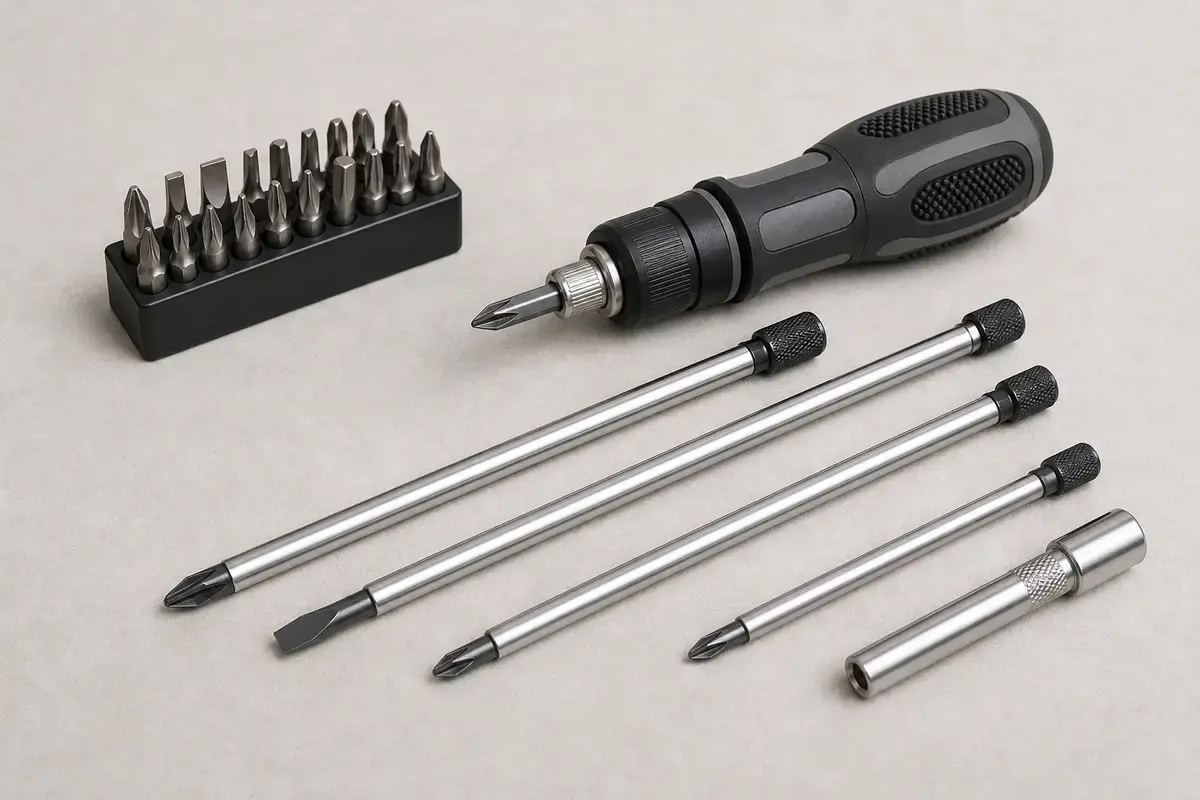
Helps when: Tightens canopy screws, blade arms, switch-housing screws, receiver covers, and wall-control plates without stripping hardware.
Skip it when: Skip tightening if the fan is moving at the box, the ladder position is unsafe, or the screw head is damaged.
Compare screwdriver sets on Amazon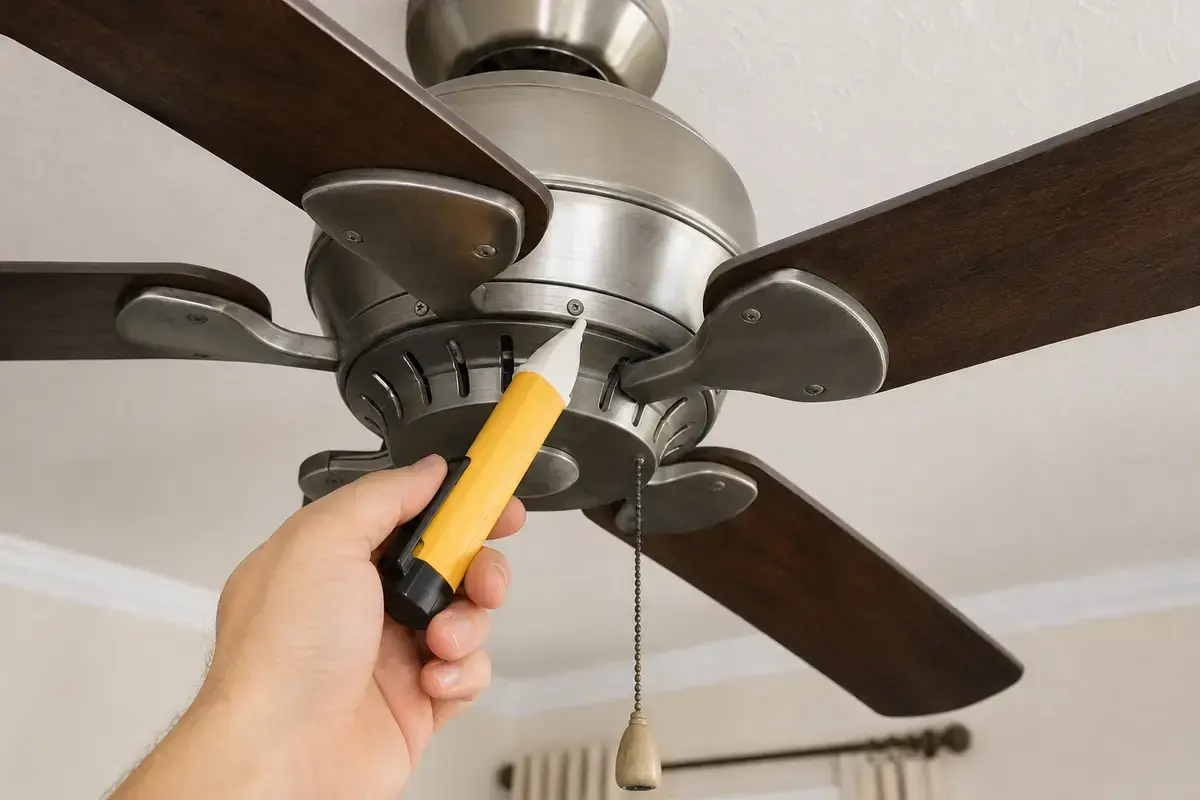
Helps when: Screens for power after the breaker is off before opening a canopy, receiver area, switch housing, wall control, or capacitor compartment.
Skip it when: Skip DIY electrical checks if readings are confusing, the breaker trips again, or the fan wiring is unfamiliar.
Compare voltage testers on Amazon
Helps when: Lets you reach the fan housing while standing flat-footed instead of leaning from furniture or the top cap.
Skip it when: Skip DIY overhead work if the fan is over stairs, furniture, a bed, or any spot where you cannot stay balanced.
Compare step ladders on AmazonAs an Amazon Associate I earn from qualifying purchases. Repair Riot may earn a commission at no extra cost to you.
Parts are reasonable only after speed, control path, drag, and heat clues point to them and the ratings match exactly.
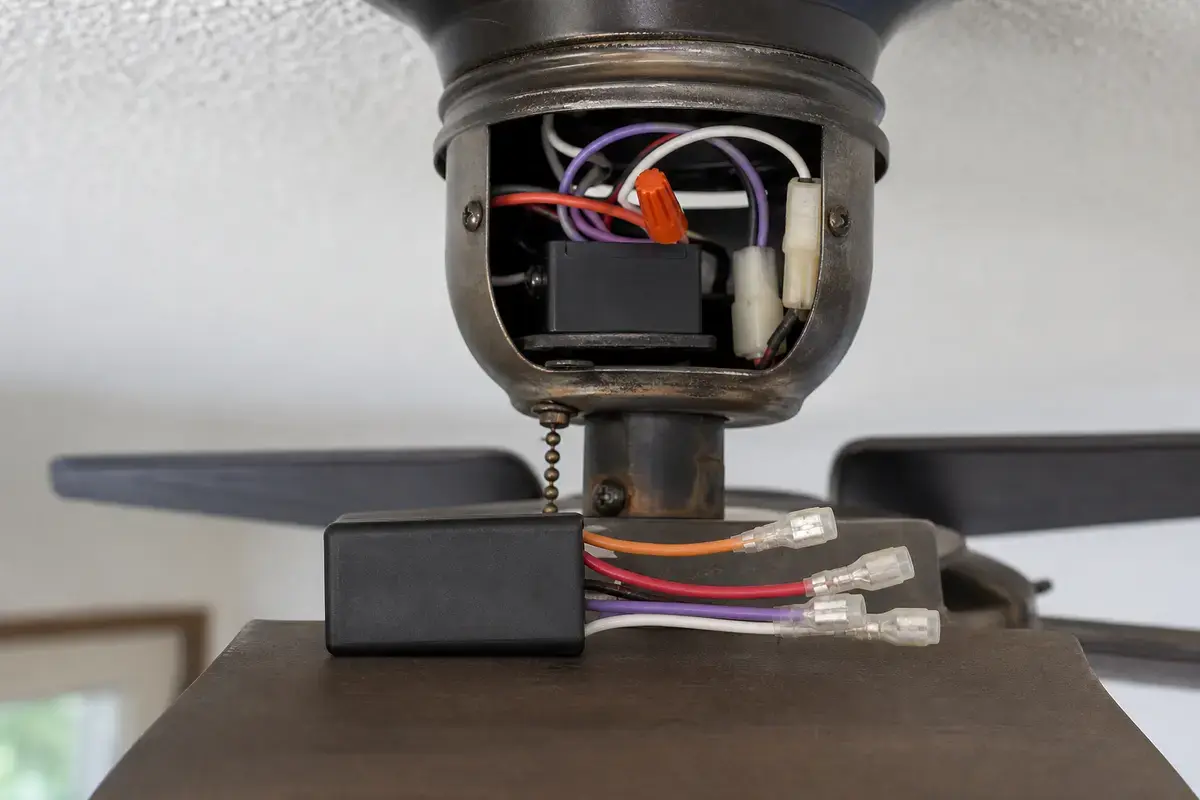
Helps when: Fits slow speed, weak start, hum, crawl, or missing-speed symptoms after drag, controls, and receiver clues are ruled out.
Skip it when: Skip it if you cannot match microfarad values, voltage rating, wire count, connector style, and mounting space exactly.
Compare fan capacitors on Amazon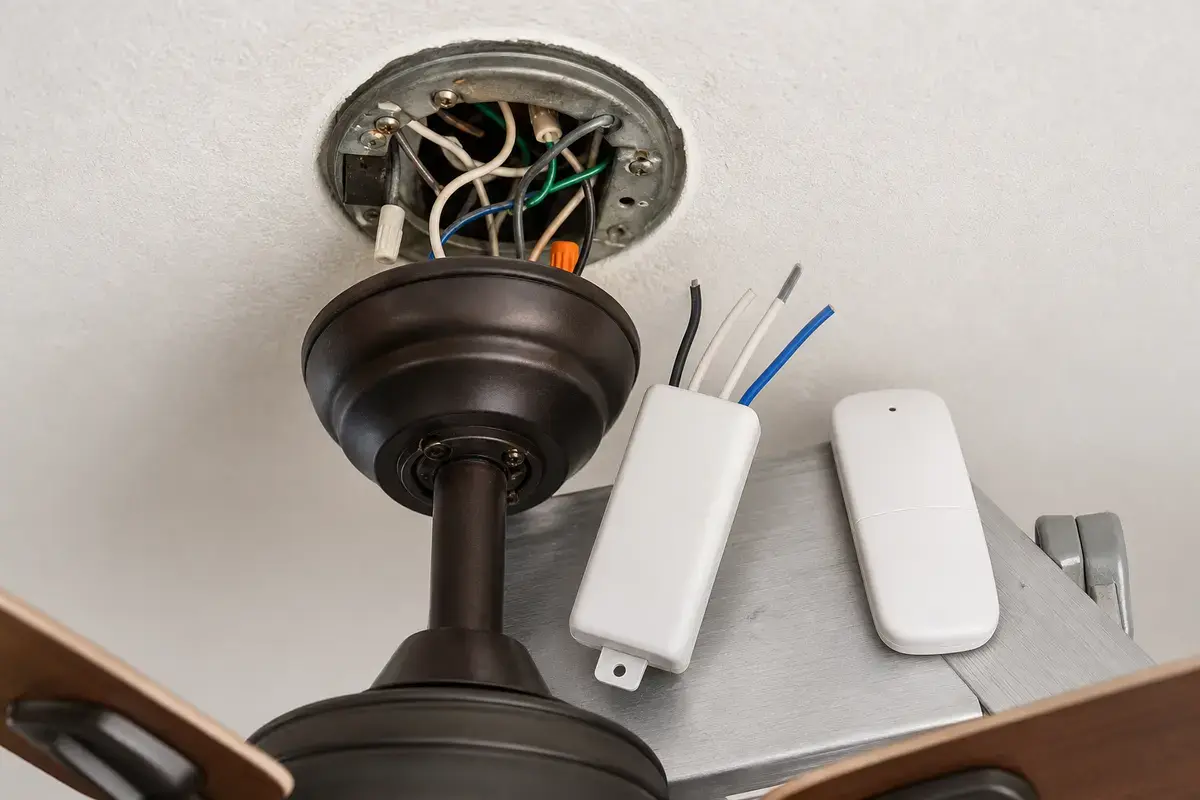
Helps when: Fits the pattern where remote speed commands fail after wall feed, batteries, pairing, and pull-chain settings are confirmed.
Skip it when: Skip it if the fan has heat, scorch marks, repeated breaker trips, or a wiring layout you cannot match exactly.
Compare remote receiver kits on AmazonAs an Amazon Associate I earn from qualifying purchases. Repair Riot may earn a commission at no extra cost to you.
Common causes are wrong direction, dust, blade drag, wrong wall control, remote receiver trouble, capacitor weakness, bearing drag, or motor heat.
Watch blade rotation on high. If speed looks normal but the breeze is weak, use direction, dust, pitch, and room-fit checks first.
Yes, especially with hum, weak start, crawl, or push-start symptoms. Match capacitor ratings exactly before replacement.
Yes. A regular light dimmer is not a fan speed control and can cause hum, heat, weak speed, or no response.
Usually no. Most modern ceiling fans are not homeowner-oilable. Find drag, rub, control, capacitor, or motor clues instead.
That points to that control path, such as a remote receiver or wall speed control, before the motor.
Slow speed alone may be harmless, but slow speed with heat, smell, hum, breaker trips, or loose support means stop using it.
Consider replacement if an older fan has heat, bearing drag, weak speeds after exact controls are checked, or parts that cannot be matched safely.
Repair Riot reviewed this page around slow-running ceiling fans, weak airflow separation, blade drag, dust, fan-rated controls, receiver and capacitor clues, motor heat, and power-off boundaries. The source links support home electrical safety and general fan context; the diagnostic sequence is original guidance.