Switch feels half-set?
Reverse switch position or worn switch path.
If a ceiling fan clicks only in reverse, start with the reverse switch, blade tracking, pull-chain clearance, and light-kit trim. Reverse airflow can move one loose part just enough to click.
Good clues are a click that begins right after changing direction, a reverse switch not fully seated, a chain that swings differently, or one blade arm that flexes under reverse airflow.
The useful split is switch-position trouble versus airflow changing blade and trim clearance.
Don’t start with: Do not flip the reverse switch while the fan is moving or assume the motor failed before checking the parts that shift with direction.
Reverse switch position or worn switch path.
Blade tracking, pull chain, or light-kit clearance path.
Blade flex or balance is likely.
Mount, downrod, or canopy movement needs support check.
Stop using the fan and call for electrical help.
The reverse switch, blade screws, and chain clearance explain most clicks that appear only after direction changes.
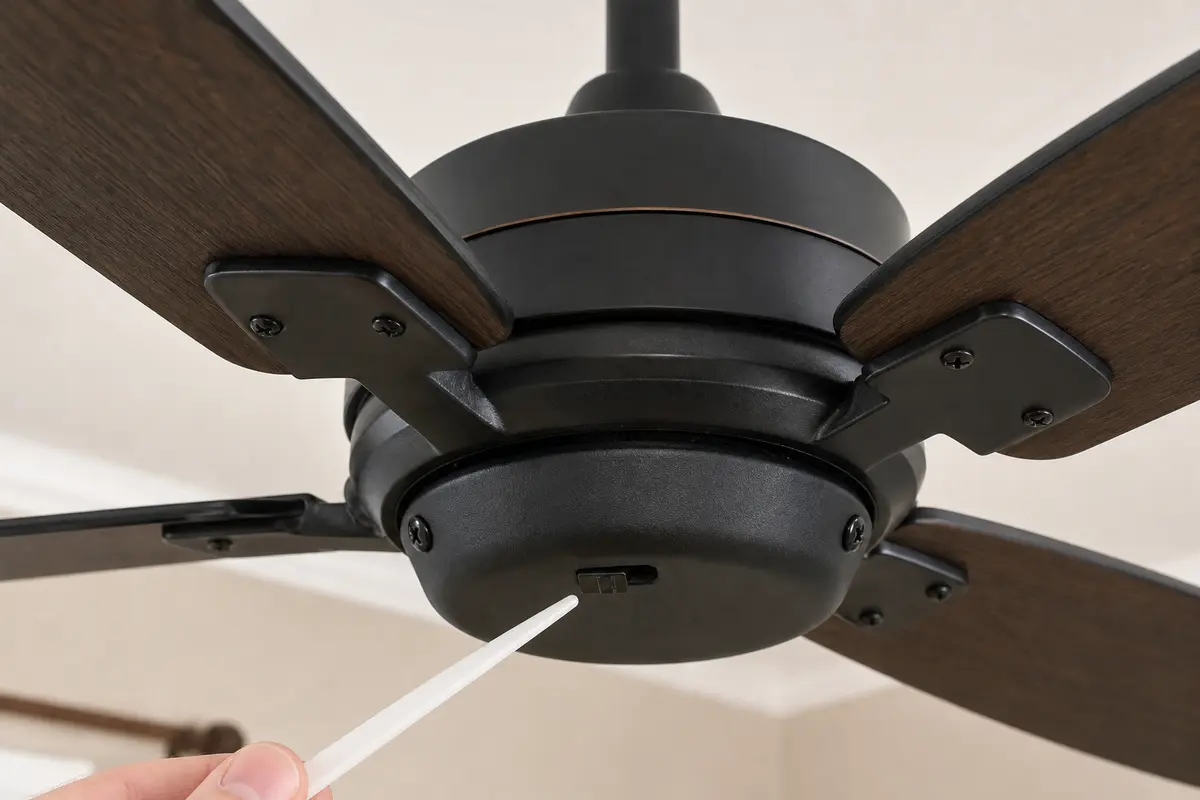
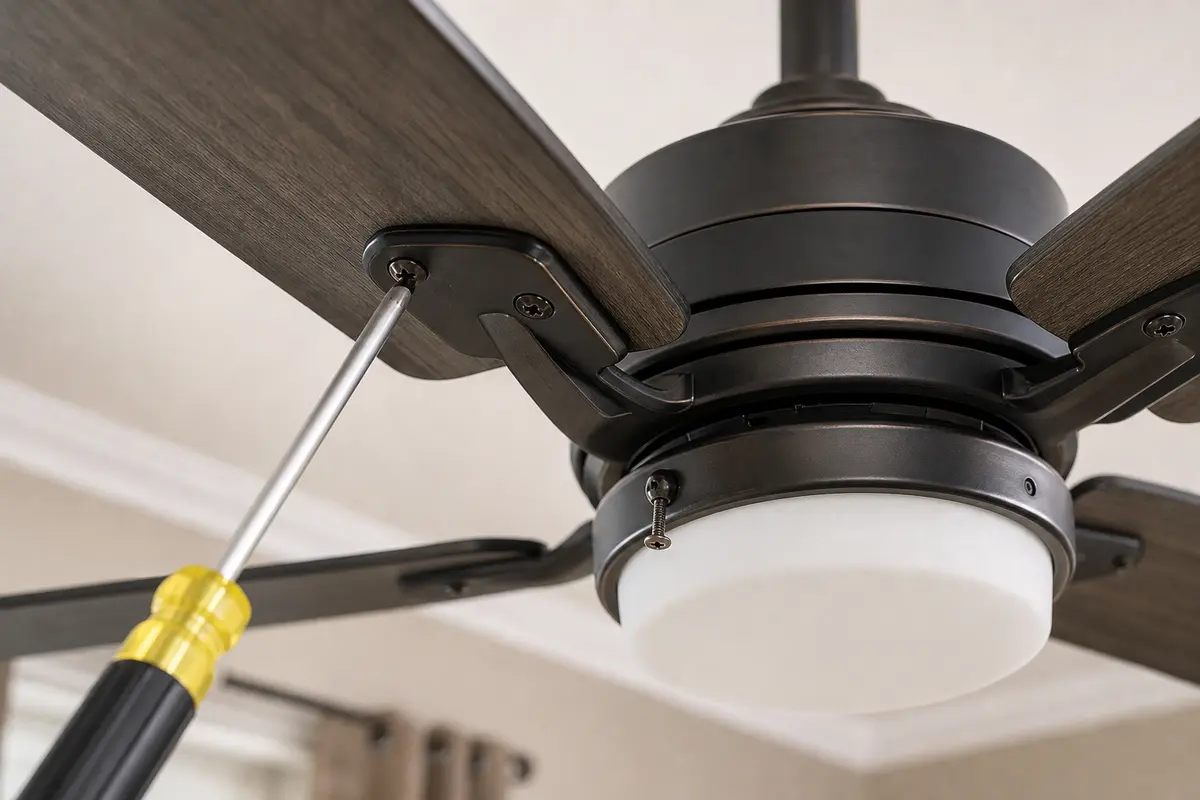
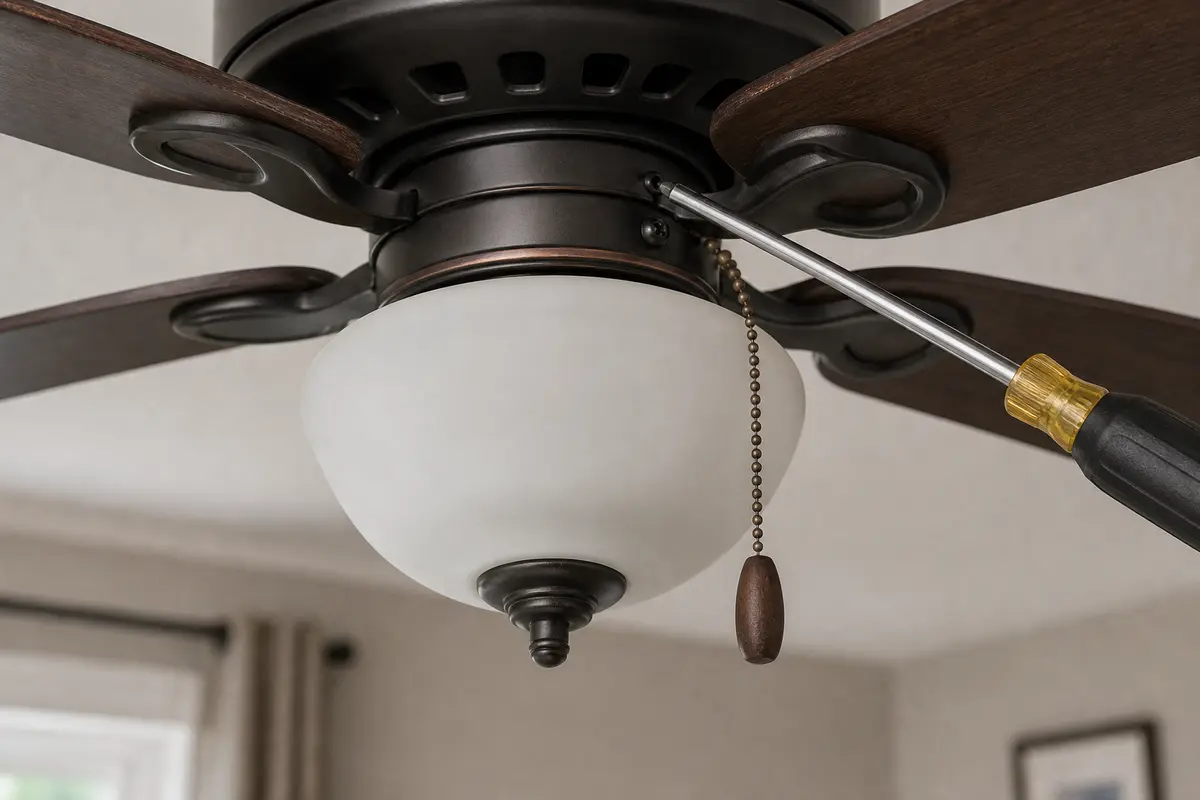
Confirm whether the reverse-only click is switch position, chain clearance, blade tracking, balance, or support movement. Match the exact fan model, control setup, symptom pattern, measurements, and confirmed diagnosis before ordering anything.
Reverse does not make a different fan; it changes airflow, blade loading, and chain movement. Good clue: if forward is quiet and reverse clicks, look for parts that shift with airflow.
The usual mistake is changing direction while the fan is still coasting or blaming the motor. In practice, let the blades stop, set the switch firmly, then test low speed.
Use what changes the click: switch position, speed, airflow direction, or canopy movement.
| Pattern | Likely path | Next move |
|---|---|---|
| Starts after switch change | Reverse switch position | Set switch fully with fan stopped. |
| Once per rotation | Blade or chain clearance | Check visible moving parts. |
| Only high reverse | Blade flex or balance | Tighten and balance after support check. |
| Canopy clicks | Support/downrod path | Stop and inspect mount. |
| Heat or smell | Electrical fault risk | Turn it off. |
A working reverse switch should seat cleanly and change direction only after the fan restarts. If it feels vague, loose, or stuck, do not force it.
Reverse airflow can move chains, shades, and blades into contact. Watch for the part that changes when direction changes.
These tools support power-off switch, blade, and clearance checks before you consider internal fan parts.
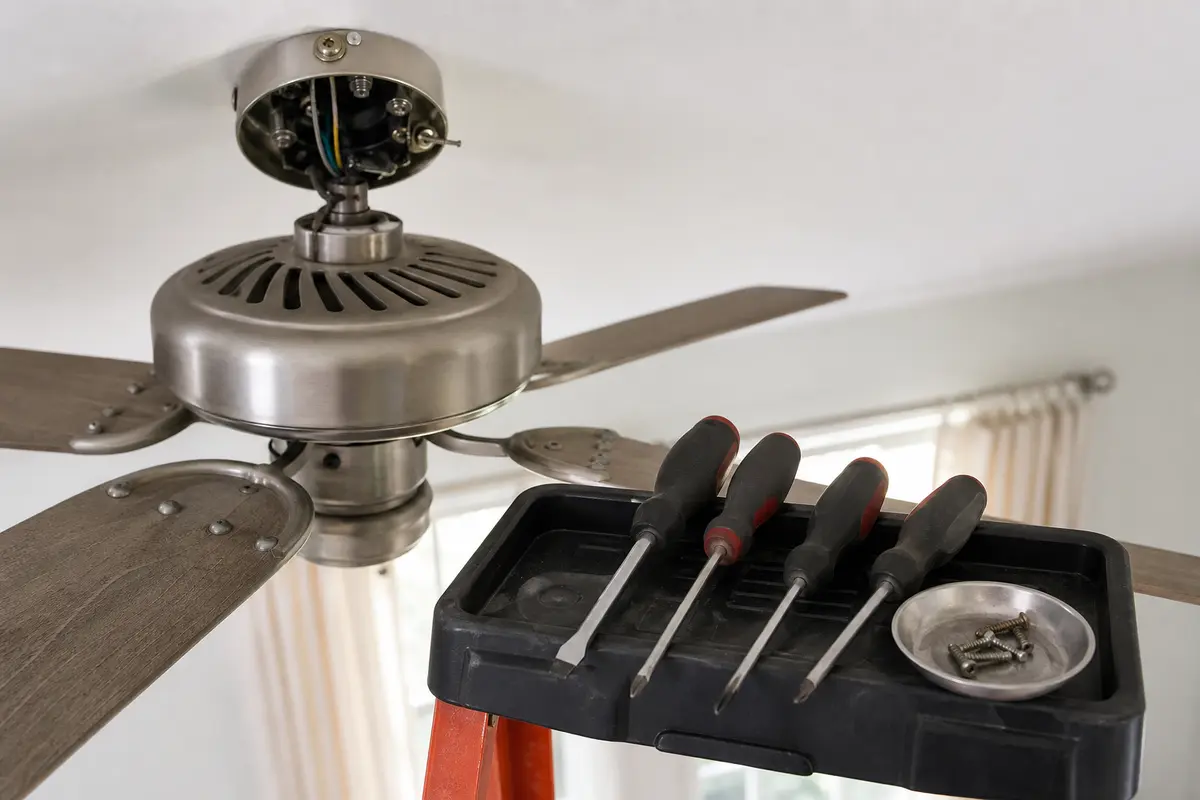
Helps when: Tightens blade arms, light-kit screws, canopy screws, set screws, and switch-housing screws without stripping hardware.
Skip it when: Skip tightening if the fan is moving at the box, the ladder position is unsafe, or the screw head is damaged.
Compare screwdriver sets on Amazon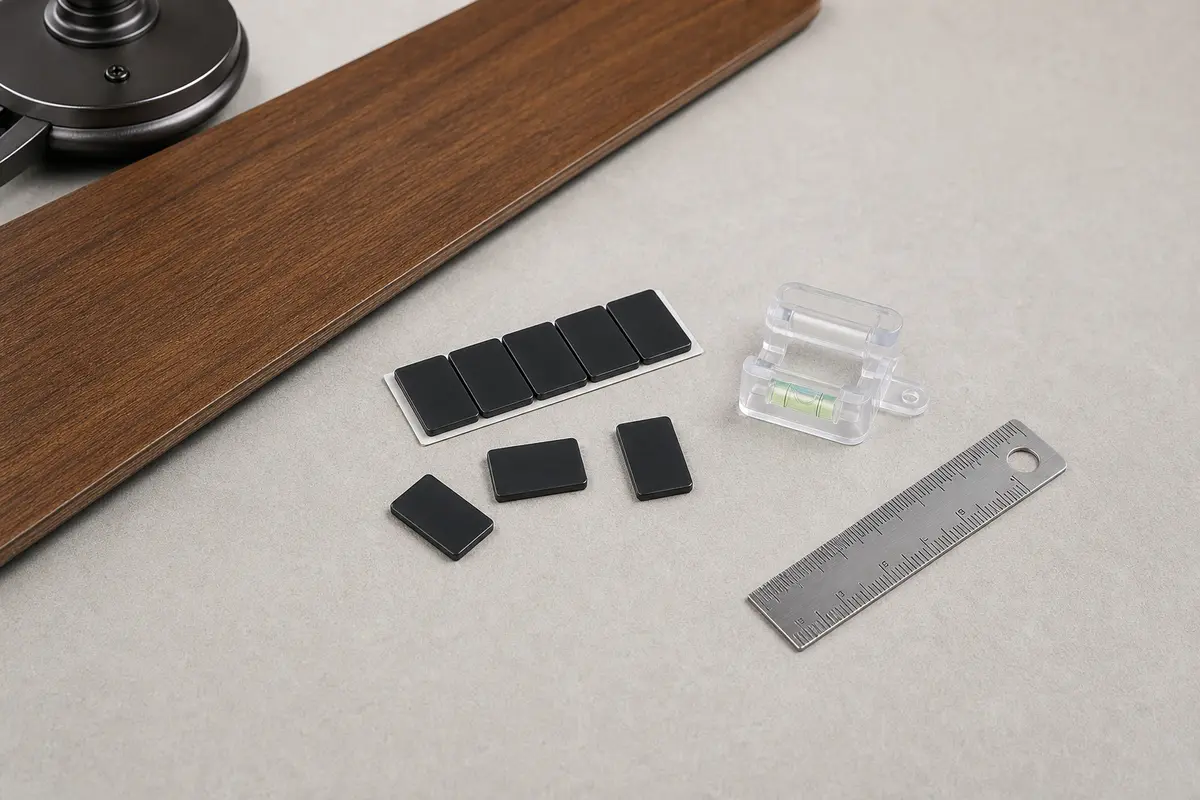
Helps when: Helps prove whether buzz, clicking, or reverse-only noise is blade imbalance after the mount and hardware are tight.
Skip it when: Skip balancing if the ceiling box, bracket, canopy, or downrod moves; support problems come first.
Compare balancing kits on Amazon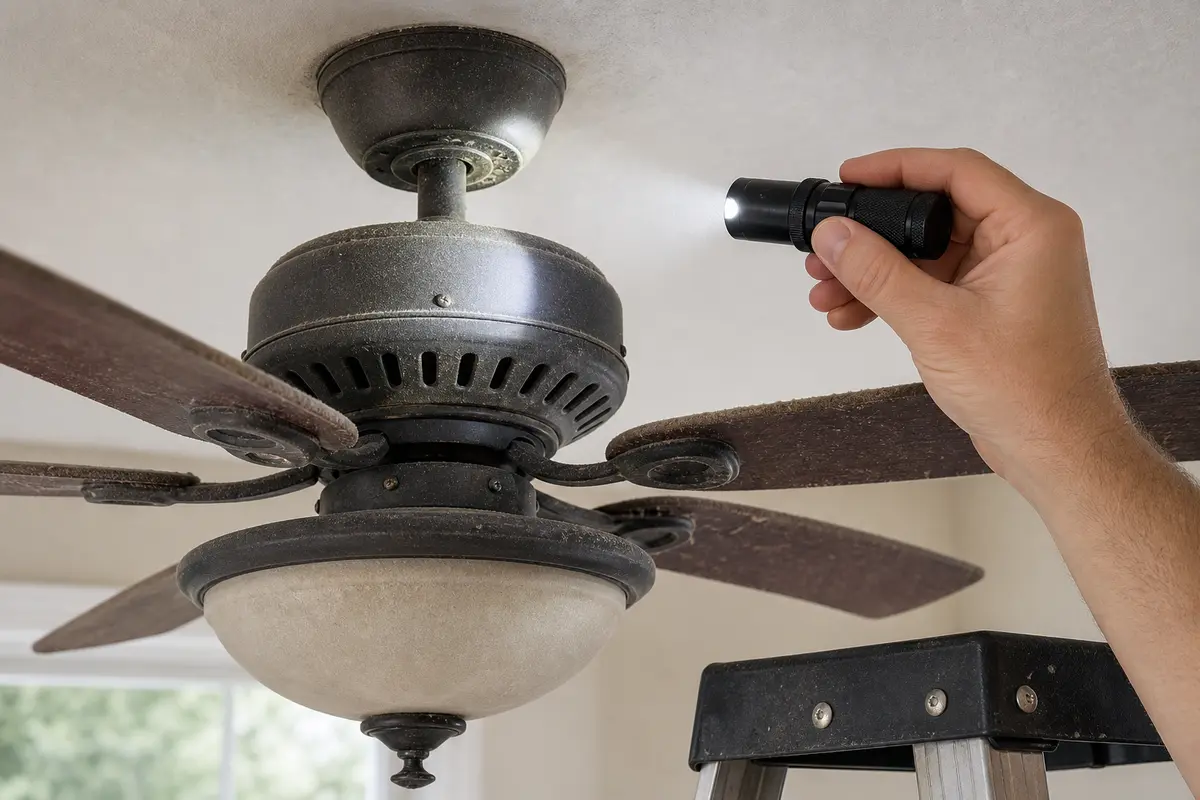
Helps when: Helps see rub marks, loose screws, pull-chain contact, scorch marks, and model labels with the breaker off.
Skip it when: Skip overhead inspection if better light still leaves you unsure about support, wiring, or heat.
Compare inspection flashlights on AmazonAs an Amazon Associate I earn from qualifying purchases. Repair Riot may earn a commission at no extra cost to you.
Reverse airflow can shift chains, shades, blade arms, and trim differently. A half-seated reverse switch can also create direction-only symptoms.
No. Let the fan stop completely first. Changing direction while moving can stress the switch and motor.
Not usually. Check switch position, blade screws, pull-chain clearance, light-kit parts, and canopy movement first.
High speed can flex a loose blade arm or swing a chain farther, so balance and clearance move higher on the list.
Leave the fan off and have the switch or fan checked. Do not force a loose or broken switch.
Stop for ceiling-box movement, heavy wobble, hot smell, breaker trips, sparking, grinding from the motor, or any check that requires wiring you cannot verify de-energized.
Photograph the canopy, downrod, blade arms, light kit, wall control, remote, model label, and the exact part or setting that changes the noise.
Usually no. Most fan noise and no-start symptoms should be sorted by support, hardware, controls, drag, capacitor clues, and model-specific fit before motor replacement is considered.
Repair Riot reviewed this page around reverse-only ceiling fan clicking, switch position, blade tracking, pull-chain clearance, balance, and power-off inspection. The source links support home electrical safety and general fan context; the diagnostic sequence is original guidance.