Once-per-rotation click?
Pull chain, blade arm, shade, trim, or canopy contact path.
A ceiling fan making noise needs the sound type before the repair. Clicking, rattling, buzzing, grinding, humming, wobbling, and canopy noises point to different checks, and some are stop-use clues.
Good clues are once-per-rotation clicking, loose shade rattling, canopy movement, blade imbalance, a wrong wall control hum, lower-housing rub, or motor heat.
The first useful repair step is naming the noise pattern, not naming a part.
Don’t start with: Do not oil the fan, replace the motor, or buy a new fan before matching the noise to its trigger and location.
Pull chain, blade arm, shade, trim, or canopy contact path.
Glass shade, light kit, blade screw, canopy, or decorative trim path.
Control mismatch, blade vibration, receiver, capacitor, or motor path.
Rub mark, blade bracket, lower housing, bearing, or motor path.
Stop and verify support before running the fan.
Most ceiling fan noises are visible at the chain, blade hardware, light kit, canopy, or housing before the motor is the first suspect.
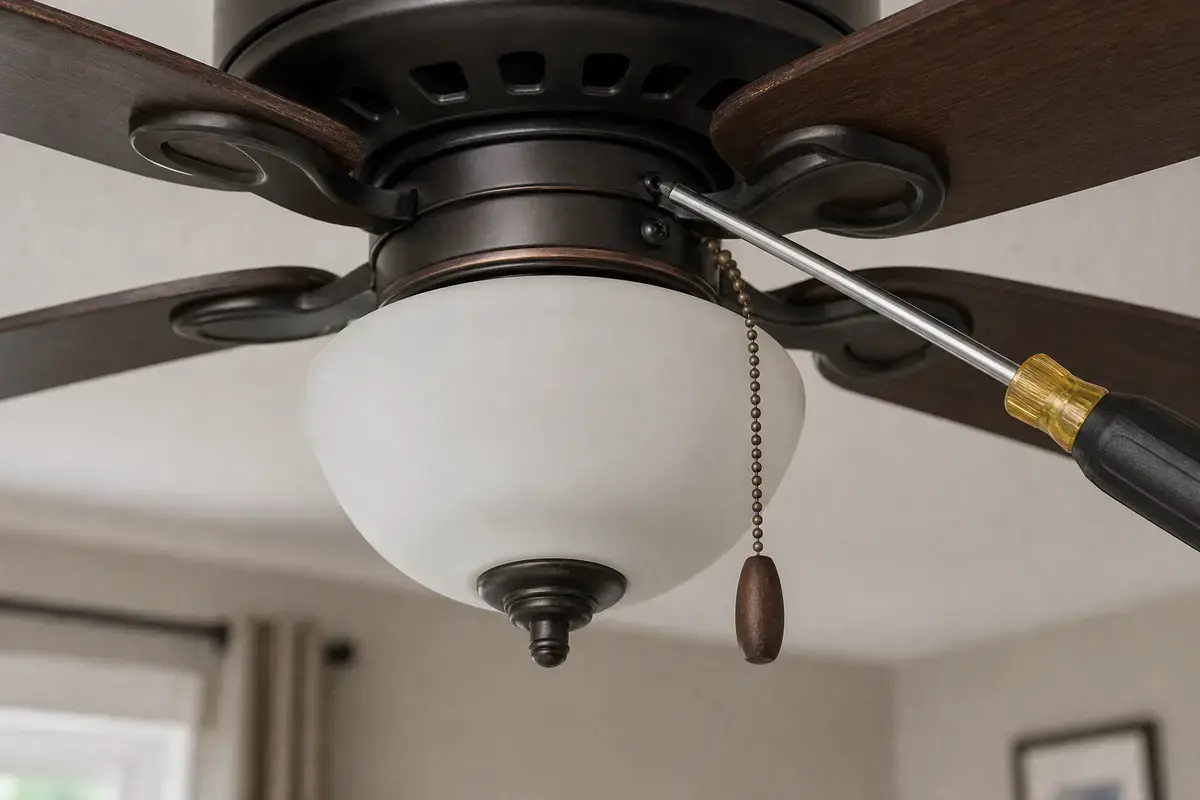
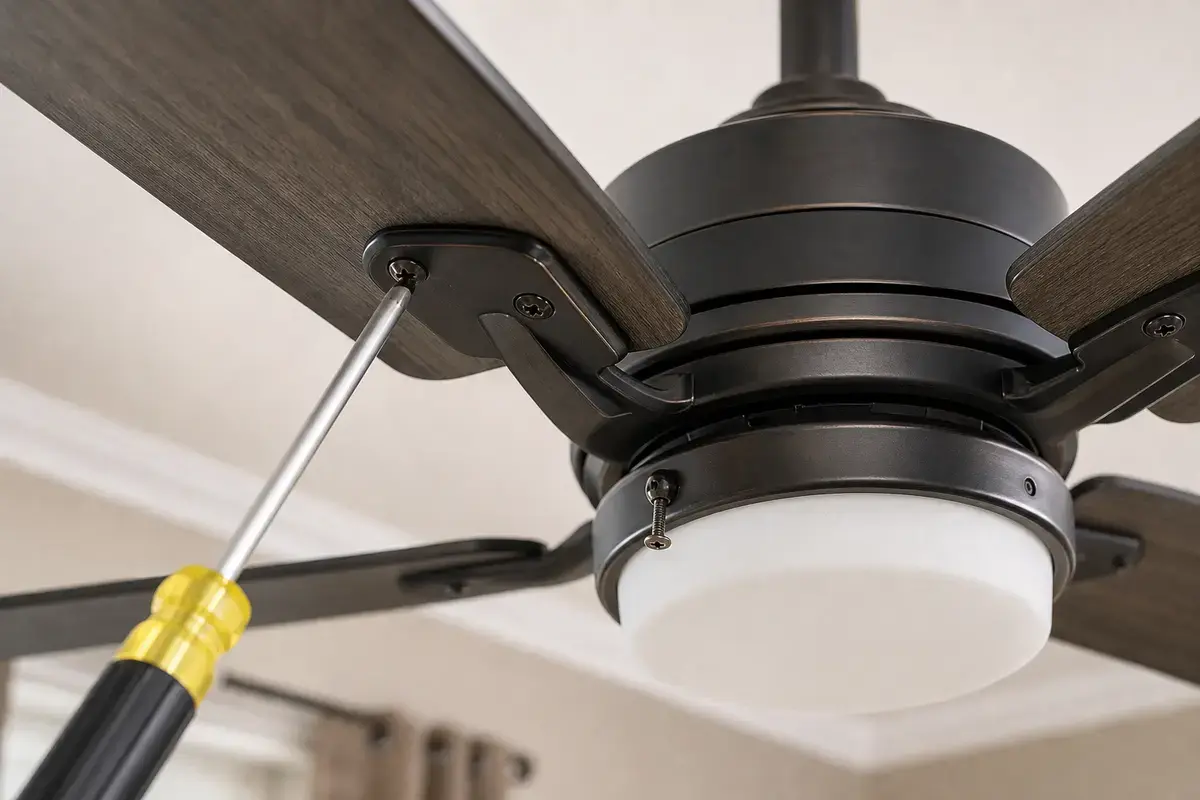
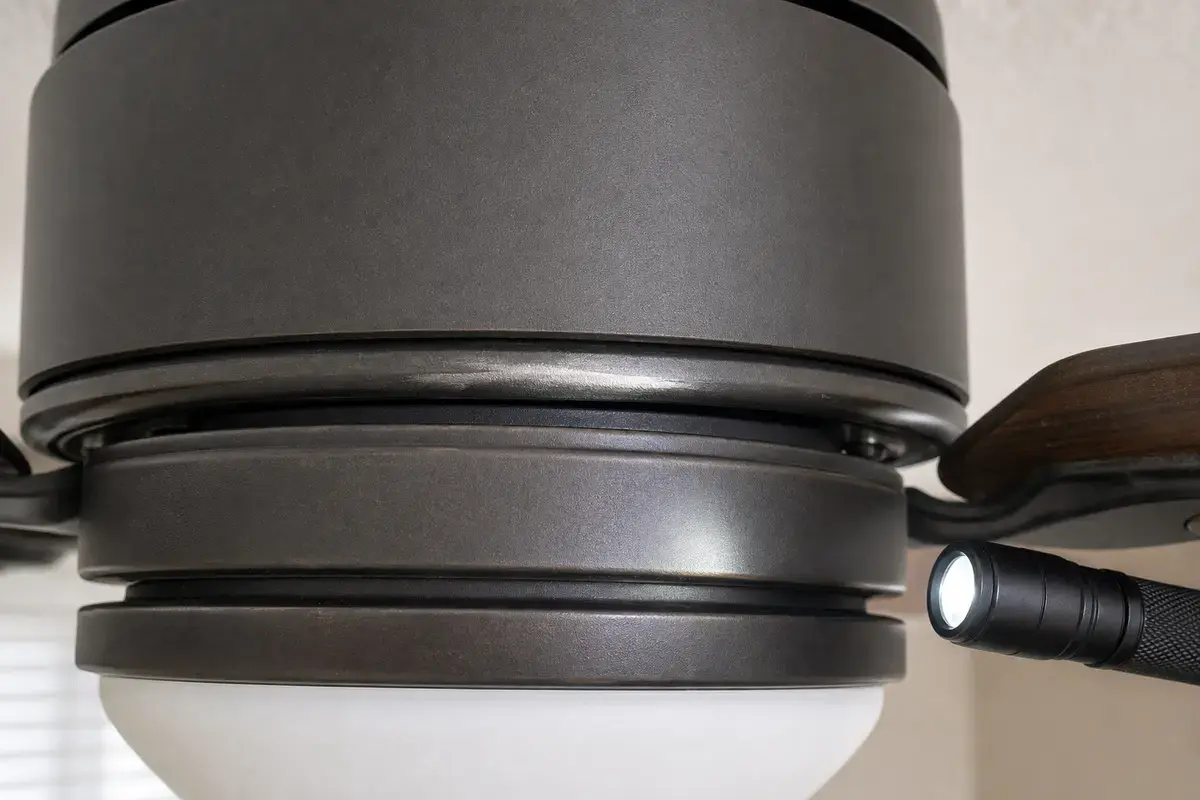
Confirm whether the noise is chain contact, shade rattle, blade hardware, canopy rub, control hum, imbalance, lower-housing rub, bearing noise, or support movement. Match the exact fan model, bulb base, control setup, symptom pattern, measurements, and confirmed diagnosis before ordering anything.
A noisy fan is not one diagnosis. In practice, the trigger is more useful than the adjective: speed, light use, reverse direction, wall control, or motion at the ceiling.
The usual mistake is oiling the motor or buying a replacement fan before checking visible hardware. Good clue: if the sound changes when the light is off or the speed changes, the repair path is still outside the motor.
Use the sound, location, and trigger to decide which page-level repair path fits. A generic noisy-fan fix can miss the real risk.
| Pattern | Likely path | Next move |
|---|---|---|
| Clicking | Chain, blade, shade, trim | Find the touching part. |
| Rattling | Loose hardware or shade | Snug exterior parts. |
| Buzzing | Vibration or control hum | Check balance and fan-rated control. |
| Grinding | Rub or bearing | Stop if motor-area heat appears. |
| Thump/wobble | Balance or support | Solve movement first. |
Most homeowner-fixable fan noises are one loose, touching, or vibrating part. Work with the breaker off before hands touch blades, shades, or housings.
Buzzing controls, hot housings, breaker trips, and internal grinding are not trim problems. Good clue: a sound that stays after visible contact is cleared moves receiver, capacitor, control, bearing, or motor diagnosis higher.
These tools help you tighten visible hardware, inspect rub marks, and prove balance before buying noise parts.
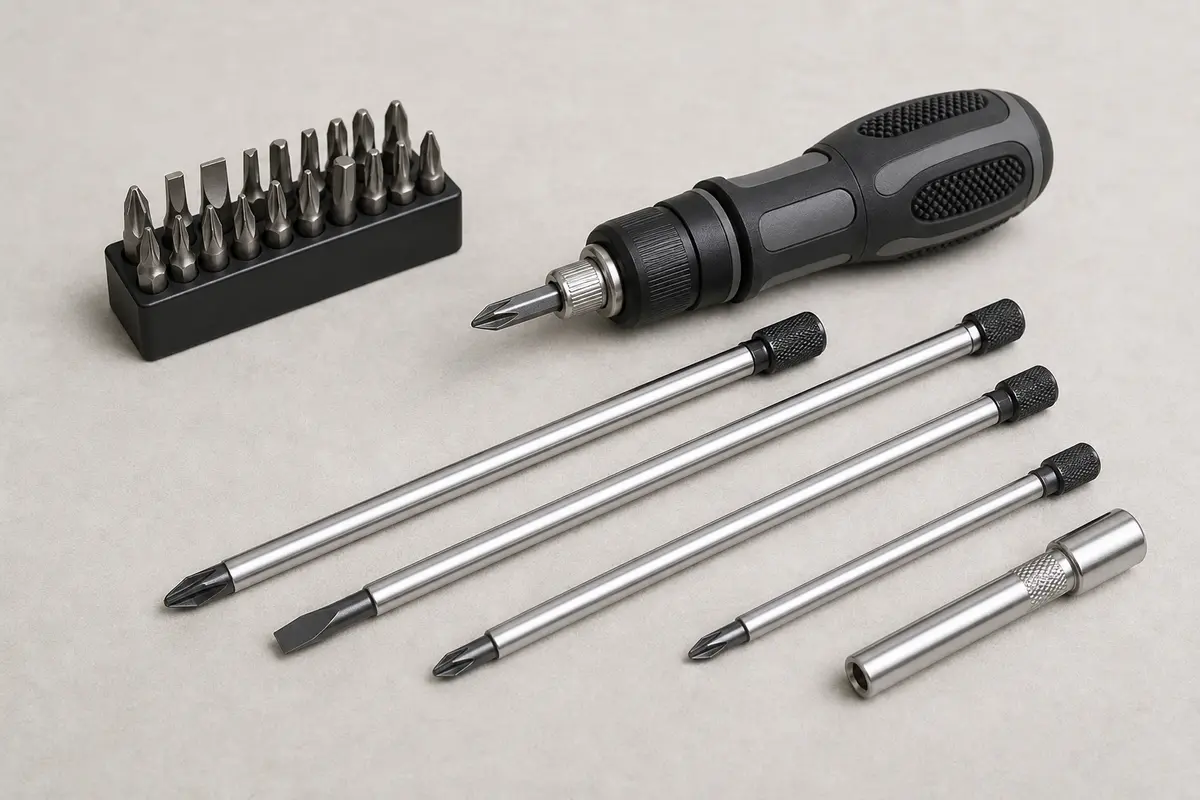
Helps when: Tightens shade screws, blade arms, light-kit screws, canopy screws, and switch-housing screws without stripping hardware.
Skip it when: Skip tightening if the fan is moving at the box, the ladder position is unsafe, or the screw head is damaged.
Compare screwdriver sets on Amazon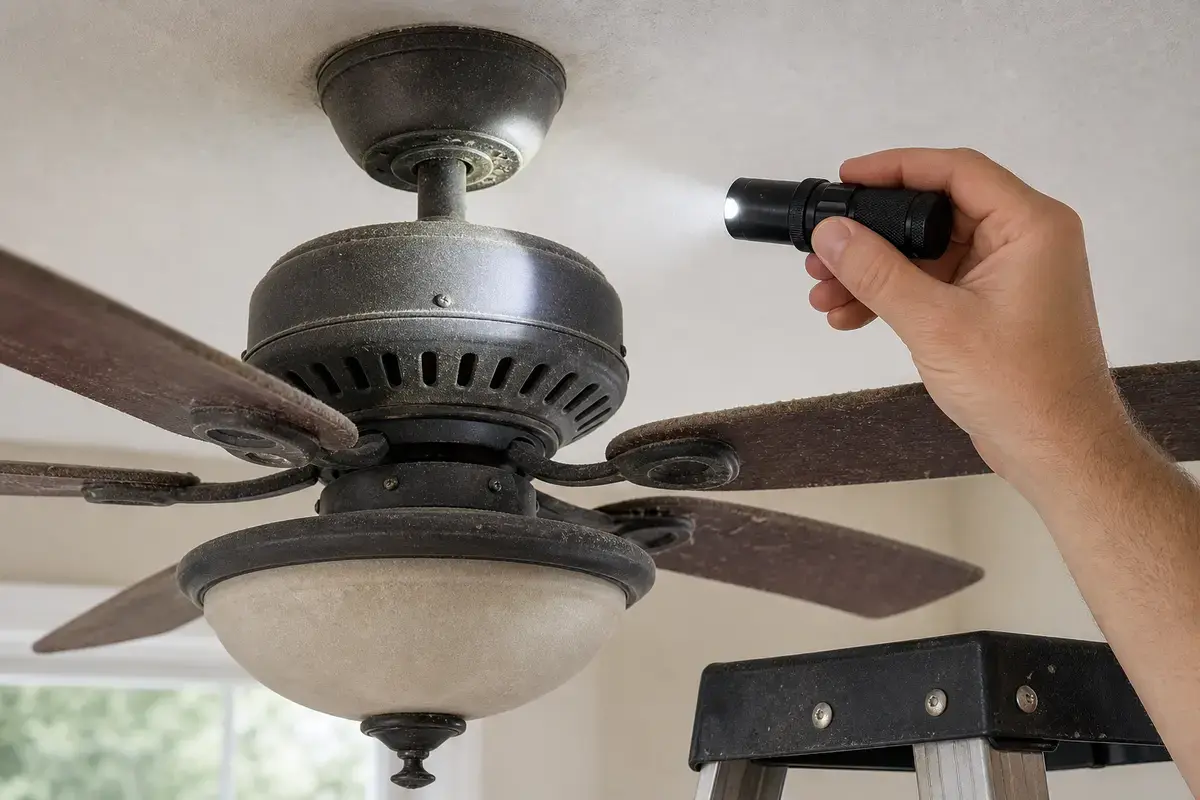
Helps when: Helps see rub marks, loose shade screws, pull-chain contact, socket discoloration, and model labels with the breaker off.
Skip it when: Skip overhead inspection if better light still leaves you unsure about support, wiring, heat, or power-off status.
Compare inspection flashlights on Amazon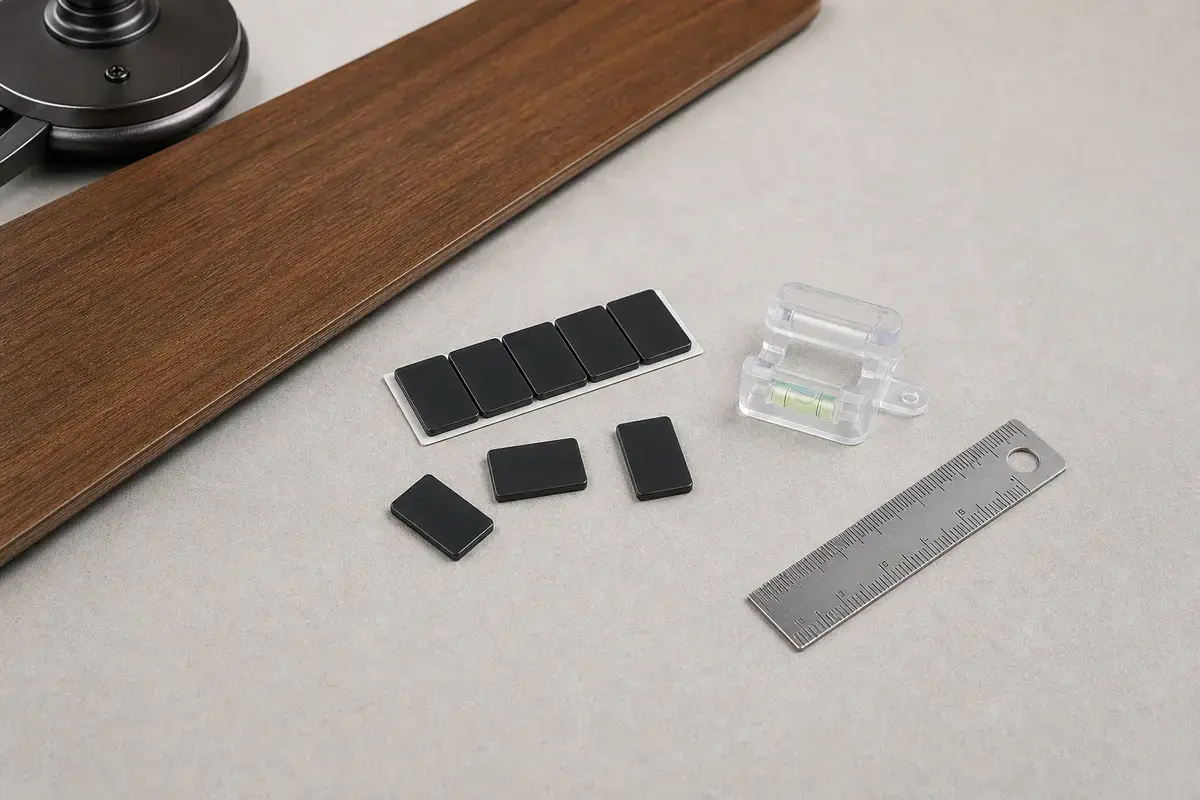
Helps when: Helps prove whether noise or weak airflow is tied to blade imbalance after the mount, blade arms, and hardware are tight.
Skip it when: Skip balancing if the ceiling box, bracket, canopy, or downrod moves; support problems come first.
Compare balancing kits on AmazonAs an Amazon Associate I earn from qualifying purchases. Repair Riot may earn a commission at no extra cost to you.
Common causes are loose shades, pull-chain contact, blade screws, canopy rub, imbalance, wrong controls, receiver hum, capacitor trouble, or motor/bearing wear.
Sometimes. Rattling trim may be simple, but heat, burning smell, breaker trips, support movement, grinding, or heavy wobble means stop using it.
Usually no. Most modern ceiling fans are not homeowner-oilable, and oil will not fix loose hardware, bad controls, imbalance, or support problems.
High speed reveals imbalance, blade flex, loose trim, canopy contact, and control issues that may not show on low.
Yes. A regular dimmer or mismatched control can make a fan buzz or hum. Use fan-rated controls only.
Stop and check support. Canopy, downrod, bracket, or ceiling-box movement is a safety issue before it is a noise issue.
Not usually. The motor moves higher only after visible hardware, balance, control, and rub checks do not explain the sound.
Record the sound type, speed, direction, light use, wall control position, wobble, heat, and any breaker or smell clues.
Repair Riot reviewed this page around general ceiling fan noise sorting, blade and light-kit hardware, canopy support clues, fan-rated controls, grinding stop points, and power-off inspection. The source links support home electrical safety and general fan context; the diagnostic sequence is original guidance.