Fan works by chain?
Switch, feed, or switch-loop path.
If a ceiling fan wall switch does nothing, first check what still works: pull chain, remote, light, or nothing. Fan works by chain or remote means switch feed or receiver setup outranks motor failure.
Good clues are a switch that controls light only, a sloppy or warm handle, or a fan that never responded after installation.
Start with what the switch actually feeds.
Don’t start with: Do not replace the switch until you know whether it is on-off feed, receiver feed, or fan-rated speed control.
Switch, feed, or switch-loop path.
Separate fan/light legs or receiver setup.
Switch is receiver feed, not speed control.
Fan-rated control or plain switch mismatch.
Leave power off and replace/check safely.
Pull-chain position, switch type, and receiver setup tell you whether the wall device is failed or the fan is wired to work differently.
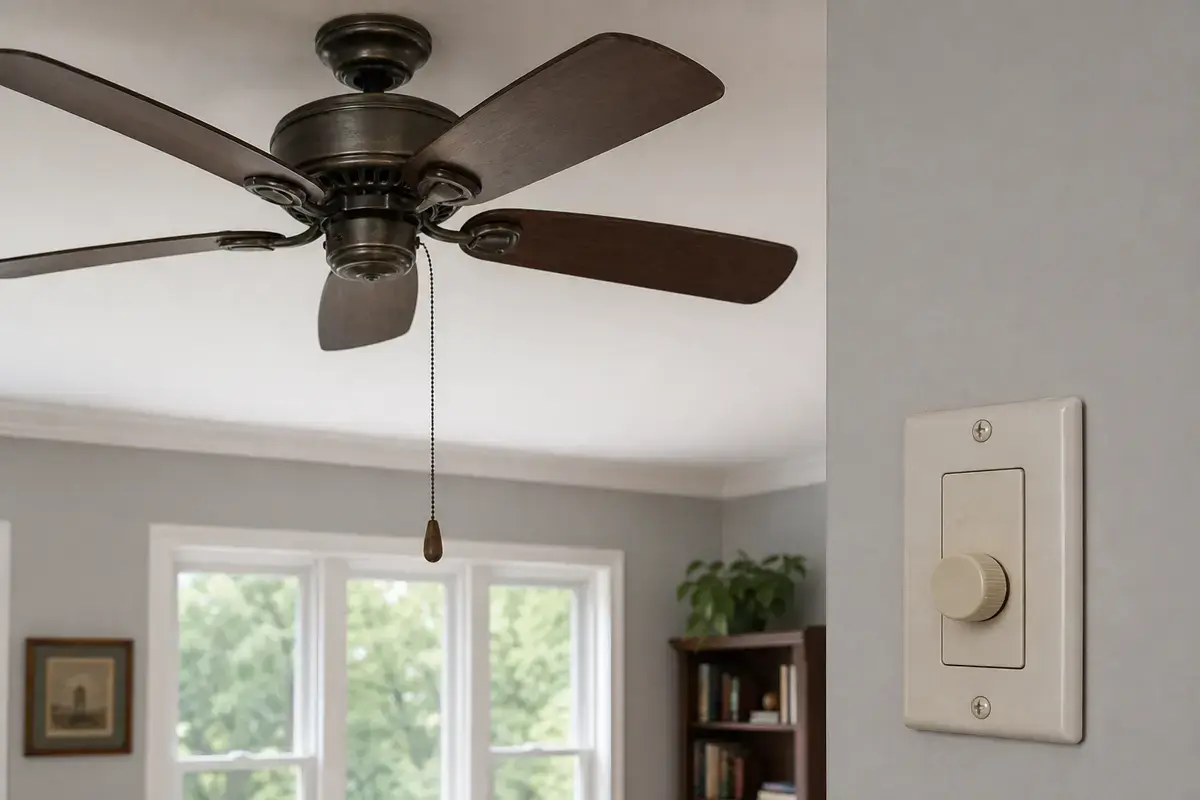
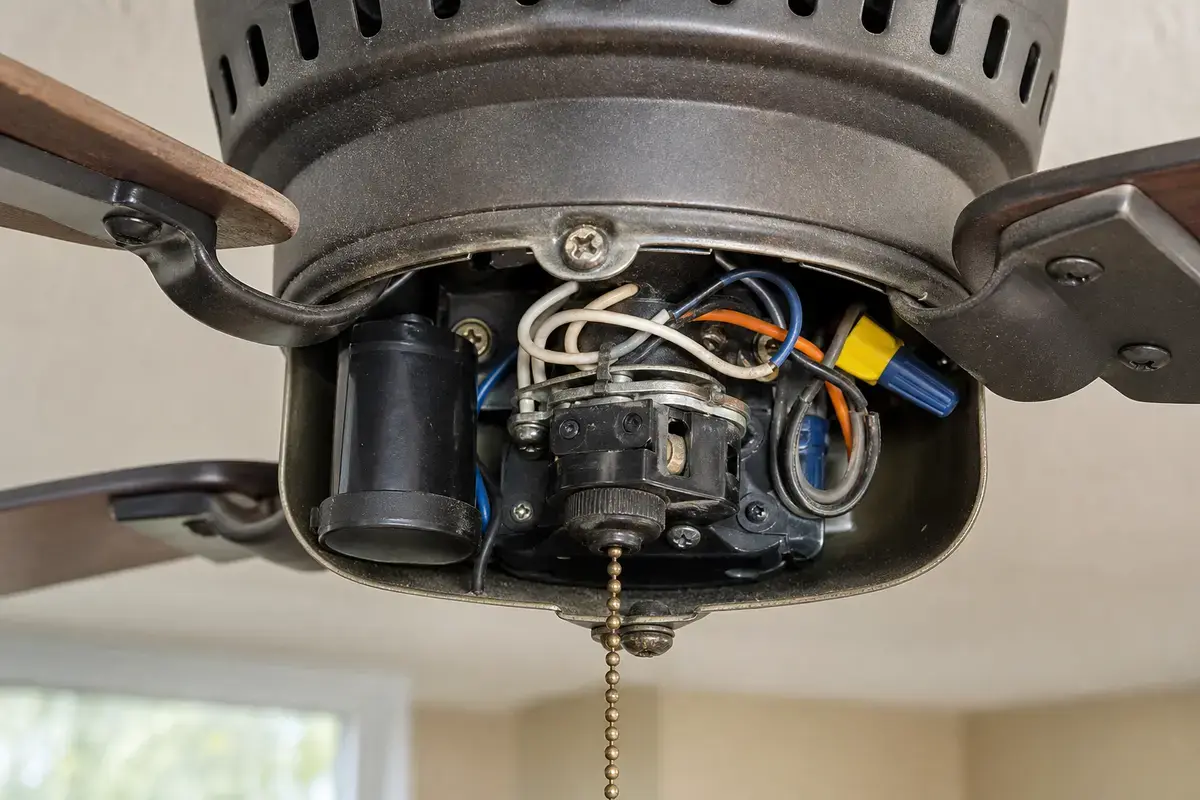
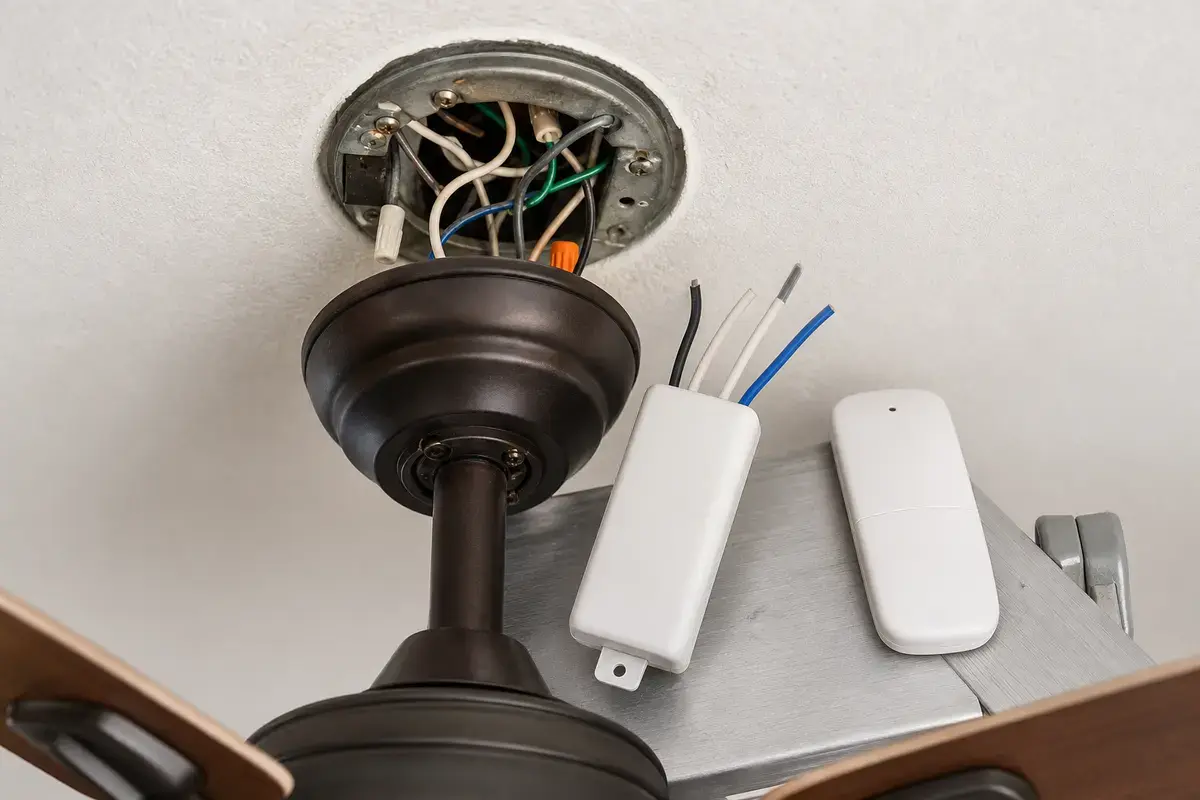
Confirm whether the wall-switch issue is breaker feed, pull-chain setting, remote receiver setup, split fan/light wiring, failed switch, wrong control type, or old wiring layout. Match the exact fan model, control setup, symptom pattern, measurements, ratings, wiring layout, and confirmed diagnosis before ordering anything.
Good clue: if the light toggles but the fan ignores the wall switch, the switch may feed only the light or a receiver. First set the pull chain to high, then compare wall switch, remote, and light behavior before opening the box.
The usual mistake is buying a random switch or smart control. Good clue: ceiling fan speed controls are not the same as light dimmers, and receiver-controlled fans may not accept wall speed controls.
Use what still works and what the switch used to control. The result separates setup, switch failure, receiver behavior, and wrong control type.
| Pattern | Likely path | Next move |
|---|---|---|
| Fan works by chain only | Switch/feed path | Check switch and feed. |
| Switch controls light only | Split fan/light setup | Do not assume motor feed. |
| Remote needs switch on | Receiver feed | Keep wall feed stable. |
| Speed control replaced recently | Wrong device type | Verify fan-rated control. |
| Switch warm or crackles | Unsafe switch/feed clue | Leave power off. |
A wall switch often supplies power while another control chooses fan speed. Good clue: if the fan works once the pull chain is set to high, the switch was not the failed part.
A wall switch replacement is straightforward only when the wiring is straightforward. Fan speed control, smart controls, 3-way switches, and old switch loops need exact identification.
These tools support safe power-off wall-switch and canopy checks after setup clues are documented.
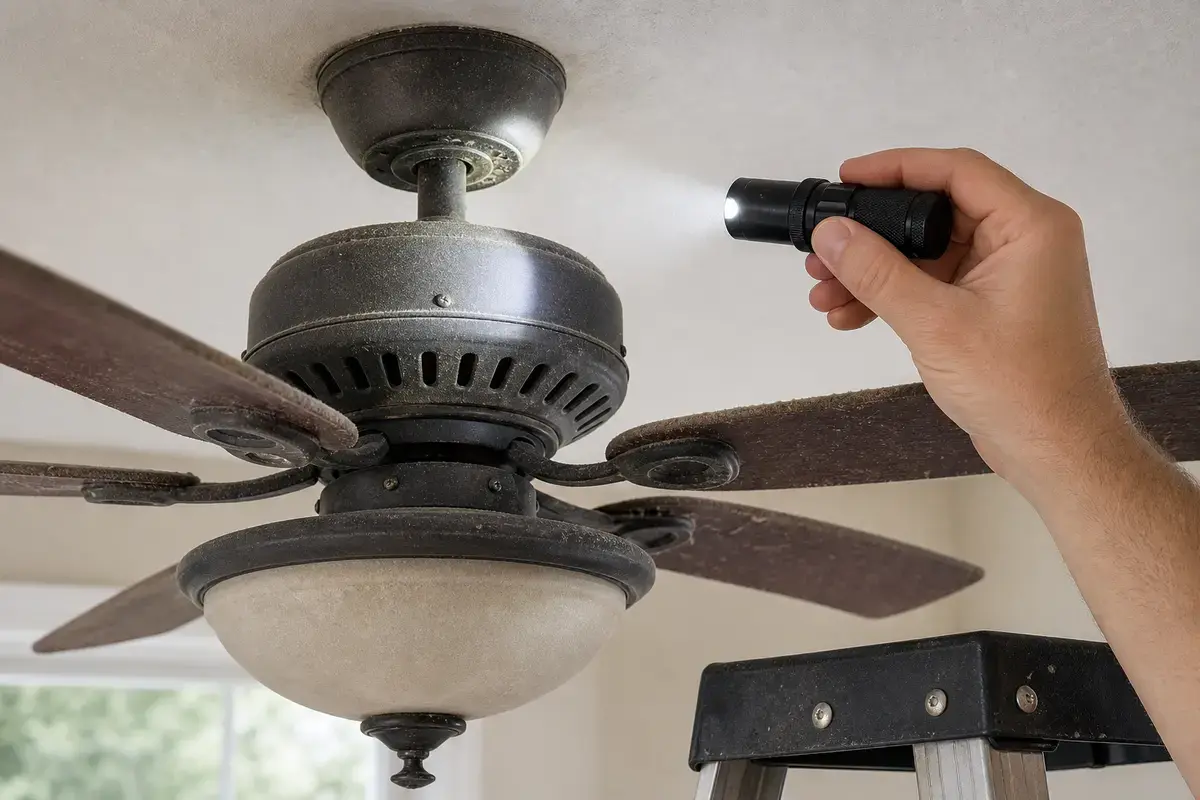
Helps when: Helps see heat staining, loose trim, wire labels, switch markings, receiver labels, blade hardware, and motor vents with power off.
Skip it when: Skip overhead inspection if better light still leaves you unsure about support, wiring, heat, or power-off status.
Compare inspection flashlights on Amazon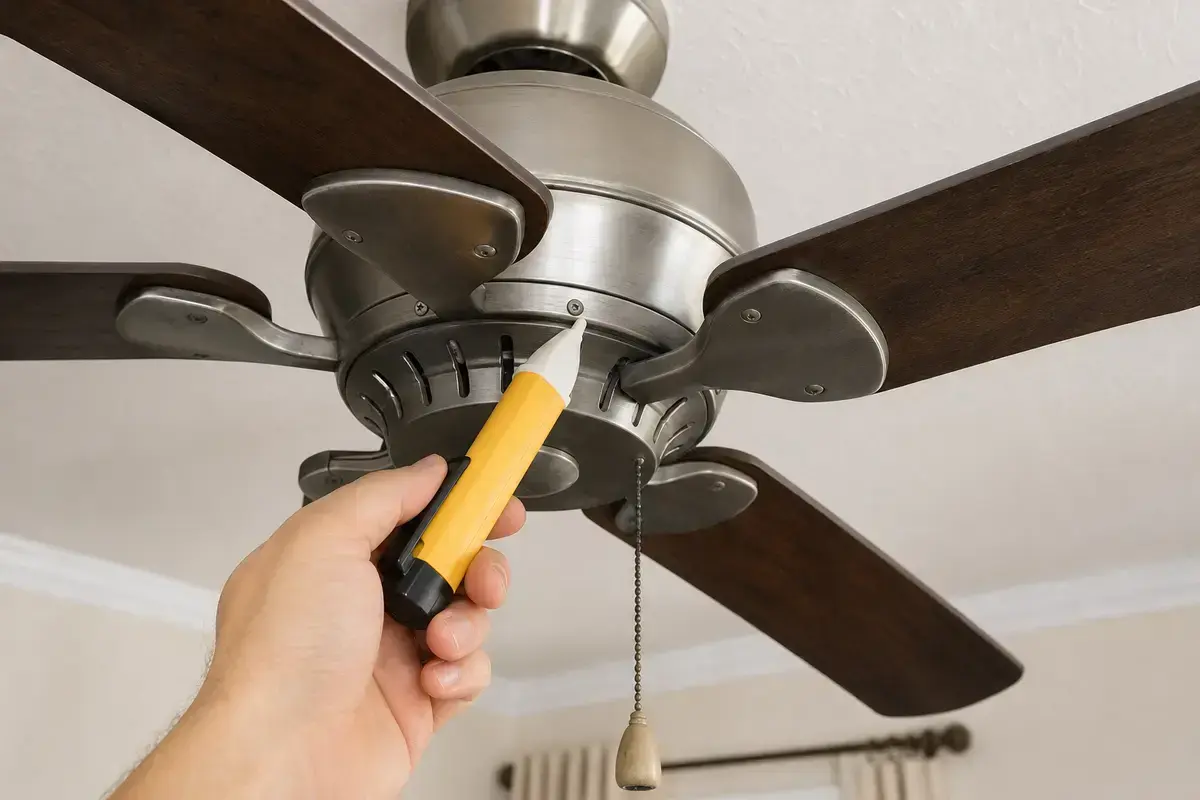
Helps when: Screens for power after the breaker is off before opening a canopy, switch box, receiver area, switch housing, or capacitor compartment.
Skip it when: Skip DIY electrical checks if readings are confusing, the breaker trips again, or the fan wiring is unfamiliar.
Compare voltage testers on Amazon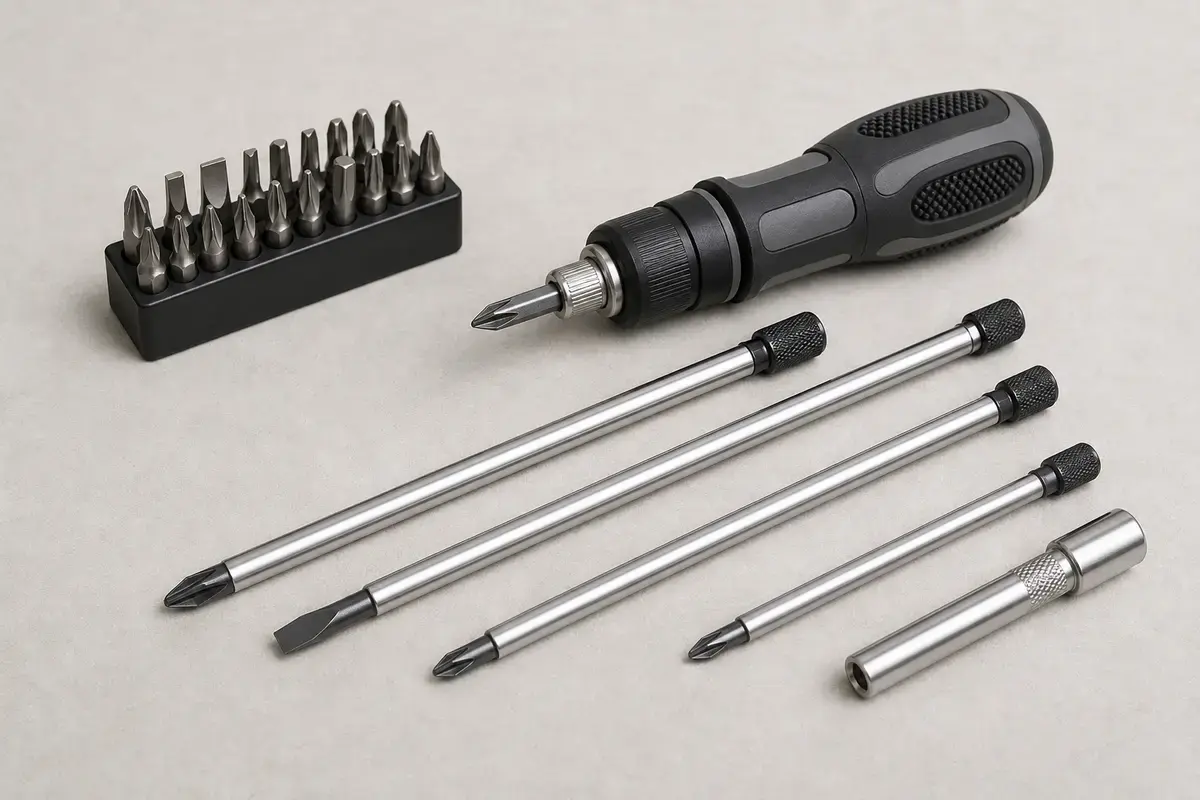
Helps when: Tightens canopy screws, blade arms, switch-housing screws, receiver covers, wall-control plates, and light-kit hardware without stripping them.
Skip it when: Skip tightening if the fan is moving at the box, the ladder position is unsafe, or the screw head is damaged.
Compare screwdriver sets on AmazonAs an Amazon Associate I earn from qualifying purchases. Repair Riot may earn a commission at no extra cost to you.
Switch parts belong in the cart only after you know whether the fan needs on-off feed, fan-rated speed control, receiver feed, or just a replacement plate.
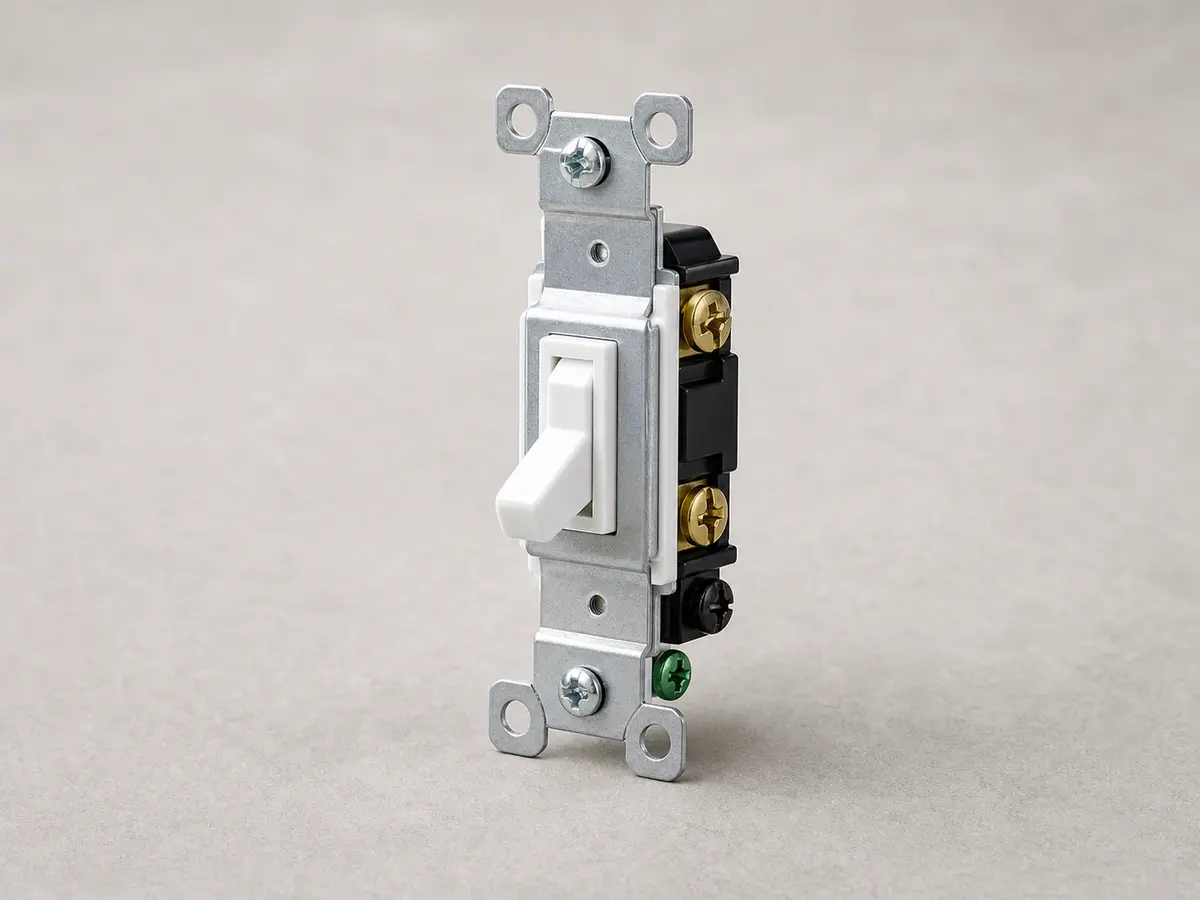
Helps when: Fits a simple on-off fan feed where a worn switch is confirmed and the fan is not controlled by a special fan-rated speed device.
Skip it when: Skip it if the fan needs a speed control, smart control, 3-way setup, receiver control, or any wiring you cannot identify.
Compare wall switches on Amazon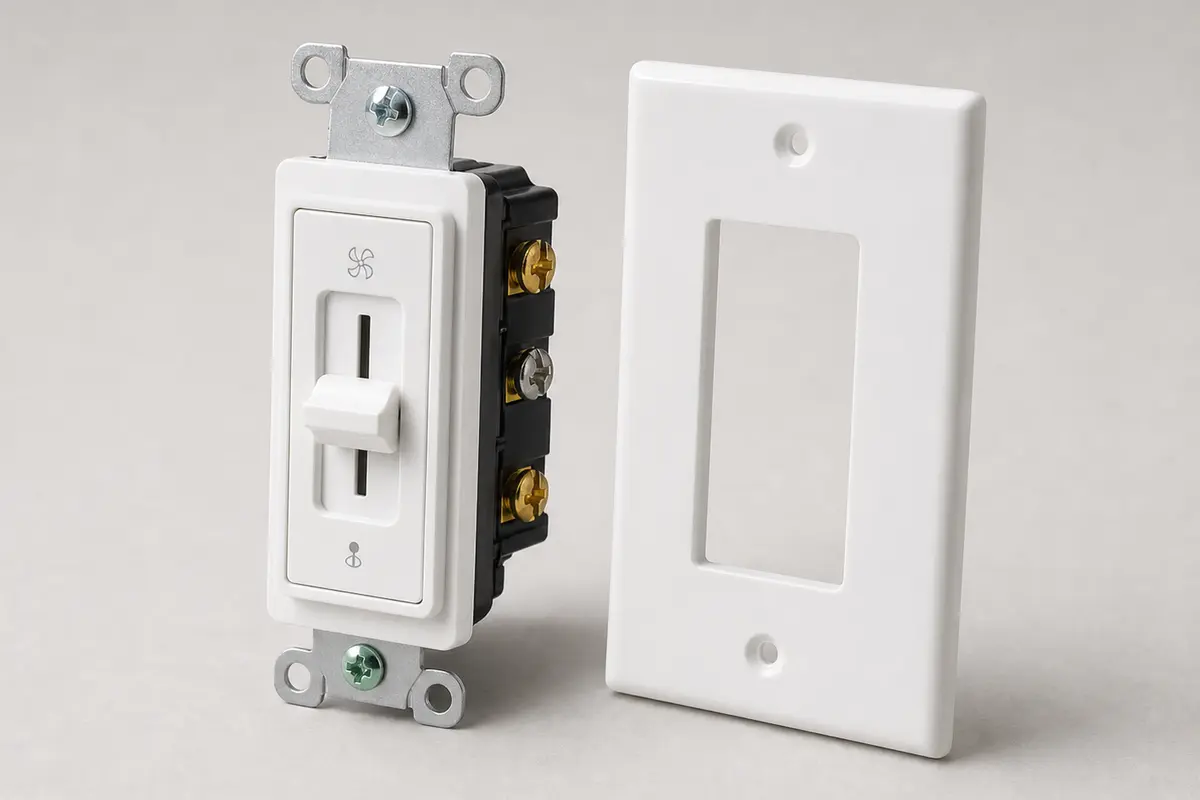
Helps when: Fits a fan-controlled wall box where a fan-rated speed control is confirmed as the correct device for that fan and wiring setup.
Skip it when: Skip it if the device is a light dimmer, the fan uses a receiver-only control system, or you cannot verify the wiring and load ratings.
Compare fan speed controls on Amazon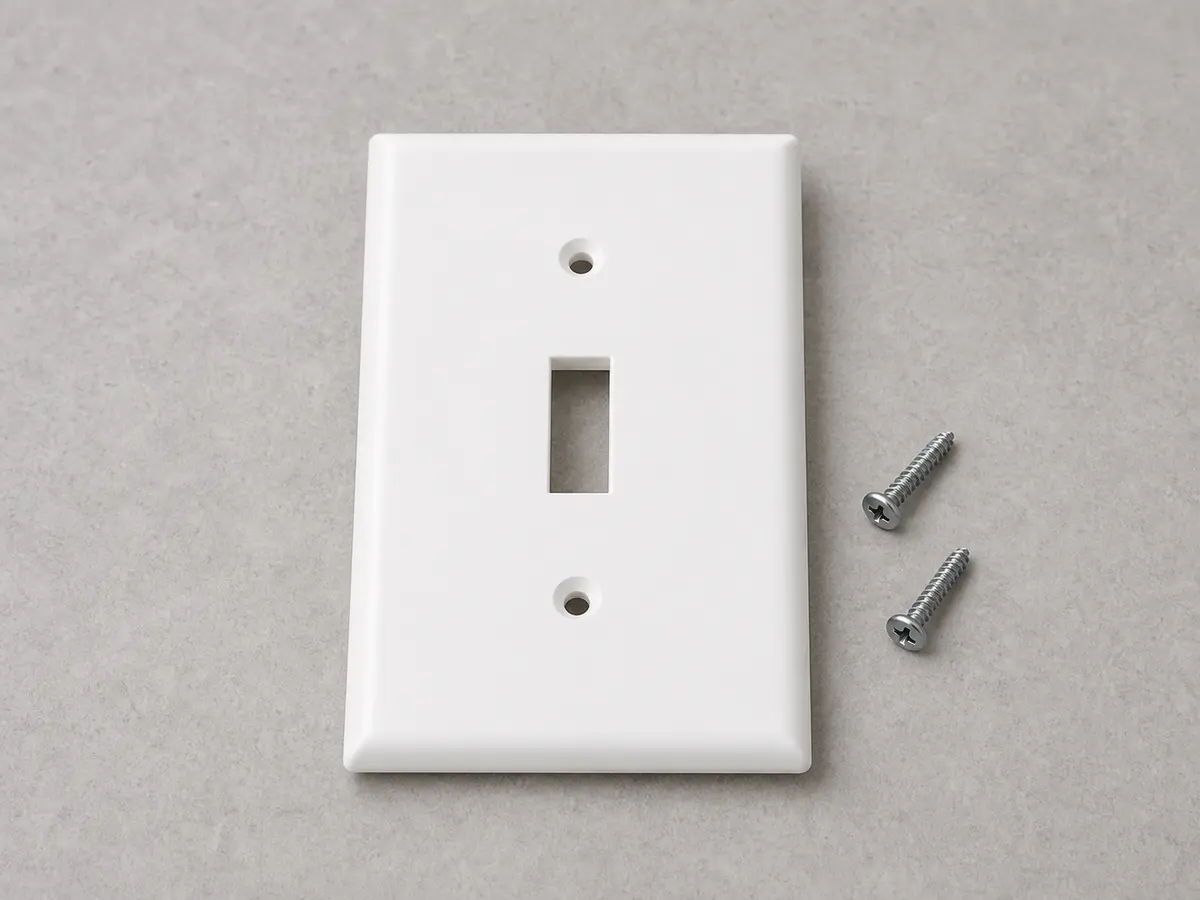
Helps when: Finishes a wall-switch replacement after the correct device is installed and the old plate is cracked, loose, painted shut, or missing.
Skip it when: Skip it if the switch box, wiring, or device type is still unresolved; the plate is only a finish part.
Compare wall plates on AmazonAs an Amazon Associate I earn from qualifying purchases. Repair Riot may earn a commission at no extra cost to you.
Common causes are a pull chain set off, remote receiver setup, split fan/light wiring, failed switch, wrong control type, breaker/feed problem, or wiring history.
The wall switch may feed the receiver, may have been left out of the fan-control path, or may only control the light. Learn the wiring setup before replacing controls.
No. Use only fan-rated controls when the device changes fan speed.
That suggests the fan has power at least sometimes, so the wall switch, switch loop, receiver setup, or pull-chain setting needs sorting.
Yes, but warmth, crackling, looseness, intermittent response, or a sloppy handle makes switch failure more likely.
Only if it is confirmed as the fan feed and the correct switch type is known.
Some fans are wired with separate fan and light legs or receiver controls. That may be intentional.
Call for unknown wiring, 3-way setups, warm switches, scorch marks, repeat breaker trips, or confusing tester readings.
Repair Riot reviewed this page around ceiling fan wall-switch control, pull-chain setup, remote receiver feeds, fan-rated controls, simple switch replacement, split fan/light wiring, and safe power-off boundaries. The source links support home electrical safety and general fan context; the diagnostic sequence is original guidance.