Is only one light out?
Try a known-good bulb or lamp, then make sure the switch controls that exact fixture or outlet.
If a light switch is not working, start outside the box: try a known-good bulb, see whether nearby lights or outlets are dead, and reset any tripped breaker or GFCI once.
Most dead-switch calls come down to a failed bulb or fixture, lost circuit power, a switched outlet mix-up, or worn switch contacts.
The first useful clue is whether only this light is dead or the whole area lost power.
Don’t start with: Start with the bulb, fixture, breaker or GFCI, and switch type before the cover plate comes off or a replacement goes in.
Try a known-good bulb or lamp, then make sure the switch controls that exact fixture or outlet.
Look for a tripped breaker or GFCI first. Stop if the breaker trips again or a GFCI will not reset.
A worn switch is likely, but turn power off and verify the box is dead before any inspection.
Two control points mean a 3-way setup, so any replacement has to match that circuit after diagnosis.
Confirm lamp compatibility, load type, neutral requirement, and model instructions before replacing anything.
A dead light does not prove the switch failed. Look at the bulb or fixture, nearby outlets, GFCI devices, and the breaker before opening the wall.
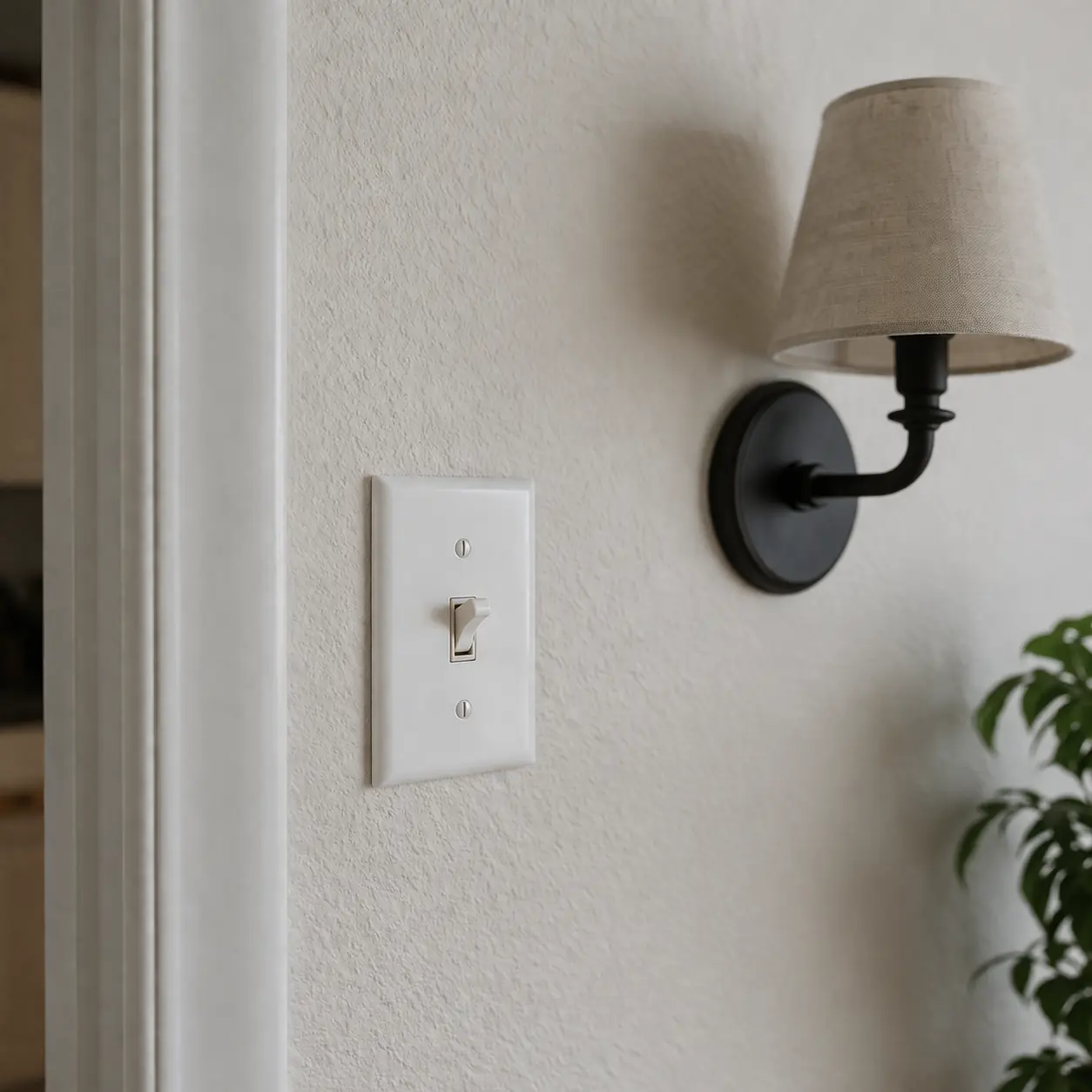
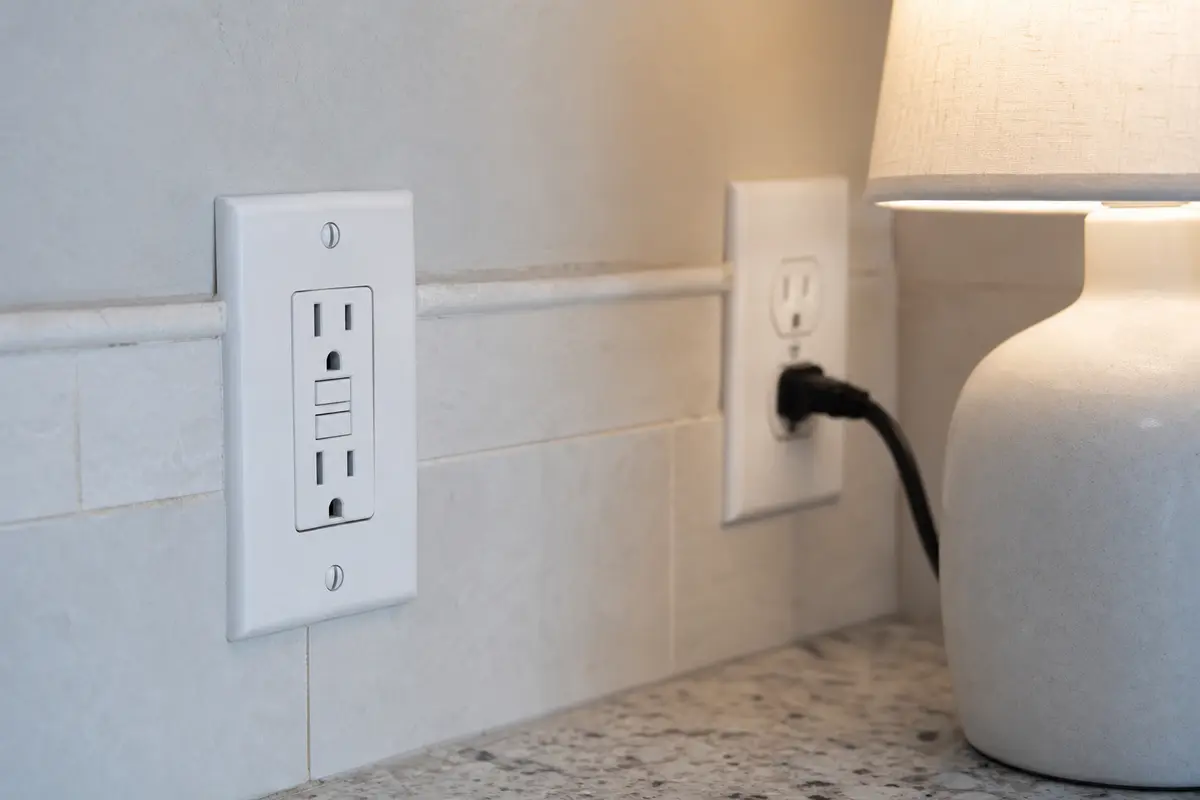
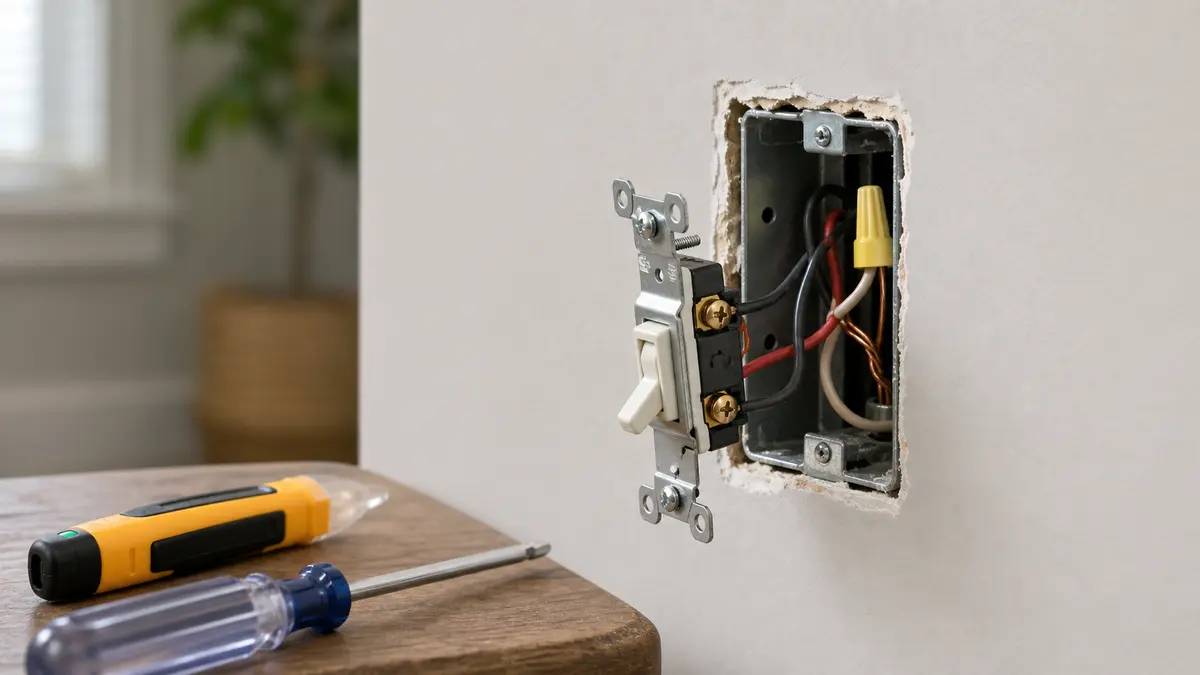
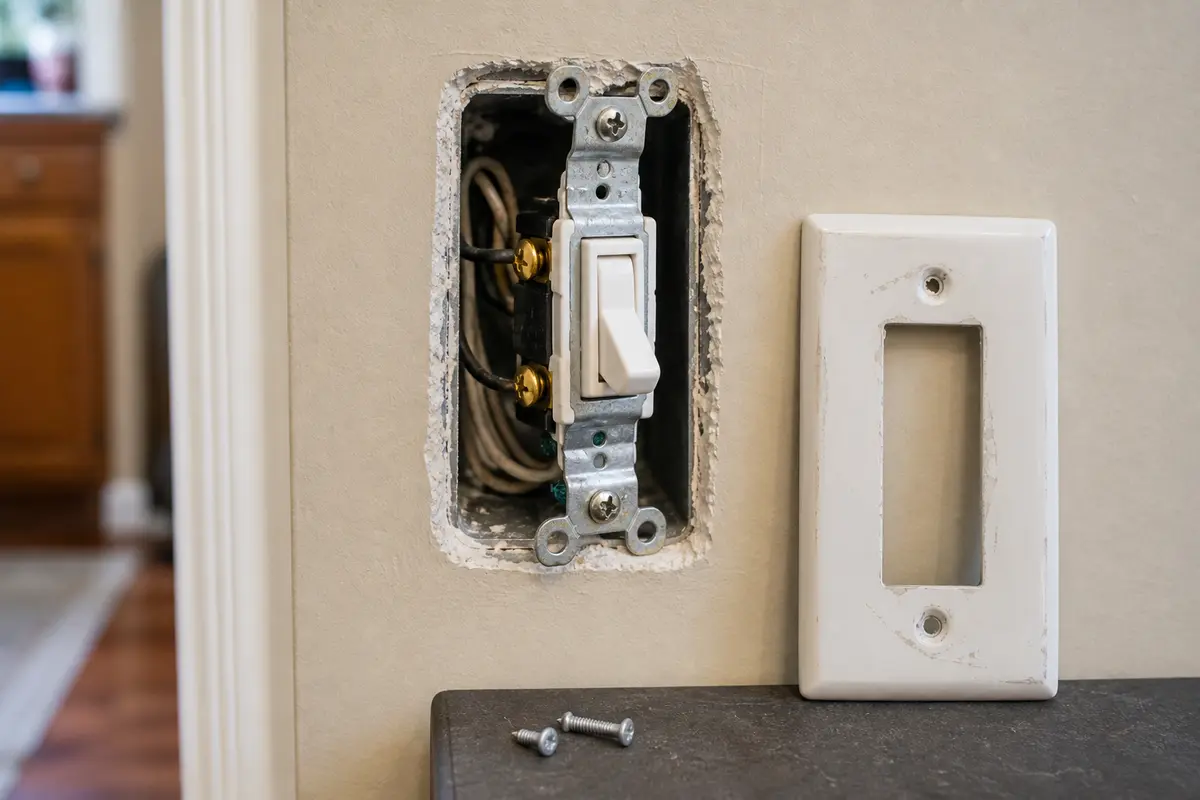
The shopping clue has to be specific. First confirm a known-good bulb or fixture, a breaker or GFCI that holds, and a switch symptom such as loose action or intermittent contact. If that diagnosis points to the switch, match the exact device family in the box. Keep the same amperage, voltage rating, terminal layout, grounding path, wall-box space, and lighting load.
A dead switch is a simple symptom with several different causes. The useful split is whether the switch lost power, the light failed, or the switch itself is worn.
Read the visible clues before the cover plate comes off. A cool, quiet switch sends you to the bulb, outlet, breaker, and GFCI checks; heat, smell, buzzing, or a tripped breaker changes the next decision.
Make these checks before the cover plate comes off. They sort the failure without touching wiring.
| What you see | What it usually means | Next move |
|---|---|---|
| Only one replaceable bulb is dark | The bulb or fixture is still the easiest explanation. | Try a known-good bulb within the fixture rating. |
| Nearby outlets or lights are also dead | The switch may not be getting power. | Reset the breaker or GFCI once, then stop if it will not hold. |
| A lamp works in one outlet half but not the other | The wall switch may control only the switched half. | Use the switch while the lamp is plugged into each half. |
| The toggle feels loose or works only when held | The switch contacts may be worn. | Turn the breaker off and verify the box is dead before inspection. |
| One 3-way location works differently than the other | The control is not a standard single-pole switch. | Identify the 3-way device before buying a replacement. |
The switch moves up the list after the load works, the circuit is stable, and the device gives you a switch-specific clue.
These tools support sorting and safe like-for-like replacement. They are not permission to work live or diagnose confusing wiring by trial and error.
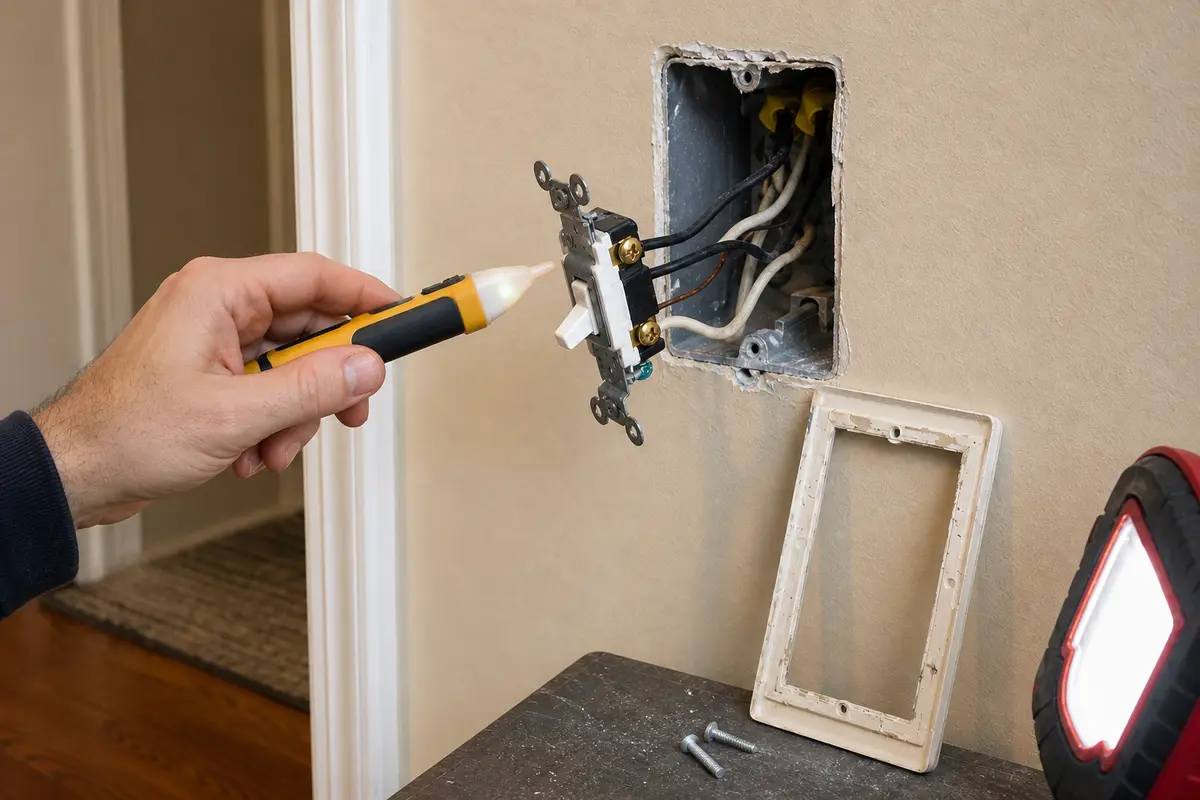
Helps when: You have turned off the breaker and need a no-touch check before loosening the switch.
Skip it when: The tester reading is unclear, the box still appears energized, or you are using it as a reason to work live.
Compare voltage testers on Amazon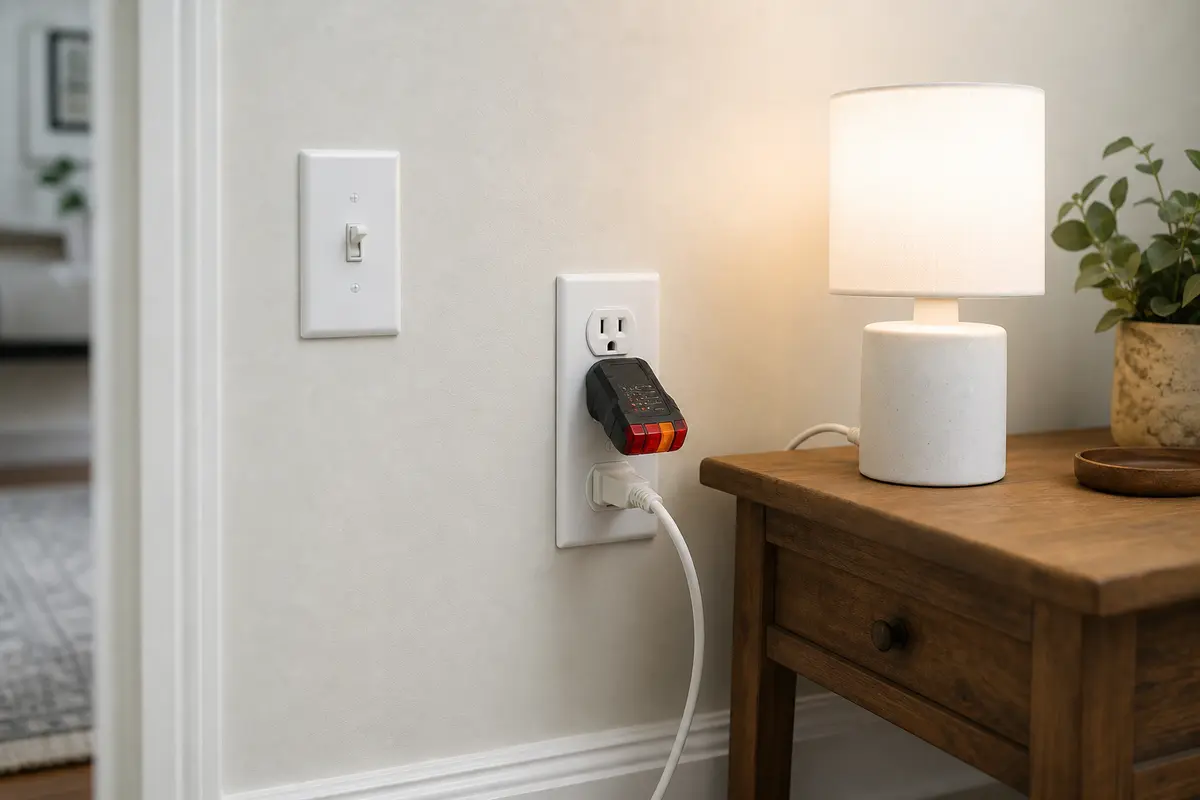
Helps when: You need to tell a switched outlet from a dead circuit without opening the wall.
Skip it when: The outlet, switch, or wall plate is warm, scorched, buzzing, or wet.
Compare outlet testers on Amazon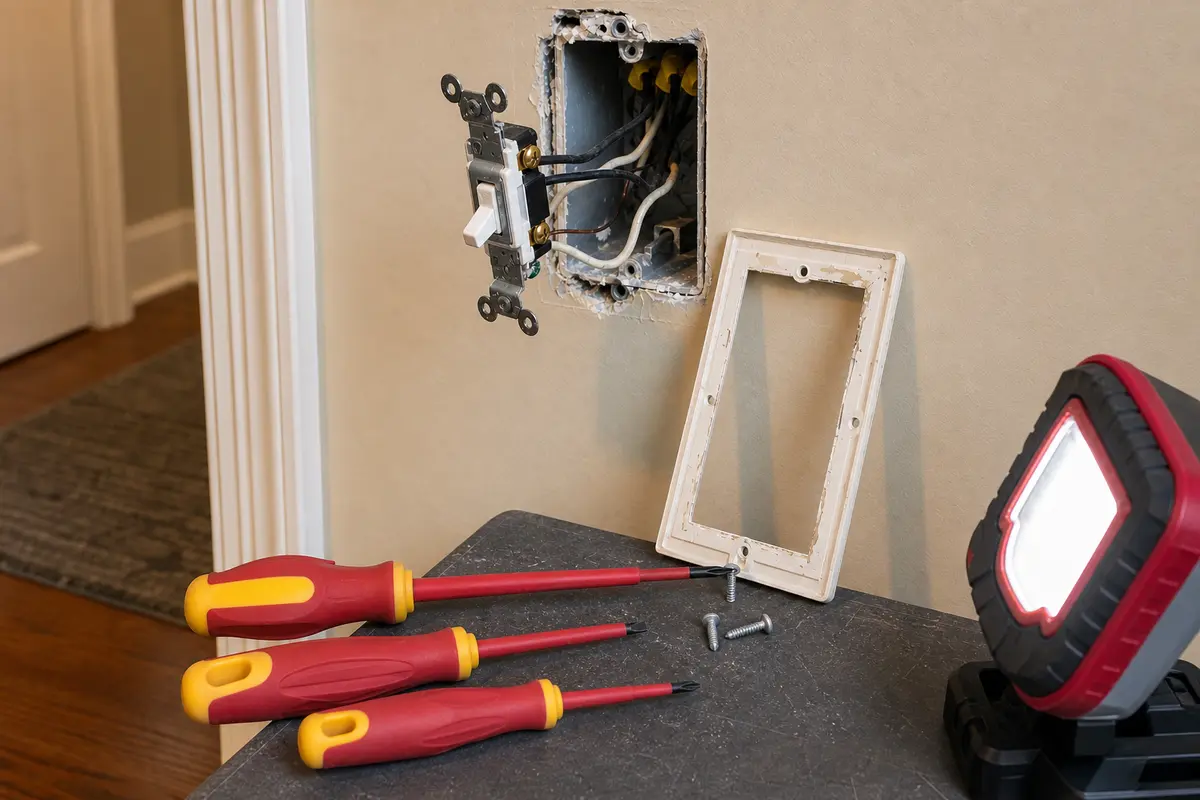
Helps when: You are removing only the cover plate and switch screws after the breaker is off and the box tests dead.
Skip it when: The device is hot, damaged, or packed with wiring you cannot identify confidently.
Compare insulated screwdrivers on AmazonAs an Amazon Associate I earn from qualifying purchases. Repair Riot may earn a commission at no extra cost to you.
Parts come after the sort. A switch is not universal just because it fits the wall plate.
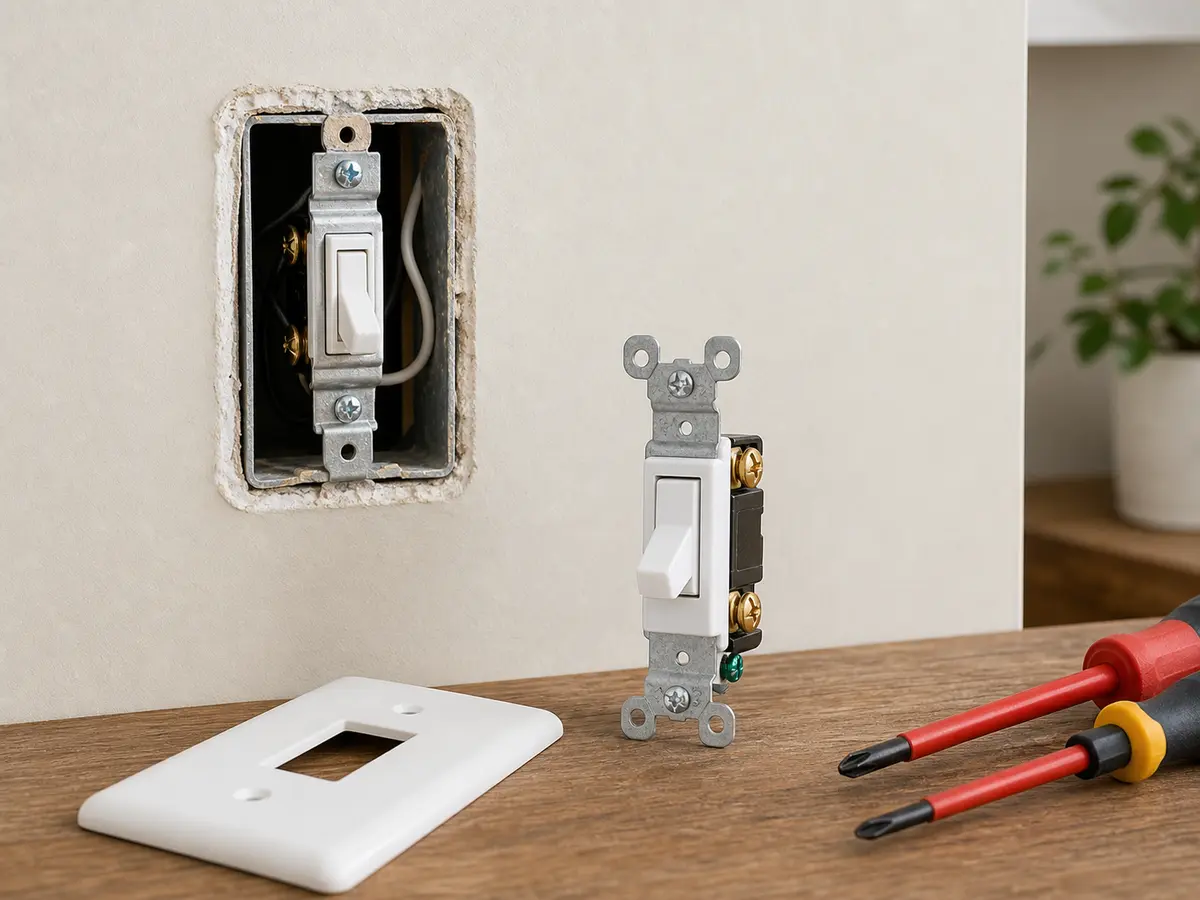
Helps when: One switch location controls the light, the bulb or fixture is ruled out, the circuit is stable, and the old switch shows worn-contact clues.
Skip it when: The light is controlled from two locations, the device is a dimmer or smart switch, or the breaker will not hold.
Compare single-pole switches on Amazon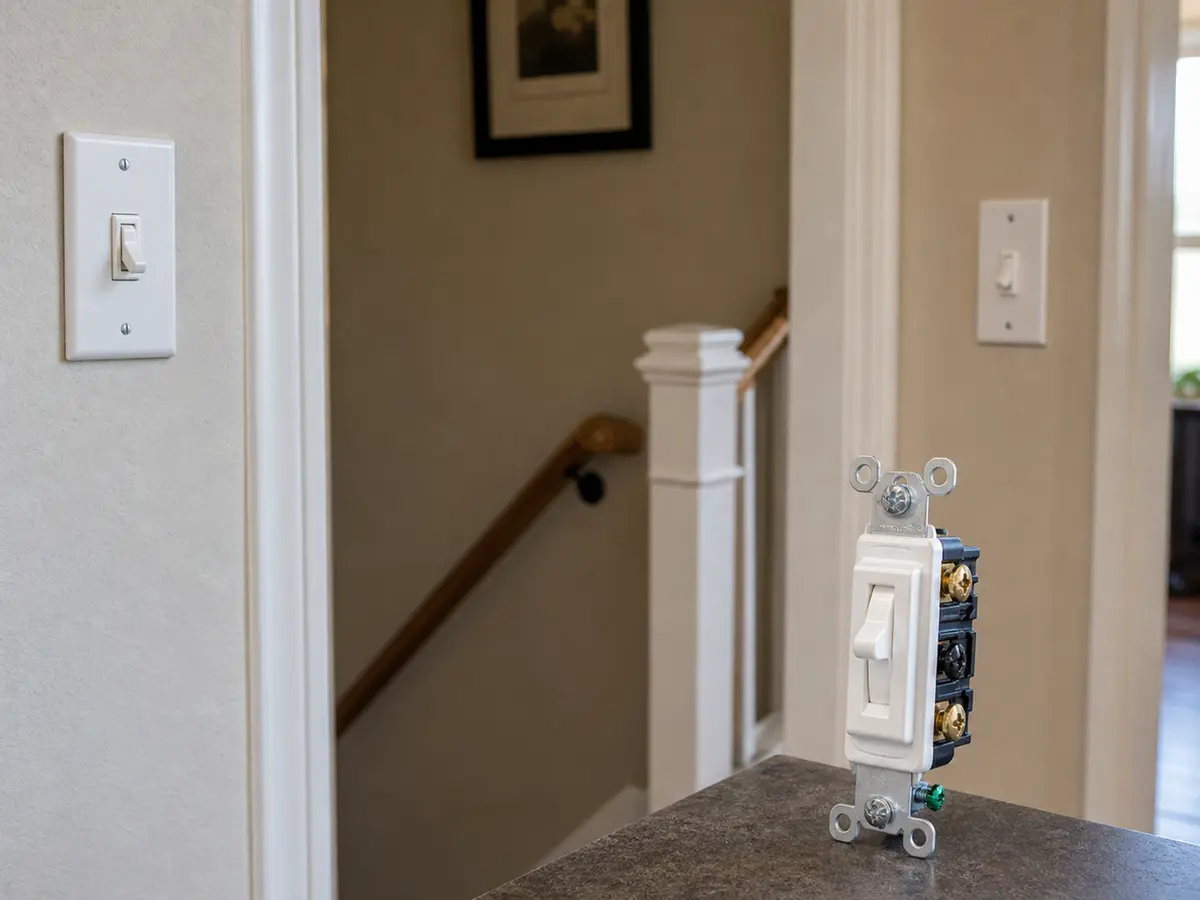
Helps when: Two switch locations control the same light and diagnosis points to one failed 3-way device.
Skip it when: You cannot identify the common and traveler conductors with power off, or the problem may be in the fixture or circuit feed.
Compare 3-way switches on Amazon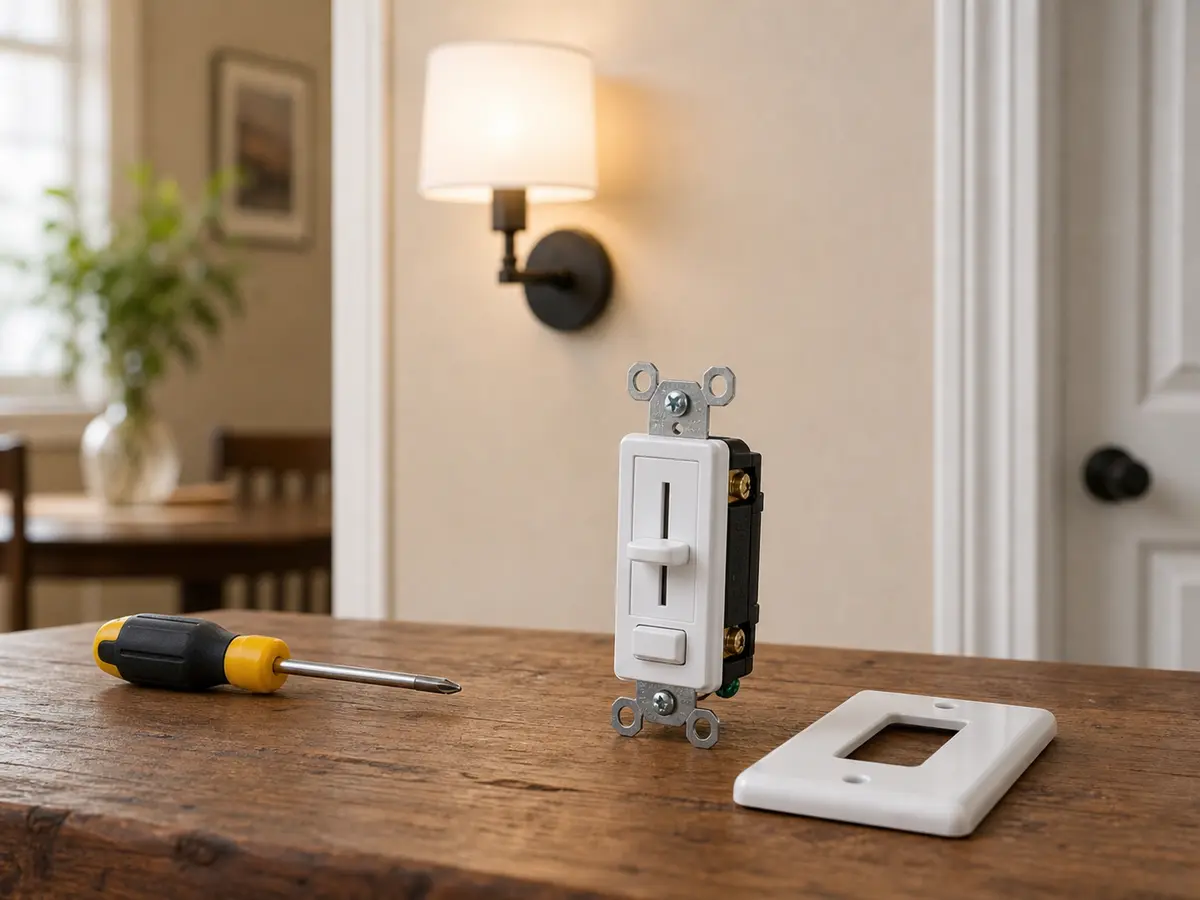
Helps when: The failed control is a dimmer and the connected fixture and lamps are rated for dimming.
Skip it when: The lights are not dimmer-compatible, the box lacks the required wiring for that dimmer, or the old dimmer shows heat damage.
Compare dimmer switches on AmazonAs an Amazon Associate I earn from qualifying purchases. Repair Riot may earn a commission at no extra cost to you.
Good notes help an electrician find the fault faster, especially when the problem comes and goes.
The switch may have failed, but sudden failure can also come from a burned-out bulb, failed fixture, tripped breaker, tripped GFCI, or switched outlet confusion. Start with what else still has power.
Put a known-good bulb in the fixture or plug the lamp into a live receptacle. If that load works elsewhere, nearby outlets have power, and this switch feels loose or only works when held, worn switch contacts become the stronger clue. If power reaches the box but the fixture stays dark, the fixture or wiring needs diagnosis.
Yes. Some lights are fed through GFCI-protected circuits, especially near bathrooms, garages, basements, laundry rooms, kitchens, and exterior areas. Reset the GFCI once. If it will not hold, stop.
Leave it off and call a licensed electrician. A breaker that trips again is pointing to an overload, short, ground fault, damaged device, or wiring problem; a new light switch is not the safe next guess.
A careful homeowner may be able to replace a simple switch like-for-like after the breaker is off and the box tests dead. Stop if the device is a 3-way, dimmer, smart switch, crowded box, damaged wiring, heat damage, or anything you cannot identify confidently.
The click only tells you the handle moved. The bulb, fixture, breaker, GFCI, switched outlet, dimmer compatibility, or switch contacts can still be the failed part.
A dimmer can fail, but incompatible LED lamps, a failed fixture, lost power, or a dimmer that needs a neutral can create similar symptoms. Match the dimmer to the lighting load before replacing it.
Treat it as unsafe. Turn the circuit off, stop using the switch, and call a licensed electrician for buzzing, crackling, warmth, burning smell, discoloration, or melted plastic.
Only if it is cracked, warped, scorched, or damaged during a confirmed switch repair. A normal wall plate does not make the switch fail, but heat damage around it is a stop sign.
Repair Riot built this page around what a homeowner can safely observe: what else is out, breaker or GFCI status, bulb and fixture checks, switch feel, and when heat or noise means stop. The repair sequence is original guidance.