Fan blade rubbing, scraping, or packed with debris?
Shut power off at the thermostat, disconnect, and breaker. Clear leaves or shifted metal only when the blade cannot start unexpectedly.
A slow outdoor AC fan is a stop-and-sort problem. Shut cooling off, check for debris or a rubbing blade with power off, then look at the condenser coil. A free-spinning blade that still starts weakly points toward motor, capacitor, or wiring diagnosis.
Good clue: a fan that starts normally cold but slows as the cabinet heats up usually belongs with a hot motor or weak run capacitor, not more cleaning.
Keep the run test short. The compressor depends on that fan to dump heat, and long slow-fan operation can get expensive quickly.
Don’t start with: Do not push the blade, repeat breaker resets, or replace a capacitor by guess. Shut the unit down when the fan hums, needs help, or slows again.
Shut power off at the thermostat, disconnect, and breaker. Clear leaves or shifted metal only when the blade cannot start unexpectedly.
Clean the outside airflow path with power off. Restricted condenser airflow can make the fan motor run hot and weak.
That is a strong motor or run-component clue. Stop cooling after the short check and call an HVAC tech.
Do not push it. A weak capacitor or fan motor can look like this, and both need safe testing before parts.
Shift to broader no-cooling checks: filter, ice, outdoor unit operation, and refrigerant-side service clues.
The safe clues are outside the electrical compartment: debris under the top grille, a blade path that rubs, packed condenser fins, and whether the fan weakens as the unit heats up.
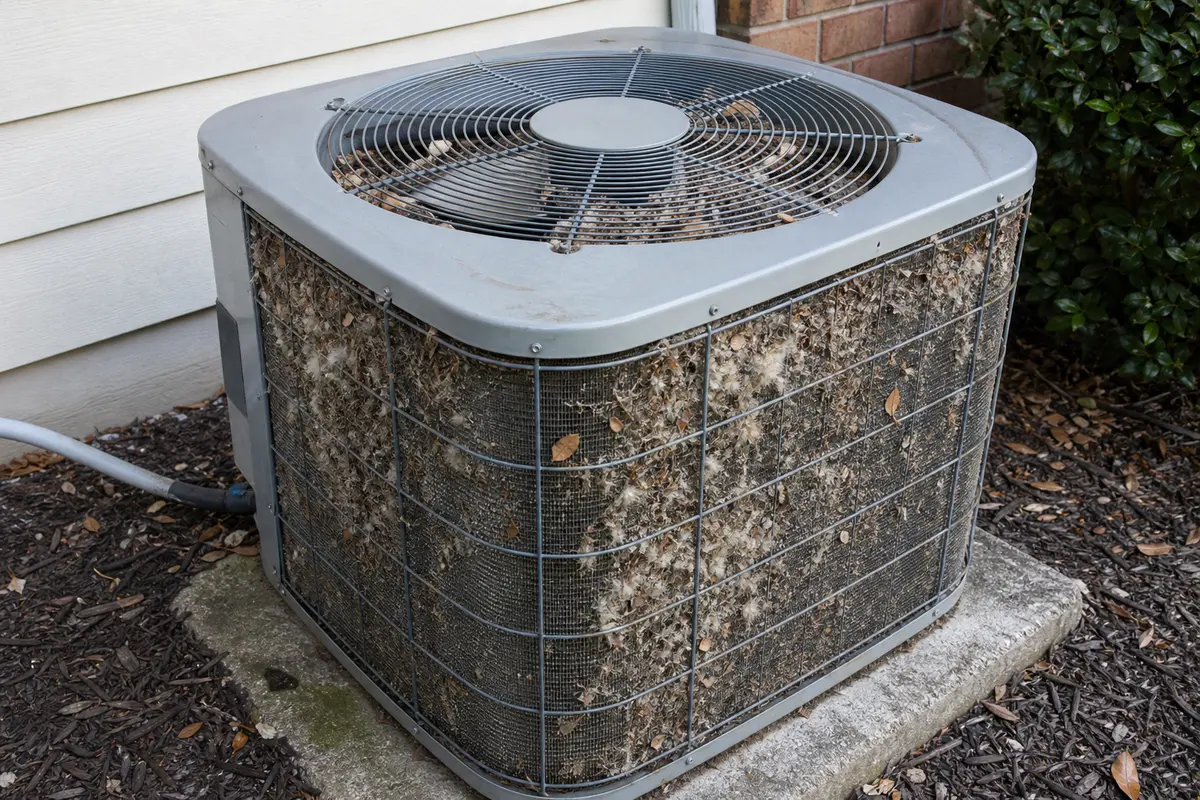
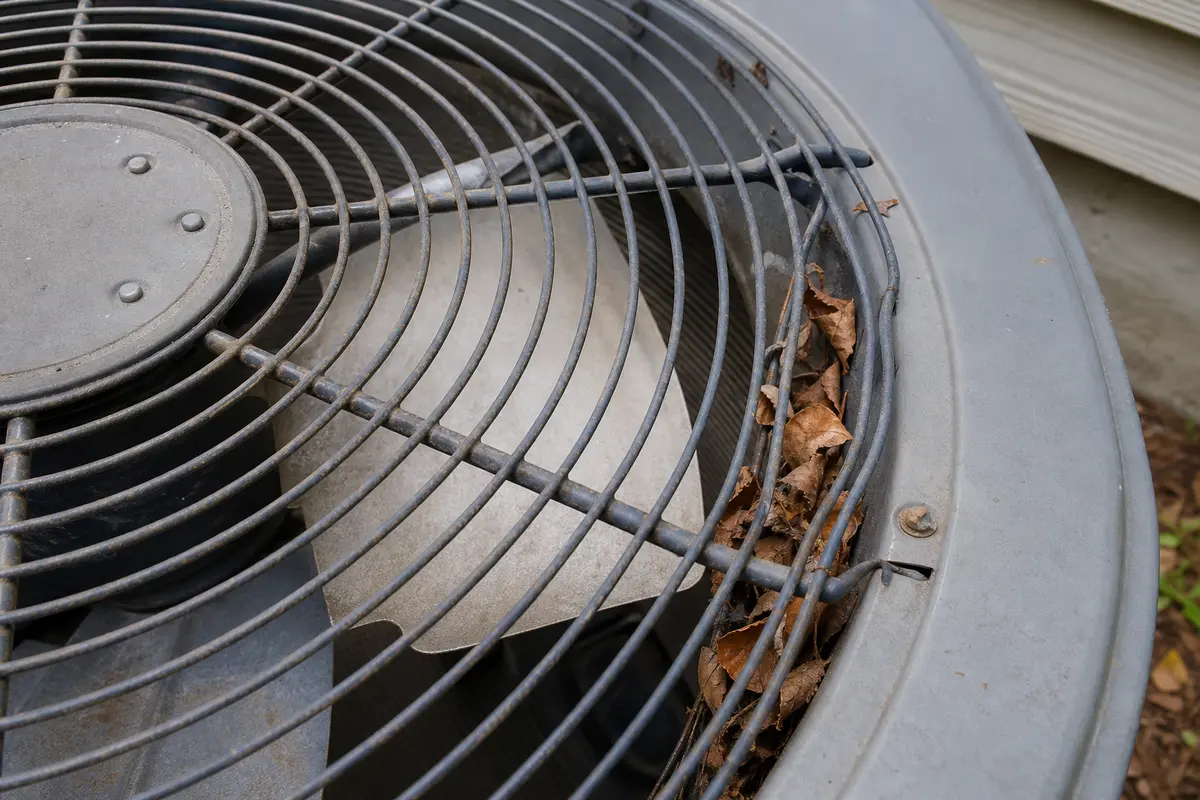
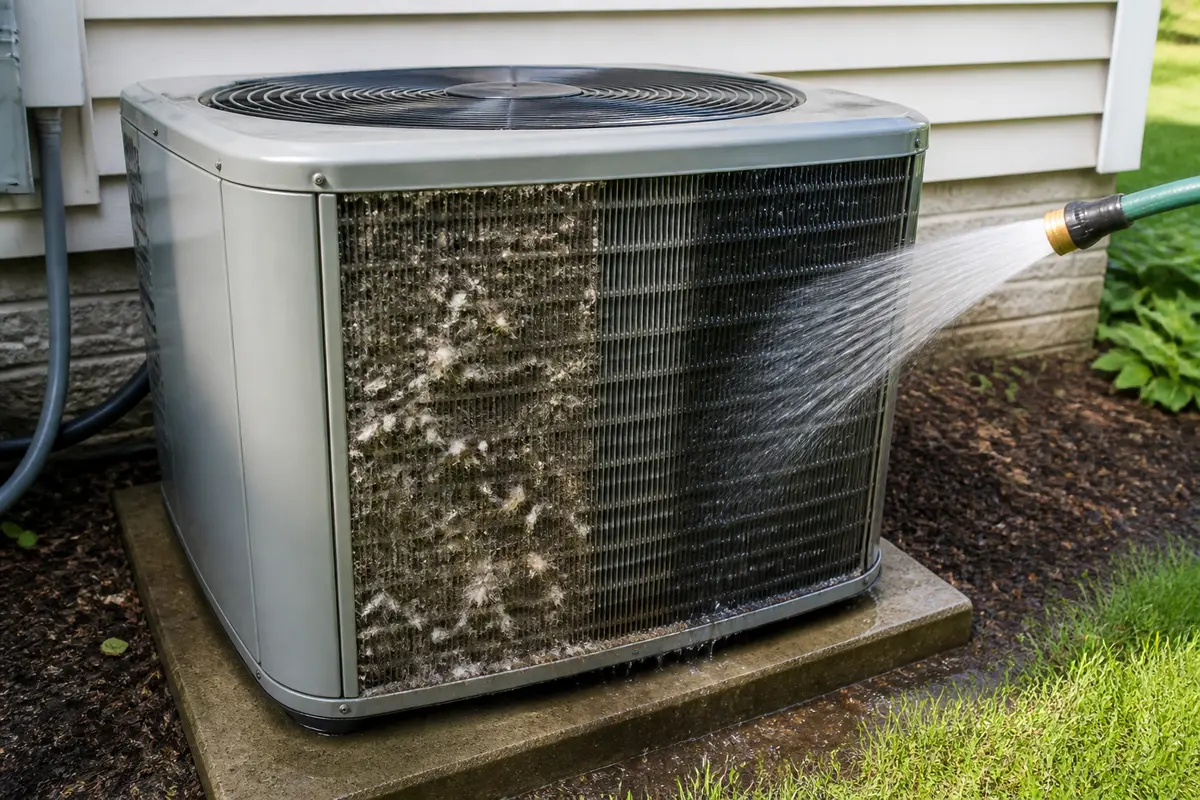
Do the power-off visual checks first. A condenser fan motor belongs in the cart only after rough bearings, wobble, heat-related slowdown, or a technician test points there. Copy the exact outdoor unit model number before comparing a motor, blade, or capacitor. A capacitor is not a blind swap; rating, wiring, and safe discharge procedures matter, and hidden condenser electrical work is a service job for most homeowners.
The outdoor fan is either being held back, running hot, or losing starting torque. Work from the cabinet outward before opening any electrical area.
Most expensive mistakes start with forcing the fan or guessing at electrical parts. Keep the condenser closed until the outside clues are clear.
Use one short cooling call only to sort the pattern, then shut the system down before hands-on checks.
| What you see | What it usually means | Next move |
|---|---|---|
| Blade scrapes, stops hard, or rubs the guard | Physical drag is holding the fan back. | Leave power off, clear debris or shifted metal only if it is safe, then retest briefly. |
| Coil sides are packed with cottonwood, leaves, or grass | The condenser cannot reject heat well. | Clean the exterior coil and airflow path with power off before judging the motor. |
| Blade spins freely by hand but starts weakly under power | The problem has moved away from simple drag. | Stop cooling and have the motor, capacitor, and wiring tested. |
| Fan starts normally cold, then slows as heat builds | Motor heat failure or a run-component problem is likely. | Leave the AC off and schedule HVAC service. |
| Fan speed looks normal after cleaning but cooling is still poor | The slow-fan clue may not be the main failure now. | Move to no-cooling checks for filter, ice, outdoor operation, or refrigerant-side diagnosis. |
These are the homeowner checks that actually fit this symptom. They do not require removing electrical covers.
A packed condenser coil can make the outdoor unit act hot and tired. Clean airflow before you decide the fan motor is bad.
Once the blade path is clear and the coil can breathe, the remaining slow-fan causes are not good guess-and-run repairs.
These tools support inspection and exterior cleaning only. Skip any task that requires electrical access, refrigerant work, or reaching through the fan guard.
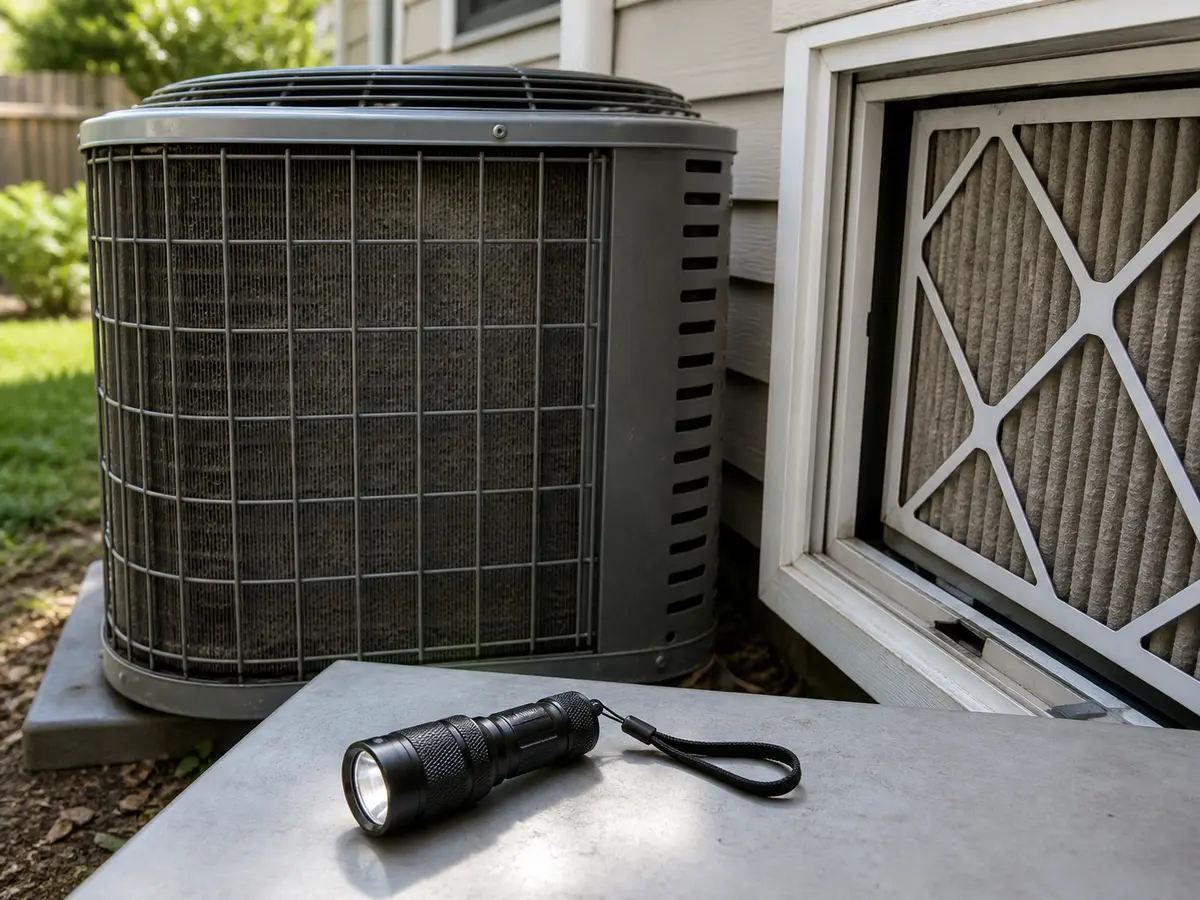
Helps when: Use it to see debris under the top grille, packed coil fins, rub marks, and the model label without opening the service compartment.
Skip it when: Skip deeper inspection when the next step would expose wiring, a capacitor, or a fan motor lead.
Compare inspection flashlights on Amazon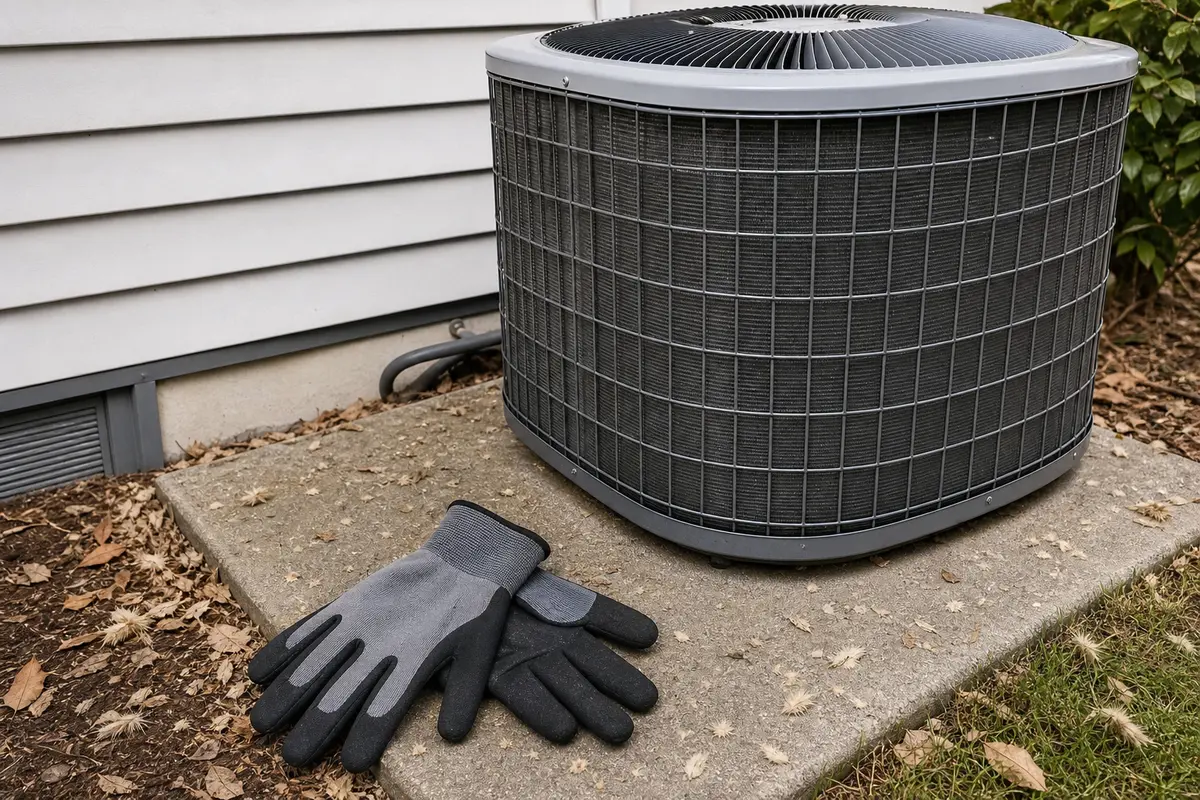
Helps when: Use them for sharp cabinet edges, dry leaves, and light debris cleanup after the condenser is fully powered down.
Skip it when: Skip reaching through the fan guard, handling wiring, or working around a unit that can restart.
Compare work gloves on Amazon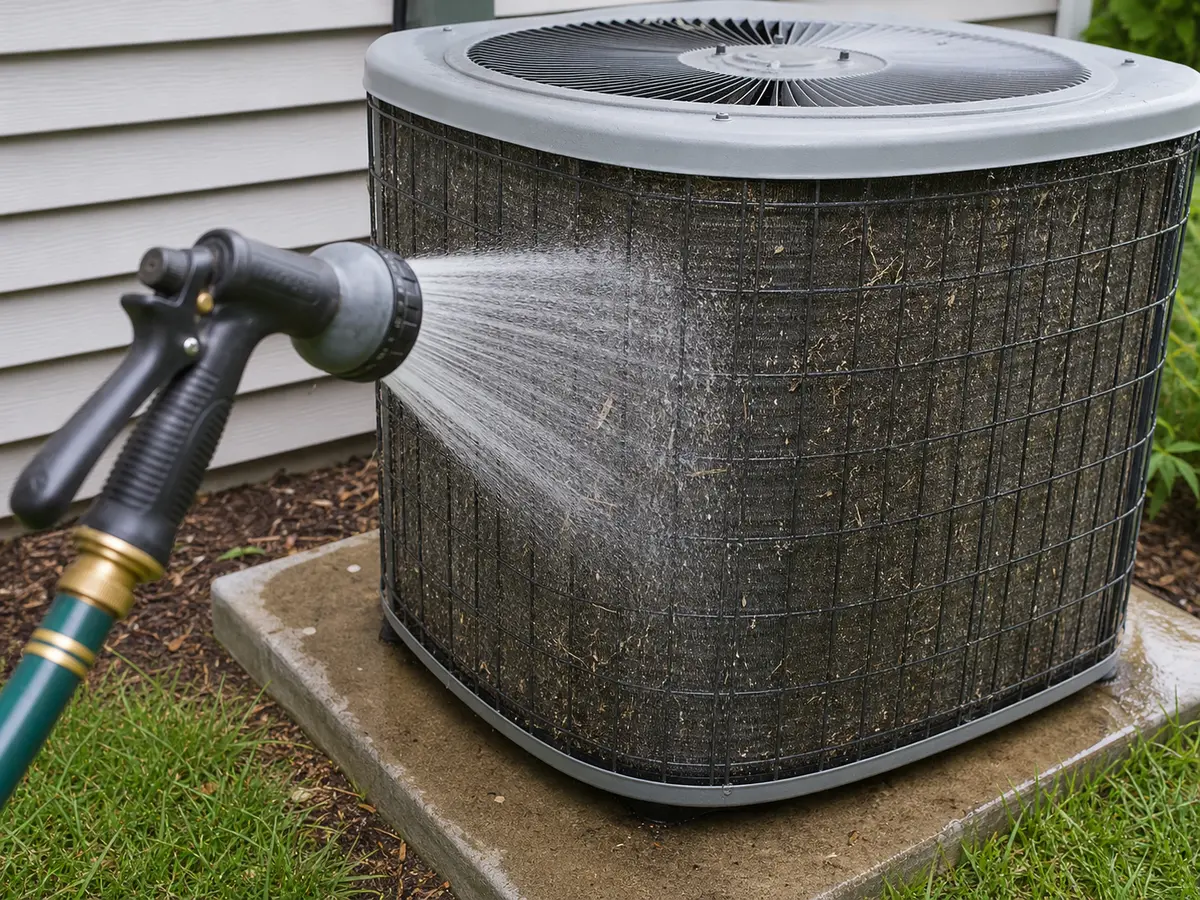
Helps when: Use light water pressure to rinse surface dirt and cottonwood from exterior condenser fins after power is off.
Skip it when: Skip water when the service compartment is open, wiring looks damaged, the ground is unsafe, or only a pressure washer is available.
Compare hose spray nozzles on Amazon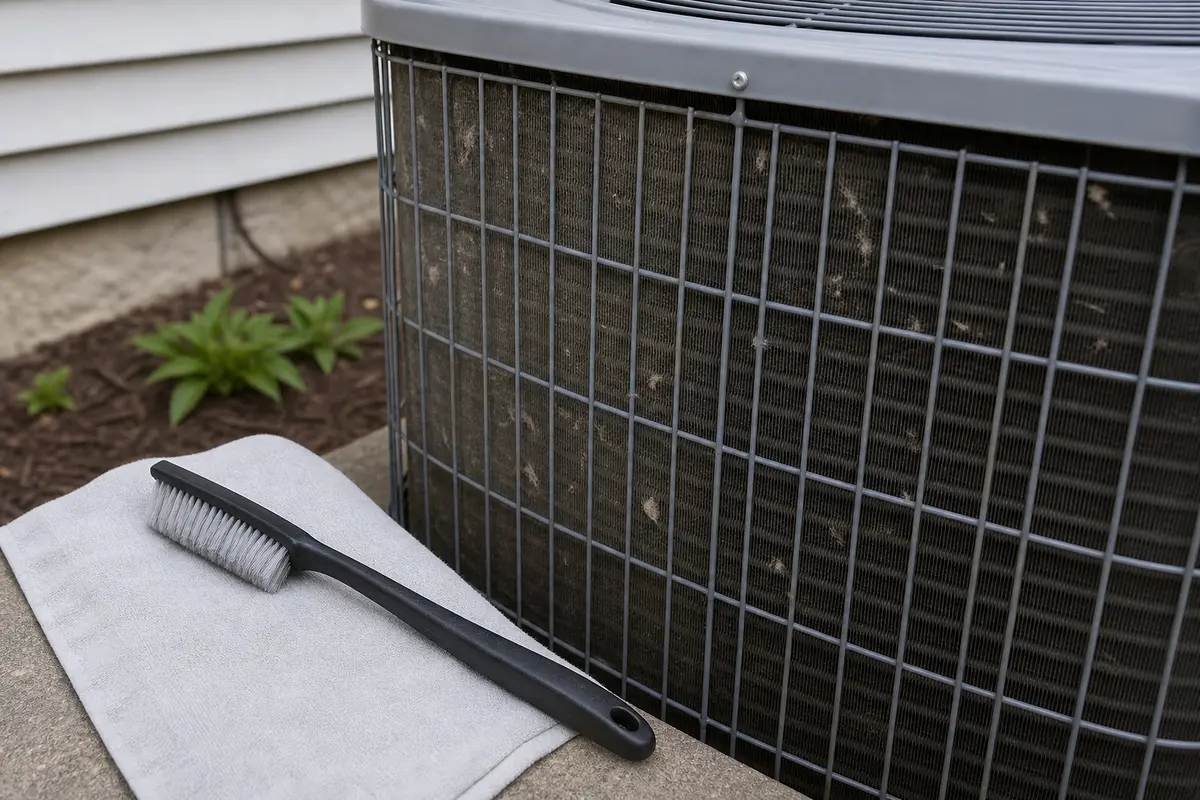
Helps when: Use a soft brush to lift loose cottonwood and dust from exterior fins before a gentle rinse.
Skip it when: Skip it when fins are badly crushed, the coil is oily, or cleaning would require panel removal you cannot reinstall correctly.
Compare coil brushes on AmazonAs an Amazon Associate I earn from qualifying purchases. Repair Riot may earn a commission at no extra cost to you.
Parts come after the clue points somewhere specific. A slow outdoor fan is too risky for random electrical shopping because the compressor is exposed while you experiment.
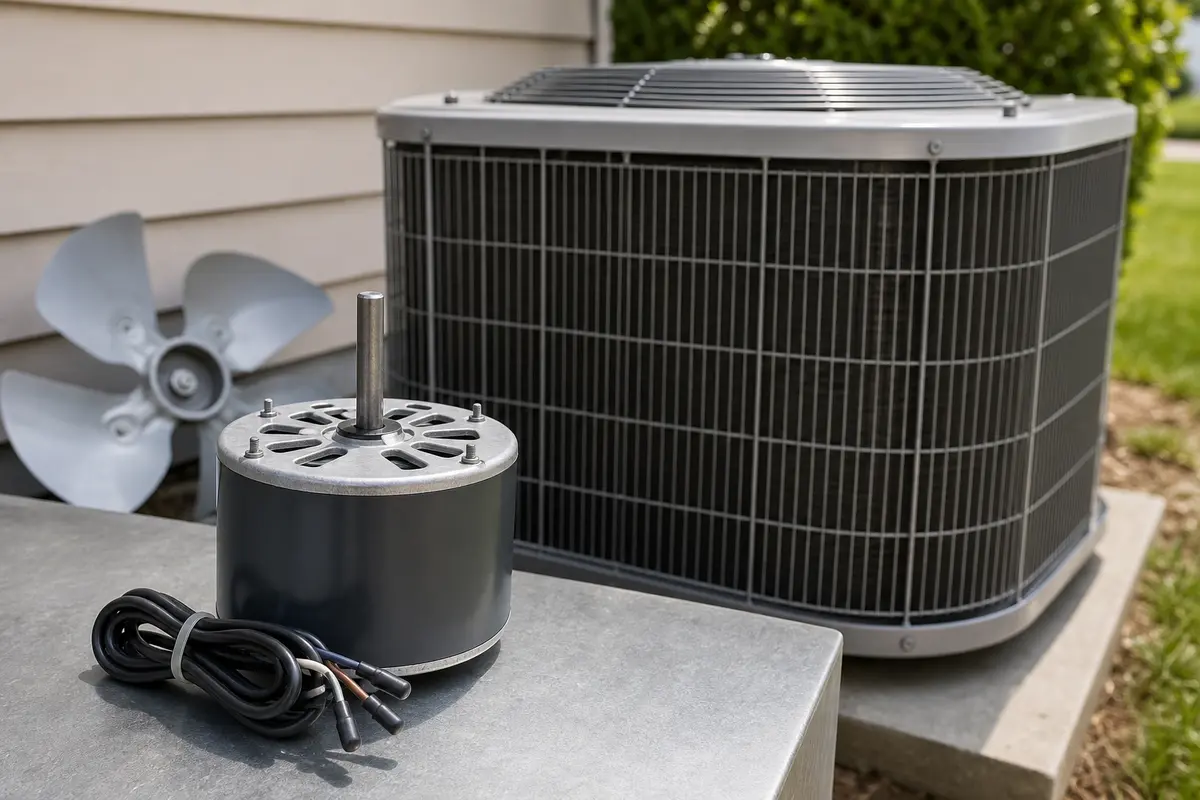
Helps when: Consider one only when the blade spins rough or wobbly with power off, the motor slows as it heats, or a technician confirms motor failure.
Skip it when: Skip it when debris, coil dirt, or blade drag has not been ruled out, or voltage, rotation, shaft size, mounting, and capacitor rating are unconfirmed.
Compare condenser fan motors on Amazon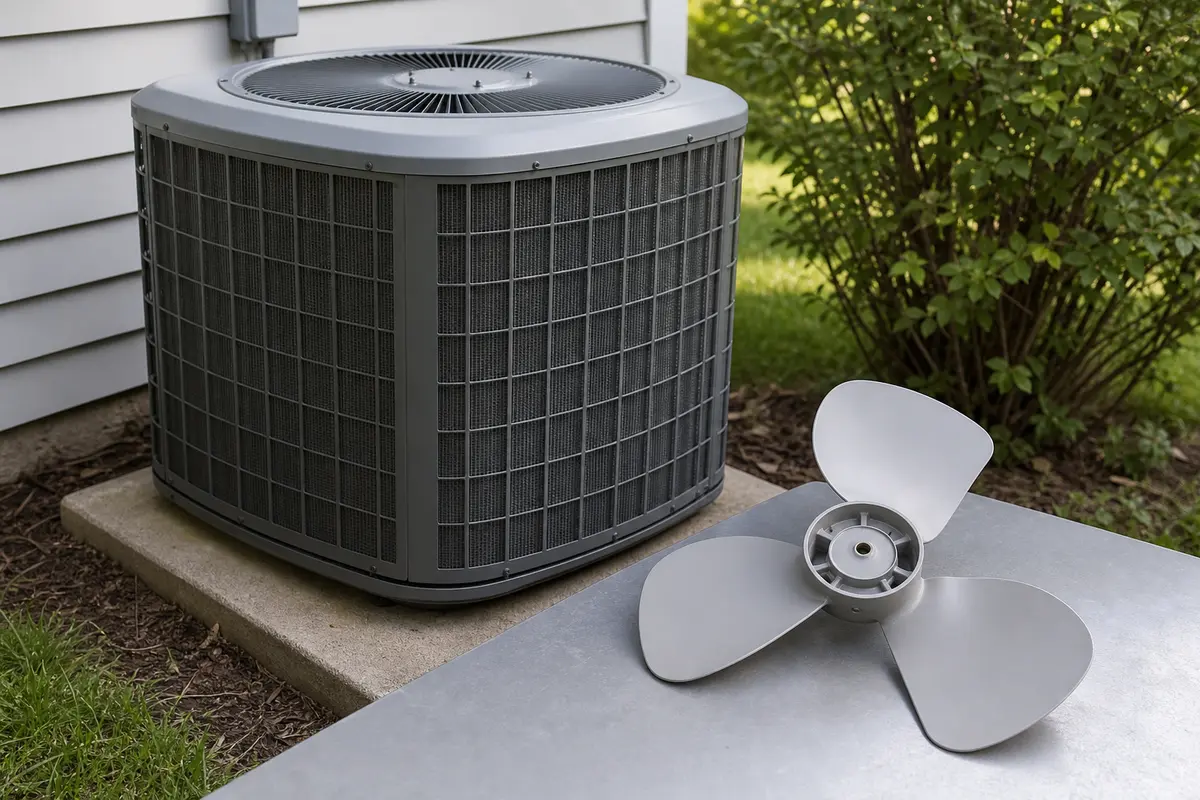
Helps when: Consider one when the existing blade is bent, cracked, loose on the hub, or damaged enough to strike the guard after the shaft checks out.
Skip it when: Skip it when the blade is straight and the main clue is humming, heat-related slowdown, breaker trips, or rough motor bearings.
Compare condenser fan blades on AmazonAs an Amazon Associate I earn from qualifying purchases. Repair Riot may earn a commission at no extra cost to you.
No. Use the system only for a short observation test, then shut cooling off. A slow condenser fan can let compressor heat and pressure climb quickly.
No. A weak capacitor is common, but debris drag, a dirty condenser coil, worn motor bearings, wiring trouble, or control faults can look similar.
Heat load makes weak parts show themselves. A packed coil or motor that loses strength when hot may seem fine in the morning and slow down during peak heat.
That usually means simple physical drag is not the main problem. Stop cooling and have the condenser fan motor, capacitor, and wiring tested safely.
A gentle rinse can help when coil dirt is trapping heat, but power must be off and the service compartment closed. Cleaning will not repair a weak motor or capacitor.
Do not push-start it. A fan that needs help to move is giving you a motor or capacitor clue, and the blade can start unexpectedly while the unit is energized.
Dirty coil trouble comes with matted fins and poor outdoor airflow. Motor trouble is more likely when the blade path is clear, the coil is clean, and the fan hums, wobbles, runs rough, or slows as it heats up.
Skip capacitors, contactors, motors, compressors, and refrigerant parts until the safe checks or a technician test points there. The first reasonable buys are basic cleaning tools, not hidden electrical parts.
Call when the fan hums or needs a push, slows after cleaning, the motor feels rough with power off, the breaker trips, the unit smells hot, or the next check would open electrical covers.
Repair Riot built this page around homeowner-safe observations: fan speed, blade clearance, condenser coil airflow, overheating clues, and clear stop points before electrical or refrigerant work. The sources below support the maintenance and certification boundaries used here.