Is the fan blade blocked, rubbing, or sitting against debris?
Leave power off, clear only loose debris you can reach safely, then run one short test from a distance.
Shut cooling off. With power off, check the fan path for leaves or a bent guard. Then see whether the blade coasts smoothly.
Those two clues sort most cases. The likely paths are debris, a weak capacitor, or a failing condenser fan motor.
Use one short restart from a distance after exterior checks. No full-speed fan within seconds means shut it down.
Don’t start with: Do not leave the thermostat calling for cooling, push the fan, or open the capacitor compartment as a first move.
Leave power off, clear only loose debris you can reach safely, then run one short test from a distance.
A smooth free-spinning blade makes a weak capacitor or electrical start problem more likely than a seized motor.
That points toward a failing condenser fan motor, damaged blade, or shifted shroud. Keep the unit off.
Do not help it. That pattern fits a weak capacitor or motor start problem and needs safe testing before parts.
Stop the DIY checks. The problem may involve the compressor, contactor, wiring, or another energized component.
The useful clues are outside the electrical compartment. Check for blade blockage, smooth power-off movement, and one short restart pattern.
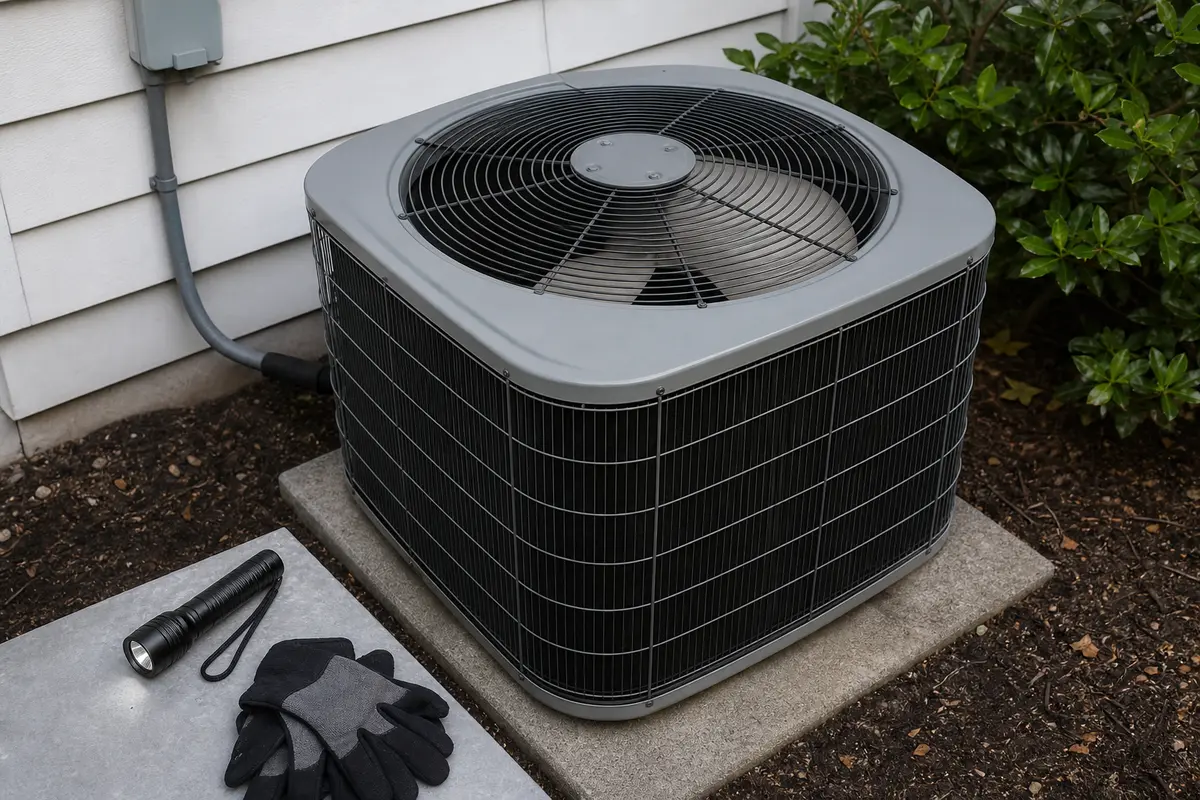
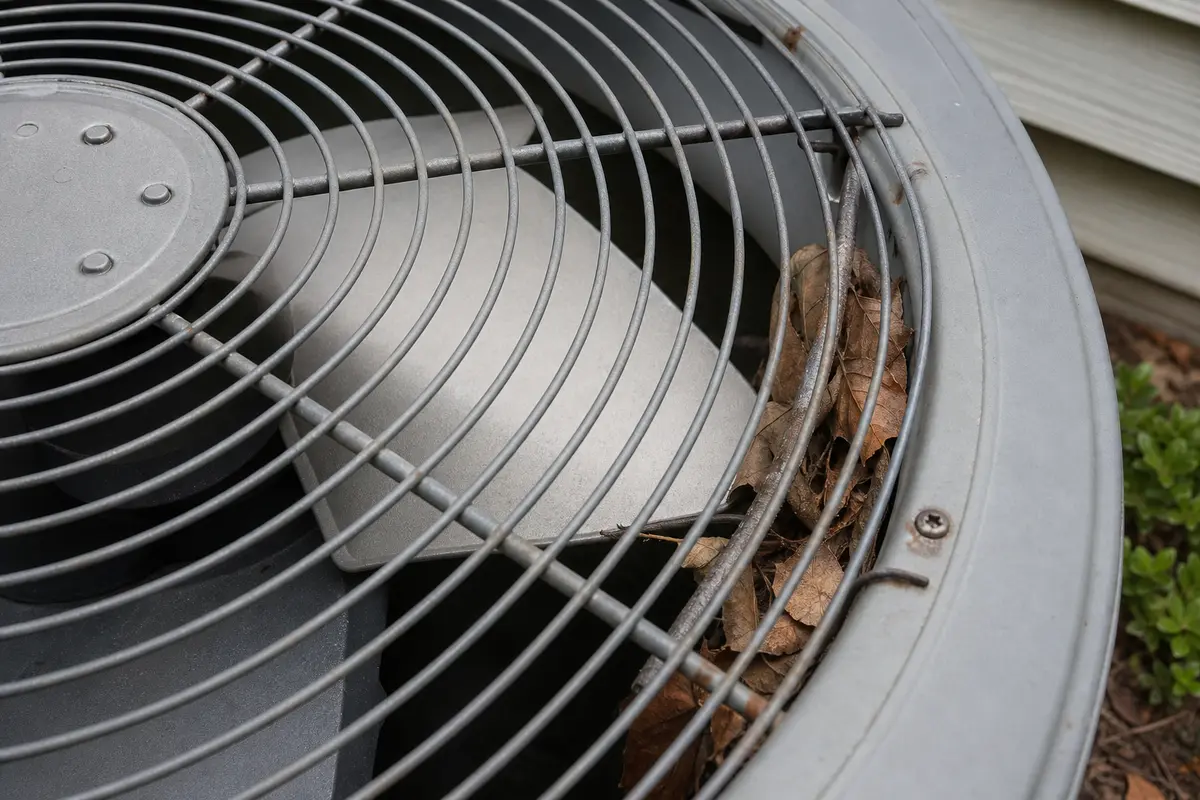
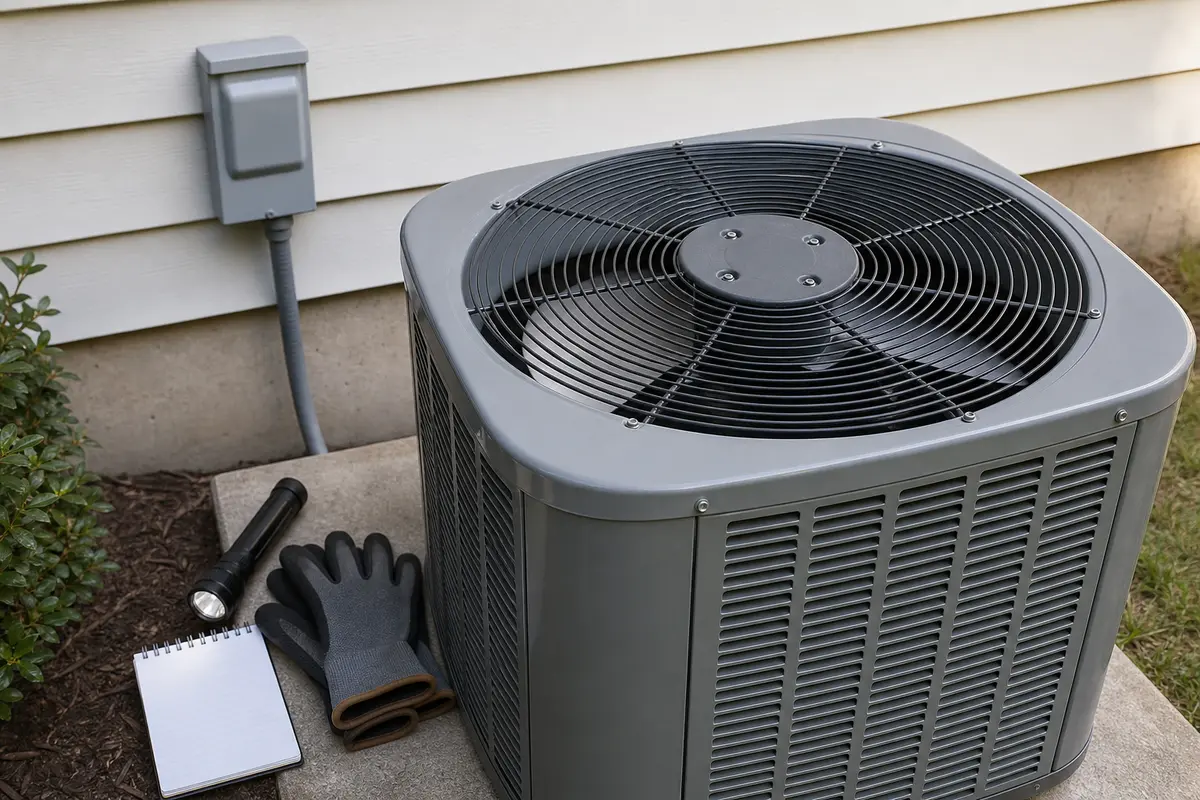
Do not buy parts from the hum alone. A capacitor only fits after the fan blade spins freely and still cannot start. A motor fits better when the blade feels rough, tight, hot, or loose. Copy the outdoor unit model number. Match ratings exactly. Similar-looking HVAC parts often do not interchange.
A hum is only the sound. The useful clue is what the blade does with power off and during one short restart.
The common mistakes all add heat, risk, or bad part guesses. Avoid them before you touch anything.
Use the table after the thermostat, disconnect, and breaker are off. If you run a restart test, keep it short and stand back.
| What you see | What it usually means | Next move |
|---|---|---|
| Leaves, twig, bent guard, or shroud touching the blade | The motor may be trying to start against a physical stop. | Leave power off, clear only safe loose debris, then retest once. |
| Blade spins smoothly by hand but will not start | The capacitor or electrical start side is likely. | Keep the unit off and have the capacitor, motor, and wiring checked safely. |
| Blade feels tight, gritty, scraping, or wobbly | Motor bearings, blade hub, or shaft alignment are suspect. | Plan for motor or blade diagnosis before buying a capacitor. |
| Fan twitches, creeps, or would need a push | Starting torque is missing or the motor is weak. | Do not push-start it; stop the test and repair the confirmed part. |
| Heavy hum, hot cabinet, burning smell, or breaker trip | The problem may be beyond the fan assembly. | Leave the condenser off and schedule HVAC service. |
These checks fit a careful homeowner because they stay outside sealed refrigerant and energized electrical work.
A restart test is for observation only. It should be short enough that the unit does not sit and cook itself.
The capacitor and motor are both common, but they do not fail with the same clues. Use the pattern before the cart.
These tools support exterior inspection and cleaning only. They do not make capacitor work, live electrical testing, or refrigerant service a basic DIY task.
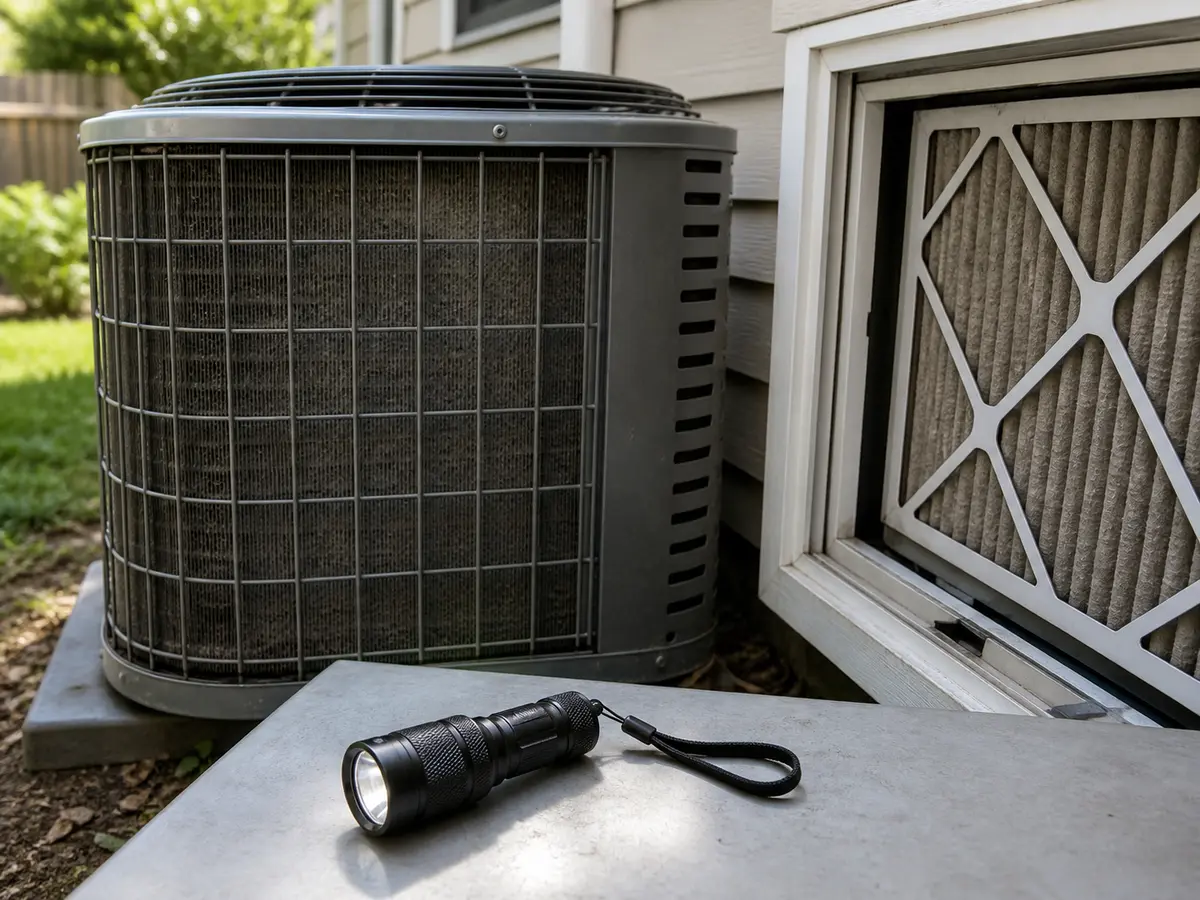
Helps when: Use it to see fan-path debris, rub marks, a loose blade hub, packed coil fins, and the outdoor model tag without opening the service compartment.
Skip it when: Skip deeper inspection when the next step would expose wiring, capacitor terminals, or the fan motor leads.
Compare inspection flashlights on Amazon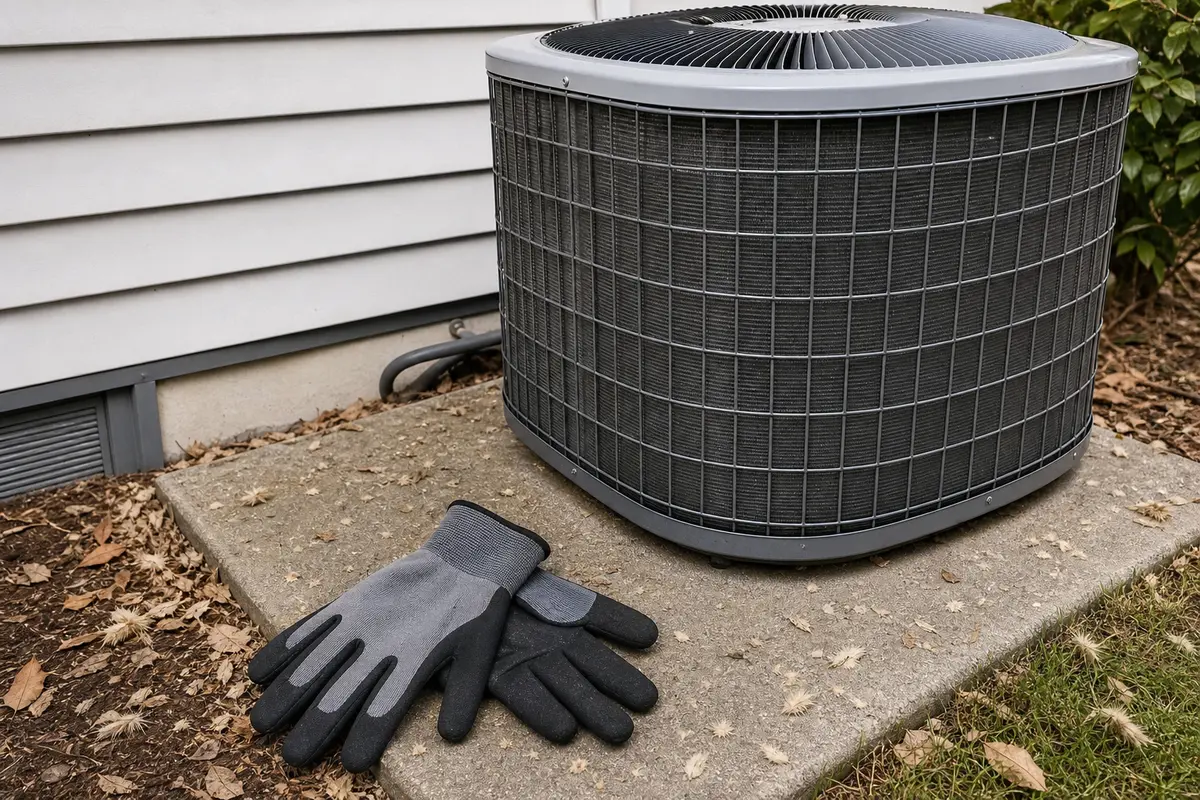
Helps when: Use gloves for sharp cabinet edges and dry debris after the condenser is fully powered down.
Skip it when: Gloves do not make it safe to reach through the fan guard, handle wiring, or work around a unit that can restart.
Compare work gloves on Amazon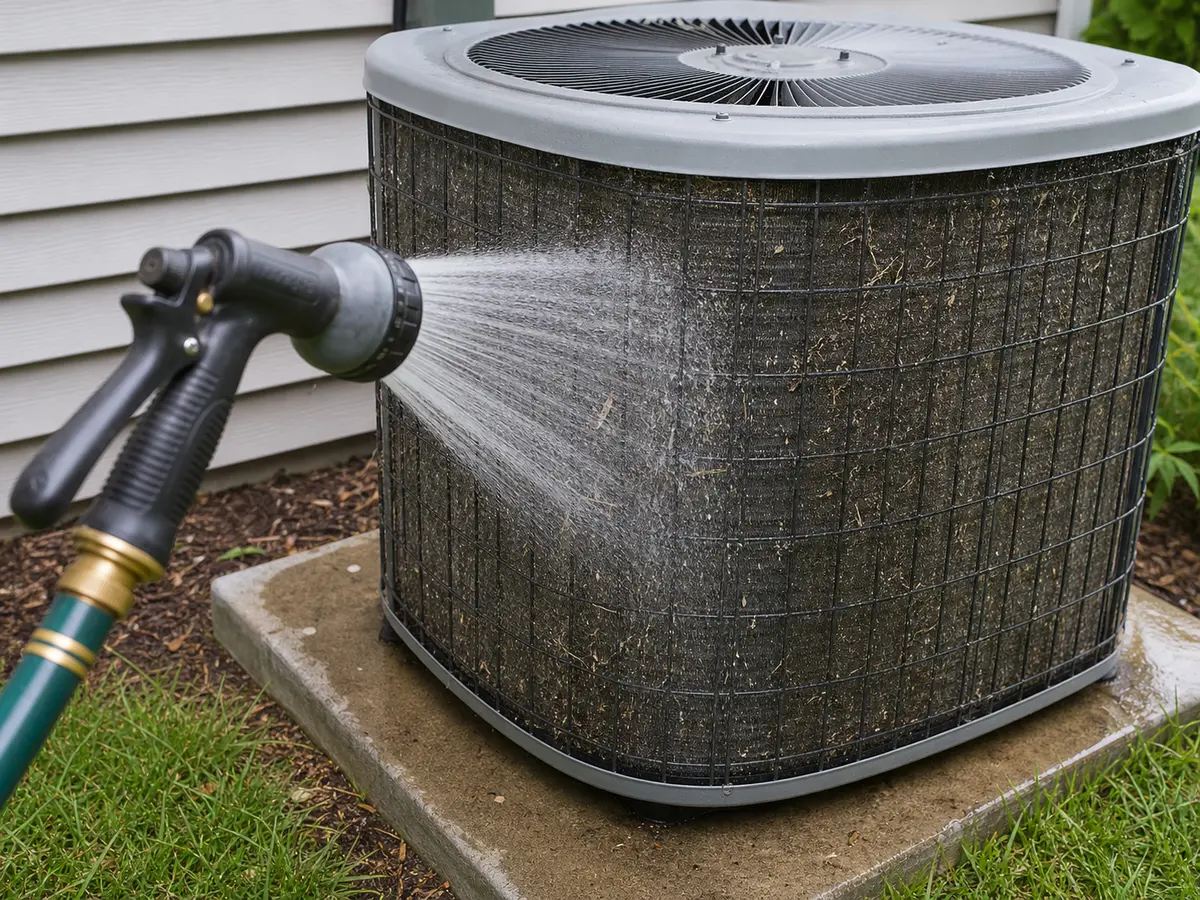
Helps when: Use light water pressure to rinse cottonwood and dirt from exterior condenser fins after power is off.
Skip it when: Skip water when the service compartment is open, wiring looks damaged, the ground is unsafe, or only a pressure washer is available.
Compare hose spray nozzles on Amazon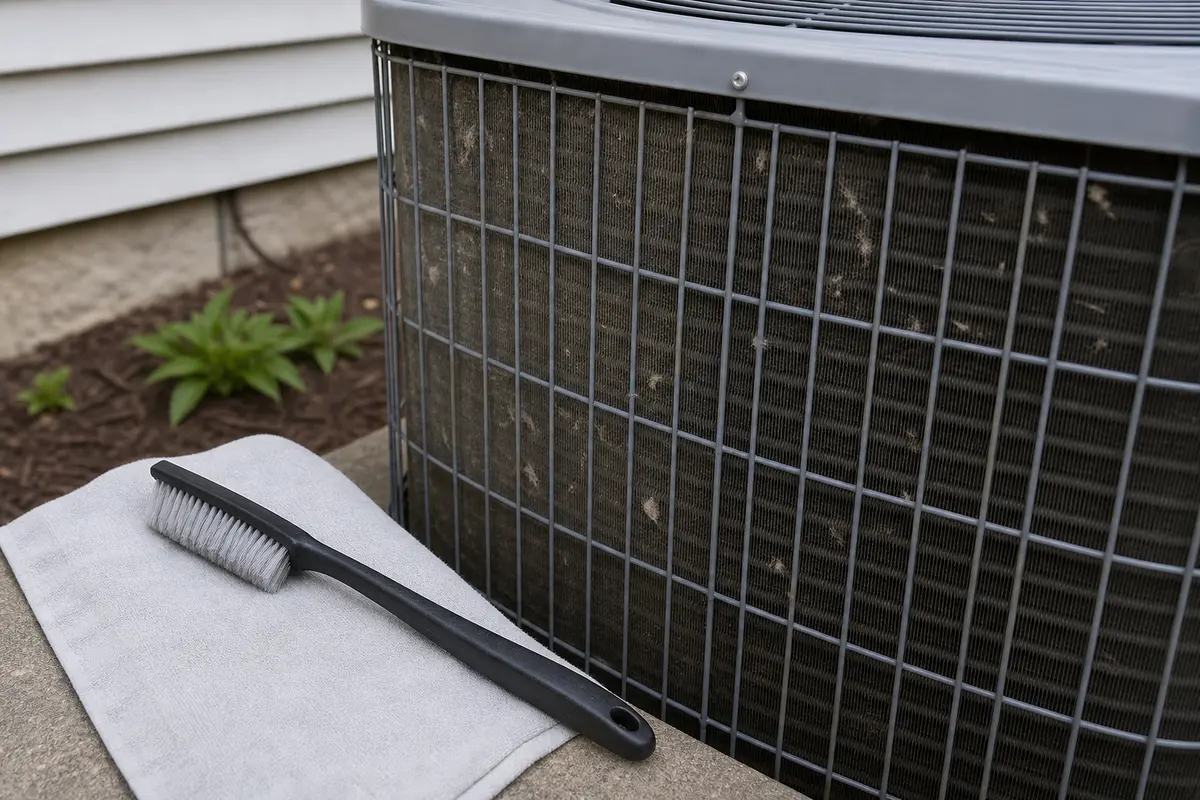
Helps when: Use it to lift loose cottonwood and surface debris from the exterior coil before a gentle rinse.
Skip it when: Skip it when fins are crushed badly, the coil is oily, or cleaning would require panel removal.
Compare condenser coil brushes on AmazonAs an Amazon Associate I earn from qualifying purchases. Repair Riot may earn a commission at no extra cost to you.
Parts belong here only after the safe clues point to a specific failure. A humming condenser can damage the compressor while you experiment.
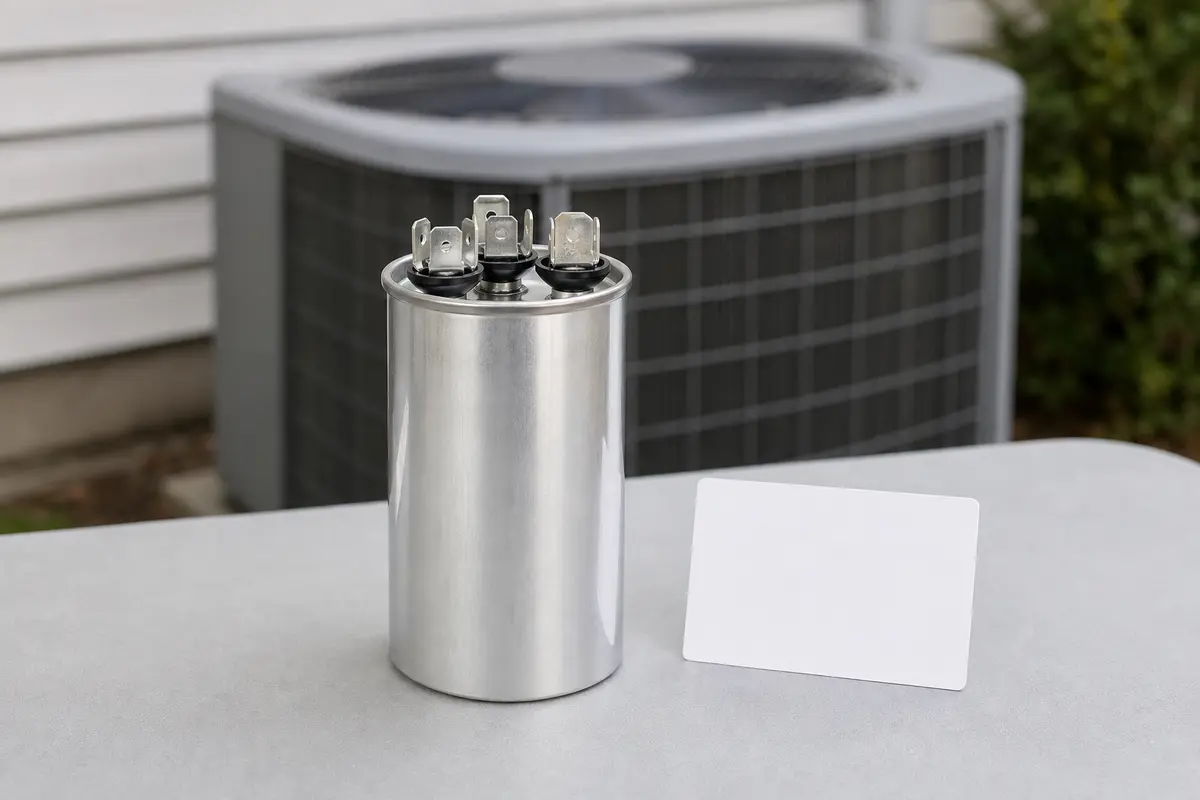
Helps when: Consider one only when the blade spins freely with power off, but the motor hums, twitches, or cannot start on its own during a short cooling call.
Skip it when: Skip it when the blade is blocked, rough, wobbly, the breaker trips, or the exact microfarad and voltage rating are unknown.
Compare condenser fan capacitors on Amazon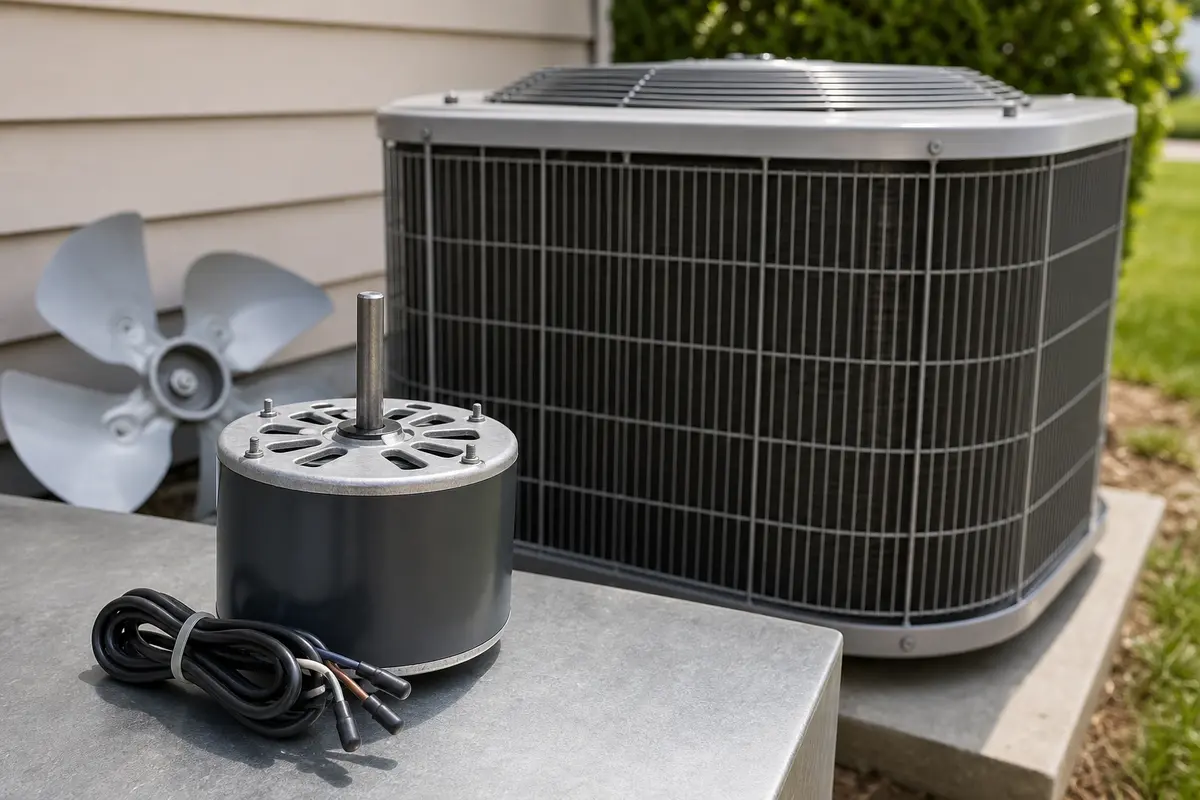
Helps when: Consider one when the blade feels stiff, gritty, loose, overheated, or the motor slows and hums after the cabinet warms up.
Skip it when: Skip it when debris, a bent guard, or a bad capacitor has not been ruled out, or voltage, rotation, shaft, mounting, and capacitor rating are unknown.
Compare condenser fan motors on Amazon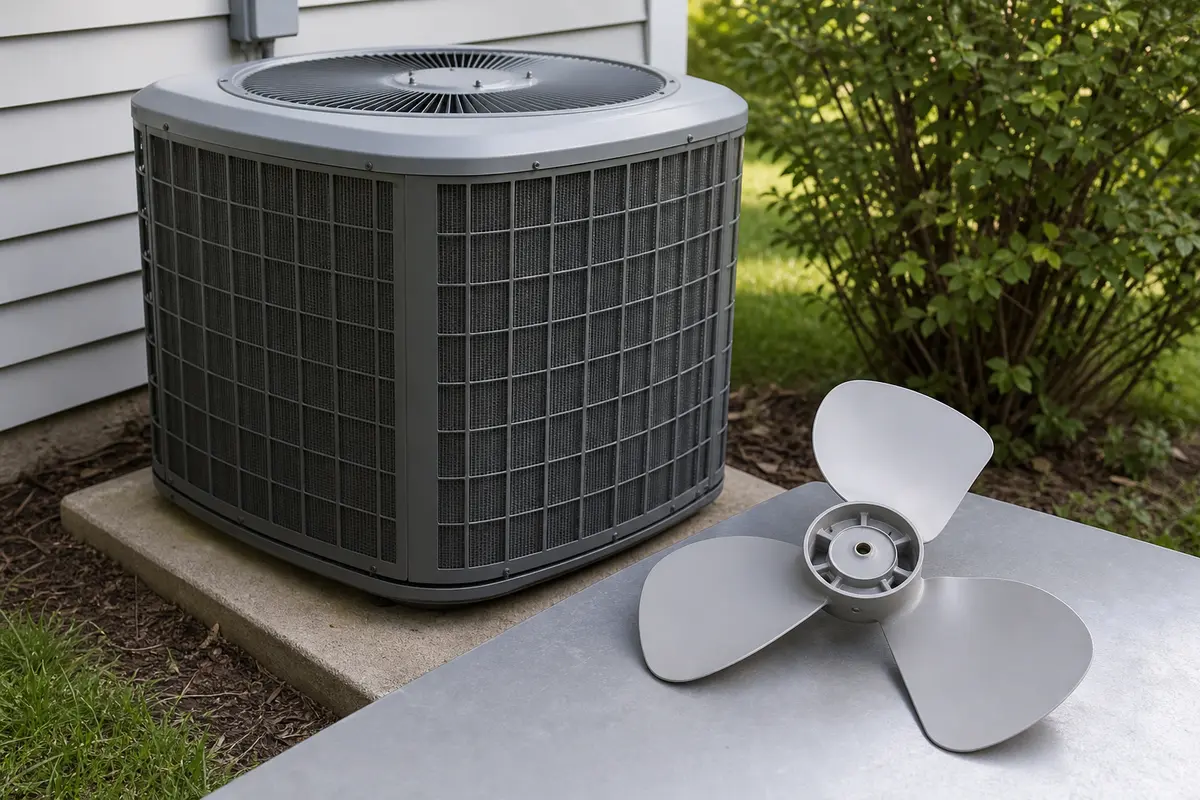
Helps when: Consider one when the blade is bent, cracked, loose on its hub, or scraping the guard after the motor shaft and cabinet alignment are checked.
Skip it when: Skip it when the blade is straight and the real clue is a hum, breaker trip, weak capacitor, or rough motor bearing.
Compare condenser fan blades on AmazonAs an Amazon Associate I earn from qualifying purchases. Repair Riot may earn a commission at no extra cost to you.
No. Treat that as a clue, not a fix. A fan that starts only with help often points to a weak capacitor or motor problem, and the blade can start unexpectedly while the unit is energized.
No. A bad condenser fan capacitor is common, but a seized motor, blocked blade, contactor problem, compressor issue, or wiring fault can sound similar from outside the cabinet.
With power off, a blade that spins smoothly but will not start points toward the capacitor or start circuit. A blade that feels rough, tight, hot, or wobbly points more strongly toward the motor or blade assembly.
The condenser fan removes heat from the outdoor coil and compressor area. Without airflow, heat builds quickly and the compressor can shut off on overload or be damaged.
Yes. A twig, packed leaves, a bent guard, or shifted shroud can keep the blade from turning while the motor still tries to start. Clear only safe loose debris with power fully off.
Not automatically. Buy parts after the symptom pattern and testing support them. Capacitor ratings, motor rotation, shaft size, mounting, and wiring must match the unit exactly.
Stop there. A heavy hum with a free blade may involve the compressor, contactor, wiring, or another energized component, and it should be diagnosed by an HVAC tech.
Yes, if power is off and the service compartment stays closed. Use a soft brush and gentle hose pressure only. Cleaning helps airflow but will not repair a weak capacitor or failing motor.
Call if the fan needs help, the blade feels rough, the cabinet gets hot, the breaker trips, you smell burning, or the next check would expose wiring, capacitor terminals, compressor parts, or refrigerant components.
Repair Riot built this page around safe homeowner observations: outdoor fan movement, blade clearance, power-off blade feel, overheating clues, and clear stop points before capacitor, wiring, compressor, or refrigerant work.