Trips after several things are on?
Treat overload as the first suspect. Unplug heavy loads, reset once, and add items back one at a time.
A breaker that keeps tripping is usually protecting the circuit. Use one proper reset, then sort the timing: overload, one bad cord or device, GFCI moisture, or an immediate fault.
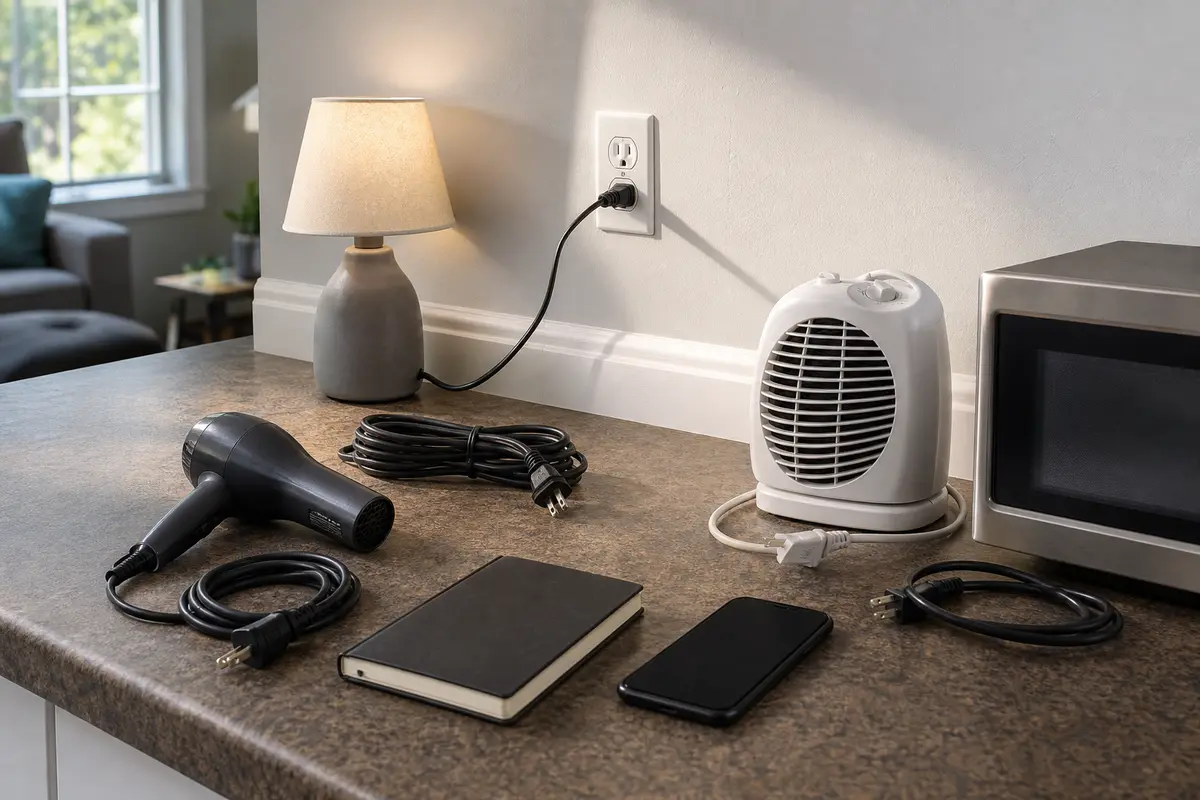
If trips wait until a heater, hair tool, vacuum, microwave, or window AC starts, remove heavy loads and reset once. If it trips instantly with loads removed, leave it off and call an electrician.
Unload the circuit and document the trip pattern. Stop for heat, buzzing, scorch marks, water, odor, or a breaker that will not reset cleanly.
Don’t start with: Do not replace the breaker after one trip, tape it on, or remove the panel cover. If it trips again with loads unplugged, leave it off; panel diagnosis and breaker replacement belong to a licensed electrician.
Treat overload as the first suspect. Unplug heavy loads, reset once, and add items back one at a time.
Leave that appliance or cord unplugged. If the breaker holds without it, the device may be faulty or too large for that circuit.
Leave the breaker off. That points away from a simple overload and toward a short, ground fault, damaged device, wiring issue, or panel-side fault.
Look for damp outdoor covers, garage or bathroom GFCIs, exterior lights, wet cords, and corrosion. Stop reset attempts around wet electrical parts.
Stop using the circuit and call a licensed electrician. Those are connection and arcing clues, not routine reset clues.
Use the panel only for identification and one careful reset. The useful clues are usually outside the panel. Note what was plugged in, whether the trip was instant, and what cord, outlet, GFCI, fixture, or damp location looks wrong.
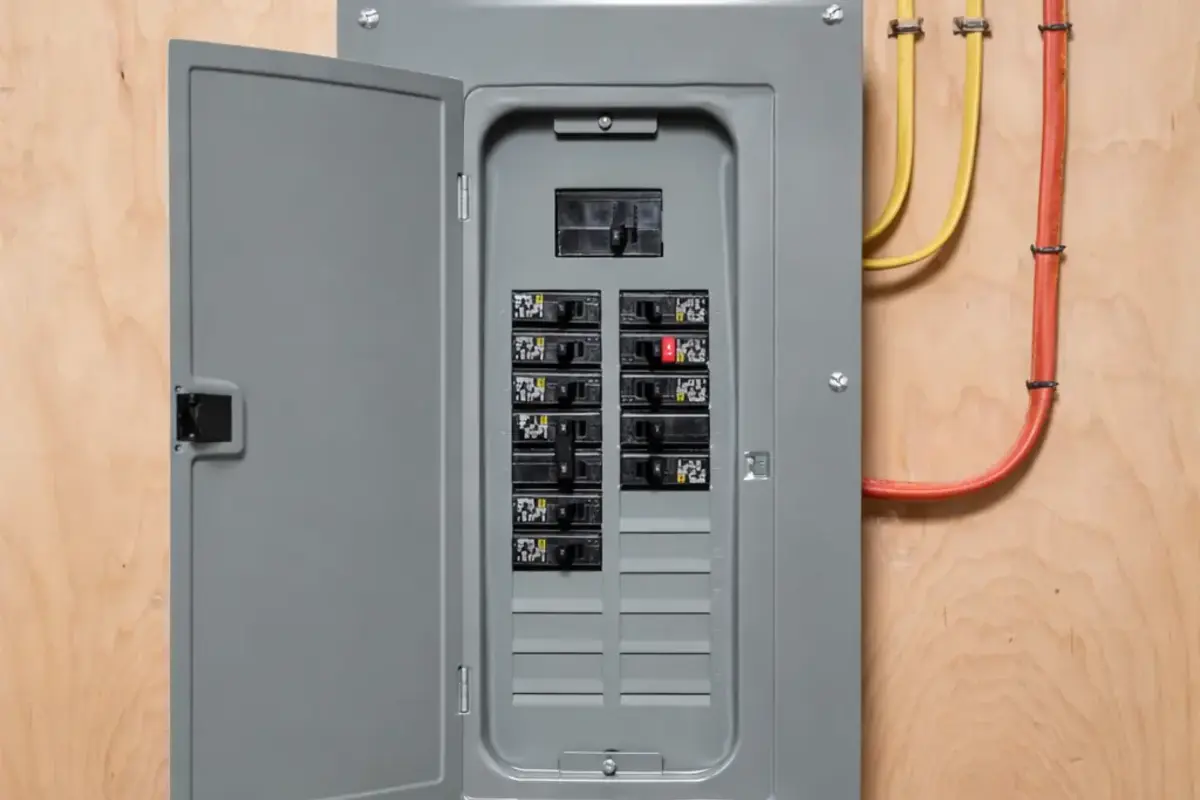
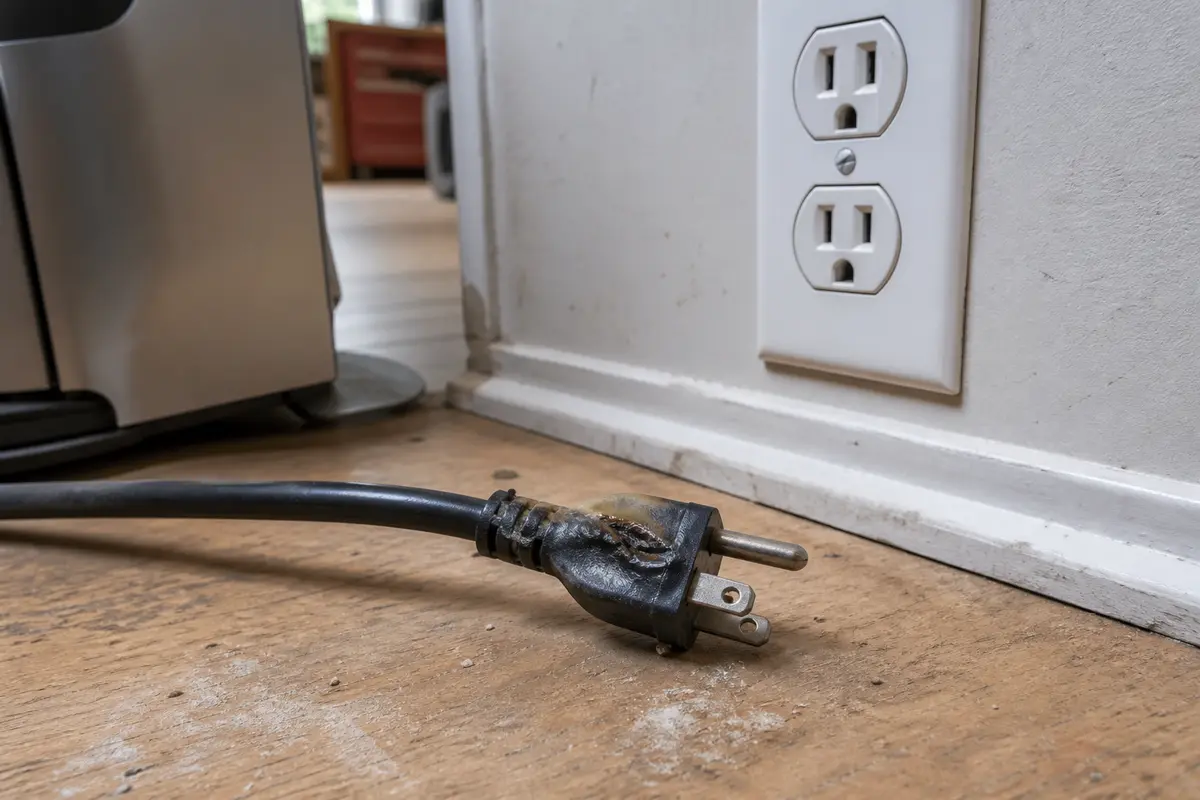
There may be nothing to buy. Do not order a breaker, outlet, GFCI, power strip, or appliance cord until the trip pattern points there. Breakers and panel parts must match the panel listing and are electrician work; portable-device repairs need the exact appliance and cord type.
Write down the trip pattern first: instant, delayed under load, weather-related, or tied to one cord. Stop for heat, buzzing, odor, scorch marks, water, or a second trip with loads removed.
| What you see | What it usually means | Safe next step |
|---|---|---|
| Trips after several devices are running. | The circuit may be overloaded, especially with heaters, hair tools, microwaves, vacuums, dehumidifiers, or window AC units. | Remove heavy loads, reset once, and add items back one at a time. |
| Trips only when one appliance starts. | That appliance, its cord, or its startup load is the better clue than the breaker. | Leave the item unplugged and do not reuse it if the cord, plug, or case shows heat damage. |
| Trips immediately with loads removed. | A short, ground fault, damaged outlet or fixture, hidden wiring issue, or breaker problem is possible. | Leave the breaker off and call a licensed electrician. |
| Trips during rain, humidity, or exterior fixture use. | Moisture may be reaching an outdoor device, GFCI-protected area, garage outlet, basement device, or exterior light. | Stop reset attempts. Keep the area dry and have the damaged weatherproof device repaired. |
| Buzzing, flicker, warmth, odor, scorch marks, or melted plastic. | A loose or damaged connection may be heating or arcing. | Turn the breaker off and stop the DIY path. |
The wrong move with a tripping breaker can hide the clue or make a damaged connection hotter. Keep the checks outside the panel and let the breaker stay off when it keeps protecting the circuit.
Before you reset anything, figure out what lost power. A clear map prevents repeated resets and helps an electrician find the fault faster if the safe checks do not solve it.
Use this path when the breaker trips after normal use, not instantly with everything unplugged. The goal is to prove whether the circuit was overloaded without pushing the breaker through repeated faults.
After overload is less likely, look for visible clues outside the wall. Focus on a bad cord, a wet exterior device, a GFCI that will not reset, or a fixture that trips when switched on.
These tools support no-disassembly checks. They are not permission to work live, open the panel, or diagnose hidden wiring yourself.
Paid links. As an Amazon Associate I earn from qualifying purchases. Repair Riot may earn a commission at no extra cost to you.
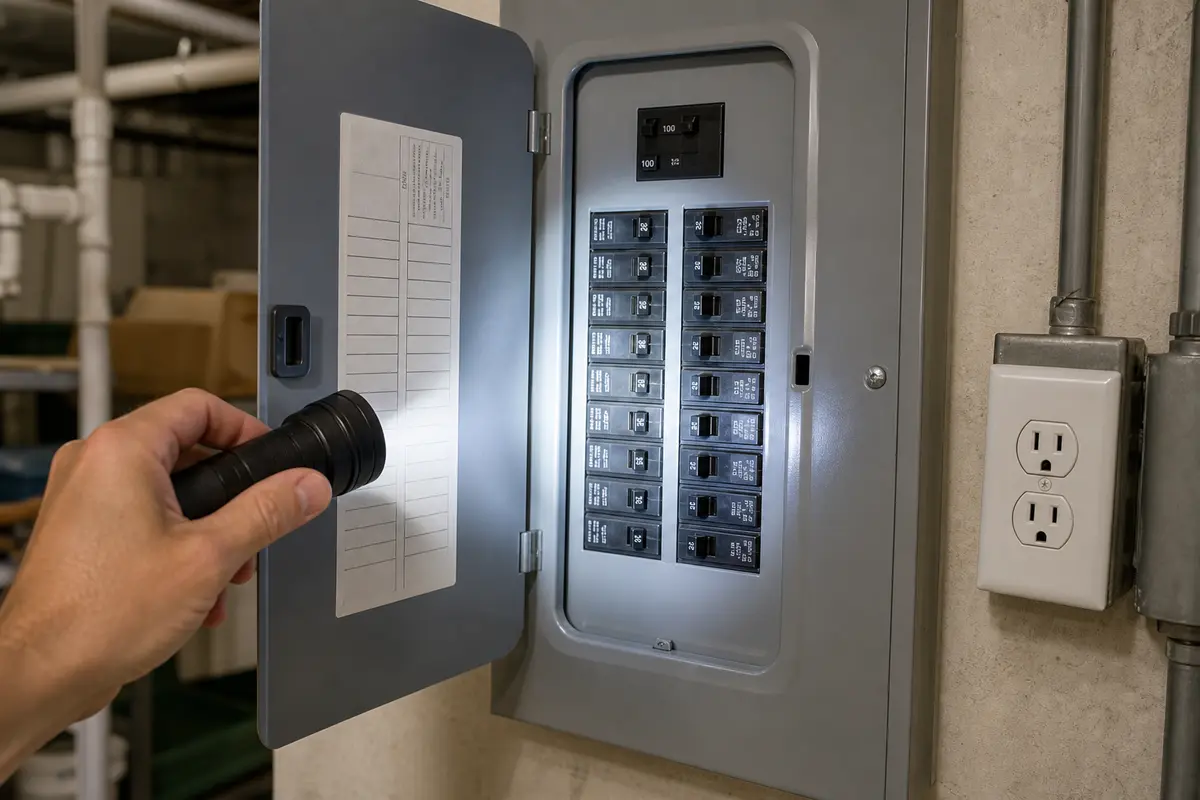
Helps when: Use an inspection flashlight to read breaker labels, inspect outlets and plugs, and look for scorch marks or water.
Skip it when: Skip if the next useful view requires removing a panel cover, outlet, switch, or fixture.
Compare inspection flashlights on Amazon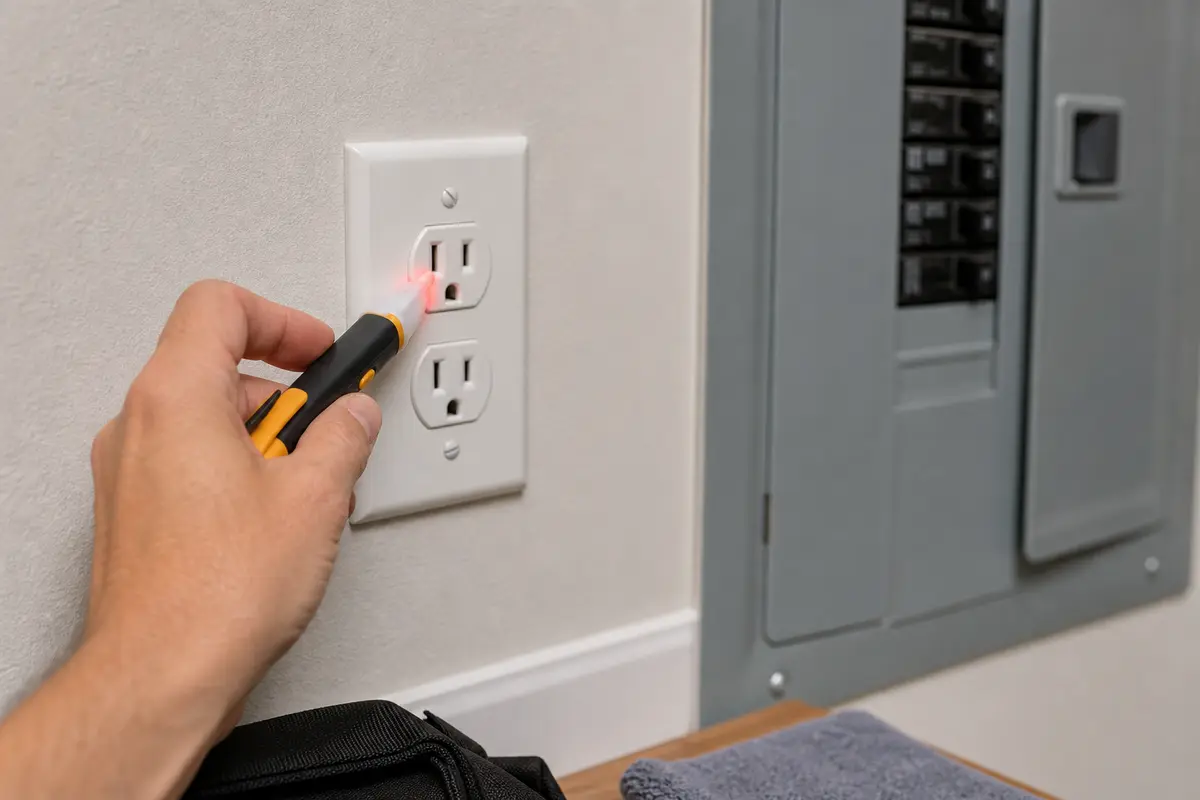
Helps when: Use a non-contact voltage tester only as a first screening tool after power is switched off.
Skip it when: Skip using it as proof a circuit is safe. If it detects voltage or you are unsure which breaker controls the area, stop and call an electrician.
Compare non-contact voltage testers on Amazon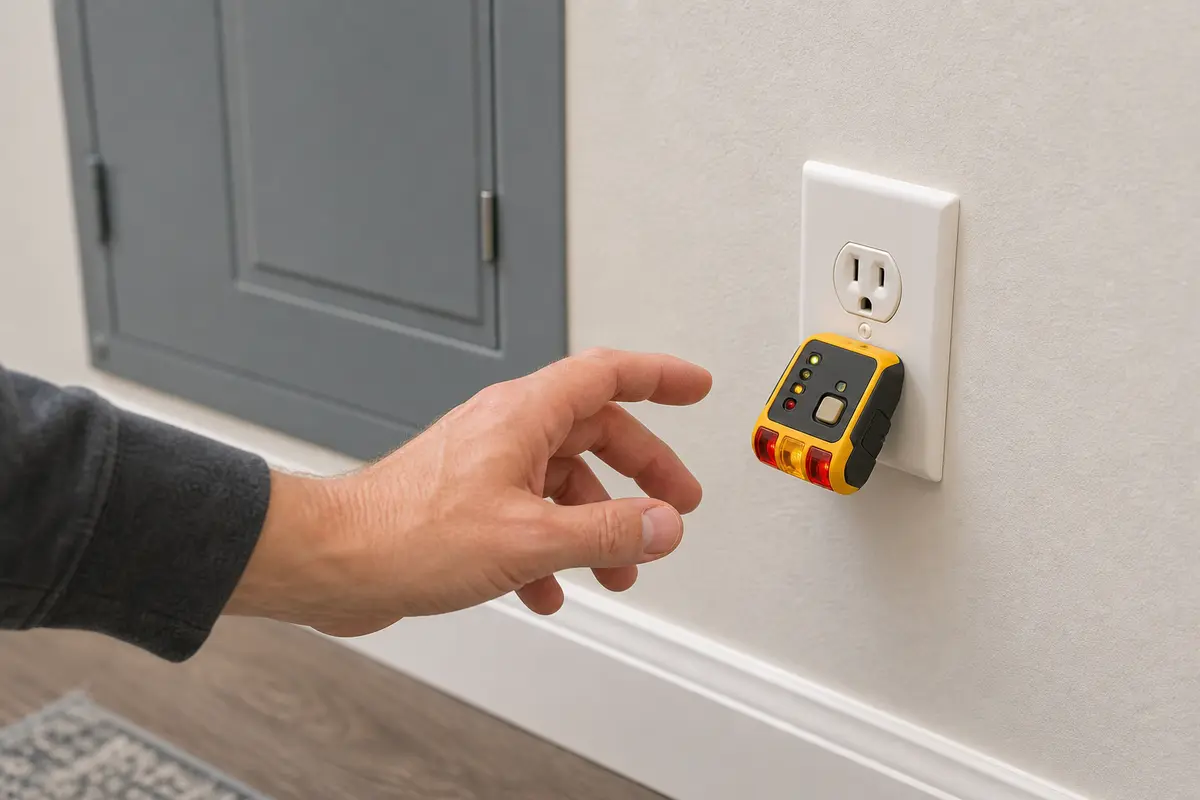
Helps when: Use an outlet tester later on a dry, stable circuit to check basic receptacle wiring and GFCI trip behavior.
Skip it when: Skip it if the breaker still trips, or if the outlet is warm, wet, scorched, cracked, loose, or suspected faulty.
Compare outlet testers with GFCI buttons on Amazon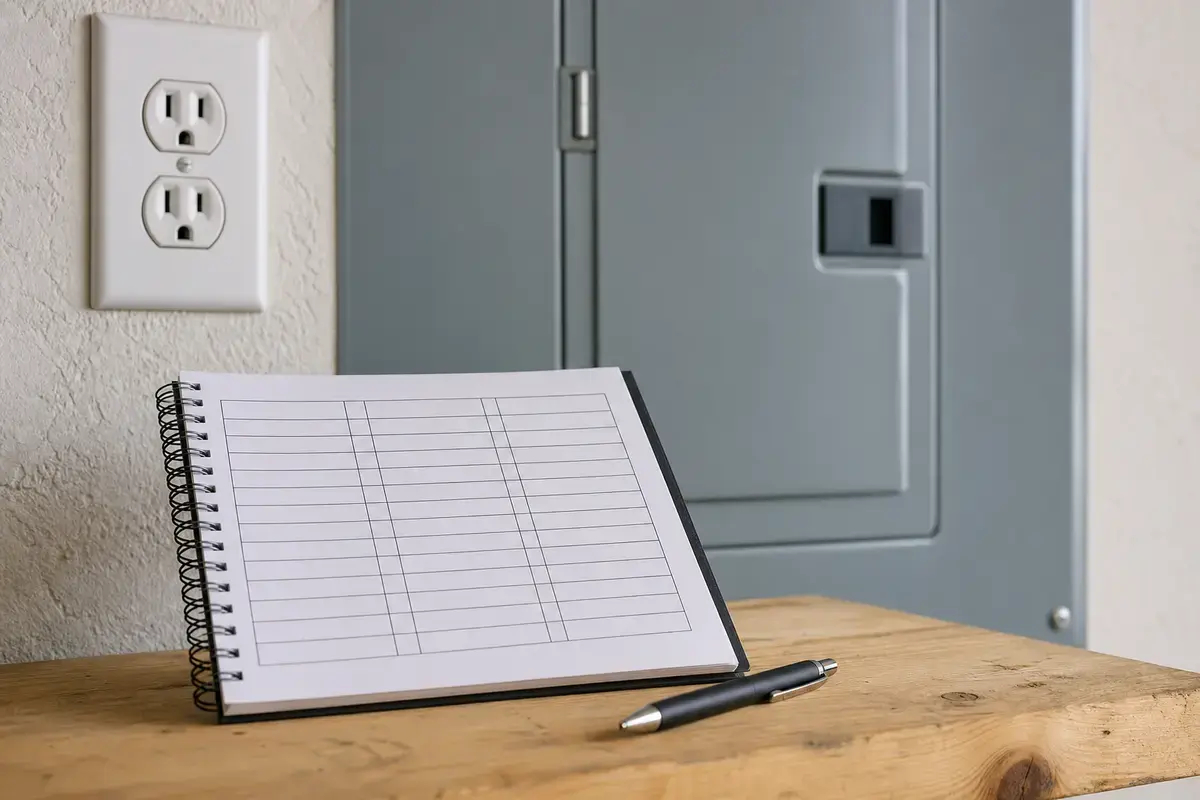
Helps when: Use a circuit label kit after the affected outlets and lights are mapped and the circuit is stable.
Skip it when: Skip labeling while you still do not know what the breaker controls or while the circuit cannot hold safely.
Compare circuit label kits on AmazonMost repeat breaker trips are not a parts-shopping problem from the homeowner side. Buy only after the symptom path points clearly to a safe, accessible item, and leave breaker and panel parts to an electrician.
Good notes help an electrician separate overload, device failure, moisture, nuisance tripping, and wiring faults without repeating unsafe resets.
Sometimes, but not usually. First unplug portable loads and reset once. If it holds, the load or device is suspect; if it trips again with loads removed, leave it off for an electrician.
Those loads draw a lot of current, especially when heating or starting. If the circuit already has lights, electronics, or another appliance on it, the breaker may trip from overload. If it trips with that one item on a lightly loaded circuit, stop using the item and inspect the cord and plug.
An immediate trip is more serious than a delayed overload trip. Unplug portable loads once, reset once, and leave the breaker off if it trips again. That pattern can point to a short, ground fault, wet device, damaged receptacle, fixture problem, or panel-side issue.
For most homeowners, no. Leave the panel cover on; parts inside can still be energized. Replace a breaker only after an electrician confirms the panel type, breaker listing, and that the fault is not overload, cord, moisture, or wiring.
Moisture can create leakage paths at outdoor outlets, exterior lights, garage devices, basement equipment, and other damp locations. GFCI or dual-function protection may trip quickly when it senses that fault. Let wet areas dry, stop the reset attempts, and have damaged weatherproof devices repaired.
No, not until you identify the condition. Note which load, weather, or room is involved. Stop using the circuit for warmth, buzzing, odor, flicker, scorch marks, or water exposure.
Reset it once during diagnosis after you turn it fully off and remove loads. A second reset may be reasonable only after you have changed the condition, such as unplugging a suspected appliance. Repeated resets are a stop sign.
Record the breaker label, rooms or outlets that lost power, and each load that was running. Mark instant versus delayed trip, weather or moisture, heat, odor, buzzing, flicker, scorch marks, and water exposure.
Repair Riot built this page around cover-on checks: trip timing, load changes, one-device clues, GFCI and moisture behavior, and visible heat damage. The references below set licensed-electrician stop points.