Fan is silent?
Check whether the attic is hot enough to call, then check breaker, switch, and control clues from a safe position.
A noisy attic fan is usually a mechanical clue: loose guard screws, a blade rubbing the shroud, a worn belt, debris in the blade path, or motor bearings starting to fail. Turn power off before touching anything and match the sound to the visible part.
Rattles usually come from the guard, shroud, mounting, or blade. Squeals point toward a belt or bearing. Grinding or slow startup points toward the motor.
The sound matters. A scrape, rattle, squeal, hum, and growl each point to a different part and a different stop point.
Don’t start with: Do not start by replacing the whole fan. A loose cover, worn belt, or exact-match blade can be the real fix, and electrical or roof access may make replacement a pro job.
Check whether the attic is hot enough to call, then check breaker, switch, and control clues from a safe position.
Turn power off and check for a jammed blade, rubbing guard, or failing motor.
Look for loose guard screws, blade rub, housing movement, or debris in the blade path.
Inspect belt condition and pulley alignment with power off.
Stop DIY diagnosis and schedule service.
Look for blade rub, loose sheet metal, belt wear, and motor clues with power off.
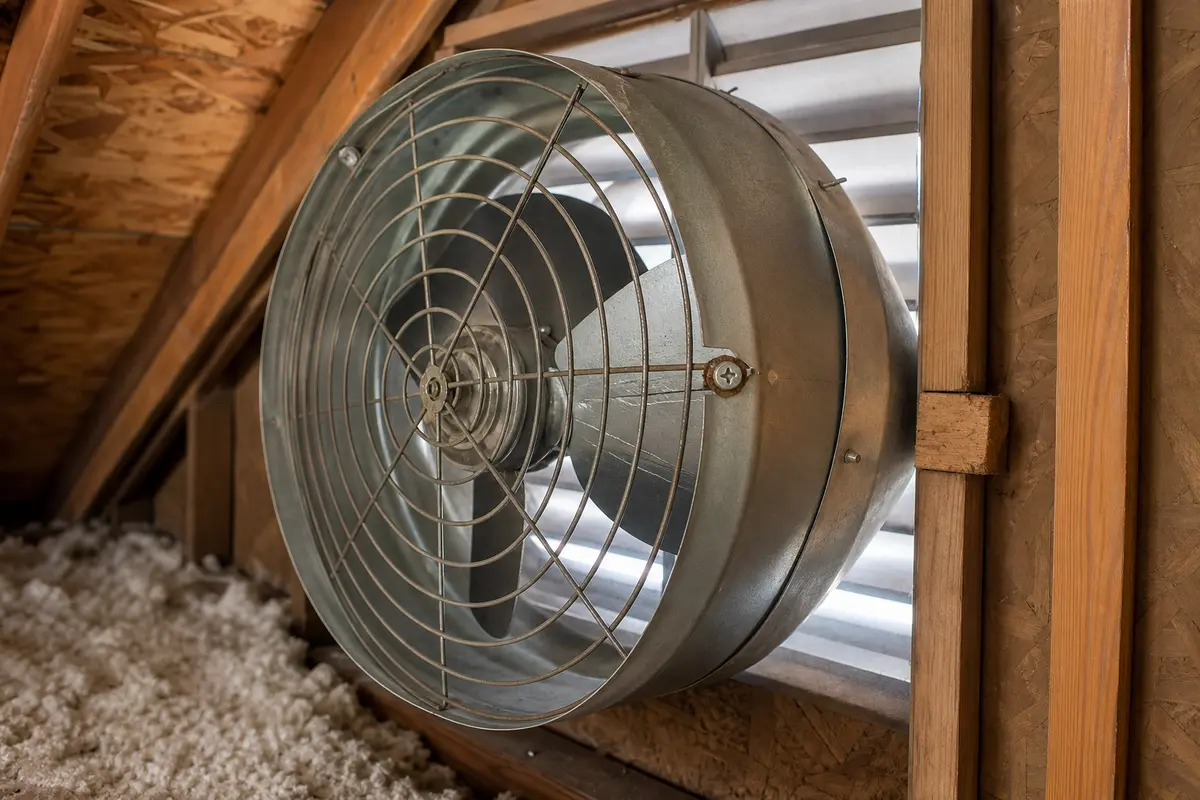
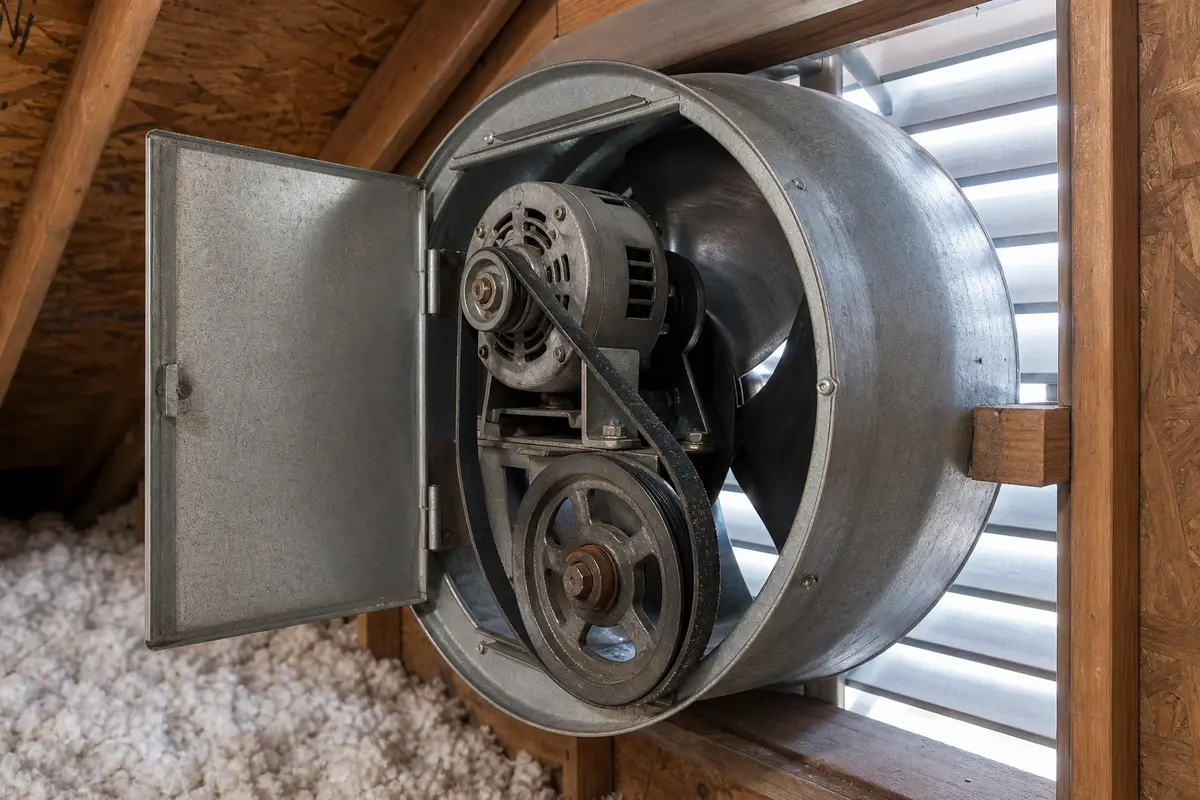
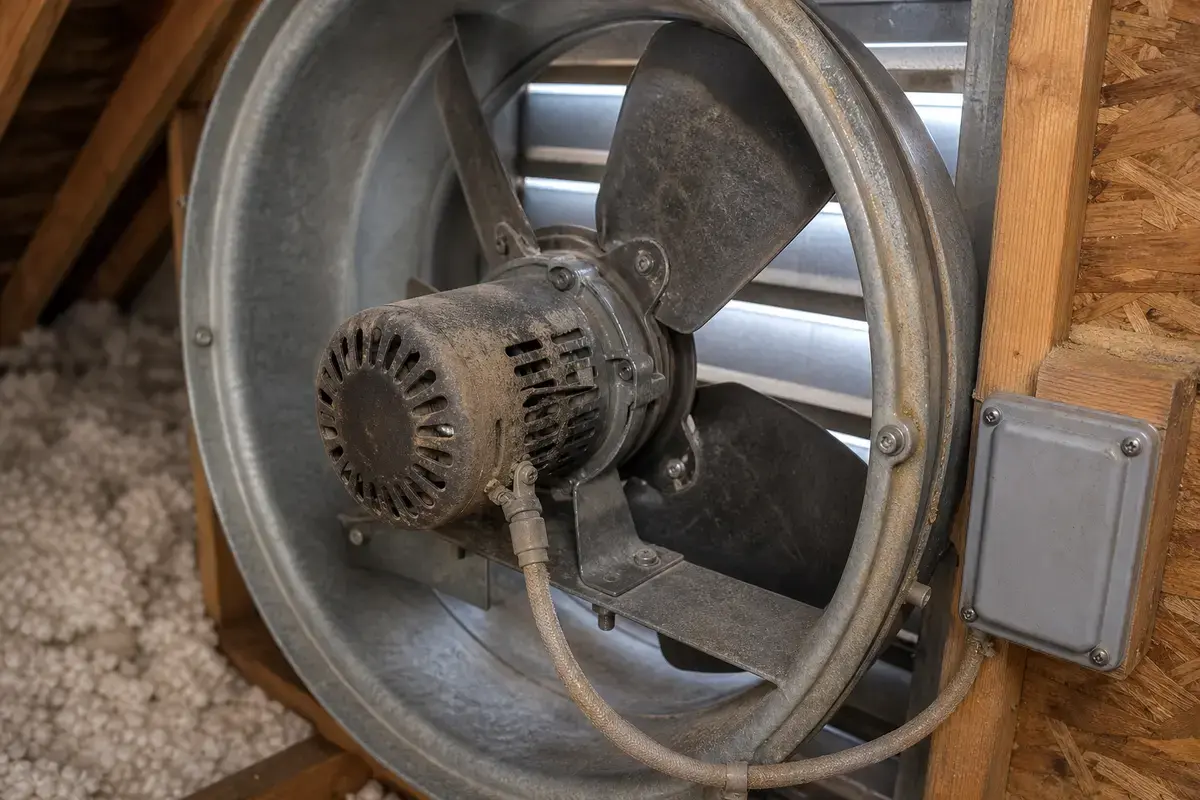
Match the part to the exact failure and the fan model. Motor shaft size, rotation, mount, horsepower, voltage, blade hub, belt length, pulley width, and control rating vary. Do not order parts from the symptom alone.
A powered attic fan can fail as an electrical device, a moving blade assembly, or a ventilation component. Separate those before ordering parts.
Fan symptoms make people skip straight to a new assembly. That can waste money or create a safety issue.
Use the sound, movement, and control behavior to choose the next check.
| What you see or hear | Likely meaning | Next move |
|---|---|---|
| Rattle at startup or shutdown | Loose guard, cover, mount, or shroud | Turn power off and check accessible fasteners. |
| Scrape once per rotation | Blade rub or bent blade | Inspect blade clearance with power off. |
| High squeal on belt-driven fan | Belt slip or pulley issue | Check belt condition and alignment. |
| Low growl or rough coast-down | Motor bearing wear | Match motor specs before ordering or call service. |
| Hum with no spin | Motor or jammed blade | Stop power-on attempts and inspect the blade path with power off. |
Basic inspection is reasonable. Wiring repair, roof-mounted service, and live diagnosis are not homeowner shortcuts.
Order only after the visible clue matches the part and the exact fan specifications are confirmed.
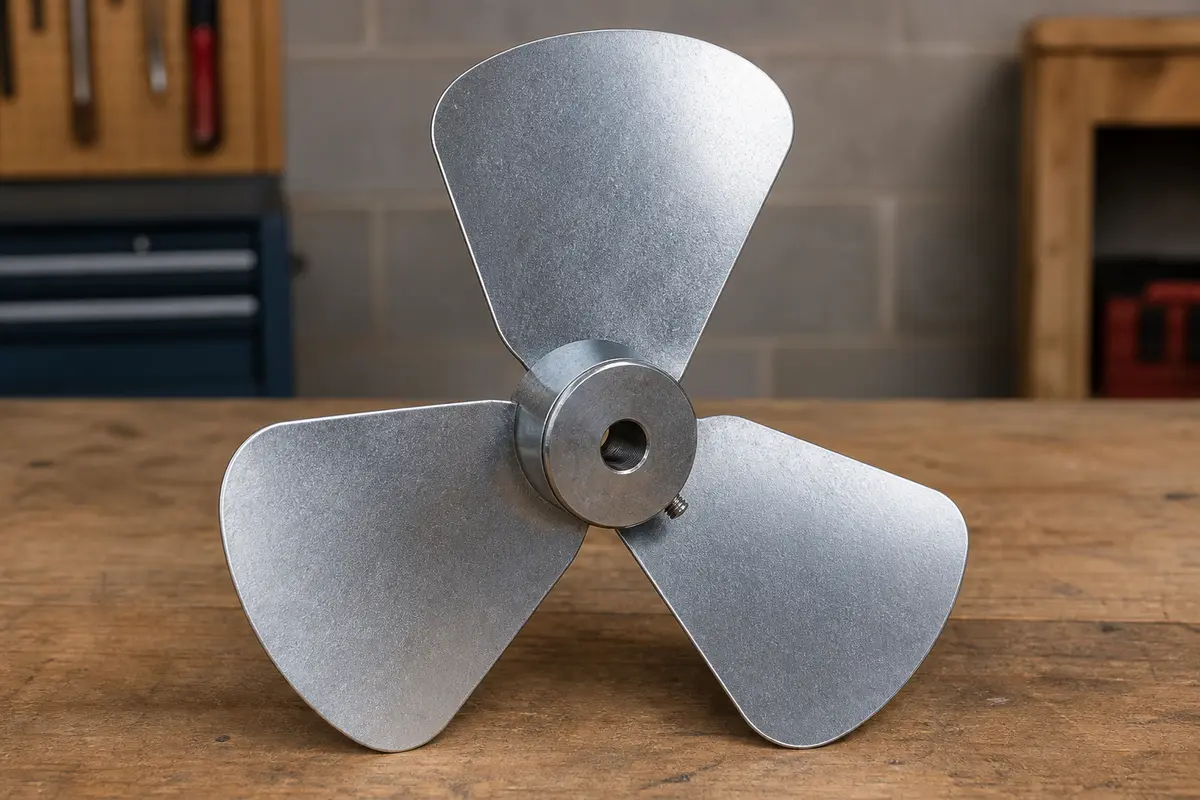
Helps when: Use when the blade is bent, cracked, wobbling, or scraping after power is off and the housing is secure.
Skip it when: Skip if the noise is from a loose cover, a bad motor bearing, or a belt-driven fan that uses a different blade style.
Compare attic fan blades on Amazon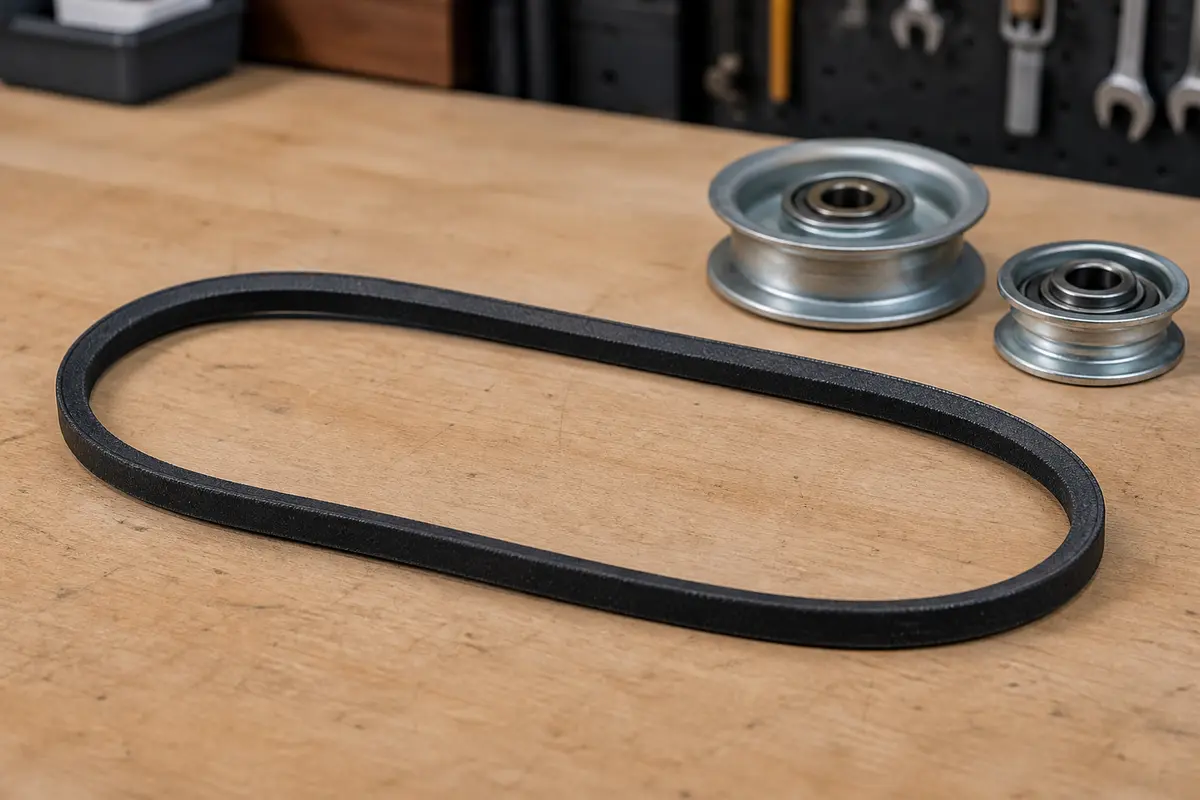
Helps when: Use when a belt-driven fan squeals and the belt is glazed, cracked, loose, or slipping on the pulley.
Skip it when: Skip for direct-drive fans or when pulley alignment, motor bearings, or a loose mount is the real issue.
Compare attic fan belts on Amazon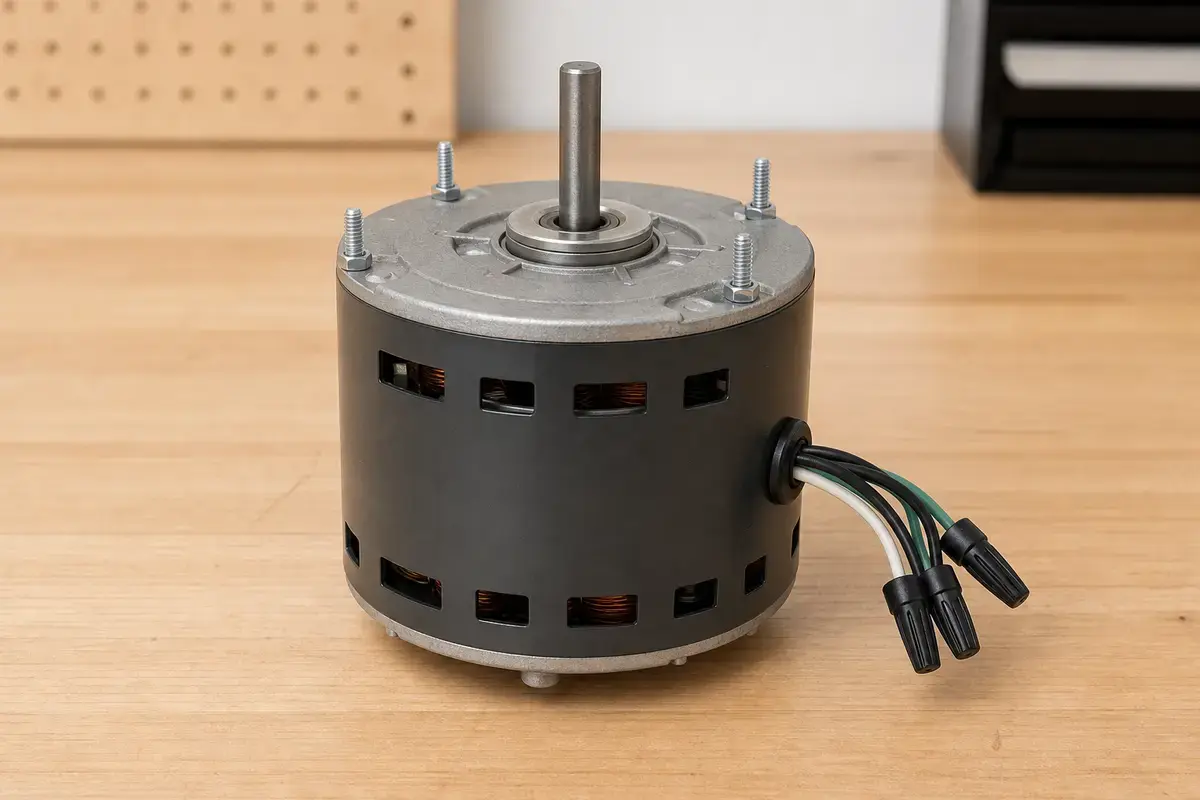
Helps when: Use when growling, slow startup, overheating, hum, or bearing play remains after blade and mounting checks.
Skip it when: Skip if the fan is mechanically quiet with power off but the thermostat, switch, or wiring is the failure path.
Compare attic fan motors on AmazonAs an Amazon Associate I earn from qualifying purchases. Repair Riot may earn a commission at no extra cost to you.
These support safe inspection around an accessible fan. They do not make energized wiring or roof work safe.
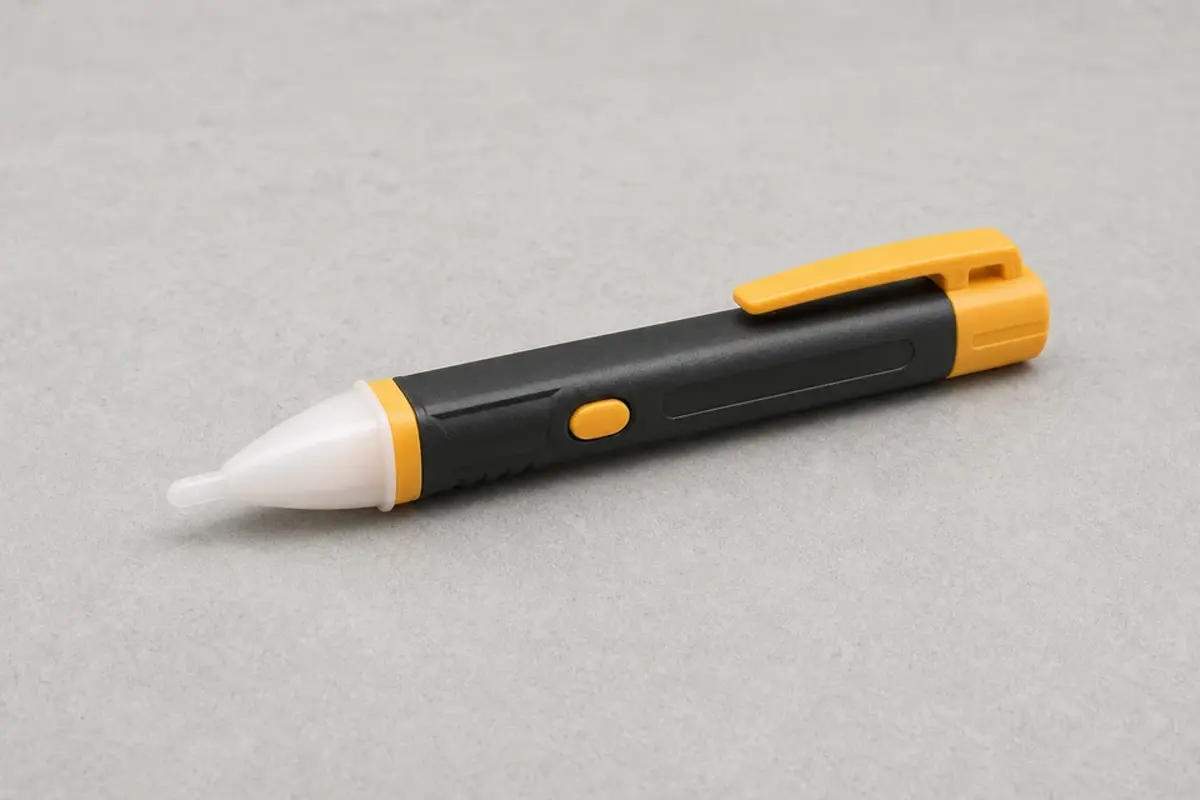
Helps when: Use to confirm the circuit is off before opening a cover or reaching near the attic fan wiring area.
Skip it when: Skip DIY electrical checks if wiring is damaged, wet, scorched, or you cannot identify the circuit.
Compare voltage testers on Amazon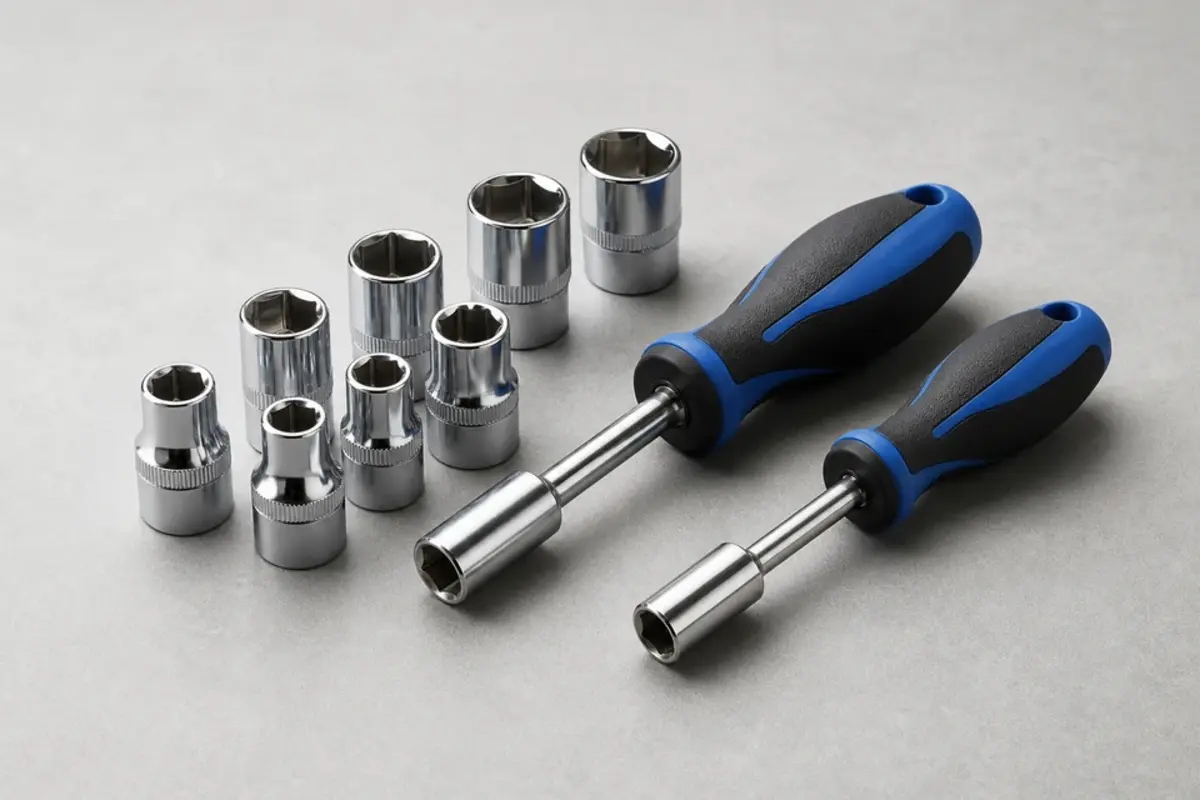
Helps when: Use to remove an accessible guard, cover, or mounting screw only after power is off.
Skip it when: Skip if the fastener is roof-side, the fan is energized, or the housing is unstable.
Compare nut driver sets on Amazon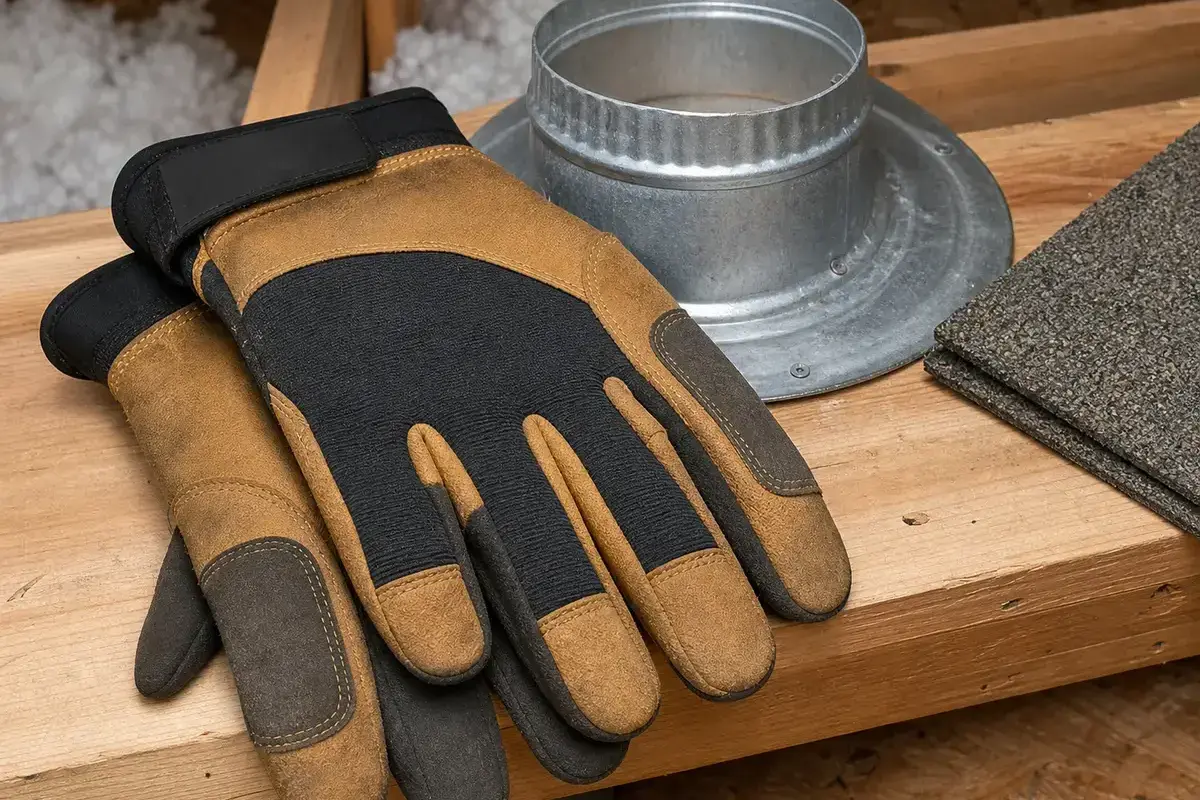
Helps when: Use to handle sharp fan guards, sheet metal edges, dusty framing, and rough attic materials.
Skip it when: Skip hands-on work around any blade that could start or any wiring that has not been shut off.
Compare work gloves on AmazonAs an Amazon Associate I earn from qualifying purchases. Repair Riot may earn a commission at no extra cost to you.
A rattle usually comes from a loose guard, cover, mounting screw, shroud, or a blade touching the housing. Check only with power off.
On belt-driven fans, squeal often means a worn or slipping belt. On direct-drive fans, squeal or growl can point to motor bearings.
Only if the motor has service oil ports and the manual supports it. Many motors are sealed, and oil will not fix worn bearings.
Replace the blade only for visible blade damage or rub after the housing is secure. Replace the motor only when bearing, startup, or hum clues remain after blade and belt checks.
It can be. Stop using it if it scrapes metal, hums without spinning, smells hot, trips a breaker, or shows wiring damage.
Consider full replacement when the housing is damaged, the fan is roof-mounted and unsafe to service, parts are unavailable, or motor and blade damage overlap.
Yes. Loose insulation or stored items near the intake can flutter, rub, or get pulled toward the blade path. Move only accessible debris with power off.
Record the fan model, motor label, blade diameter, belt size if present, and whether the fan is direct-drive or belt-driven.
Repair Riot built this page around homeowner-visible powered attic fan clues: sound, blade movement, guard clearance, control behavior, power-off checks, and stop points before electrical or roof work.