Does the light clear after the bucket is empty and seated square?
The issue was bucket position or float movement. Clear film from the float area and rails so the bucket does not hang up again.
If a Midea dehumidifier bucket full light stays on, inspect bucket seating and float movement first, then try one no-hose bucket-mode run before pricing a switch.
A warning that clears with the hose removed points to hose routing. A warning that changes when you press the bucket points to bucket fit or switch contact.
One changed light tells you which path matters.
Don’t start with: Do not order a board, defeat the switch, or run it open. Stay with the bucket, float, hose, and switch contact.
The issue was bucket position or float movement. Clear film from the float area and rails so the bucket does not hang up again.
Clean mineral film and slime from the float path. Replace the bucket or float assembly only if it is cracked, warped, or still sticks after cleaning.
Remove it for a bucket-mode trial. If the warning clears, rebuild the hose route downhill and clear the visible drain connection.
That points to bucket alignment or switch contact. Look for worn rails, a warped bucket lip, or a switch that is barely being pressed.
The bucket switch or water-level switch is now a reasonable part path, but match it by exact Midea model number.
Leave it unplugged and stop. That is service territory, not a bucket-cleaning job.
Use what you can see from the front and hose connection before opening the cabinet. A warning that changes after the bucket sits square is a different problem than one that never changes.
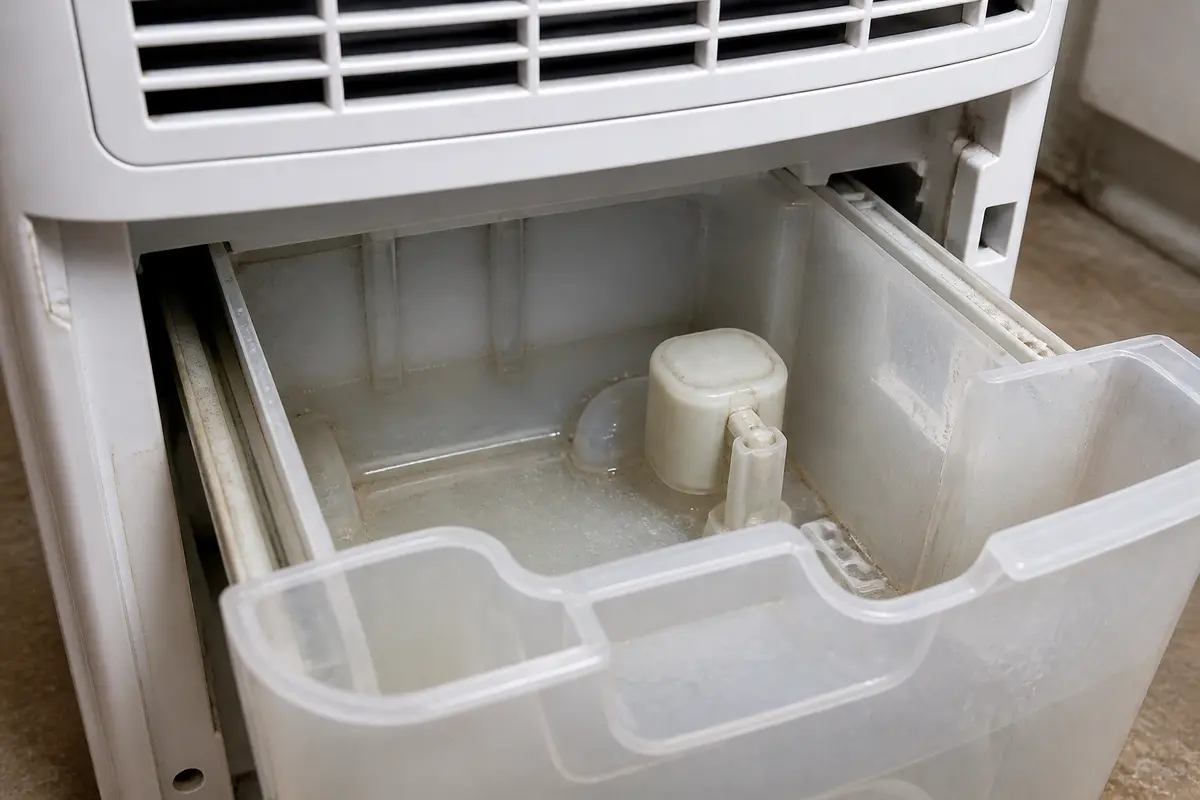
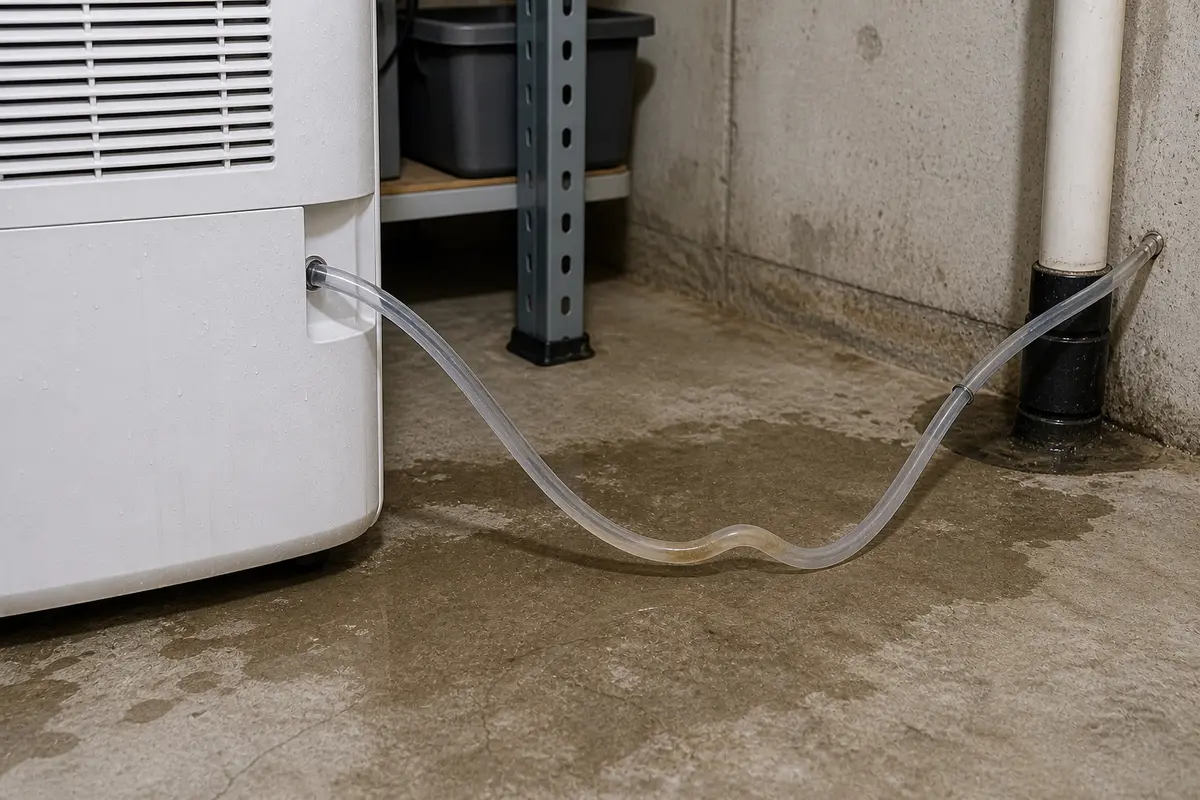
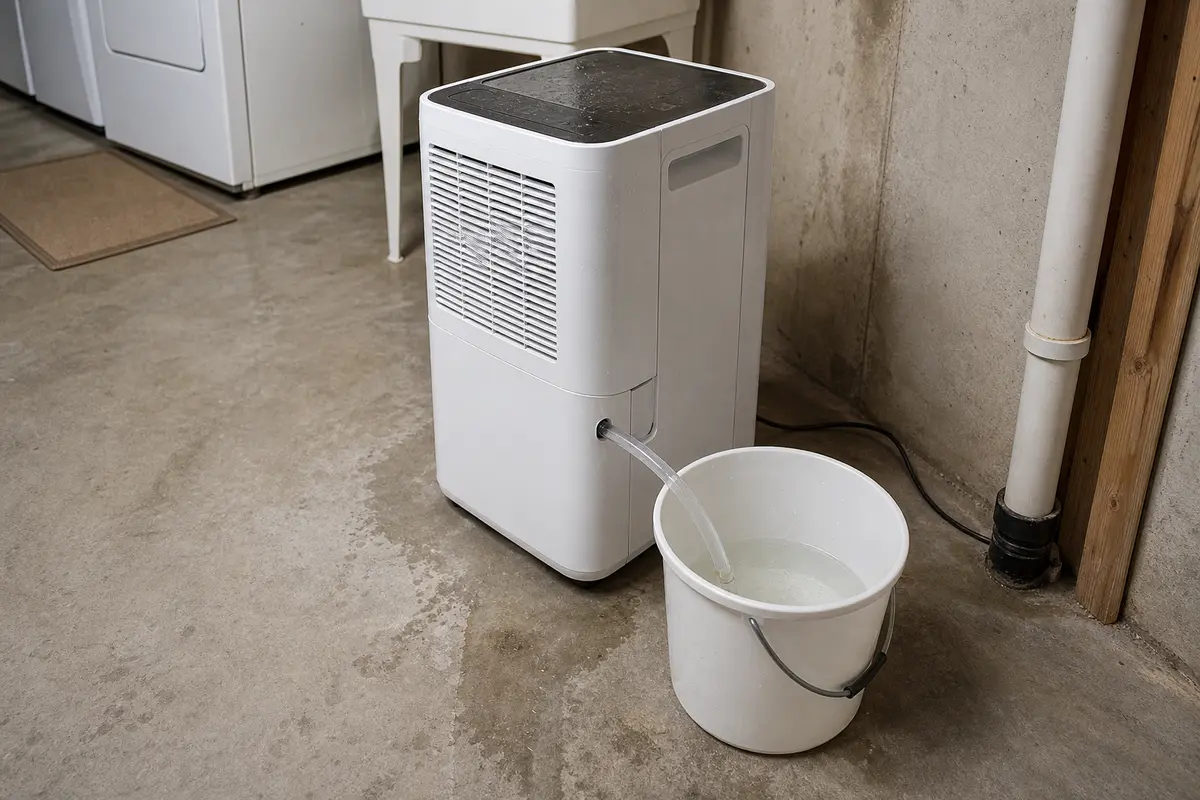
Copy the full model number from the Midea rating tag before ordering a bucket, float, bucket switch, water-level switch, or drain hose. Buy a part only after the same clue repeats with a clean bucket, free float, and hose removed or routed correctly.
Most stuck full-light calls start at the part you already touch: the bucket. A Midea bucket can look installed while one rail, lip, or float is still holding the switch in the wrong position.
A drain hose can keep the full signal alive when water backs up or the bucket is not seated the way the unit expects. Watch for whether the warning changes during one plain bucket-mode trial.
| What happens | What it usually means | Next move |
|---|---|---|
| Light clears with the hose removed | The drain route was backing up or confusing the bucket-full shutoff. | Rebuild the hose path downhill and clear the visible drain connection. |
| Light stays on in plain bucket mode | The hose is not the lead clue anymore. | Watch how the bucket contacts the switch after the float area is clean. |
| Light changes only while you press the bucket | Bucket fit, worn rails, or switch contact is marginal. | Inspect the bucket lip and rails before ordering a switch. |
| Light never changes with a clean seated bucket | A failed bucket switch, water-level switch, or wiring fault is more likely. | Match parts by exact model number or stop for appliance service. |
| Water appears near wiring, outlet, or the display | The repair is no longer a front-of-machine bucket check. | Leave the unit unplugged and schedule service. |
Cleaning helps when the float is sticky, but keep the water on the removed bucket. Use a damp cloth on the float pocket, rails, and seating ledges, then dry them; if you see water tracks running toward the cabinet, display, cord, or outlet, leave the unit unplugged and stop.
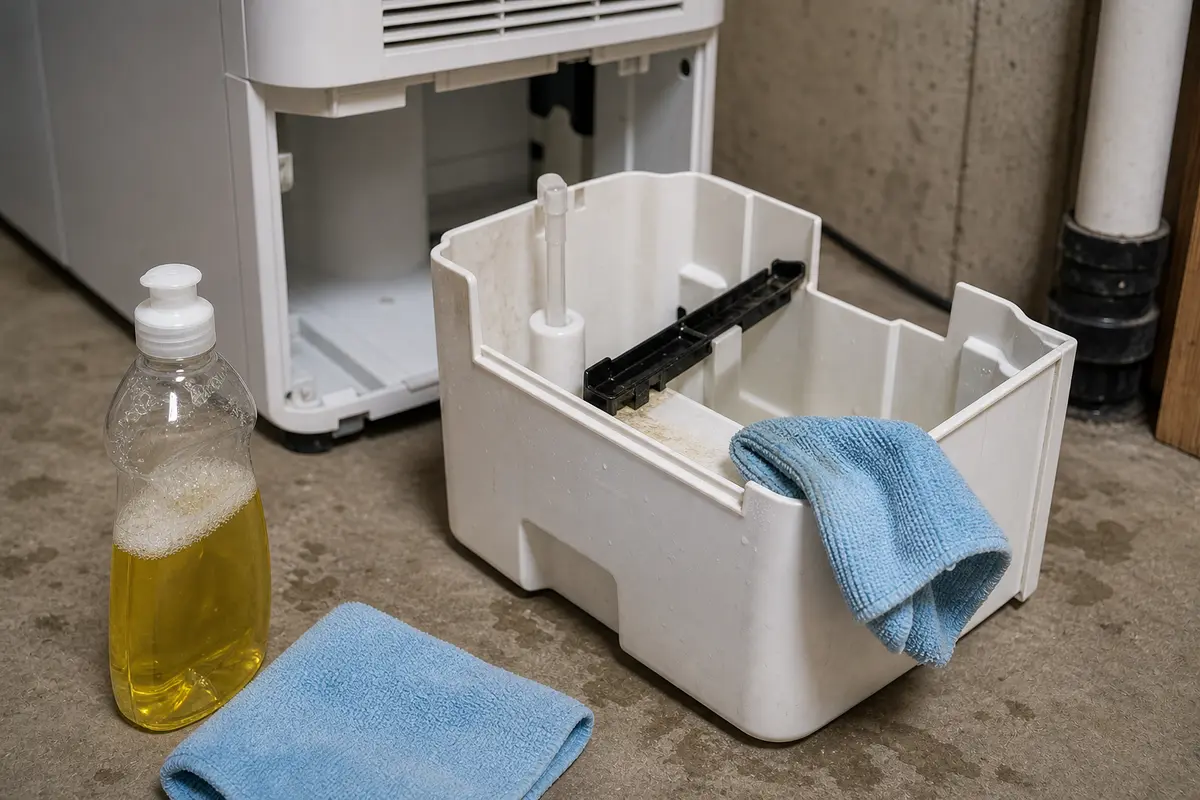
A stuck bucket-full light by itself is not enough evidence for a control board. If the light changes when you lift or press the bucket, check the lip, rails, and switch contact first; forcing the bucket can break a part that was only misaligned.
A switch belongs in the cart only after the bucket and hose checks repeat the same clue. Watch how the light behaves when the bucket is seated, lifted, and removed.
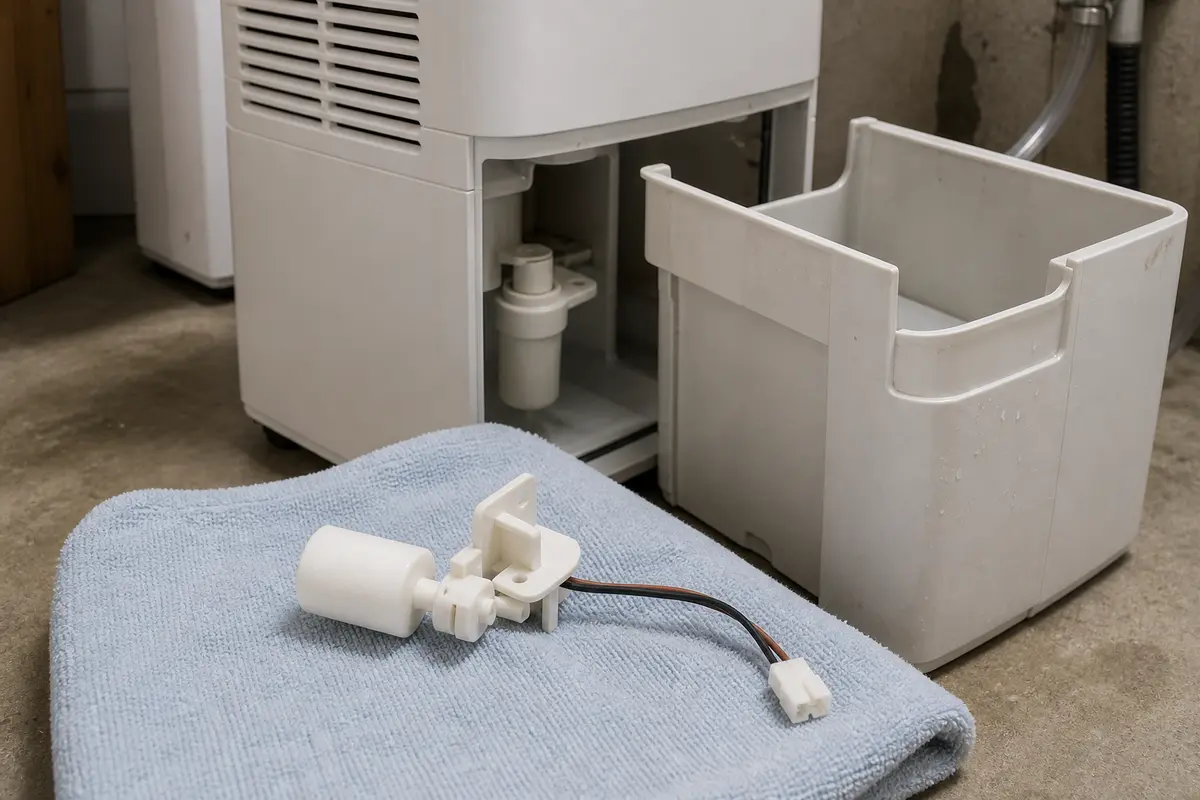
These tools are for outside checks only: seeing the bucket opening, catching hose water, and cleaning the removed bucket. Skip any path that requires live electrical testing or running the unit open.
Paid links. As an Amazon Associate I earn from qualifying purchases. Repair Riot may earn a commission at no extra cost to you.
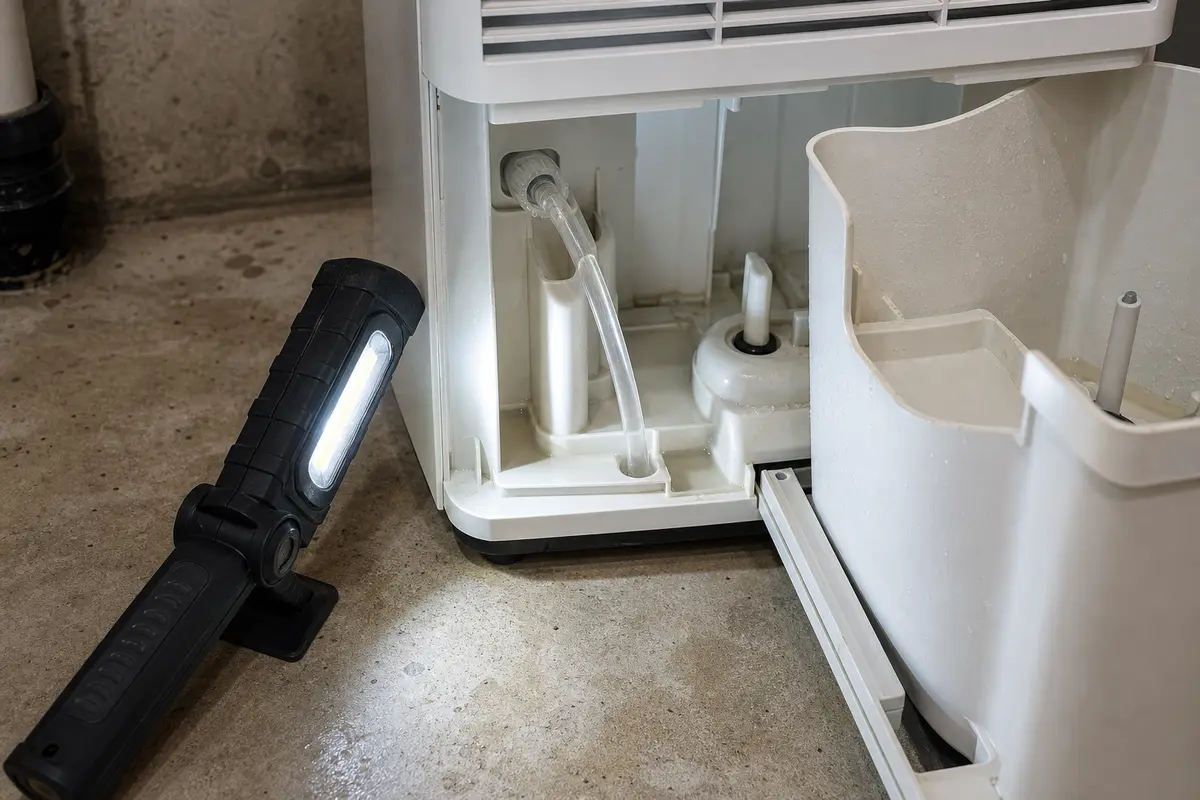
Helps when: You need to see the bucket rails, float pocket, switch contact area, or drain hose connection without opening the cabinet.
Skip it when: The inspection requires removing electrical covers, reaching into wiring, or running the unit with panels off.
Compare inspection flashlights on AmazonHelps when: You are wiping slime, dust, or mineral film from the removed bucket, float area, and visible plastic rails.
Skip it when: You would need to soak the cabinet, spray cleaner into openings, or scrub small plastic parts with stiff metal tools.
Compare cleaning supplies on Amazon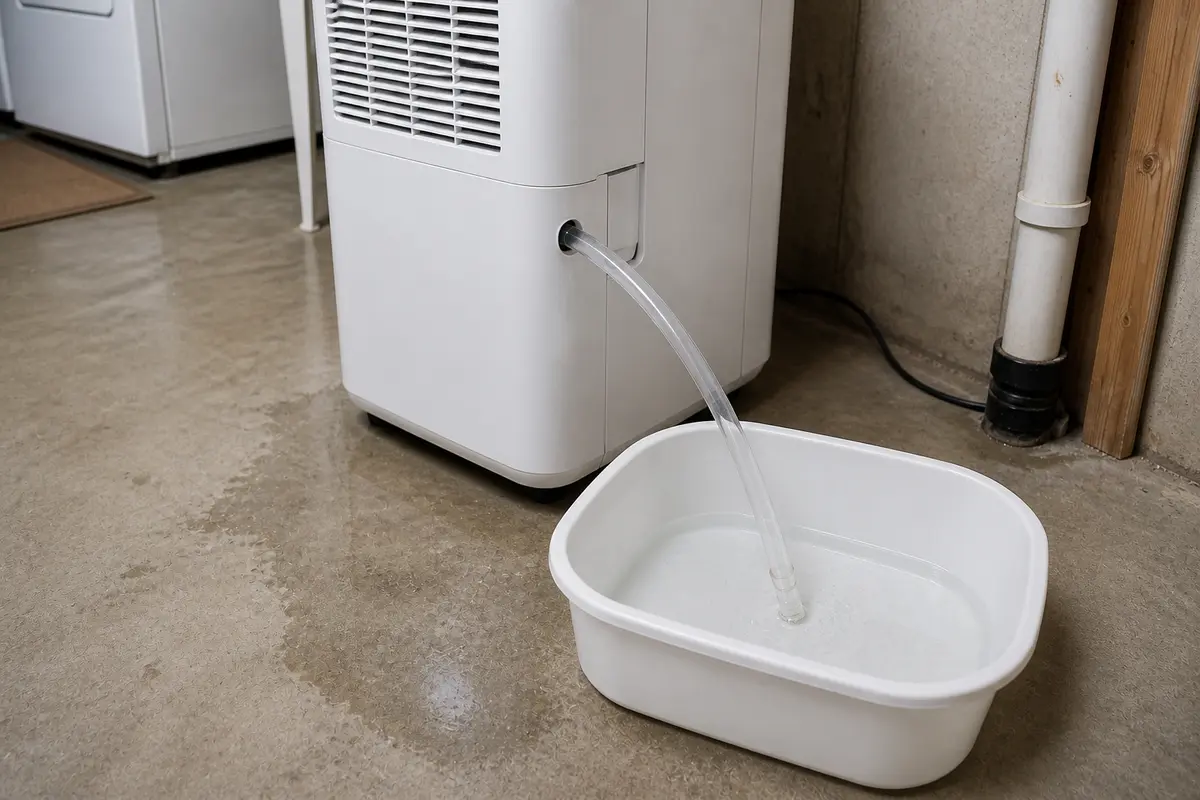
Helps when: You need a visible catch point for a short hose trial or water left in the drain hose.
Skip it when: A spill would reach an outlet, power strip, cord, or walking path.
Compare small buckets on AmazonParts come last. Use the model tag and the repeated clue, not just a similar-looking photo, because Midea bucket parts, hose fittings, and switch connectors vary by unit.
Paid links. As an Amazon Associate I earn from qualifying purchases. Repair Riot may earn a commission at no extra cost to you.
Helps when: The bucket is cracked, warped, missing the float, or the float still sticks after cleaning.
Skip it when: The bucket sits square, the float moves freely, and the warning changes only when the bucket touches the switch.
Compare bucket and float parts on AmazonHelps when: The full light changes only when the bucket is lifted, pressed, or held in one position after the bucket and float are clean.
Skip it when: The hose route has not been tested, the bucket is still dirty, or the bucket itself is damaged.
Compare Midea switch parts on Amazon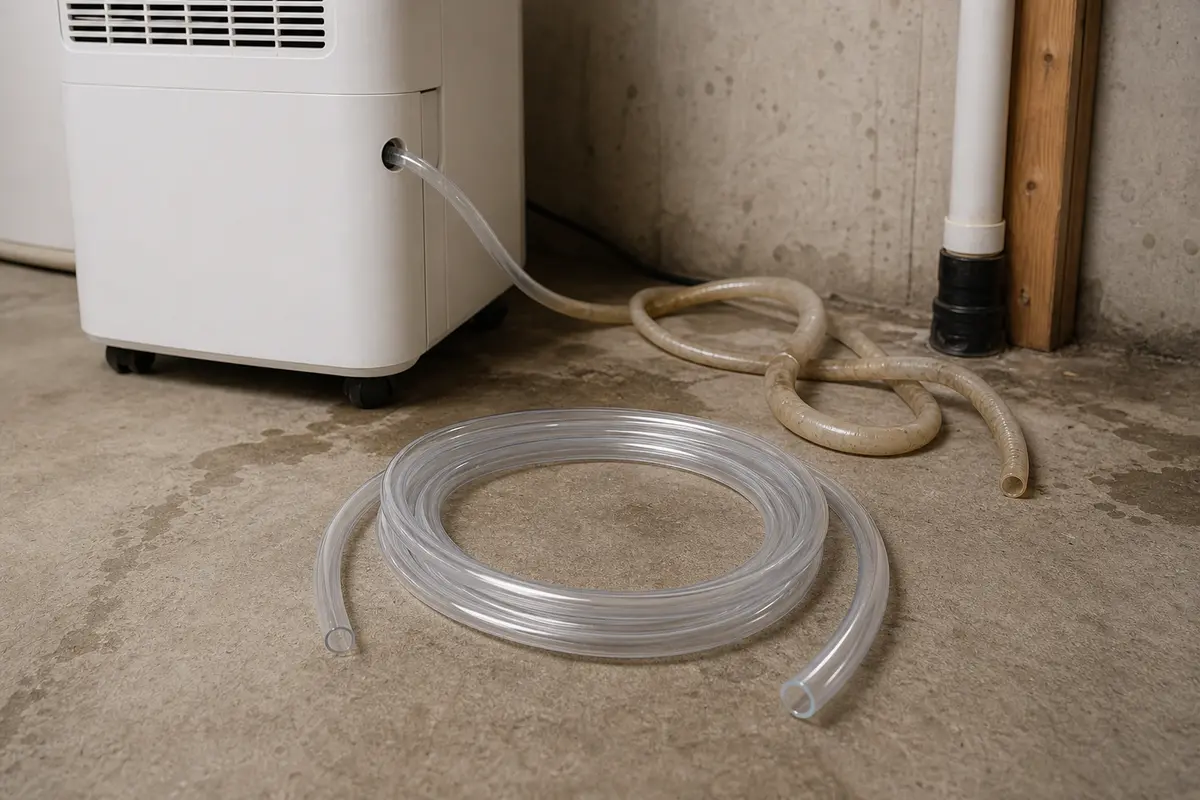
Helps when: The hose is kinked, split, slimy, crushed, or too stiff to hold a steady downhill route.
Skip it when: The full light stays on in plain bucket mode with the hose removed.
Compare Midea drain hoses on AmazonUsually the bucket is not seated square, the float is stuck up, or a drain hose is backing water toward the unit. If the light changes when you press the bucket or clears with the hose removed, follow that clue: clean the float, seat the bucket square, and retest before buying a switch.
Yes. Slime, mineral film, or lint around the float can keep it from dropping. It does not take much movement to hold the full signal.
That is a bucket-contact clue: the bucket is close enough to affect the switch but not pressing it cleanly. Pull the bucket, wipe the rails, check the lip for warping, and reinstall it square; if it only works while held in, switch contact is marginal.
It can. In continuous drain mode, a raised loop, sag, clog, or tight drain connection can back water up enough for the unit to act full.
Replace the bucket or float assembly only if it is cracked, warped, missing the float, or still sticks after cleaning. A switch makes more sense when a clean bucket changes the light only while you press or lift it.
It is usually near the bucket opening where the bucket, float, or a small tab can press it, but the exact location varies by model. With the bucket removed, use a flashlight to look for the contact point along the rails or back of the opening, and stop before wiring or sealed cabinet sections.
No. Do not defeat or jumper the bucket switch. That switch is there to stop overflow or unsafe operation when the bucket is missing, full, or misread.
The hose is no longer the lead clue. Focus on bucket seating, float movement, switch contact, and model-matched switch diagnosis.
Use the exact model number from the rating tag. Small switches and hose fittings can look close and still have different connectors, actuator shapes, or mounting points.
Stop if water reaches wiring or the outlet, the unit smells hot, the cord or plug is damaged, the breaker trips again, or diagnosis would require opening electrical sections.
Repair Riot rebuilt this page around visible Midea dehumidifier clues: bucket seating, float travel, hose routing, and model-matched small parts. The source links below support brand support and dehumidifier feature context; the diagnostic sequence is original Repair Riot guidance.