Only fan air after cooking?
Turn the hood vent fan through all speeds to off, then wait a few minutes with the door closed. Watch the cavity light and tray. If both stay off and the sound quits, you were likely hearing cooldown or vent behavior.
Start by separating fan noise from real cooking. A short cooling fan or hood vent can be normal. If heating, the turntable, the cavity light, or a cooking hum continues after Stop, unplug the microwave and treat the latch/control circuit as a service problem.
The harmless causes are a cooldown fan or hood vent. The unsafe path is a stuck command, misread door latch, relay, or door-switch circuit.
Use the first minute to name what is still on before you clean, reset, or price a part. A good clue is whether the light or tray moves.
Don’t start with: Do not remove the microwave cabinet, bypass door switches, or order a control board after hearing airflow alone. Check whether the light, tray, or heat is still active first. Microwaves can hold dangerous high voltage even when unplugged.
Turn the hood vent fan through all speeds to off, then wait a few minutes with the door closed. Watch the cavity light and tray. If both stay off and the sound quits, you were likely hearing cooldown or vent behavior.
Unplug the microwave. That is not normal fan run-on, and the next clue is latch, keypad, relay, or control behavior.
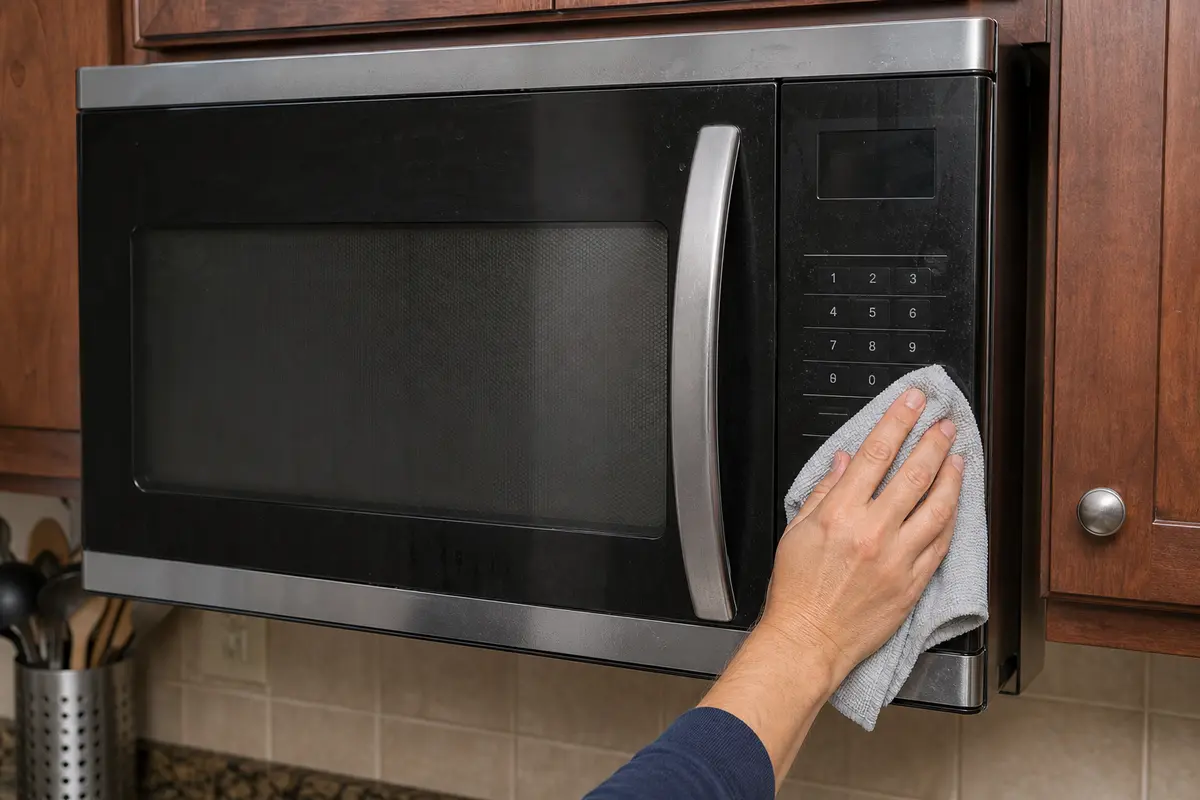
Check for a sticky Stop, Fan, or Light button and clean only the outside keypad surface with a barely damp cloth.
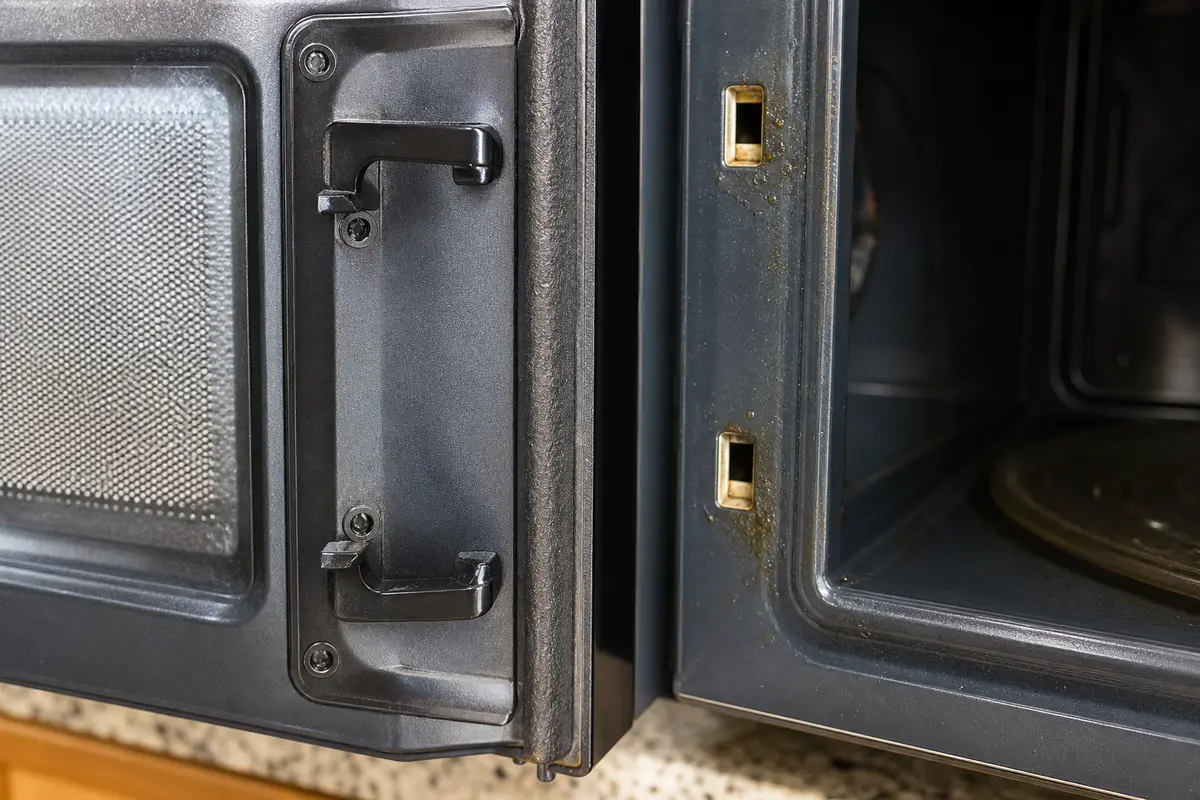
Inspect latch hooks and the door fit from the outside. A loose, sagging, or cracked door is a stop point, not a switch-bypass job.
Leave it unplugged and schedule service. Tell the technician exactly what stayed on: fan, light, tray, or heat.
The visible clue matters more than the sound by itself. Airflow, a lit cavity, a moving tray, and a loose latch send you down different paths.
Do not buy a control board, door switch, or latch kit until the symptom points there. Copy the full model number first, then match latch shape, spring return, mounting tabs, and the exact part number. Internal switch and relay diagnosis belongs with a qualified appliance technician.
After the timer ends, split the symptom by what you can see and hear. Check the cavity light, tray, airflow, and deeper hum before naming a fault. Light off, tray stopped, and airflow only points to cooldown or hood-vent behavior. Light, tray, hum, or heat that continues means stop using it and treat the latch/control circuit as the suspect.
The risky mistake is treating every run-on sound like a bad board or switch. Sound alone is a weak clue, so sort the visible behavior first and keep the cabinet closed.
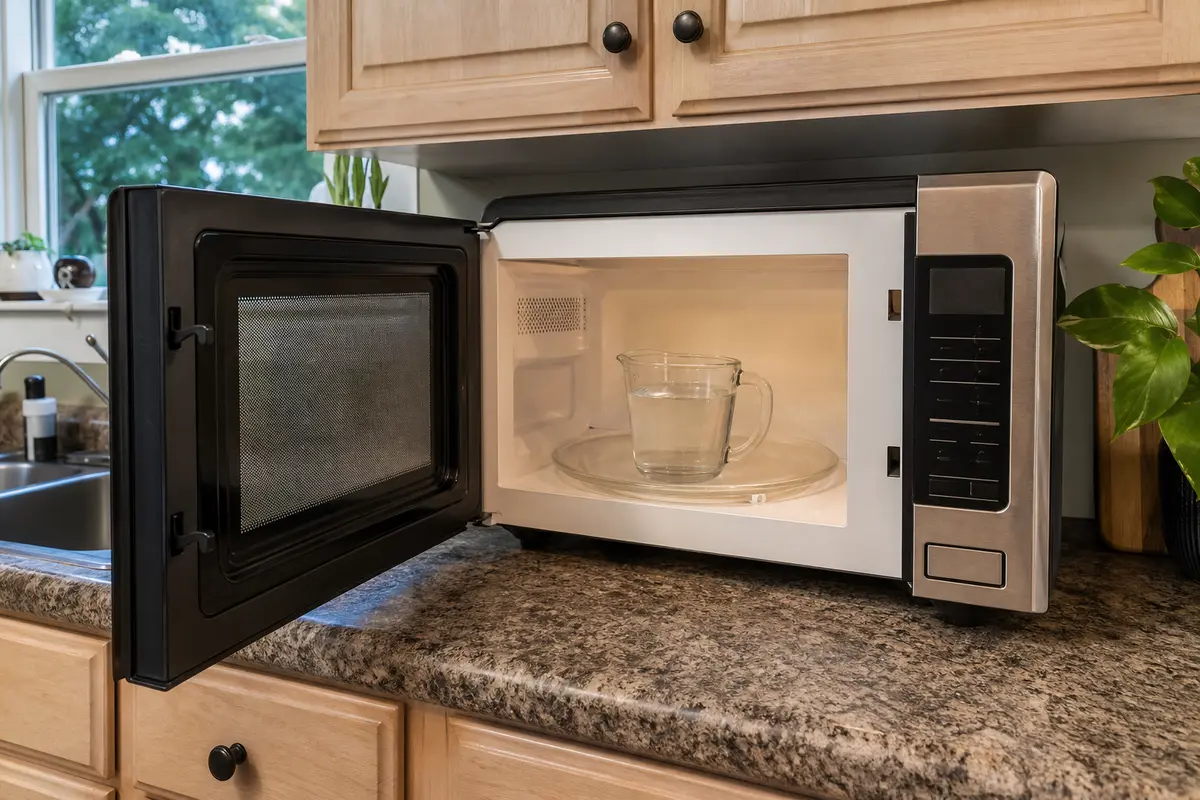
Use one short, controlled check only when the microwave has no burning smell, sparks, door damage, or harsh buzzing. Put a cup of room-temperature water inside, run about 10 seconds, press Stop, and watch the light, tray, display, and sound. The goal is to learn what actually stayed on, not to stress the unit.
| What you see or hear | What it usually means | Next move |
|---|---|---|
| Light is off, tray is stopped, only airflow remains | Normal cooldown fan or hood vent is likely | Turn the vent fan fully off and wait several minutes. |
| Vent button stops the sound | The hood fan was on, not the cook cycle | Use the vent controls normally and watch for repeat behavior. |
| Tray moves or a deeper cooking hum continues | Cooking circuit may still be energized | Unplug the microwave and stop testing. |
| Water keeps getting hotter after Stop | Continued heating is confirmed | Leave it unplugged and arrange service. |
| Door lift or gentle pressure changes the light or run state | Latch alignment or door fit is part of the problem | Inspect the latch area from the outside only. |
A sticky command is one of the few outside checks worth doing before service. A good clue is behavior that returns without a new cook command. Keep button pressure gentle.
Door and latch clues matter because the microwave depends on a clean door-closed signal. The homeowner-safe part is visual inspection and door feel, not internal switch testing.
These are for outside checks only. They do not make internal microwave work safe.
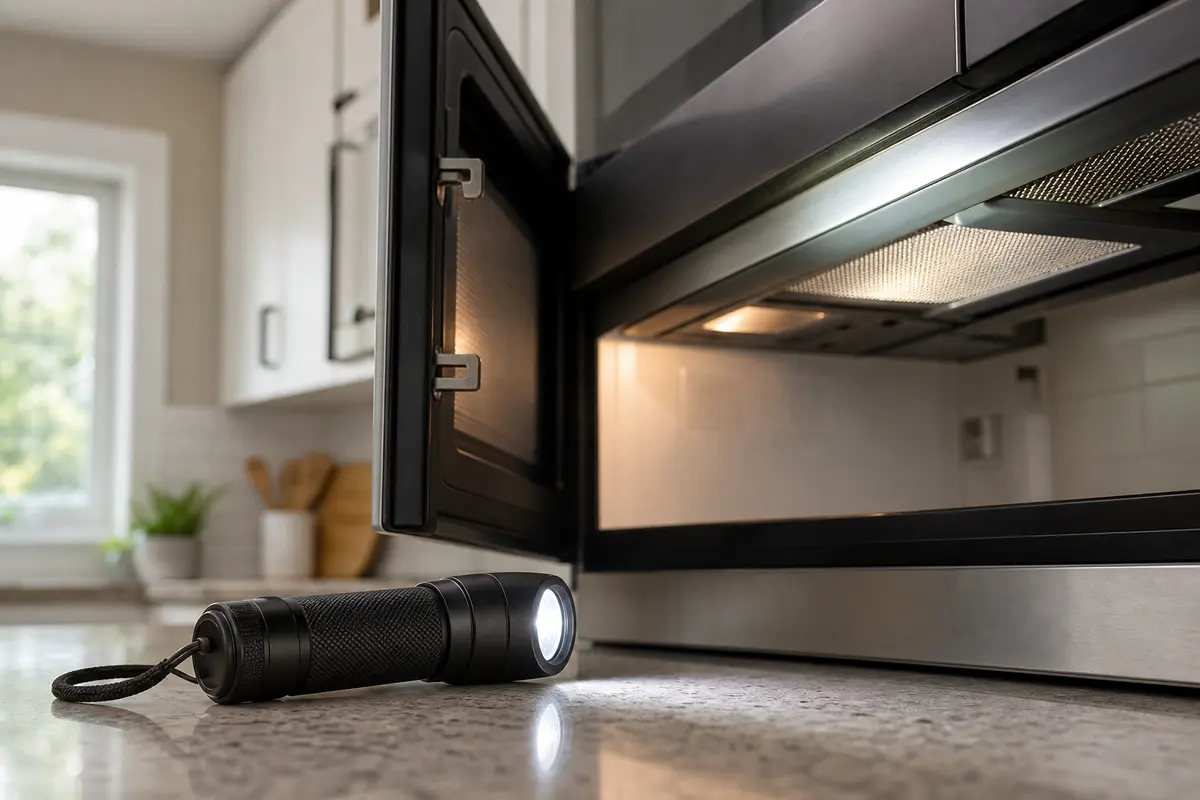
Helps when: You need a clear look at latch hooks, latch openings, keypad residue, or the top vent area.
Skip it when: The next step requires cabinet removal or exposed electrical diagnosis.
Compare inspection flashlights on Amazon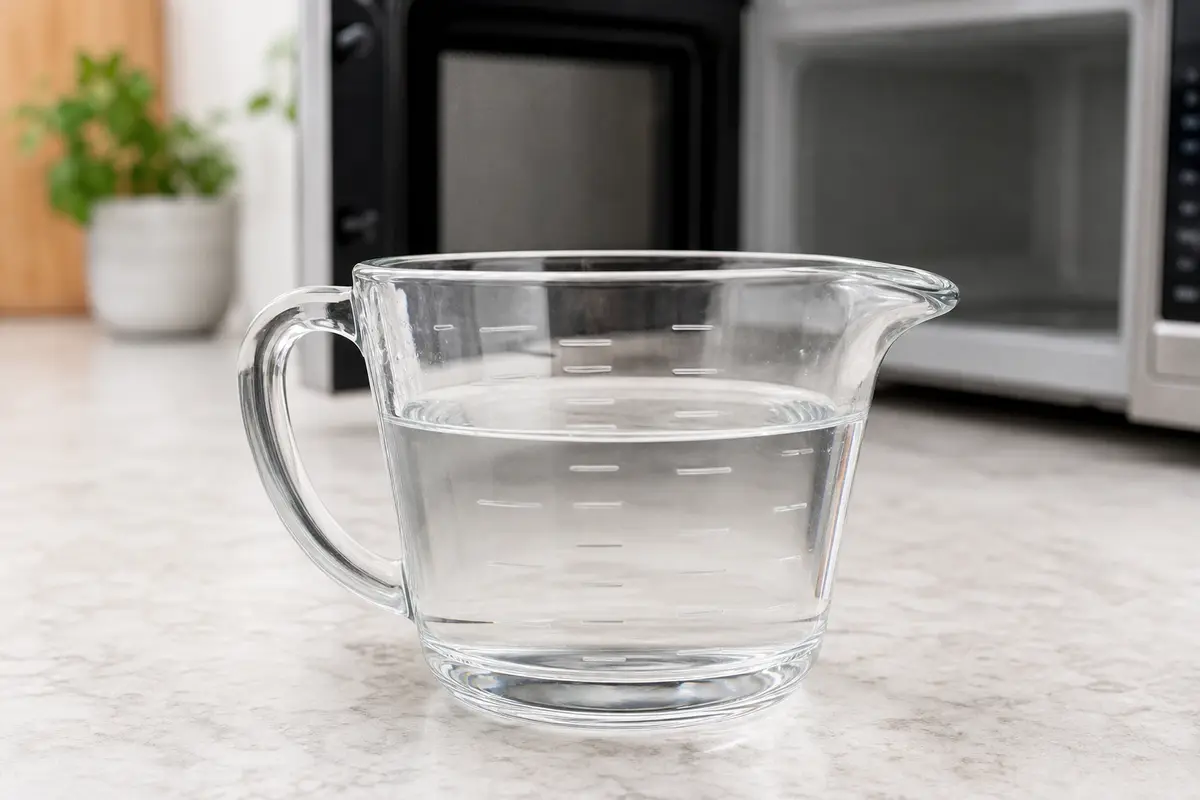
Helps when: You are doing the brief water-cup check to separate fan noise from continued heating.
Skip it when: There is any burning smell, arcing, door damage, or the microwave already keeps heating after Stop.
Compare measuring cups on Amazon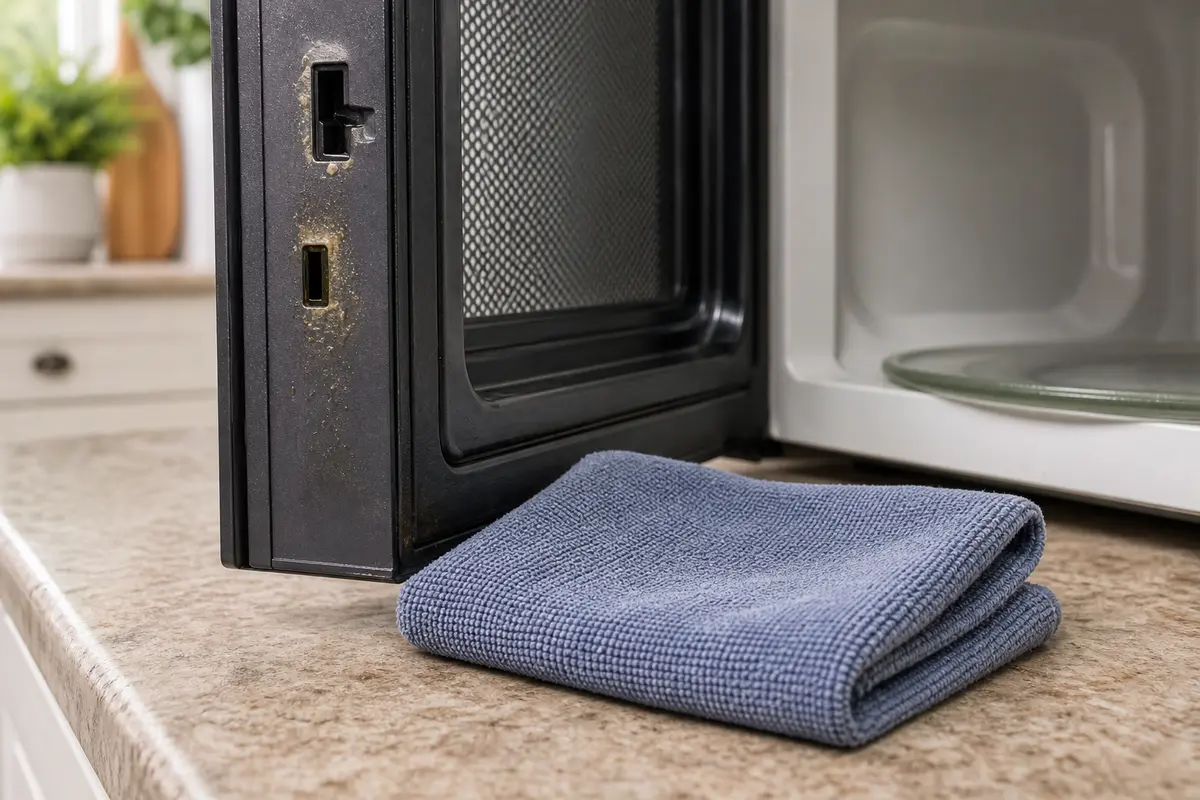
Helps when: Grease or residue on the control surface may be keeping a button from releasing cleanly.
Skip it when: You would need to spray cleaner into seams, vents, or the control panel.
Compare microfiber cloths on AmazonAs an Amazon Associate I earn from qualifying purchases. Repair Riot may earn a commission at no extra cost to you.
Parts come after the outside clues, not before. A latch belongs in the cart only when the hook, bracket, spring action, or door fit is visibly damaged. Continued heating with no outside latch clue is a service clue, because switches, relays, and controls are tied to high-voltage safety circuits.
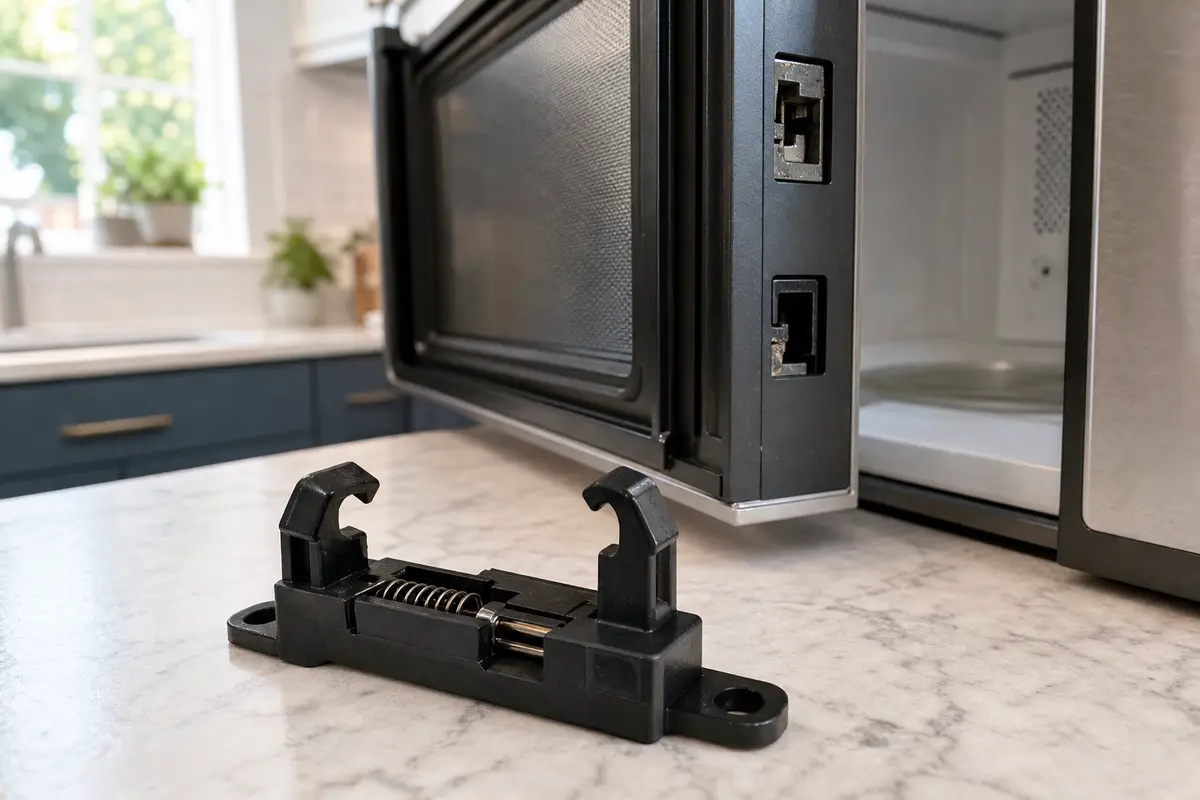
Helps when: The latch hook or latch bracket is visibly cracked, loose, worn, or no longer catches cleanly.
Skip it when: The symptom is fan-only cooldown, a vent fan setting, or an internal switch/control diagnosis has not been done.
Compare microwave door latches on AmazonAs an Amazon Associate I earn from qualifying purchases. Repair Riot may earn a commission at no extra cost to you.
Yes, sometimes. Many microwaves run a cooling fan for a short time after heating, and over-the-range models may also run the hood vent fan after cooktop heat builds up. Turn the vent fan fully off and watch the light and turntable. If only airflow continues and it shuts off on its own, that is often normal.
A light airflow hum can be a normal fan. A deeper cooking hum, especially with the turntable still moving or the water still heating, is not normal. That points more toward a control, relay, or door-latch problem and the microwave should be unplugged.
Yes, but do not open the microwave cabinet to chase door-switch wiring. Door-switch and latch problems can confuse the unit about door position and stopping logic. You can safely inspect obvious latch damage from the outside; internal switch diagnosis belongs with a pro.
Not as a first move. Control parts are expensive and model-specific, and this symptom is often a vent fan or cooldown cycle. Check fan-only behavior, stuck buttons, and visible latch problems first. Consider a board only after service confirms a stuck control or relay, then match the full model number before ordering.
Leave it unplugged and stop using it. That is beyond a nuisance issue. If you found obvious latch damage, address that first. If not, schedule professional service because the control side, relay, or door-switch circuit needs proper diagnosis.
Yes. If it is actually heating after Stop or after time reaches zero, unplug it and stop using it. Fan-only run-on can be normal; continued heating is a control or door-safety problem.
Fan noise is lighter airflow. Cooking usually has a deeper hum and may come with the light, turntable, and heating. When in doubt, stop the test, unplug the microwave, and do not keep cycling it.
On some over-the-range microwaves, cooktop heat can bring on the hood vent or make the vent run longer than expected. That is different from the microwave still heating food. Turn the vent control fully off and watch whether the tray, light, and heating have stopped.
Repair Riot built this page around homeowner-safe sorting: fan-only run-on, continued heating, outside latch clues, and the point where microwave high-voltage service should leave the DIY lane.