Is the display blank and nothing responds?
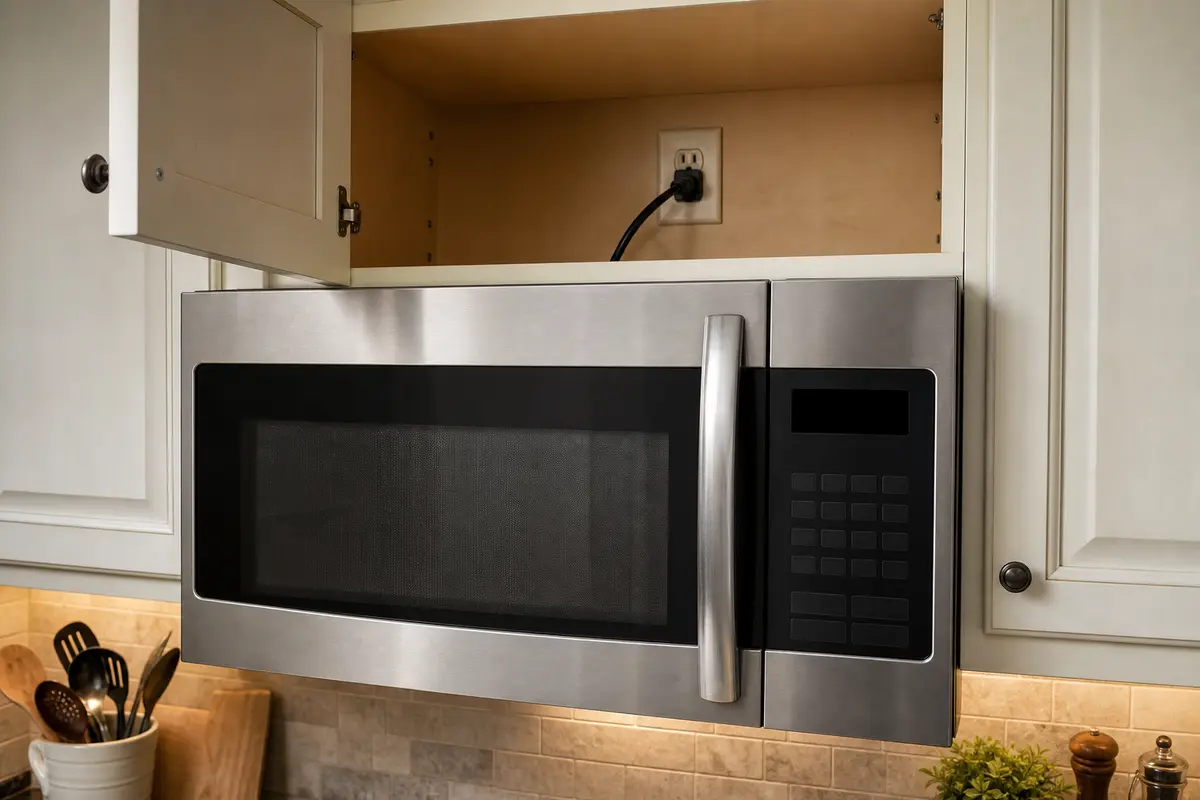
Start with the outlet, GFCI, breaker, and plug seating. Treat it as a power problem until the outlet proves good.
A dead Whirlpool microwave display usually starts with lost outlet power, a tripped GFCI or breaker, Control Lock, or a frozen control. If the clock is blank and the keypad is silent, look at outlet power and reset first; stop before opening the microwave cabinet.
Check the split you can see. Totally dead points to power, while beeps, lights, or heating with no numbers points toward lock, latch, or display/control failure.
Sort the symptom first: dark and dead, dark but beeping, dim or partial, or changing when the door moves.
Don’t start with: Do not remove the cover or replace internal electrical parts. Microwave high-voltage components can stay dangerous even after the unit is unplugged.
Start with the outlet, GFCI, breaker, and plug seating. Treat it as a power problem until the outlet proves good.
Check Control Lock, do a full power reset, then suspect the display/control area if the screen stays dark.
Rule out unstable power first. With steady outlet power, the display/control section moves up the list.
Stop using it and treat the latch, hinge, or door-switch area as the stronger clue.
Unplug it for several minutes, restore power once, and watch whether the clock returns and stays steady.
Leave it unplugged. That is no longer a display-only troubleshooting job.
Use the visible clue before you buy anything. A dead display with no response starts at the outlet. A dark panel that still beeps or reacts sends you to lock, reset, latch, and finally the display/control area.
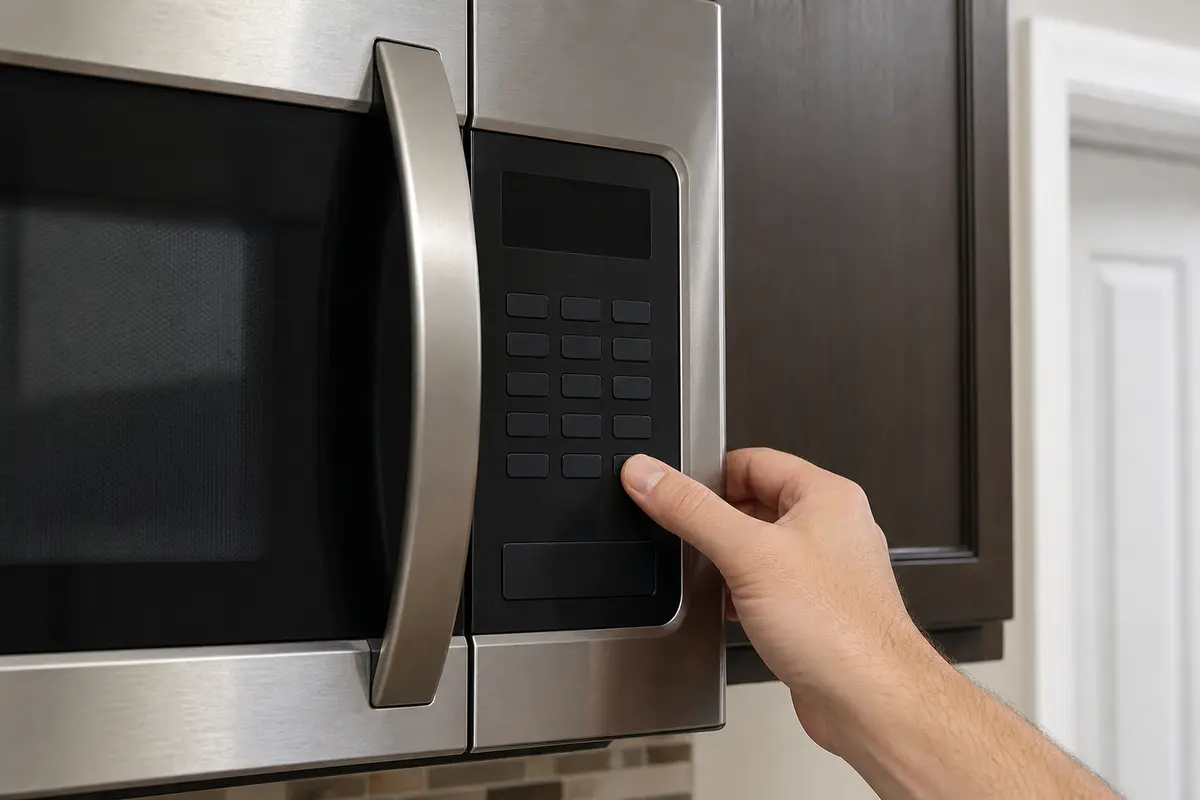
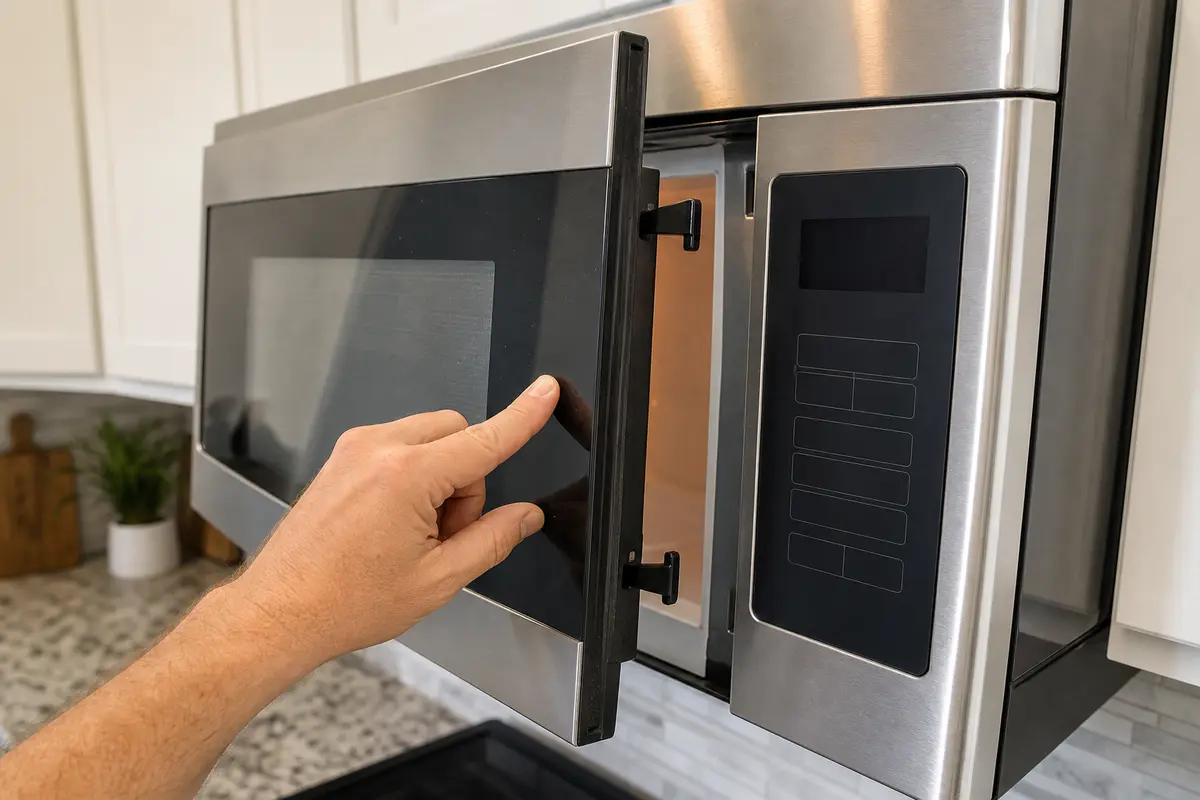
Do not buy a control board, display board, fuse, capacitor, or door switch from a blank-screen symptom alone. Copy the full model number first, prove the outlet is good, clear lock/reset states, and use door movement as the clue before considering a latch part. Internal electrical diagnosis belongs with a qualified appliance tech.
A blank microwave screen is not one failure. The useful first question is whether the whole unit is dead or only the display is dark.
Do not treat every dark display like a bad board. The riskier move is opening the microwave to prove it.
Work from the wall toward the microwave. These checks stay outside the cabinet and answer the questions a service tech would ask first.
Use the result to decide whether this is still a homeowner check or time to stop.
| What you see | What it usually means | Next move |
|---|---|---|
| No display, no beep, no light | Power may not be reaching the microwave. | Check outlet, GFCI, breaker, and plug seating. Stop for scorch marks or repeat trips. |
| Blank display but buttons beep or the microwave runs | Power is present; lock, reset, or display/control failure is more likely. | Clear Control Lock, do a full reset, then consider service if the screen stays dark. |
| Dim, partial, flickering, or fading display | Unstable power or a failing display/control section. | Prove the outlet is steady, then weigh service versus replacement. |
| Screen changes when the door moves | Latch, hinge, or door-switch behavior is involved. | Stop using it until the latch area is repaired or the microwave is replaced. |
| Breaker or GFCI trips again | Electrical supply or internal fault risk. | Leave it unplugged and get the circuit or microwave checked. |
A microwave door is part of the safety system. A display that reacts to door movement deserves respect, not a harder slam.
These tools support outside checks only. Skip any path that would require taking the microwave cover off.
Paid links. As an Amazon Associate I earn from qualifying purchases. Repair Riot may earn a commission at no extra cost to you.
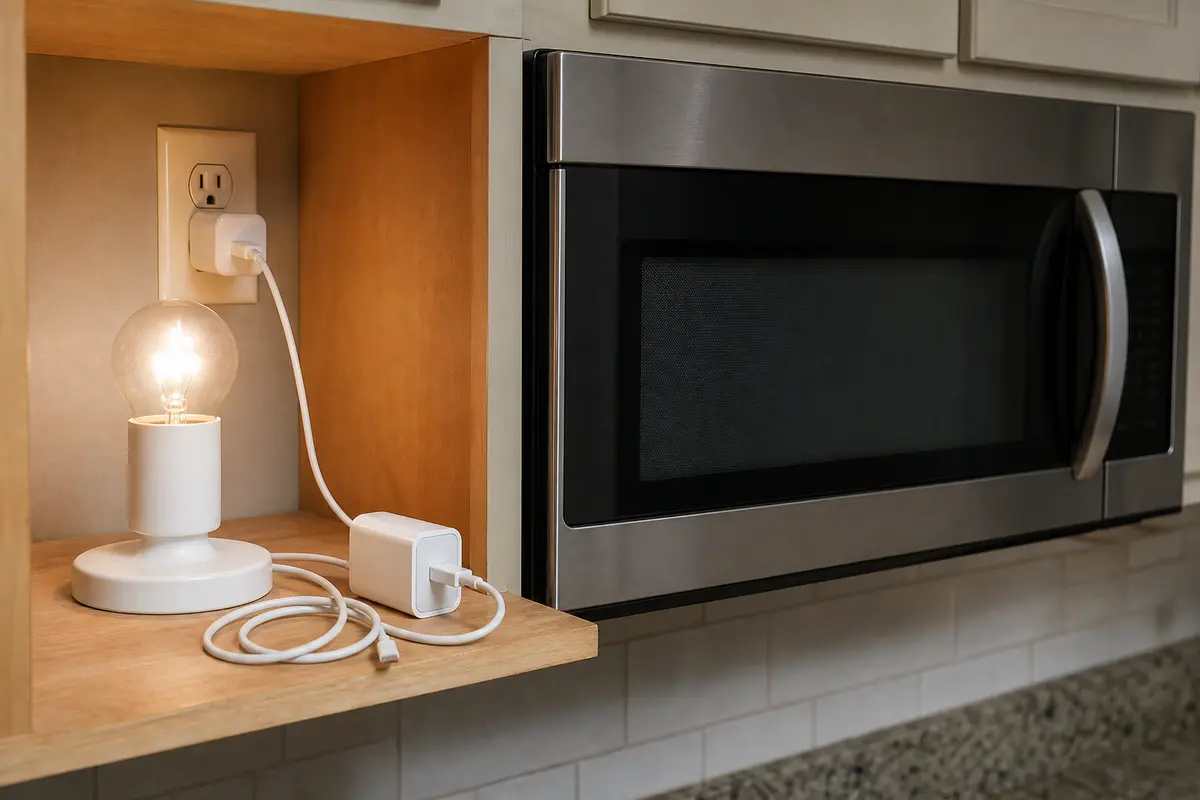
Helps when: Shows whether the microwave outlet has power before you blame the display.
Skip it when: Skip it if the outlet is hot, loose, scorched, or repeatedly trips power; stop instead.
Compare simple outlet-check tools on Amazon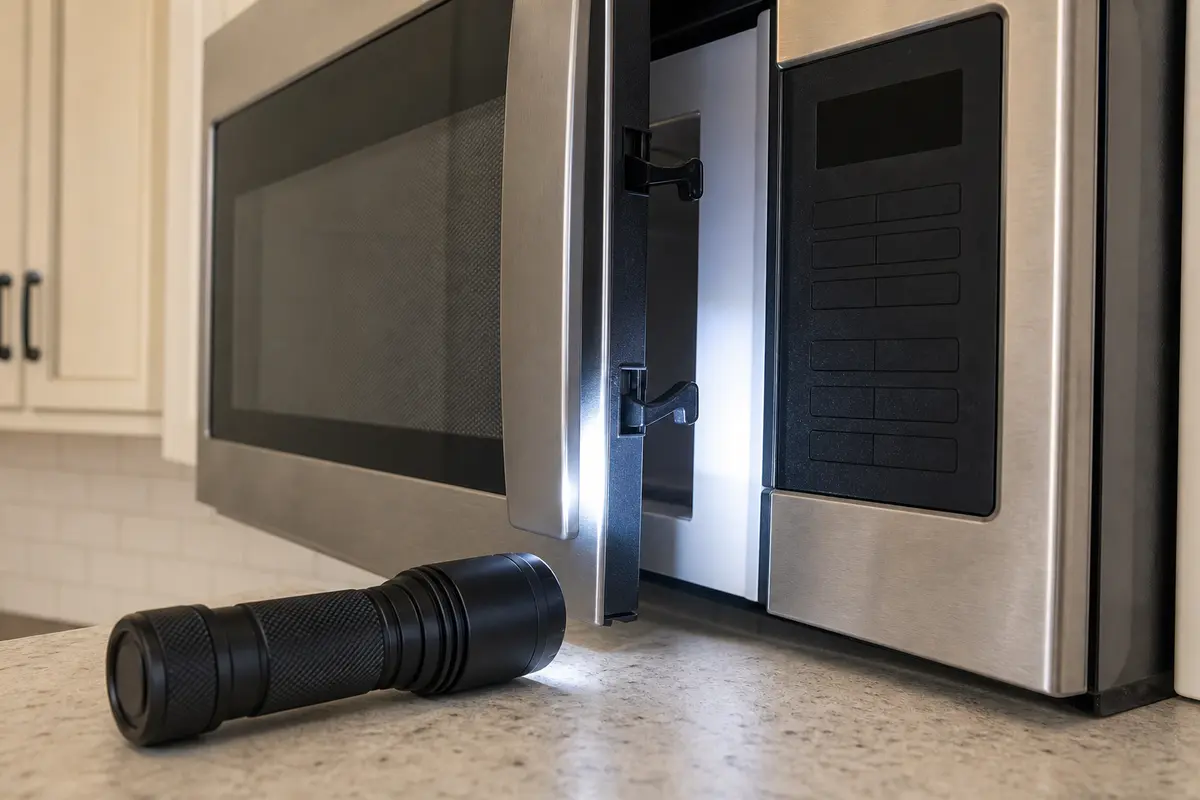
Helps when: Use it to see the upper-cabinet plug, outlet face, latch hooks, and scorch marks without disassembly.
Skip it when: Do not use a flashlight inspection as a reason to remove the outer cover.
Compare compact flashlights on Amazon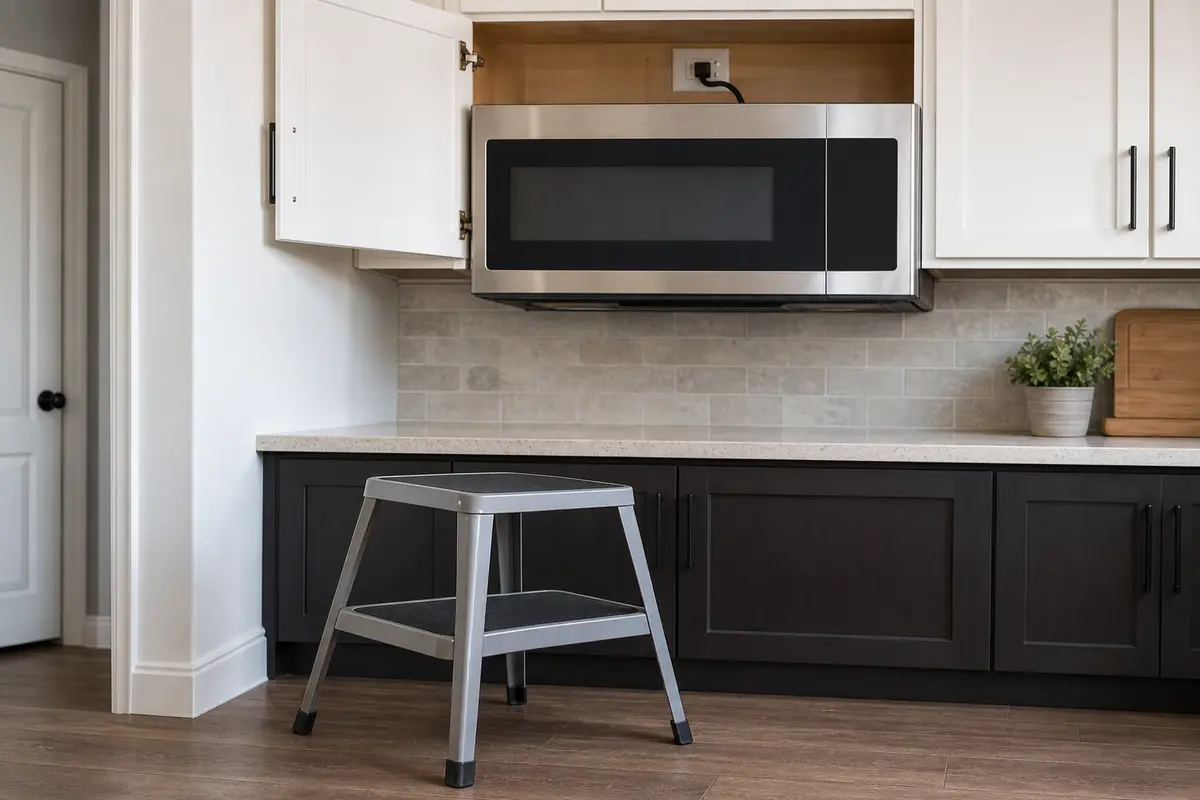
Helps when: Gives safe reach to the outlet above an over-the-range microwave.
Skip it when: Skip climbing if the microwave is mounted high or awkward; have someone qualified check the plug and outlet.
Compare sturdy step stools on AmazonParts come after the symptom points somewhere specific. A blank screen by itself is not enough evidence for a control board.
Paid links. As an Amazon Associate I earn from qualifying purchases. Repair Riot may earn a commission at no extra cost to you.
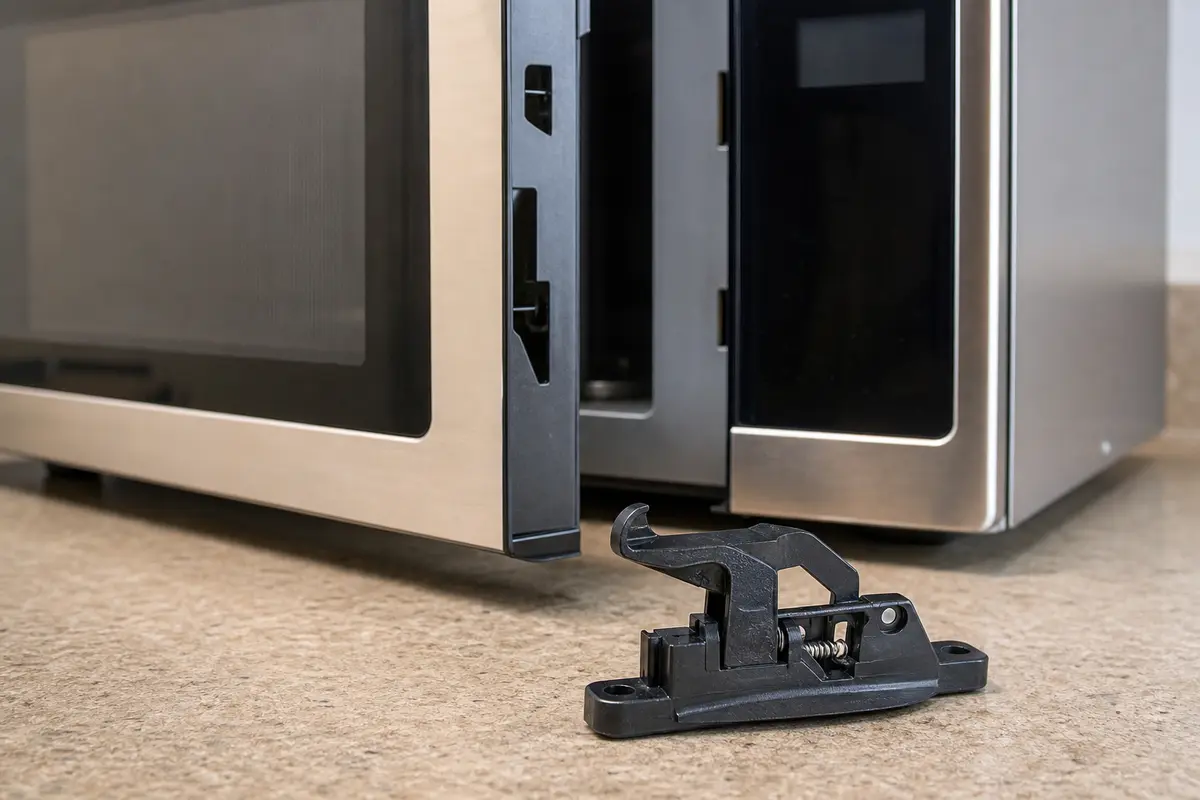
Helps when: Use only when door fit or latch damage is the clear symptom tied to display behavior.
Skip it when: Skip it when the door closes normally and the display stays dead with no door-position change.
Compare compatible microwave door latch assemblies on AmazonPower is reaching the microwave, so the outlet is less likely. Clear Control Lock, do a full unplug reset, and watch for door-position clues. A screen that stays dark while the unit beeps or heats often points to the display/control area.
Yes. Loose or unstable power can make the display flicker, fade, or disappear. Test the same outlet with a simple plug-in device and stop if the receptacle is loose, hot, scorched, or keeps tripping power.
Leave it without power for 3 to 5 minutes, then restore power and wait for the control to wake up. A few seconds may not clear a frozen control state.
Control Lock usually leaves some sign of power, such as a beep, icon, light, or limited keypad response. If the microwave reacts but the display stays blank or locked, look for the lock label on the keypad and use that model's manual for the reset sequence.
It can. Hard closing can stress the latch and door-switch area. If the display changes when the door moves, stop using the microwave until the latch area is repaired professionally or the unit is replaced.
For most homeowners, no. Microwaves contain high-voltage components that can remain dangerous after unplugging. Once the diagnosis requires opening the cabinet, professional service or replacement is the safer call.
Not until outlet power, reset, lock settings, and door behavior are ruled out. If steady power is confirmed and the display is still dim, partial, or fading, compare professional diagnosis with the cost of replacing the microwave.
If the unit is older, outlet power is good, reset does nothing, and you still see a blank, dim, or partial display, replacement often makes sense. For a newer microwave, check warranty coverage and get a diagnosis before buying parts.
This page is built around homeowner-safe Whirlpool microwave triage: outside power checks, control state, door-latch clues, and a hard stop before high-voltage internal diagnosis.