Anything warm, buzzing, scorched, wet, or tripping the breaker again?
Leave the breaker off and stop. Heat, arcing clues, water inside the box, or repeat trips need a licensed electrician.
If a GFCI is not working, start with the pattern: no reset click, RESET pops back out, or the GFCI resets while other protected outlets stay dead. Look at the breaker, nearby upstream GFCIs, moisture, and unplugged loads before buying a receptacle.
A dead GFCI often has no incoming power. A reset that will not hold often points to moisture, a plugged-in fault, or a failed device.
Sort safety clues first, then reset behavior, breaker power, moisture, and protected outlets. Stop for heat, buzzing, scorch marks, water, or repeated trips.
Don’t start with: Do not open the box or swap the GFCI while power may be on. Turn the breaker off and verify the circuit is dead before touching wiring.
Leave the breaker off and stop. Heat, arcing clues, water inside the box, or repeat trips need a licensed electrician.
Start with the breaker and nearby upstream GFCIs. A GFCI with no incoming power can feel like a dead device.
Unplug everything protected by that GFCI and check for rain, splashing, wet covers, or a bad appliance before you blame the receptacle.
Reconnect items one at a time. The item or location that trips it again is the clue to follow.
Look for another upstream GFCI, a switch-controlled outlet, or a load-side connection problem. Do not open boxes unless power is off and verified.
Let the area dry and inspect covers without opening a wet box. Broken outdoor covers and damp boxes are not fixed by repeated reset attempts.
Treat reset behavior as the first clue. No click, a button that pops back out, and dead protected outlets do not lead to the same repair.
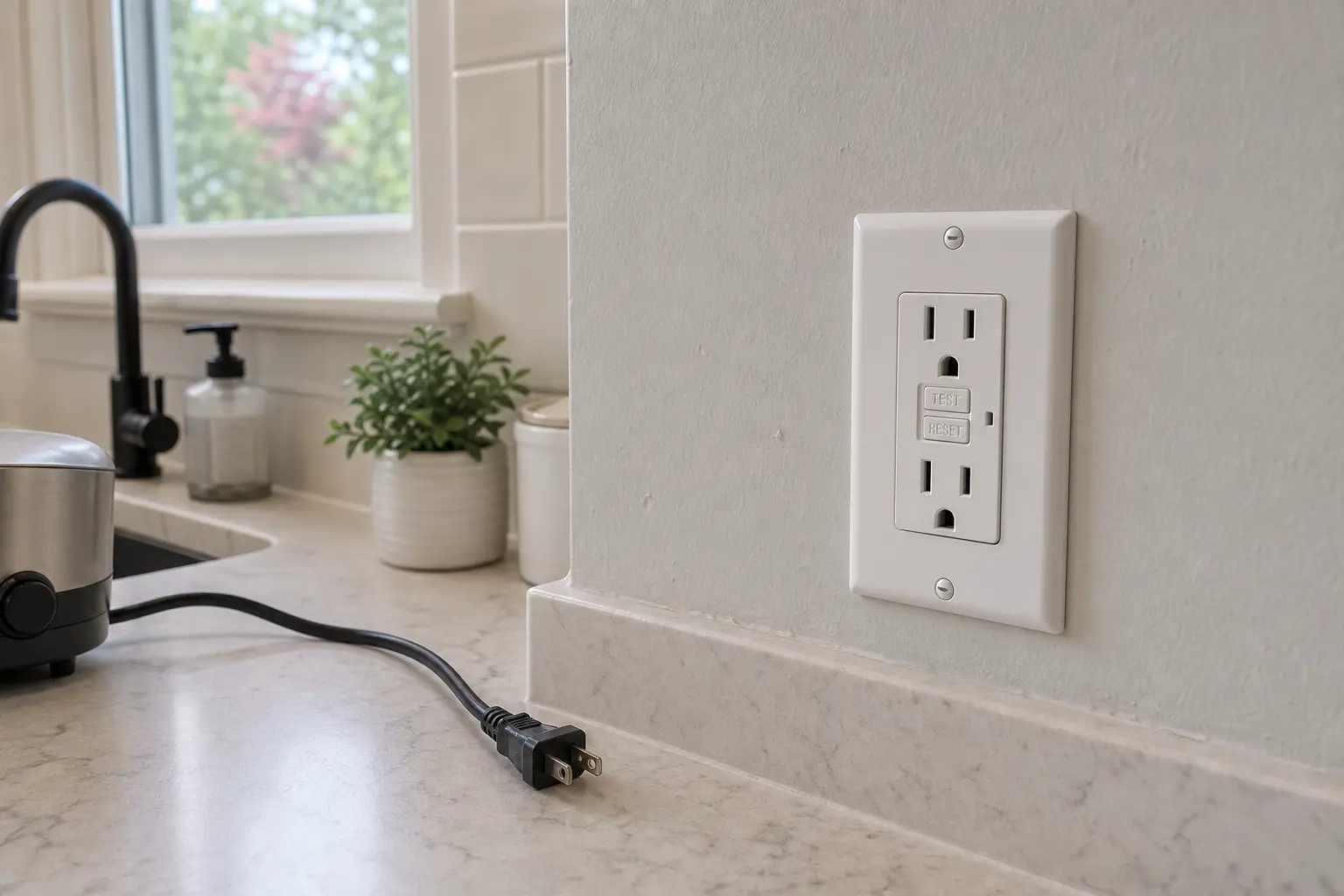
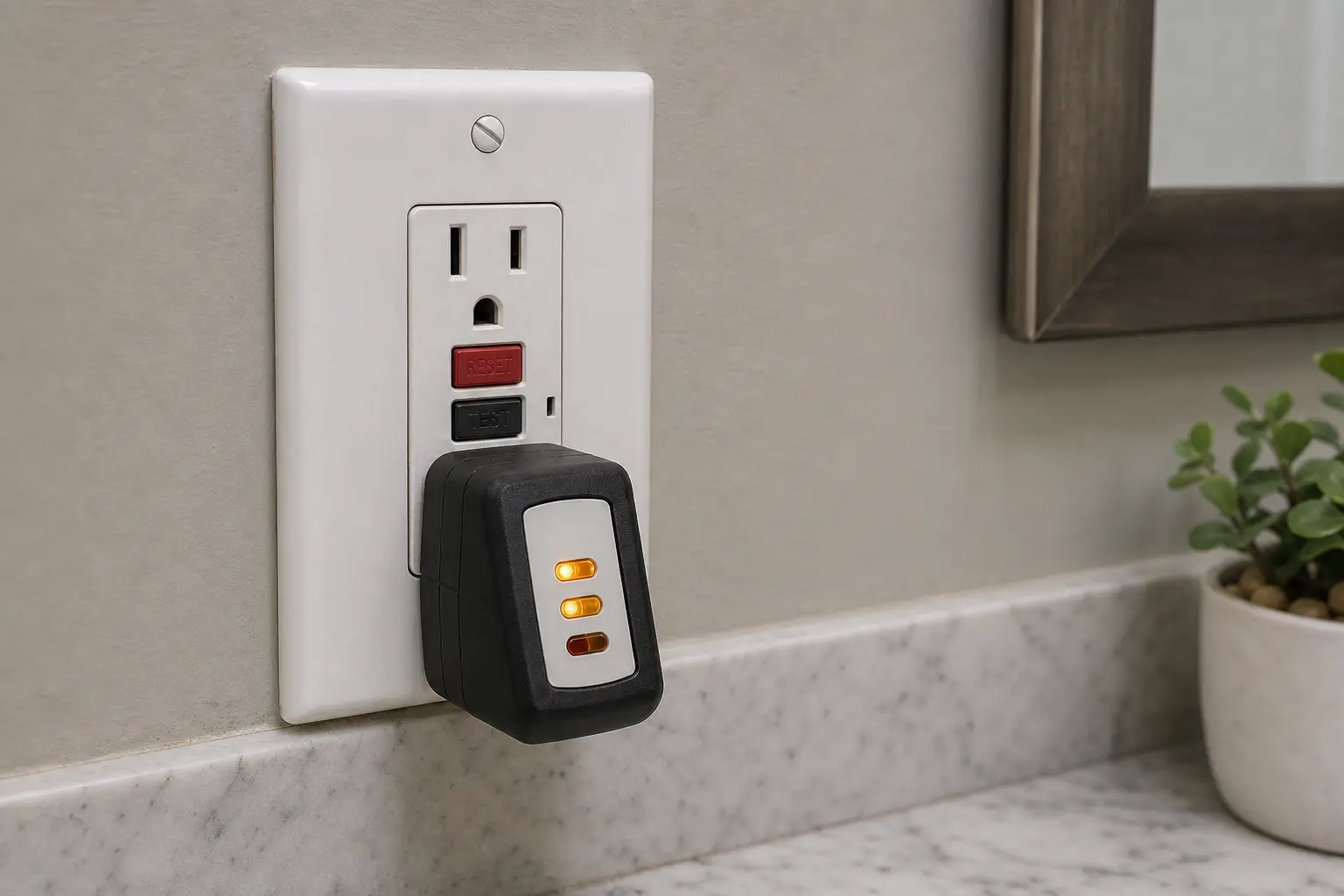
Do not buy a GFCI receptacle until the exact diagnosis points at that receptacle rather than a breaker, upstream GFCI, wet cover, connected load, or wiring fault. The area should be dry, protected loads unplugged, and the breaker stable. Match amperage, face style, line/load layout, and location rating. Unclear wiring or repeated trips means no cart; call a licensed electrician.
A GFCI problem is not one pattern. Button behavior, nearby outlets, moisture, and breaker status tell you whether the issue is power supply, a real ground fault, or a failed receptacle.
A dead-looking GFCI can still sit near live conductors. Keep the first checks outside the box.
Use checks that do not expose conductors before any wiring work. The goal is to learn whether power, moisture, a connected load, or the receptacle itself is the better clue.
Use the result to choose the next safe check. If the pattern points inside the box and you cannot verify the power is off, stop there.
| What you see | What it usually means | Do next |
|---|---|---|
| TEST and RESET do nothing, no power at the face | No incoming power, an upstream trip, or a failed device | Cycle the breaker and reset upstream GFCIs before opening the box |
| RESET pops back out immediately | Active ground fault, moisture, bad plugged-in item, or failed GFCI | Unplug loads, check for wet areas, and try once when dry |
| RESET holds and this GFCI works | A temporary trip or one connected item may have caused it | Reconnect items one at a time and stop when the trip returns |
| GFCI works but protected outlets stay dead | Load-side connection, another upstream device, or a wiring issue | Do not guess at wires; call a licensed electrician if boxes need opening |
| Breaker trips as soon as you reset | Fault on the circuit or a damaged connected device | Leave the breaker off and call a licensed electrician |
| Tester results flicker or change when touched | Loose, damaged, or heat-affected wiring may be present | Stop testing and leave power off |
A GFCI receptacle belongs in the cart only after easier checks point at that exact device.
These tools support closed-device checks and power-off work. They do not make wet, burned, or uncertain wiring safe.
Paid links. As an Amazon Associate I earn from qualifying purchases. Repair Riot may earn a commission at no extra cost to you.
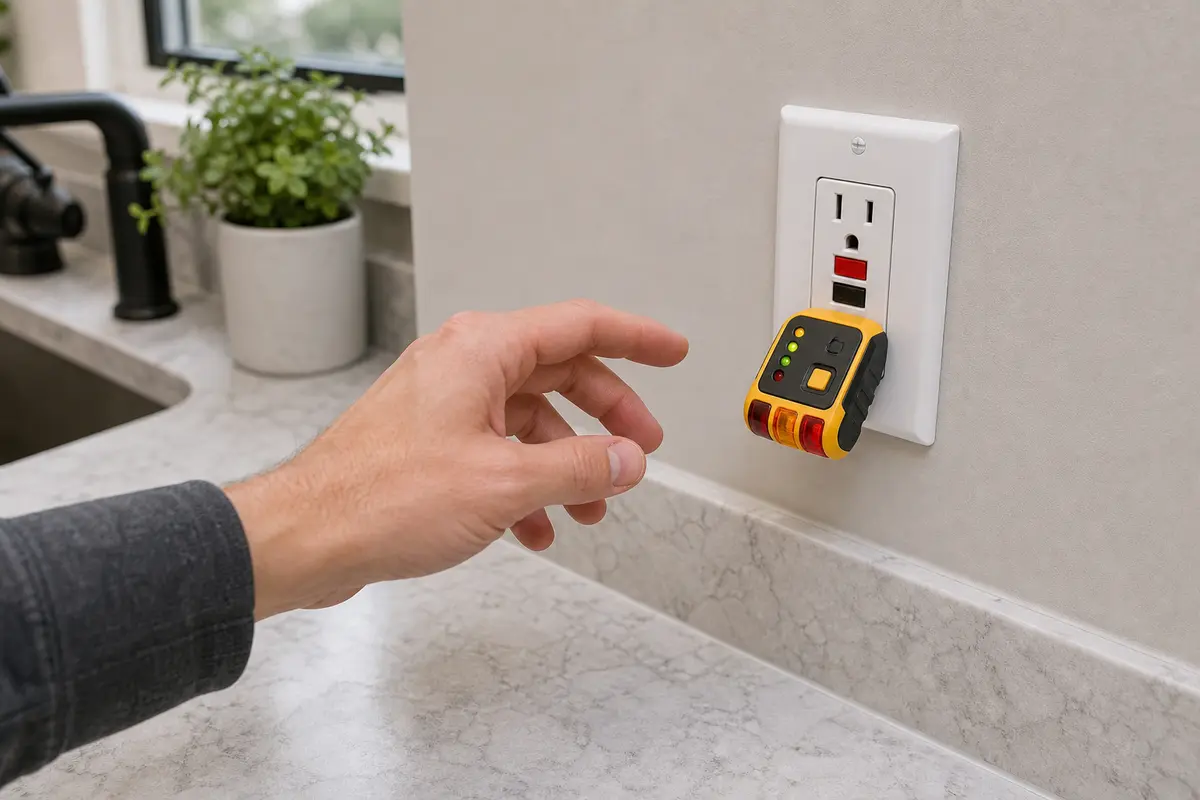
Helps when: You need a non-invasive check after the breaker and reset behavior are sorted.
Skip it when: The GFCI is warm, wet, scorched, loose, or the breaker trips again.
Compare GFCI outlet testers on Amazon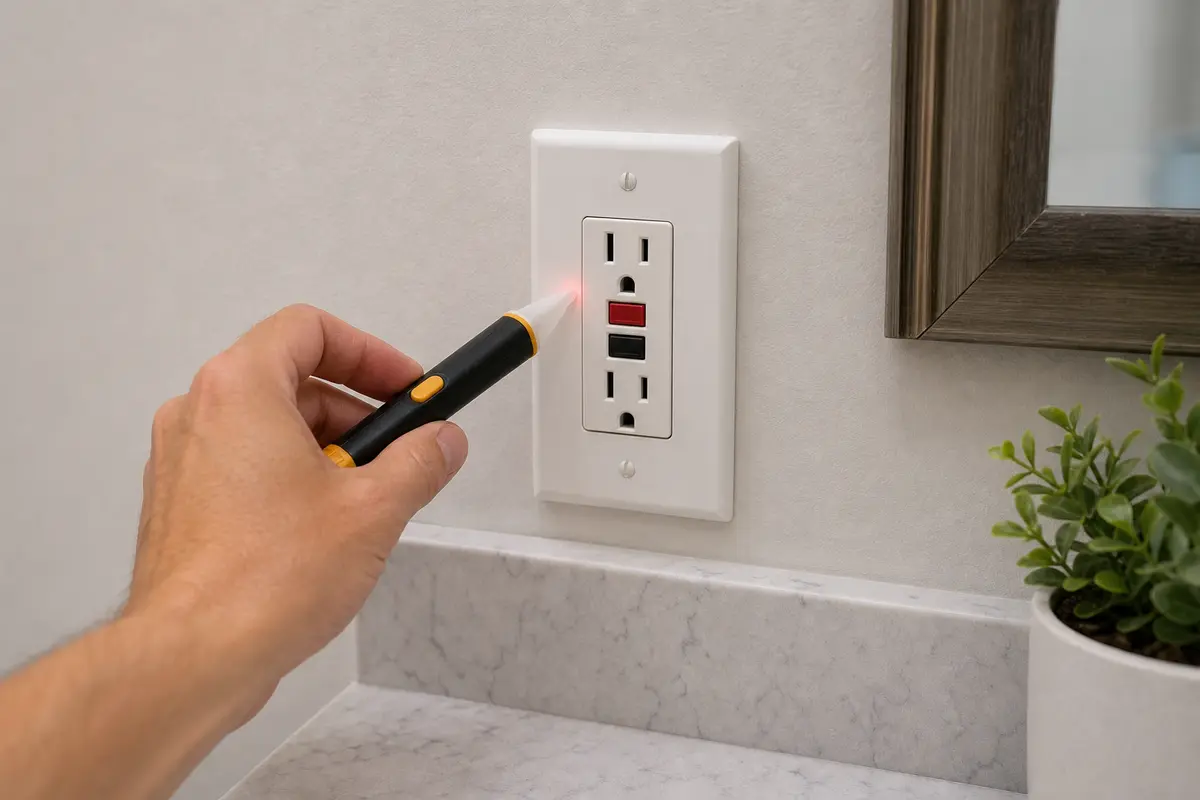
Helps when: You have turned the breaker off and need a basic no-touch check before removing a cover or device screws.
Skip it when: You need a full wiring diagnosis or you are not sure the tester is reading the right circuit.
Compare voltage testers on Amazon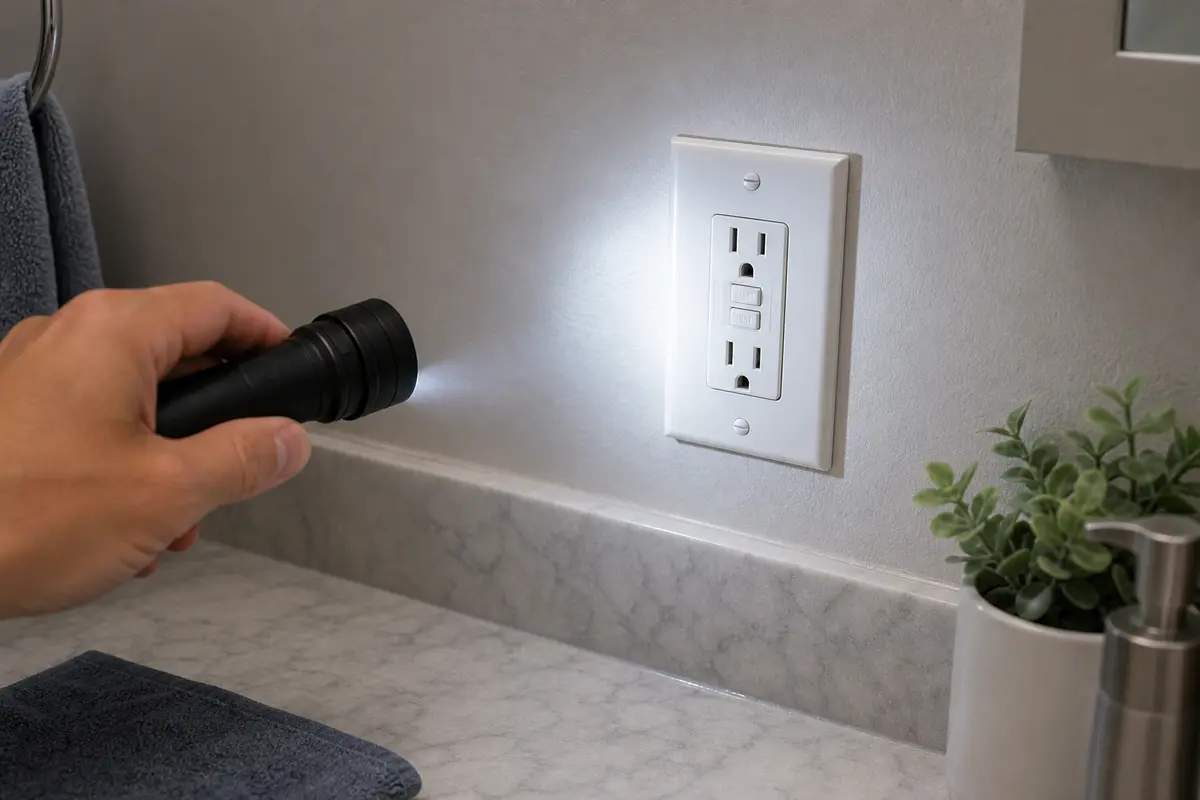
Helps when: You are checking panel labels, wet covers, scorch marks, cracked plastic, or hard-to-see upstream GFCIs.
Skip it when: Better lighting reveals water, heat damage, or wiring you do not understand.
Compare inspection flashlights on Amazon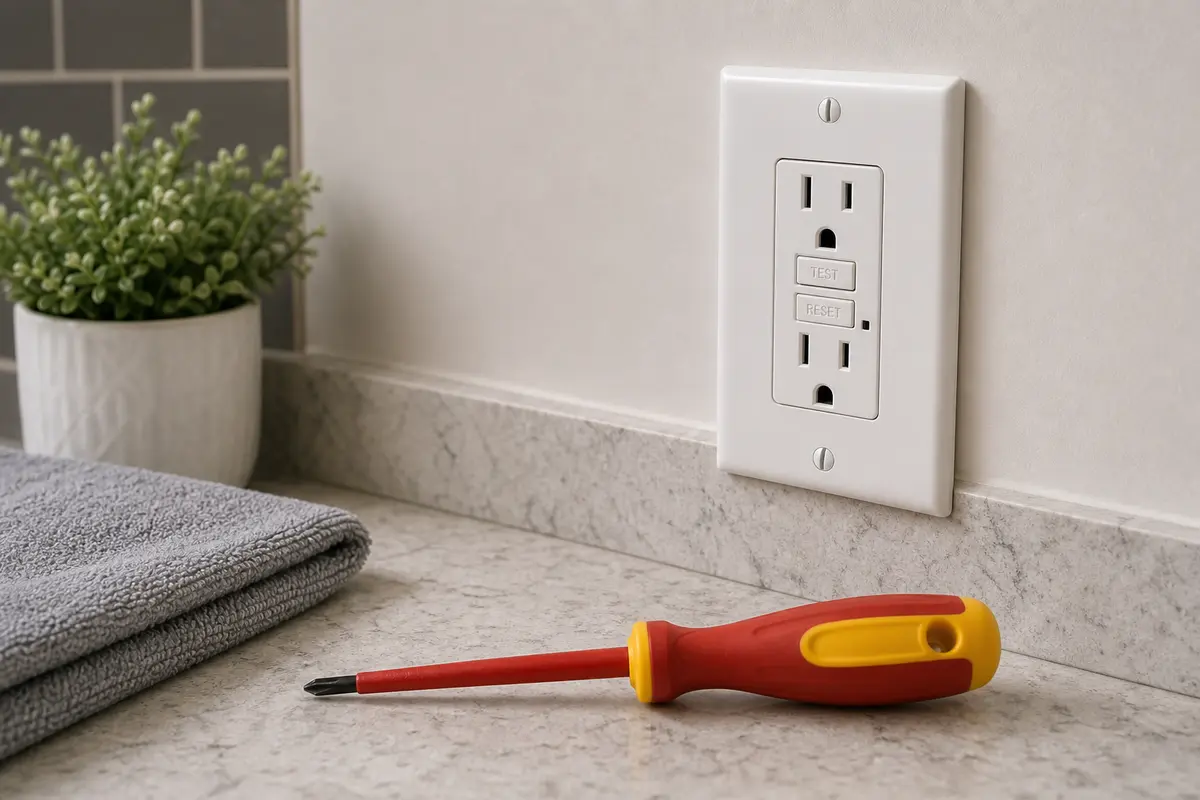
Helps when: You are removing a cover or replacing a confirmed failed GFCI after power is off and verified.
Skip it when: The circuit will not stay reset, the box is wet, or line/load wiring is unclear.
Compare insulated screwdrivers on AmazonBuy parts only after tests point there. A receptacle is suspect when the breaker is on, upstream GFCIs reset, loads are unplugged, the area is dry, and the device still will not reset or power a tester.
Paid links. As an Amazon Associate I earn from qualifying purchases. Repair Riot may earn a commission at no extra cost to you.
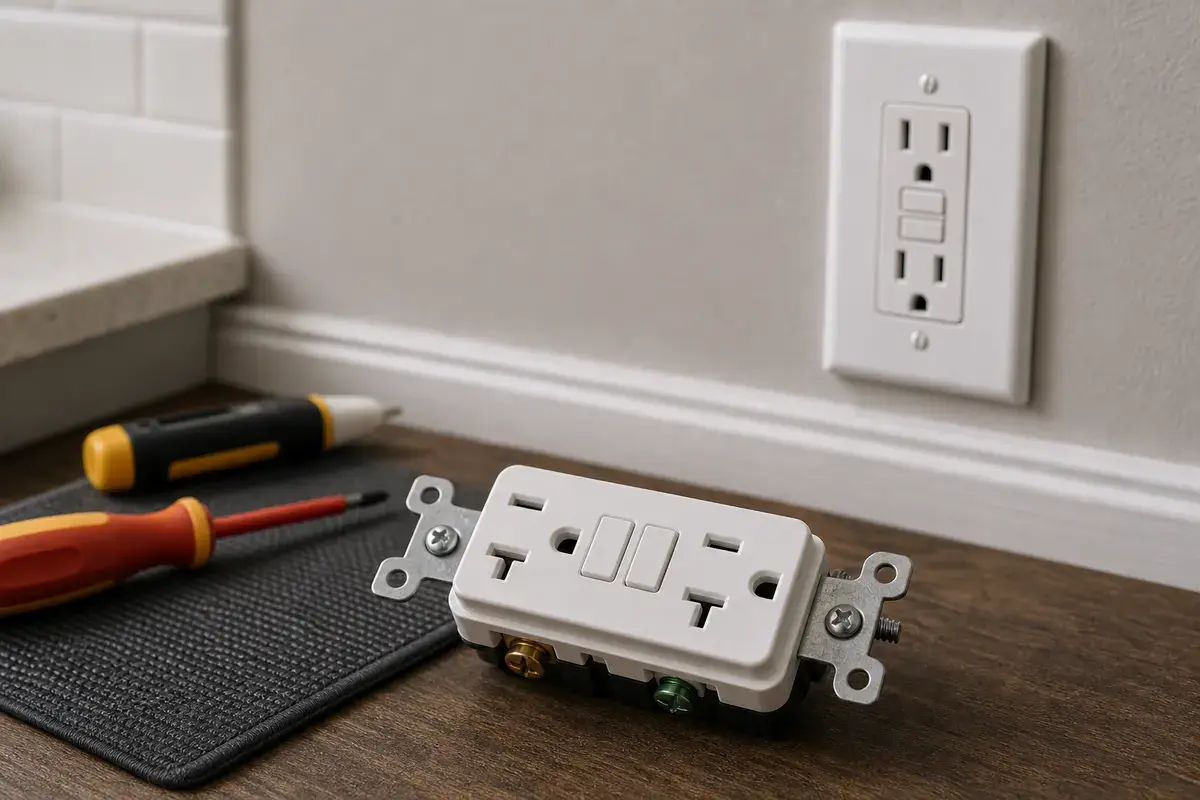
Helps when: The breaker is stable, the area is dry, loads are unplugged, and the existing GFCI still will not reset or test correctly.
Skip it when: There is no incoming power, the breaker trips again, several outlets are dead, or the wiring layout is uncertain.
Compare GFCI receptacles on Amazon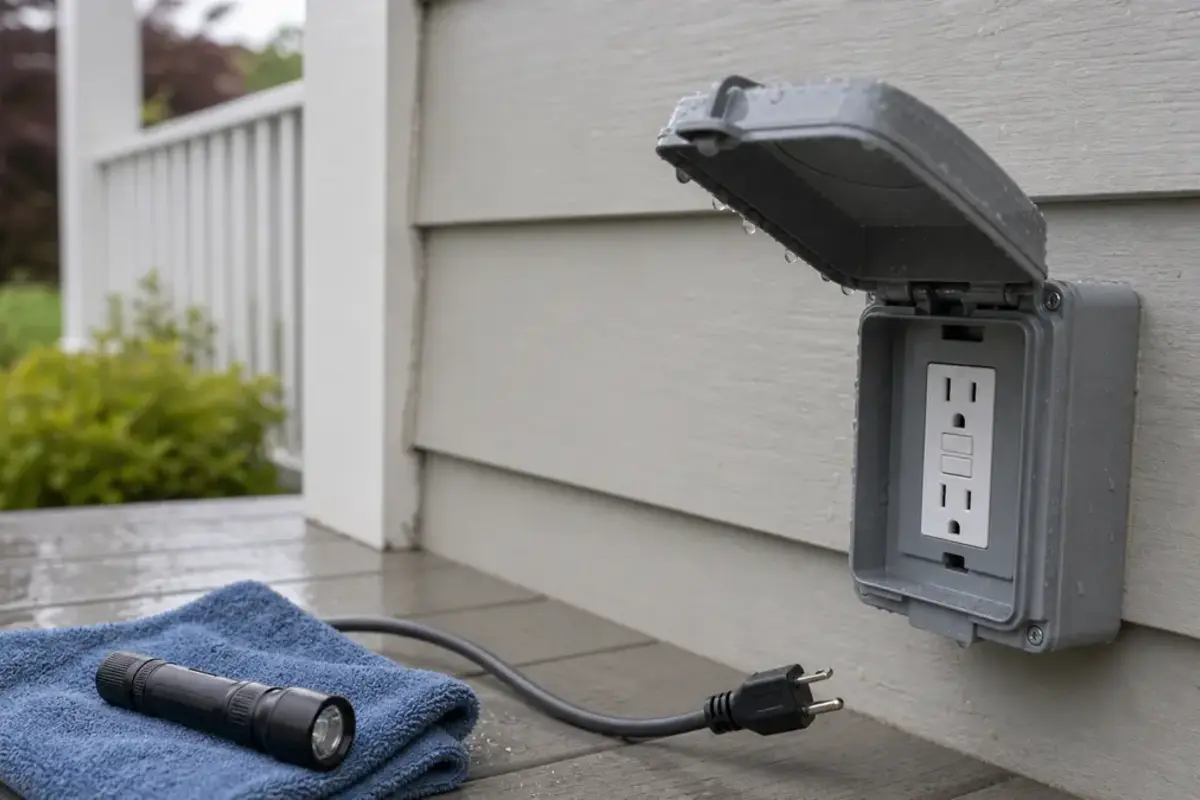
Helps when: The confirmed failed device is in an outdoor, garage, or damp-location spot where a weather-resistant replacement is appropriate.
Skip it when: Water is entering the box, the cover is broken, or a plugged-in outdoor cord is the item that trips the GFCI.
Compare weather-resistant GFCIs on AmazonIt may not have incoming power, it may still be sensing a fault, moisture may be present, a connected item may be bad, or the GFCI itself may have failed. Start with the breaker, nearby upstream GFCIs, dry conditions, and unplugged loads before replacing the receptacle.
A breaker can sit in a partly tripped position that looks on, and another upstream GFCI may be open. Fully cycle the correct breaker once, check nearby GFCIs, and stop if the breaker trips again or the device shows heat or damage.
Yes. A GFCI receptacle can fail internally and stop resetting or stop passing power while the breaker stays on. That diagnosis is stronger after power, moisture, and connected-load faults have been ruled out.
Several outlets may be protected by one GFCI or breaker. Look in bathrooms, garage walls, exterior outlets, basements, laundry areas, and the panel before replacing any single outlet.
That points away from the reset button and toward another upstream device, a switched outlet condition, or a load-side connection problem. Do not open boxes unless power is off and verified.
Yes. Moisture at an outdoor cover, damp box, wet cord, or connected fixture can keep a GFCI from holding reset. Let wet areas dry and do not work on a wet receptacle or cover.
Possibly, but only after the breaker is stable, the area is dry, protected loads are unplugged, and the device still will not reset or test correctly. No incoming power can make a good GFCI feel dead.
Only if you can turn off the correct breaker, verify the circuit is de-energized, and understand the existing line/load wiring. If the box has multiple cables, damaged insulation, aluminum wiring, heat clues, water, or repeated trips, call a licensed electrician.
Repair Riot built this page around homeowner-safe observations: reset-button behavior, breaker status, dry visible covers, unplugged loads, plug-in tester results, and clear stop points before wiring.