One light flickers first?
Watch which bulb, lamp, dimmer, switch, lampholder, or fixture flickers first. Turn that light off, remove the bulb if safe, and retest the room before touching wiring.
If room lights flicker before an AFCI trips, start by unloading the circuit and finding the first light or device that changes. Stop for heat, buzzing, burning odor, or any panel-side clue.
Good clues are a heavy plug-in load starting, one fixture or dimmer acting up, or a loose connection at a switch, receptacle, or light.
Use one clean reset, remove loads, watch the lights, and keep the panel closed.
Don’t start with: Do not start by replacing the AFCI breaker. Panel work comes after the room-side loads and visible devices have been sorted safely.
Watch which bulb, lamp, dimmer, switch, lampholder, or fixture flickers first. Turn that light off, remove the bulb if safe, and retest the room before touching wiring.
Unplug high-draw or motor loads on that circuit, then reset once. A room-wide dip often follows the load, cord, plug, outlet, or a weak connection.
Leave that device unplugged. Check the cord, plug blades, outlet grip, and any warmth before using it again.
Stop treating it as a nuisance. A hardwired light, hidden splice, damaged cable, shared-neutral issue, or AFCI breaker may need electrician diagnosis.
Shut the circuit off and call a licensed electrician. Those clues can mean a loose or overheated connection.
Keep the cover closed. Breaker testing, panel terminations, and AFCI breaker replacement are not homeowner first checks.
The safest clues are visible from the finished side: which light flickers first, what load was plugged in, and whether a switch or receptacle shows heat or looseness.
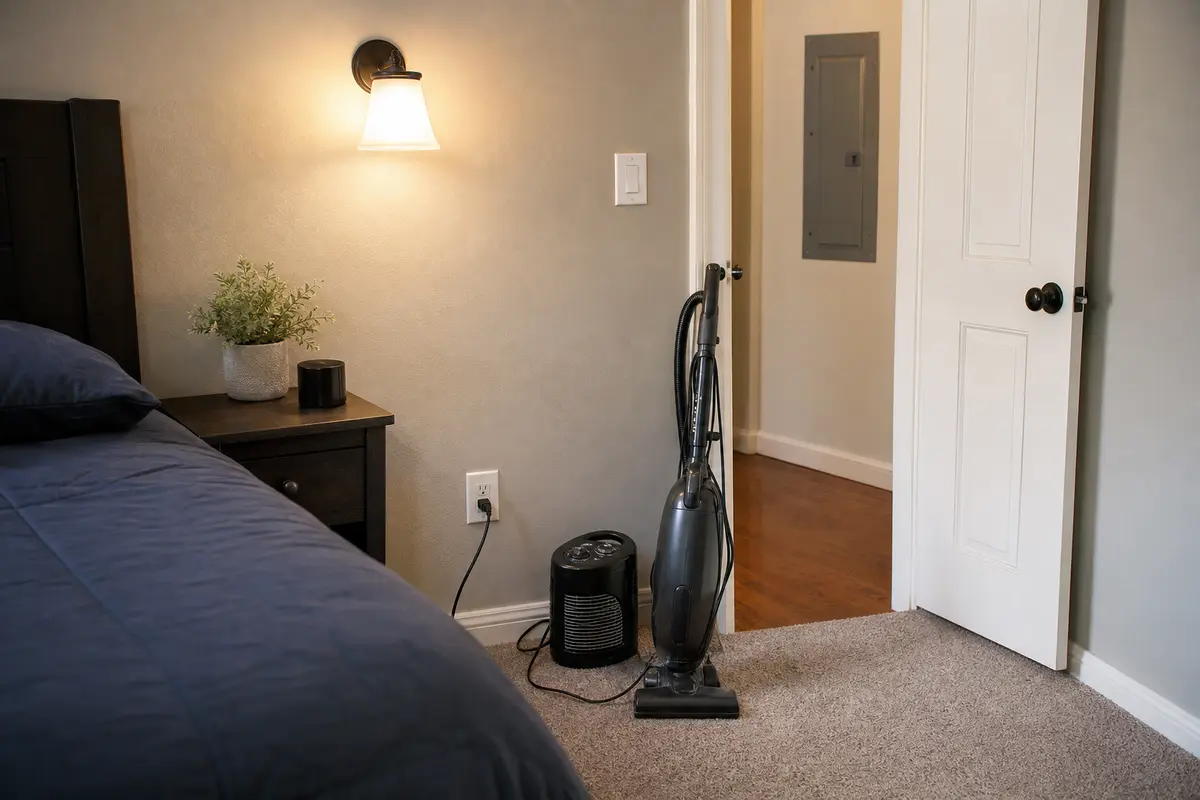
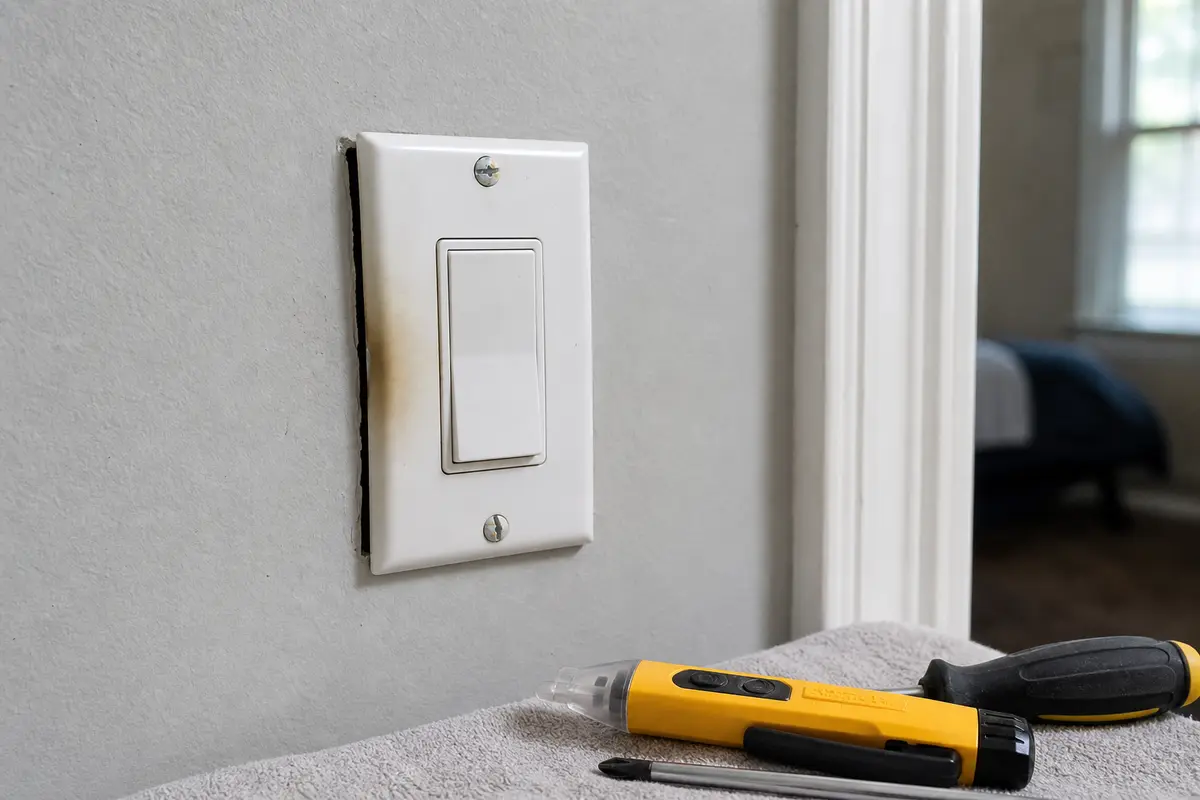
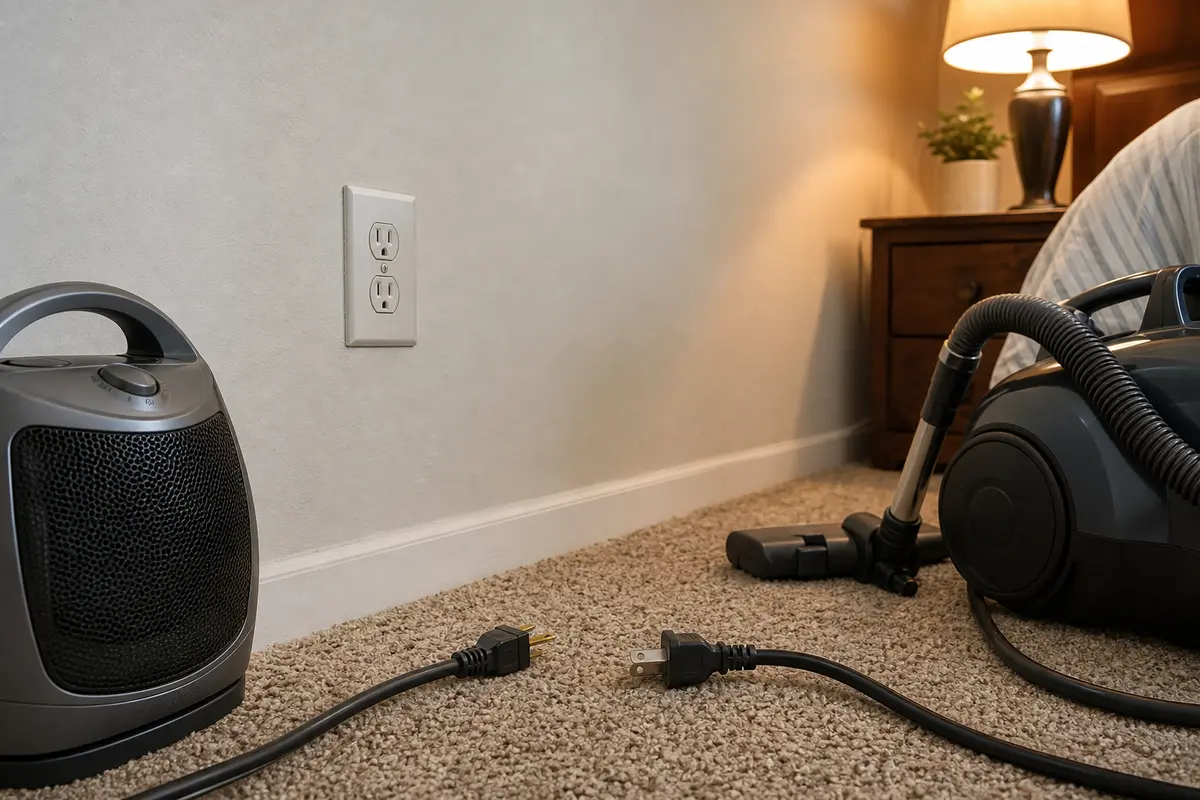
Do not buy a breaker because lights flickered first. Unplug loads, isolate one fixture or device, and look for room-side heat or looseness. Buy a wall AFCI or receptacle only when the failed device is clear, power can be verified off, and the exact replacement matches amperage, rating, line/load layout, and location requirements. Panel AFCI replacement belongs to a licensed electrician.
Flicker before a trip means the circuit changed right before the AFCI opened. The change may be a load starting, a light component failing, or a connection moving enough to heat or arc.
The risky mistake is treating the AFCI as the problem before the room gives up its clues. Keep the first checks simple, visible, and power-off when covers come off.
Change one thing at a time. The result tells you whether to leave a load unplugged, inspect a light or wall device, or stop and hand off the circuit.
| What you notice | What it usually means | Next move |
|---|---|---|
| One lamp or ceiling light flickers first. | Bulb, lamp cord, dimmer, lampholder, fixture wiring, or switch is the better clue. | Turn that light off, remove the suspect bulb or lamp, and retest with the rest of the room quiet. |
| Several lights dip when a load starts. | A high-draw or motor load is pulling on the same circuit, sometimes through a weak connection. | Unplug the load and inspect its cord, plug, and outlet fit before using it again. |
| The AFCI trips with only basic lighting on. | A hardwired load, loose splice, damaged cable, or AFCI device may be involved. | Keep it off if the trip repeats and call an electrician. |
| A switch, outlet, or fixture buzzes or feels warm. | Loose or overheated connection is possible. | Stop using the circuit and do not open the box unless power is off and you are qualified. |
| The panel area is hot, noisy, or smells burnt. | Breaker, bus, terminal, or panel wiring trouble is possible. | Keep the cover closed and call a licensed electrician. |
Work from the outside in. These checks do not require live testing, panel work, or guessing at a breaker.
A like-for-like wall device replacement is only reasonable when the failure point is clear and the work stays out of the panel.
These are for basic room-side sorting and power-off checks. They do not make live wiring or panel work safe.
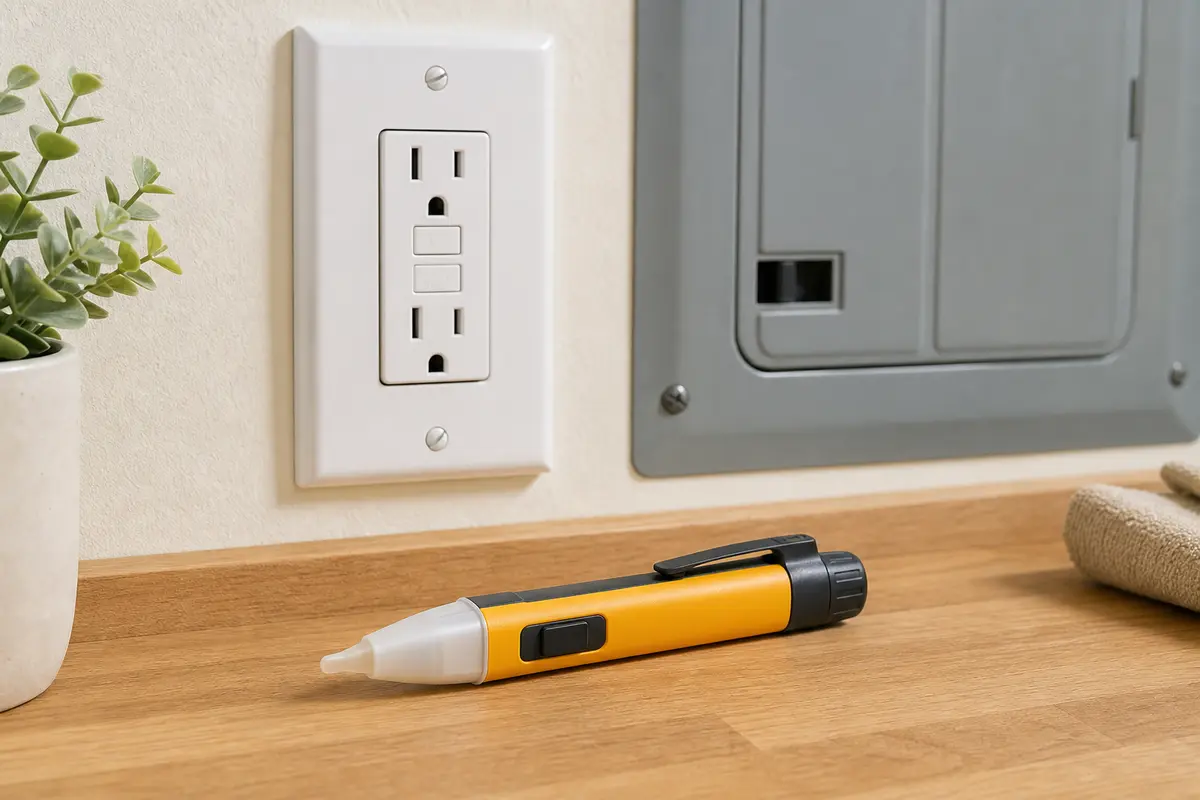
Helps when: Use it after the breaker is off as a first screen before removing a switch, receptacle, or fixture cover.
Skip it when: Skip hands-on work if the reading is unclear, the panel is involved, or the device shows heat damage.
Compare non-contact voltage testers on Amazon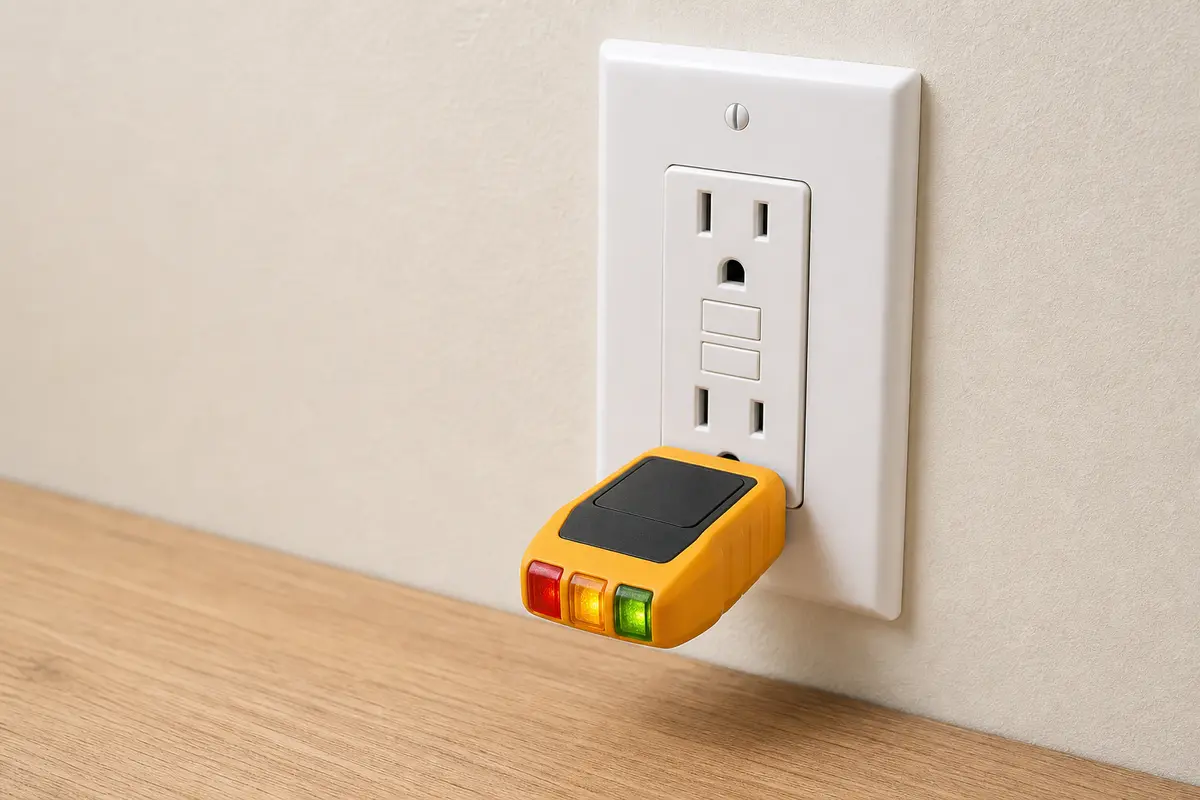
Helps when: Use it on a dry, normal-looking receptacle to help map which outlets are on the AFCI circuit after power is restored.
Skip it when: Skip it on any warm, loose, scorched, wet, or buzzing receptacle.
Compare plug-in outlet testers on Amazon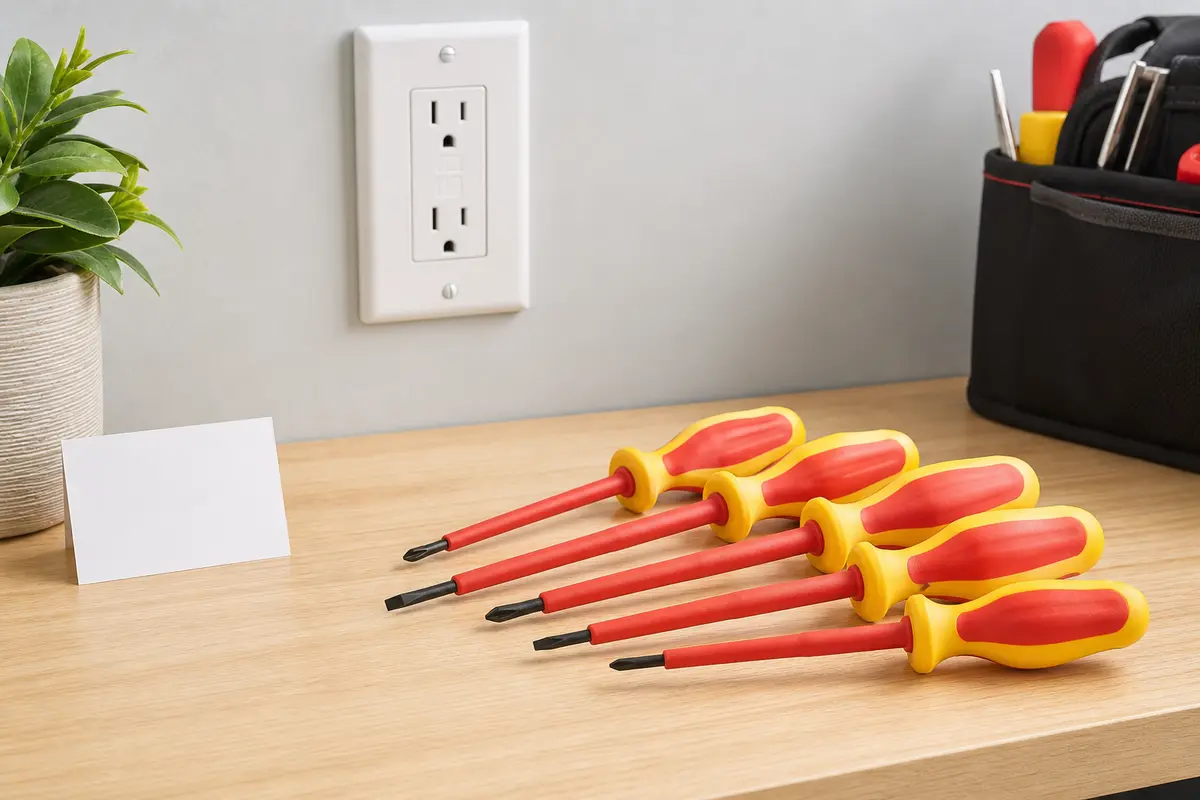
Helps when: Use one only for cover plates and mounting screws after the circuit is off and verified dead.
Skip it when: Skip removing the device when the box is crowded, wiring is unfamiliar, or the cover plate is heat damaged.
Compare insulated screwdriver sets on AmazonAs an Amazon Associate I earn from qualifying purchases. Repair Riot may earn a commission at no extra cost to you.
Buy parts only after one check points to a device. That means a dimmer switch tied to one flickering LED, an outlet with loose plug grip, or a wall AFCI that will not reset after loads are unplugged. If the lights stay steady with that load unplugged, leave it out of service.
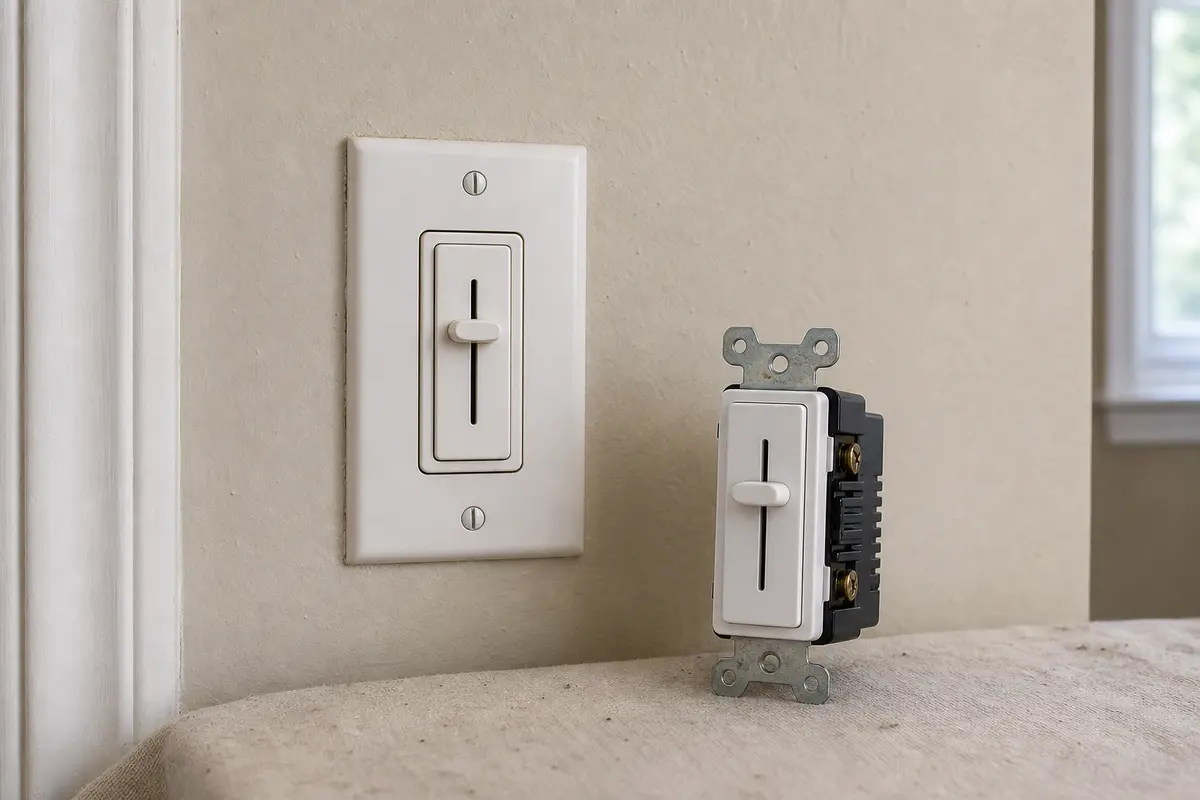
Helps when: Use one only when the flicker is isolated to a dimmed LED fixture and the existing dimmer is not rated for that lamp type.
Skip it when: Skip it when several room lights dip together, the breaker trips with little load, or any heat or buzzing is present.
Compare LED-compatible dimmers on Amazon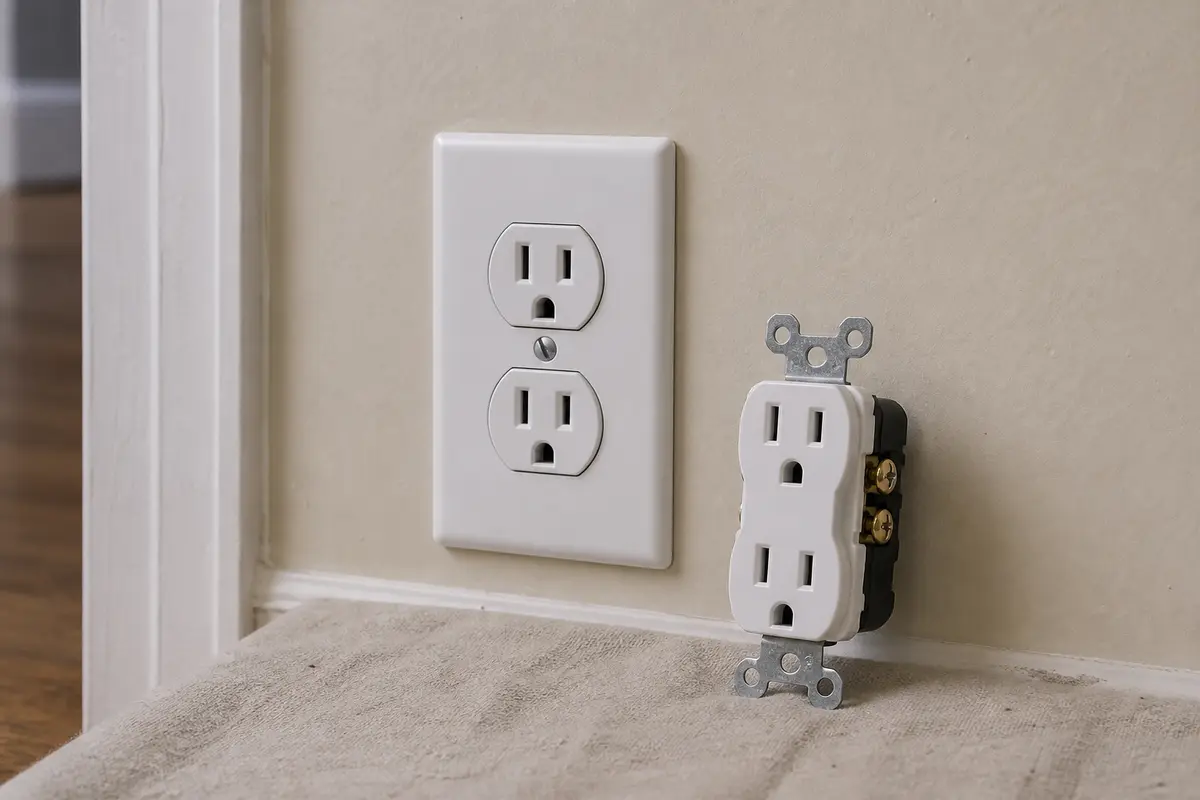
Helps when: Use one only when one receptacle is visibly loose or damaged and AFCI protection comes from the breaker, not that receptacle.
Skip it when: Skip it if the outlet is an AFCI receptacle, line/load wiring is unclear, the box is scorched, or the panel breaker is the suspect.
Compare tamper-resistant receptacles on Amazon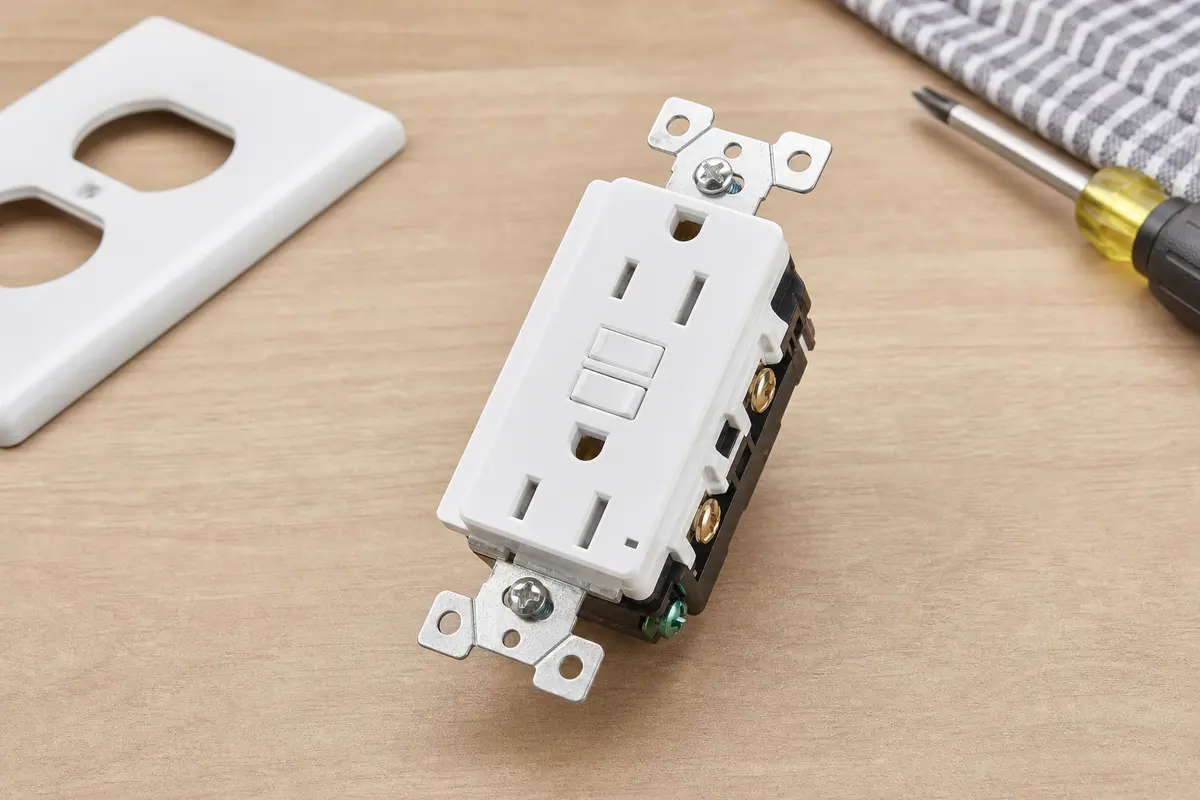
Helps when: Use one only when the AFCI device is at the wall and that exact device is confirmed damaged or unable to reset after downstream loads are ruled out.
Skip it when: Skip it for panel AFCI breakers, uncertain wiring, heat damage beyond the device, or any circuit that still flickers unloaded.
Compare AFCI receptacles on AmazonAs an Amazon Associate I earn from qualifying purchases. Repair Riot may earn a commission at no extra cost to you.
Good notes keep the service call focused on the real clue instead of a blind breaker swap.
Yes, but it is not the first assumption. If the flicker changes when you unplug a load, switch off one light, or find a warm or loose device, follow that room-side clue before a panel breaker replacement.
A vacuum has a startup load that can make lights dip, especially if the same circuit also has a weak plug connection or loose device. Unplug it and check whether the lights stay steady.
Start with that fixture, bulb, dimmer, switch, lampholder, or lamp cord. One light acting up is a better clue than the panel breaker.
No. Repeated resets can keep a loose or overheated connection energized. Change the load condition once, reset once, and stop if the flicker-and-trip pattern returns.
They can. A failing LED bulb, bad driver, lamp cord, or incompatible dimmer can make one light flicker and create electrical noise. Rule that out before pricing AFCI parts.
That points away from portable loads. A hardwired fixture, hidden splice, damaged cable, shared-neutral issue, or the AFCI device itself may need electrician diagnosis.
No. Replace a device only when the clue is clear: heat, looseness, scorch, arcing marks, poor plug grip, crackling, or a repeatable tie to that device.
Only if the AFCI is at the wall, the failed device is clear, power is verified off, and you can match line/load, amperage, rating, and location requirements. Stop if the wiring is unclear.
When testing points back to the panel AFCI, panel terminations, shared neutrals, or hidden circuit wiring. Do not replace a panel AFCI just to see whether the flicker stops.
Repair Riot built this page around homeowner-safe AFCI triage: remove loads, follow the first flicker, check visible heat clues, and stop before panel work. The links below support the fire-safety purpose of AFCIs and common warning signs; the repair sequence is original Repair Riot guidance.