Is Fan set to On, Circ, or circulate?
Change fan to Auto, cancel fan schedules or app routines, and watch one complete cooling cycle.
Start at the thermostat, not the blower motor. Choose Fan Auto, turn off circulate or comfort fan schedules, then time one cooling cycle to see whether airflow stops after a short delay.
Usually, a thermostat setting or schedule is the first cause. A good clue: a blower that ignores Auto, Off, and a removable thermostat face needs indoor fan-control service.
Use the first few minutes to sort three paths: intentional fan command, normal off-delay, or a control that will not release the blower.
Don’t start with: Do not open the air handler, replace the blower motor, or shop for a relay before the thermostat and timing checks are clear.
Change fan to Auto, cancel fan schedules or app routines, and watch one complete cooling cycle.
A short, similar delay after each cooling cycle is often normal. Write down the timing and leave parts alone.
That means the cooling call ended. Focus on thermostat fan command and indoor blower control, not condenser parts.
Settings, schedules, holds, app automation, or thermostat behavior still deserve the next look.
Suspect setup, wire placement, compatibility, or a loose thermostat base. Do not move wires unless power is off and the original terminals are certain.
That points past homeowner settings. Leave the cabinet closed and have an HVAC tech diagnose the fan relay or control circuit.
This problem usually sorts out from the thermostat, a supply vent, and the closed indoor unit area. Internal controls come later.
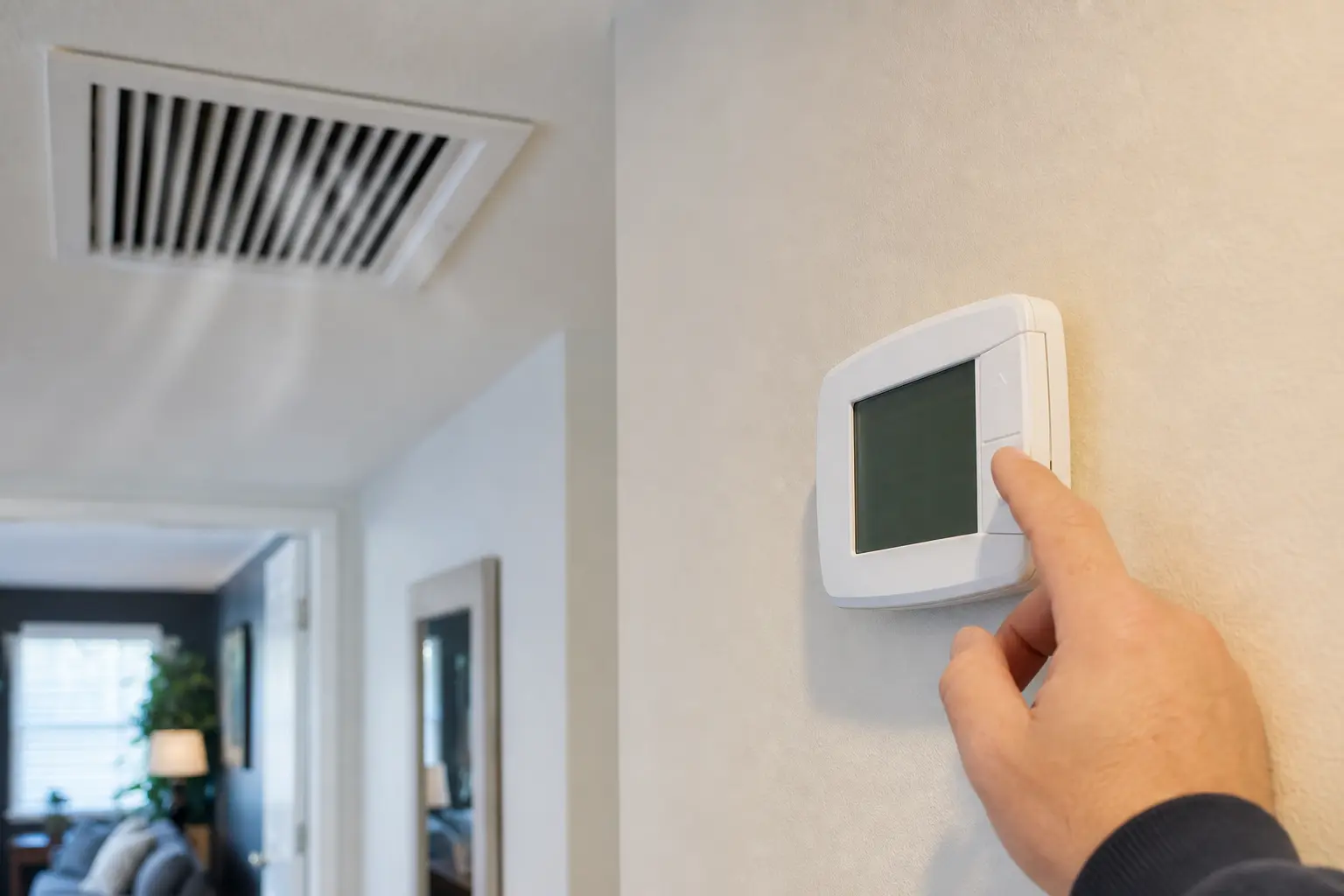
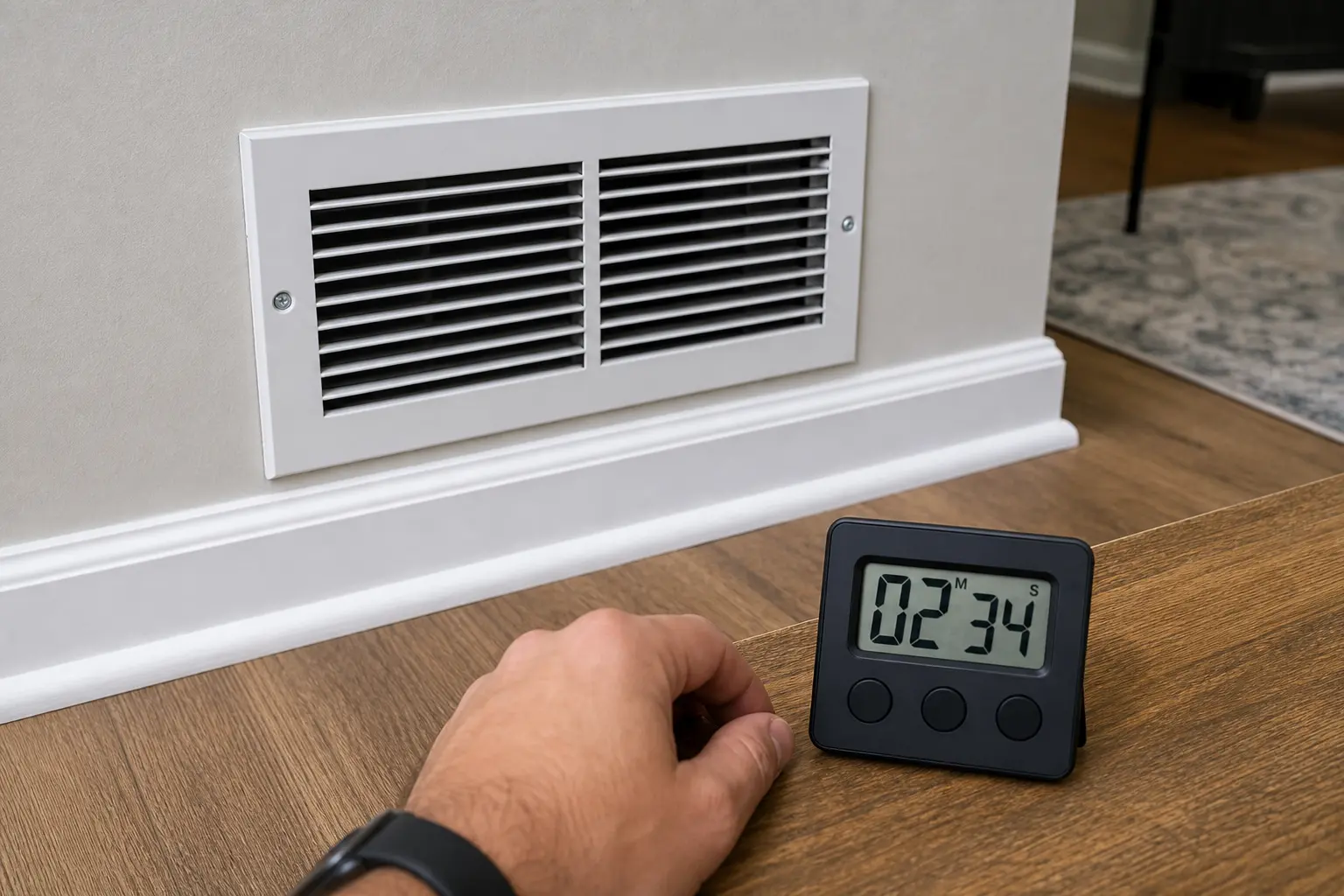
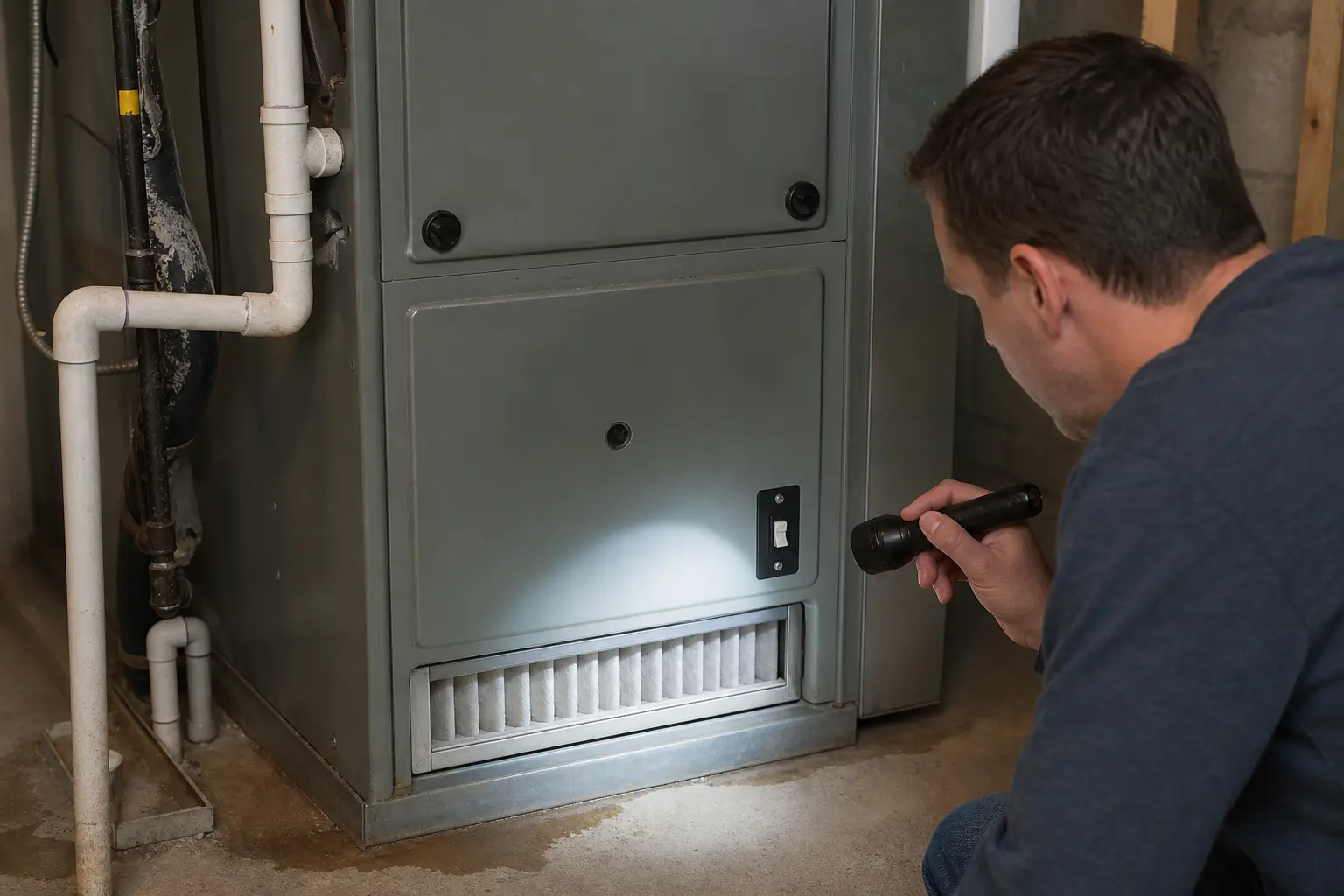
Do not buy a blower motor, thermostat, relay, board, or capacitor from this symptom alone. First prove whether the fan is being commanded by settings, running a normal off-delay, or staying on after thermostat Off. Match the exact thermostat type, voltage class, terminals, and indoor unit model before any part goes in the cart.
The indoor blower is either being told to run, finishing a normal delay, or being held on by the indoor controls. Good clue: the first change that stops the fan usually tells you where to look.
A fan that keeps running is a poor reason to guess at electrical parts. Let the symptom prove where the command is coming from.
Start here because this is the safest check and it solves many Auto-mode fan complaints. Usually, the setting change is faster and cleaner than any part swap.
| Thermostat clue | What it means | Next move |
|---|---|---|
| Fan is On | The thermostat is asking for constant indoor airflow. | Switch to Fan Auto and wait through one cycle. |
| Circ or fan schedule is enabled | The fan may run between cooling calls by design. | Disable fan programs while diagnosing. |
| Fan is Auto and no call is active | The blower should stop after any normal delay. | Time the airflow, then try thermostat Off. |
| Settings will not hold | The thermostat may be misconfigured, low on power, or failing. | Check batteries or compatibility before replacing it. |
A timer and one supply vent tell you more than a parts list. Good clue: a normal delay repeats in roughly the same pattern.
| What you see | Best read | What to do next |
|---|---|---|
| Airflow stops after a short, similar delay | Likely normal blower off-delay. | Leave Fan on Auto and monitor the pattern. |
| Fan stops after Circ or schedule is disabled | A setting was causing the run-on. | Leave the setting corrected or adjust it intentionally. |
| Fan runs many minutes or never stops in Auto | Thermostat command or indoor fan control is likely. | Try thermostat Off and note the result. |
| Outdoor unit keeps running too | This is not only an indoor fan complaint. | Use the broader AC running constantly or not cooling path. |
| Only indoor power stops the fan | Indoor fan relay or control circuit is likely involved. | Keep the cabinet closed and book service. |
Once the thermostat and timing checks are done, the safe boundary is the closed indoor unit, visible filter area, and service switch. Watch for water, ice, buzzing, or heat smell while you stay outside the cabinet.
These tools support observation from the thermostat, vent, and closed cabinet. Skip any tool that would push you into live electrical testing.
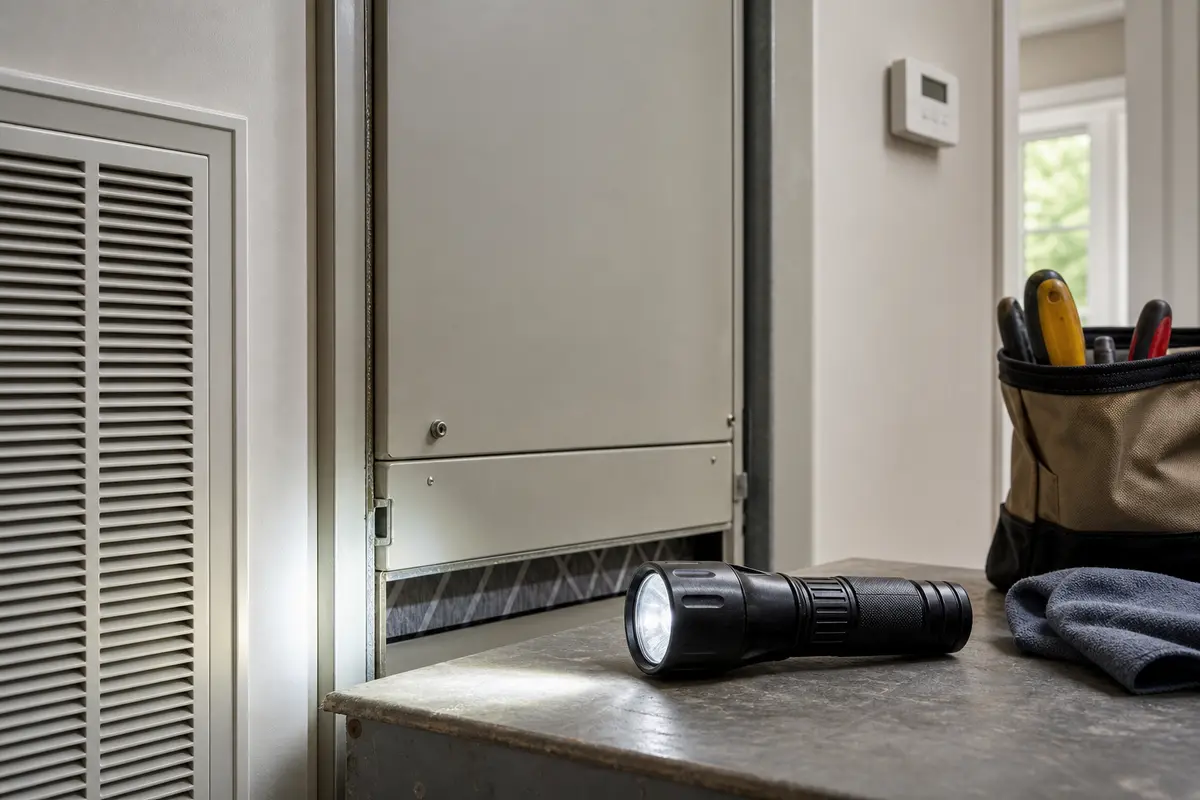
Helps when: Use it to read thermostat settings, inspect the filter slot, and look around the closed indoor unit for water, ice, or scorch clues.
Skip it when: Skip it when the next step requires removing an electrical cover, touching wiring, or working around a breaker that trips again.
Compare inspection flashlights on Amazon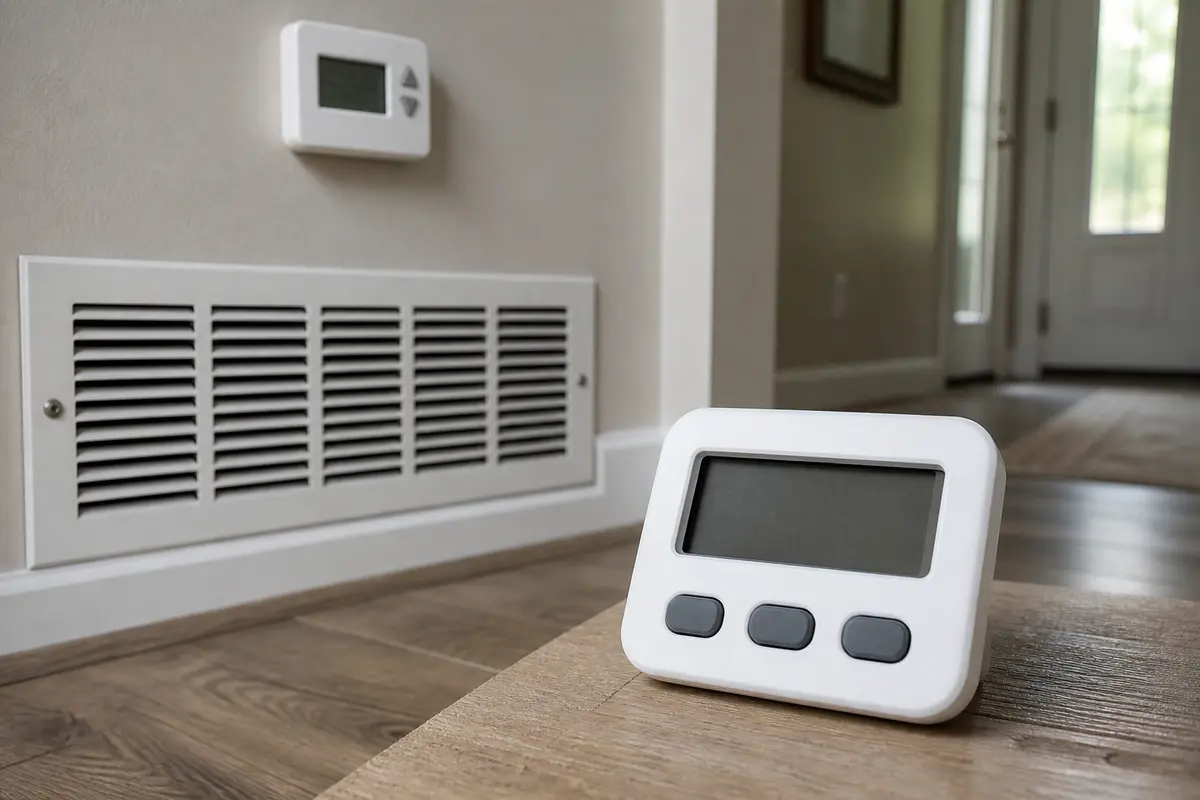
Helps when: Use it to time airflow after the outdoor unit shuts off and separate a normal off-delay from a fan that never rests.
Skip it when: Skip timing when the fan is paired with burning smell, buzzing, water, ice, or breaker trouble; those are service clues.
Compare digital timers on AmazonAs an Amazon Associate I earn from qualifying purchases. Repair Riot may earn a commission at no extra cost to you.
Parts come after the clue. In practice, a fan that runs in Auto is not automatic proof that any one part failed.
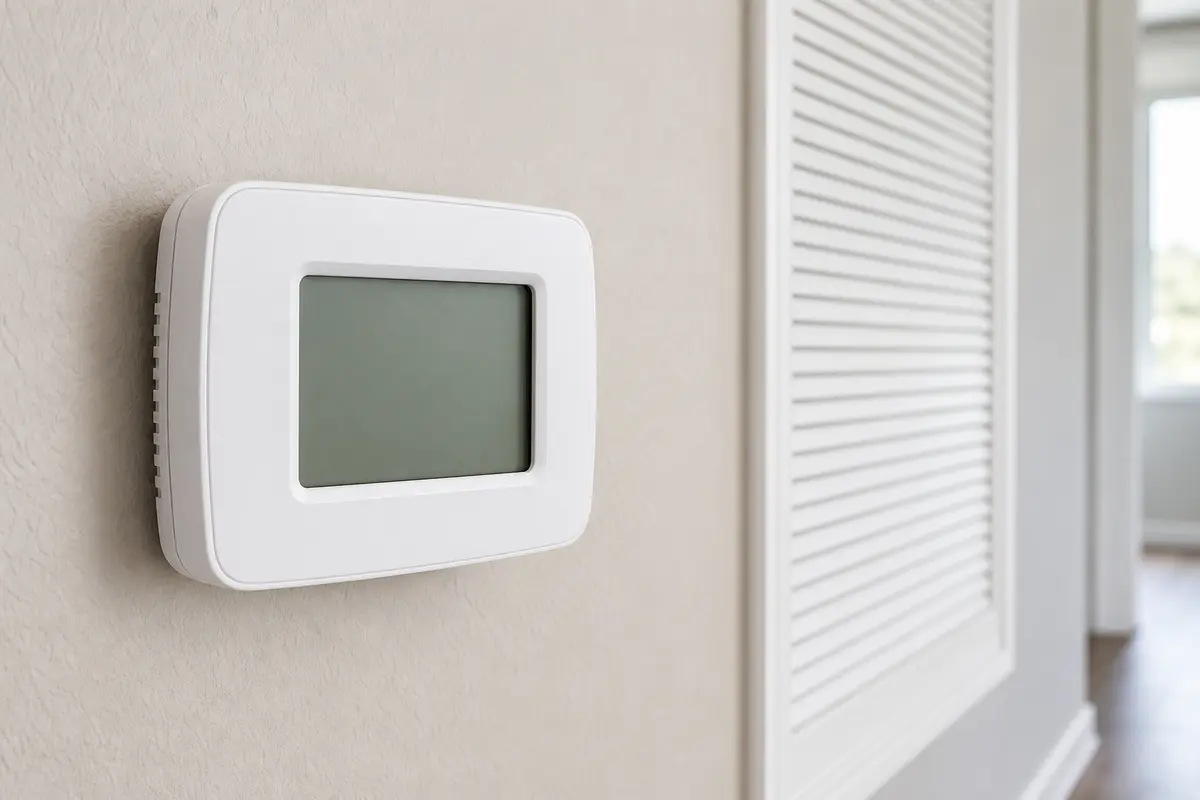
Helps when: Consider one only when settings will not hold, schedules keep returning, or fan behavior changes when a removable thermostat face is taken off.
Skip it when: Skip it when only indoor unit power stops the fan, wiring is confusing, or the indoor control circuit has not been tested.
Compare compatible thermostats on Amazon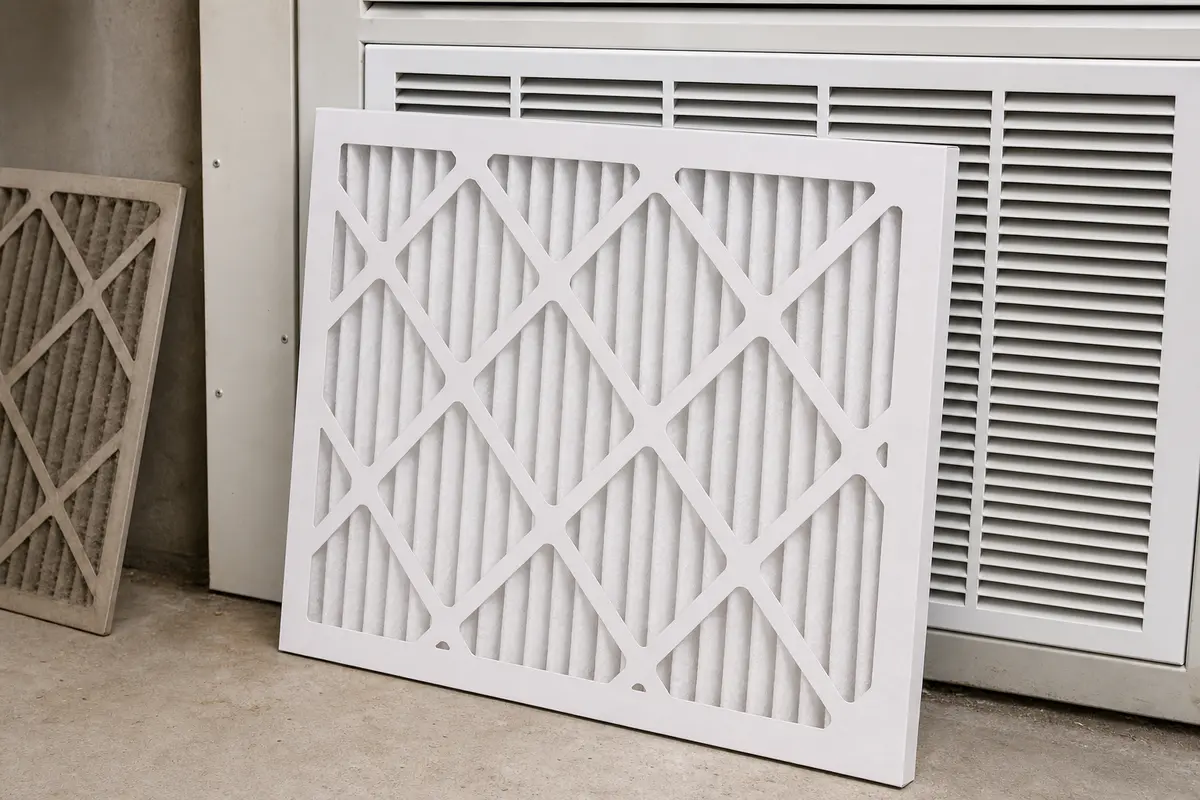
Helps when: Use one when the existing filter is dirty, damp, collapsed, overdue, or the wrong size and airflow is part of the complaint.
Skip it when: Skip it when the filter is clean and seated correctly, or when the main clue is a fan ignoring Auto and Off.
Compare AC filters on AmazonAs an Amazon Associate I earn from qualifying purchases. Repair Riot may earn a commission at no extra cost to you.
The first place to look is the thermostat fan command. Fan On, Circ, circulate, comfort fan, ventilation, schedules, holds, or app automation can run the indoor blower even when the main screen says Auto.
Yes, for a short and repeatable delay. Many systems keep the blower moving briefly after the outdoor unit shuts off. A fan that runs for many minutes, never stops, or ignores Off is different.
Circ or circulate runs the indoor blower between heating or cooling calls to mix house air. Turn it off while diagnosing this symptom so you can see whether Auto behaves normally.
A dirty filter usually does not command the fan to run by itself. It can restrict airflow, stretch cooling cycles, and add confusing symptoms, so replace it when it is dirty, damp, collapsed, or overdue.
Put the fan in Auto, cancel fan programs, then try thermostat Off after any normal delay. On a thermostat designed for simple face removal, a blower that stops when the face is removed points back toward thermostat command or wiring.
Only when the evidence points there. Thermostat replacement makes sense when settings will not hold, schedules keep returning, compatibility is wrong, or fan behavior changes when the removable thermostat face is taken off.
No, not from the symptom alone. A fan relay or board can hold the blower on, but proving that usually requires electrical testing inside the indoor unit. Leave that cabinet closed and call an HVAC tech.
Yes, if you can safely identify the indoor HVAC service switch or correct breaker. Do not cycle power repeatedly, and stop right away for burning smell, buzzing, scorch marks, smoke, or breaker trips.
Call when the fan ignores Auto and Off, only indoor unit power stops it, thermostat wiring is unclear, or the symptom comes with ice, water near the cabinet, hot-electrical smell, buzzing, or breaker trouble.
Repair Riot built this page around homeowner-safe observations: thermostat fan command, off-delay timing, filter-slot checks, visible water or ice clues, and the point where indoor electrical diagnosis belongs with an HVAC technician.