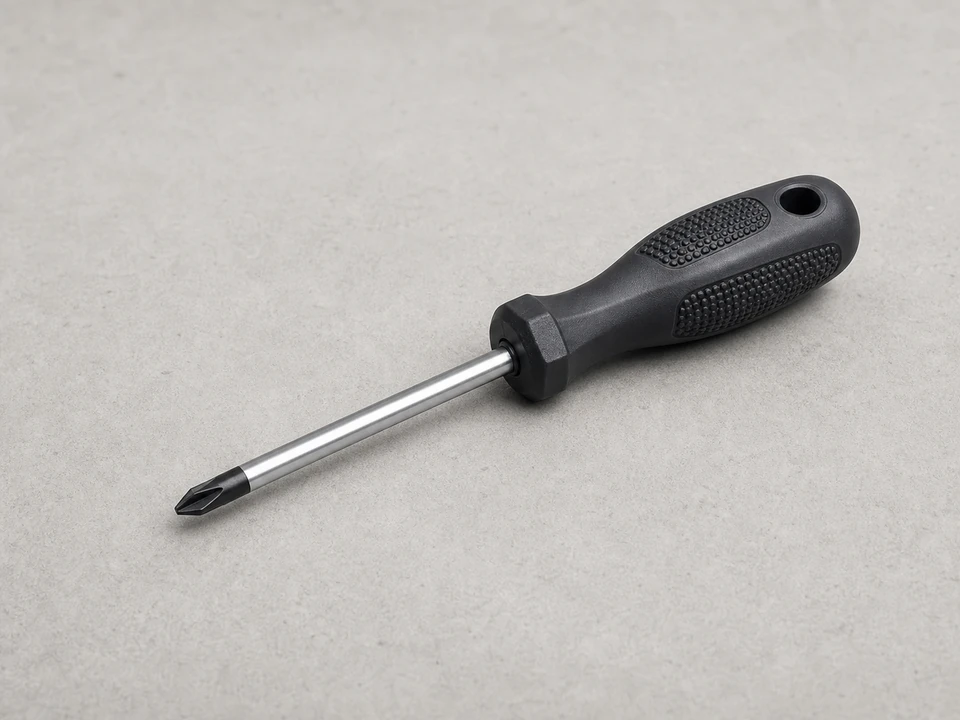
Phillips screwdriver
Use it for: Removes the grille or control panel screws on many microwaves.
Shop Phillips screwdriversIf the display works but some or all keypad buttons do not respond, replacing the microwave touchpad is often the right fix.
This repair usually involves removing the control panel, disconnecting the old touchpad, and installing a matching replacement. Work carefully because microwaves can hold a dangerous electrical charge even when unplugged, and stop if the repair requires opening areas beyond the control panel.
Before you start: Match the replacement part to your exact microwave before ordering.
Use it for: Removes the grille or control panel screws on many microwaves.
Shop Phillips screwdrivers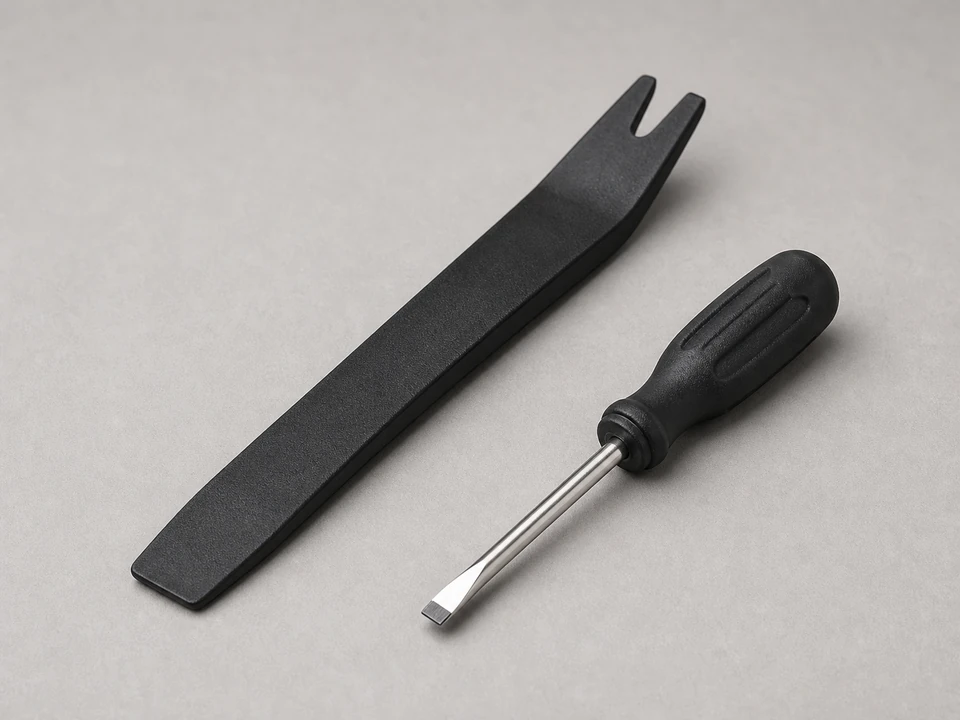
Use it for: Helps release trim tabs or gently separate the touchpad from the panel if needed.
Shop pry tools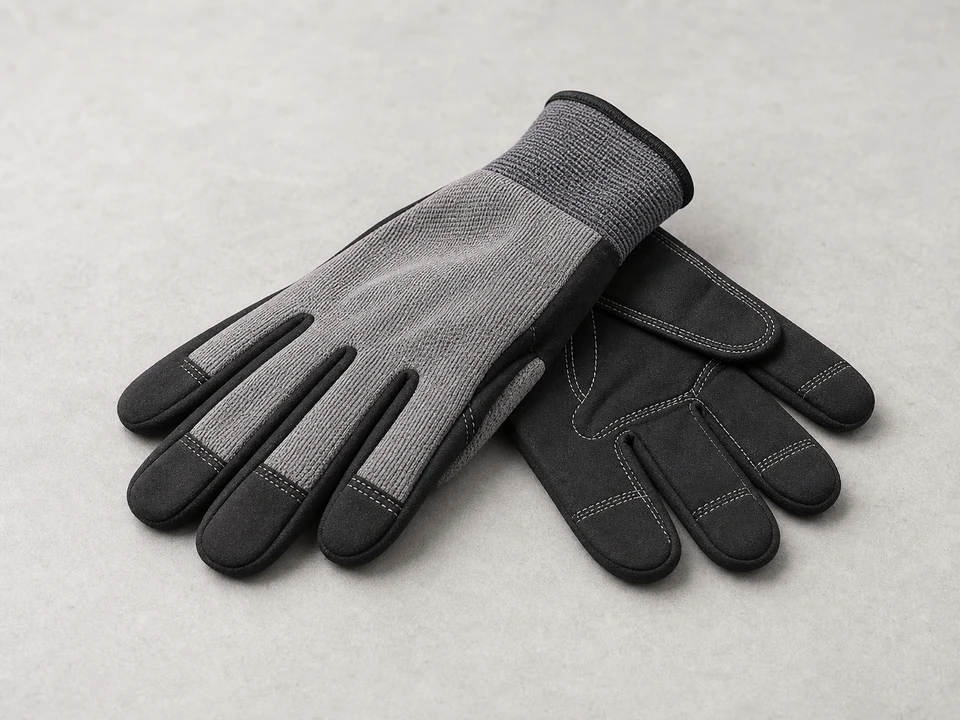
Use it for: Protects your hands from sharp sheet metal edges around the control panel.
Shop work gloves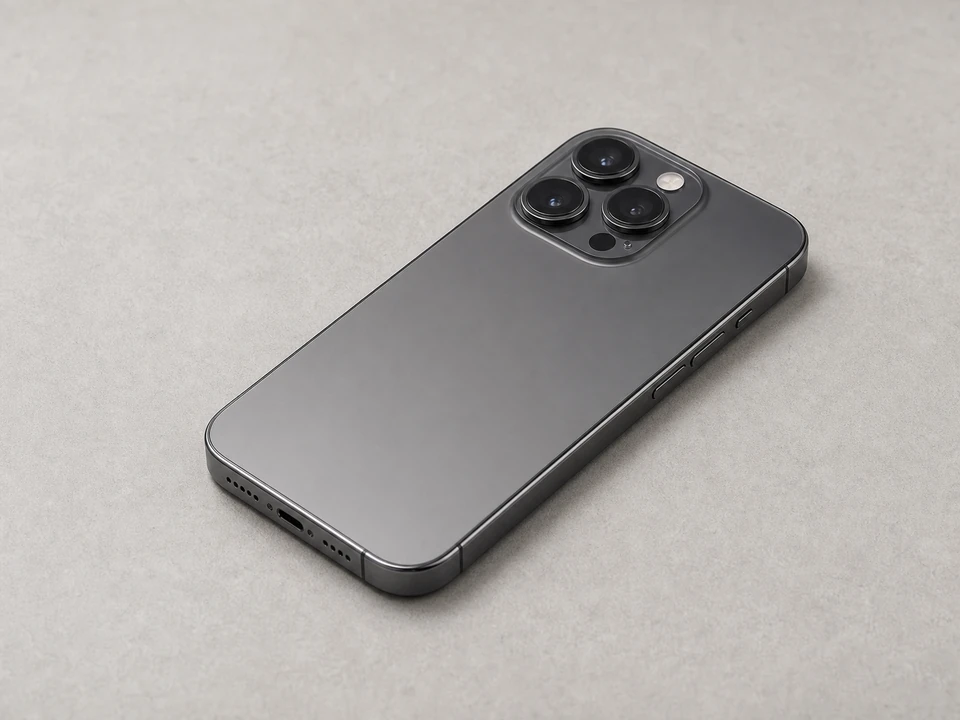
Use it for: Lets you photograph wire connections before disconnecting anything.
Shop phone tripods and stands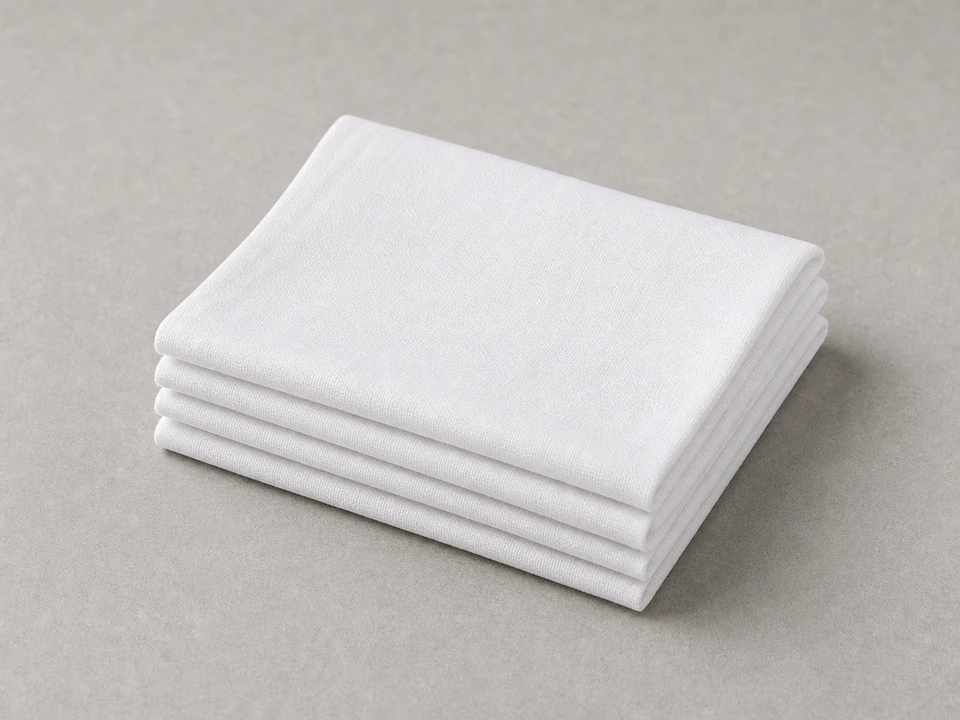
Use it for: Wipes the mounting surface before installing the new touchpad.
Shop microfiber clothsAs an Amazon Associate I earn from qualifying purchases. Repair Riot may earn a commission at no extra cost to you.
If it works: You have a clear keypad problem and the microwave touchpad is a reasonable repair path.
If it doesn’t: If the microwave is completely dead, loses power, or has display and heating problems along with keypad issues, the problem may be elsewhere and this repair may not solve it.
If it works: The control panel is loose and you can see the touchpad connection area.
If it doesn’t: If the panel will not move after the visible screws are removed, look again for hidden screws along the grille or trim instead of forcing it.
If it works: The old microwave touchpad is off and the mounting area is clean and ready for the replacement.
If it doesn’t: If the old membrane tears apart and leaves adhesive behind, keep cleaning the surface until it is smooth and dry before installing the new part.
If it works: The new touchpad is mounted correctly and all connections are back in place.
If it doesn’t: If the new part does not match the old one exactly, stop and verify the correct replacement using the microwave model information before reassembling further.
If it works: The microwave is reassembled and ready for testing.
If it doesn’t: If the panel does not sit flat, remove it again and check for a missed tab, misplaced screw, or trapped wire.
If it works: The new touchpad responds normally and the repair holds during real use.
If it doesn’t: If some buttons still do not work, recheck the ribbon cable or connector seating. If the connections are correct, the control board or another control-panel component may also be faulty.
Match the replacement part to your exact microwave before ordering.
As an Amazon Associate I earn from qualifying purchases. Repair Riot may earn a commission at no extra cost to you.
A bad touchpad often shows up as dead, intermittent, or hard-to-press buttons while the display still works. If the new touchpad does not fix the issue, the control board or a connector problem may also be involved.
Sometimes yes, sometimes no. On some microwaves the touchpad is sold separately as a membrane, while on others it comes as part of a larger control panel assembly.
You can safely remove the control panel and replace the touchpad if you stay out of the high-voltage section. Microwaves can store dangerous voltage internally, so do not open deeper sections of the cabinet unless you are qualified.
The button layout, ribbon cable, adhesive shape, and connector style can vary even between similar-looking microwaves. An almost-matching part may not fit or work correctly.
Recheck that the connector is fully seated and the panel is not flexing or pinching the ribbon cable. If the installation looks correct, the problem may be in the control board rather than the touchpad.