Handle stuck in the middle?
That usually means the breaker tripped. Move it all the way to OFF first, then try ON once.
A breaker that will not reset usually still sees a fault, or the handle was not moved fully to OFF before ON. Try one proper closed-panel reset, then unload the circuit before one more attempt.
Look for a plugged-in appliance, damaged cord, wet outdoor device, tripped GFCI, or hardwired load before blaming the breaker itself.
Use the panel only for a closed-cover reset. If the handle snaps back, feels loose, or the same rooms stay dead, keep the cover on and check outlets, cords, and loads instead.
Don’t start with: Do not replace the breaker, open the panel cover, or keep forcing resets. A breaker that trips again may be protecting damaged wiring or a bad device.
That usually means the breaker tripped. Move it all the way to OFF first, then try ON once.
Unplug reachable loads and turn switches off. One more reset after unloading is the limit for homeowner testing.
Add items back one at a time. The last cord, appliance, light, or tool that trips it is the better clue.
Leave it OFF. The issue may be fixed wiring, a hardwired device, panel connection, or failed breaker.
Stop the reset attempts and keep people away from that device or panel area until a licensed electrician checks it.
The breaker handle tells you where to start: halfway, fully off, or snapping back. If it will not hold, leave the panel closed and check the circuit side next: loads, cords, wet devices, GFCIs, and fixtures. A wiring fault is the stop-and-call possibility after those checks.
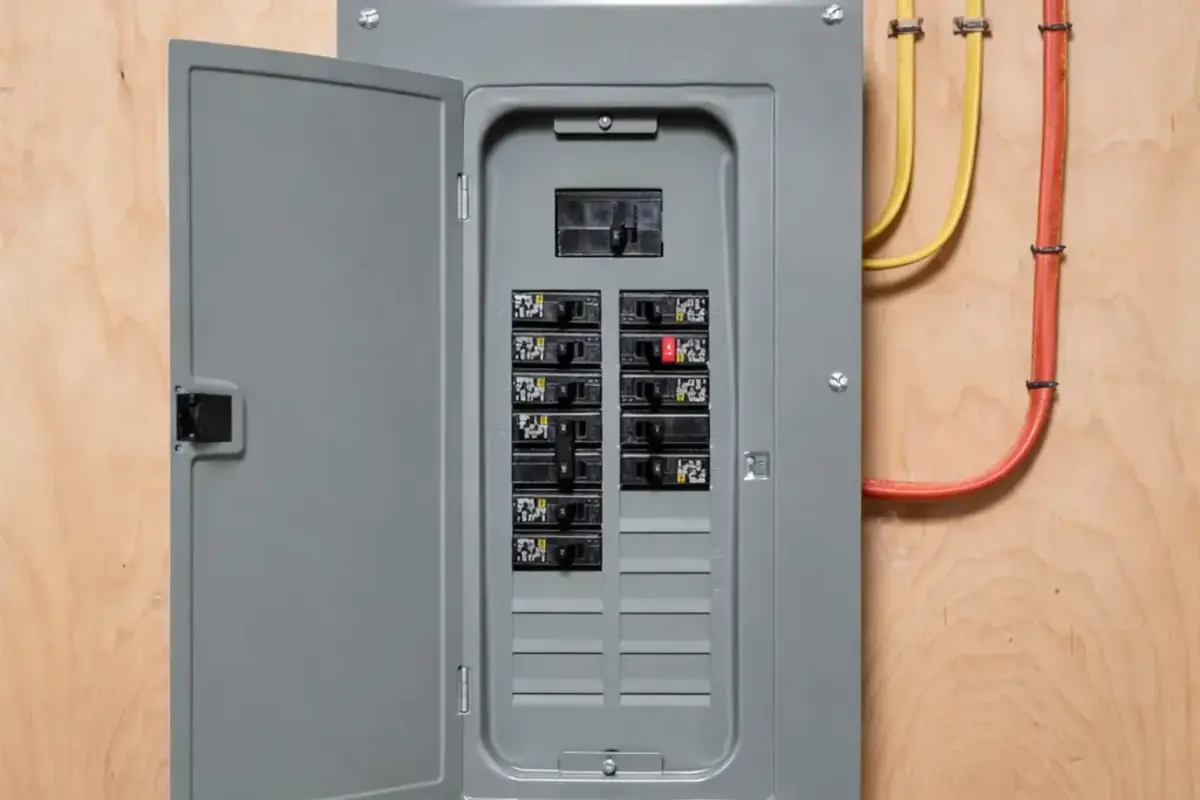
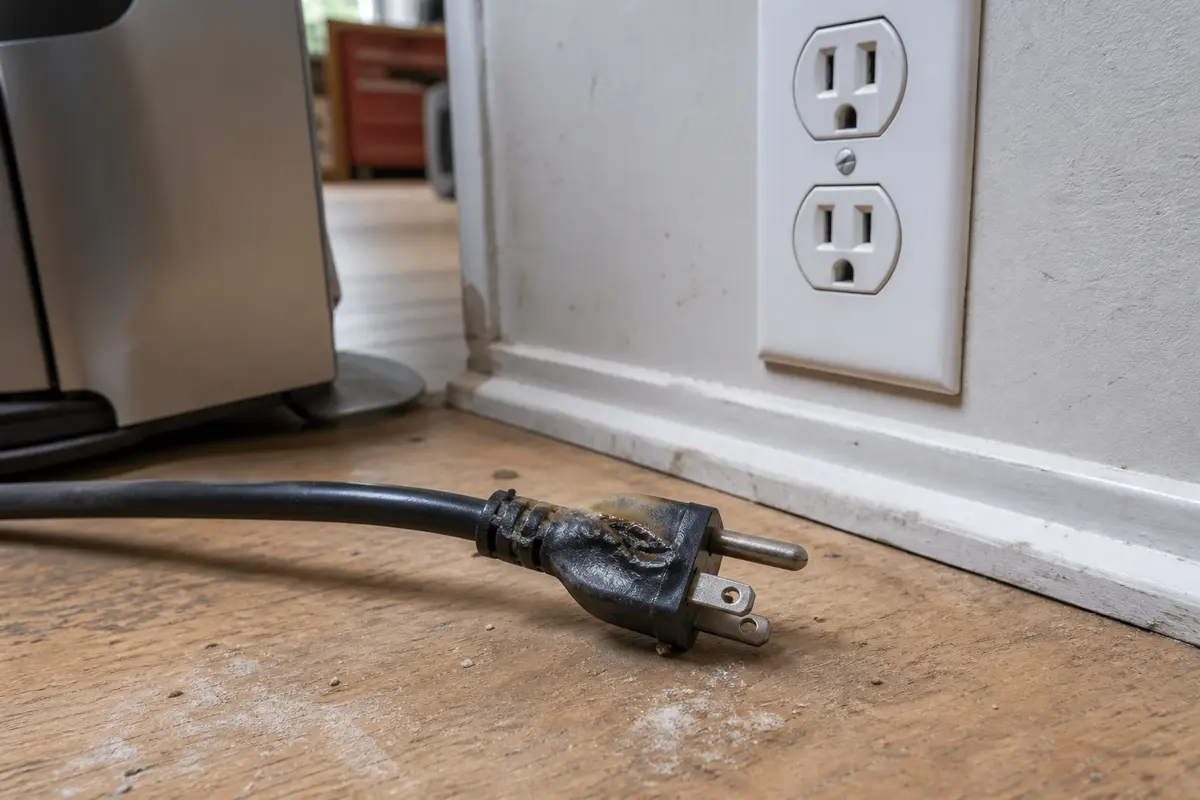
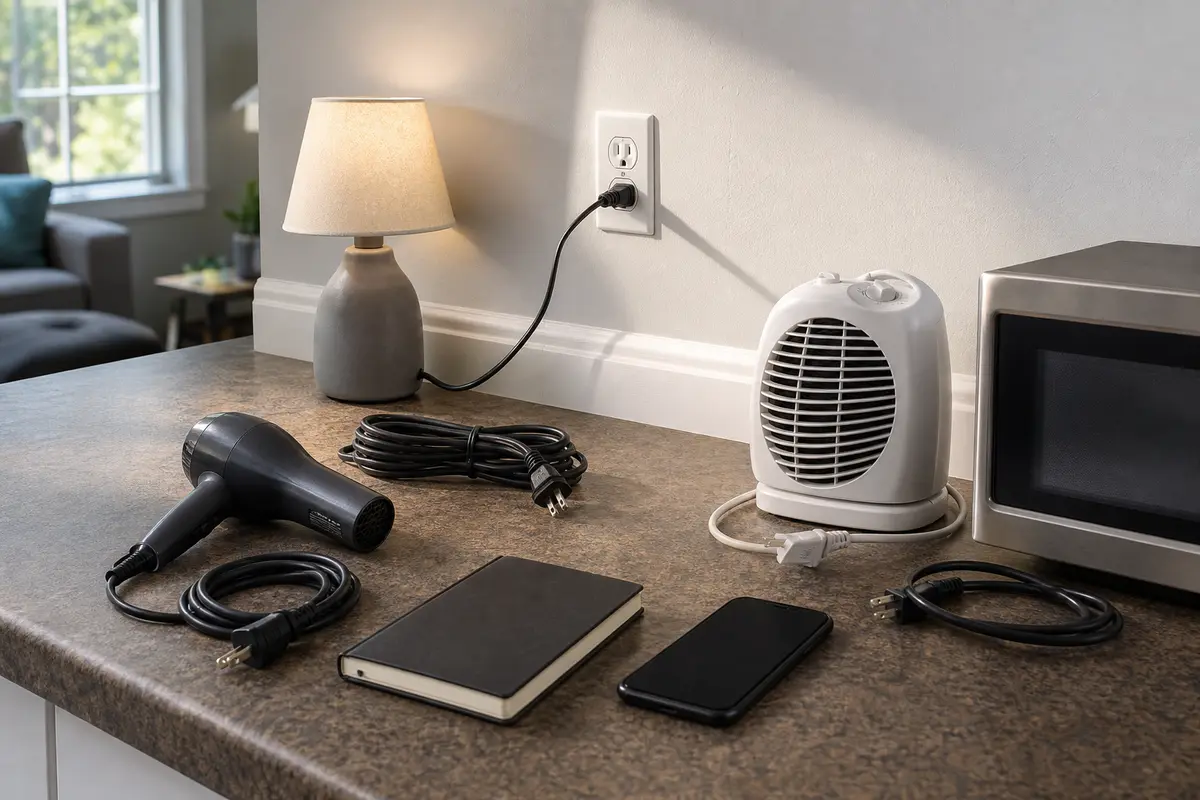
Do not buy a breaker from the symptom alone. The exact diagnosis matters, and a replacement breaker must match the panel listing, amperage, breaker type, and manufacturer instructions. Panel work belongs to a licensed electrician unless you are qualified for it.
Start with what the handle does. A halfway handle, an instant snap-back, or a reset that holds only after one item is unplugged tells you whether this is reset motion, a load, or a stop-and-call condition.
| What you see | What it usually means | Safe next move |
|---|---|---|
| Handle sits between ON and OFF | The breaker is tripped and may not reset until it is moved fully to OFF | Make one dry-handed OFF-then-ON reset with the panel cover in place |
| Handle snaps back instantly | A short, ground fault, wet device, bad load, or hardwired fault may still be present | Unload the circuit before one more reset; leave it OFF if it trips again |
| Breaker holds only after one item is unplugged | That appliance, cord, tool, or fixture is the stronger clue | Leave that item disconnected and repair or replace it before reuse |
| Breaker will not latch with loads removed | The fault may be fixed wiring, a hardwired device, the panel connection, or the breaker itself | Stop at the panel and call a licensed electrician |
| Buzzing, heat, odor, scorch marks, water, or melted plastic | A connection or device may be overheating or arcing | Turn it off if safe, keep people away, and get urgent electrical service |
A lot of failed reset attempts are just incomplete motion. This check is safe only with the cover on, dry hands, and no heat or damage clues.
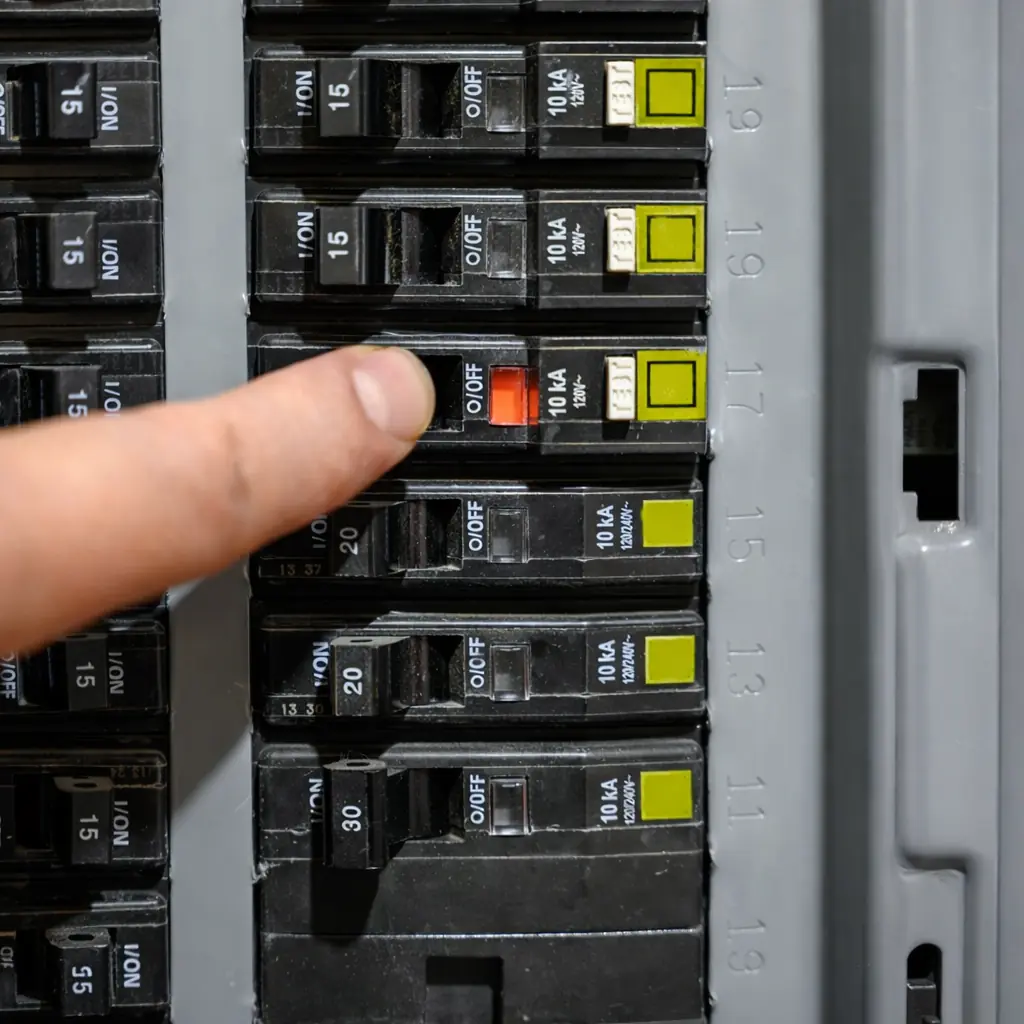
The second reset should happen only after the circuit has changed. Usually that means unplugging loads and turning switches off, not trying the same fault again.
After the load check, look on the finished side of the circuit. Good clues are visible without opening the panel or pulling devices from boxes.
The wrong move can hide the clue or make a hot connection worse. Keep the homeowner checks outside the panel and let the breaker stay off when it keeps tripping.
These tools support closed-panel and room-side checks. They are not permission to work live, open the panel, or diagnose hidden wiring yourself.
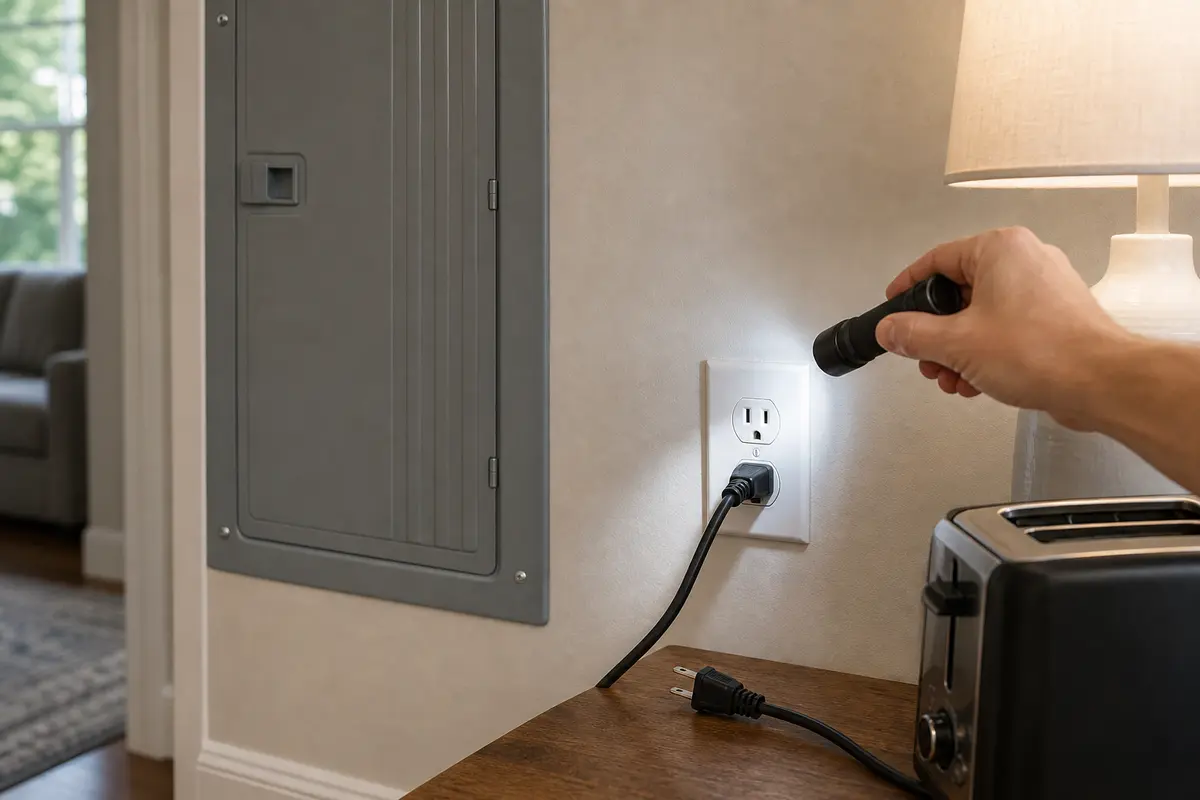
Helps when: Use an inspection flashlight to read breaker positions, inspect outlets and plugs, and look for scorch marks or water without touching wiring.
Skip it when: Skip if the next useful view requires removing the panel cover, outlet, switch, or fixture.
Compare inspection flashlights on Amazon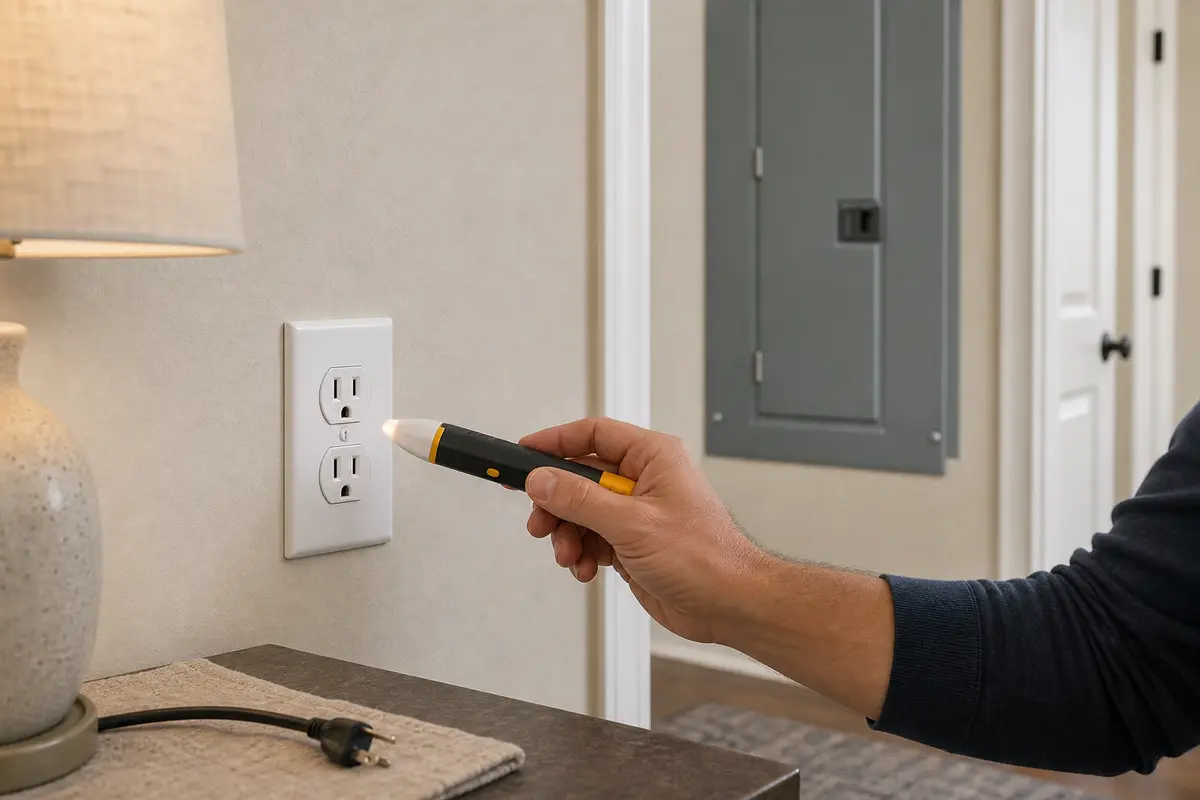
Helps when: Use a non-contact voltage tester as a screening check near accessible covers, cords, and fixtures after the breaker is off.
Skip it when: Skip using it as proof a circuit is safe; if you are unsure which breaker controls the area or it detects voltage, stop.
Compare non-contact voltage testers on Amazon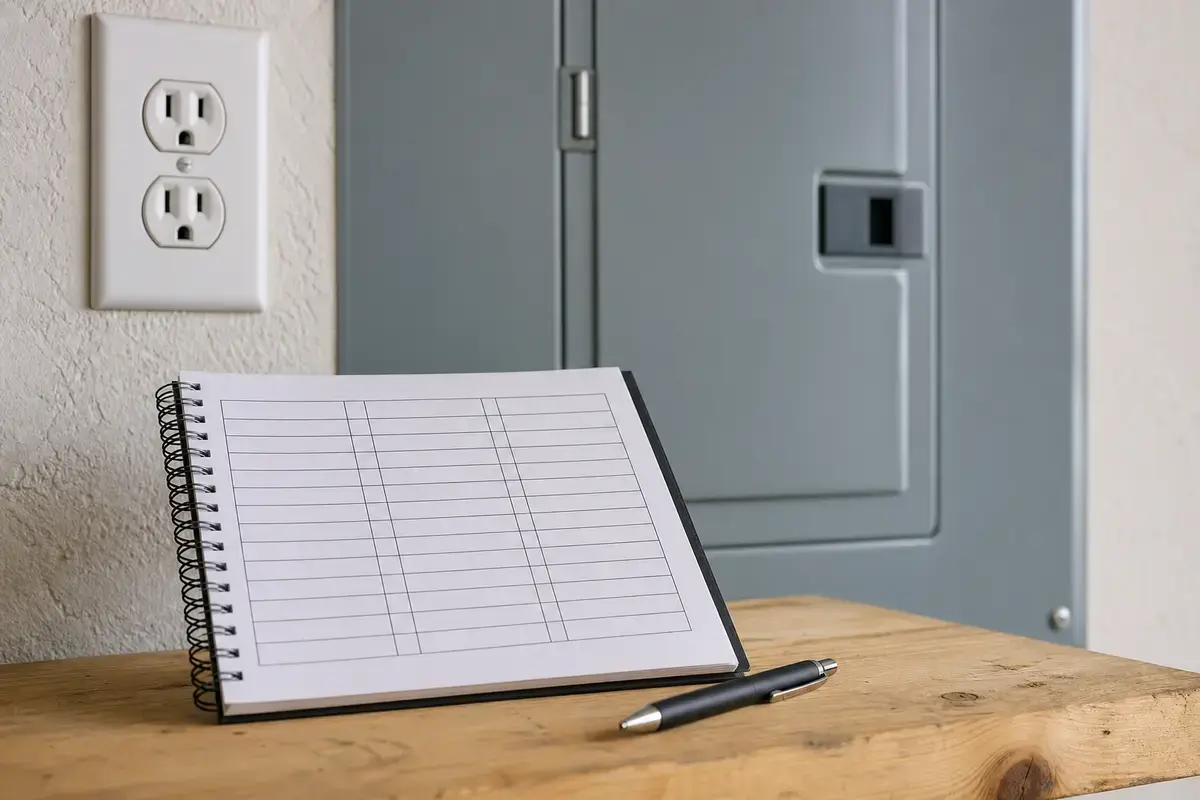
Helps when: Use a circuit label kit after the problem is corrected so the right breaker can be found quickly later.
Skip it when: Skip it while the circuit will not hold or before you have mapped which outlets and lights lost power.
Compare circuit label kits on AmazonAs an Amazon Associate I earn from qualifying purchases. Repair Riot may earn a commission at no extra cost to you.
A breaker that will not reset is not enough evidence to buy panel parts. Match a part only after a test points to a safe, specific item, such as a dry GFCI that will not reset or a cord with visible damage.
Good notes prevent repeat reset attempts and help the pro choose the right tests first.
Usually the fault or load is still present, or the handle was not moved fully to OFF first. Do one proper OFF-then-ON reset, unload the circuit, and stop if it trips again.
Yes, but it should not be the first guess. A bad appliance, damaged cord, wet outlet, fixture fault, or wiring problem can make a good breaker trip again. Have an electrician confirm the circuit before replacing the breaker.
That usually means the breaker tripped. Push it fully to OFF, then reset it to ON once while the panel cover stays in place. Check the handle against similar breakers and stop if it feels loose, jammed, hot, or different.
No. One proper reset, and one more after unloading the circuit, is the practical limit. Repeated resets can overheat a damaged cord, device, or connection.
For most homeowners, no. Breaker replacement means panel work near parts that may remain energized. The new breaker also will not fix a wet device, bad cord, loose connection, or wiring fault.
It may involve a 240-volt appliance such as a dryer, range, water heater, heat pump, or AC. Turn the appliance off if you can do that safely, reset once, and leave the breaker off if it trips again.
That appliance, cord, plug, or startup load is the clue. Leave it disconnected and inspect for heat, odor, damage, or moisture before using it again.
A wet, damaged, or faulted device on a GFCI-protected circuit can be part of the trip pattern. Reset a dry, undamaged GFCI once. Stop if it will not reset or the breaker trips again.
Moisture moves up the list. Look for outdoor covers, garage outlets, exterior lights, holiday cords, basement equipment, and wet GFCIs. Do not keep resetting around wet electrical parts.
Move the critical load to a known-good circuit only if you can do it safely without overloading that circuit. Leave the failed breaker off and call for service sooner.
Repair Riot wrote this page around closed-panel homeowner checks, load removal, visible device clues, and clear electrician stop points. The source links below support the safety boundaries; the diagnostic order is original Repair Riot guidance.