Did the code show up after cleaning, steam, or a spill?
Turn power off, dry the control surface gently, and retry later. Moisture at the seam is a better first clue than a bad board.
Wolf range error code 01 usually starts as a control-panel clue. Reset once, then watch whether it returns on its own or follows one bad-feeling key.
A sticky touch area, cleaner residue at the keypad seam, or a brief control lockup is more likely than a proven main board on the first pass. Check one key at a time.
Sort it by reset result, button behavior, and recent cleaning. If you smell gas, see smoke, smell hot wiring, or the breaker trips again, stop and call a pro.
Don’t start with: Do not order the main control board first. Reset once, look for keypad and moisture clues, and match any part by the exact Wolf model number.
Turn power off, dry the control surface gently, and retry later. Moisture at the seam is a better first clue than a bad board.
The fault is still active. Keep the keypad, user interface, control wiring, or control board in the diagnosis and stop before powered disassembly.
That points toward the keypad or touch interface. Write down the exact key and check the model number before comparing parts.
Leave the range off. That is no longer a keypad-only check; call appliance service or a licensed electrician as appropriate.
Use one simple function at a time and watch the panel through a short cycle. If the code does not return, it may have been a temporary control lockup.
Code 01 should not send you straight to a control board. Use the breaker reset, then inspect the touch area for one repeatable clue.
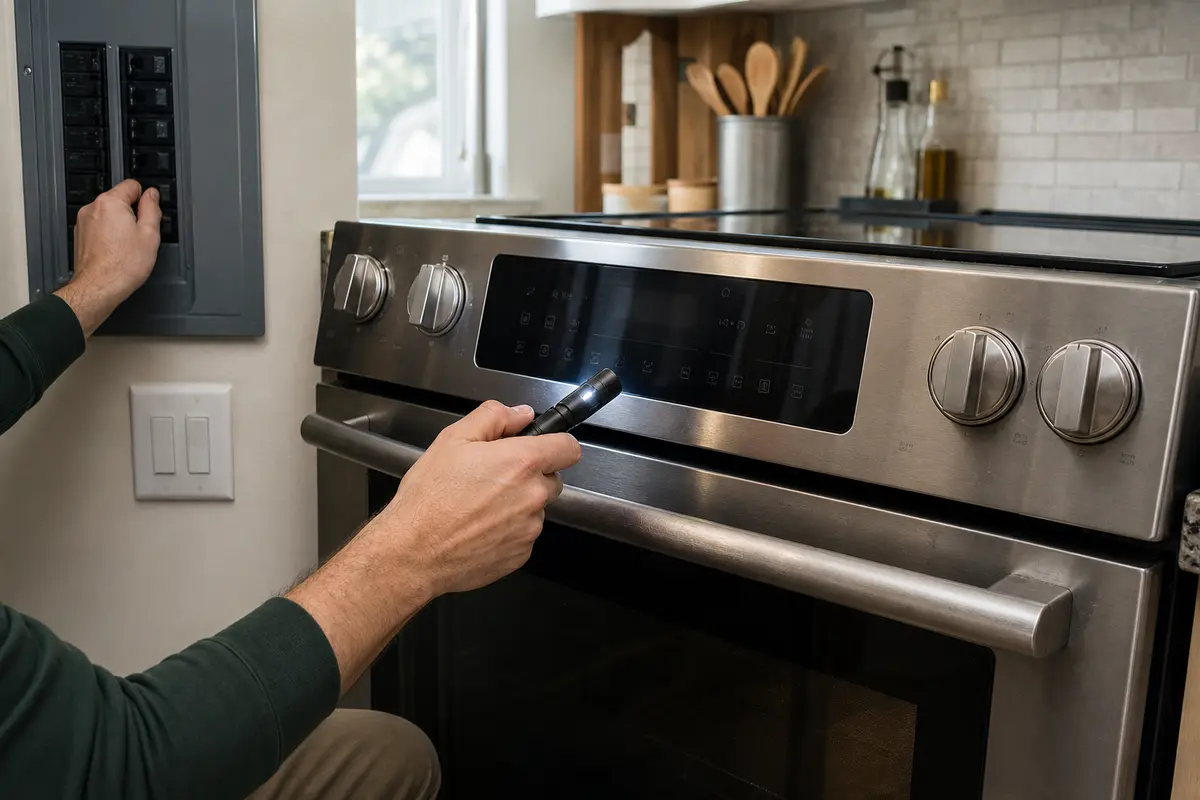
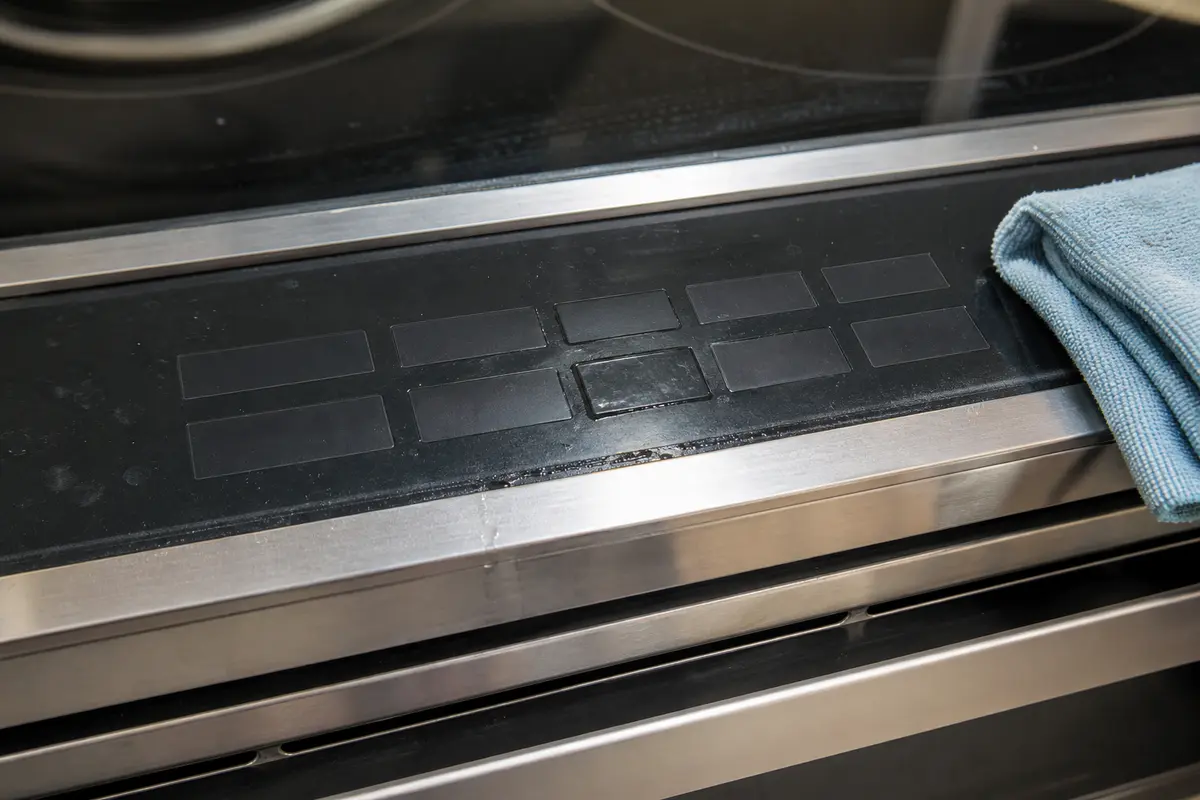
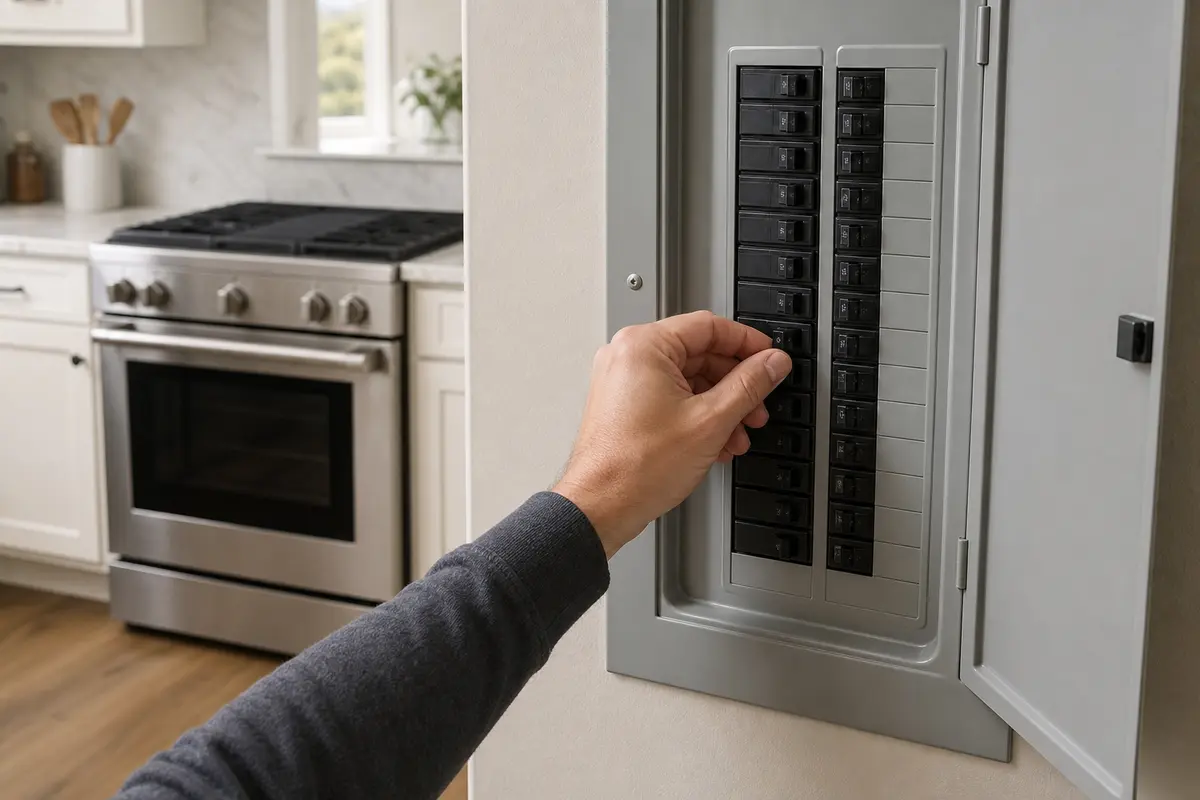
Copy the full Wolf model and serial number first. Then separate a temporary reset, a moisture/stuck-key clue, and an erratic whole-panel fault. A keypad, user interface, and electronic control board can look like the same problem from the display, but they are not the same repair.
On this kind of range fault, the display is reporting what the control thinks it sees. It is not a parts receipt.
This code can tempt people into the wrong repair. Keep the first checks simple and keep power off before the work moves past the exterior control surface.
Stay outside the control compartment. These checks are about sorting the symptom, not proving an internal board with instruments.
The first reset separates a nuisance lockup from a fault that is still present. Use the result before you move to parts.
| What you see | What it usually means | Next move |
|---|---|---|
| Code clears and stays gone | A temporary control lockup or power event is possible. | Use one simple function at a time and watch for a repeat. |
| Code returns before any touch | The control still sees a fault in the keypad, interface, wiring, or board path. | Stop guessing and keep notes for model-specific diagnosis. |
| Same key brings it back | That key or touch area is the strongest clue. | Price keypad or interface parts only after model and fit checks. |
| Code started after cleaning | Moisture or cleaner residue may be bridging the control surface. | Power off, dry the panel, and avoid spraying cleaner into the seam. |
| Breaker trips or anything smells hot | This may involve the circuit, wiring, control, or a shorted component. | Leave power off and call service. |
These are for visible, no-disassembly checks. They do not make powered console work safe.
Paid links. As an Amazon Associate I earn from qualifying purchases. Repair Riot may earn a commission at no extra cost to you.
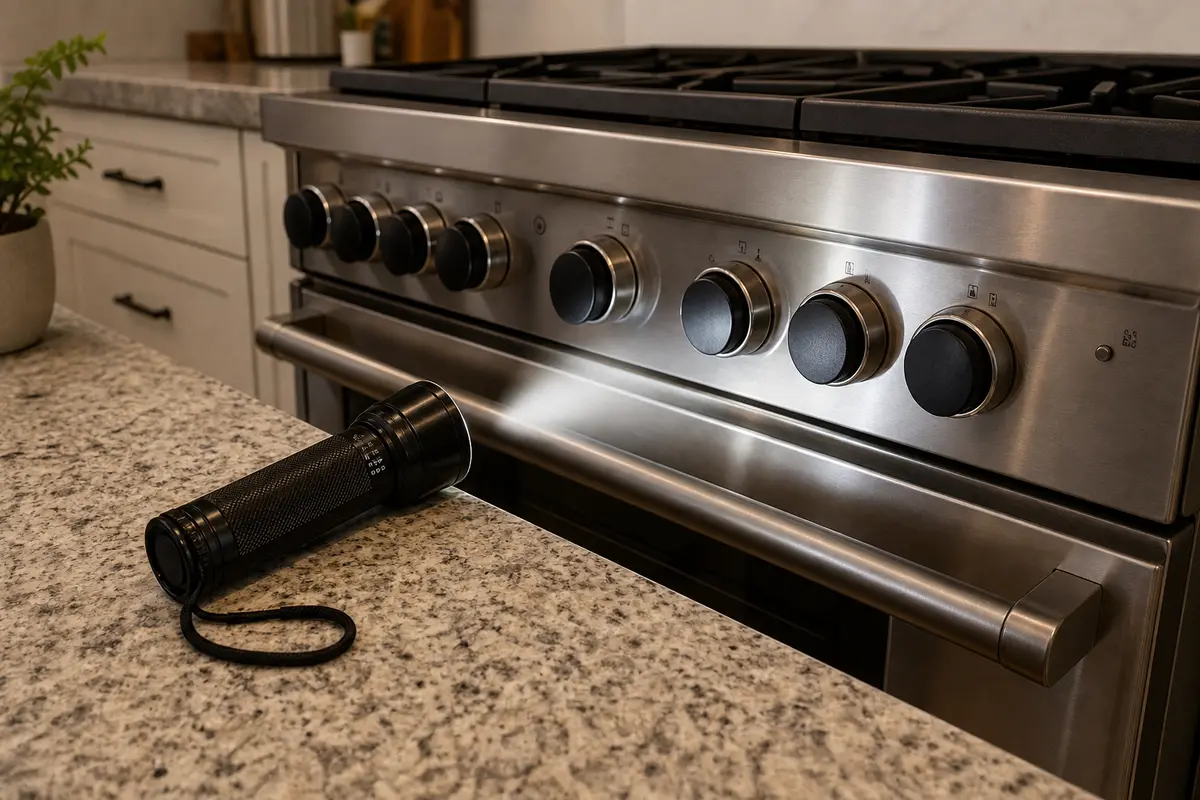
Helps when: You need to see cleaner residue, a low key, the model tag, or visible heat marks without opening the console.
Skip it when: Access requires removing the backguard, reaching behind a live range, or moving a gas range against its connector. Stop there and call a pro.
Compare inspection flashlights on Amazon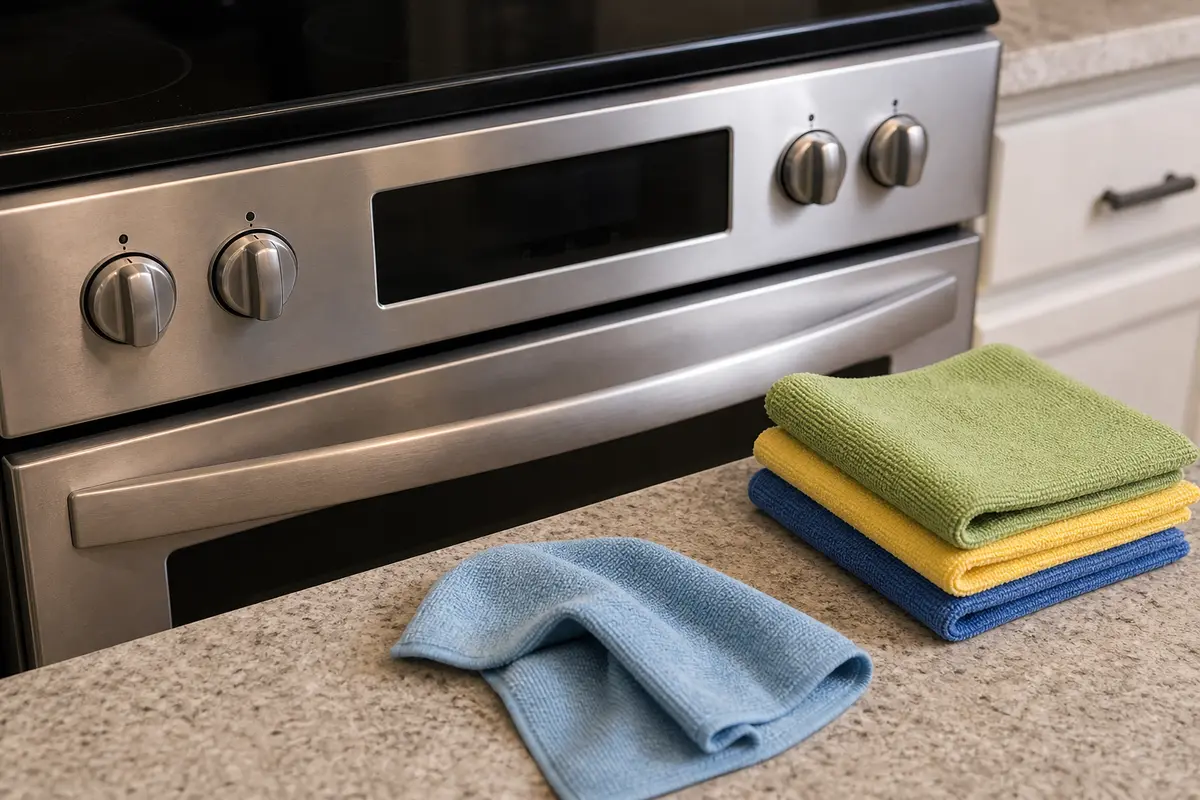
Helps when: You are drying the control surface or wiping the exterior panel with very light moisture on the cloth.
Skip it when: You are tempted to spray cleaner at the keypad, soak the seam, or wipe while the range is powered.
Compare microfiber cloths on Amazon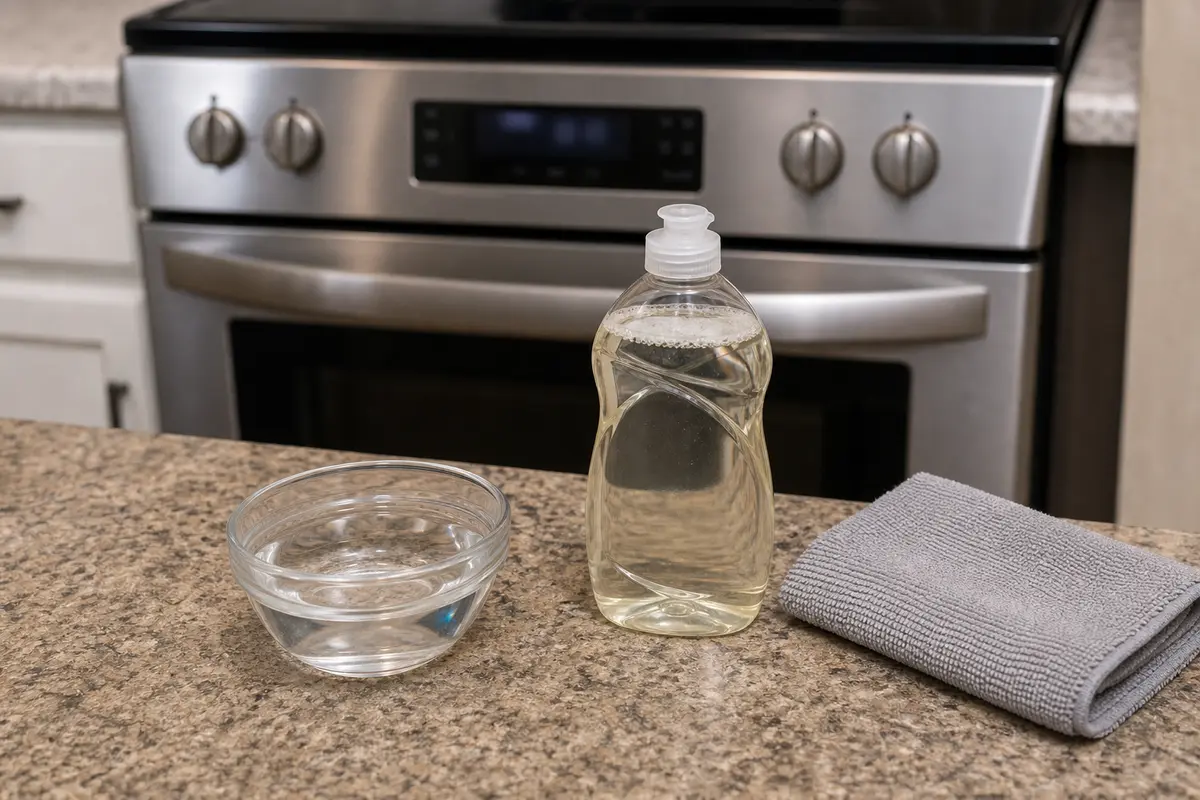
Helps when: Grease or cleaner residue is on the outside surface and you can clean gently with power off.
Skip it when: The residue appears behind the panel, inside the console, or near wiring.
Compare mild dish soaps on Amazon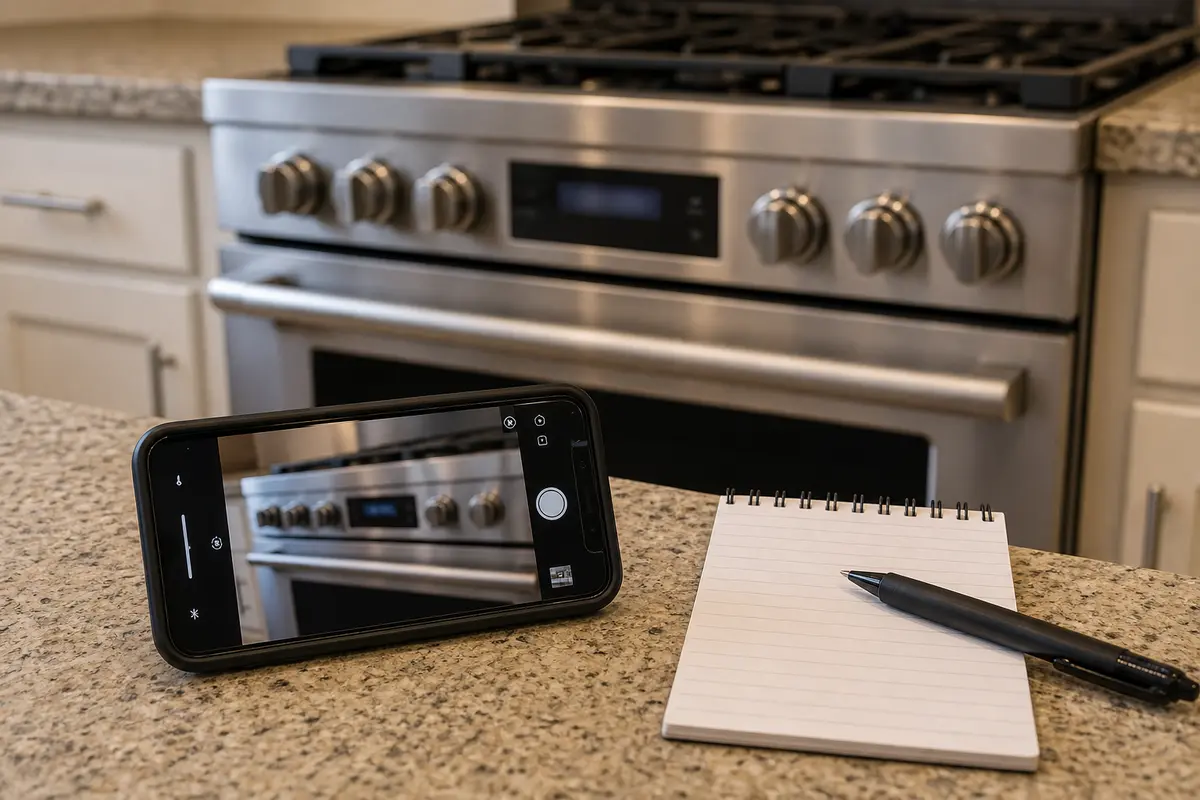
Helps when: You need a clear record of the code timing, bad key, model tag, and whether reset changed anything before calling service.
Skip it when: Getting the photo would require reaching into an energized area or straining a gas connector. Stop there and call a pro.
Compare note-taking tools on AmazonBuy parts only after the symptom points somewhere specific. Wolf range control parts are model-specific, and a lookalike panel can still be wrong.
Paid links. As an Amazon Associate I earn from qualifying purchases. Repair Riot may earn a commission at no extra cost to you.
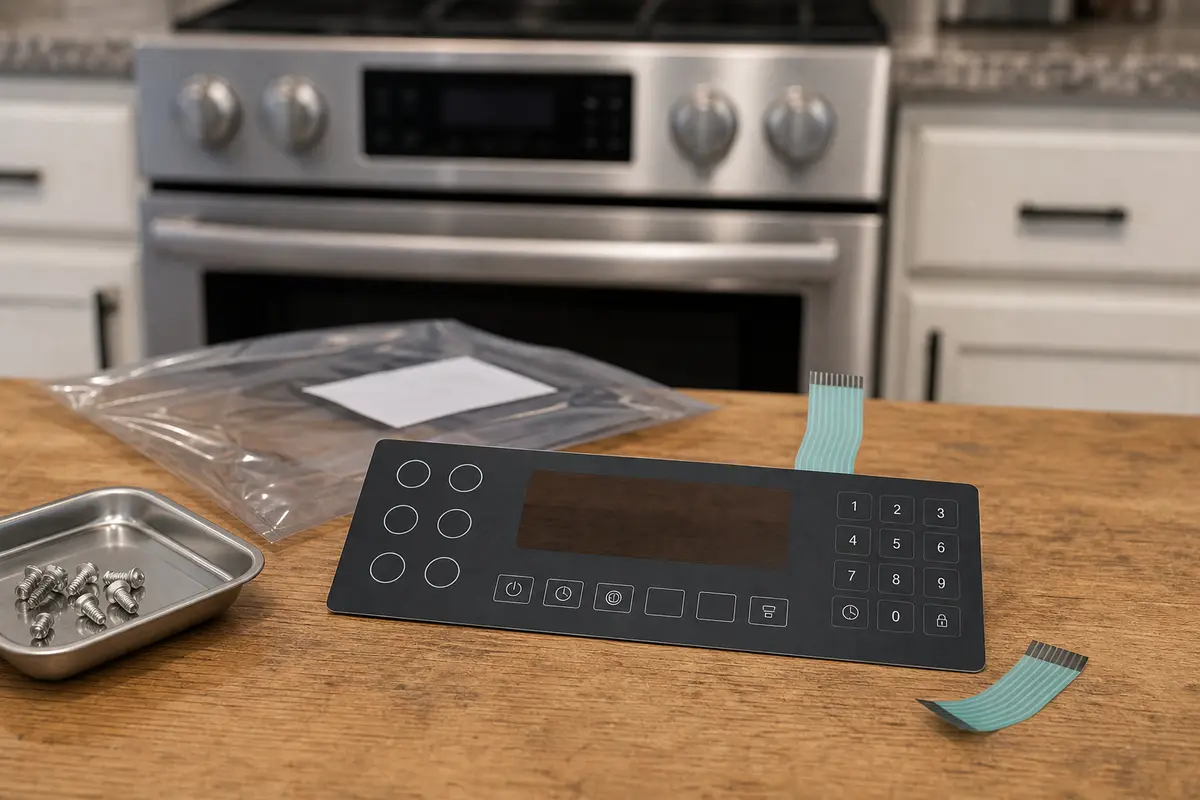
Helps when: One button feels low, sticks, fails every time, or repeatedly triggers code 01 after reset and dry-out.
Skip it when: The code returns before any touch, the whole display acts erratic, or the model number has not been matched to a parts diagram.
Compare Wolf range keypads on Amazon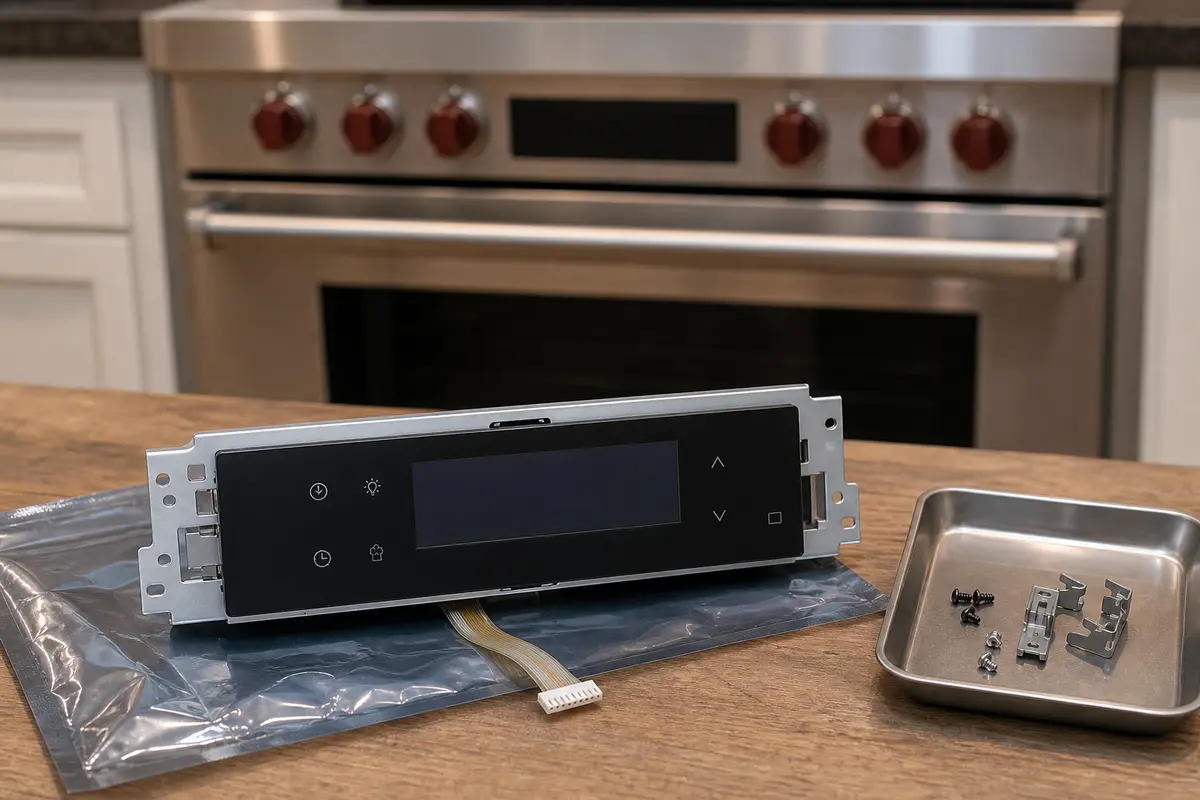
Helps when: The touch panel keeps misreading inputs after safe reset and drying, and your exact model sells the keypad and display together.
Skip it when: Only one loose use-state or one damp cleaning episode has happened, or you have not checked the model and serial range.
Compare Wolf range user interfaces on Amazon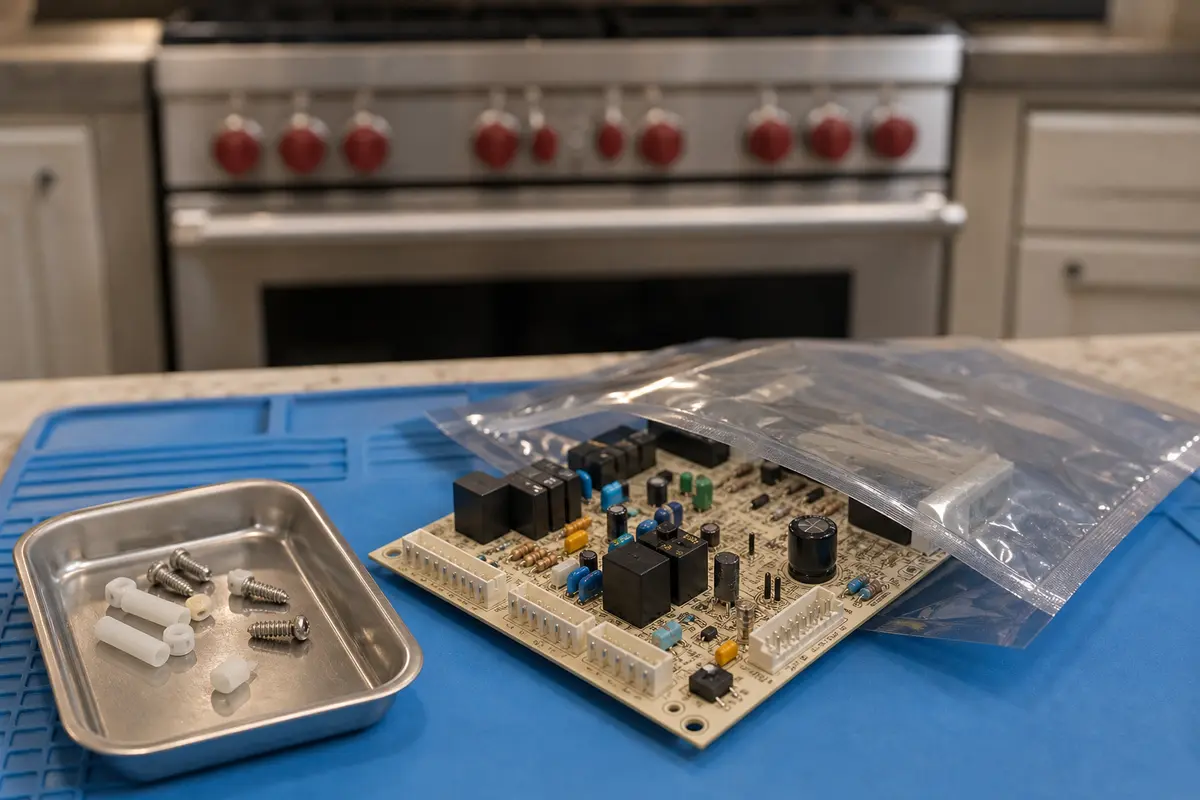
Helps when: Service diagnosis clears keypad and interface clues, power is stable, and the control board remains the supported fault path.
Skip it when: You are buying because the code says 01, because the keypad looks normal, or because a forum post named the board.
Compare Wolf range control boards on AmazonIt usually points toward a keypad, touch-panel, or control-input problem. Reset once, then watch whether the code returns by itself, follows one key, or started after moisture or cleaning.
No. A board can fail, but code 01 is not enough proof. A stuck key, wet control seam, temporary lockup, or failing user interface can look similar from the display.
Use one full reset of about three to five minutes. If the breaker trips again or the code returns immediately, do not keep cycling power.
Use caution. If it clears and all controls behave normally, try one short function and watch the panel. If the code comes back, leave the range off until the fault is sorted.
That is a strong moisture or residue clue. Turn power off, dry the exterior control surface gently, and let the panel sit dry before retrying. Do not spray cleaner into the seam.
Do not choose a part from the code alone. One repeatable bad key points toward a keypad or interface. A whole-panel failure with no clear keypad clue needs service diagnosis before board shopping.
Check the model tag location shown in your Wolf documentation or product resources. Copy the full model and serial number before comparing any keypad, user interface, or control board.
Call when the code returns after reset and drying, the whole panel acts erratic, or you would need to open the control area. If you smell gas, see smoke, smell hot wiring, or the breaker trips again, leave the range off and call a pro.
Yes. A key that is stuck, contaminated, or being bridged by residue can make the control think someone is touching the panel. Compare the feel of each key and note the one that behaves differently.
Repair Riot built this page around checks a homeowner can see: breaker reset timing, stuck-key feel, cleaner residue, moisture at the keypad seam, and whether one button brings the code back. Model and serial number still matter before parts.