Did F5E1 show up after self-clean?
Let the oven cool completely, then cut power for a longer reset. Heat and latch movement during self-clean make the latch assembly and latch-position switch the first suspects.
A Whirlpool oven F5E1 code usually means the door-lock signal and actual door position do not agree. Start with a power reset, cooling time, and a latch-slot check before parts.
After self-clean or a power blip, let it cool and look for a stuck door, a half-parked latch arm, or F5E1 returning after reset. Those clues put the latch motor, linkage, or latch-position switch ahead of the control board.
Sort the door first: physically stuck, normal-moving, or crooked. That split decides reset, cleaning, alignment, or service.
Don’t start with: Do not pry on the door or order a board first. Shut power off before touching the latch, switch, or wiring.
Let the oven cool completely, then cut power for a longer reset. Heat and latch movement during self-clean make the latch assembly and latch-position switch the first suspects.
Treat it as a latch-position problem. Do not pry. With power off and the oven cool, inspect the latch slot and wait for the reset to re-home the latch.
The switch signal moves up the list. Check the strike, hinge sag, door switch feel, and latch-position switch before pricing a control board.
A stuck latch, failed switch signal, damaged harness, or control-side fault is still present. Stay with latch and switch checks before buying electronics.
Leave power off. Scorched connectors, melted insulation, smoke, or a breaker that trips again puts this outside normal homeowner troubleshooting.
F5E1 is easier to sort when you can see the door position and latch slot. A stuck latch, a door that sits crooked, and a cleanly parked latch with a repeat code lead to different next checks.
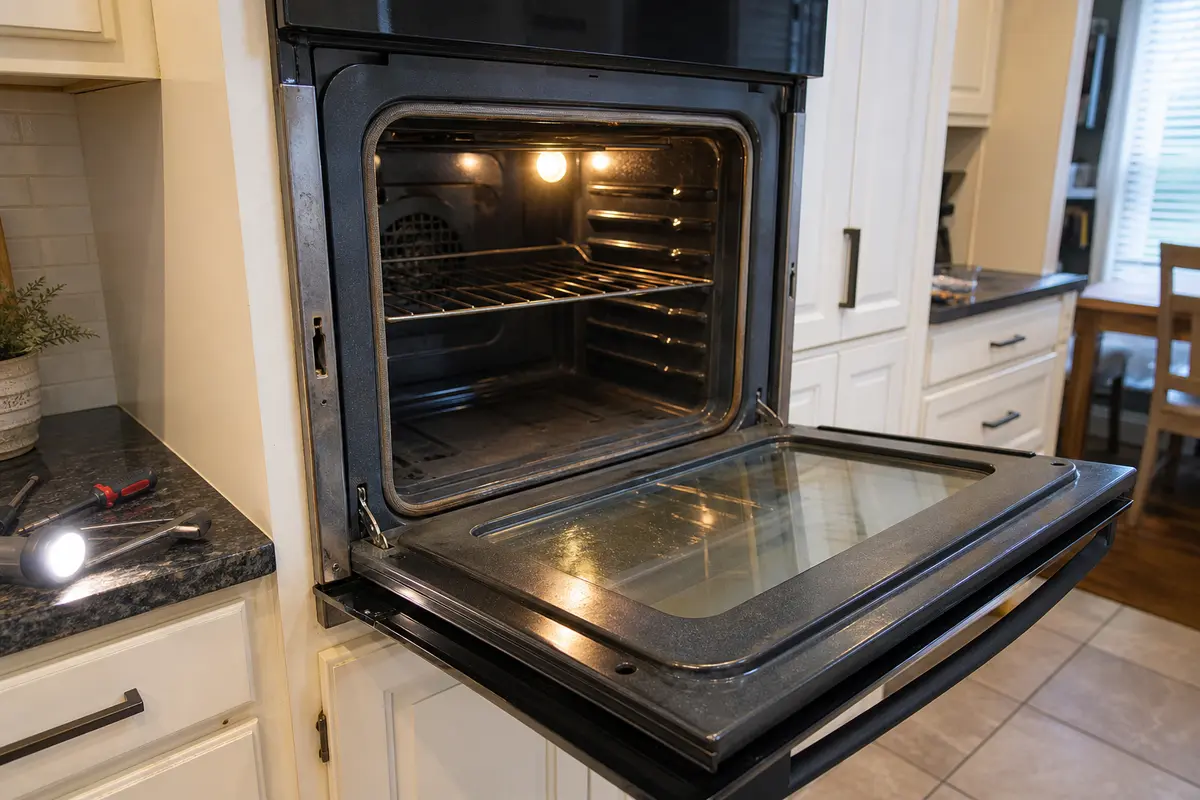
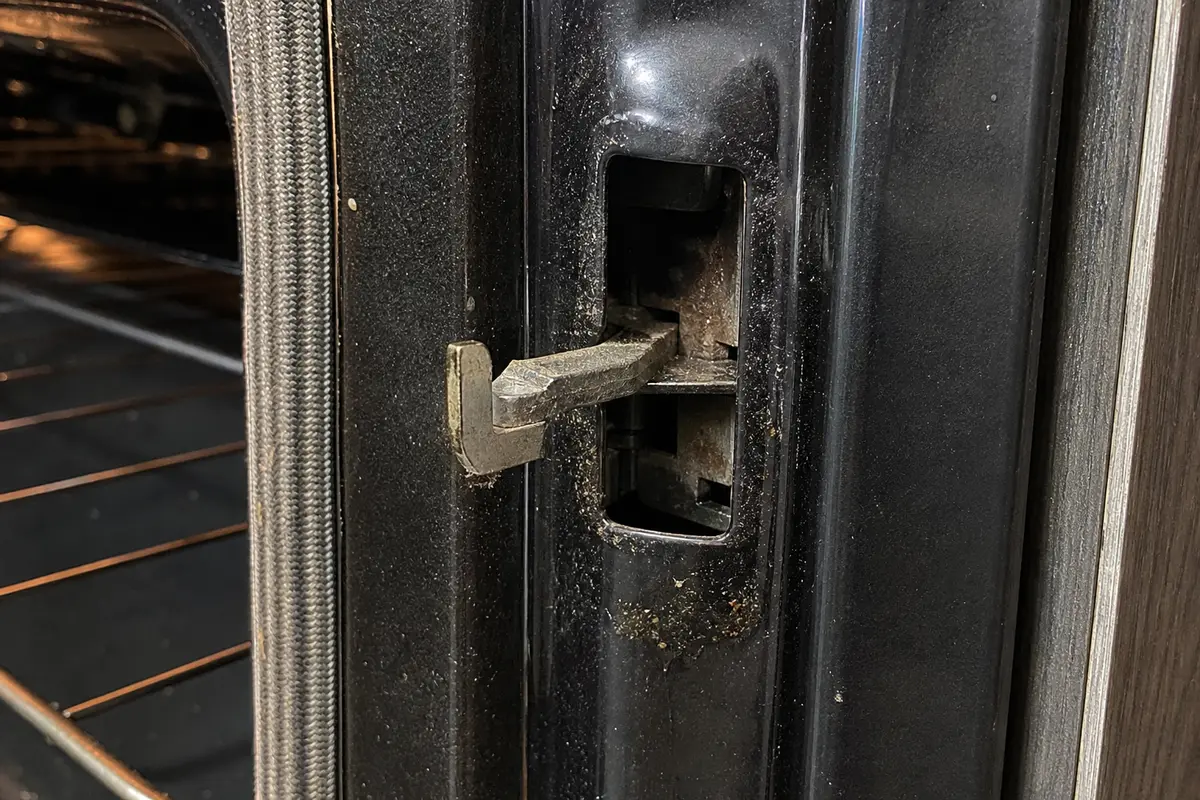
Copy the full model number from the oven frame or range tag, then make the symptom repeat. Buy a latch assembly or door switch only when the door position, latch movement, or disconnected continuity check points there. A control board belongs late in the diagnosis.
F5E1 is not a heating failure. The control is waiting for a door-lock or door-switch signal that does not match the door position it expects.
If the door feels stuck or the panel keeps beeping, let the oven cool, cut power, and check the latch slot before forcing the door or shopping from the error code.
Use the visible door clue before removing anything. The same code can come from a stuck latch, a cleanly moving door with a bad switch signal, or damage that needs service.
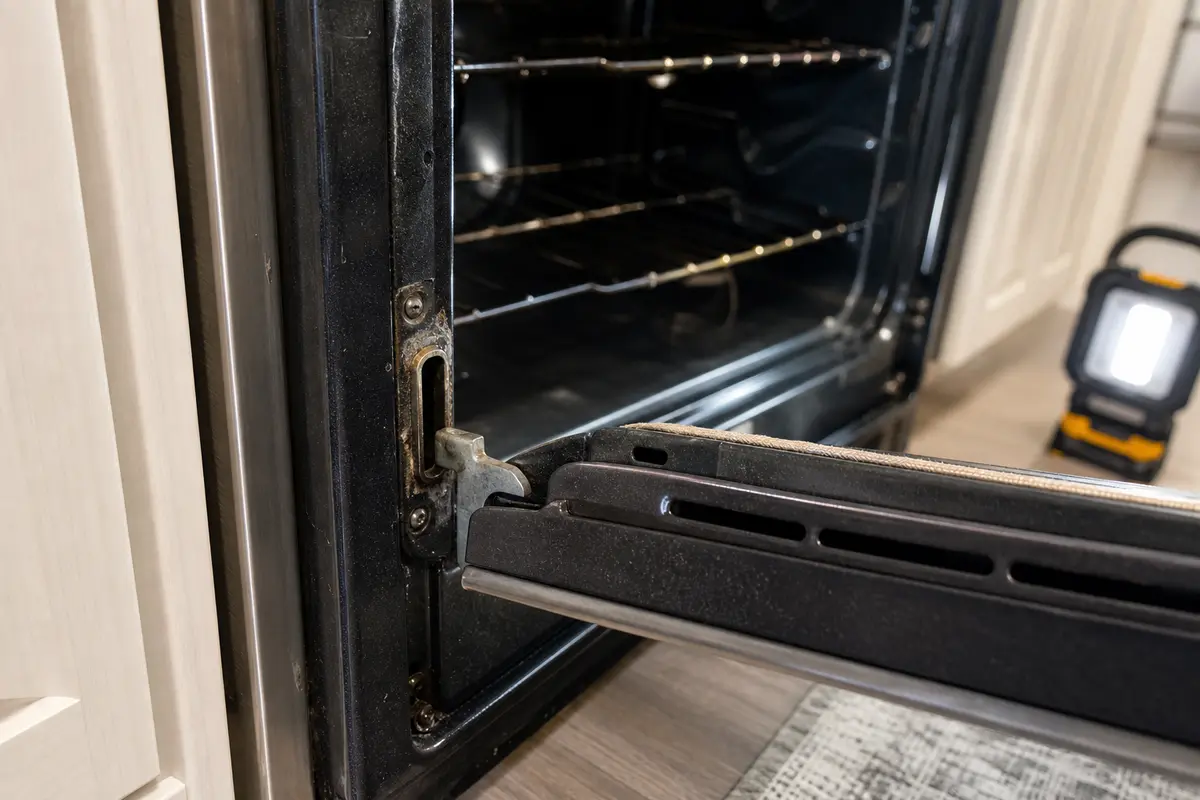
| What you see | Likely lane | Next check |
|---|---|---|
| Door is stuck after self-clean | Latch motor, linkage, or latch-position switch | Let it cool, cut power, reset, then inspect the latch slot without forcing the door |
| Door opens normally but F5E1 returns | Door switch, latch-position switch, or harness signal | Close the door slowly, check strike alignment, then use disconnected continuity testing if you can do it safely |
| Door has to be lifted to close square | Hinge sag, bent strike, or door alignment | Correct the fit problem before buying switch or board parts |
| Scorch marks, melted connector, smoke, or repeat breaker trip | Electrical damage or circuit fault | Leave power off and call for service |
Keep these checks in the homeowner-safe lane. The goal is to see whether the latch can move and whether the door is feeding the switch a believable position.
A normal-looking door does not clear the signal side. It just changes what you check next.
Use these for inspection and disconnected checks. They are not a reason to touch live wiring or open a hardwired oven you cannot safely shut off.
Paid links. As an Amazon Associate I earn from qualifying purchases. Repair Riot may earn a commission at no extra cost to you.
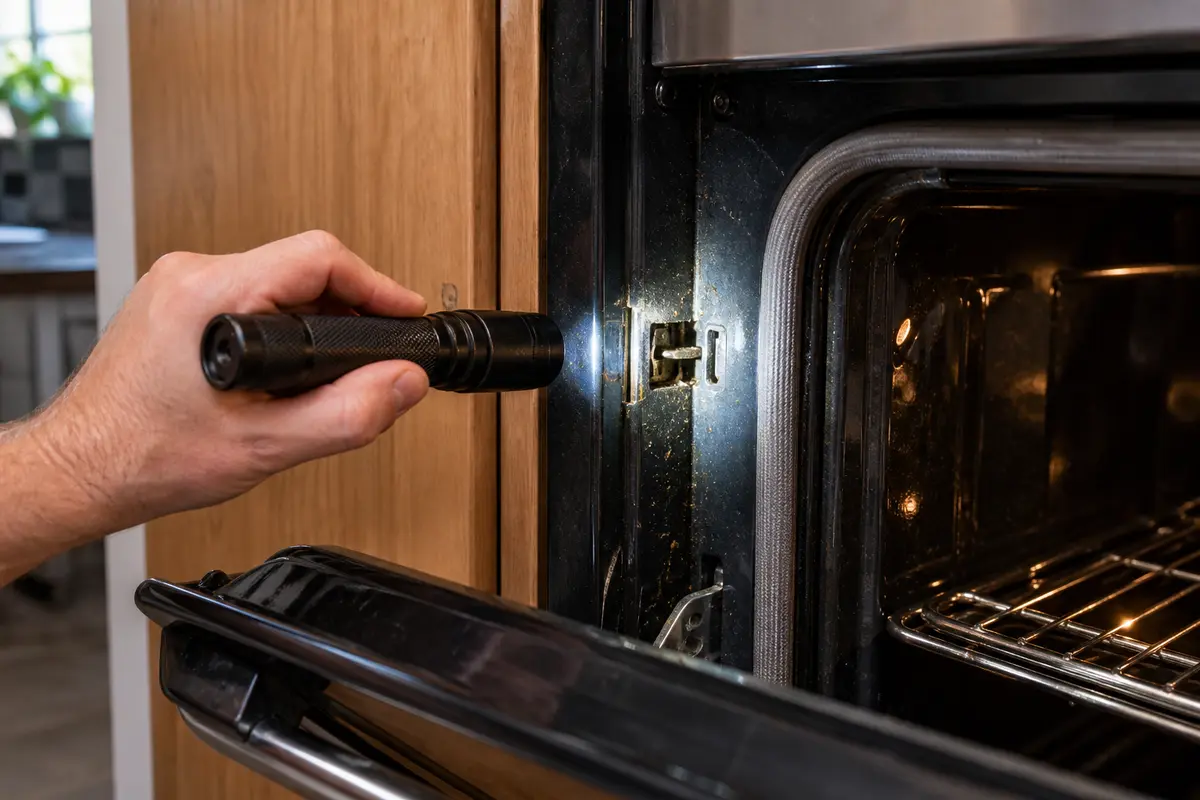
Helps when: You need a clear look at the latch slot, door strike, hinge gap, rubbing marks, and any heat damage around the front frame.
Skip it when: The check requires reaching behind live controls, disturbing insulation, or working around a hot door frame.
Compare inspection flashlights on Amazon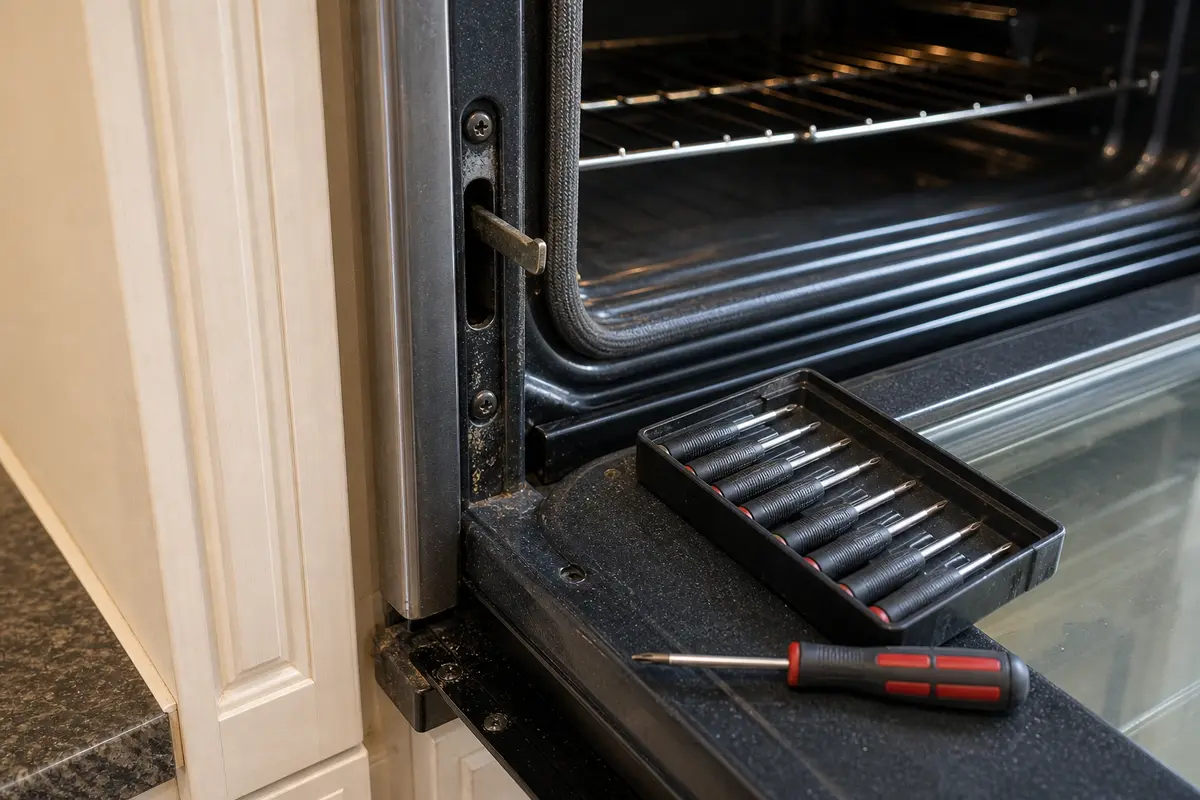
Helps when: Your model allows safe access to trim or a latch cover after power is off, and the fasteners are visible and easy to reinstall.
Skip it when: The oven is hardwired, built in tightly, or access requires major panel removal that you cannot document and put back correctly.
Compare screwdriver sets on Amazon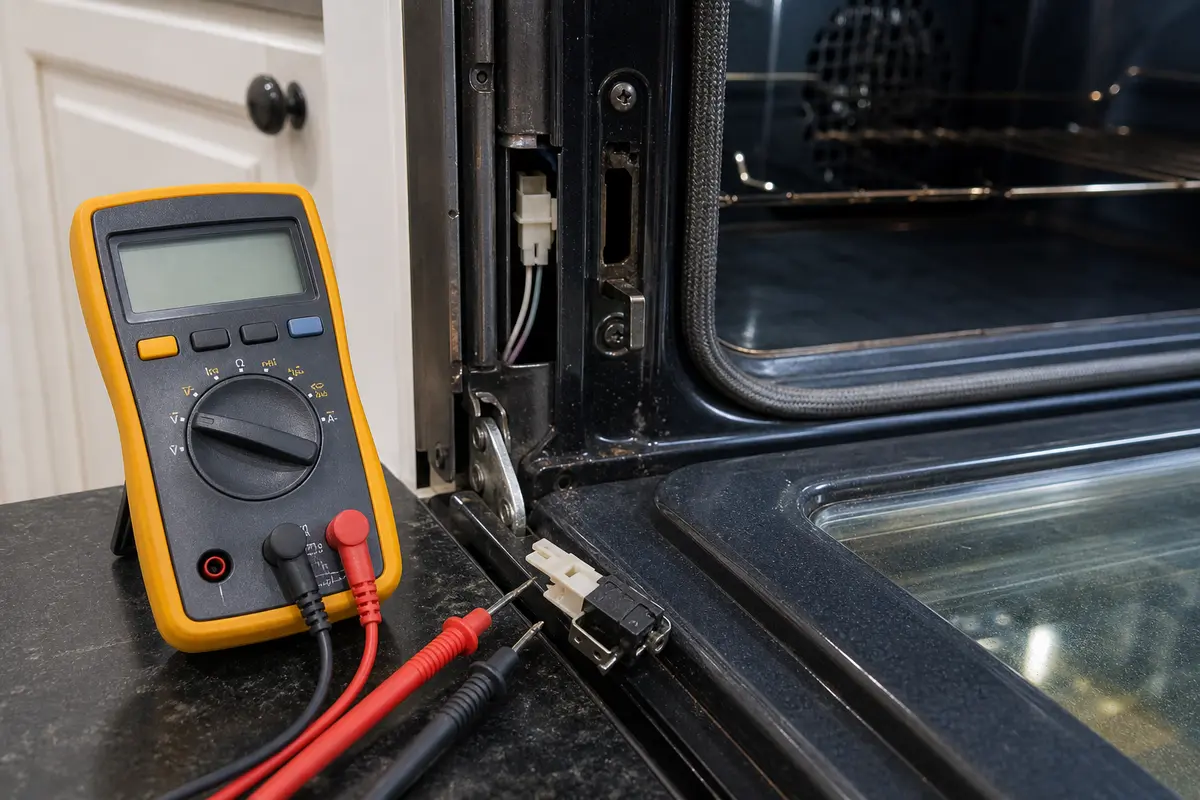
Helps when: You are checking continuity on a disconnected door switch or latch-position switch after the physical latch checks point there.
Skip it when: You are not comfortable identifying terminals, removing wires, or testing only with power off.
Compare multimeters on Amazon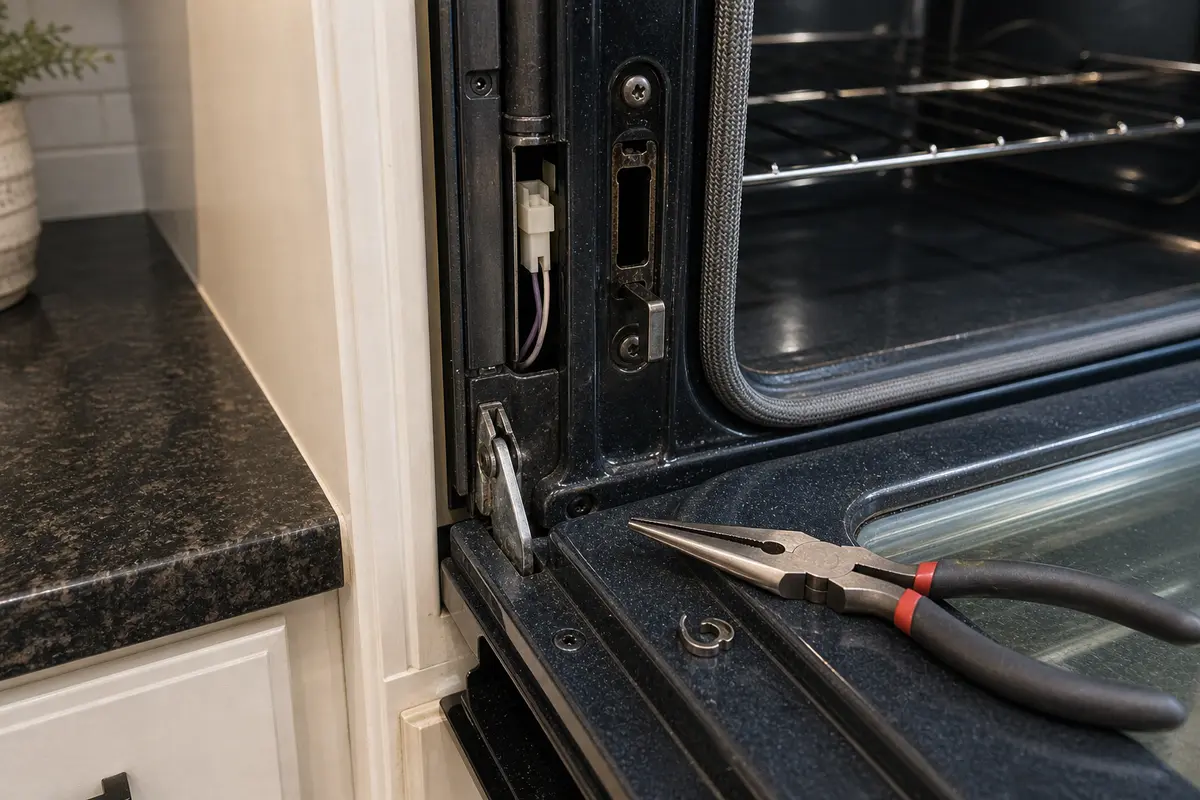
Helps when: You need to handle a visible clip or connector gently after power is off and the part is easy to reach.
Skip it when: The connector is scorched, brittle, stuck, or buried behind panels you are not comfortable removing.
Compare needle-nose pliers on AmazonBuy parts only after the symptom points to them: a stuck or half-parked latch, a square-closing door with a failed switch check, or a qualified diagnosis that clears the latch and switch. Match the full Whirlpool model number, mounting shape, connector style, switch terminals, and any service notes before ordering.
Paid links. As an Amazon Associate I earn from qualifying purchases. Repair Riot may earn a commission at no extra cost to you.
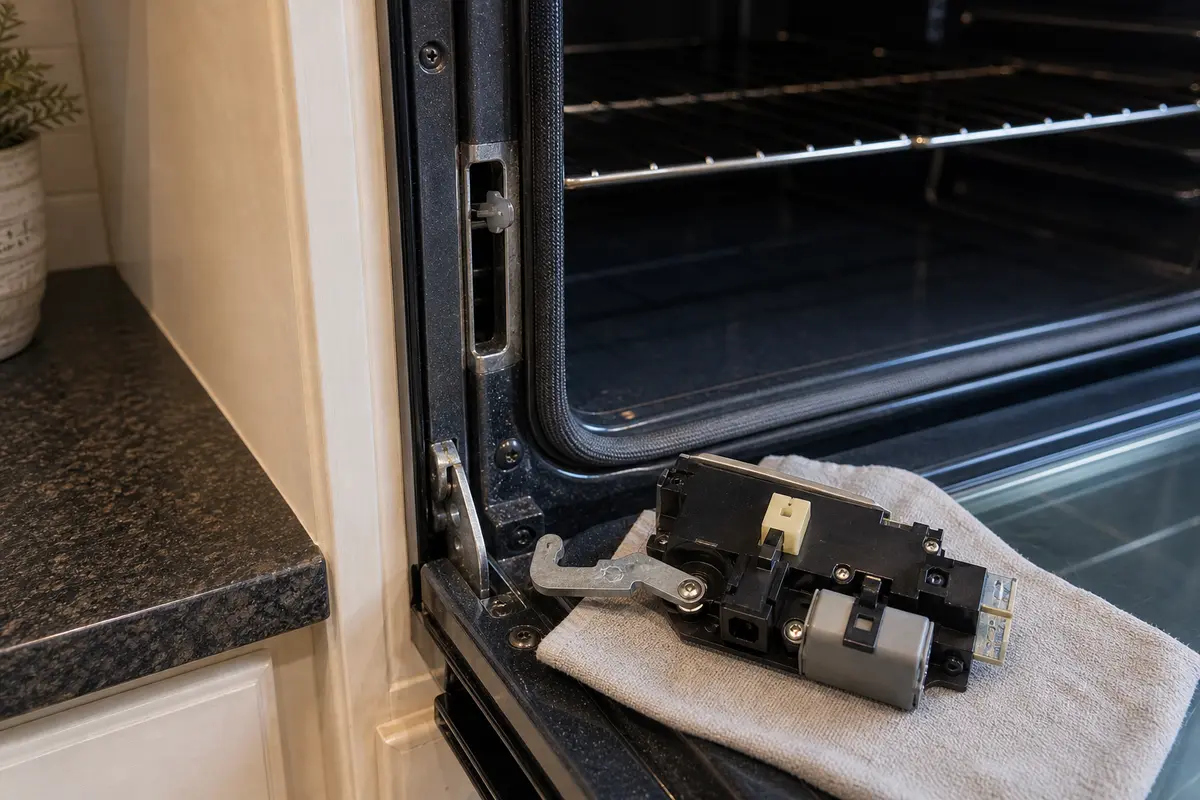
Helps when: The door stayed stuck, the latch arm sat halfway, the latch binds after reset, or you found heat damage or loose linkage at the lock mechanism.
Skip it when: The door opens normally, the latch parks cleanly, and the only clue is a repeat code without a switch or continuity check.
Compare oven door latch assemblies on Amazon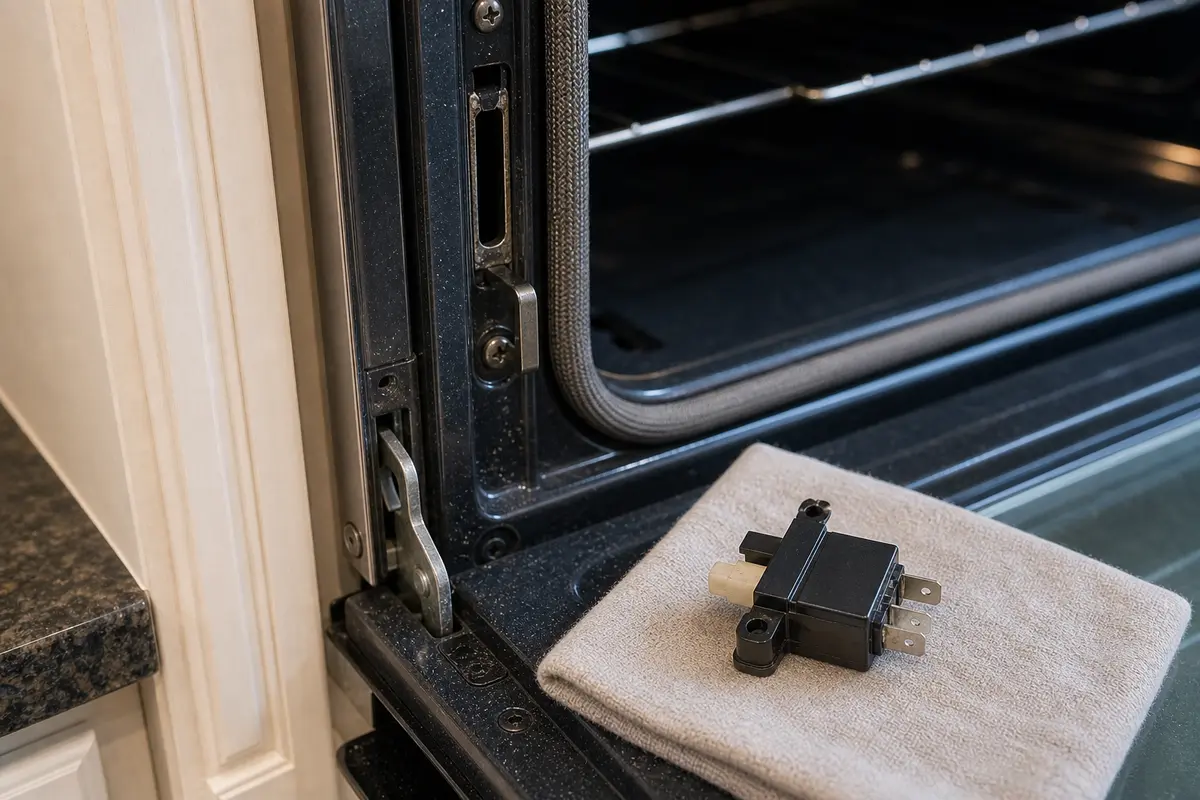
Helps when: The door closes square but the switch reading is inconsistent or fails a disconnected continuity check.
Skip it when: The door is physically stuck, the latch is half-parked, or the switch has not been tested and the strike alignment is still questionable.
Compare oven door switches on Amazon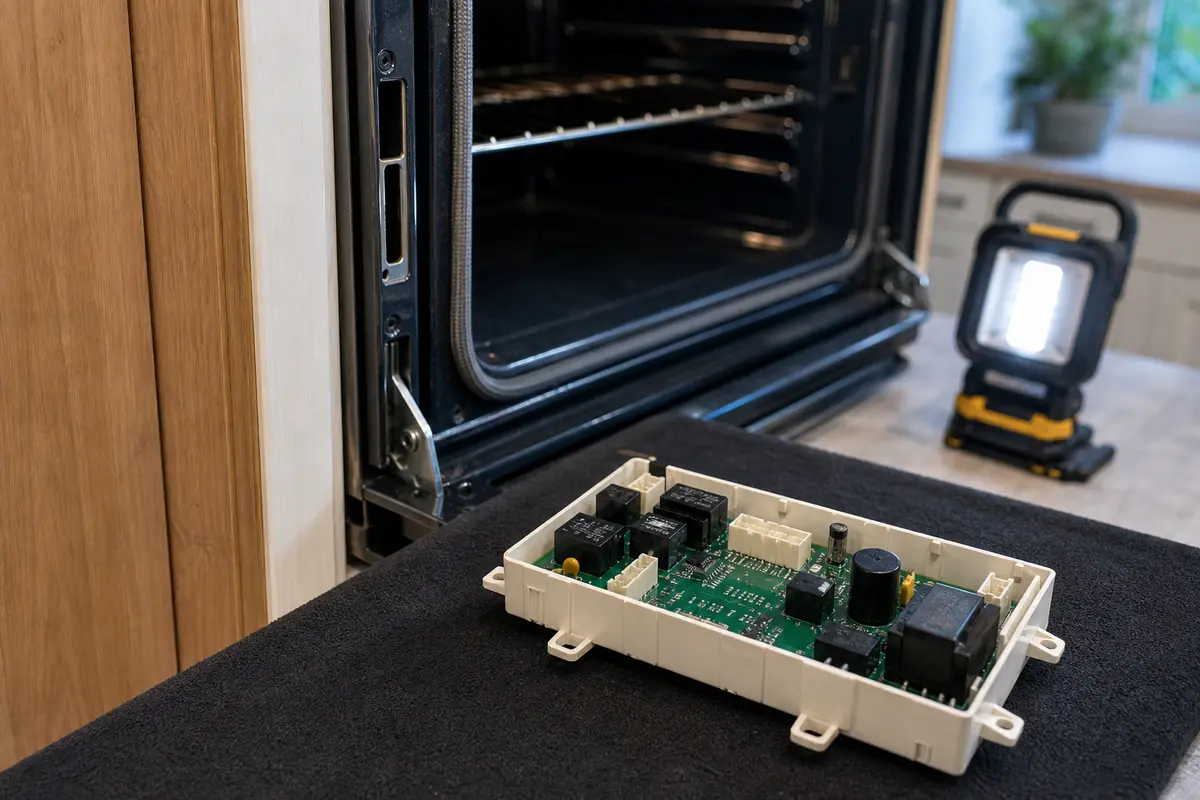
Helps when: A qualified diagnosis has already cleared the latch, switches, connector seating, and harness path, but the control still reads the lock circuit wrong.
Skip it when: The only clue is F5E1, or you have not cleared the latch, switch, connector seating, and harness path. The board is expensive and model-specific, so it belongs after those checks.
Compare oven control boards on AmazonIt usually means the control sees the oven door lock circuit in the wrong position. First check whether the door is stuck, the latch arm is half-parked, or the door closes normally while the code stays on. A stuck or half-parked latch points to the latch side. A square-closing door with the code still on points to the switch side.
Usually no. Many ovens will block Bake or keep beeping until the lock problem is cleared. If the code disappears after a reset and the door works normally, test with a short bake cycle before regular use.
It often shows up right after self-clean because the latch assembly gets hot and works harder during that cycle. Heat, grease, and a tired latch motor or switch can all show up there first.
No. The latch assembly or switch side is the better first suspect. Control failure is possible, but it is lower on the list unless the latch and switch checks already look good.
Good clues are a door that stays locked or a latch arm sitting halfway across the opening. A sticky or loose mechanism, or a code that started after self-clean and keeps returning after reset, points the same way.
That points more toward a door switch or latch-position switch reading problem, or less commonly a wiring or control issue. If the latch looks parked correctly and the door closes square, the signal side moves up the list.
Start with at least 5 minutes with power off. After self-clean, wait until the oven is fully cool and give the control closer to 15 minutes before restoring power.
Not first. Replace or price the control only after the latch moves freely, the door closes square, the door or latch switch checks out, and the harness has no visible damage.
Repair Riot built this page around Whirlpool owner support and model-number discipline. It focuses on visible latch and door-strike checks a homeowner can make safely. The stop points are gas odor, scorched wiring, and repeat breaker trips.