Is the bucket filling while the hose stays dry?
Yes: the unit is making water, so stay with hose slope, drain-port buildup, bucket seating, and float movement. No: check airflow, humidity, filter loading, and icing first.
If a Toshiba dehumidifier fills the bucket instead of the hose, check the gravity path first: hose slope, kinks, the drain port, and bucket seating. Buy parts only after the water path passes those checks.
Usually, the fault is a hose that rises, sags, kinks, or has lint or slime at the drain fitting.
First separate a drain-path failure from weak water production. A full bucket points to the hose path; a dry bucket points to airflow, humidity, or icing.
Don’t start with: Do not open the cabinet or replace a bucket switch until the hose, port, bucket, and float all check out.
Yes: the unit is making water, so stay with hose slope, drain-port buildup, bucket seating, and float movement. No: check airflow, humidity, filter loading, and icing first.
Rebuild the route so every section runs downhill from the dehumidifier to an open drain point.
If water leaves through a short clean hose, the normal hose route or drain point is the problem.
Unplug the unit, remove the hose, and clean only the visible opening before testing again.
Empty and reseat the bucket, then check whether the float moves freely without scraping or hanging up.
Stop testing. Leave the unit unplugged and schedule appliance service.
Use the visible clues in this order: hose route, short drain test, then the bucket and float area.
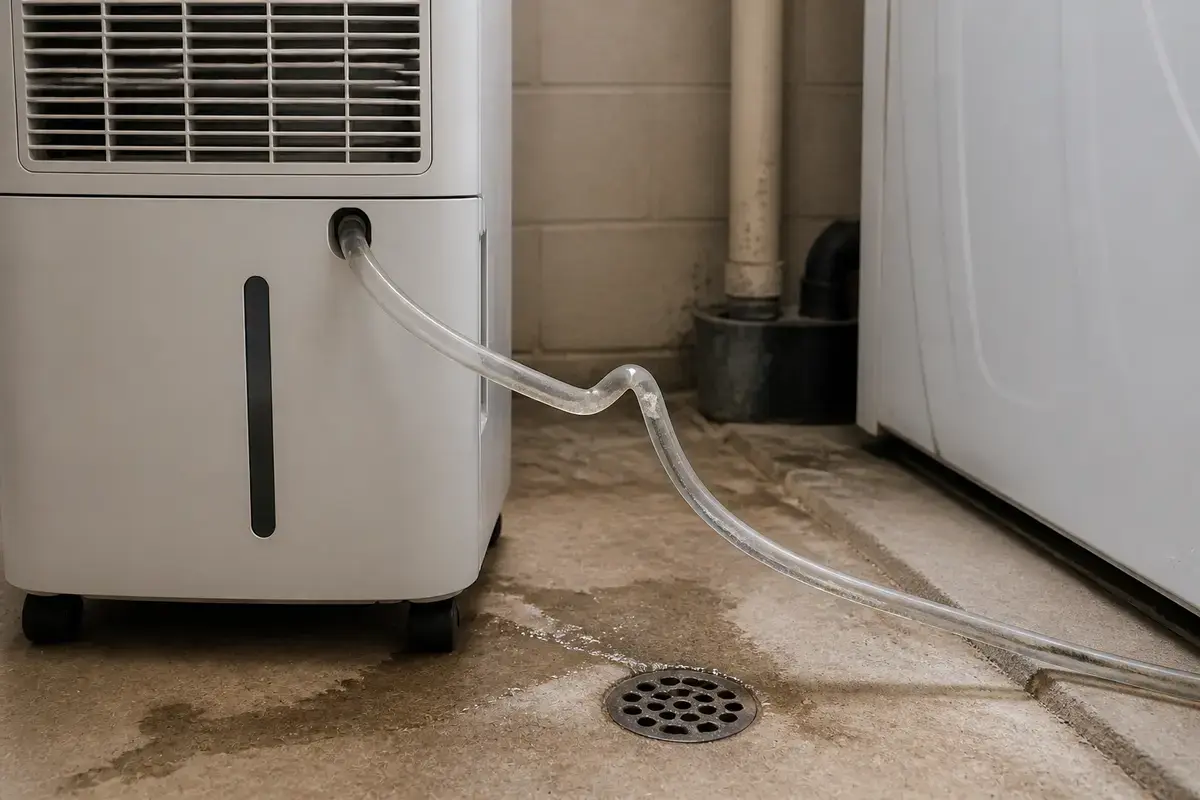
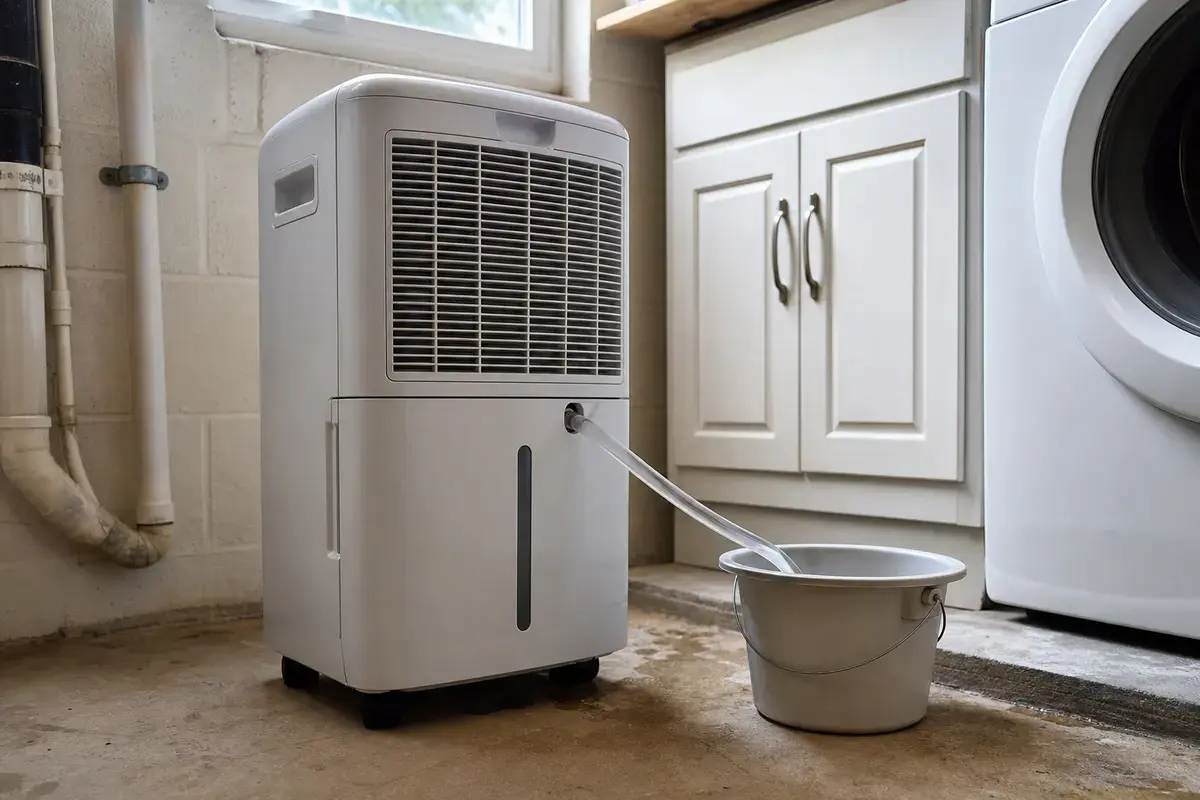
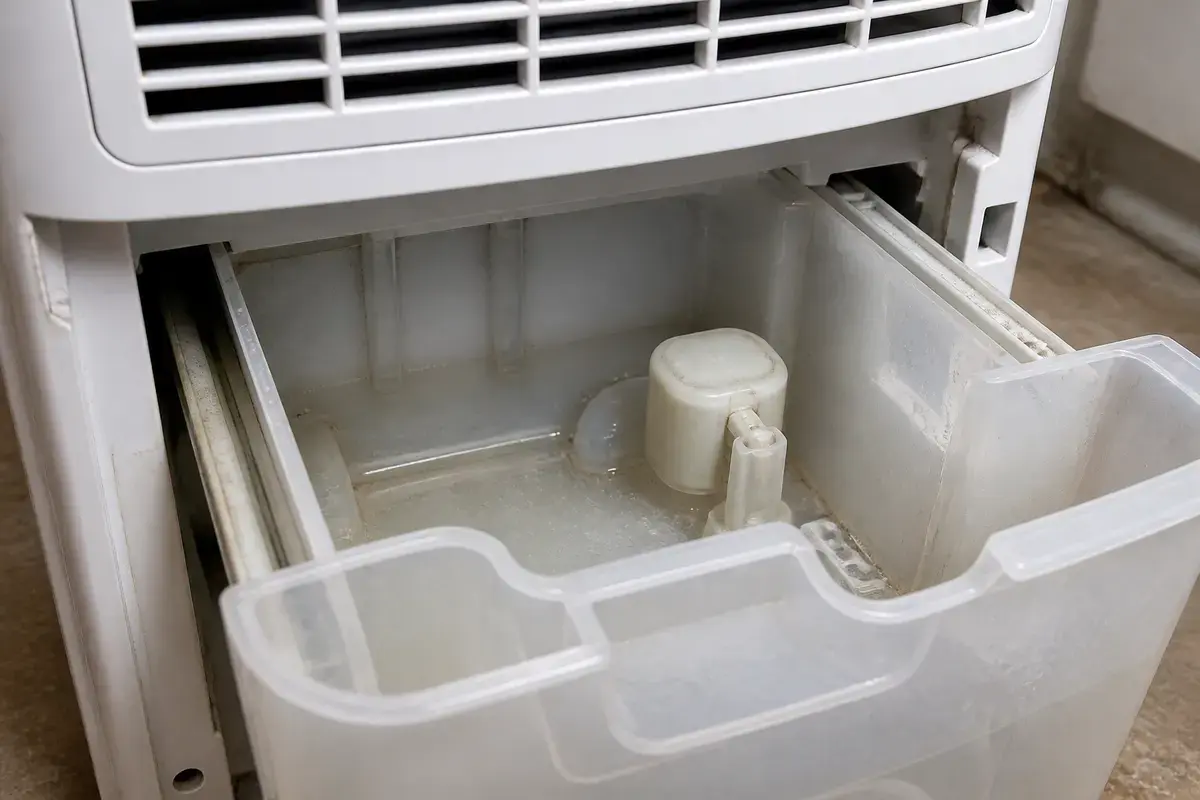
Before ordering a hose, bucket switch, float switch, or water-level switch, copy the exact Toshiba model number and make the failure repeat after the hose route, drain port, bucket seating, and float checks. Drain fittings and small switches are not universal.
A hose-drain Toshiba still needs a simple water path: collection area, drain fitting, hose, and open drain point. The bucket and float can still affect how the unit behaves, even with a hose attached.
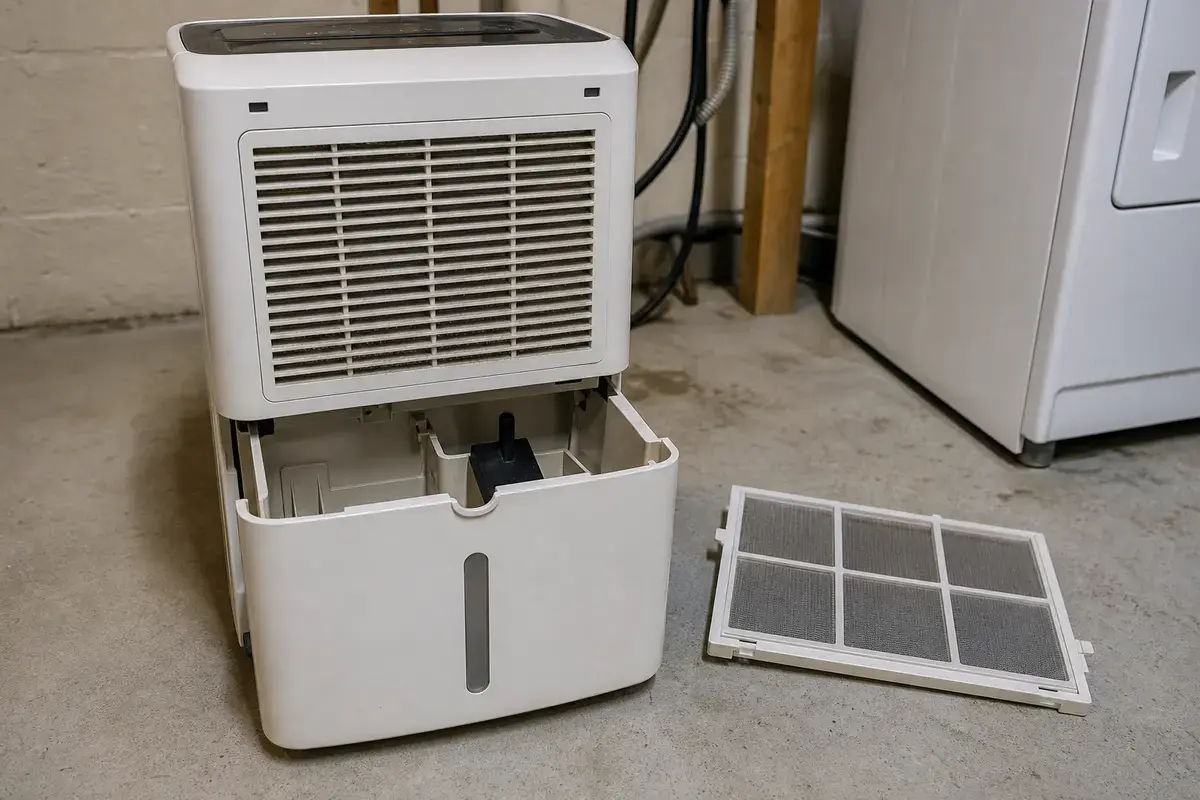
Most no-drain complaints start with something outside the cabinet. Keep the first pass boring, visible, and safe.
This check separates a bad hose run from a deeper drain problem. Use a short clean hose or straighten the existing hose so the outlet sits low in a bucket or floor drain where you can see it.
| What you see | What it usually means | Next move |
|---|---|---|
| Water drains through the short low hose | The unit can drain; the normal hose route, hose length, or drain point is the trouble. | Rebuild the permanent run shorter, lower, and free of sags. |
| Bucket fills while the short hose stays dry | Water is not reaching or leaving the drain port. | Remove the hose and clean the visible drain opening. |
| Bucket-full light returns right away | Bucket seating, float movement, or a bucket switch clue is stronger. | Empty and reseat the bucket before pricing parts. |
| Both bucket and hose stay dry | The dehumidifier may not be collecting water. | Check filter airflow, humidity setting, room temperature, and coil icing. |
| Water leaks from cabinet seams | This is no longer a simple hose-routing problem. | Unplug the unit and stop before internal service. |
A continuous drain hose does not always remove the bucket from the control logic. Many portable dehumidifiers still need the bucket seated squarely and the float moving cleanly.
A dry hose is not always a drain failure. Sometimes the dehumidifier is not pulling enough moisture from the air to give the hose anything to carry.
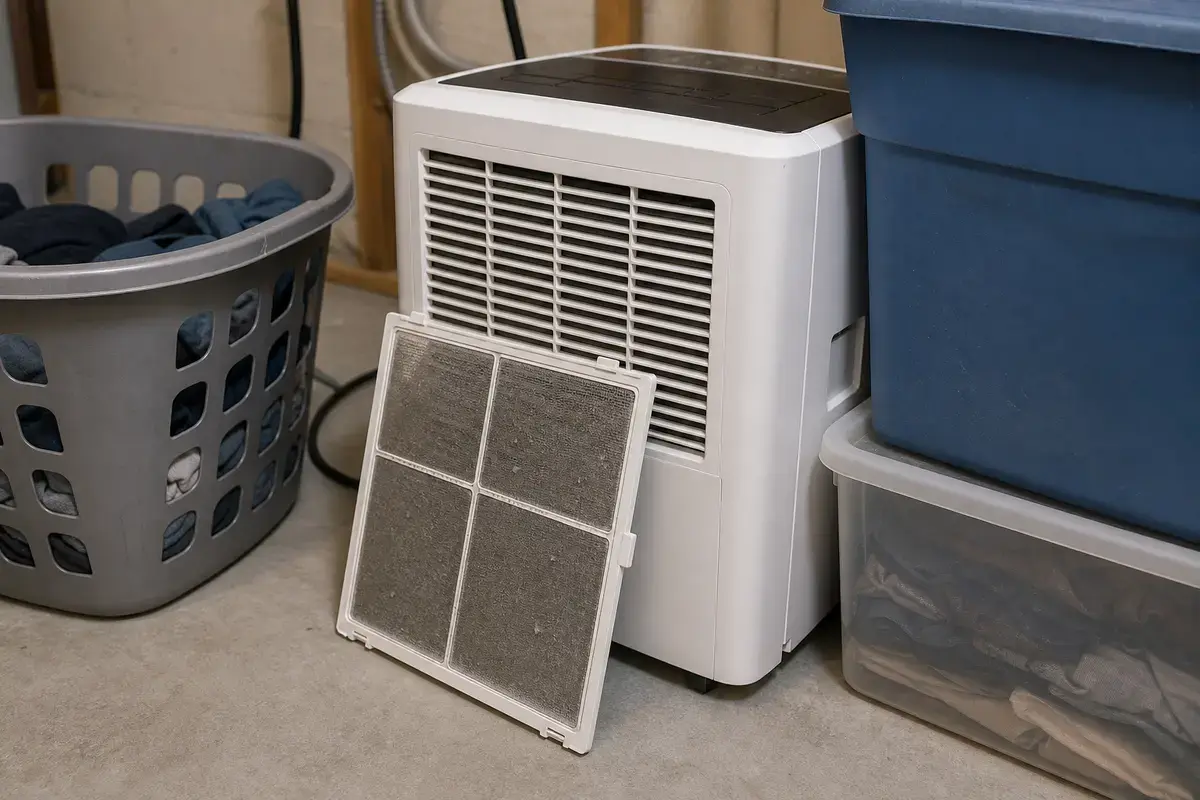
The useful tools here are simple. You need to see the hose path, catch water safely, and clean light film without damaging plastic.
Paid links. As an Amazon Associate I earn from qualifying purchases. Repair Riot may earn a commission at no extra cost to you.
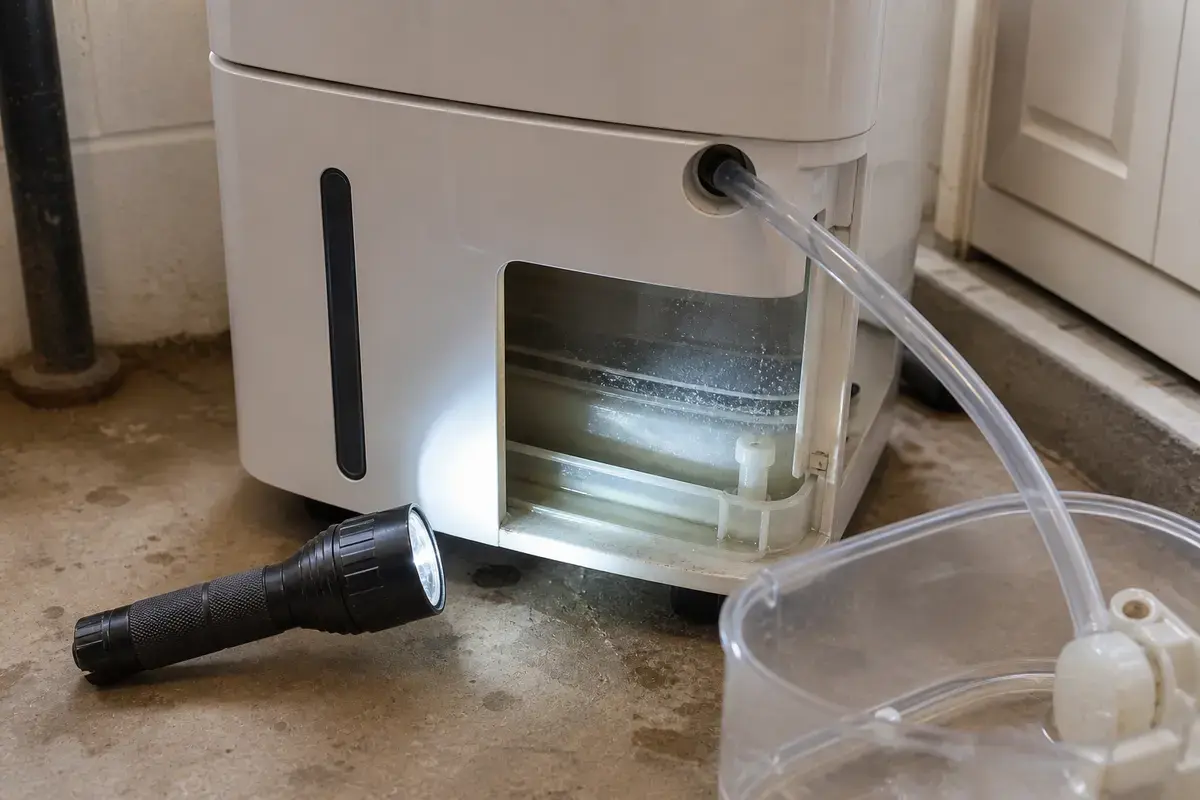
Helps when: You need to see the drain fitting, bucket rails, float area, and hose route behind the dehumidifier.
Skip it when: You would have to reach into wiring or run the dehumidifier with a cabinet panel removed.
Compare flashlights on Amazon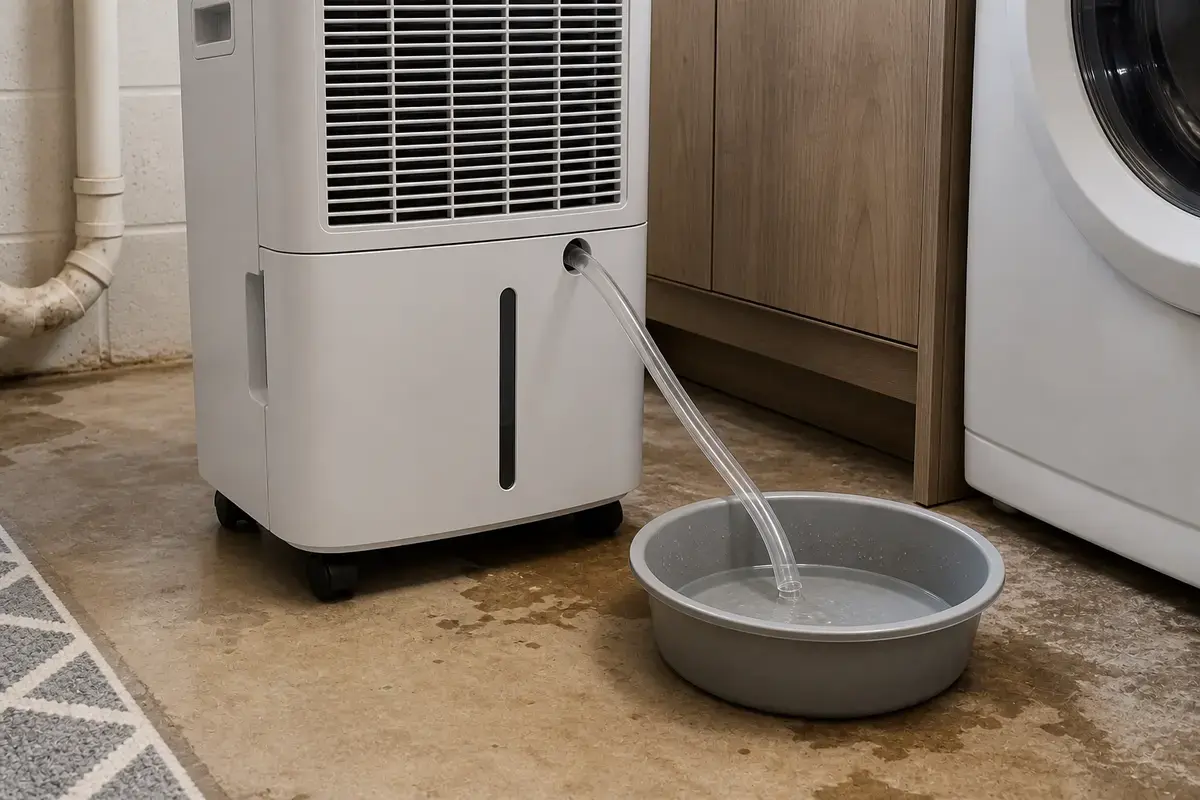
Helps when: You need a visible catch point for the short hose test and any water left in the line.
Skip it when: A spill would reach an outlet, cord, power strip, or walking path.
Compare small buckets on Amazon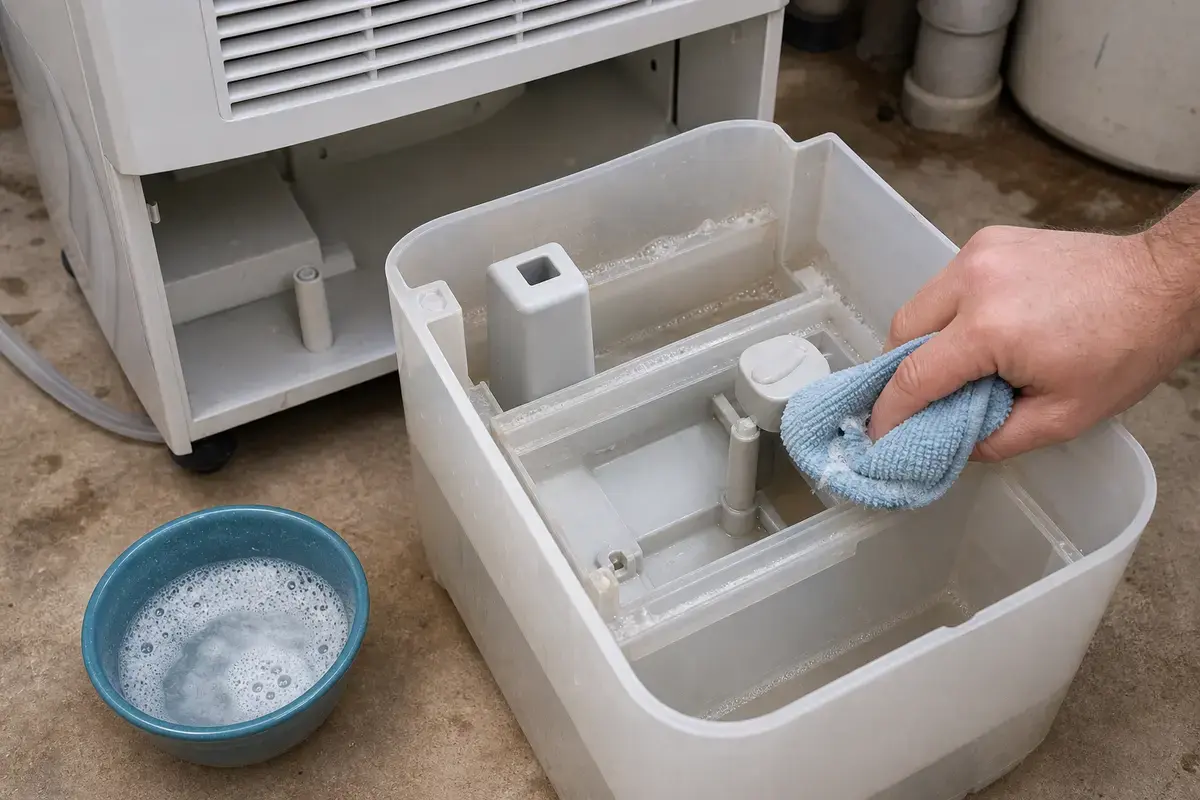
Helps when: You are wiping bucket rails, the visible drain opening, or light slime without scratching plastic.
Skip it when: Cleaning would require soaking the cabinet or pushing tools deep into the drain port.
Compare soft cleaning supplies on AmazonParts make sense only after the symptom points at one. Match the exact Toshiba model number, hose size, connector shape, switch mounting, and wire connector before ordering.
Paid links. As an Amazon Associate I earn from qualifying purchases. Repair Riot may earn a commission at no extra cost to you.
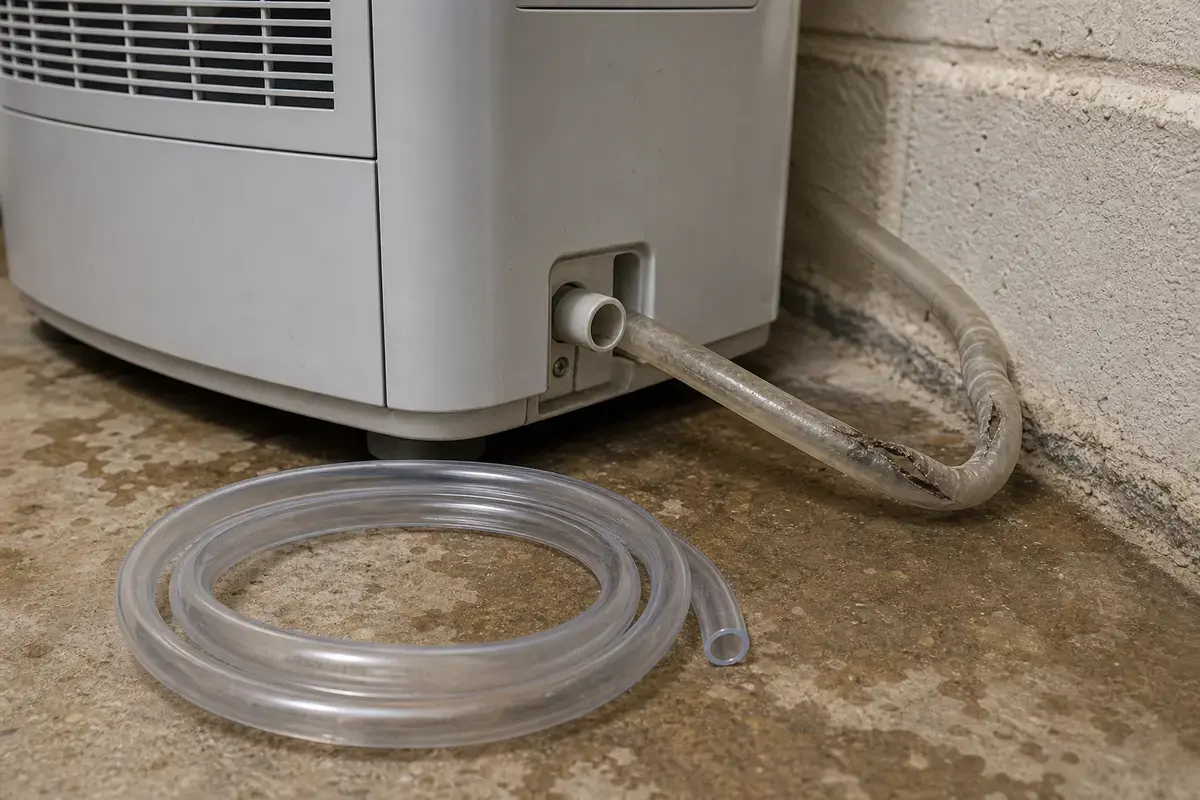
Helps when: The unit drains through a short clean hose, but the installed hose is kinked, split, clogged, too stiff, or routed badly.
Skip it when: The unit is not making water, the bucket is being misread, or a clean short hose also stays dry.
Compare dehumidifier drain hoses on Amazon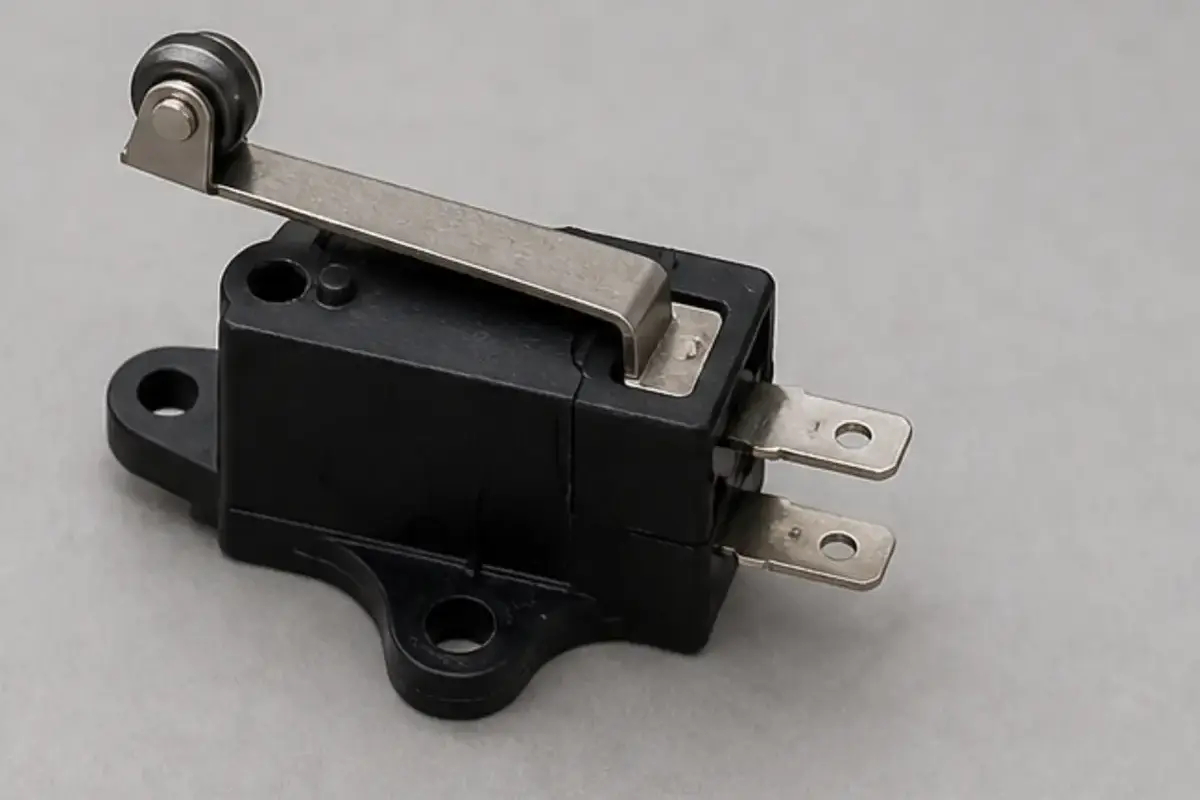
Helps when: The bucket seats cleanly, the float moves freely, and the unit still acts like the bucket is full or missing.
Skip it when: You have not cleaned the bucket rails, reseated the bucket, or checked whether bucket pressure changes the warning.
Compare bucket switches on Amazon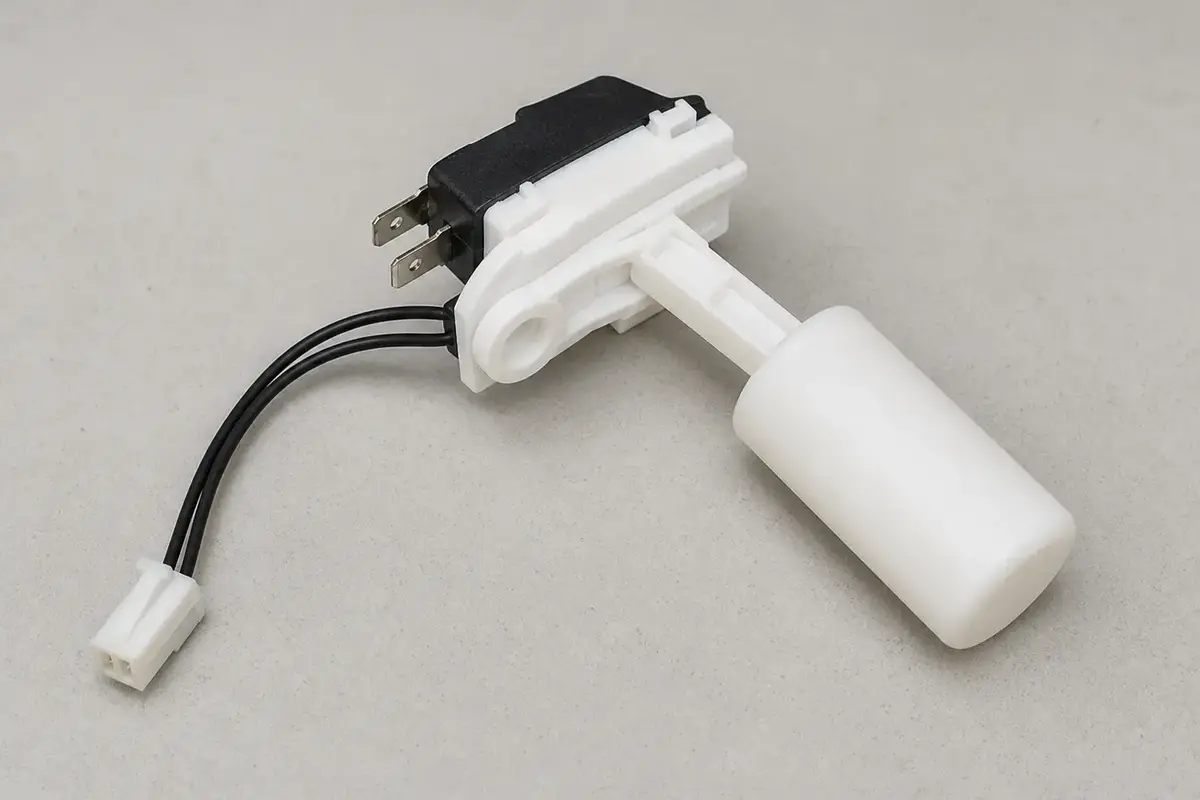
Helps when: The float path is clean, the bucket is seated, and the unit still misreads water level after hose and port checks.
Skip it when: The hose route, drain opening, bucket fit, and water production have not been checked yet.
Compare water level switches on AmazonUsually because gravity is not getting a clear path through the hose. Look for an uphill section, a kink, a low sag, a blocked drain port, or a bucket that is not seated squarely.
Yes, on a standard gravity-drain setup. A hose that rises, loops, or sags can trap water and stop flow, even when the hose is attached correctly.
The dehumidifier can drain. The installed hose is probably too long, too high, kinked, clogged, sagging, or pushed into a drain in a way that blocks air movement.
Yes. Weak airflow can mean the unit barely collects water, so the bucket and hose both stay dry. Clean the filter and test in a damp room before blaming the drain hose.
Unplug the unit, remove the hose, and wipe only the visible opening with a soft cloth or cotton swab. Flush the hose with warm water. Do not force wire or a sharp tool deep into the cabinet.
Only when the hose is split, collapsed, permanently kinked, clogged, or impossible to route downhill. A hose that can be cleaned and routed correctly should be tested before you buy another one.
A switch moves up the list when the hose route is good, the drain port is clear, the bucket seats correctly, the float moves freely, and the unit still shows bucket-full behavior.
Do not assume that. Match the exact model number, hose diameter, thread or push-on style, and drain fitting shape. Lookalike hoses can still leak or fit poorly.
Only if the hose can run downhill to that sink or the model has a pump setup meant for lift. A gravity hose will not reliably push water uphill.
Stop for water near power, a hot plug, burning smell, repeated breaker trips, leaks from inside the cabinet, broken internal drain fittings, or any repair that requires opening wiring areas.
Repair Riot built this page around the homeowner split that changes the repair path: bucket filling, hose dry, no water made, or bucket-full warning. Manufacturer and public guidance support the model lookup, drain safety, airflow, and humidity context used here.