One short chirp every minute or so?
Open the battery drawer, remove any pull tab, reseat the correct battery, and read the date label. If the chirp returns after the test button responds, move to age and hardwired power checks.
For one short chirp every 30 to 60 seconds, open the drawer, reseat the battery, and read the date label. On hardwired units, check the AC-power light. A loud repeating alarm or CO voice warning means leave with everyone and call from safe air.
Most maintenance chirps come from a weak battery, loose drawer, expired sensor, or lost AC feed. After you reseat the battery and press test, listen again. A returning chirp sends you to the date label and power light; a repeating alarm sends you outside.
If it is only a quiet chirp, work from the outside checks before taking the detector off its bracket.
Don’t start with: Do not pull batteries and leave the home unprotected, open house wiring, or treat a CO warning like a nuisance chirp.
Open the battery drawer, remove any pull tab, reseat the correct battery, and read the date label. If the chirp returns after the test button responds, move to age and hardwired power checks.
Leave first if there is any chance of smoke, fire, or carbon monoxide. Come back to detector checks only after the space is safe.
Check polarity, drawer latch, battery type, dust at the vents, and the manufacture or replace-by date before buying anything.
Look for restored AC power, one clearly tripped breaker, a seated plug-in harness, and a reset step from the label.
Think power loss, interconnect trouble, or a real alarm event before blaming one battery. Stop if the next step exposes house wiring.
If the label says end of life or the sealed battery has aged out, replace the detector. A fresh battery cannot renew the sensing element.
The sound pattern chooses the path. A quiet chirp sends you to the battery drawer, date label, and power status; a full alarm sends you to fire or CO safety first.
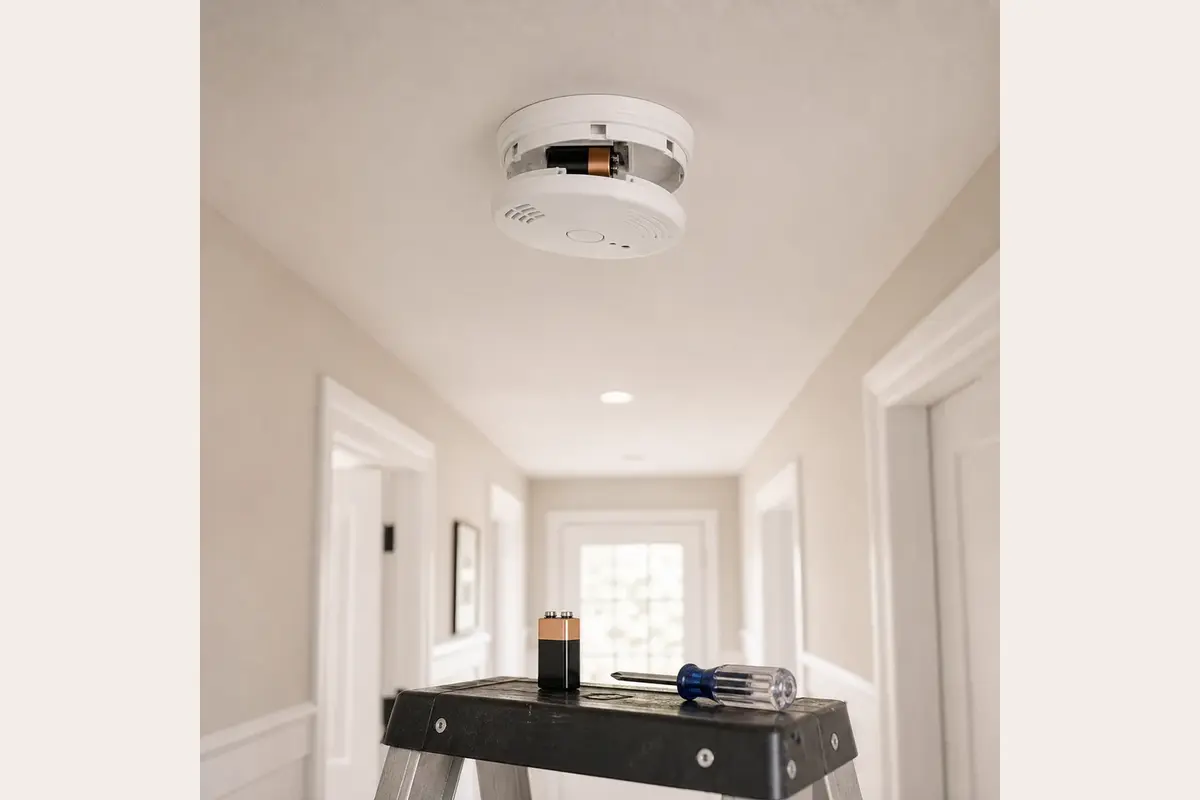
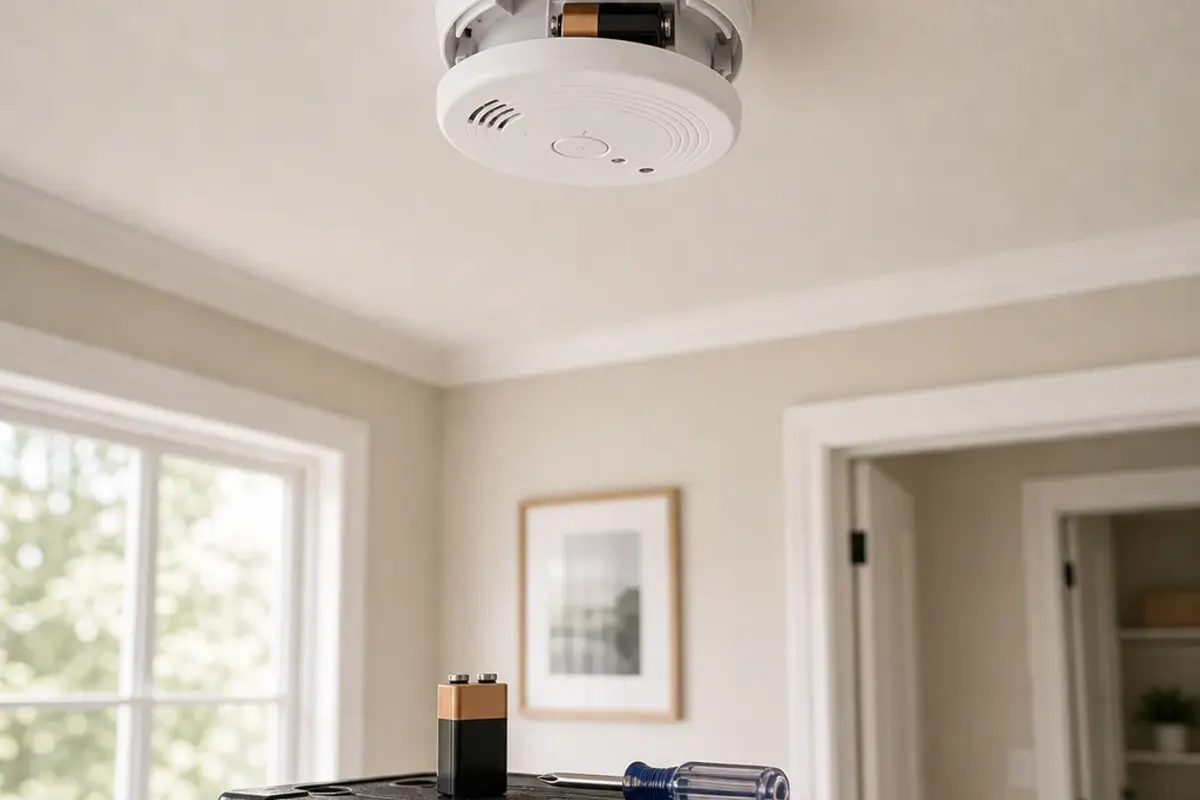
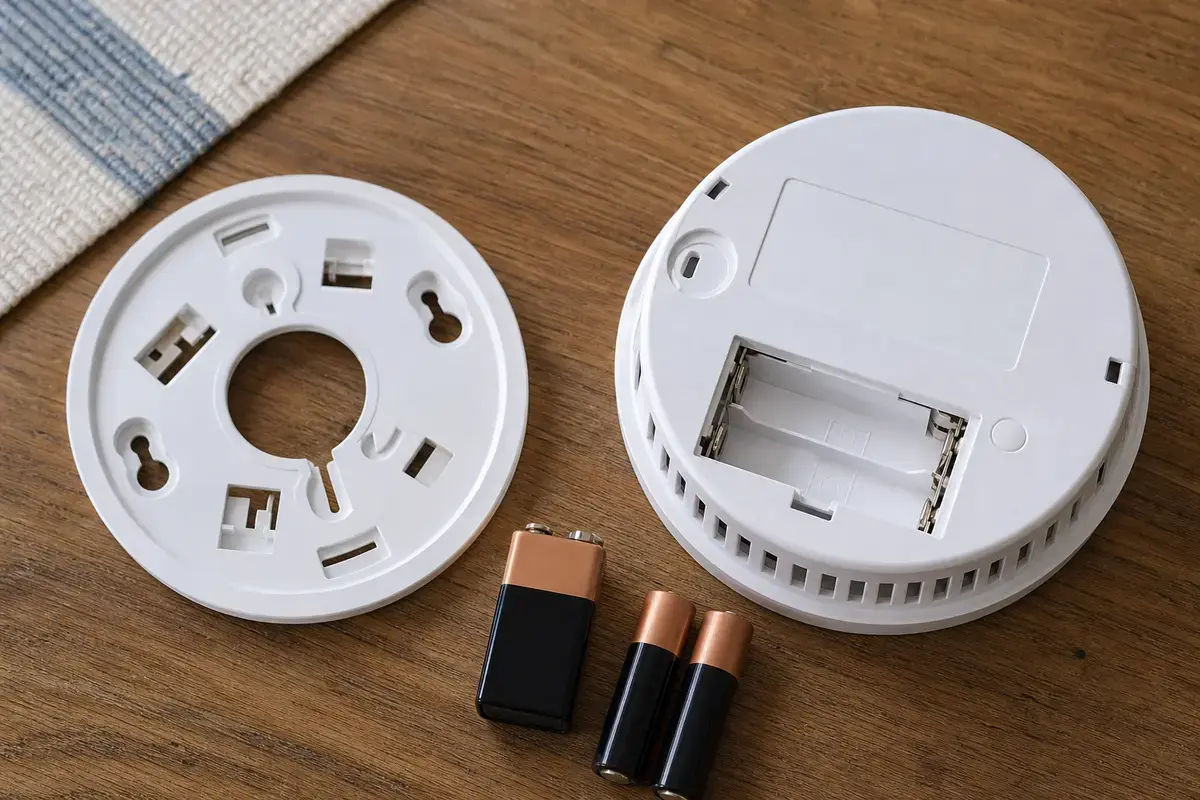
Before shopping, photograph the label and backplate, then write down which check failed. Match the exact model family and diagnosis: battery-only or hardwired, smoke-only or smoke/CO, interconnected or standalone, mounting plate, connector or listed adapter, battery type, and date-label result.
Listen from a safe spot first. One short chirp every minute sends you to the battery drawer and date label; a loud repeating alarm or CO voice warning sends you outside before detector checks.
| Sound or clue | What it usually means | Next move |
|---|---|---|
| One short chirp every 30 to 60 seconds | Low battery, loose battery contact, end-of-life alert, or hardwired power loss | Reseat the battery, close the drawer, read the date label, then look at power if it is hardwired |
| Full alarm or voice smoke warning | Possible smoke or fire | Get people out and call for help if smoke, heat, or burning smell is present |
| Voice CO warning or CO alarm pattern | Possible carbon monoxide | Move everyone to fresh air and call emergency help from outside |
| Chirp started after an outage | Backup battery was weak, AC power is still missing, or the unit needs a reset | Check one breaker, restored power, backup battery fit, and the reset instructions on the label |
| New battery did not stop the chirp | Battery type, polarity, drawer latch, contacts, dust, age, or a failing detector is still unresolved | Recheck the battery details and date label before replacing the detector |
Stay with exterior checks, labels, batteries, and manufacturer reset steps. Those tell you a lot without opening a ceiling box or guessing at parts.
Hardwired alarms add one more path: house power. You can observe power status and a plug-in harness, but house wiring and repeat breaker trips belong to a licensed electrician.
A smoke or CO alarm is not a repairable appliance in the usual sense. Once age, damage, or repeated unexplained chirping is the clue, replacement is safer than chasing the sound.
Most bad outcomes here come from treating a life-safety device like an annoying household noise. Keep protection in place while you narrow the cause.
These tools are for safe access, reading labels, and light exterior cleaning. They do not make house wiring or a repeating breaker trip a homeowner repair.
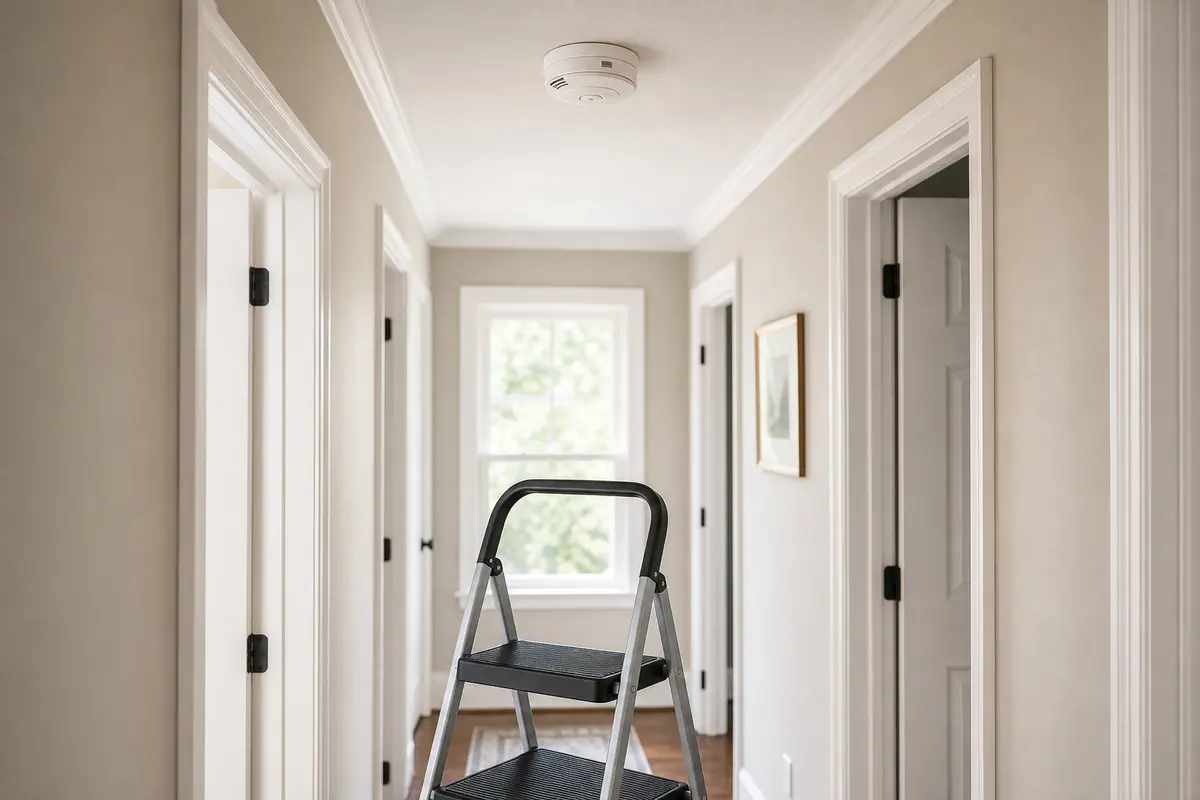
Helps when: You can reach the ceiling detector squarely without standing on furniture or leaning from the top step.
Skip it when: The detector is over stairs, the floor is uneven, or you cannot keep the ladder stable.
Compare step stools on Amazon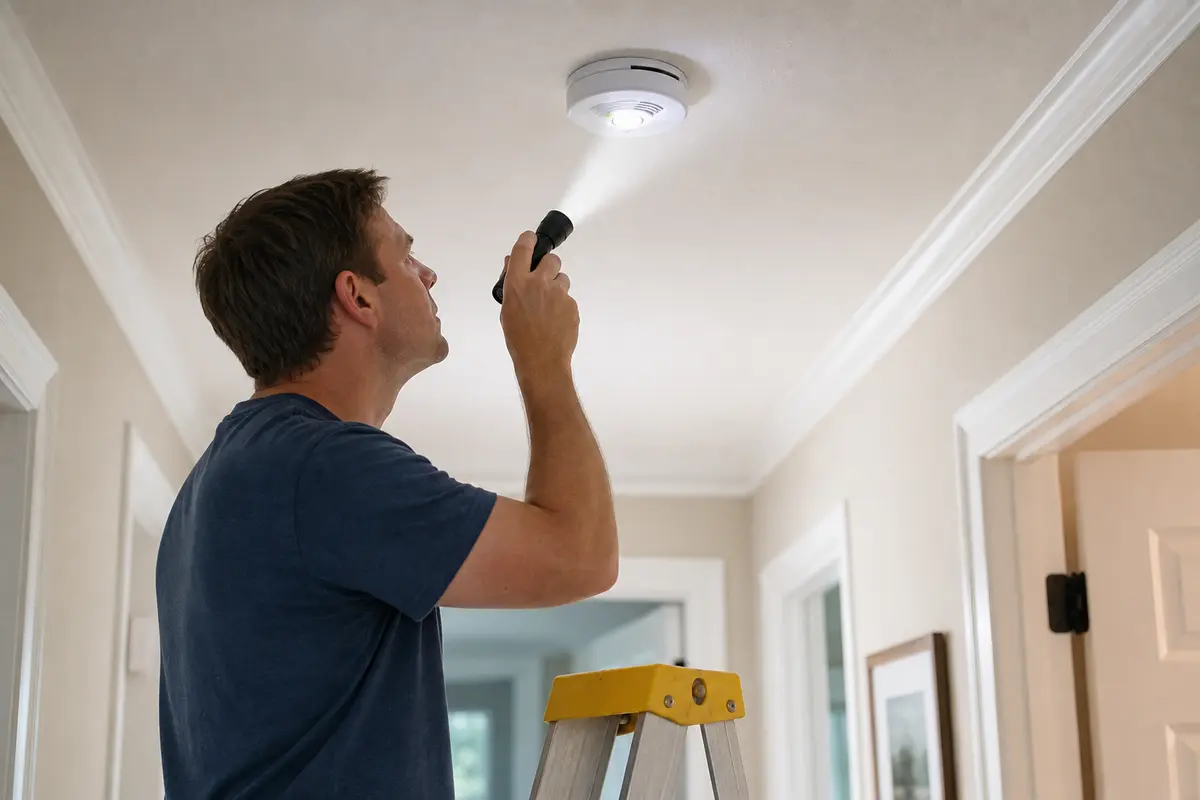
Helps when: You need to read the battery markings, date label, power light, contacts, or dust at the vents.
Skip it when: The label is missing or reading it would require opening the electrical box.
Compare inspection flashlights on Amazon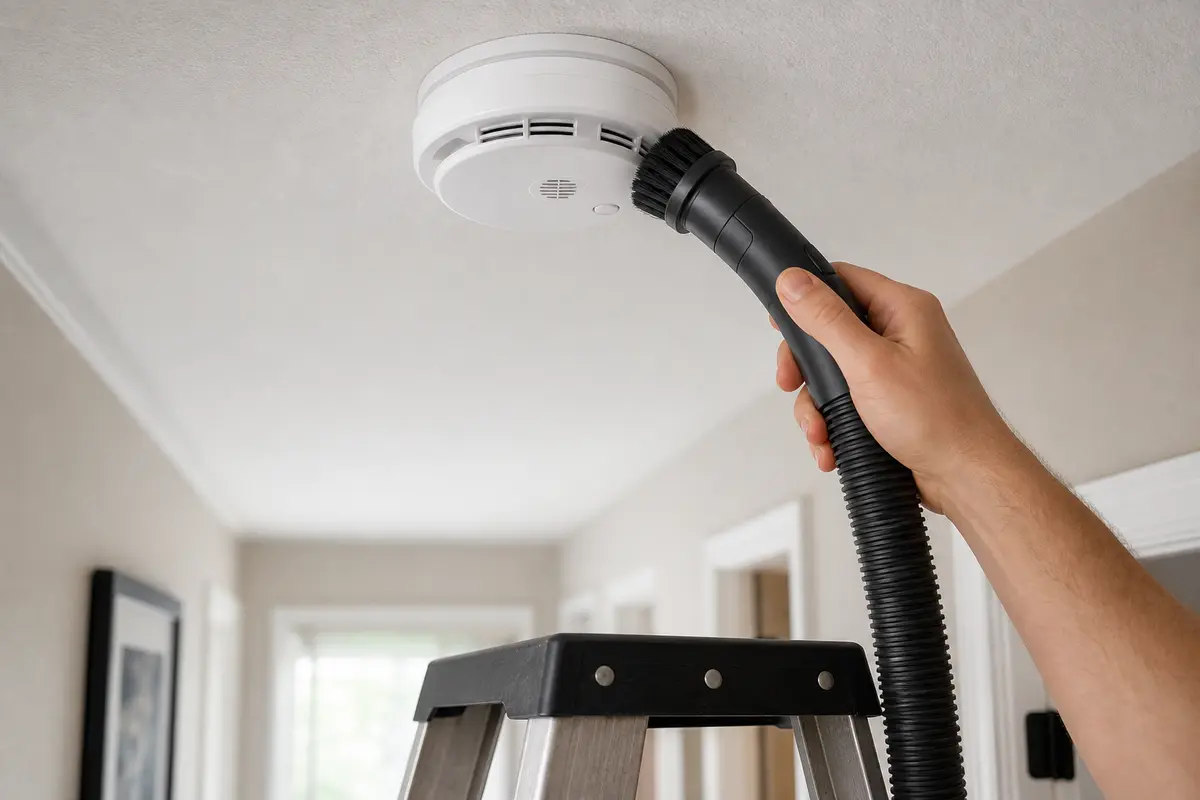
Helps when: Loose exterior dust is visible on an in-date detector that otherwise powers and tests normally.
Skip it when: The detector is painted, wet, melted, insect-packed, expired, or still chirping after basic checks.
Compare soft brush attachments on AmazonAs an Amazon Associate I earn from qualifying purchases. Repair Riot may earn a commission at no extra cost to you.
Put parts in the cart only after the sound pattern, battery fit, age label, and power checks point there. Then match protection type and installation details, not just the plastic shape.
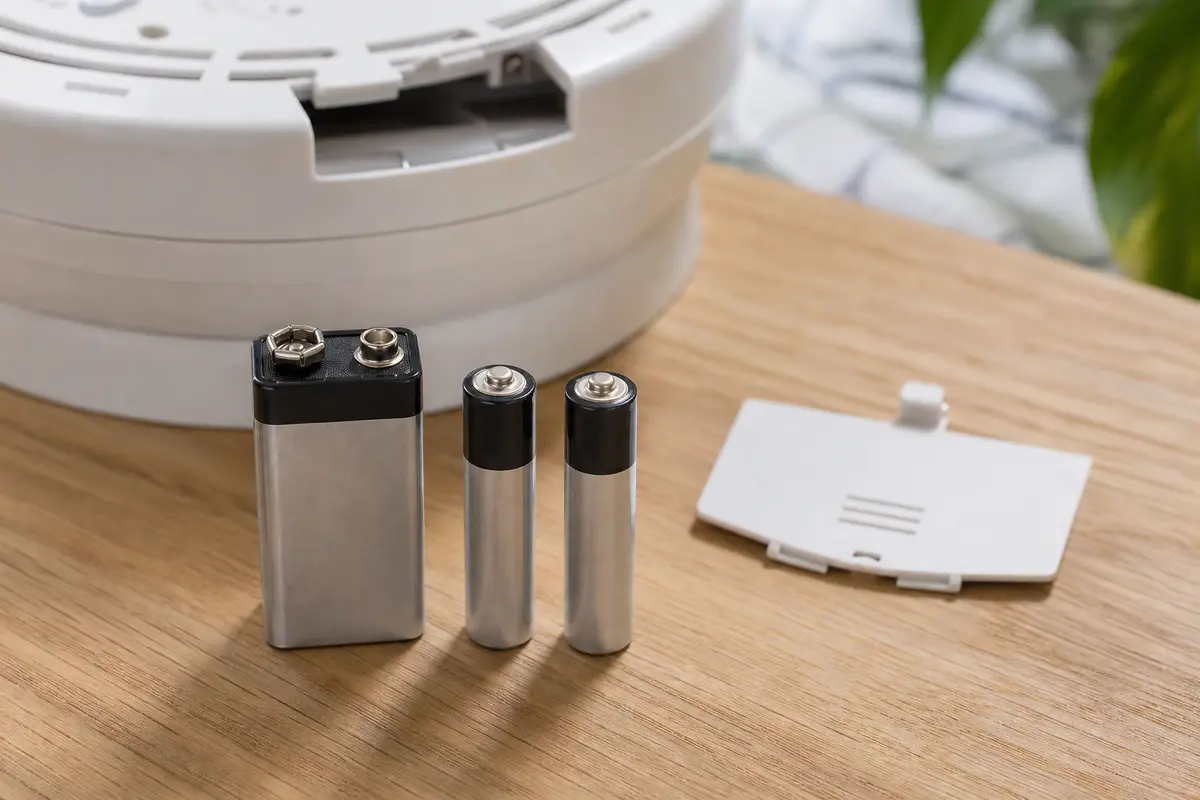
Helps when: The label calls for a replaceable battery and the chirp behaves like low battery or poor battery contact.
Skip it when: The detector is expired, sealed-battery, damaged, or still chirping with the correct fresh battery installed.
Compare detector batteries on Amazon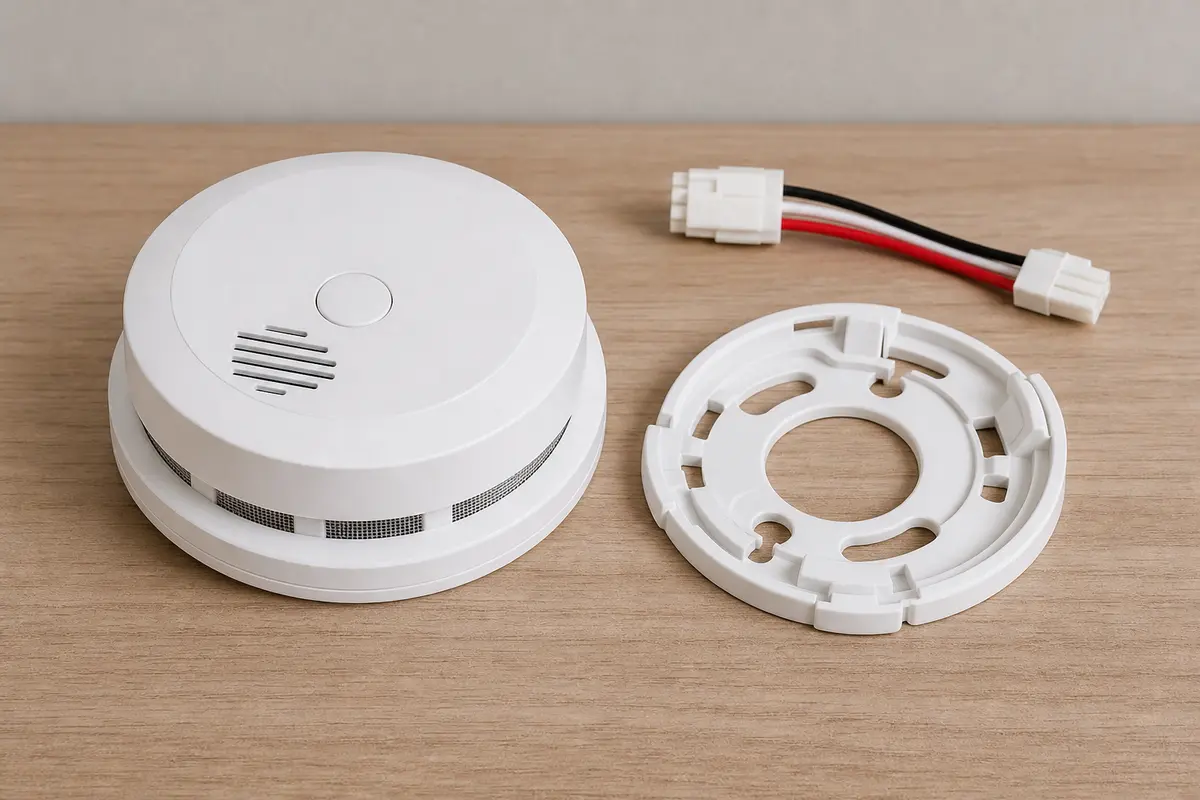
Helps when: A battery-only detector is expired, damaged, end-of-life, or still chirping after battery and cleaning checks.
Skip it when: The old alarm is hardwired, interconnected, or required to match a different local placement rule.
Compare battery alarms on Amazon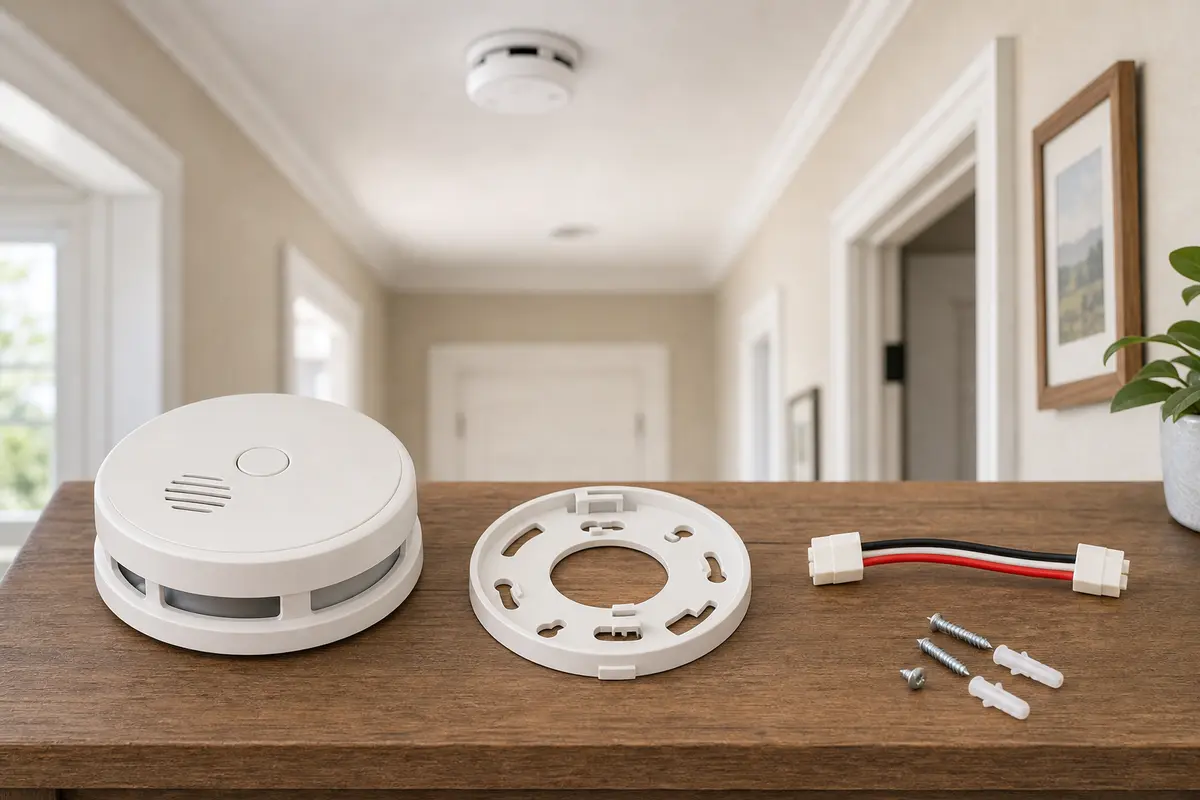
Helps when: House power and backup battery are good, the harness is seated, and the unit still chirps or shows end of life.
Skip it when: Multiple alarms are dead, wiring is damaged, the breaker trips again, or you cannot match the interconnect setup.
Compare hardwired alarms on AmazonAs an Amazon Associate I earn from qualifying purchases. Repair Riot may earn a commission at no extra cost to you.
For one short chirp every minute, open the drawer, press the battery flat against the contacts, close the latch, read the date label, and check the AC-power light on hardwired units. If the sound becomes a loud repeating alarm, stop those checks and treat smoke or CO as possible first.
The battery may be the wrong type, reversed, not fully seated, or sitting behind a drawer that did not latch. A hardwired unit may also need AC power restored and a reset. Past-service-life alarms can chirp even with a fresh battery.
Look for the manufacture date, replacement date, or end-of-life wording on the detector body. If the label says the alarm is past service life, replace that unit instead of repeating battery swaps.
Only as a brief troubleshooting step while the area is still protected by other working alarms. Do not leave the home, sleep, or cook with a detector disabled just to quiet a chirp.
Replace it when the label says end of life, the sealed battery has aged out, the body is damaged, or the chirp continues after correct battery, reset, cleaning, and power checks. Match smoke/CO coverage and power type.
An outage can expose a weak backup battery, leave a hardwired detector without AC power, or leave the unit needing a reset. Check one clearly tripped breaker, the backup battery, and the label's reset step.
If several units start after an outage, check one clearly tripped breaker and look for AC-power lights. If they are in full alarm, leave first and rule out smoke or CO. Stop before exposed wiring or interconnect diagnosis.
Dust, insects, paint, moisture, or heavy humidity can cause nuisance behavior. Vacuum only the exterior vents with a soft brush and let humidity clear. Do not wash the detector or use sprays on it.
Sometimes, but do not reduce required protection or ignore local placement rules. Match the power setup and interconnect needs, and use manufacturer instructions for the mounting plate and connector.
Repair Riot built this page around homeowner-safe clues: sound pattern, battery fit, date label, hardwired power, visible damage, and hard stops for smoke, CO symptoms, damaged wiring, or repeat breaker trips.