Is the display completely blank?
Reset the double-pole breaker once. If the oven stays dark, the power path or control supply needs diagnosis before a touchpad is blamed.
Use the display as the first test. If it is blank, reset the double-pole breaker once and stop for a repeat trip. If it is lit but keys ignore you, clear Control Lock, dry the glass, and watch for one dead key area.
The fastest split is dead panel versus lit-but-ignored panel. That decides whether you start at the breaker or at the control surface.
Use one full breaker reset, then sort lock, self-clean latch, residue, and repeatable dead-key clues.
Don’t start with: Do not order a control board just because the panel froze. Samsung oven interface parts are model-specific, and a bad guess can leave the original fault untouched.
Reset the double-pole breaker once. If the oven stays dark, the power path or control supply needs diagnosis before a touchpad is blamed.
Look for Control Lock, a mode that blocks input, moisture on the panel, or a stuck touch area.
A repeatable dead row or cluster points toward the touchpad or user interface after power, lock state, and residue are cleared.
Let the oven cool, press Cancel or Clear, and watch the door latch. Do not pry a locked door.
Write down the timing and exact symptom. Intermittent recovery can point to a failing interface, control supply, or connection.
Leave the breaker off. Repeated trips, scorch marks, smoke, or hot plastic smell are stop points.
A blank panel, a lit panel with dead keys, and a breaker that trips again are three different repair paths.
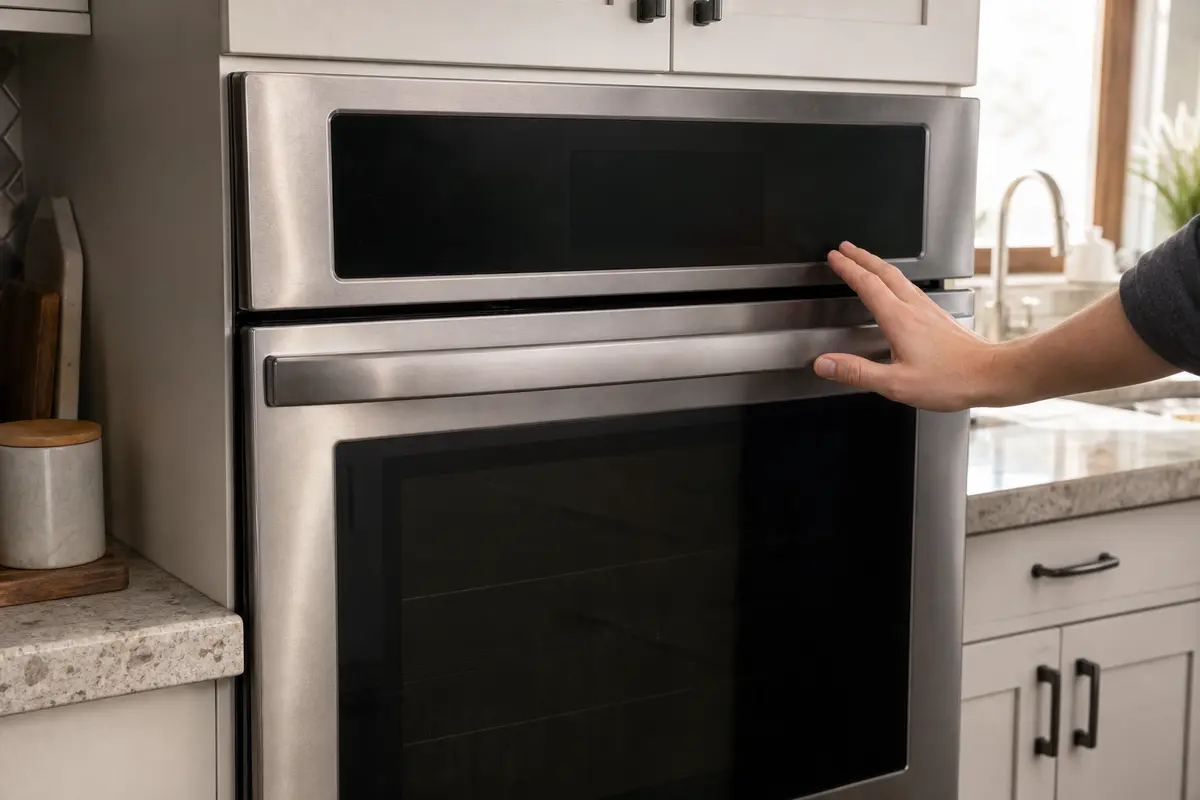
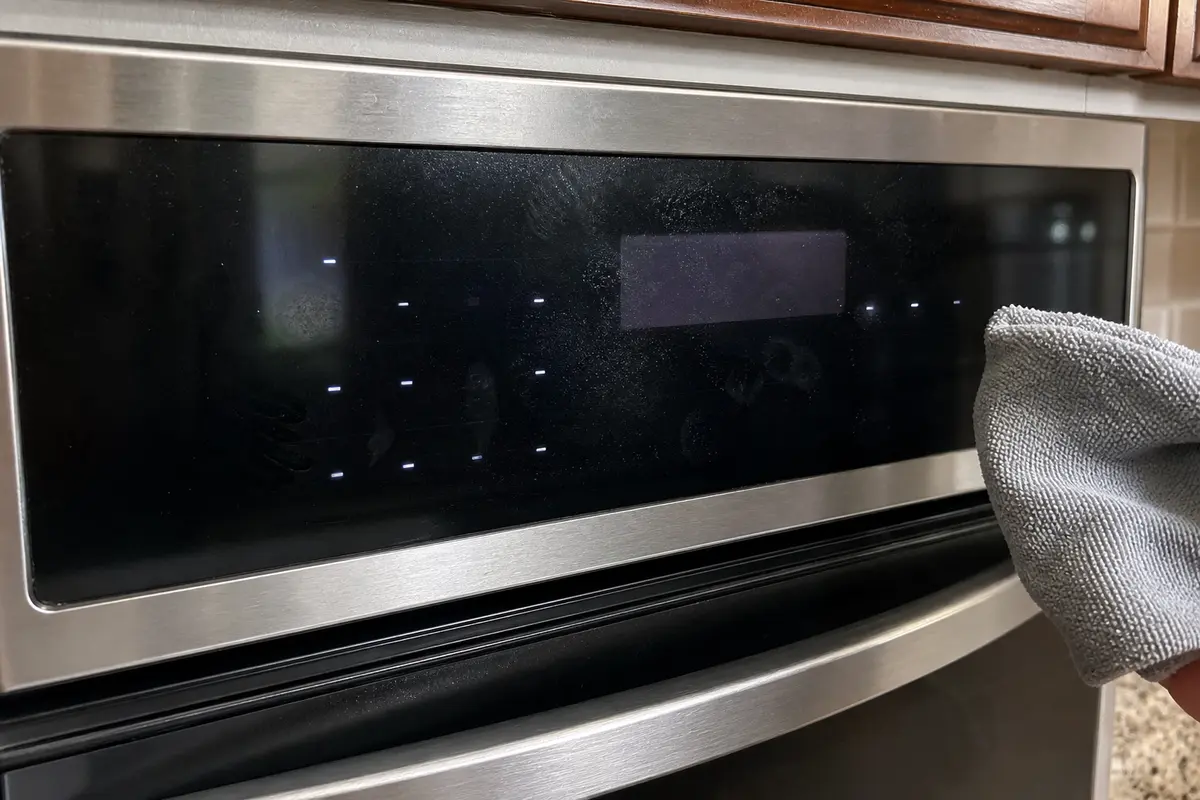
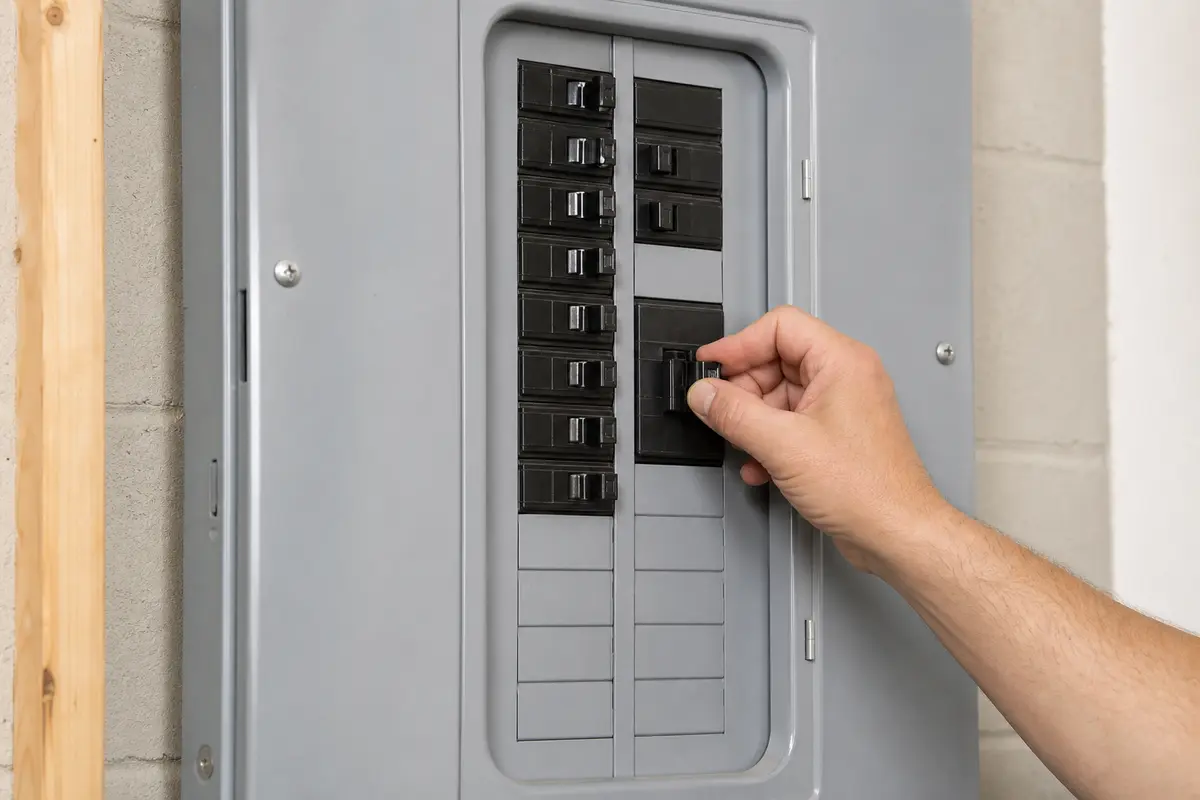
Before buying parts, copy the full model number from the range or oven label. Write down the exact symptom too: blank display, lit-but-dead keys, same failed key area, self-clean latch issue, breaker result, or burning smell. Touchpads, user interfaces, latches, and boards are not universal.
The panel clue matters more than the part name. A blank display and a half-working keypad do not start in the same place.
A frozen Samsung oven panel can look expensive right away. Slow down before the repair turns into a parts guess.
These steps stay outside the powered control area. Stop when continuing would expose wiring or require the oven to be pulled from a cabinet.
Let the visible result pick the path: breaker for a dead panel, surface checks for lit dead keys, service for repeat trips or heat damage.
| What you see | What it usually means | Do next |
|---|---|---|
| No display, no beep, no interior response | Lost power, missing supply leg, failed control supply, or wiring issue | Reset the breaker once; stop for repeat trips or heat damage |
| Clock shows but Bake, Broil, Start, or Cancel does nothing | Control Lock, blocked control state, residue, stuck key, touchpad, or user interface | Clear the lock state, cancel old commands, dry the panel, then compare keys |
| Only one row or cluster fails every time | Touchpad, keypad membrane, or user interface is more likely than house power | Copy the model number and price the exact interface only after the surface checks |
| Panel works after reset, then freezes again | Intermittent control, connection, or supply behavior | Write down the timing and call service if it repeats |
| Door stayed locked after self-clean | Latch or high-heat control state may still be involved | Let it cool, press Cancel/Clear, and do not force the latch |
| Breaker trips again or plastic smells hot | Electrical fault, damaged wiring, or failed component drawing unsafe current | Leave power off and call a licensed electrician or appliance tech |
Parts belong late in this diagnosis. The better clue is whether the failure is repeatable after power, lock state, latch behavior, and surface residue are cleared.
These are for inspection, cleaning, and power-off access only. They are not a reason to work on energized wiring.
Paid links. As an Amazon Associate I earn from qualifying purchases. Repair Riot may earn a commission at no extra cost to you.
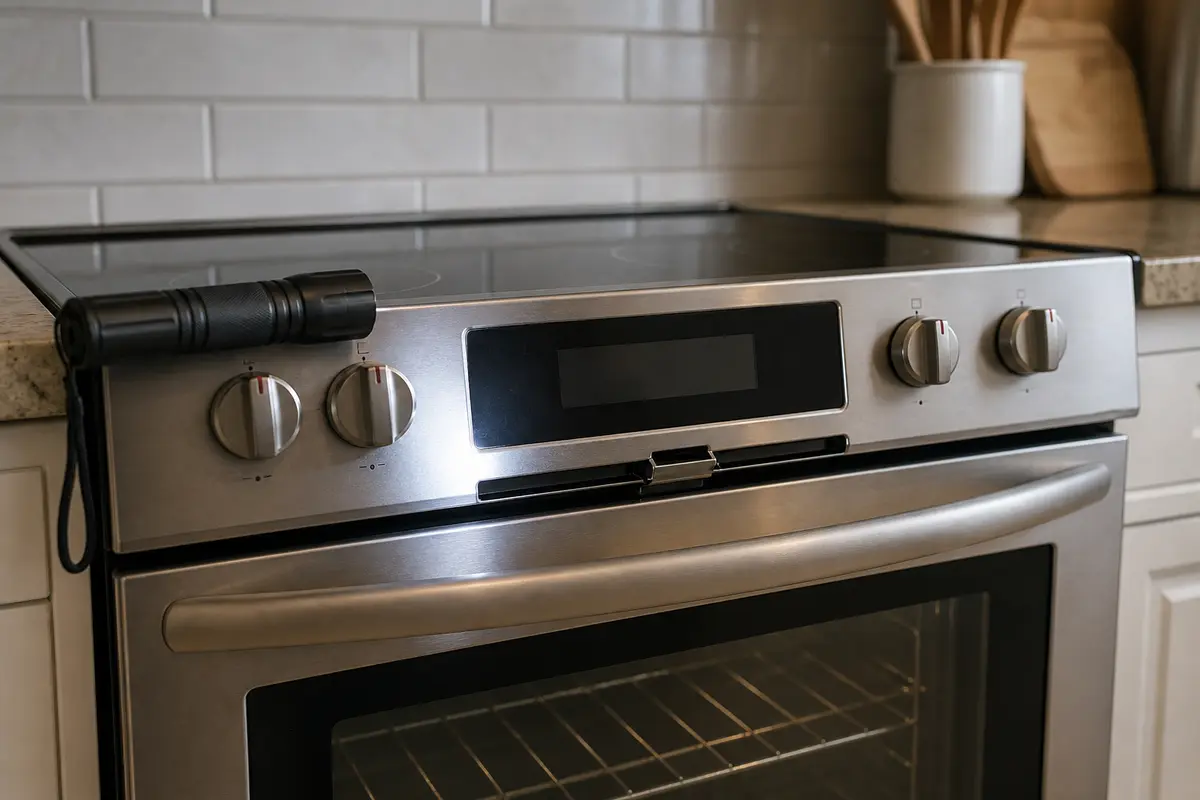
Helps when: You need a clear look at the display, latch area, model label, breaker position, or scorch marks without taking the oven apart.
Skip it when: The oven is hot, the breaker trips again, or the inspection requires opening electrical covers.
Compare inspection flashlights on Amazon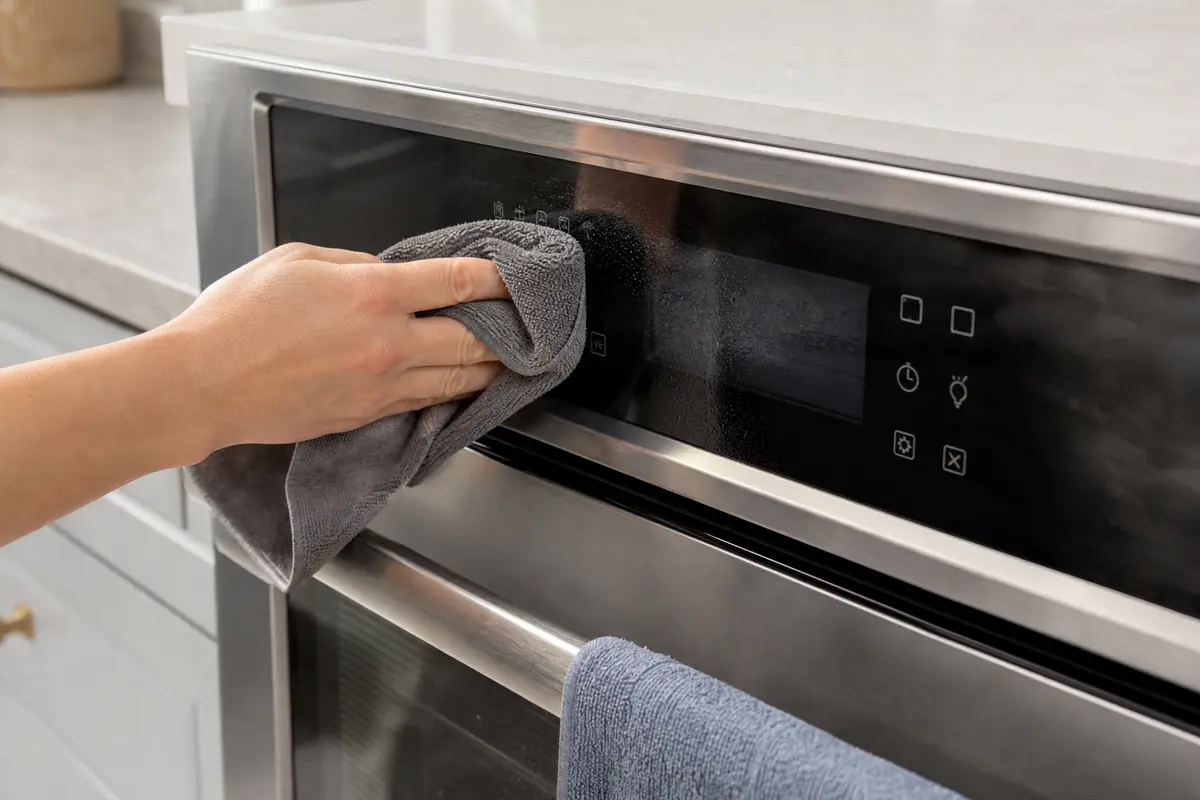
Helps when: You are drying steam haze or wiping grease film from the touch panel with the oven off and cool.
Skip it when: The panel is cracked, liquid is near a seam, or keys are pressing themselves after drying.
Compare microfiber cloths on Amazon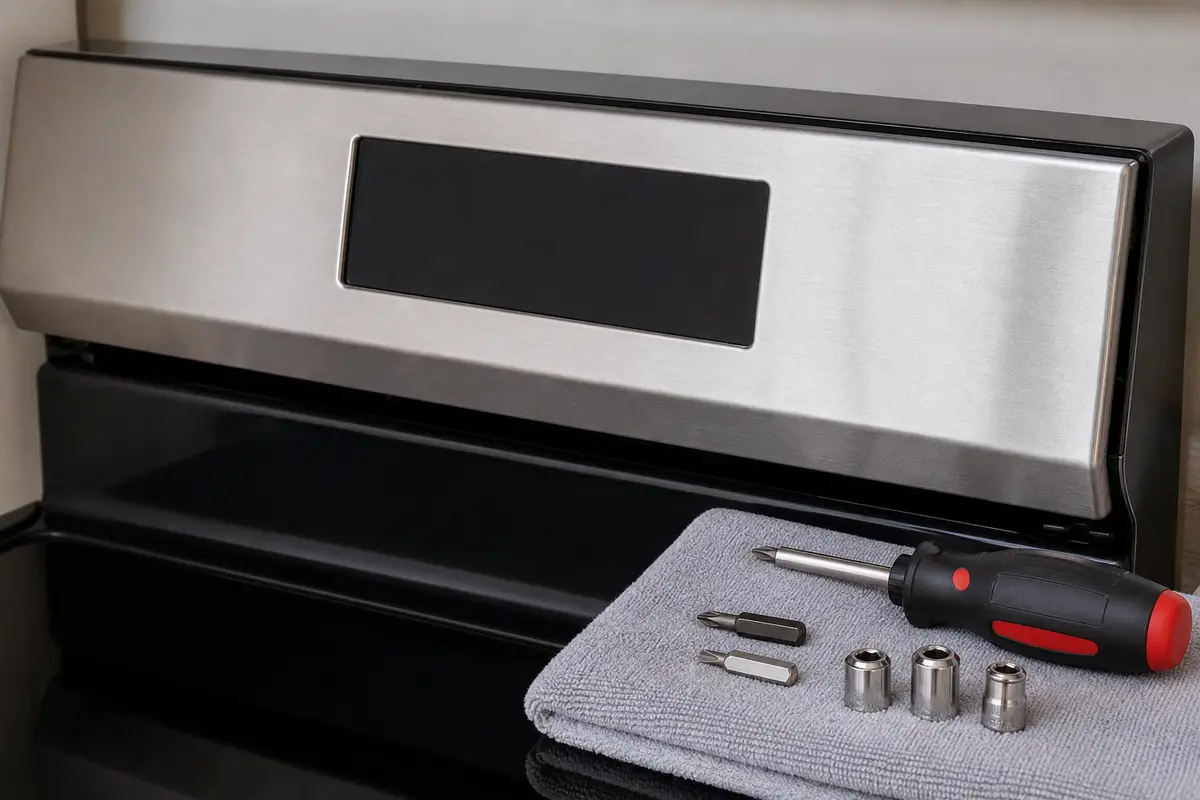
Helps when: Your model allows basic power-off console access and you already know which part is being replaced.
Skip it when: The oven is hardwired, built in tightly, or you cannot prove power is off.
Compare screwdriver sets on Amazon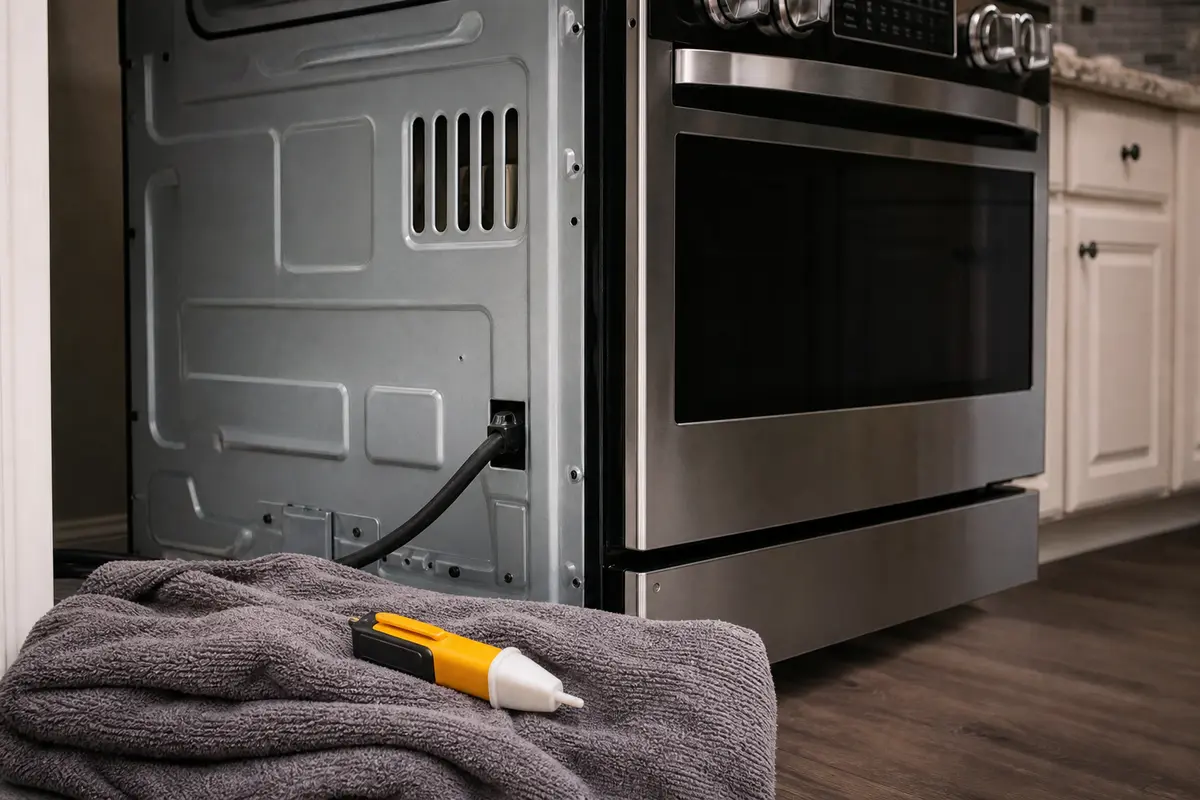
Helps when: You want a basic no-touch safety aid around an accessible cord, outlet, or service area before stopping for service.
Skip it when: You plan to rely on it for internal diagnosis or exposed wiring work. That needs proper testing by a pro.
Compare voltage testers on AmazonCompare parts only when the symptom points there. Use the Samsung model code and parts diagram; a similar-looking control panel can still be wrong.
Paid links. As an Amazon Associate I earn from qualifying purchases. Repair Riot may earn a commission at no extra cost to you.
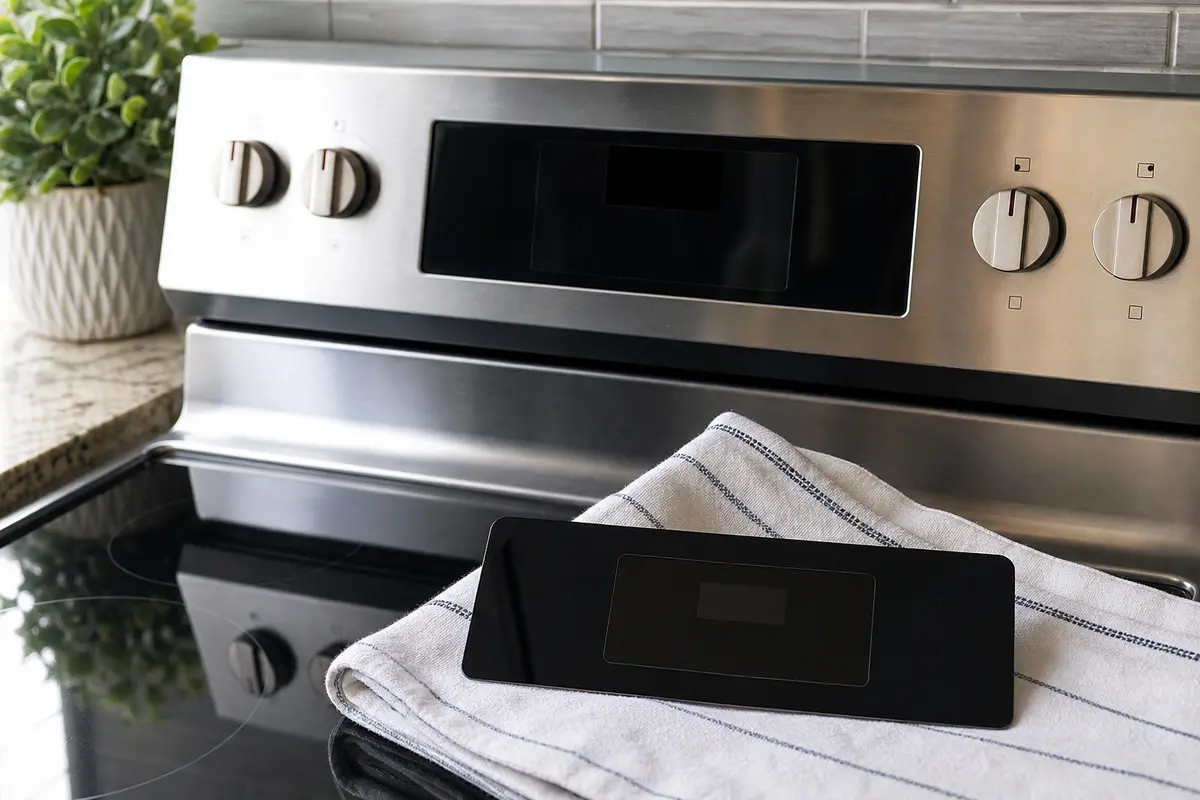
Helps when: The display is stable, Control Lock is cleared, the panel is dry, and the same key area fails every time.
Skip it when: The panel is blank, the breaker result is unclear, or the keys only failed once after a spill or outage.
Compare Samsung oven touchpads on Amazon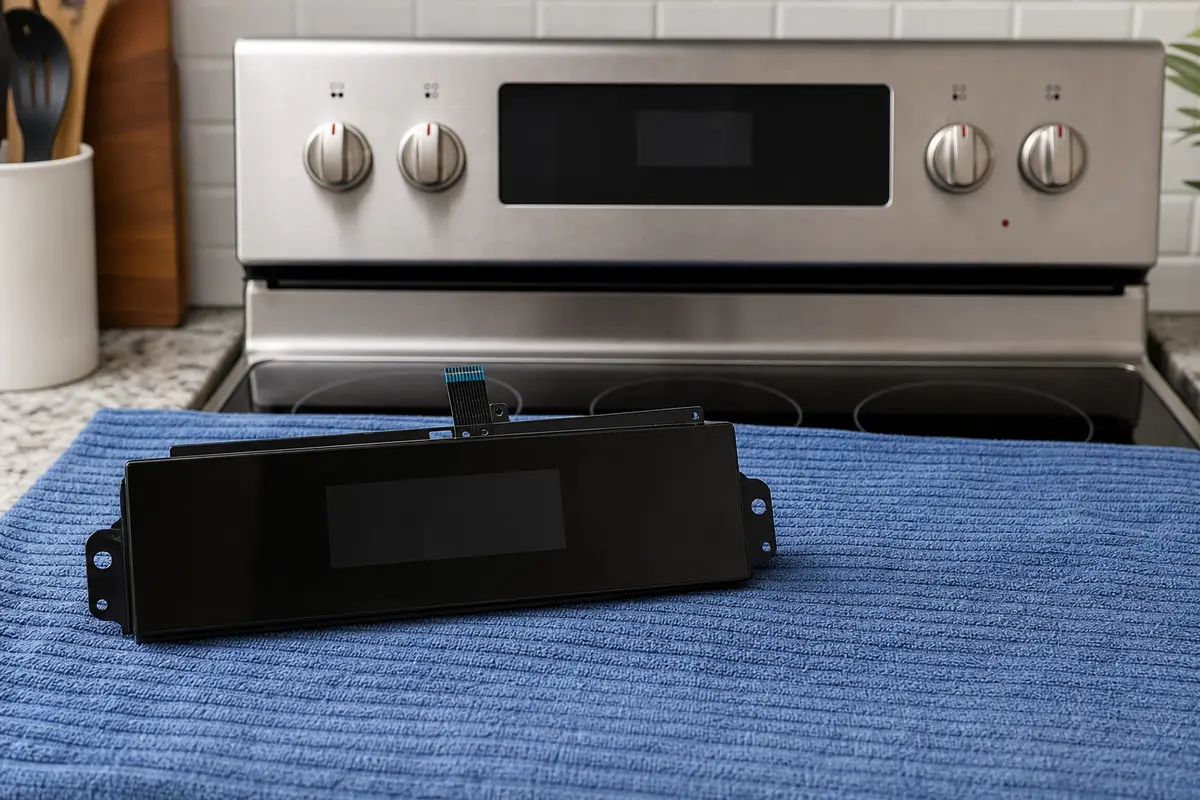
Helps when: Your model sells the touch controls and display as one front interface, and repeatable key failures remain after safe checks.
Skip it when: You have not copied the full model number or the part photo is your only fit evidence.
Compare user interface assemblies on Amazon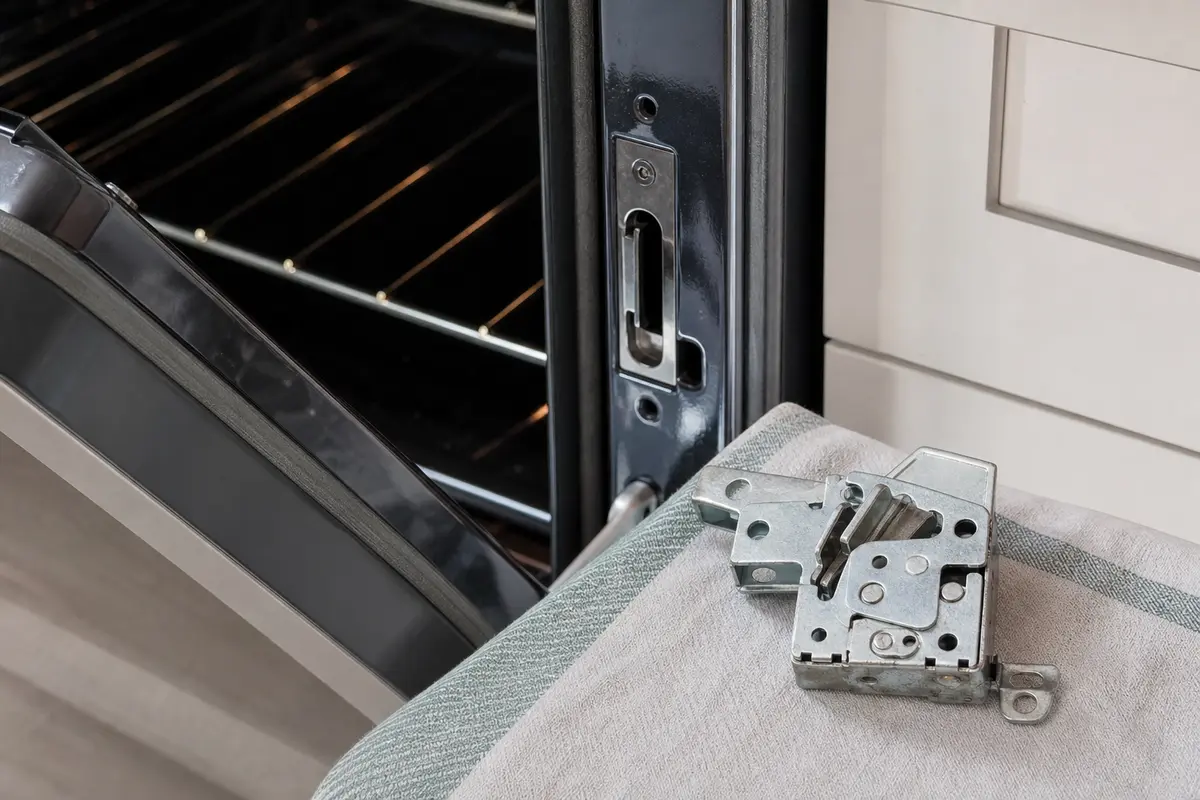
Helps when: The control trouble began after self-clean and the door does not return cleanly from the locked state.
Skip it when: There is no latch clue, or forcing the door would be needed to continue.
Compare Samsung oven latches on Amazon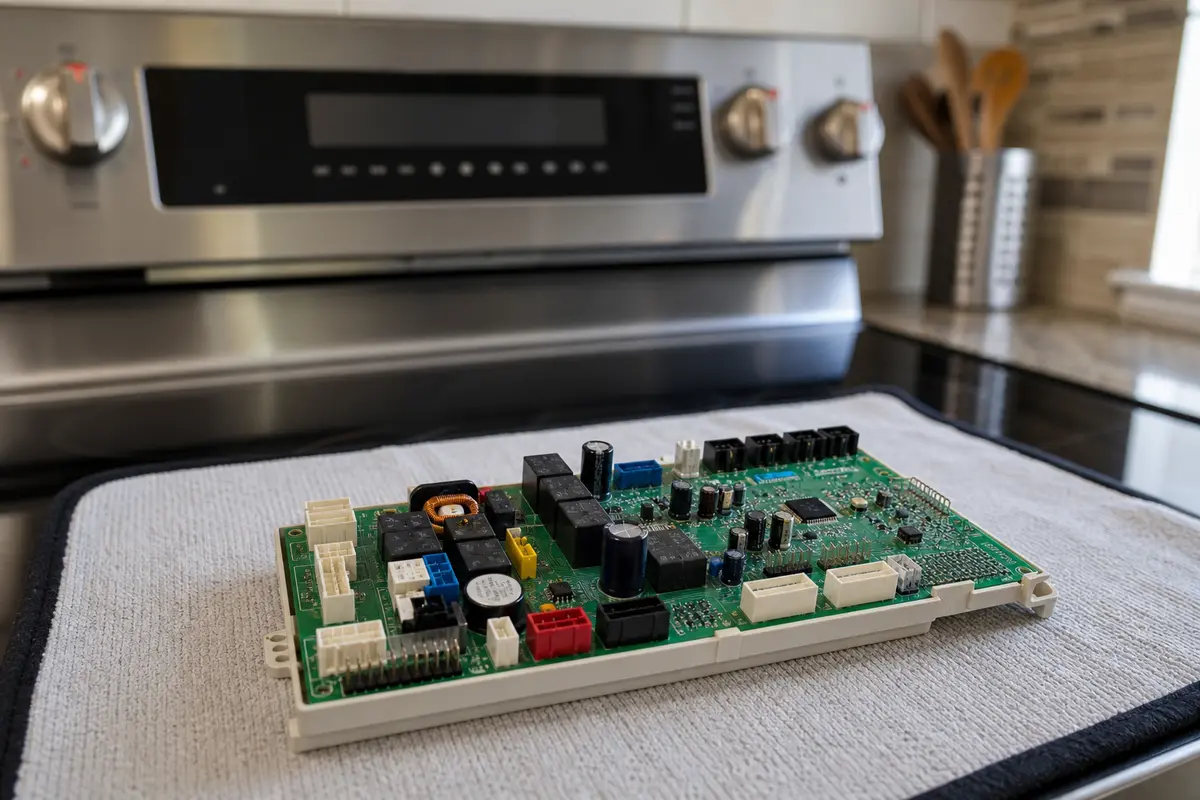
Helps when: A qualified diagnosis has cleared supply power, touchpad clues, latch behavior, connectors, and visible wiring damage.
Skip it when: You are buying because the panel froze. The board is late in the path and must match the exact model revision.
Compare Samsung oven control boards on AmazonA good result is more than the display lighting up once. Watch the controls through a normal command sequence before regular cooking resumes.
If the clock is lit but Bake, Broil, Start, or Cancel does nothing, clear Control Lock and dry the glass first. When the same key area still fails, the touchpad or user interface moves up.
Treat a blank panel as a power-path symptom first. Reset the double-pole breaker once, then stop for repeat trips, hot smells, scorch marks, or a hardwired oven you cannot safely isolate.
Yes. An electric oven can have enough power for part of the display or light behavior while the full supply is not right. One firm breaker reset is a useful first split.
Use the key sequence printed on your panel or in the exact Samsung manual. Look for a lock icon or Control Lock label; many models use a press-and-hold command, but the button name changes.
Use a soft cloth lightly dampened with warm water or mild soap instead. Put cleaner on the cloth, keep liquid away from seams, and dry the panel fully before trying the keys again.
Self-clean heat can leave the latch in a locked state or expose a weak control surface. Let the oven cool, press Cancel or Clear, and do not force the door if the latch stays engaged.
No. The touchpad is the panel you press; the board sits deeper behind it. Same dead keys after you dry the glass suggest the touchpad. A blank or rebooting display needs board diagnosis.
Usually no. Reset the breaker once, clear Control Lock, dry residue, and write down repeatable dead keys before you price a board. If you see heat damage or questionable connectors, let a tech test it first.
Look for the model label on the range frame, oven frame, drawer area, or door area depending on the model. Use the full model code before buying a touchpad, user interface, latch, or control board.
Call if the breaker trips again, plastic smells hot, or you see melted plastic or scorch marks. Also call for a door that would need force, a hardwired or built-in oven you cannot isolate, or any powered electrical test.
Repair Riot built this page around visible Samsung oven clues: blank display, lit-but-ignored keys, Control Lock, self-clean latch behavior, residue, breaker result, and model-matched parts.