Was the container actually full?
Empty it fully, wipe the drawer edges and seat, then reseat it flush. If the warning stays away, skip parts.
Usually, this warning means condensate is not reaching the container fast enough. Empty and reseat the water container, clean the lint and plinth filter areas, then watch whether water collects before buying a pump or sensor.
The usual fault is buildup at the container seat, filter pocket, drain channel, or pump inlet; the clue is water sitting low while the container stays empty.
Sort the easy clue first: partly full container, empty container with pooling, or a warning that clears after cleaning.
Don’t start with: Do not order the control board or deep teardown parts first. Stop if water reaches wiring, access gets unclear, or the dryer shows heat damage.
Empty it fully, wipe the drawer edges and seat, then reseat it flush. If the warning stays away, skip parts.
Inspect the pocket it slides into, the lint filters, and the plinth filter area for wet lint paste or standing water.
The dryer is probably making water faster than it can move it. Clean the easy-access filter path, then run a damp-towel cycle.
Unplug the dryer. A blocked pump inlet, stuck float, small hose blockage, or weak condensate pump moves up the list.
Copy the exact model number before comparing a pump, float, or level sensor. Similar Miele dryer parts can look alike.
Leave the dryer off and call service. This is no longer a simple container-cleaning job.
Use the visible water pattern. Wet lint at the drawer seat starts with cleaning; a dry drawer with water pooled below points to the pump path; a clean path with the same light points toward float or sensor diagnosis.
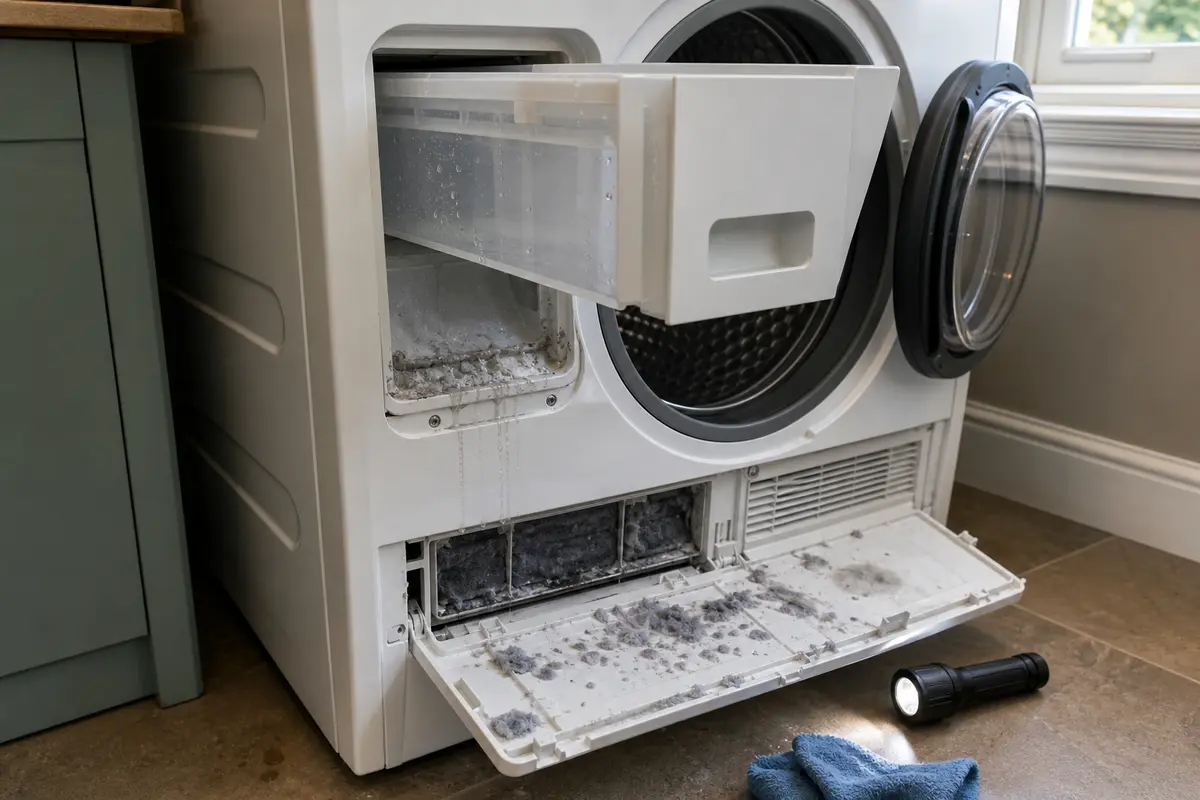
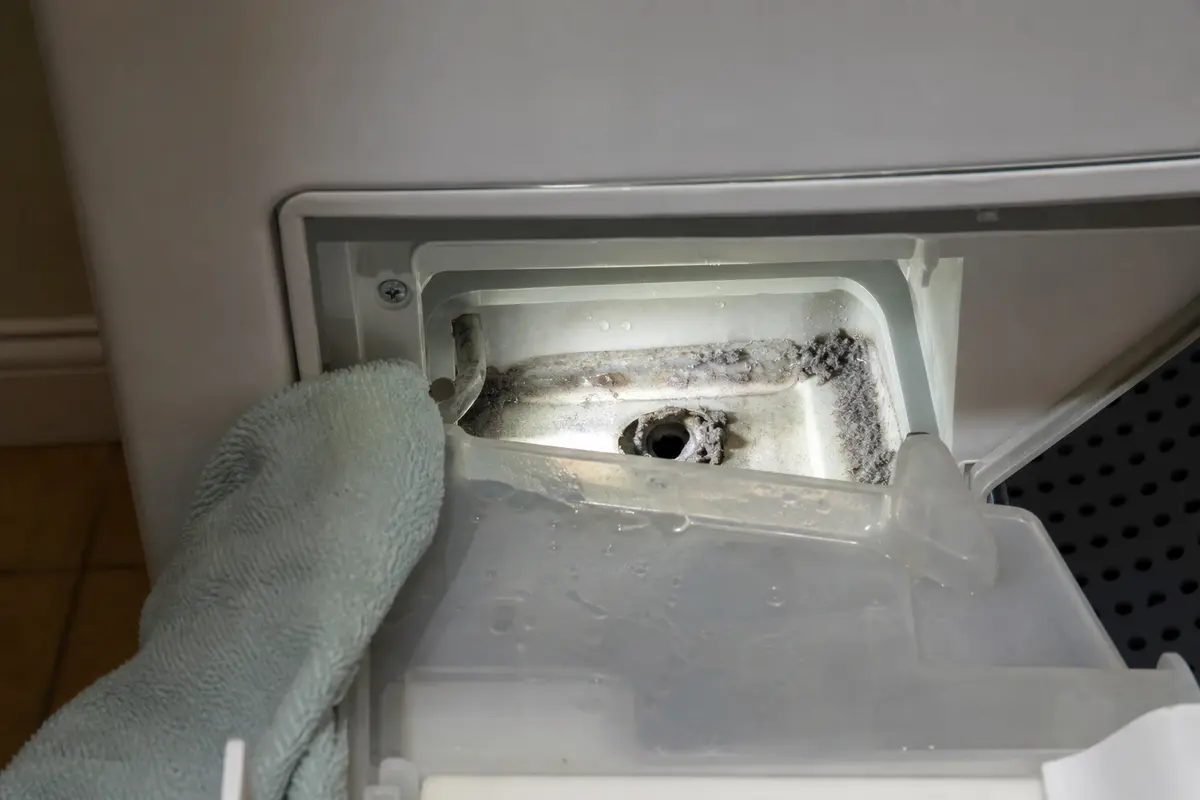
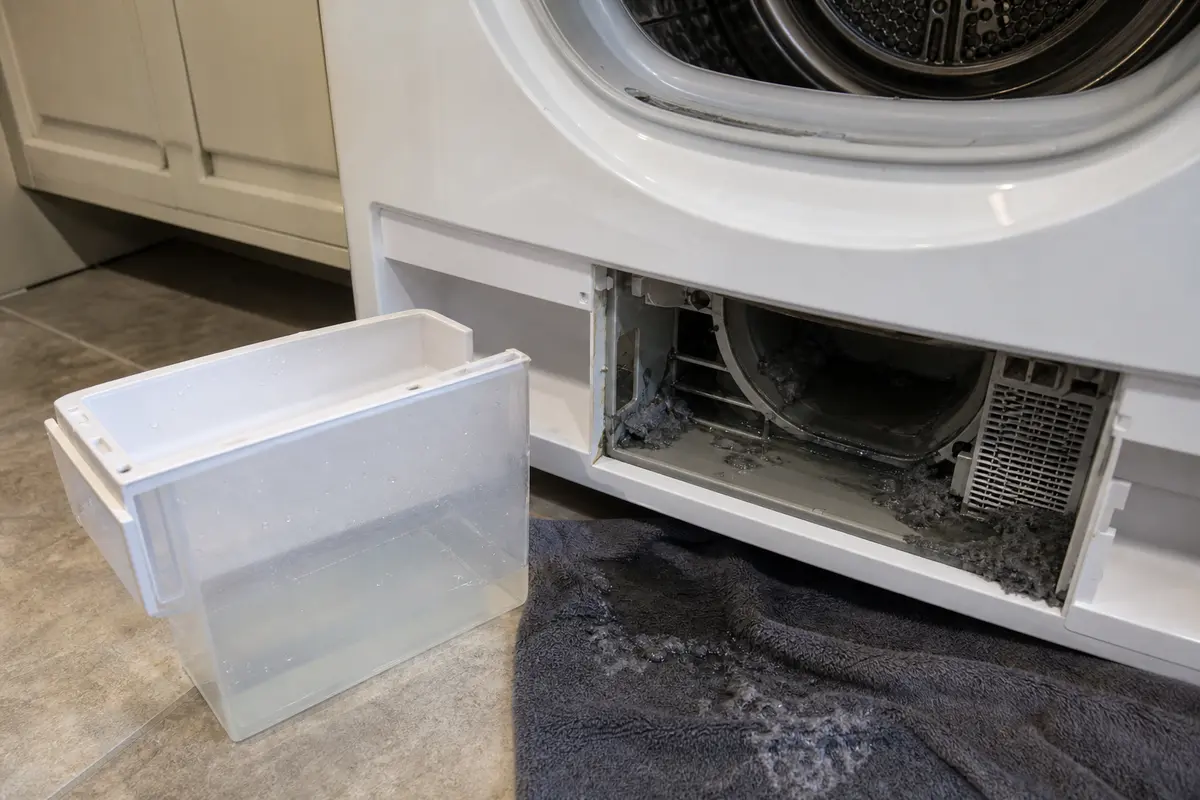
Copy the full model number from the dryer rating plate and prove the failure first. A pump, float, sensor, or water container should go in the cart only after the water pattern points there.
A condenser or heat-pump dryer has to move condensed water into the drawer. If that path slows down, the dryer can call for an empty container before the drawer is truly full.
The costly mistake is treating this as an electronics failure before the water path has been cleaned and watched.
Work from the cleanable parts toward the internal parts. Most homeowners can do the first checks without opening the dryer cabinet.
The best clue is not the warning by itself. Look at where the water ends up after the easy cleaning is done.
| What you see | What it points to | Next move |
|---|---|---|
| Warning clears after reseating the drawer | Dirty or misseated container pocket | Clean the seat and keep using the dryer; no part is supported yet. |
| Container is dry but lower filter area is wet | Blocked condensate path or pump inlet | Unplug the dryer and inspect only easy-access areas; call service if the pump area is not obvious. |
| Container starts collecting water and warning stays off | Water path is moving again | Run one normal load and watch for the same light before buying anything. |
| Path is clean but warning stays on with little water | Float or level sensor may be stuck or failed | Use the exact model number before comparing those parts. |
| Water near wiring, heat damage, or breaker trips | Safety issue, not a cleaning job | Leave the dryer off and call a qualified appliance technician. |
Keep the tool list small. These items help with cleaning and observation; they do not make internal electrical or sealed-system work a homeowner job.
Paid links. As an Amazon Associate I earn from qualifying purchases. Repair Riot may earn a commission at no extra cost to you.
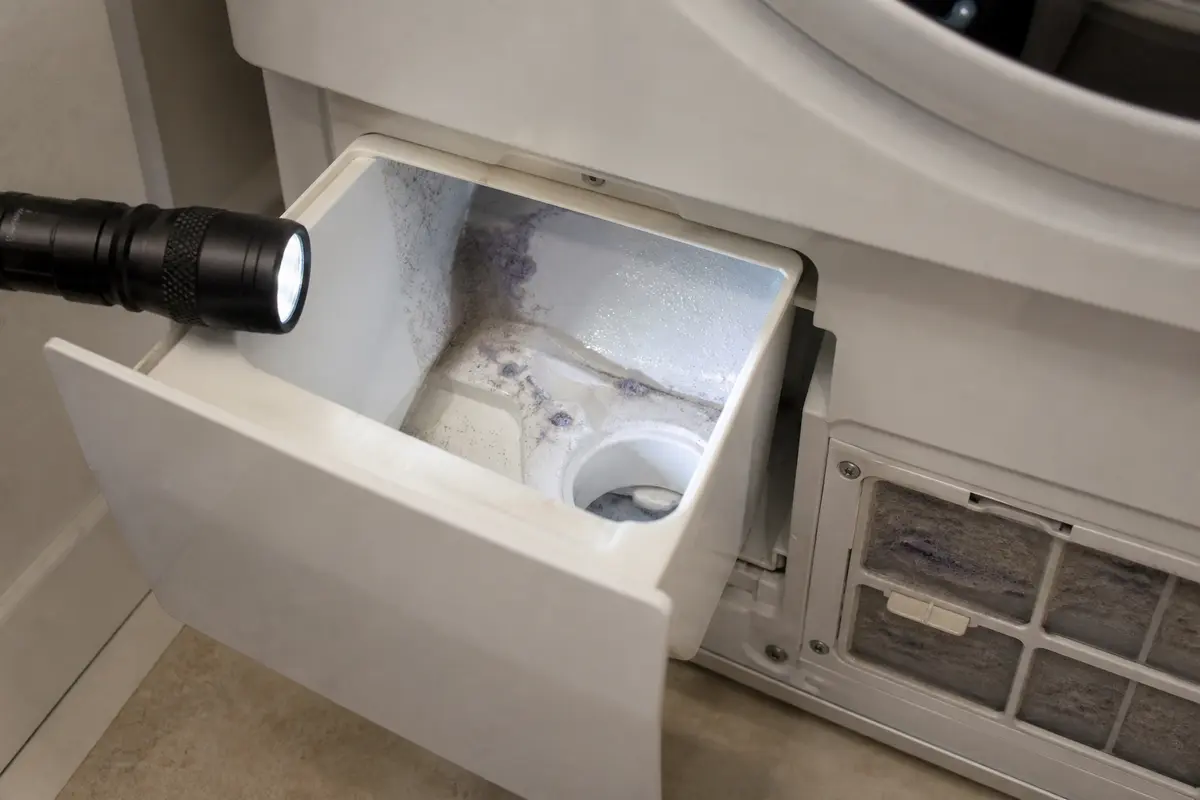
Helps when: You need to see lint paste, water tracks, or residue inside the container pocket and lower filter path.
Skip it when: The inspection would put your hands near wiring, sharp metal, or parts you cannot identify.
Compare inspection flashlights on Amazon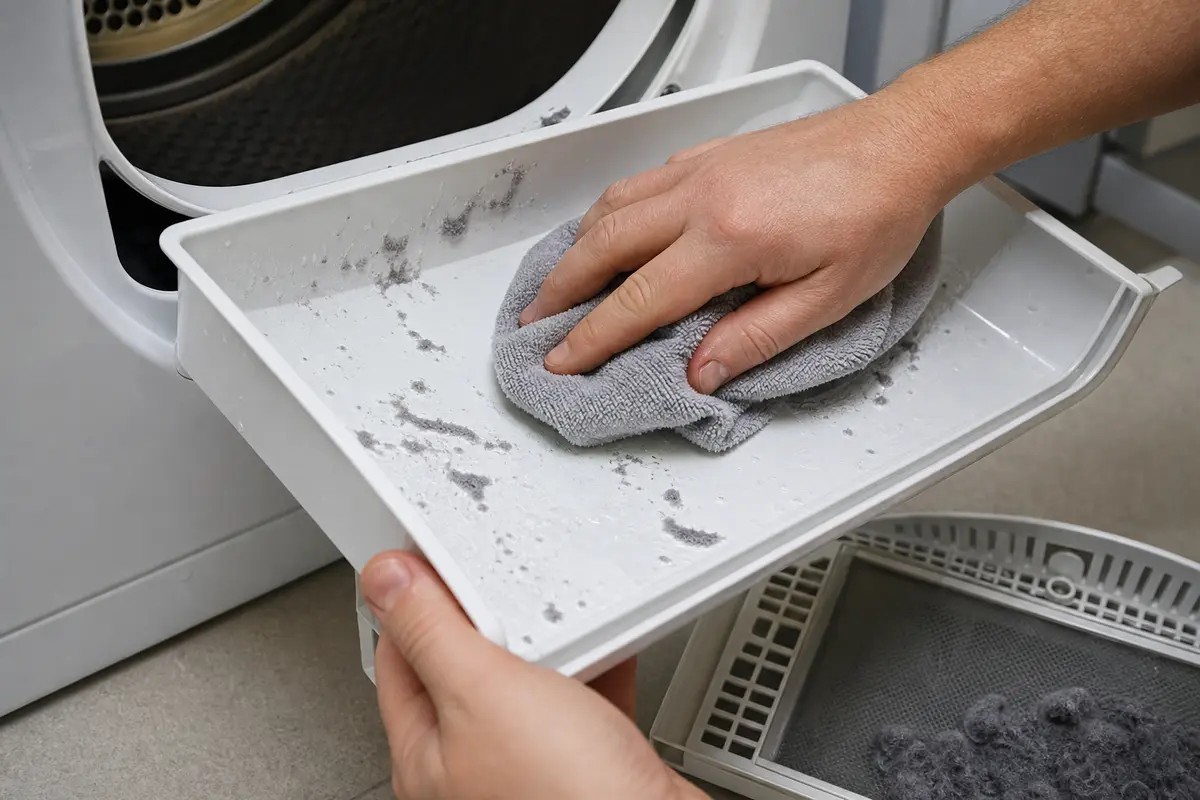
Helps when: You are wiping the water container, drawer seat, filter housing, or accessible wet lint without scratching plastic.
Skip it when: Water is pooled deep in the cabinet or close to electrical connectors.
Compare microfiber cloths on Amazon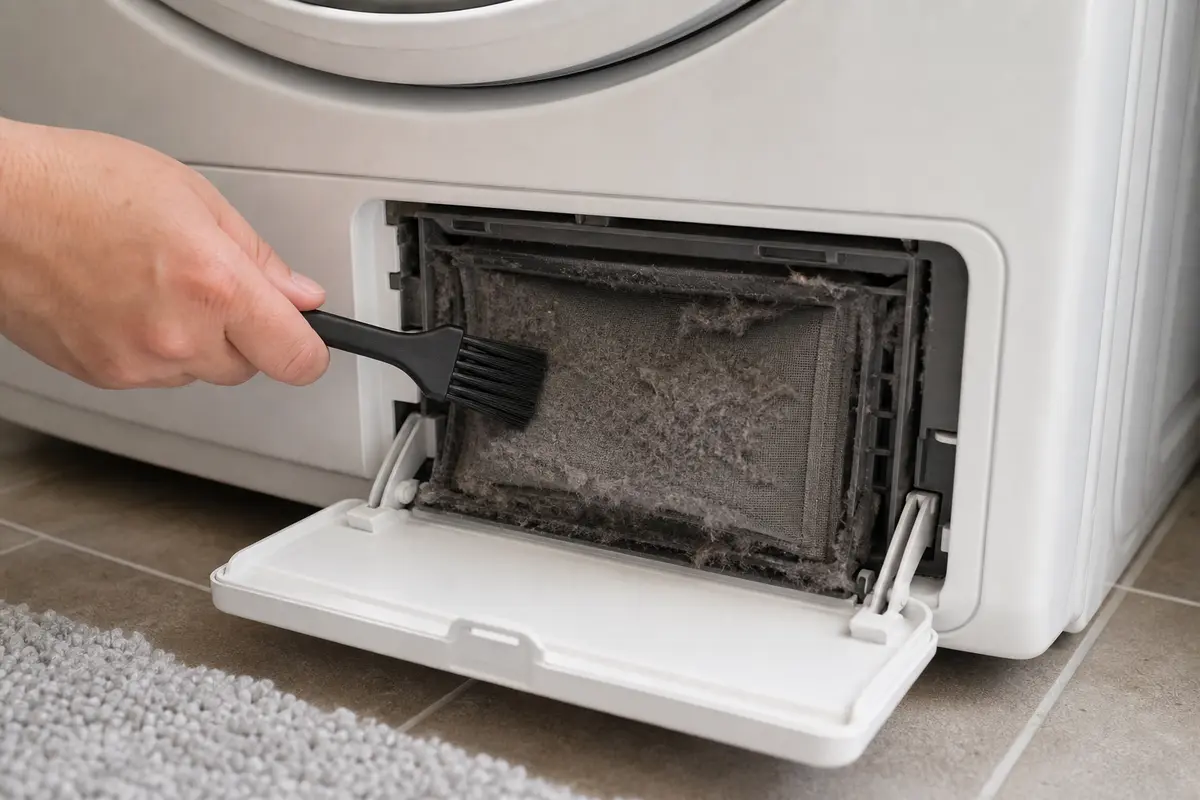
Helps when: Dry lint or damp lint mats are visible in the filter pocket and can be loosened without forcing parts.
Skip it when: The brush would push debris deeper into the dryer or the blockage sits behind sealed panels.
Compare soft cleaning brushes on Amazon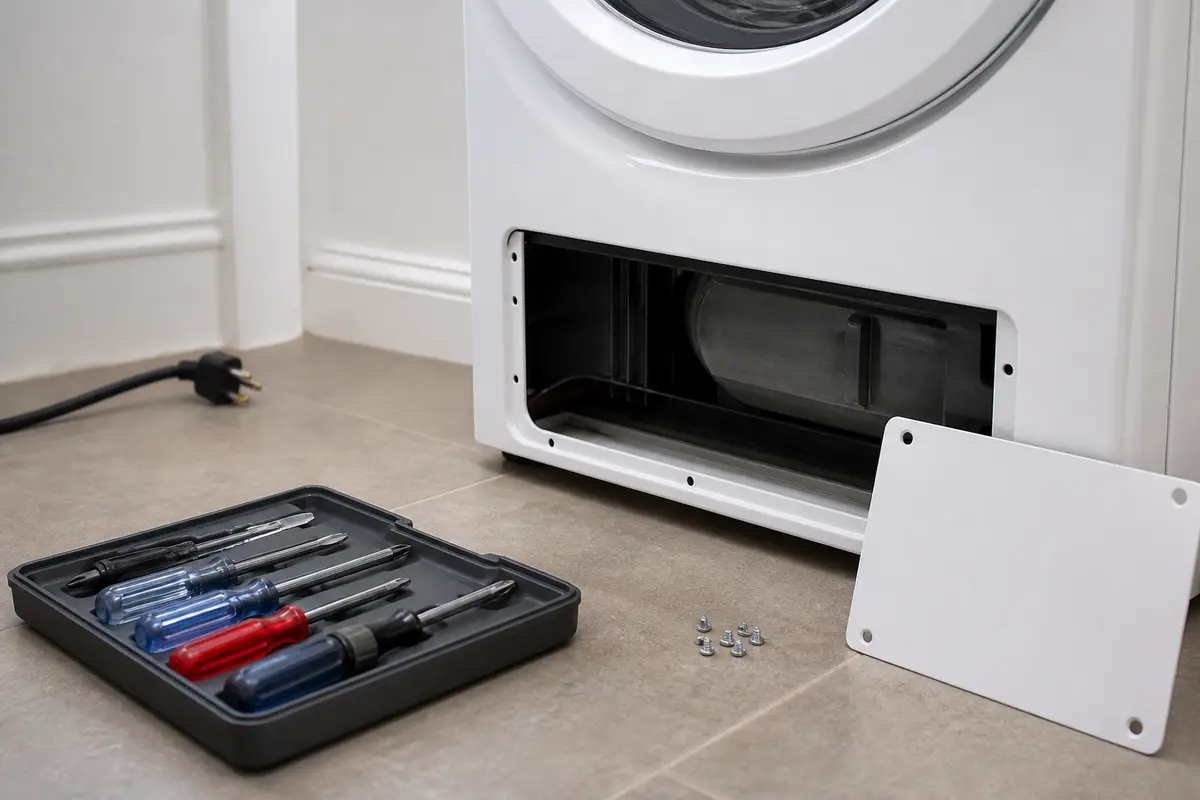
Helps when: Your model has a simple access cover, the dryer is unplugged, and the manual allows that access.
Skip it when: Panel removal is unclear, the dryer is still powered, or access leads toward sealed heat-pump parts.
Compare screwdriver sets on AmazonParts are later-stage decisions on this warning. Compare them only after cleaning and the water-path result point to one part family.
Paid links. As an Amazon Associate I earn from qualifying purchases. Repair Riot may earn a commission at no extra cost to you.
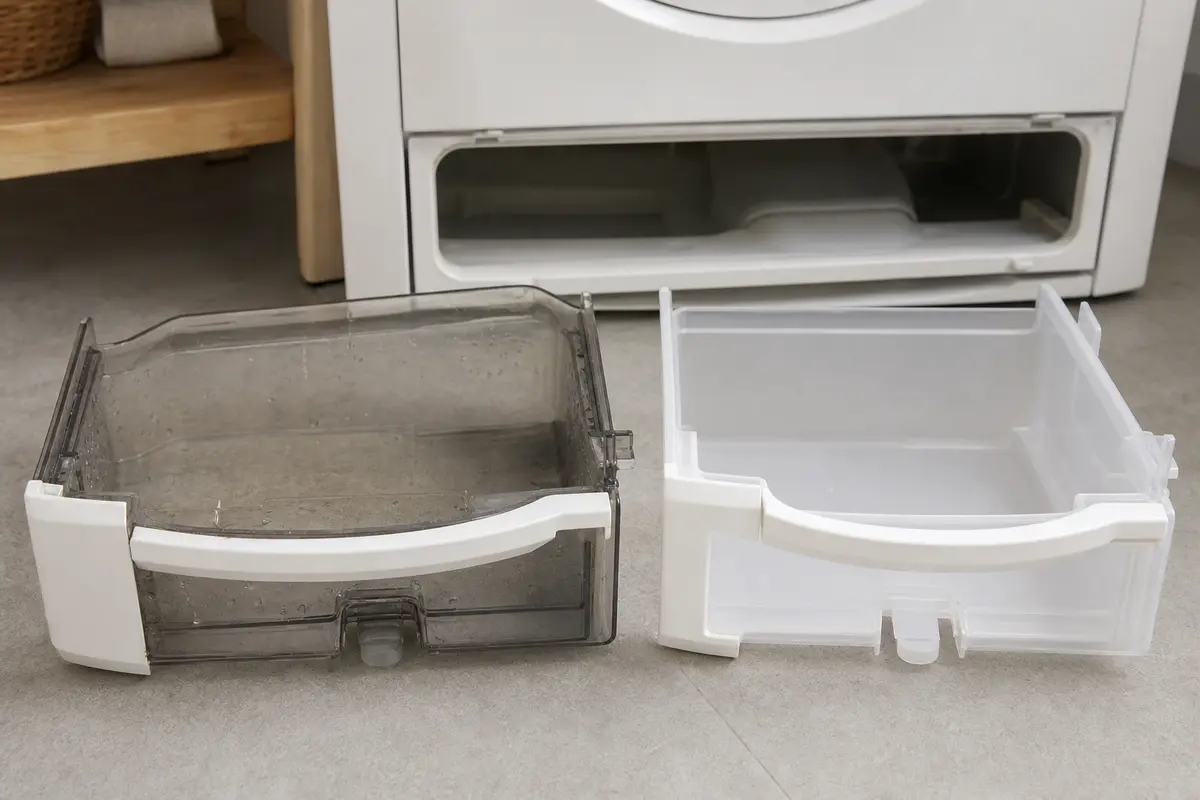
Helps when: The original container is cracked, warped, leaking, or will not sit flush after the pocket is cleaned.
Skip it when: The container seats normally or water is pooling below while the drawer stays empty.
Compare water containers on Amazon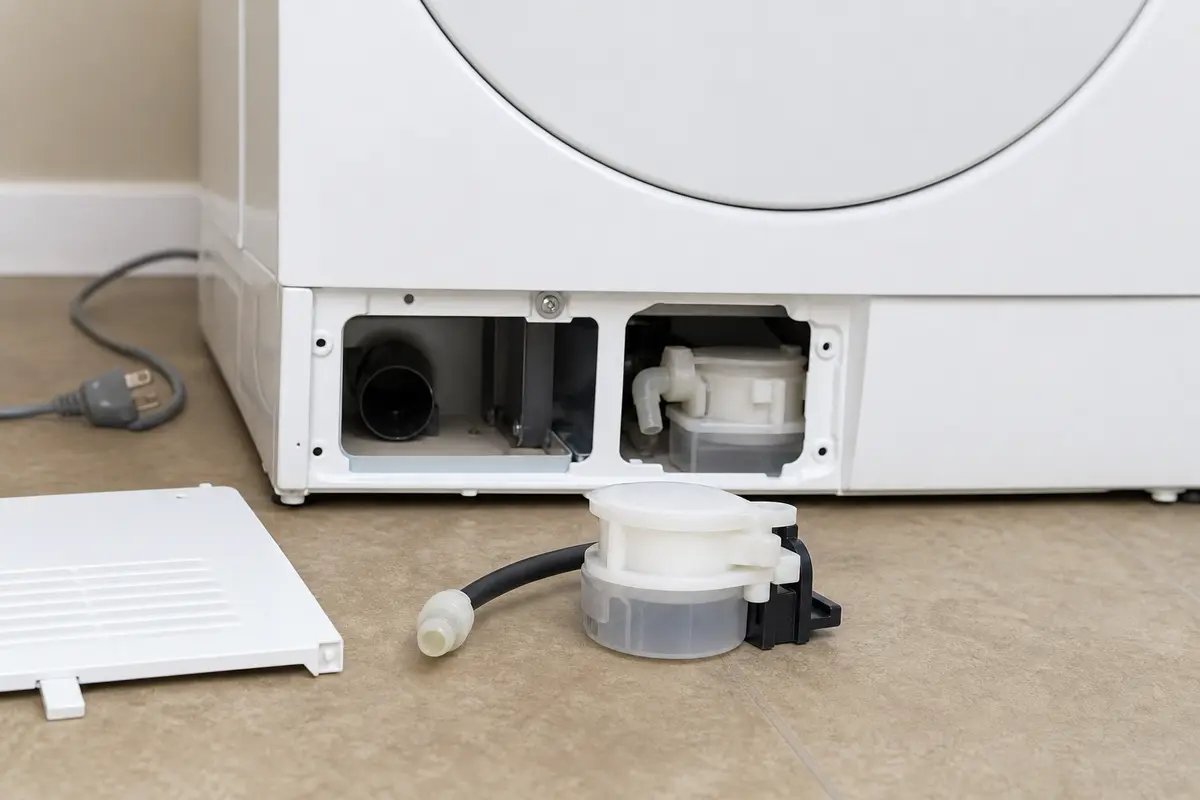
Helps when: Water pools low in the dryer, the container stays mostly empty, and the pump is silent, jammed, or only hums after cleaning.
Skip it when: The lint filters, plinth area, and container seat have not been cleaned yet.
Compare condensate pumps on Amazon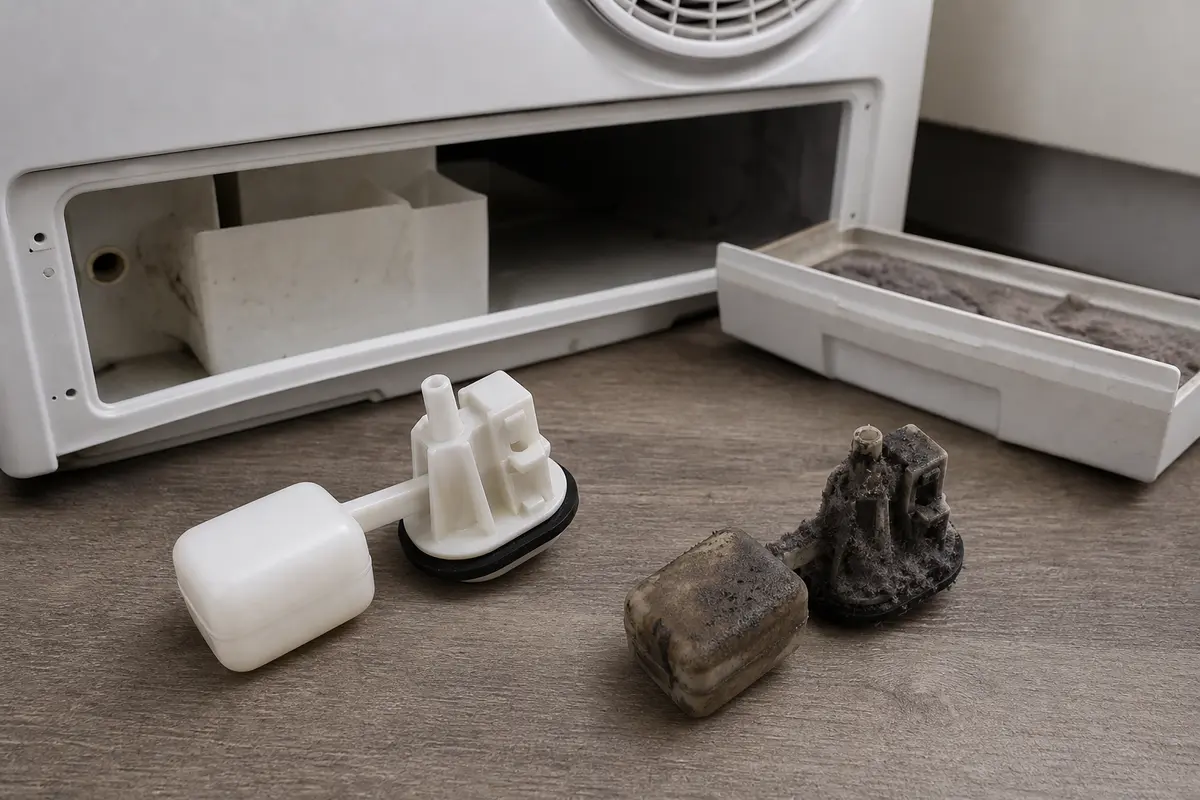
Helps when: The drain path is clean, the drawer seats correctly, and the warning remains with little or no water present.
Skip it when: Water is not reaching the container because the pump path is still blocked or untested.
Compare float and sensor parts on AmazonUsually because condensate is backing up before it reaches the drawer. Pull the container, wipe the pocket, clean the filters and plinth area, then run a damp-towel cycle. A dry drawer with water lower in the dryer points to the pump path.
Yes. Damp lint and filter sludge can slow airflow and condensate movement. Clean the normal filter points first, then see whether water starts collecting in the container again.
If the drawer is not seated squarely or the pocket is dirty, the warning can return fast. If the drawer is clean and empty but water sits lower in the dryer, move to the drain path and pump clues.
Not by itself. The pump is plausible when the lower area is wet, the container stays dry, and the pump is silent or only hums after cleaning. If the drawer fills normally, do not replace the pump.
No. A sensor or float belongs later in the diagnosis, after the container seats correctly, filters are clean, and water movement through the condensate path has been checked.
Do not keep running it if water is backing up inside. Stop, clean the easy-access areas, and leave the dryer off if you see water near wiring, heat damage, or pooling deep in the cabinet.
Use the rating plate location shown in your owner manual or Miele manual lookup. Match the full model number before comparing a container, pump, float, or sensor.
Recheck the plinth filter edge, drawer seat, and any easy pump-inlet area for residue you missed. If the next damp-towel run leaves the drawer dry and the lower area wet again, pump-path service is the better next step.
Only if the dryer is unplugged and the access is straightforward on your model. Stop if you cannot clearly identify the pump path, float, hose, and wiring boundaries.
Call when water reaches wiring, access requires major teardown, the dryer shows burning smell or breaker trips, or the warning stays after the cleanable water path has been handled.
Use the model number and rating plate before matching parts, and keep the first checks focused on the filter, condenser path, container seating, pump area, and visible water. Use service if water stays below the container after cleaning or if the diagnosis moves inside the dryer.