Does the beep happen before any preheat starts?
Treat it like a rejected command. Clear timers, set the clock, turn off Control Lock, select Bake, enter a temperature, and press Start once.
If the panel beeps and drops back to idle, treat it as a blocked start command first. Check Control Lock, clock state, door closure, and full power before you price an igniter, bake element, sensor, or control board.
A lit display with a cold oven usually points to settings, door-read trouble, or a missing power leg. If Bake is accepted and the oven still stays cold, compare the igniter on burner models with the bake element on electric models.
Use the first minute to separate a rejected start command from a no-heat start.
Don’t start with: Do not order the oven control board first. Check the door, breaker result, and first heat clue; the board belongs after those checks are clear.
Treat it like a rejected command. Clear timers, set the clock, turn off Control Lock, select Bake, enter a temperature, and press Start once.
Remove rack, pan, or foil interference; wipe the latch slot and gasket area; close the door evenly. Door-read trouble can block startup.
Reset the double breaker fully off and back on once. A missing 240-volt leg can leave the display alive while the heating circuit stays dead.
Stop for any gas odor. Without odor, a weak bake igniter moves up only after the controls accept Bake and the burner still does not light.
Focus on the bake-side path: bake element on electric models, bake igniter on gas models, then sensor, wiring, or control diagnosis.
The beep is only the control acknowledging a button. Use the door/latch area and the first heat clue to decide whether this is a rejected start command or a real no-heat failure.
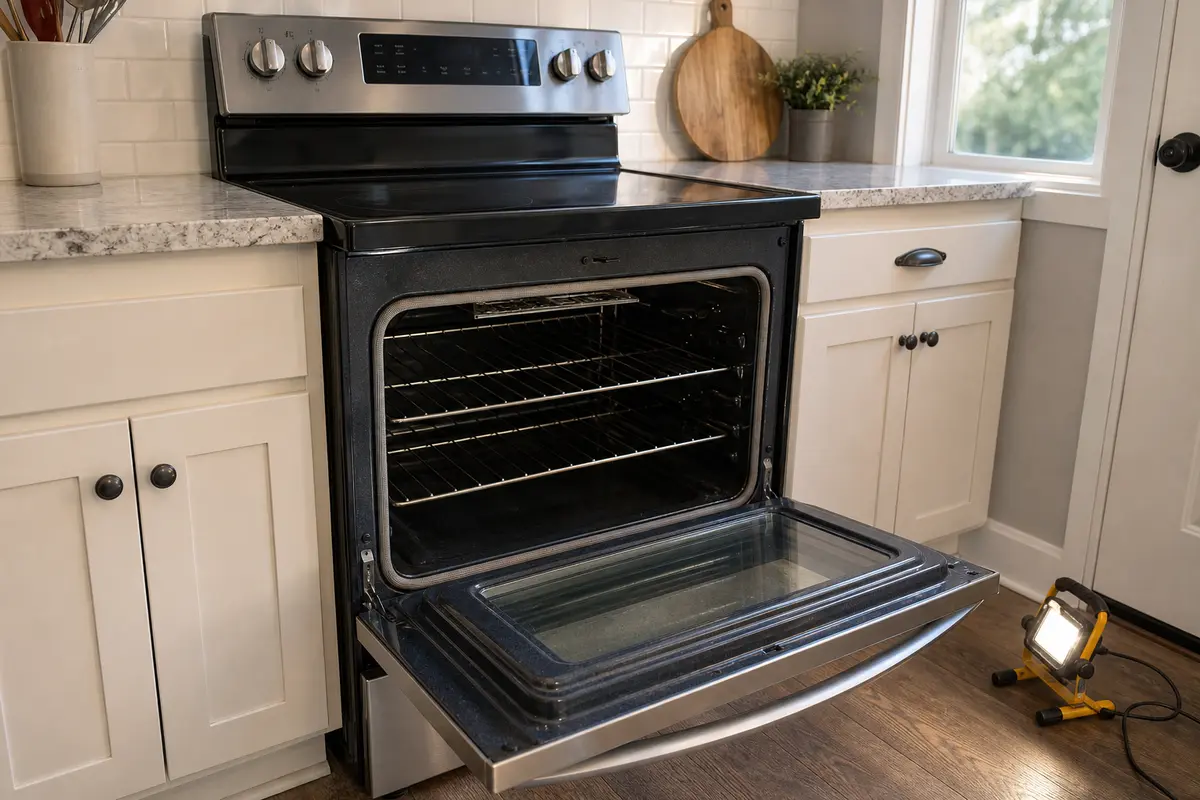
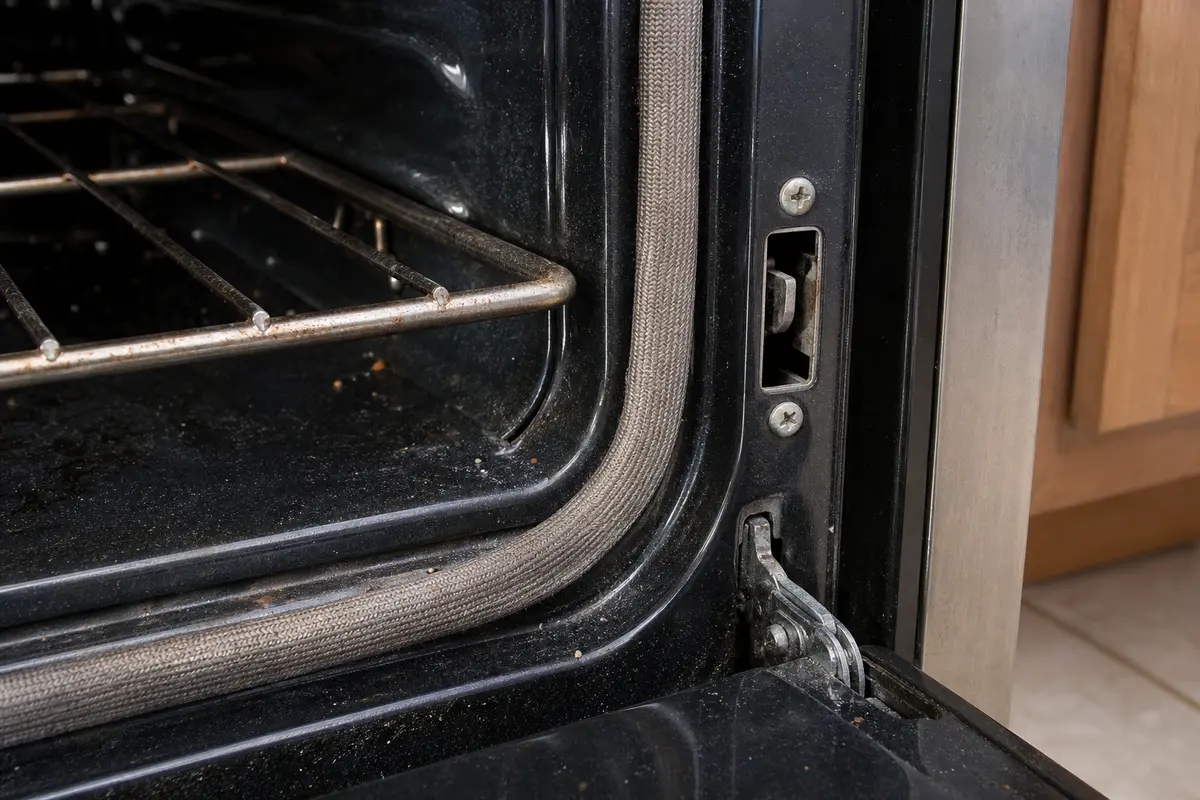
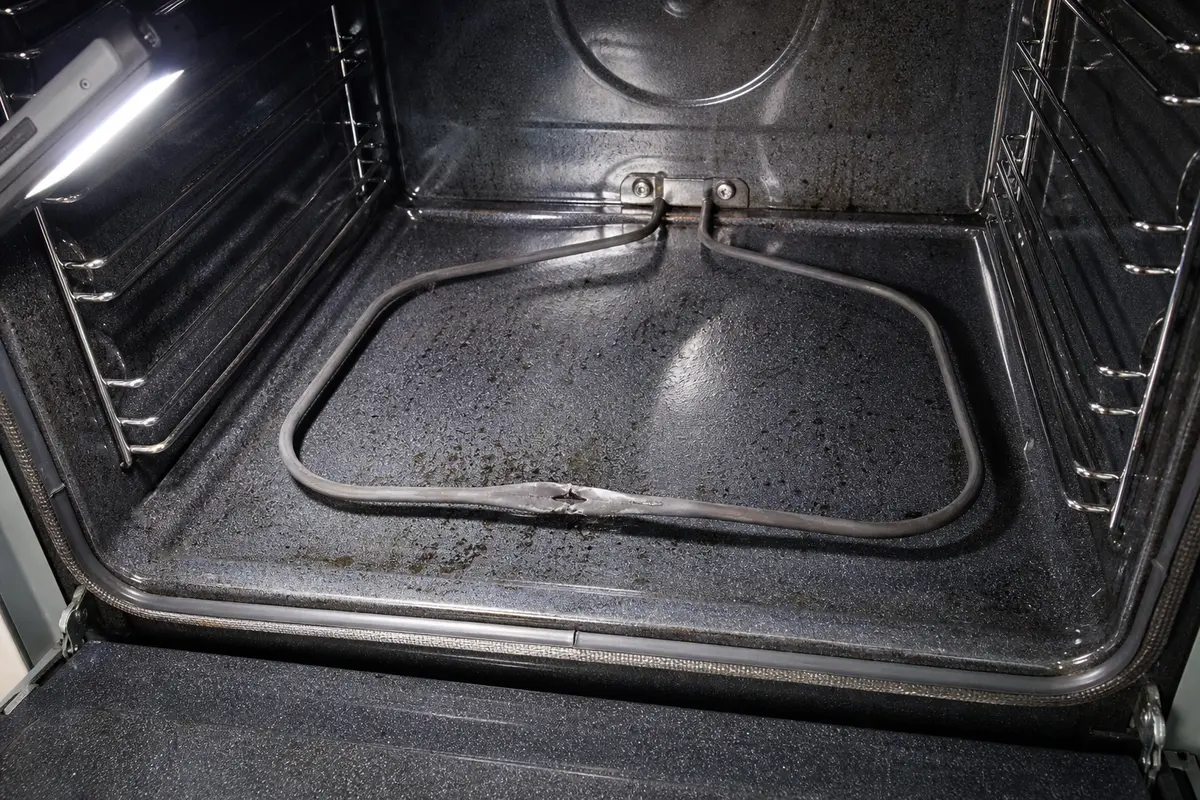
Copy the full LG model number from the oven frame, storage drawer area, or range tag. Use the visible clue first: rejected command, door-read trouble, electric power loss, ignition behavior, or damaged bake element. Buy an igniter, bake element, sensor, gasket, or control only after that clue points there. Similar-looking oven parts often have different connectors, brackets, lengths, or ratings.
The beep means the keypad heard you. It does not prove the oven moved into a real heating cycle.
A beeping LG oven can tempt you into parts shopping too early. First write down what the panel does: returns to idle, starts a countdown, clicks, or shows a code.
These steps solve the simple no-start cases and keep you away from hot parts, fuel parts, and wiring.
Once the controls accept Bake, watch what happens in the first few minutes. The result tells you which part path is worth considering.
| What you see | What it usually means | Next move |
|---|---|---|
| Beeps once, then returns to idle | Command is being blocked by settings, clock state, door read, or a fault | Clear controls, settle the clock, inspect the door area, and note any fault code |
| Electric display works but Bake and Broil stay cold | Possible missing power leg, supply issue, or control-side heating path failure | Reset the double breaker once; stop for repeat trips or heat damage |
| Electric Bake is dead but Broil works | Bake element, bake relay path, or bake-side wiring is more likely than total power loss | Look for a split, blistered, or burned bake element with power off and the oven cool |
| Gas igniter glows but burner never lights | Weak bake igniter can glow without opening the gas valve properly | Stop for gas odor; otherwise price the igniter only after model fit is confirmed |
| No ignition attempt and no heat in any mode | Sensor, latch signal, wiring, or control diagnosis may be needed | Stop before buying a board unless the safer checks already cleared |
The homeowner-safe work ends when the next step depends on energized wiring, fuel-valve diagnosis, or heavy built-in oven access.
These tools are for inspection and power-off checks. They are not a reason to work on energized wiring or disturb gas parts.
Paid links. As an Amazon Associate I earn from qualifying purchases. Repair Riot may earn a commission at no extra cost to you.
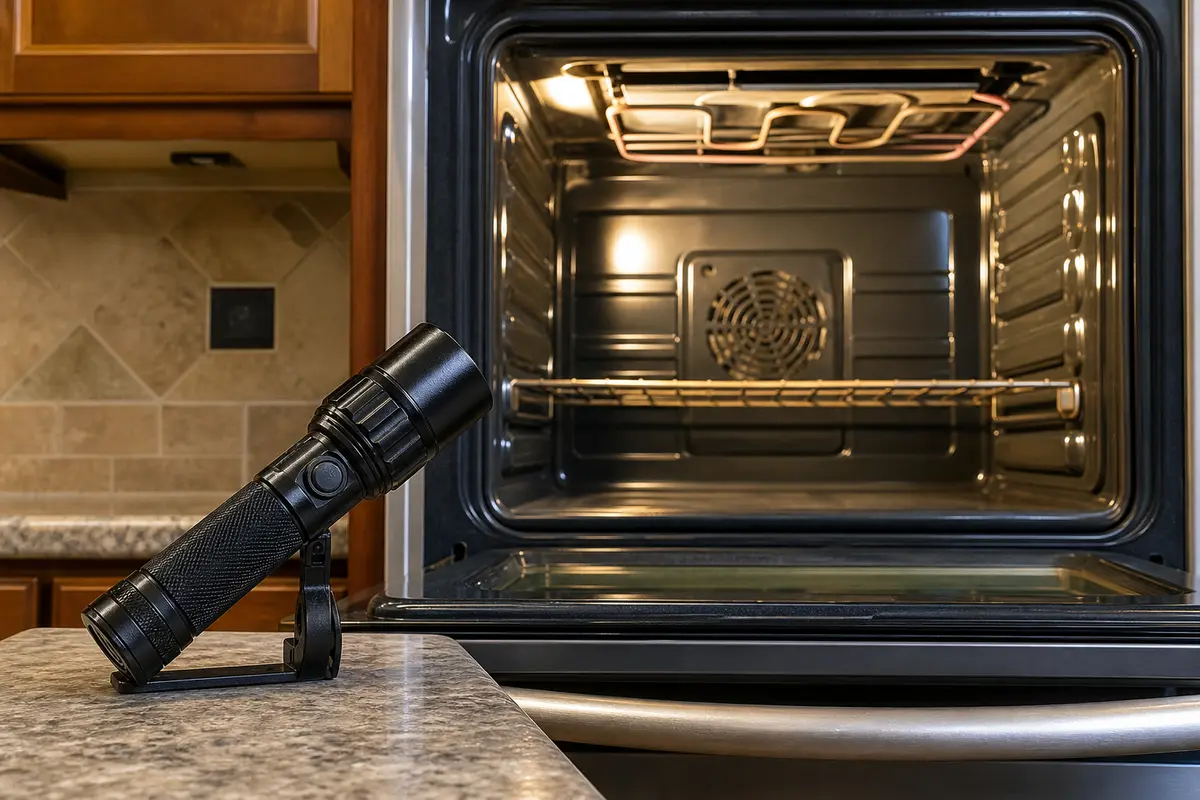
Helps when: You need a clear view of the door gasket, latch slot, rack position, bake element surface, or lower burner area.
Skip it when: The oven is hot, gas odor is present, or the inspection requires removing covers you cannot reinstall safely.
Compare inspection flashlights on Amazon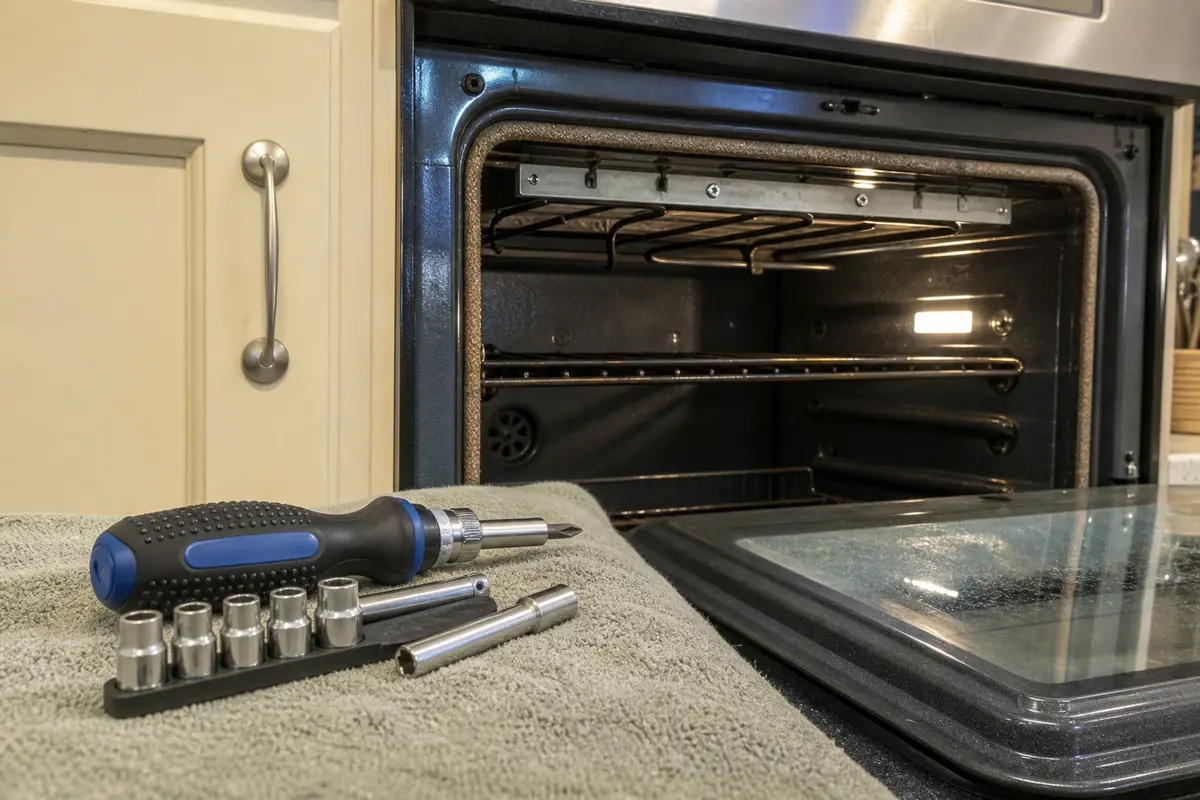
Helps when: Your model allows a simple power-off access step, such as removing a rear element screw or a basic cover after the oven is cool.
Skip it when: The oven is hardwired, built in tightly, or the access step would expose wiring you are not trained to handle.
Compare screwdriver sets on Amazon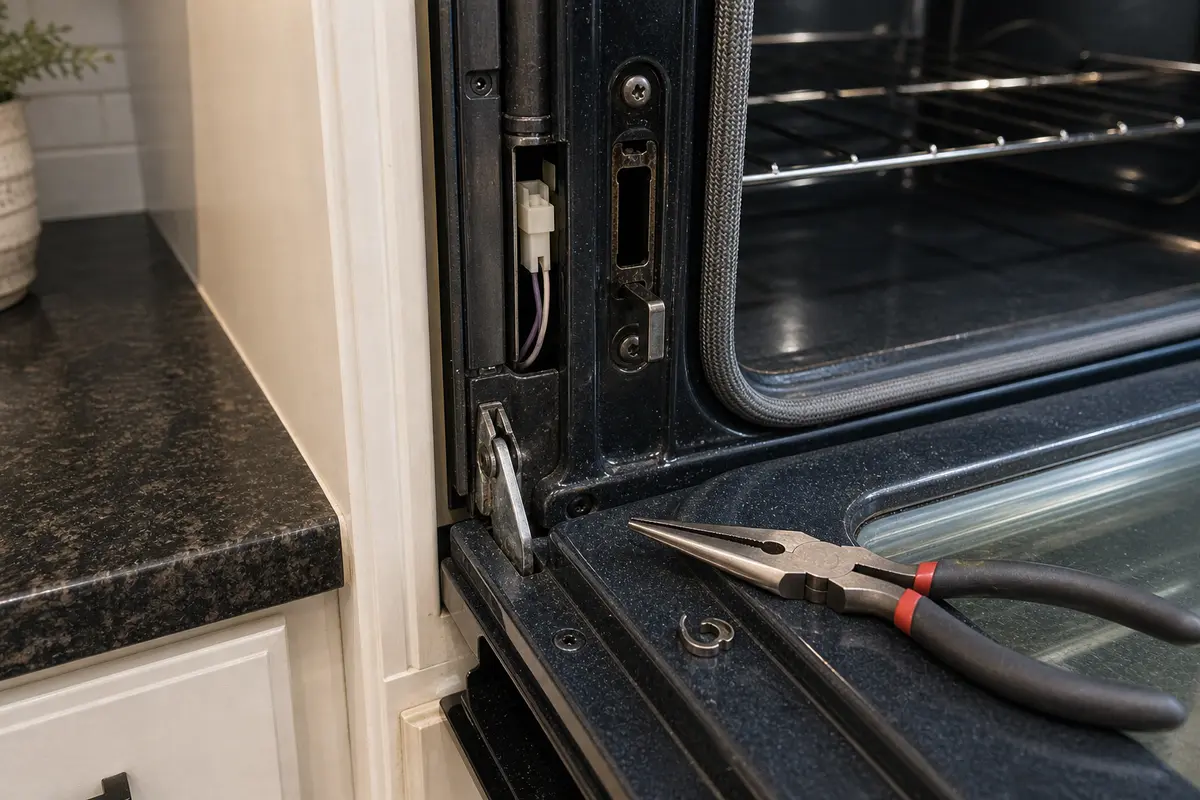
Helps when: A confirmed power-off element or igniter replacement requires gentle handling of reachable wire terminals or clips.
Skip it when: The connector is scorched, brittle, stuck, or buried where pulling can damage the harness.
Compare needle-nose pliers on Amazon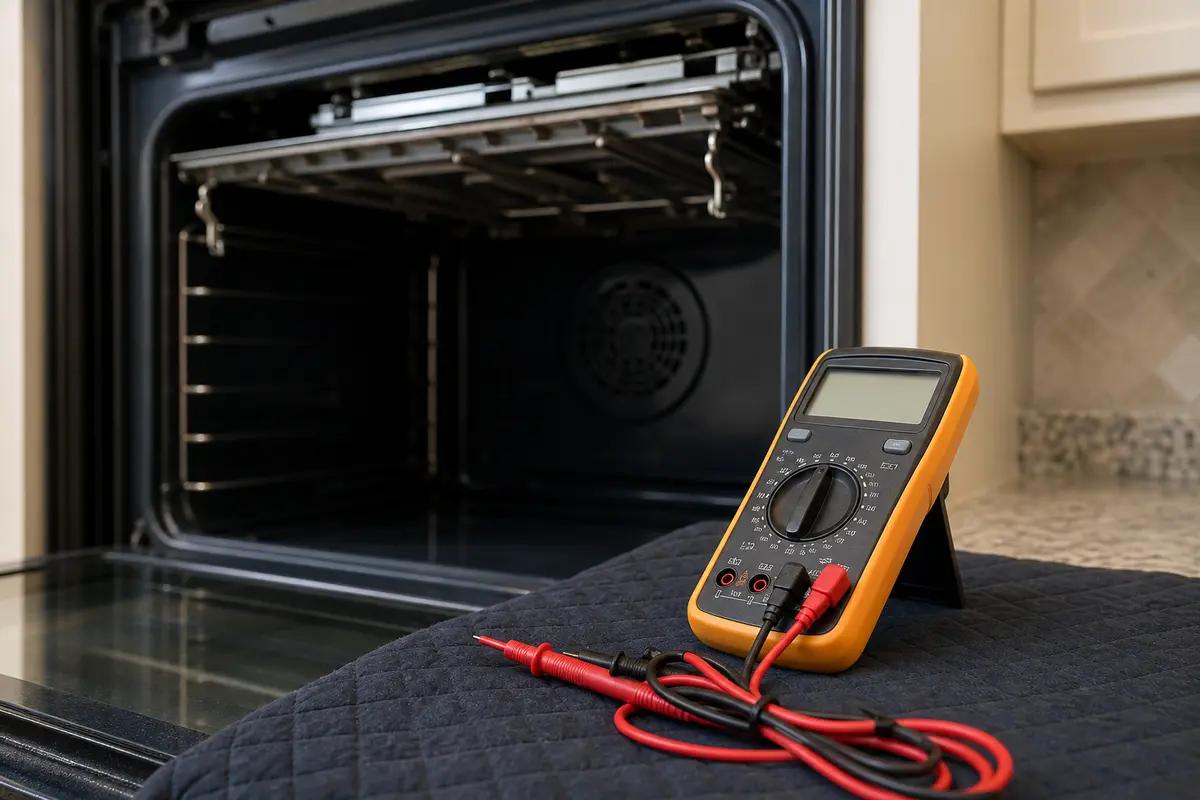
Helps when: You know how to test continuity on a disconnected bake element or sensor after the symptom points there.
Skip it when: The diagnosis requires energized measurements, unknown terminals, or live household power. That is a service call.
Compare digital multimeters on AmazonParts belong after the clue, not before it. Use the full LG model number, fuel type, connector style, mounting shape, and parts diagram before ordering.
Paid links. As an Amazon Associate I earn from qualifying purchases. Repair Riot may earn a commission at no extra cost to you.
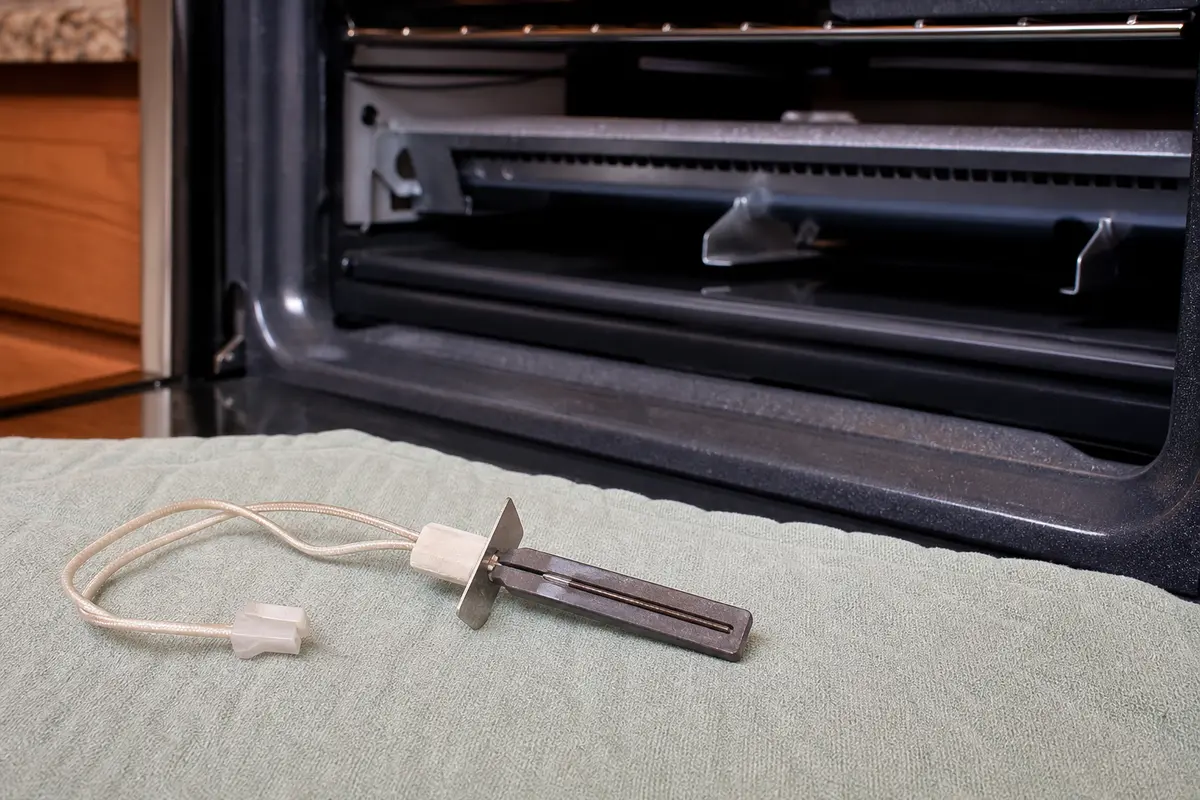
Helps when: A gas oven accepts Bake, the igniter glows or clicks, and the burner still does not light without a continuing gas smell.
Skip it when: The oven never accepts the command, Control Lock is active, the door is not reading closed, or gas odor is present.
See LG oven igniters on AmazonHelps when: An electric oven accepts Bake and the element is split, blistered, burned open, or Bake is cold while Broil still heats.
Skip it when: The breaker result is unclear, both Bake and Broil are dead, or the element has no visible damage and has not been tested power-off.
Compare LG bake elements on Amazon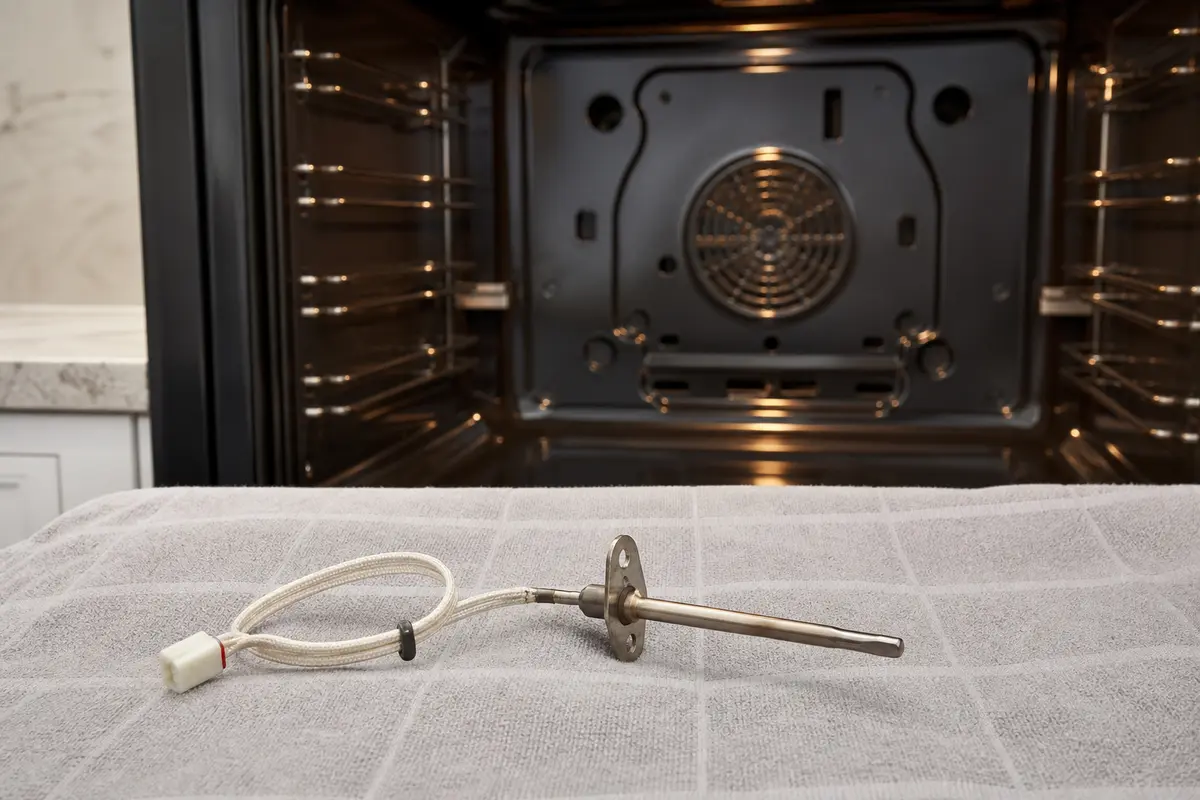
Helps when: Heating parts and full power look reasonable, but the oven cancels, misreads temperature, or shows sensor-related faults.
Skip it when: You have not cleared control state, door behavior, power, and the main heating part for your fuel type.
Review LG oven sensors on Amazon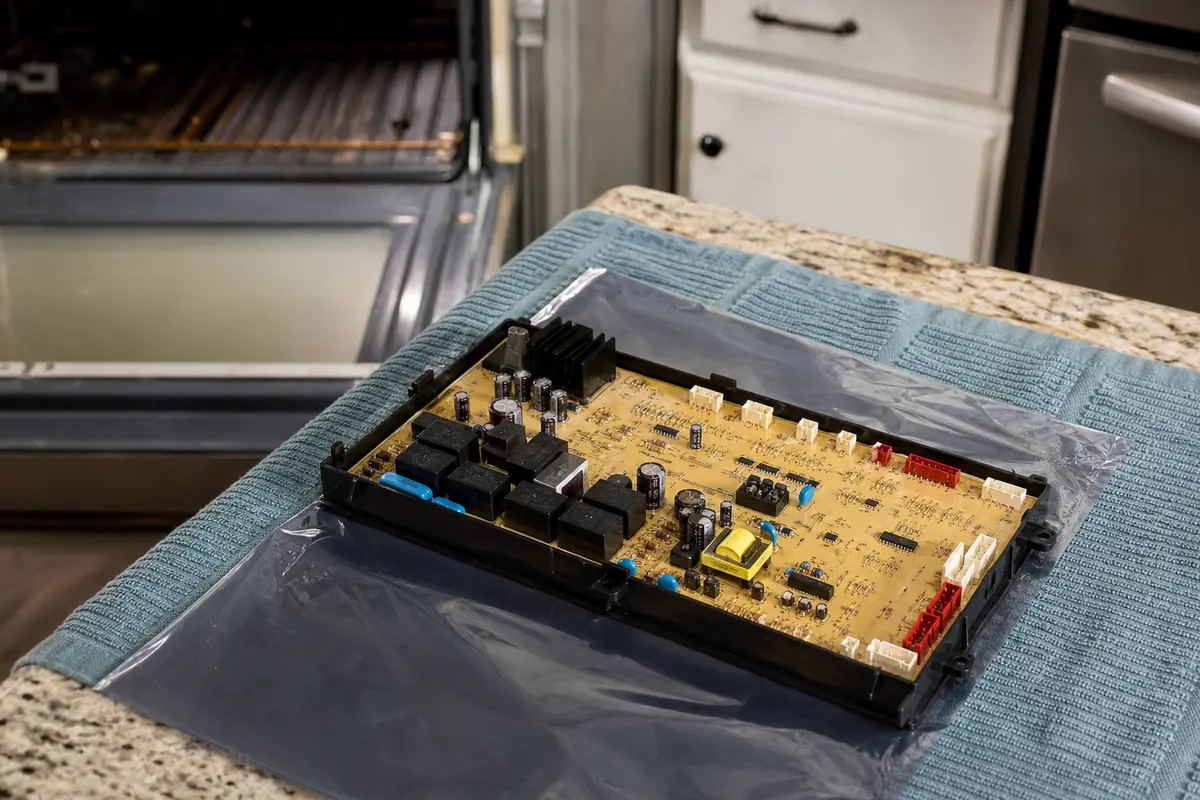
Helps when: A qualified diagnosis has already cleared power, door and latch signals, sensor readings, heating parts, connectors, and visible wiring.
Skip it when: You are buying because the oven beeps. The board is late in the path and must match the exact model and revision.
Compare oven control boards on AmazonA good result is more than a beep. The oven has to start, heat, and hold behavior without returning to the same symptom.
If the display beeps and returns to idle, the control likely heard the button but rejected the start. Check Control Lock, clock state, a valid Bake command, door closure, and full power before moving to the igniter, bake element, sensor, or control.
Yes. On an electric oven, the display can light on partial power while the heating circuit is missing the supply it needs. Reset the double breaker once fully off and back on, then stop if it trips again.
Use the sequence for your exact model. Look near the control label or LG manual; many models use a press-and-hold command, but the button name varies. Do not rely on a different LG model video if your panel is not the same.
A weak bake igniter can glow and still fail to draw enough current for normal ignition. Stop for any continuing gas odor. Without gas odor, the igniter becomes a parts candidate after the oven accepts Bake and the burner still does not light.
That points away from a total oven failure. On an electric model, look at the bake element and bake-side circuit. On a gas model, the bake igniter or bake-side ignition path moves up.
No. A board is a late diagnosis for this symptom. Rule out settings, door closure, full power, the main heating part, sensor clues, and visible connector damage before pricing a model-specific board.
Yes. A rack, pan, foil edge, sticky gasket, bent strike, hinge sag, or latch-slot debris can keep the oven from reading the door as closed. Door clues matter before heating parts.
Write down the exact code before clearing it. A code that returns right away changes the path from simple settings and door checks to model-specific diagnosis.
No. Turn the oven off, avoid more start attempts, ventilate if you can do that safely, and call the gas utility or a qualified appliance pro. Do not test ignition with an outside flame.
Repair Riot built this page around visible LG oven clues: rejected start command, door-read behavior, electric full-power symptoms, ignition behavior, and model-matched parts. The sources below support manual lookup, parts-fit discipline, and safety stop points.