Did it start after cleaning or a boilover?
Dry the cap, burner head, igniter area, and knob stems before buying parts.
If your LG gas cooktop keeps clicking, stop for gas odor or delayed ignition. If it started after a spill or cleaning, dry the cap, burner head, igniter, and knob area, then seat the cap flat before one short retest.
A recent boilover, wet cleaning, crooked burner cap, or debris near the igniter is the best first clue. Clicking with every knob off after everything is dry points toward an ignition switch.
Use the click pattern: during lighting, after flame is on, after a spill, or with every knob off.
Don’t start with: the spark module. Dry and seat the burner first, then check whether one knob or every knob-off condition is keeping the spark engaged.
Dry the cap, burner head, igniter area, and knob stems before buying parts.
Check cap seating, port debris, moisture, and igniter position at that burner.
That can be normal during lighting. Worry when clicking continues after flame catches or with all knobs off.
A wet or sticking ignition switch behind one knob moves up the list after the top is dry.
The spark module or wiring may need diagnosis. Disconnect power and use service if access is unclear.
Stop testing and call the gas utility or a qualified technician.
Most repeat-click calls start where you can see them: cap seating, moisture, crumbs, grease, and the ceramic igniter.
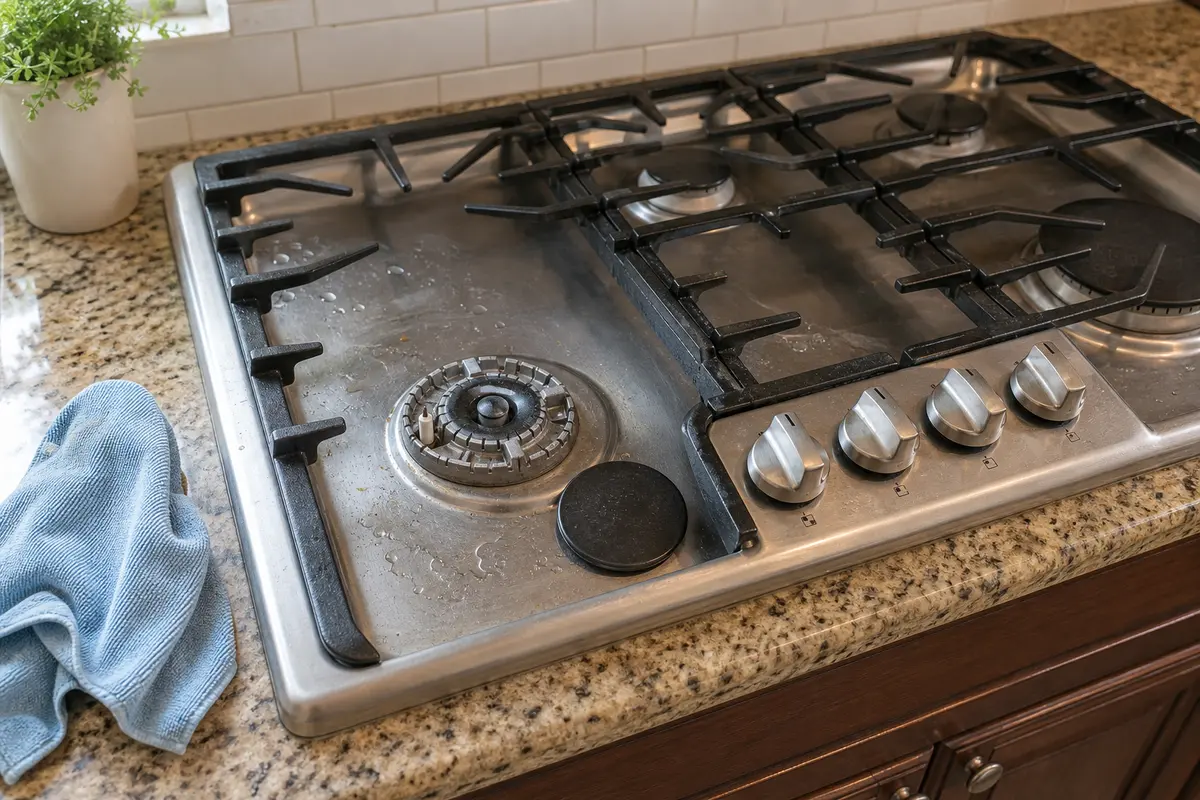
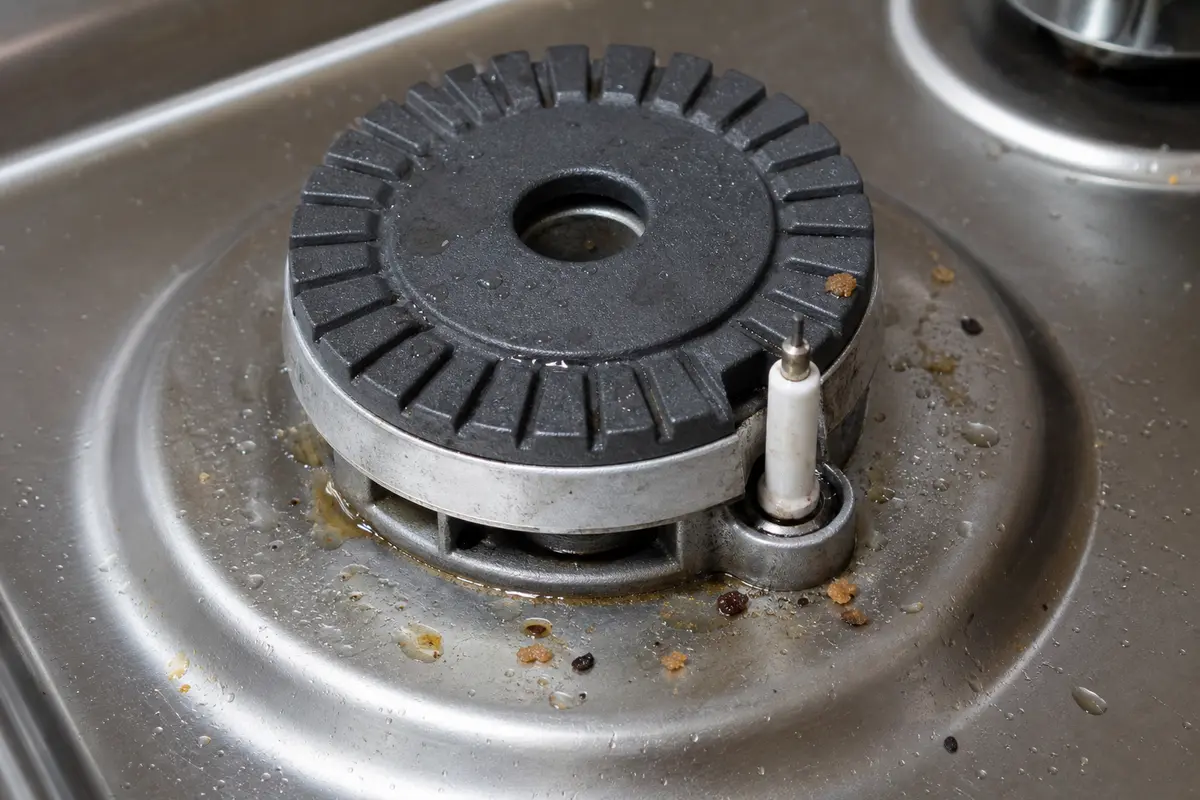
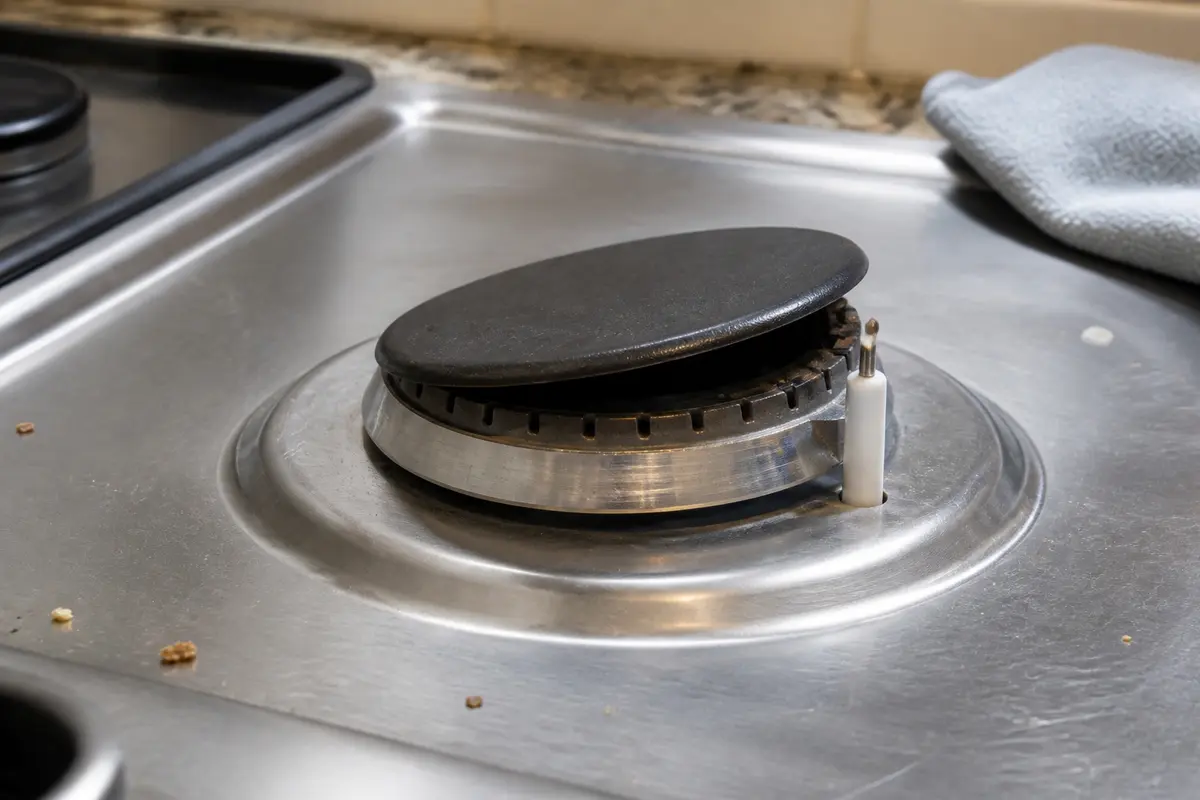
Before buying an ignition switch, spark module, burner cap, burner head, or igniter electrode, prove the cooktop is dry and note the exact click pattern. Match model number, burner position, cap shape, igniter lead, switch connector, and module output count.
The click pattern tells you where to look. If one burner keeps snapping after a spill, inspect the cap, burner head, ports, and ceramic igniter before you think about the spark module.
A clicking burner is easy to make worse if you chase the expensive part first or push moisture deeper into the controls. A good clue that this is still a surface issue is a recent wet cap, sticky spill, or crumb trail near the igniter.
Listen for when the clicking starts and stops. That one minute decides whether you work at the burner top, the knob area, or stop for service.
| What you see or hear | What it usually means | Next move |
|---|---|---|
| Clicks only while lighting and stops when flame catches | Normal spark ignition | No repair if the flame is steady and there is no gas odor. |
| Started after cleaning, soup, pasta water, or a boilover | Moisture or residue around the burner or knob stem | Let it cool, dry the parts, and clean gently before replacing anything. |
| One burner lights but keeps snapping | Cap alignment, dirty ports, or local igniter condition | Clean and reseat that burner, then compare the flame ring with another burner. |
| All burners click when one knob turns | Often normal during lighting | Worry only if the clicking keeps going after flame is established or with all knobs off. |
| Clicks with every knob off | Wet or sticking ignition switch behind a knob | Dry the knob area; if it returns on a dry cooktop, service the switch side. |
Work on a cool cooktop. This is the repair path that fixes many clicking complaints without parts.
A burner-top problem usually follows one burner. If the cooktop clicks with every knob off after the top is dry, look for one sticky knob stem before you plan a switch repair.
These are for the visible burner-top and knob-stem checks. They are not permission to open gas fittings or work around powered ignition wiring.
Paid links. As an Amazon Associate I earn from qualifying purchases. Repair Riot may earn a commission at no extra cost to you.
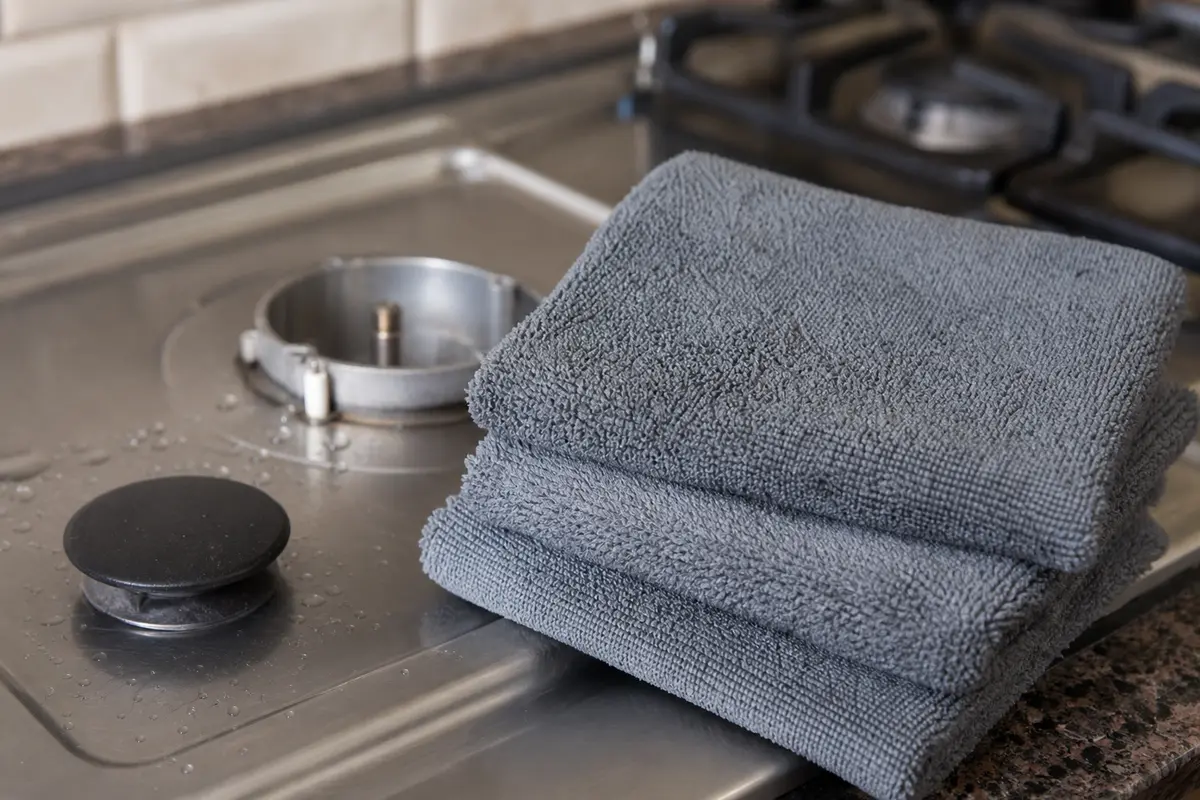
Helps when: Blotting moisture from the burner cap, burner head, igniter area, and knob stems without pushing more liquid into openings.
Skip it when: Gas odor, arcing, scorched parts, or a burner piece that needs force to remove means stop and get service.
Compare microfiber cloths on Amazon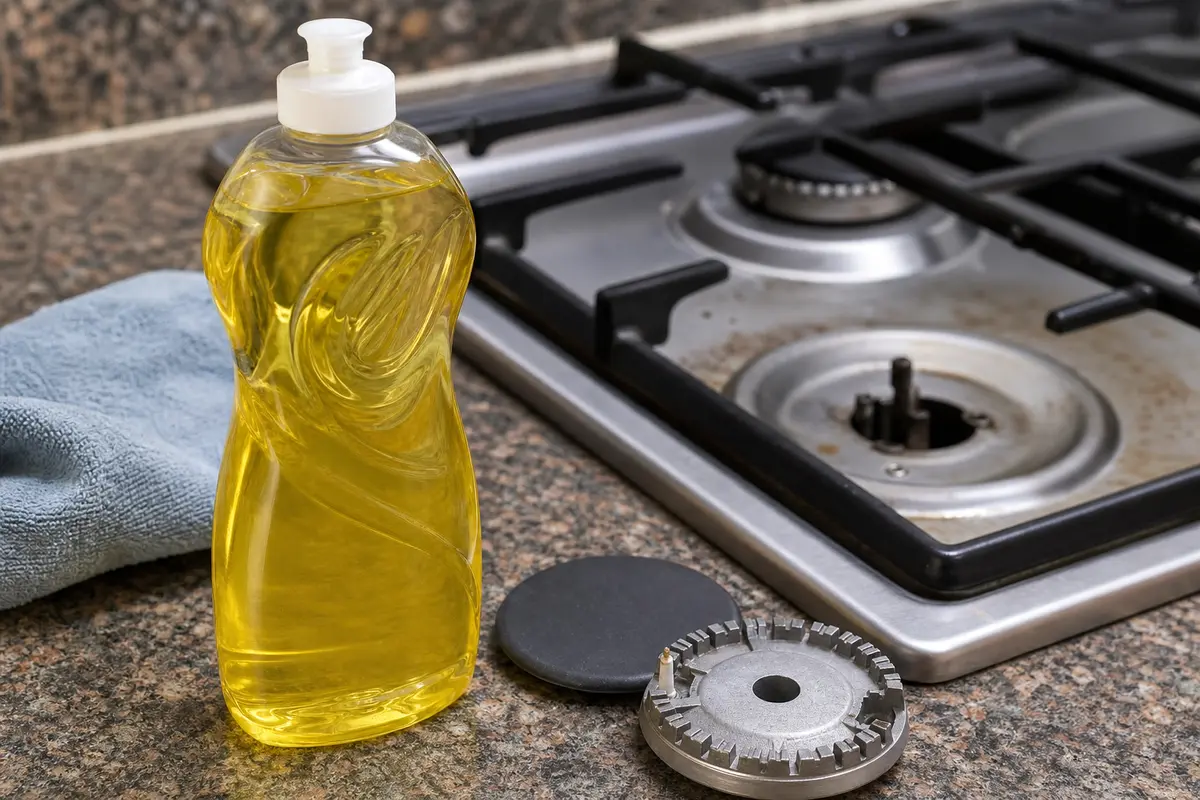
Helps when: Cutting greasy spill film on removable burner parts when plain water leaves a slippery residue behind.
Skip it when: You would need to spray cleaner into burner wells, knob openings, or around the ceramic igniter stem.
Compare mild dish soap on Amazon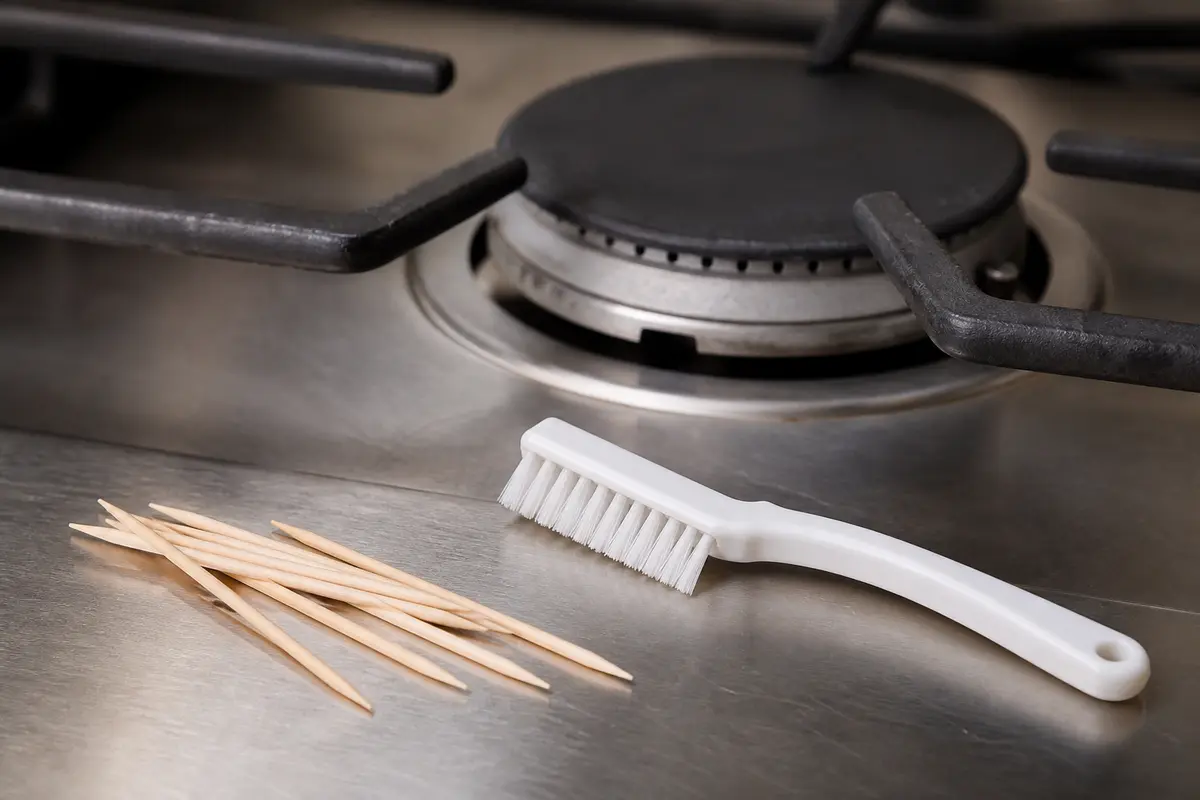
Helps when: Lifting loose crumbs from burner ports and tight edges without scratching the ceramic igniter or changing port size.
Skip it when: The port is blocked by hard corrosion, a metal pick feels necessary, or the burner head is damaged.
Compare non-metal cleaning picks on Amazon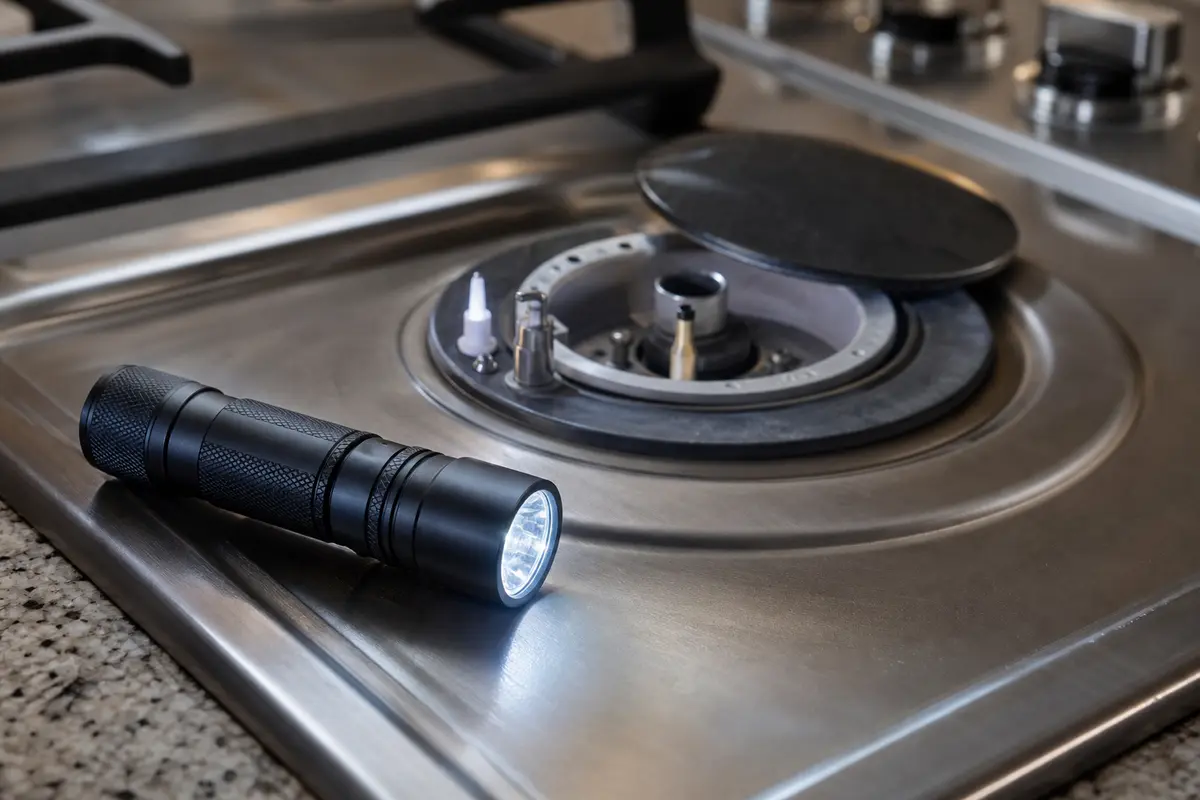
Helps when: Seeing the igniter ceramic, cap gap, burner ports, knob stems, and model tag without pulling the cooktop apart.
Skip it when: Stop and call a pro if the view requires moving gas tubing, opening a wiring area, or reaching under a powered cooktop.
Compare inspection flashlights on AmazonCompare parts only after the symptom points there. The burner cap, burner head, spark igniter, ignition switch, and spark module are different repairs and they are not universal.
Paid links. As an Amazon Associate I earn from qualifying purchases. Repair Riot may earn a commission at no extra cost to you.
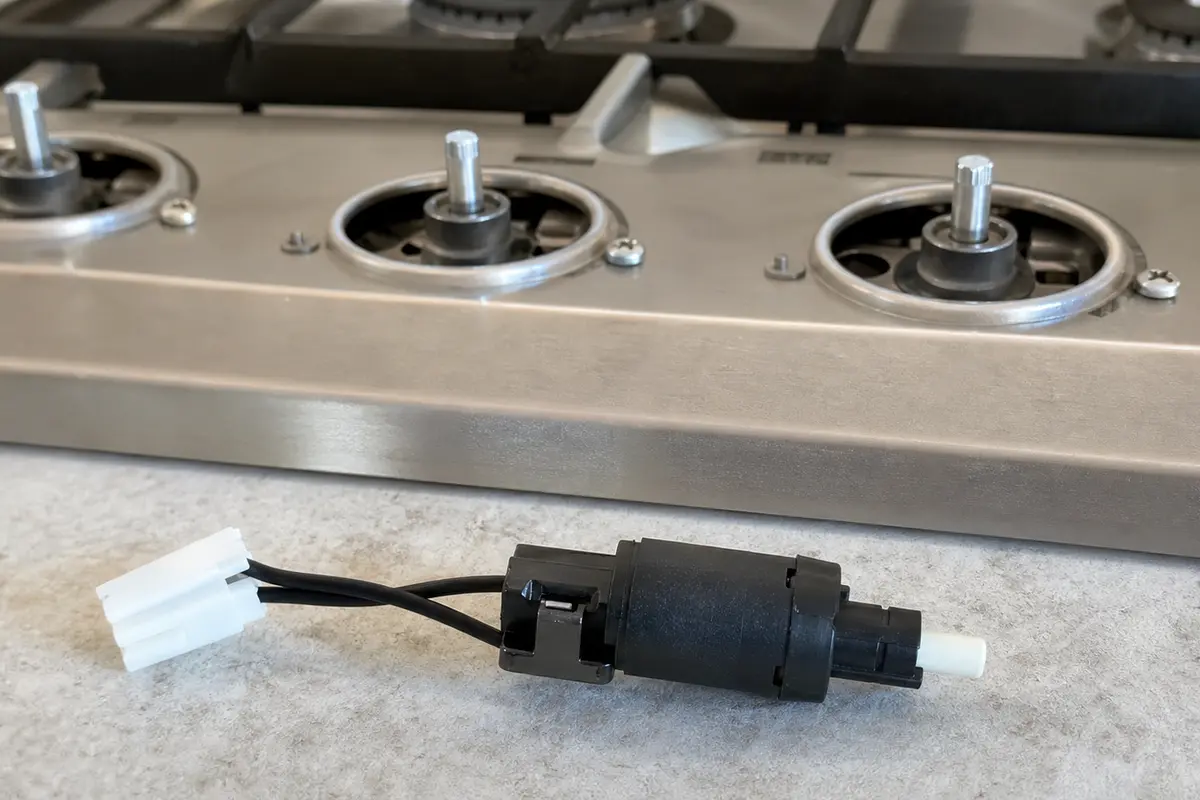
Helps when: Clicking continues with all knobs off after the burner top and knob-stem area are dry, or one knob clearly triggers it.
Skip it when: The symptom stays with one dirty, wet, or misseated burner, or switch access would put you near wiring you cannot identify.
Compare cooktop ignition switches on Amazon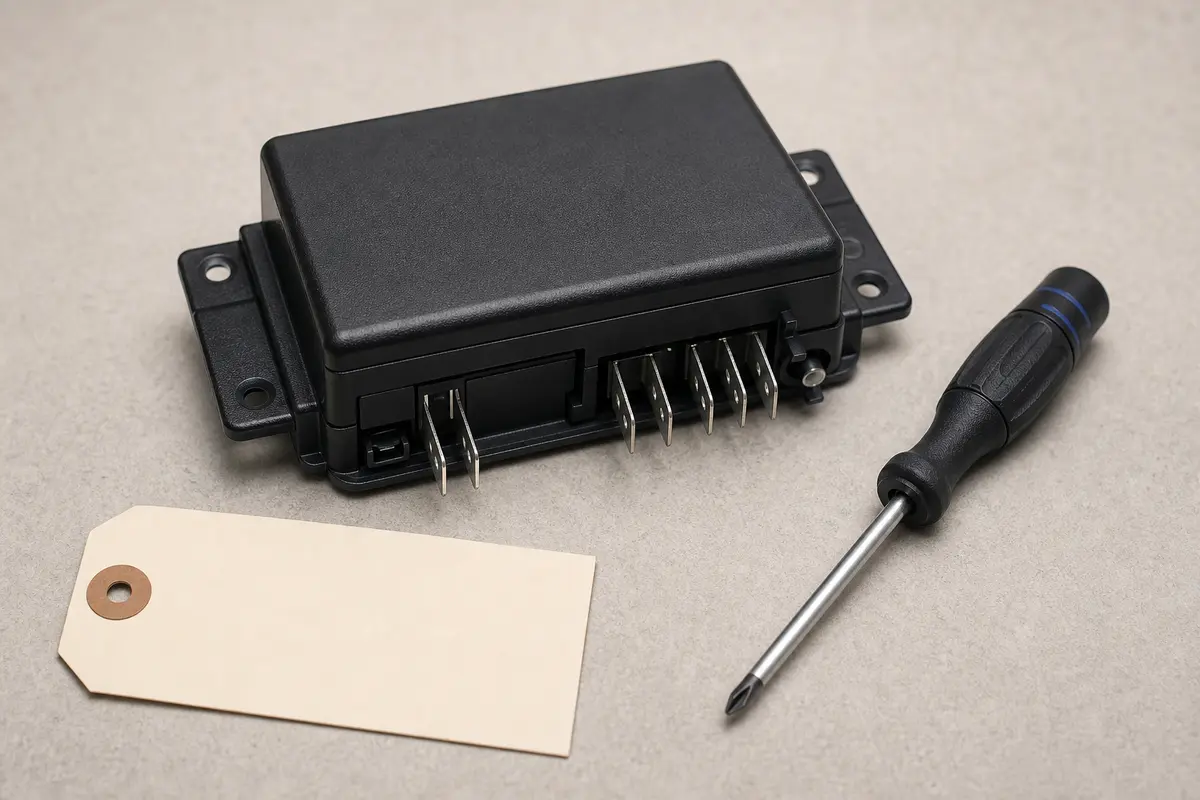
Helps when: Several burners keep clicking in a pattern that remains after caps, ports, knob stems, and switches are dry and checked.
Skip it when: Only one wet or misseated burner is involved, or the switch path has not been diagnosed.
Compare cooktop spark modules on Amazon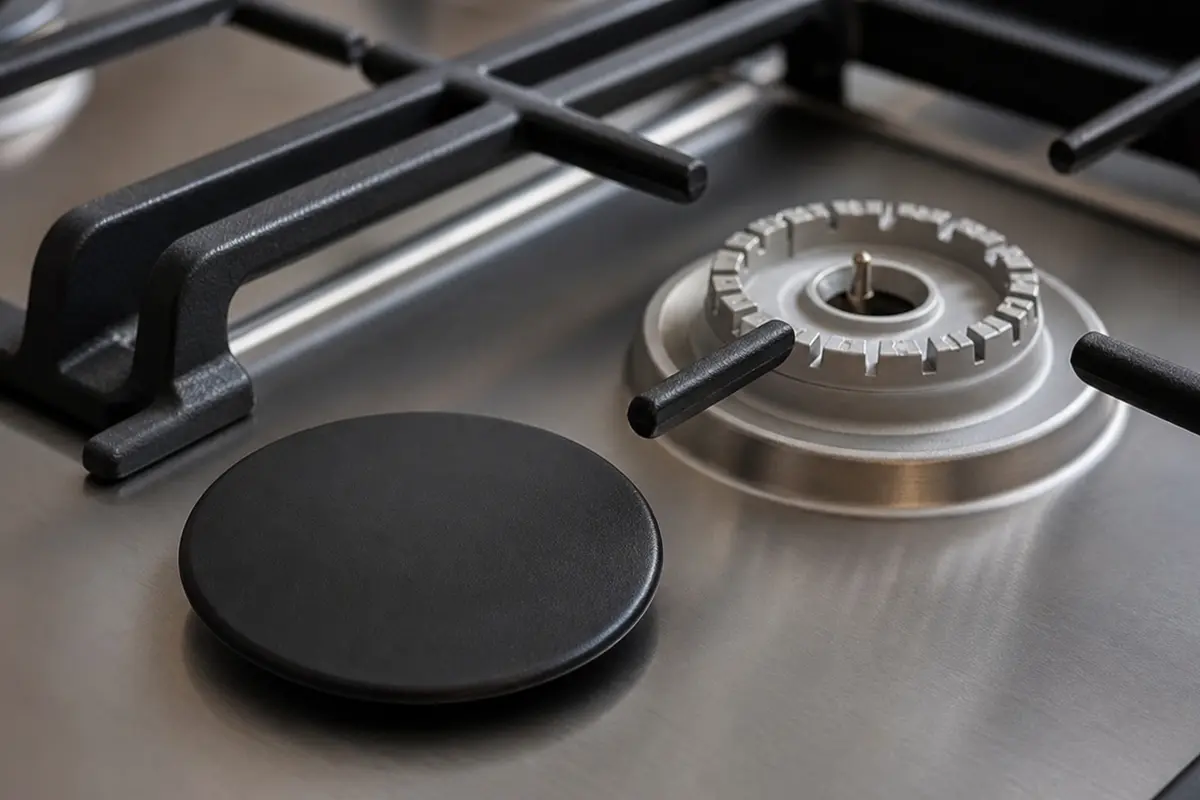
Helps when: The cap is cracked, chipped, warped, or still rocks after you clean the seating surfaces and set it back in place.
Skip it when: The cap sits flat and drying or cleaning restores normal ignition; match by exact burner position before ordering.
Compare cooktop burner caps on Amazon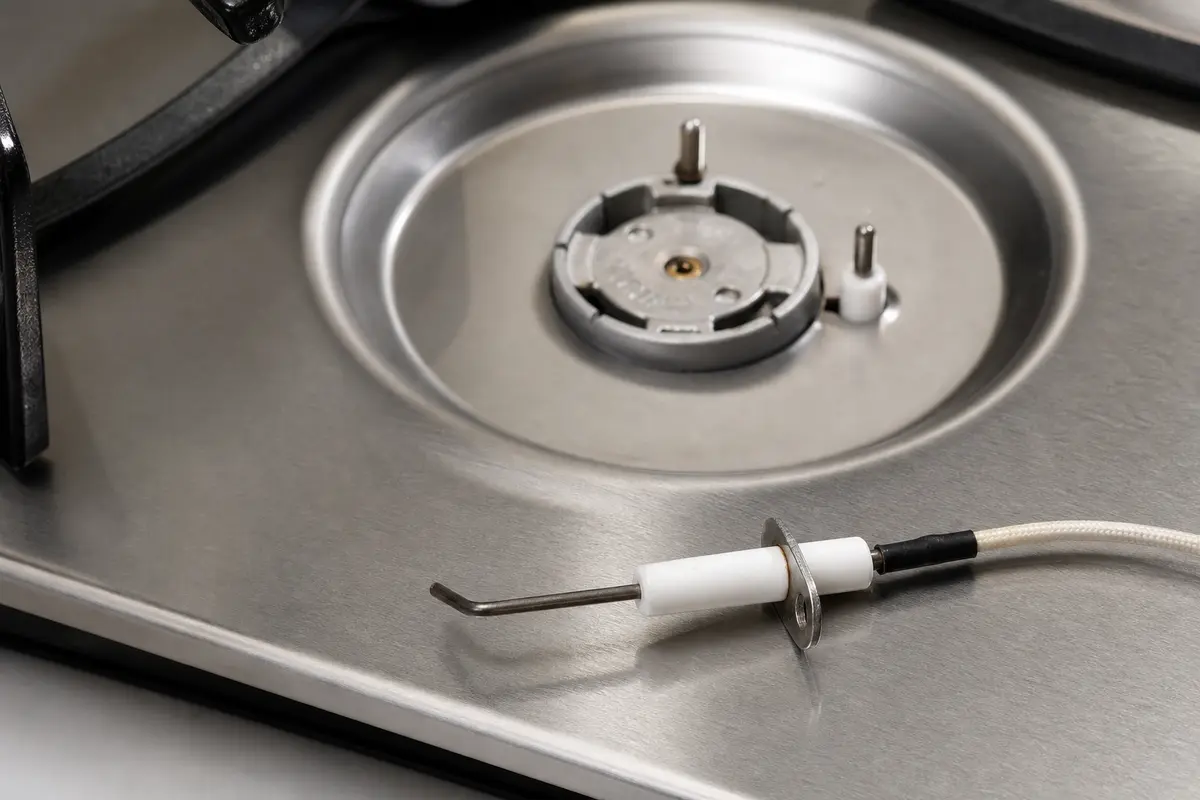
Helps when: One burner is clean, dry, seated correctly, and the ceramic is cracked or the spark jumps to the wrong spot.
Skip it when: All burners click with the knobs off, or the burner still has moisture, residue, or a crooked cap.
Compare cooktop spark igniters on AmazonUsually the spark is not proving cleanly through the burner flame. Check for water, crumbs, grease, a cap that rocks, or cracked igniter ceramic before buying parts.
On many gas cooktops, yes during lighting. The warning sign is clicking after flame is established or with every knob off; turn the cooktop off and stop for gas odor.
Yes. Water from cleaning or a boilover can hide under the cap, around the igniter base, or near a knob stem. Let the area dry fully before replacing ignition parts.
Make sure every knob is fully off, then dry around the knob stems. If it still clicks on a dry cooktop, the ignition switch path needs diagnosis.
No. Replace a spark module only after moisture, cap seating, ports, igniters, and switch clues have been ruled out and the clicking pattern affects multiple burners.
Do not use that burner until you know why it is clicking. Stop immediately for gas odor, delayed whoosh, uneven flame, or clicking with every knob off.
After a boilover, often no part is needed. If drying and cap seating fix the flame and clicking, stop there; one clean burner points to cap, head, or igniter, while knob-off clicking points toward a switch.
Yes. Cleaner sprayed into burner wells or knob openings can leave moisture or residue where the spark system should stay dry. Wipe with a cloth instead.
There is no exact timer. Blot visible water, leave removable parts off while they dry, and wait longer if liquid ran under the cap or toward the knobs.
Repair Riot built this page around homeowner-visible gas cooktop clues: spill timing, cap seating, burner ports, igniter condition, knob-off clicking, switch behavior, and gas odor stop points. The source links support cooking fire-risk context; the repair sequence is original guidance.