Does the noise mostly disappear empty or with a small towel load?
Start outside the cabinet. Level the dryer, reduce load size, remove hard items from the drum, and make sure the feet sit solid.
Start by sorting the sound before you price parts. Run a short empty listen. A thump follows drum rotation. A startup squeal points toward roller or idler wear, and a fast low rattle sends the next check to the blower area.
The usual causes are a heavy or uneven load, loose leveling feet, worn drum support rollers, a rough idler pulley, a damaged belt, or debris in the blower housing.
Use one short empty run, one light towel load, then a hand-turn feel with power off. The result decides whether the repair stays outside or moves inside.
Don’t start with: Do not order a control board, motor, or kit of random parts first. Unplug before opening panels. On a gas dryer, close the gas shutoff valve before moving it, and stop for any gas smell.
Start outside the cabinet. Level the dryer, reduce load size, remove hard items from the drum, and make sure the feet sit solid.
After load size and leveling are ruled out, a once-per-turn thump usually points to the drum support rollers. Unplug the dryer and turn the drum by hand; a lumpy feel keeps the roller inspection on the list.
The idler pulley, drum rollers, and belt path move up the list. Inspect them only after the dryer is unplugged.
A rattle or roar that runs quicker than drum speed usually belongs near the blower wheel, housing, vent outlet, or debris path. Unplug the dryer and check that area for lint, loose debris, cracks, or rubbing before ordering a wheel.
Leave the dryer off. Look for drum support failure, a rubbing belt path, blower contact, or motor trouble before running it again.
Look behind it first. A crushed vent hose, loose foot, shifted cabinet, or strained gas connector changes the repair path. Stop for gas smell and call a pro.
The first photo keeps the diagnosis outside. The close-ups show the two places that earn a teardown: drum support and blower housing. Unplug before either internal inspection.
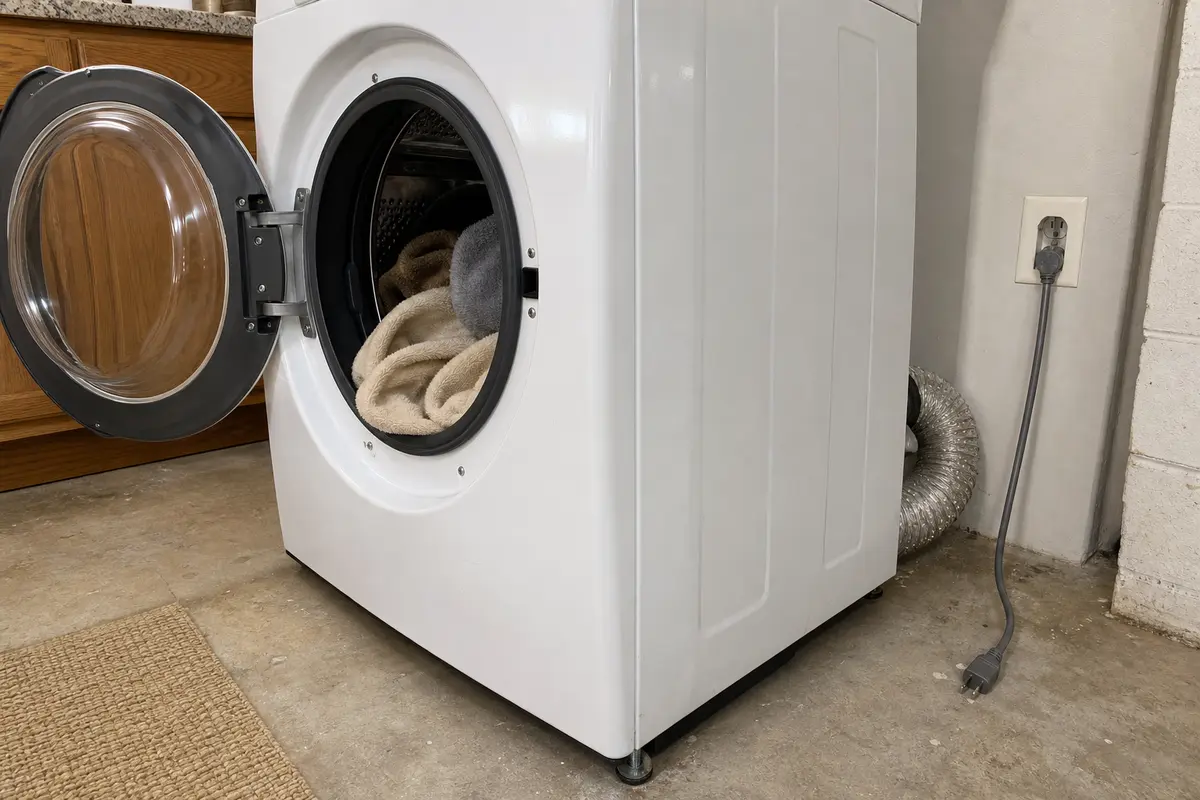
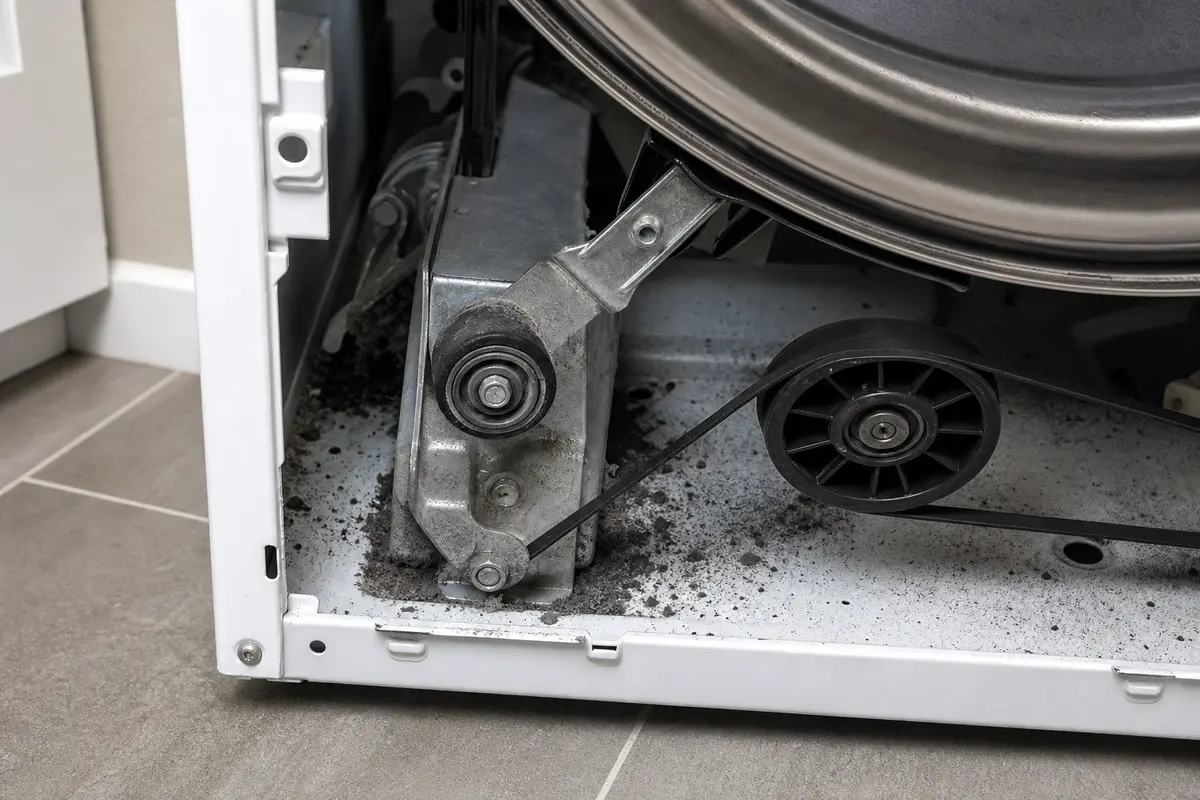
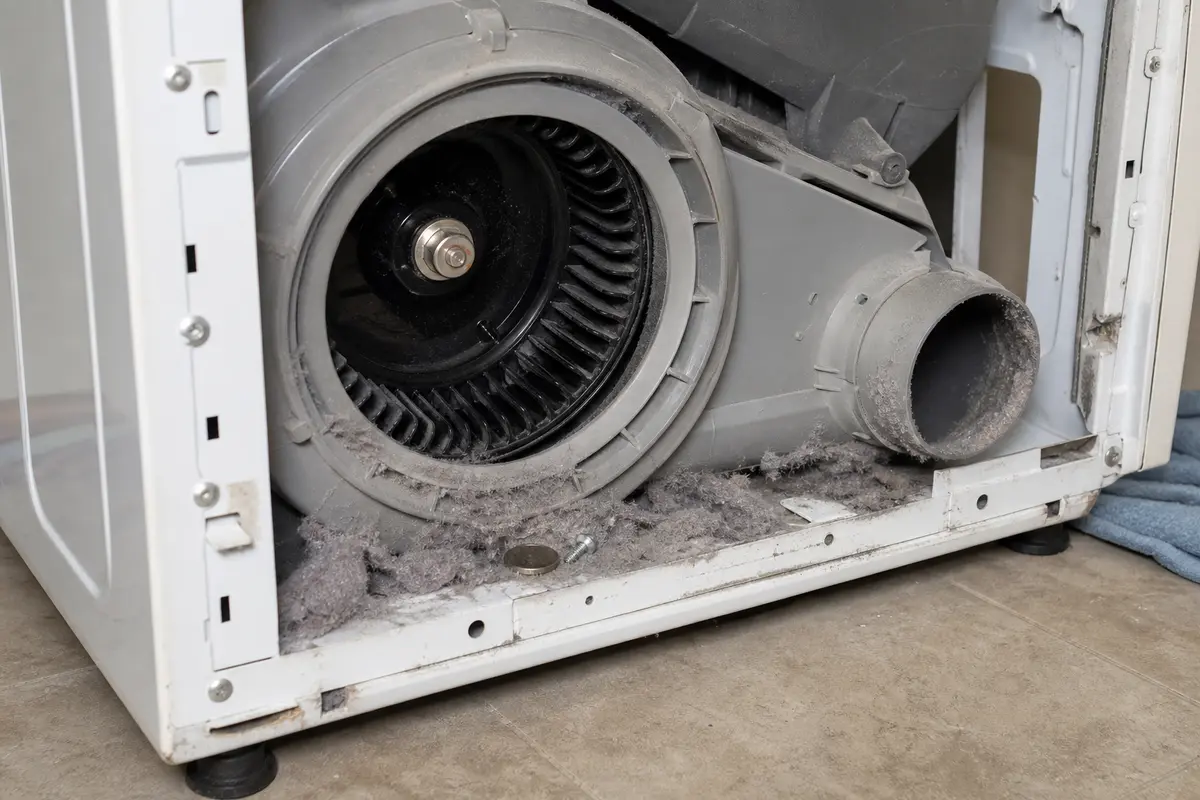
Before ordering rollers, an idler pulley, belt, blower wheel, or motor, copy the exact LG model number from the door frame or cabinet tag. Listen empty and with a small towel load, then buy only when the sound and inspection clue point to one part.
A loud LG dryer is usually giving you a rhythm clue. Match that clue before the cabinet comes apart.
The wrong first move is usually expensive or unsafe. Keep the first pass simple, observable, and reversible.
Use this split before you remove screws. It keeps load noise, drum-support noise, and blower noise from getting mixed together.
| What you hear | Likely area | Next safe move |
|---|---|---|
| Bang or shake mainly with a bulky load. | Load balance, loose item, cabinet rock, or leveling feet. | Run a light towel load, remove hard items, and level the feet. |
| Thump or rumble once per drum turn. | Drum support rollers or drum support path. | Unplug the dryer, turn the drum by hand, then inspect rollers if the feel is lumpy. |
| Squeal or chirp at startup. | Idler pulley, rollers, or belt path. | Inspect for a gritty idler, rough rollers, and belt edge wear. |
| Fast rattle, flutter, or roar from the lower front or rear. | Blower wheel, blower housing, vent outlet, or debris. | Unplug the dryer and inspect the blower area for lint, loose debris, cracks, or rubbing. |
| Scrape, grind, drag, hot smell, or metal dust. | Rubbing drum, failed support part, damaged belt path, or motor issue. | Leave it off until the rubbing part is found. |
These checks cost almost nothing and often separate a real failed part from load slap or a rocking cabinet.
Open the dryer only after the outside checks fail. Once you are inside, look for the part that matches the sound instead of replacing everything in reach.
Use tools to prove the next clue, not to open more dryer than you can safely put back together.
Paid links. As an Amazon Associate I earn from qualifying purchases. Repair Riot may earn a commission at no extra cost to you.
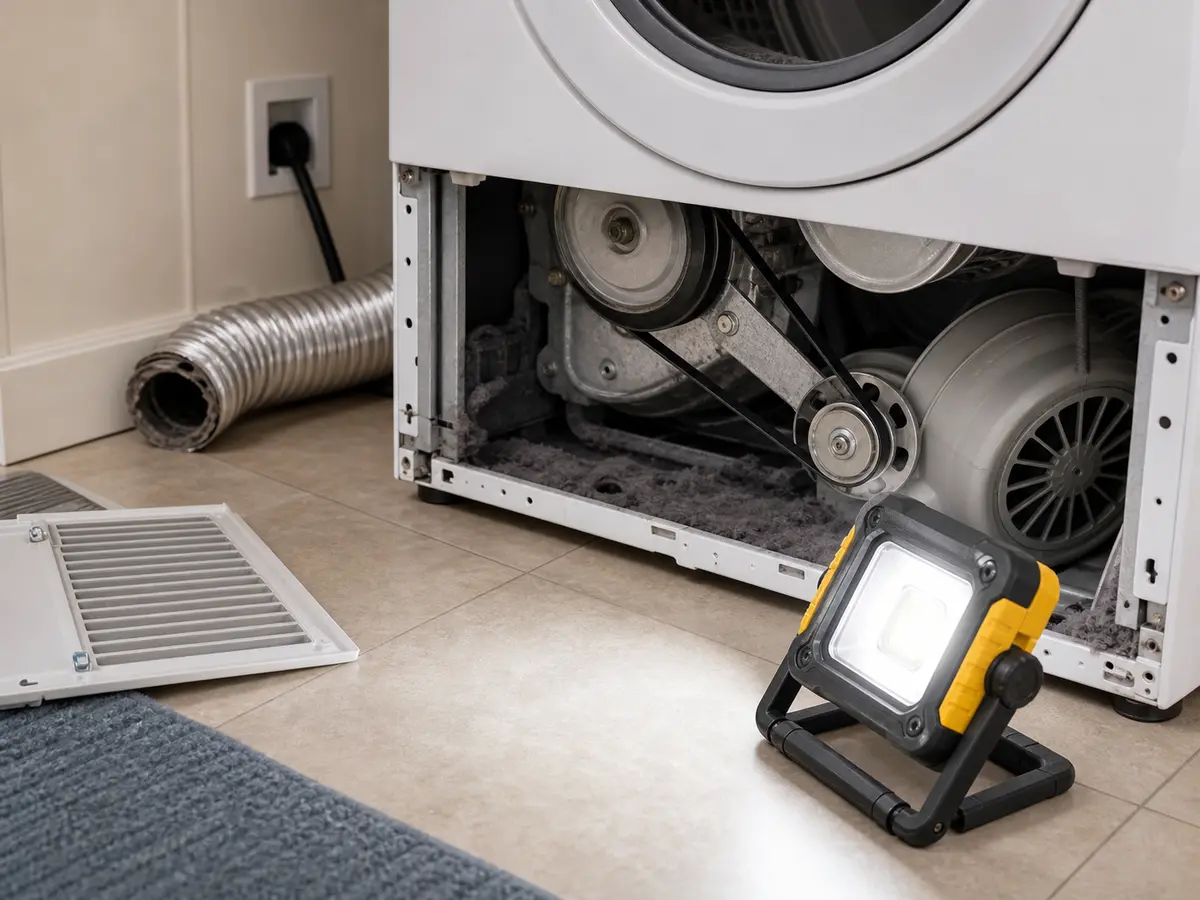
Helps when: Lights the unplugged dryer cabinet so roller wear dust, belt edge damage, blower debris, and small cracks are visible without reaching blind.
Skip it when: The outside checks solve the noise and you never open the dryer cabinet.
Compare work lights on Amazon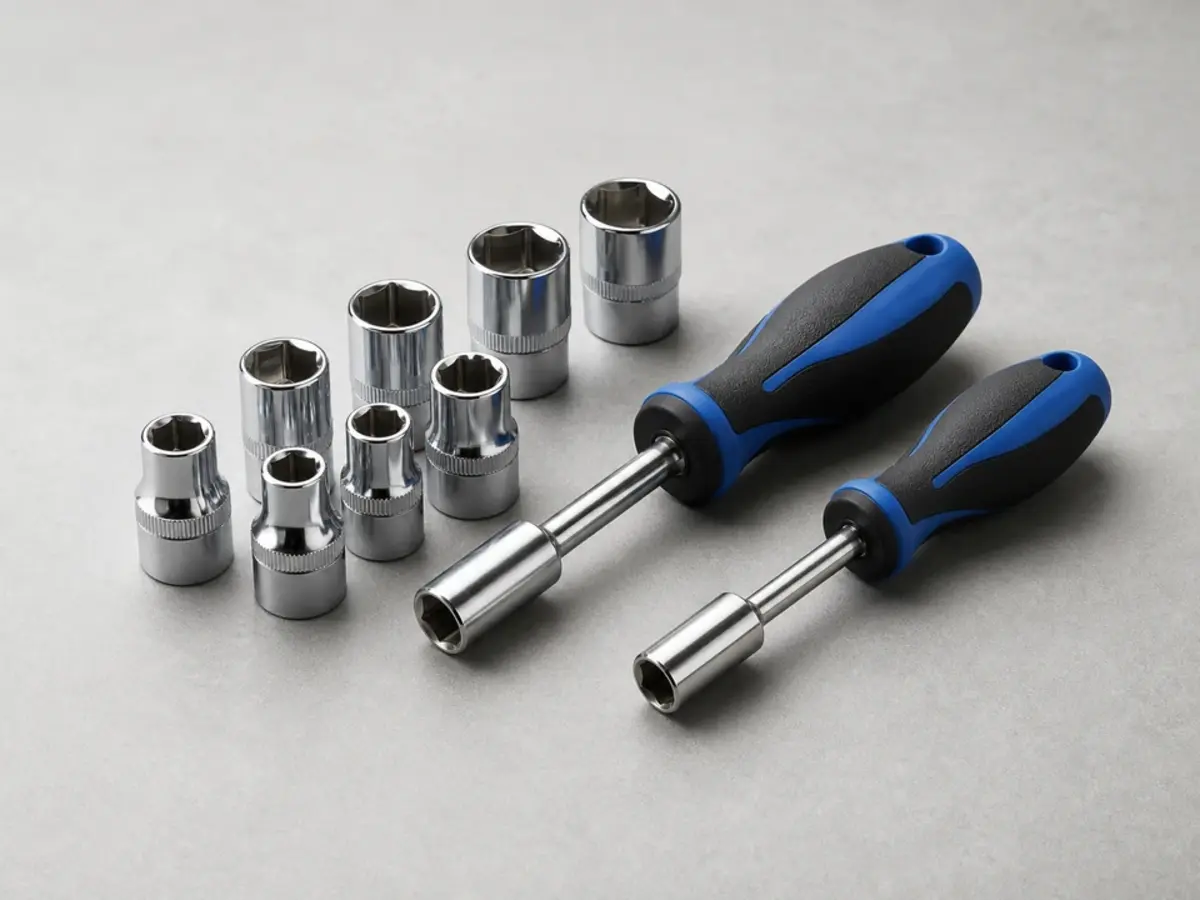
Helps when: Removes common hex-head dryer access screws, lint housing screws, and small brackets after the dryer is unplugged.
Skip it when: The panel style on your model uses standard screws and you already have the correct driver.
Compare nut driver sets on Amazon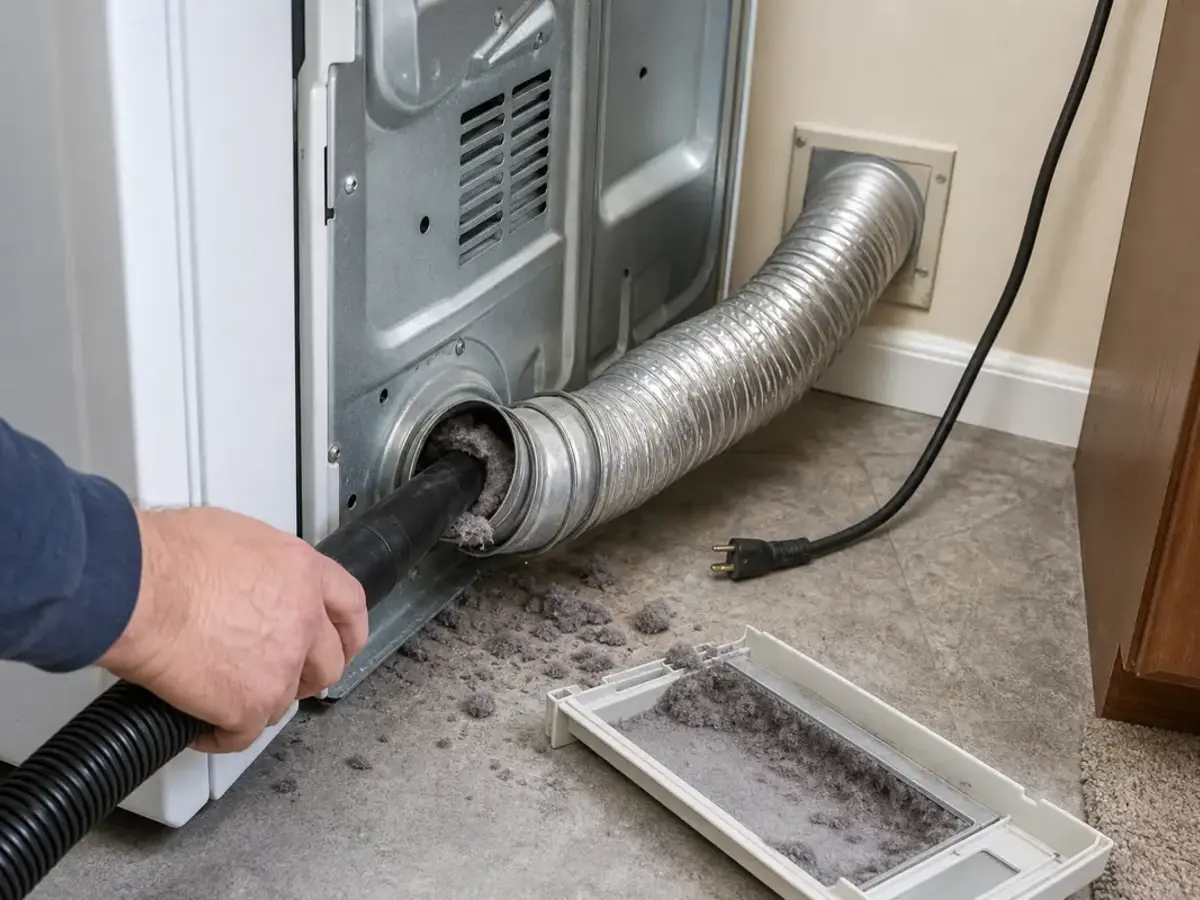
Helps when: Clears loose lint and wear dust so you can see roller shafts, the blower housing, and the vent outlet clearly.
Skip it when: Lint is packed deep in a long wall duct, behind a sealed panel, or anywhere you cannot reach without disturbing the dryer connection.
Compare crevice tools on Amazon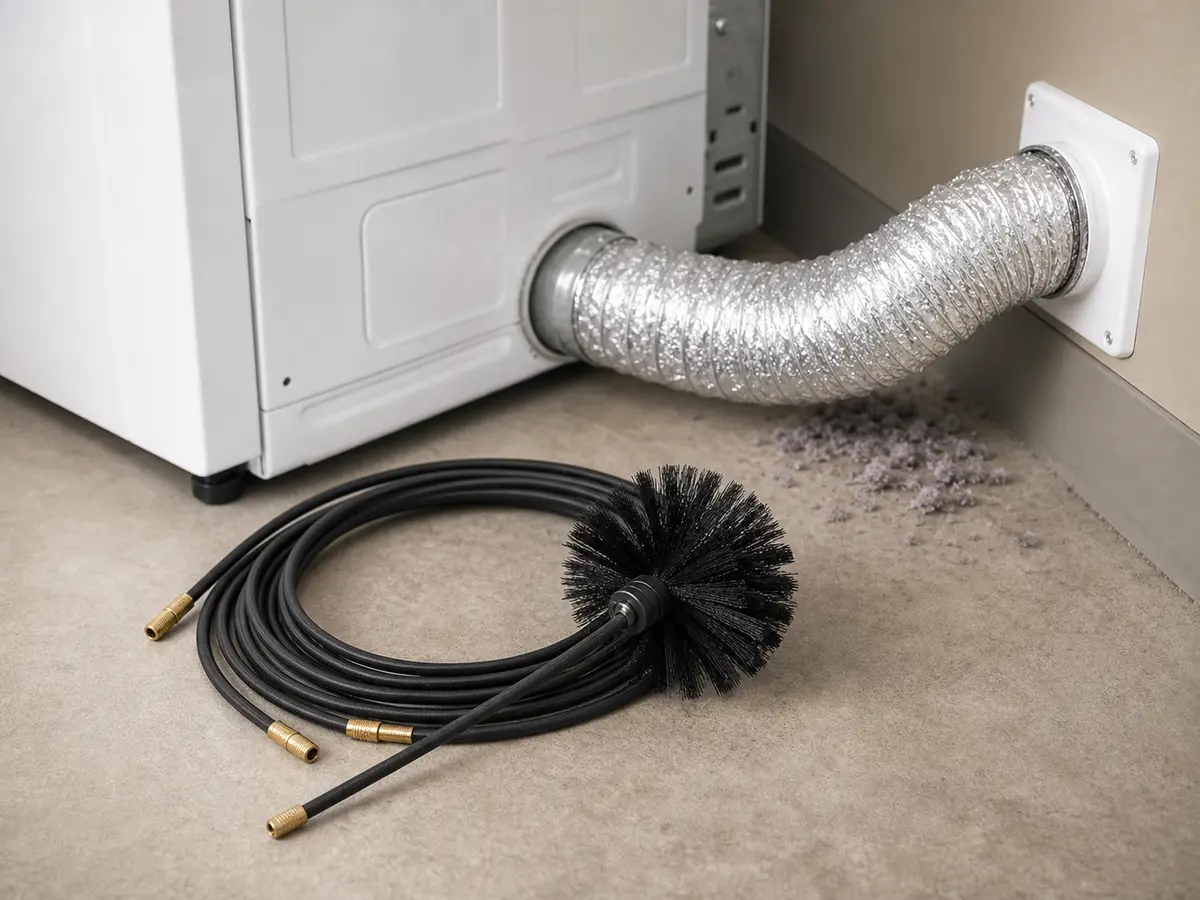
Helps when: Clears reachable lint from the short hose, wall collar, or outside hood when blower noise and weak airflow show up together.
Skip it when: The vent route is long, runs to a roof, has many turns, or the brush could get stuck.
Compare dryer vent brush kits on AmazonMatch the full LG model number before ordering. Buy the part that matches the sound and the inspection clue, not the part that appears first in a search result.
Paid links. As an Amazon Associate I earn from qualifying purchases. Repair Riot may earn a commission at no extra cost to you.
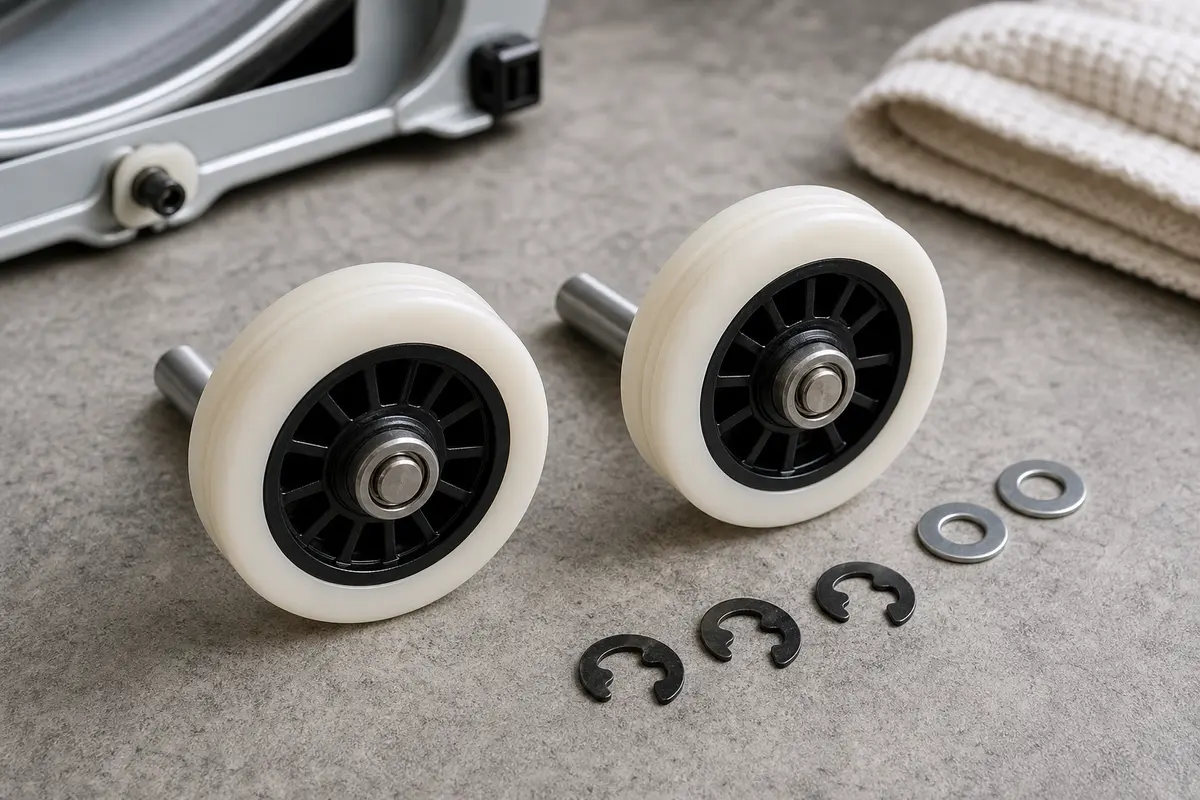
Helps when: The dryer has a repeating thump or rumble and one or more rollers are flat-spotted, cracked, wobbly, or rough by hand.
Skip it when: Noise disappears with a light load, the cabinet was out of level, or all rollers spin smoothly and quietly.
Compare dryer roller kits on Amazon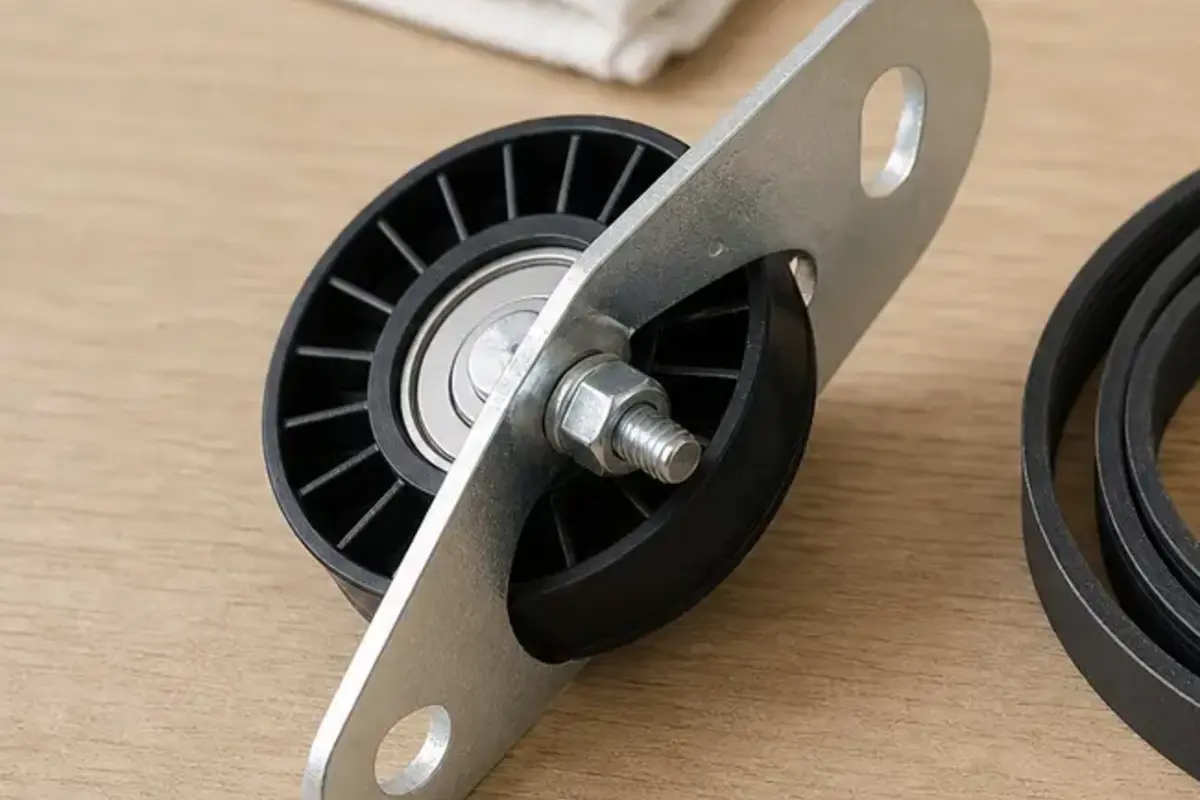
Helps when: A startup squeal or chirp leads back to an idler pulley that feels gritty, loose, wobbly, or visibly grooved.
Skip it when: The squeal is gone after leveling and the pulley spins smoothly with no belt wear.
Compare dryer idler pulleys on Amazon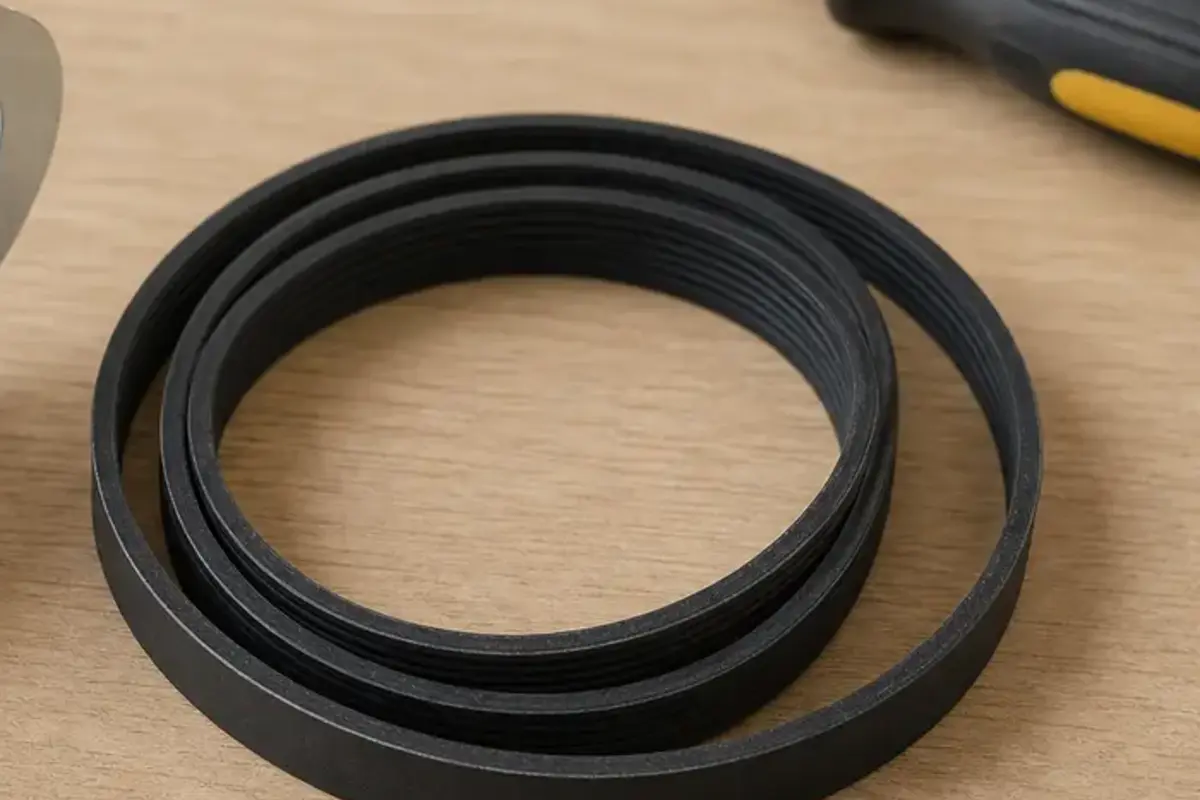
Helps when: The belt is frayed, cracked, glazed, stretched, or edge-worn while you already have the dryer apart.
Skip it when: The belt is flexible, clean-edged, and the noise clearly comes from a roller, idler pulley, or blower wheel.
Compare dryer belts on Amazon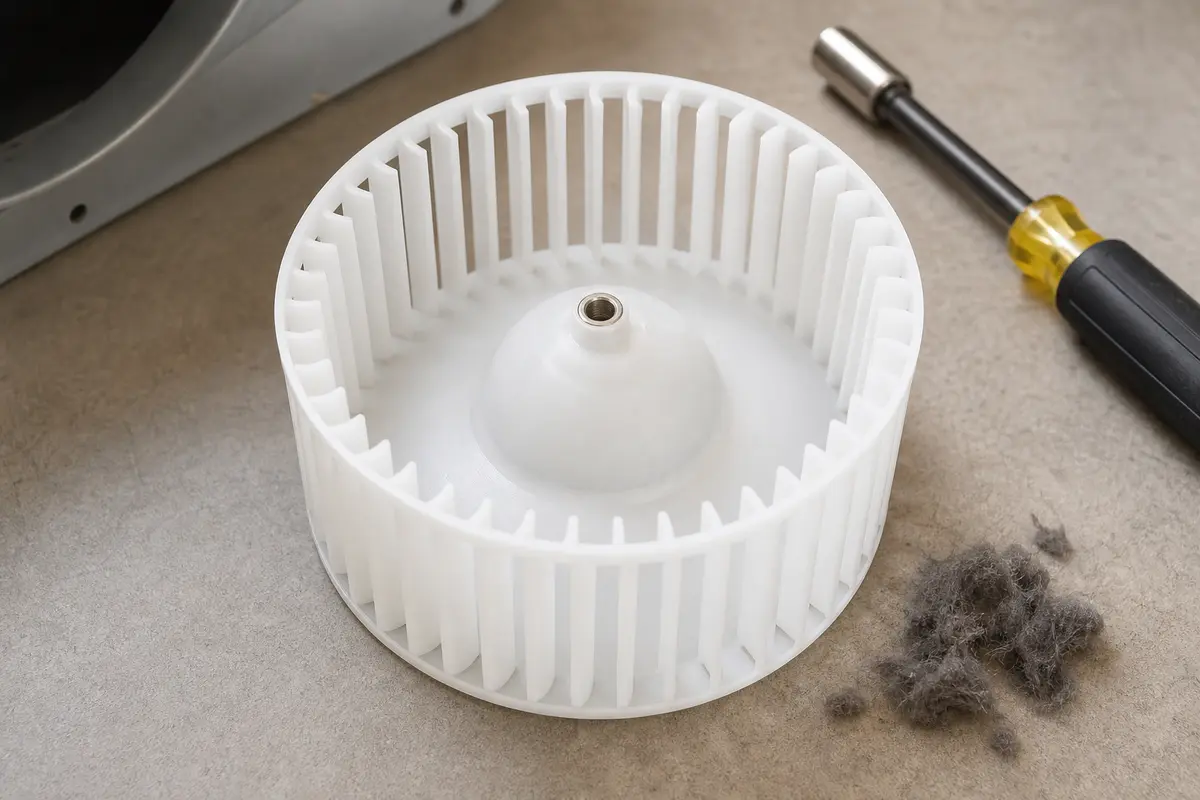
Helps when: A fast rattle or roar comes from the blower area and the wheel is cracked, loose on the shaft, or rubbing the housing.
Skip it when: You only found loose lint or a small object and the sound disappears after cleaning the housing.
Compare dryer blower wheels on AmazonA sudden loud noise usually means something mechanical changed fast. The load may have shifted, the cabinet may be out of level, or a roller, idler pulley, or blower wheel may have changed. Electronics are not the first place to spend money for a noise complaint.
Bad dryer drum support rollers usually make a repeating thump, rumble, or low growl that follows drum rotation. Run a short empty listen, unplug the dryer, then turn the drum by hand. If the noise stays empty and the drum feels lumpy, inspect the rollers for flat spots, wobble, cracked rubber, or dark dust before buying a kit.
A bad dryer idler pulley often squeals, chirps, or makes a sharp rubbing sound right as the drum starts moving. Unplug the dryer before opening the cabinet. A pulley that feels gritty, wobbles on its shaft, squeals by hand, or has a glazed belt groove is a supported replacement clue.
A clogged or crushed vent can add heat, strain, and odd airflow sounds, but it usually does not cause a once-per-turn thump by itself. Still, inspect the hose and outside exhaust because poor airflow can make blower noise and overheating worse.
Do not keep using it if the noise is getting worse, the drum scrapes, the cabinet smells hot, or the drum is hard to turn. A worn roller, idler pulley, belt, or blower wheel can damage nearby parts if it keeps running.
Replace the belt if it is frayed, cracked, glazed, stretched, or edge-worn while the dryer is apart. Skip it if the belt looks healthy and the noise is clearly from a roller, idler pulley, or blower wheel.
Blower wheel noise is usually quicker than drum rotation and often comes from the lower front or rear blower area. Listen low during a short run, then unplug the dryer and check the blower area for lint, debris, cracks, or rubbing. Roller noise follows the slower drum rhythm and often shows up as a once-per-turn thump, rumble, or lumpy hand-turn feel.
Yes. Heavy towels, shoes, or a mixed load can slap the drum and rock the cabinet. Listen empty for 30 to 60 seconds, then level the feet and try a small damp towel load. If the noise drops sharply, stay with load balance and leveling.
Call for service if there is any gas smell or burning insulation odor, if you see scorched wiring, or if you find metal dust from hard scraping. Service also makes sense when you cannot move a gas dryer safely or the motor is noisy after the drum and blower spin freely.
Repair Riot built this page around LG model-number lookup, dryer safety warnings, and symptom-first appliance diagnosis. Listen to the noise first. Check empty and light-load runs, unplug before cabinet access, and buy parts only after a visible clue points to one area.