Is the unit completely dead?
Check the breaker, nearby service switch, plug or disconnect, and wall control mode. If power is restored and the unit runs, this was not a parts failure.
Start by checking whether the HRV / ERV is dead or has power but weak airflow. Then check the breaker, service switch, plug, wall control, filters, outdoor hoods, frost, and accessible core area before assuming a fan motor or board failed.
If the display or fan is dead, prove power and the run command first. If the unit responds but air is weak, check filters, hoods, the accessible core area, and cold-weather frost before suspecting a fan motor or board.
Use the checks below to decide whether this is routine maintenance, a cold-weather restriction, a wall-control issue, or a service call for internal testing.
Don’t start with: Do not buy fan motors, boards, or wall controls from the no-airflow symptom alone. First confirm power, clear filters and hoods, a seated core, and one specific test clue.
Check the breaker, nearby service switch, plug or disconnect, and wall control mode. If power is restored and the unit runs, this was not a parts failure.
Treat it as an airflow restriction first. Inspect filters, outdoor intake and exhaust hoods, and the accessible core area before pricing fan parts.
Look for iced outdoor hoods, frost in the accessible core area, or a blocked condensate path if your unit drains water.
After filters and hoods are clear, those sounds point toward internal fan, wiring, or control diagnosis by service. Leave the unit off if it hums, smells hot, or clicks repeatedly.
Leave the HRV / ERV off. Repeated trips are an electrical fault, not a filter-cleaning problem.
Stop homeowner checks and call service. The next step is safe isolation and internal inspection.
Compare power behavior, airflow, filter condition, core condition, and outdoor hood blockage before guessing at motors.
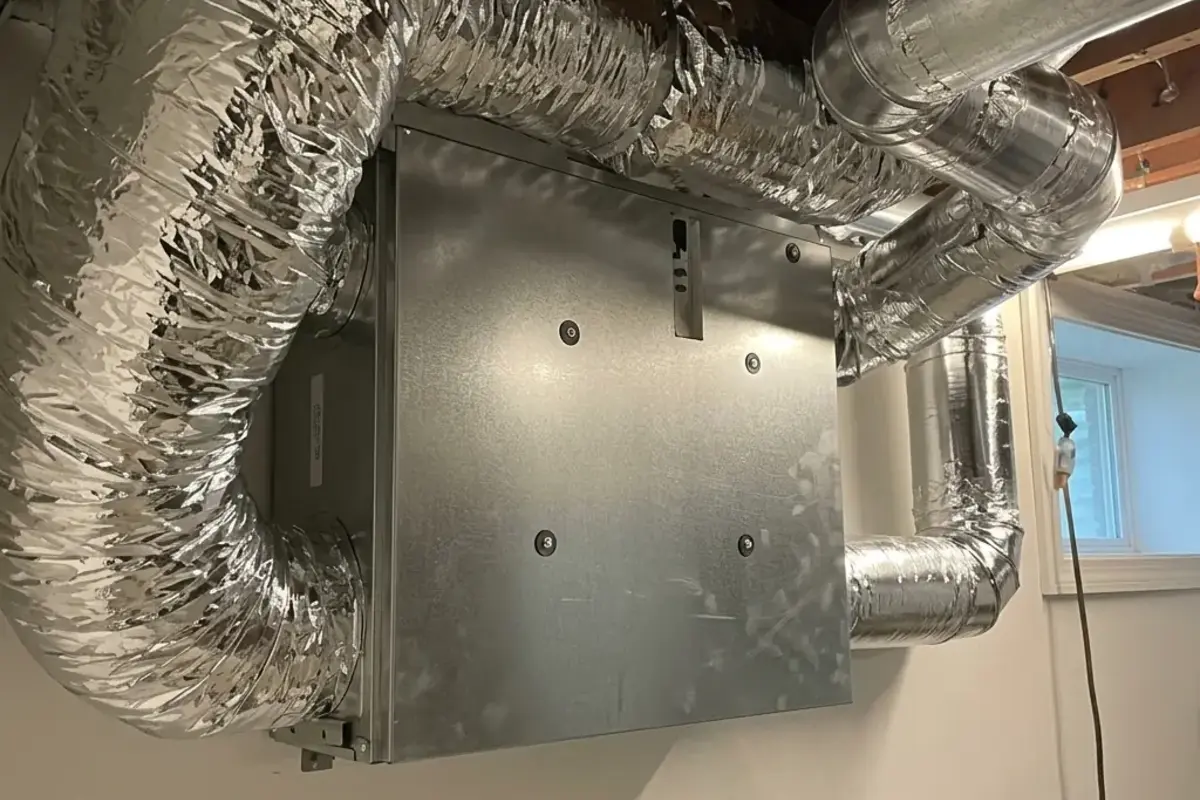

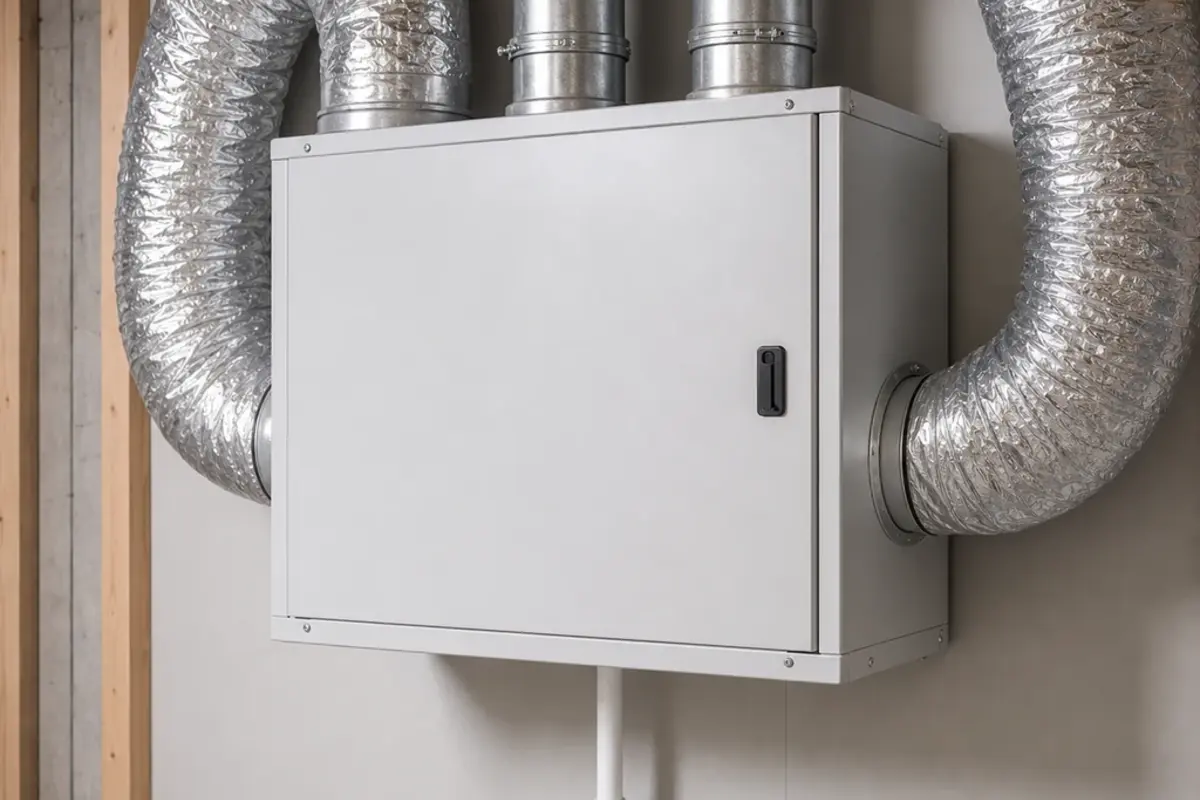
Buy a filter only after you match the exact model, size, and part number. Leave motors, controls, boards, and defrost parts for confirmed diagnosis.
Most HRV / ERV failures show one of three patterns: no power, weak airflow, or cold-weather/core trouble.
Rule out maintenance and control causes without creating an electrical or airflow problem.
Use this map after the unit is off and routine access is safe. The best clue is what the unit does when commanded to run.
| What you see | Likely meaning | Next move |
|---|---|---|
| No lights, no fan, no response | Power or wall-control check | Check breaker, service switch, plug, disconnect, access door, and a clear run command. |
| Display responds but airflow is weak | Restriction or one-side airflow issue | Inspect filters, outdoor hoods, grilles, and the accessible core area. |
| Stopped after freezing weather | Frost, iced hood, drain, or defrost issue | Let ice thaw naturally, clear safe visible hood blockage, and note whether it repeats. |
| One fan runs or the unit hums/clicks | Internal fan, capacitor, wiring, or control fault | Stop after visible restrictions are clear and schedule service. |
| Breaker trips again or wiring smells hot | Electrical fault | Leave the unit off and call service. |
A dead HRV / ERV should be treated like a power and command problem before the cabinet is treated like a failed machine.
Airflow restrictions are the most common safe-to-check causes of weak ventilation and cold-weather shutdowns.

Once power, filters, hoods, and the accessible core are checked, listen to the fans. The sound tells you when to stop.
Buy a filter only when the old one is torn, collapsed, or airflow improves after it is removed. Motors, boards, and controls need confirmed service diagnosis.
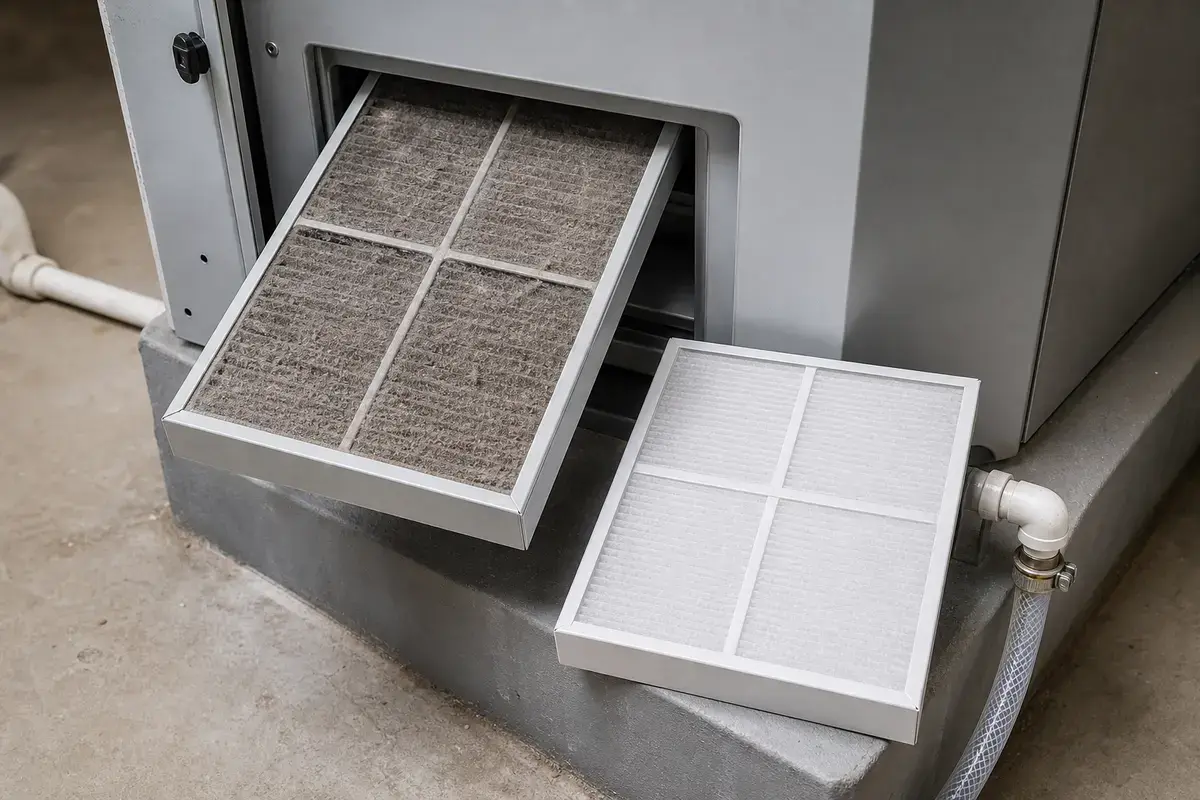
Helps when: The existing filter is torn, collapsed, will not come clean, or airflow returns after removing a visibly loaded filter.
Skip it when: The unit is dead, the breaker trips, the wall control does not respond, or one fan still will not run after the airflow path is clear.
Compare HRV / ERV replacement filters on AmazonAs an Amazon Associate I earn from qualifying purchases. Repair Riot may earn a commission at no extra cost to you.
These are for routine visual checks and loose-dust cleanup only. Stop before electrical compartments, hardwired connections, frozen cores, or unsafe outdoor hood access.
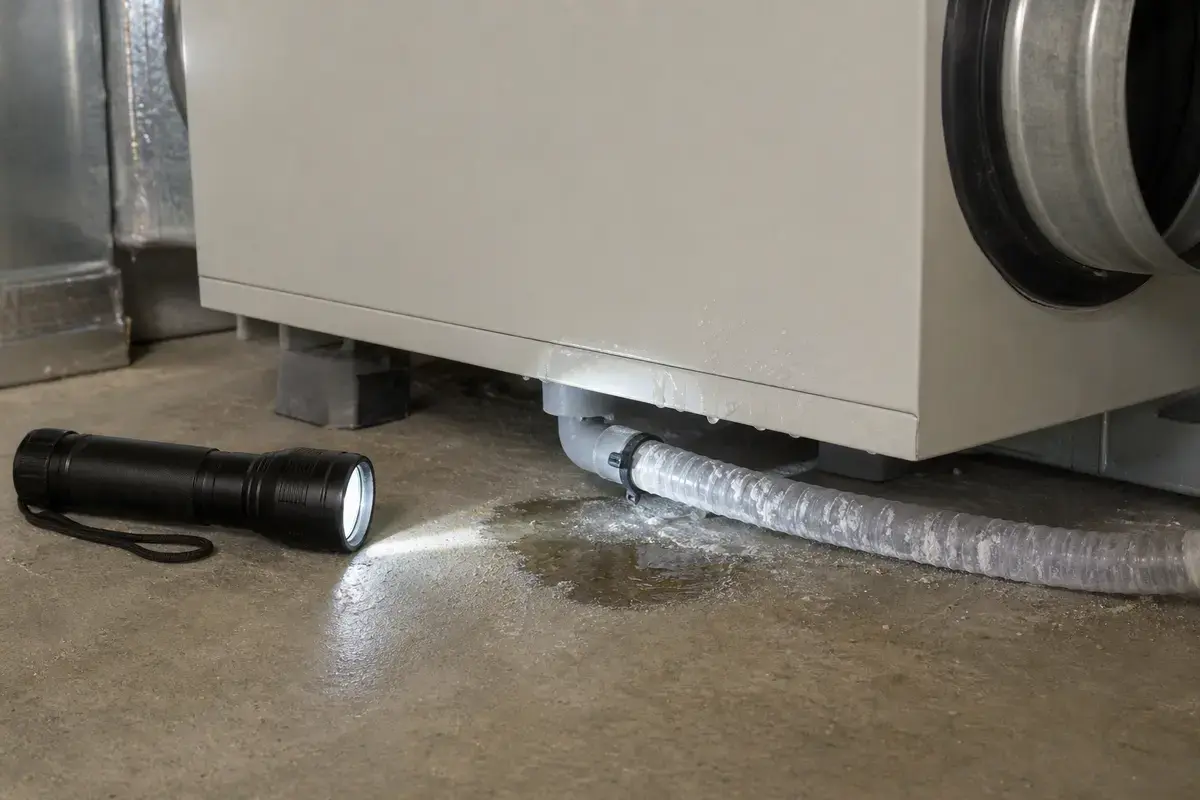
Helps when: You are checking the lower cabinet, filter tracks, core access area, drain area, and outdoor hood openings without reaching into hidden spaces.
Skip it when: The unit is wet near wiring, smells hot, or requires opening a line-voltage compartment.
Compare inspection flashlights on Amazon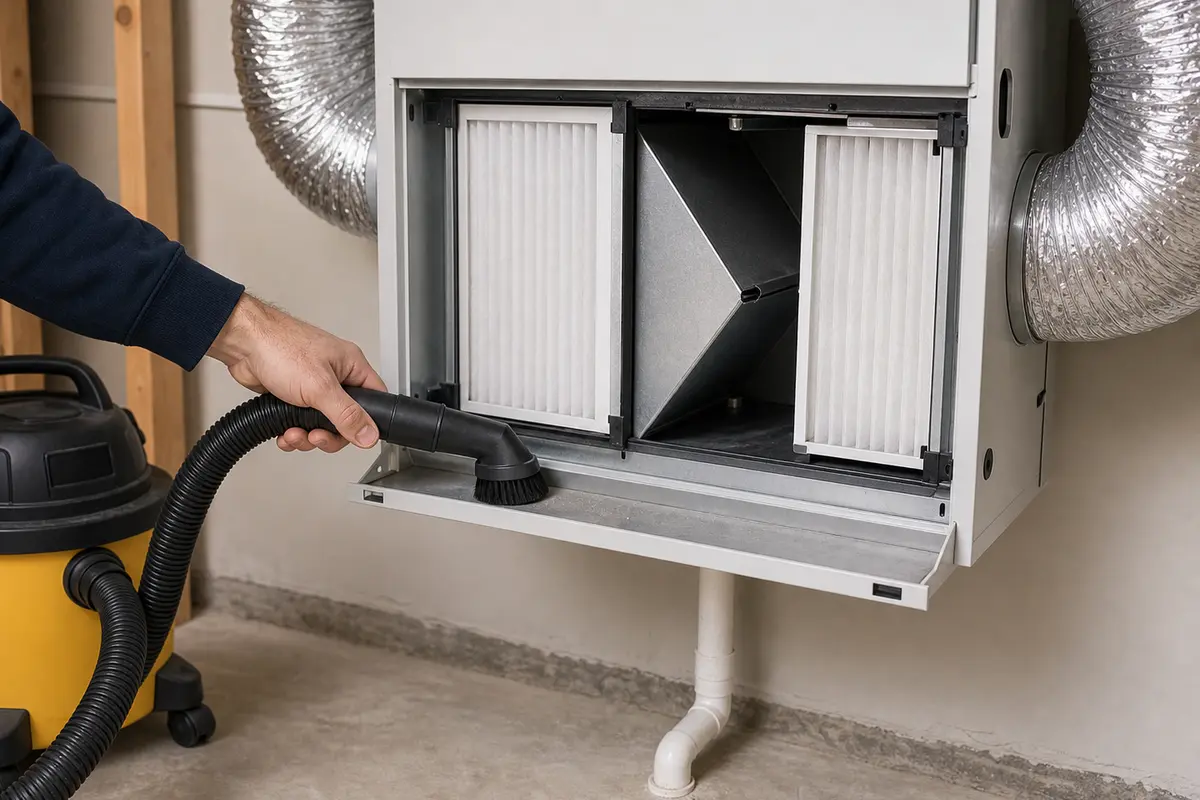
Helps when: Removing loose dust from reusable filters and routine access areas without damaging media.
Skip it when: The filter is wet, torn, collapsing, or the unit instructions forbid vacuum cleaning.
Compare soft brush vacuum attachments on AmazonAs an Amazon Associate I earn from qualifying purchases. Repair Riot may earn a commission at no extra cost to you.
The most common reasons are a tripped breaker, switched-off service disconnect, loose plug, open access door, or wall control set to off or standby. If power is confirmed and the unit is still dead, the problem is likely internal.
Yes. Loaded HRV / ERV filters can cut airflow enough that the system feels ineffective. Some units also reduce operation when airflow is badly restricted, especially in cold weather.
Not first. Weak or missing airflow is often caused by dirty filters, blocked outdoor hoods, frost, closed dampers, or a dirty core area. A fan motor becomes more likely only after those checks are clear.
Check for snow or ice at the outdoor hoods and inspect the accessible core area for frost or internal ice. Repeated freeze-ups can point to airflow restriction, drainage trouble, or a defrost issue.
Only if the core is user-serviceable and your unit's routine maintenance instructions allow removal and cleaning. Some ERV media and coated cores can be damaged by water, soap, or rough handling.
That can be a wall-control setting, timer, humidity-control behavior, speed-control fault, or internal fan issue. Confirm the mode settings and airflow restrictions first, then call service if the pattern remains.
Yes. Intake or exhaust hood blockage can starve one side of the system, create frost, and make the unit noisy or weak. Clear only visible blockage from safe ground-level access.
Call if the breaker trips again, power is present but one or both fans will not run, or the unit hums or smells hot. Also call if water is near electrical parts or frost returns after filters and hoods are clear.
Repair Riot built this page around homeowner-visible HRV and ERV clues: power response, wall-control mode, filter loading, outdoor hood blockage, accessible core condition, frost, water near electrical areas, and fan behavior. The source links support ventilation and HVAC maintenance context; the repair sequence is original guidance.