Is the filter gray, packed, or hard to see through?
Unplug the unit, clean and fully dry the filter, clear the intake grille, then run a 20 to 30 minute trial.
A Honeywell dehumidifier EH code usually means the humidity reading is out of range or not believable. Start with the clean-air path, room temperature, frost, and moisture around the sensor before you price electronics.
A packed filter, blocked intake, cold room, iced coil, wet sensor area, or loose sensor connection fits EH better than a pump or control-board guess.
The useful split is simple: dirty or icy airflow path, bad room conditions, or a sensor reading that still looks wrong after those checks.
Don’t start with: Do not keep resetting the unit or order a board from the code alone. EH is a reading clue; prove airflow and room conditions first.
Unplug the unit, clean and fully dry the filter, clear the intake grille, then run a 20 to 30 minute trial.
Thaw the unit completely and retest in warmer conditions. EH that clears after thawing points to icing or room conditions.
Compare after the filter is clean and the room has settled. A wildly wrong or stuck display points toward the humidity sensor area.
Inspect bucket seating, float movement, and the switch contact point before buying a sensor.
The easy checks are done. Match the exact model before any sensor or switch part, or stop for service if access is not clean.
Use the visible condition first. A packed filter, cold damp room, or wet sensor area can all make a Honeywell dehumidifier show EH before any major part has failed.
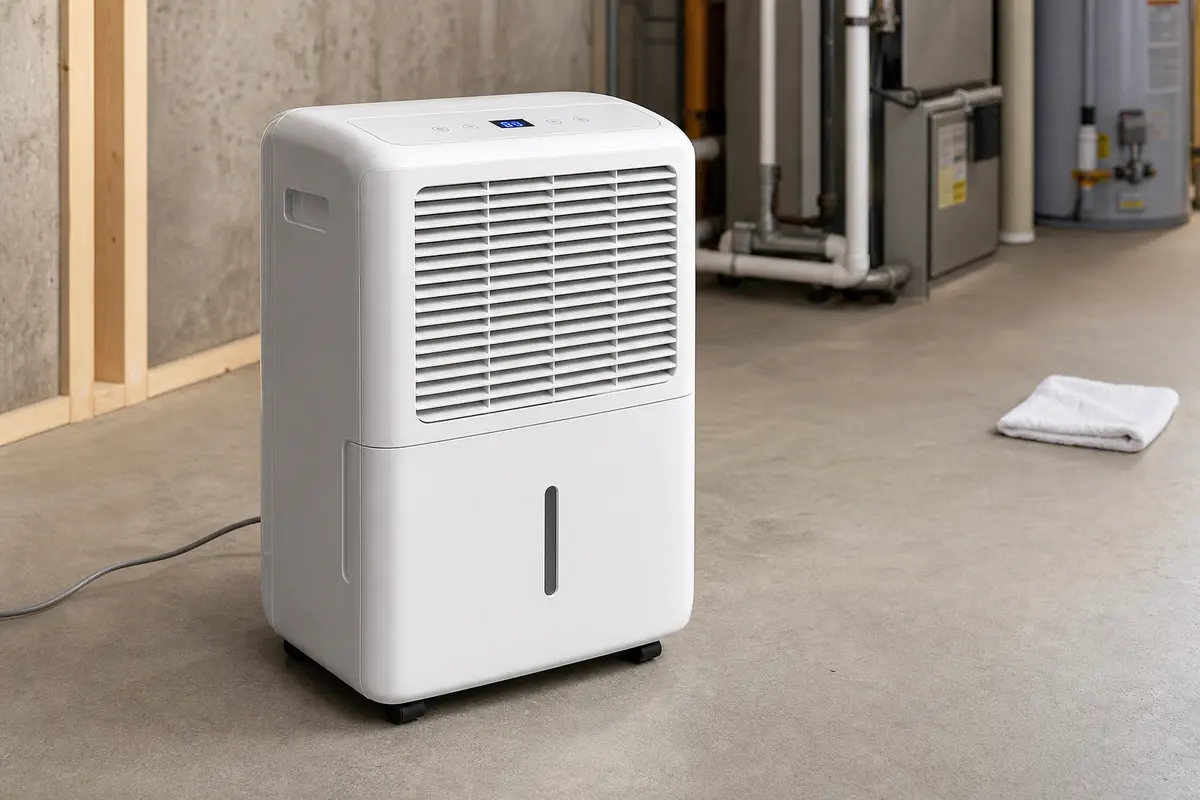
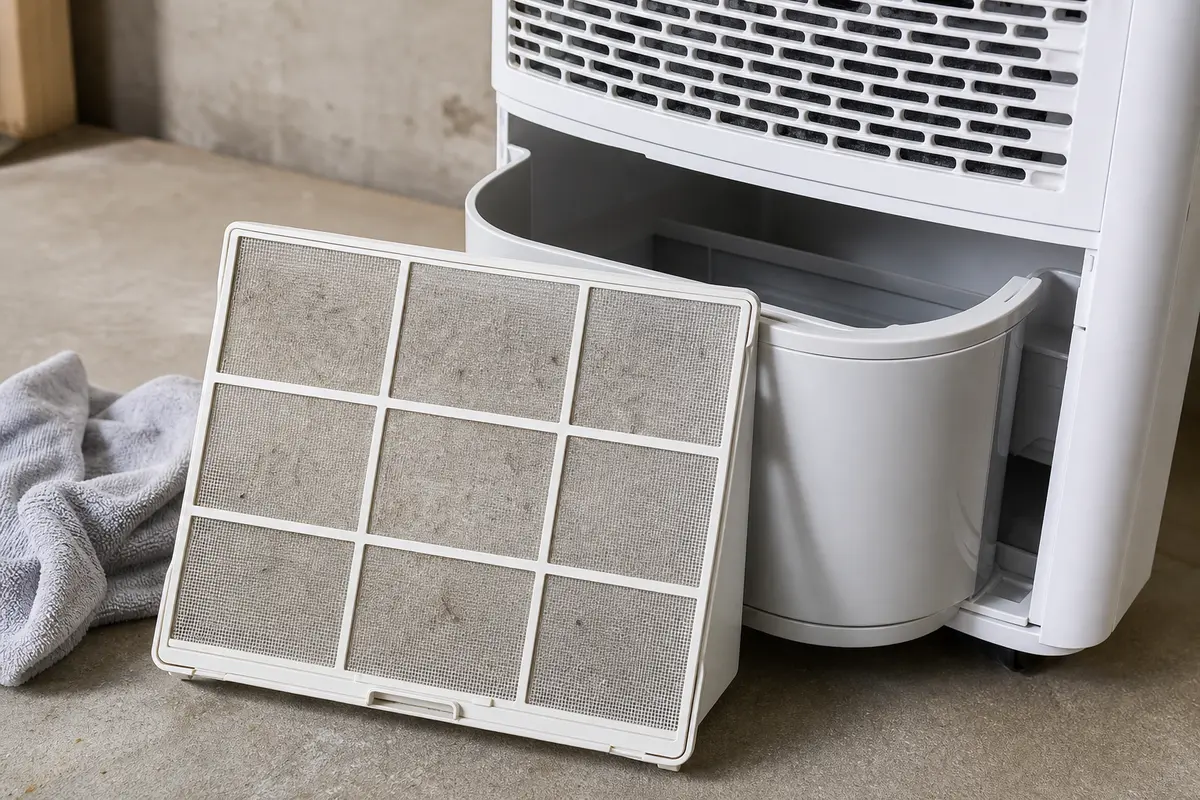
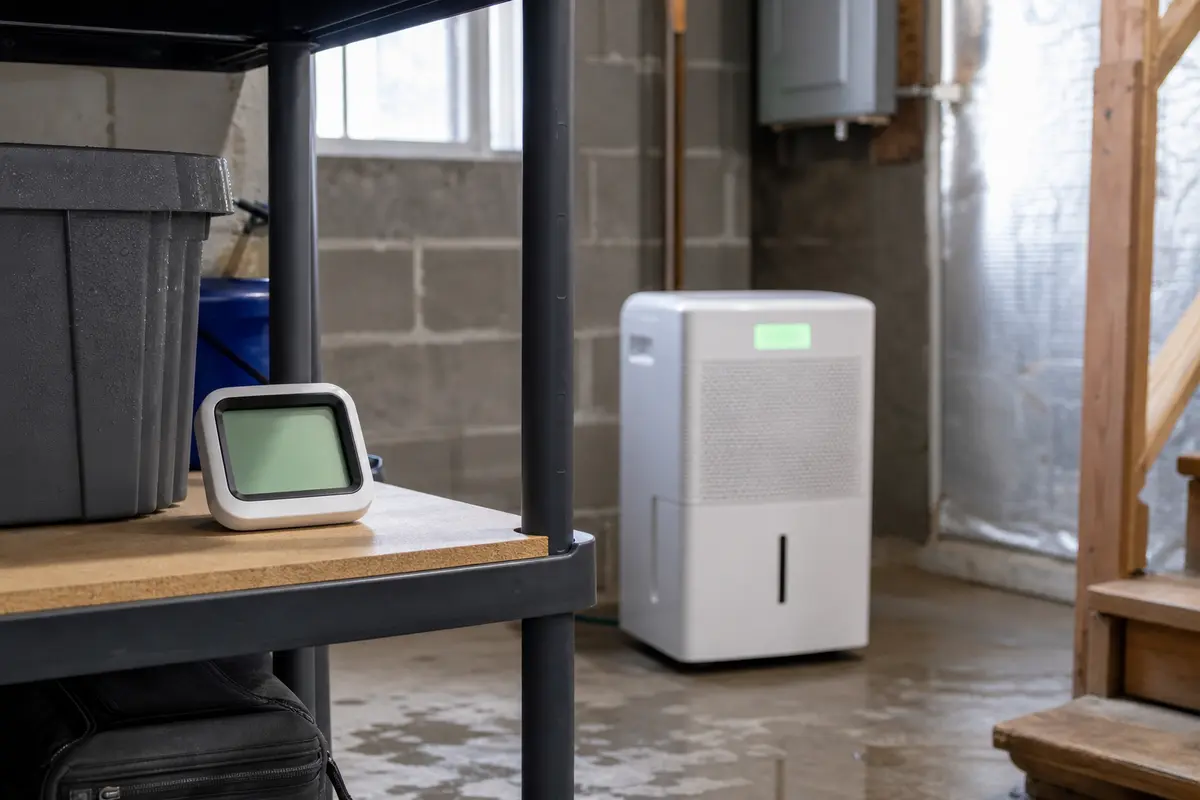
Copy the full model number from the rating tag before ordering a Honeywell dehumidifier part. EH by itself is not a parts diagnosis. Buy a filter only when the old one is damaged or will not clean up, and buy a sensor or bucket switch only after the airflow, frost, room, and bucket clues point there.
EH is a humidity-reading clue, not a clean part number. The first pass should separate bad air movement, cold-room icing, and a sensor reading that is still wrong after the easy causes are gone.
A packed filter is the best first fix because it is easy to see, easy to correct, and directly affects the air the humidity sensor samples.
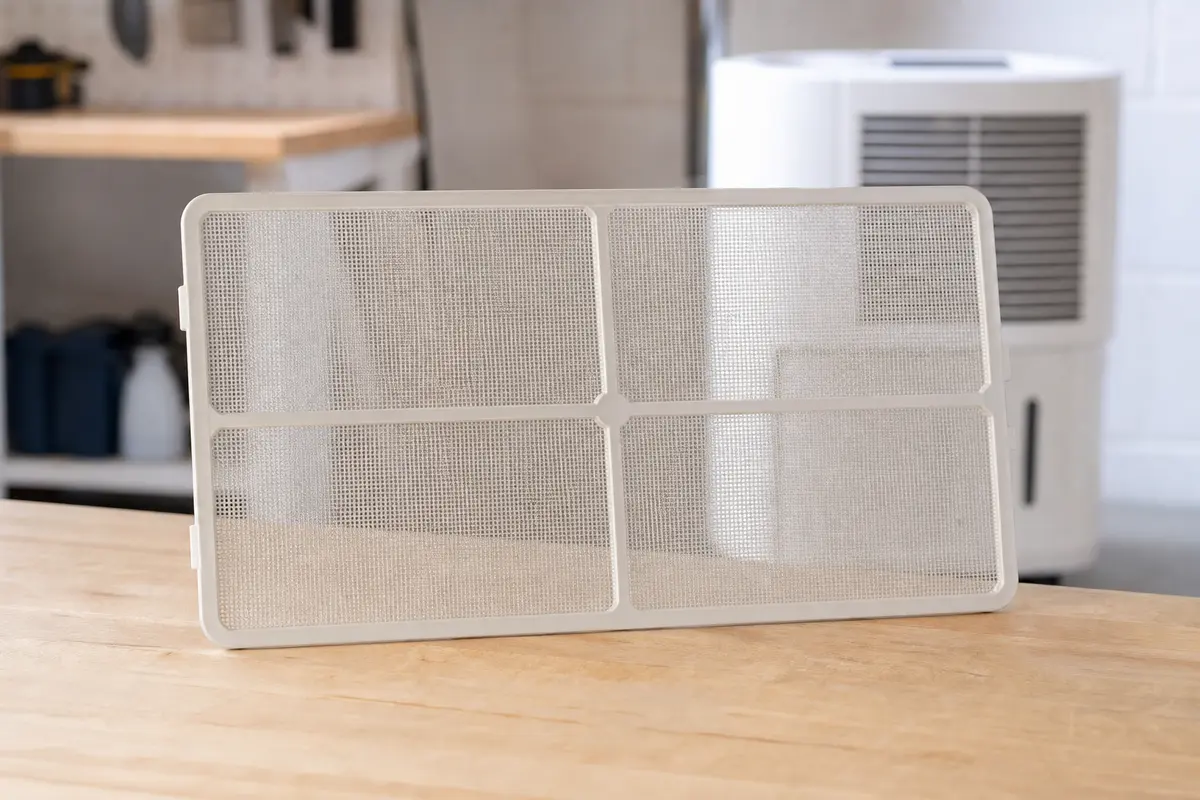
A cool basement can make a portable dehumidifier act broken. If the coil ices over, the air crossing the sensor is no longer normal room air.
Once airflow and frost are handled, the useful clues are small: moisture around the humidity sensor, lint in the intake path, a loose visible connector, or a bucket that does not press its switch cleanly.
Use the result of each check to decide whether you have a maintenance fix, a room-condition problem, a small-part clue, or a clean stop before deeper diagnosis.
| What you find | What it usually means | Next move |
|---|---|---|
| EH clears after the filter and grille are cleaned | The humidity reading was likely being thrown off by restricted airflow. | Run a normal cycle and clean the filter more often during heavy-use months. |
| Frost is visible or EH clears in a warmer room | The unit was reacting to icing or cold-room conditions. | Keep it in a warmer space, restore airflow, and stop if icing keeps returning. |
| Display is far from a separate room meter | The humidity sensor may be dirty, wet, loose, or failing. | Dry and inspect the sensor area, then match the exact model if replacement is supported. |
| Bucket has to be pressed, lifted, or jiggled | Bucket fit, float travel, or the bucket switch is a better clue than the sensor. | Correct the bucket seating first; consider the switch only if the symptom repeats. |
| EH returns with clean airflow, no frost, and normal bucket fit | The remaining fault is likely internal sensing, wiring, or control diagnosis. | Stop guessing at parts unless you have model-specific service information. |
The bad repair on this code is skipping the evidence and turning the display into a shopping list. EH needs a clean air path and a believable humidity reading before any part makes sense.
These tools support outside-the-cabinet checks. Skip any step that requires probing wiring, opening sealed refrigerant areas, or running the unit while panels are off.
Parts come after the reading makes sense. Match the full model number, connector, mounting shape, and old part position before ordering anything for a Honeywell dehumidifier.
Treat EH as a humidity-reading fault until the checks prove otherwise. Dirty airflow, coil frost, sensor-area moisture, a loose sensor plug, or a failing humidity sensor can all make the reading look wrong.
You can try one reset after unplugging the unit, but do the visible checks next. If the filter is packed, the coil is iced, or the sensor area is damp, the code usually comes back.
Yes. A clogged filter changes the air moving across the coil and sensor area. Clean and dry the filter, clear the grille, then run the unit for 20 to 30 minutes before judging the display.
Cool basement air can make a portable dehumidifier ice up or read humidity poorly. If EH clears after a full thaw and a warmer-room test, the room conditions were probably the lead clue.
Replace the humidity sensor only after the filter is clean, the room is warm enough, the coil is not frosted, and a separate room humidity meter shows the dehumidifier reading is still clearly wrong.
Sometimes indirectly. A bucket that does not seat fully, a sticky float, or a weak bucket switch can make the unit stop and start oddly. Check that fit before buying a sensor.
Unplug the dehumidifier and let it thaw completely. Keep meltwater away from the cord, outlet, display, and wiring area. Retest only after the filter is clean and the room is warmer.
Do not expect a perfect match, but the readings should move in the same direction after the room settles. A wildly wrong or stuck reading after airflow and frost checks points back to the sensor path.
Not at the start. A board only belongs in the conversation after airflow, frost, sensor-area moisture, bucket fit, and model-specific sensor checks are ruled out. For many portable units, that is service territory.
This page keeps EH diagnosis on checks a homeowner can safely see: filter restriction, coil frost, room conditions, sensor-area moisture, bucket fit, and humidity comparison. Use the owner manual for your exact Honeywell model before removing panels or ordering parts.