Is the oven face, vent, or cabinet still warm?
That points to cool-down or trapped heat. Keep the vent clear and wait until the oven is truly cool before calling the fan stuck.
A GE Profile oven fan can run after cooking while the oven sheds heat. Start troubleshooting when the oven is fully cool and the fan still runs, starts from a cold oven, or returns right after a breaker reset.
Most cases sort into normal cool-down, convection or timed-cook settings, blocked vent airflow, a temperature sensor reading hot, or a control relay that keeps the fan command on.
Use the warm-or-cold split first. Then check mode settings, airflow, and baking-temperature clues.
Don’t start with: Do not buy a control board first. Prove the oven is cool, the vent path is clear, and the temperature clues fit before spending money on electronics.
That points to cool-down or trapped heat. Keep the vent clear and wait until the oven is truly cool before calling the fan stuck.
Expect longer fan time after heavy heat. It becomes suspicious only when the oven is cool and idle but the fan keeps running.
Press Cancel or Clear, remove active modes, and reset power once. A leftover mode can sound like a failed fan.
That points away from normal cool-down. Compare baking-temperature clues against control-board warning signs before buying parts.
The oven temperature sensor becomes a better suspect when the fan complaint travels with real temperature trouble.
Stop parts guessing. A stuck relay, damaged harness, or control-side fault needs service-level diagnosis.
The useful clues are visible before the oven comes apart: whether the cabinet is still warm, whether airflow is blocked, and whether the fan acts the same from a cold start.
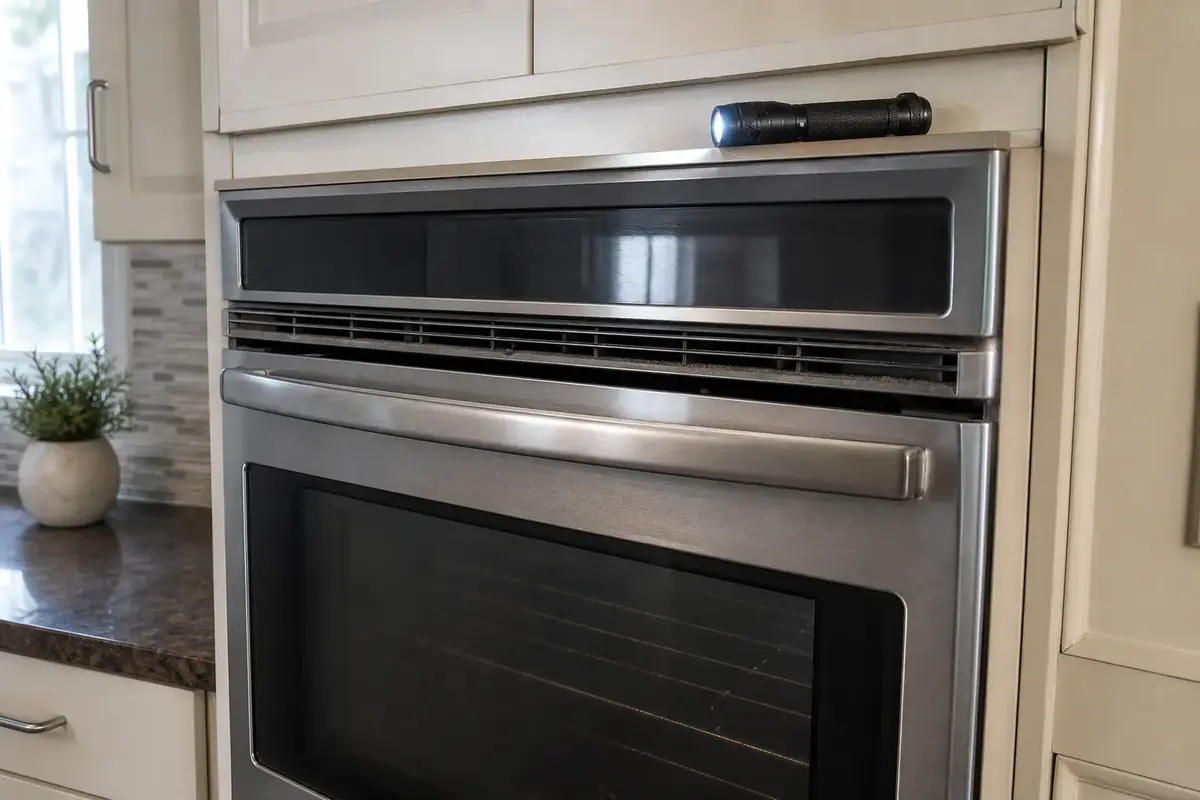
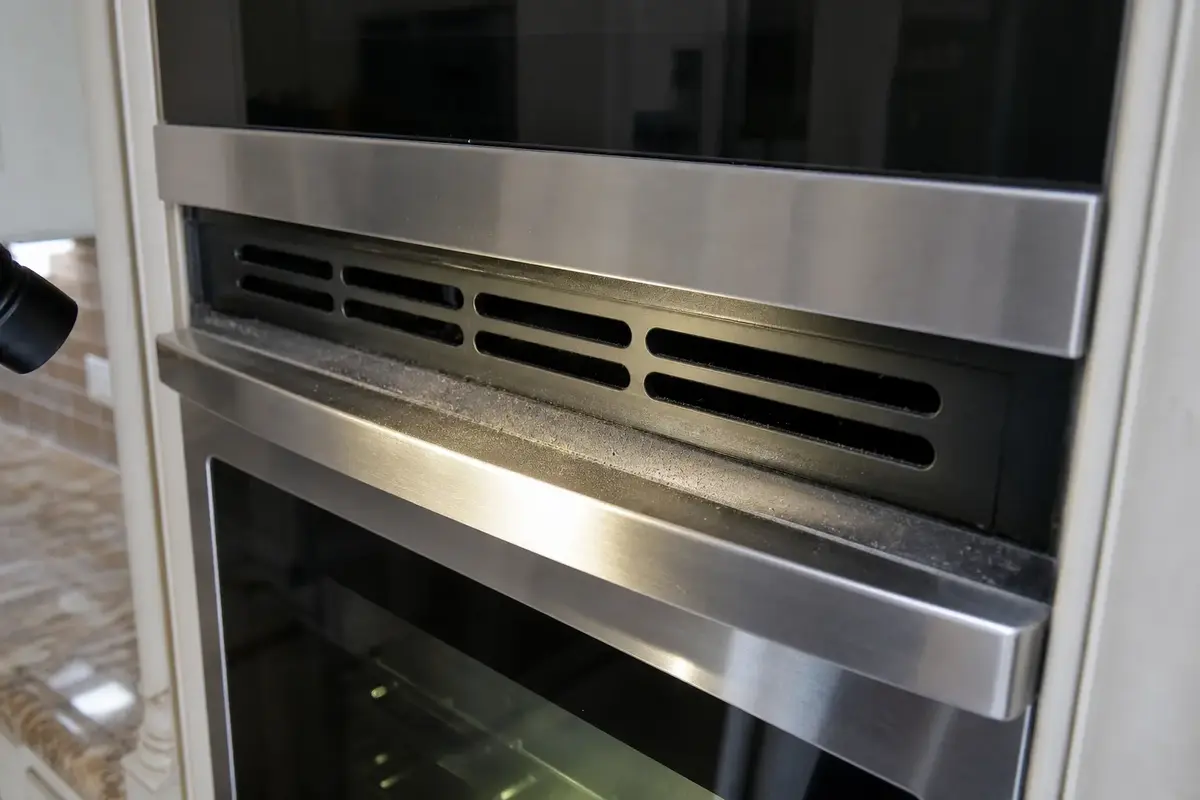
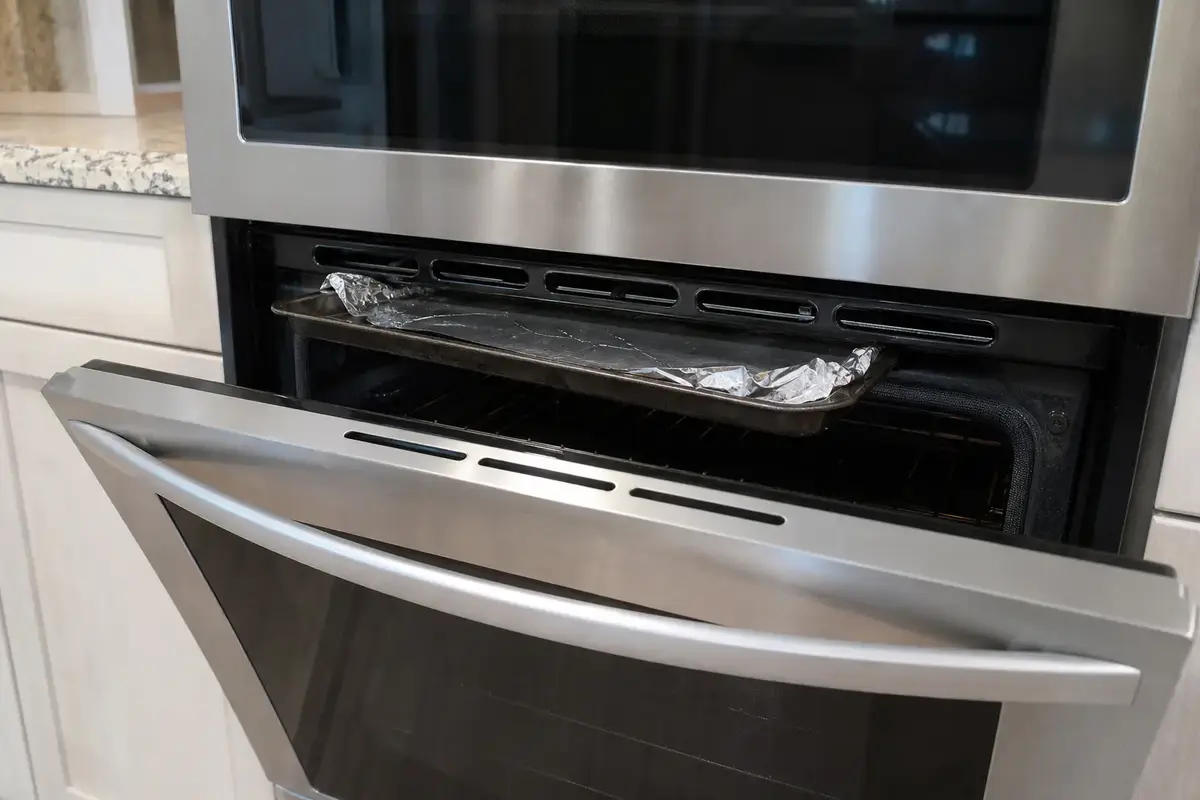
Copy the full model number from the oven frame, drawer area, or owner literature before comparing parts. Buy an oven temperature sensor only when a cool-oven fan problem lines up with false-hot behavior or poor baking temperature. A control board belongs late in the diagnosis, after cool-down, settings, airflow, and sensor clues have been checked.
A GE Profile oven may have more than one fan sound. The convection fan moves air inside the cavity. The cooling fan moves heat away from the controls and cabinet. The timing tells you which problem you are chasing.
This symptom gets expensive when the repair starts with the control board. Start with the visible pattern and save electronic parts for evidence that actually points there.
Let one full cool-down finish, then do one controlled cold reset. The result usually tells you whether to keep watching, clean airflow, compare the sensor, or call for control-side testing.
| What you see or hear | What it usually means | Next move |
|---|---|---|
| Fan runs after cooking and stops while the oven is cooling | Normal cooling fan behavior | Keep the vent clear and do not replace parts. |
| Fan runs much longer after self-clean or broil | Heavy heat load around the cavity and controls | Let it cool fully, then inspect the vent path. |
| Fan keeps running when the oven and cabinet are cool | False heat signal or stuck fan command | Clear settings, reset once, then compare sensor and control clues. |
| Fan runs from cold and cooking temperature has drifted | Temperature sensor is more plausible | Match the model number before buying a sensor. |
| Fan returns immediately after reset and the panel acts erratic | Control relay, harness, or board-side problem | Leave deeper testing to a qualified appliance tech. |
| Fan noise is rough, metallic, or rattling | Mechanical fan problem rather than a run-time problem | Stop using the oven until the fan assembly is inspected. |
These are the homeowner-safe checks. They do not require moving the oven, removing panels, or touching wiring.
An oven temperature sensor is not a fan motor. It matters when the control keeps getting a bad heat signal or the fan complaint travels with cooking-temperature trouble.
A board or relay can keep the cooling fan powered, but it is the later stop, not the first purchase. Use this lane when the oven ignores the heat evidence.
These support exterior inspection and power-off checks only. They are not a reason to work inside a live or hardwired oven.
Paid links. As an Amazon Associate I earn from qualifying purchases. Repair Riot may earn a commission at no extra cost to you.
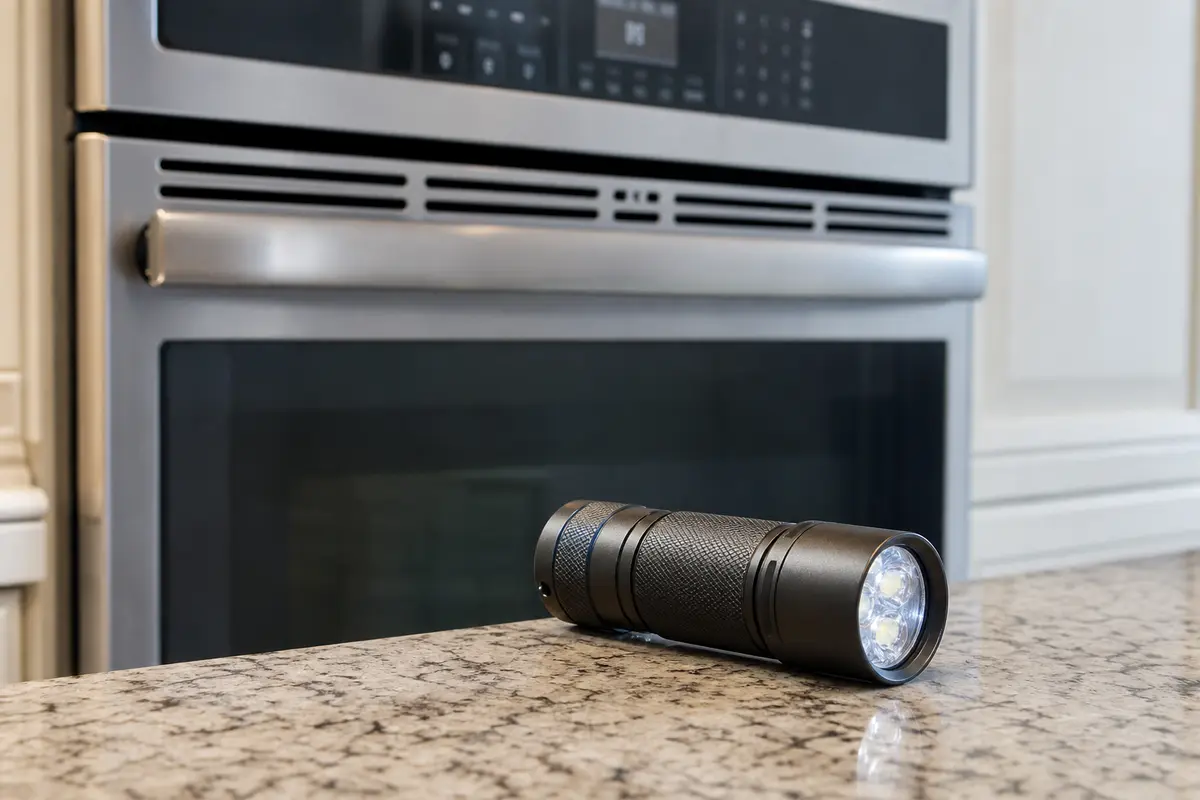
Helps when: You need to see the vent slots, trim gap, sensor area, or model tag without moving the oven.
Skip it when: The next step requires pulling a wall oven, exposing wiring, or energized circuit testing.
Compare inspection flashlights on Amazon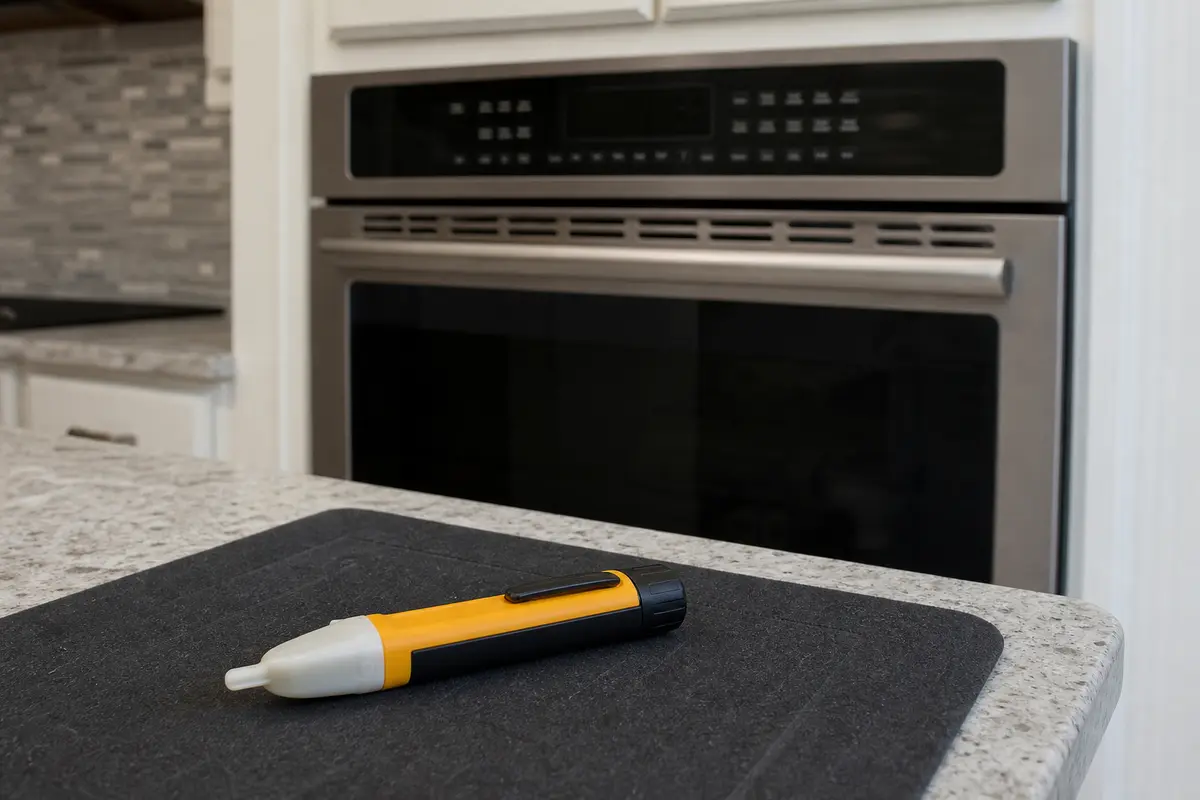
Helps when: You plan to open a simple access area after power is off and want a quick screen before touching nearby parts.
Skip it when: You are using it as proof that a circuit is safe by itself; hardwired oven work needs proper verification.
Compare non-contact voltage testers on AmazonCompare parts only after the fan pattern points away from normal cool-down, settings, and airflow. GE Profile parts vary by full model number, so the tag and connector details matter.
Paid links. As an Amazon Associate I earn from qualifying purchases. Repair Riot may earn a commission at no extra cost to you.
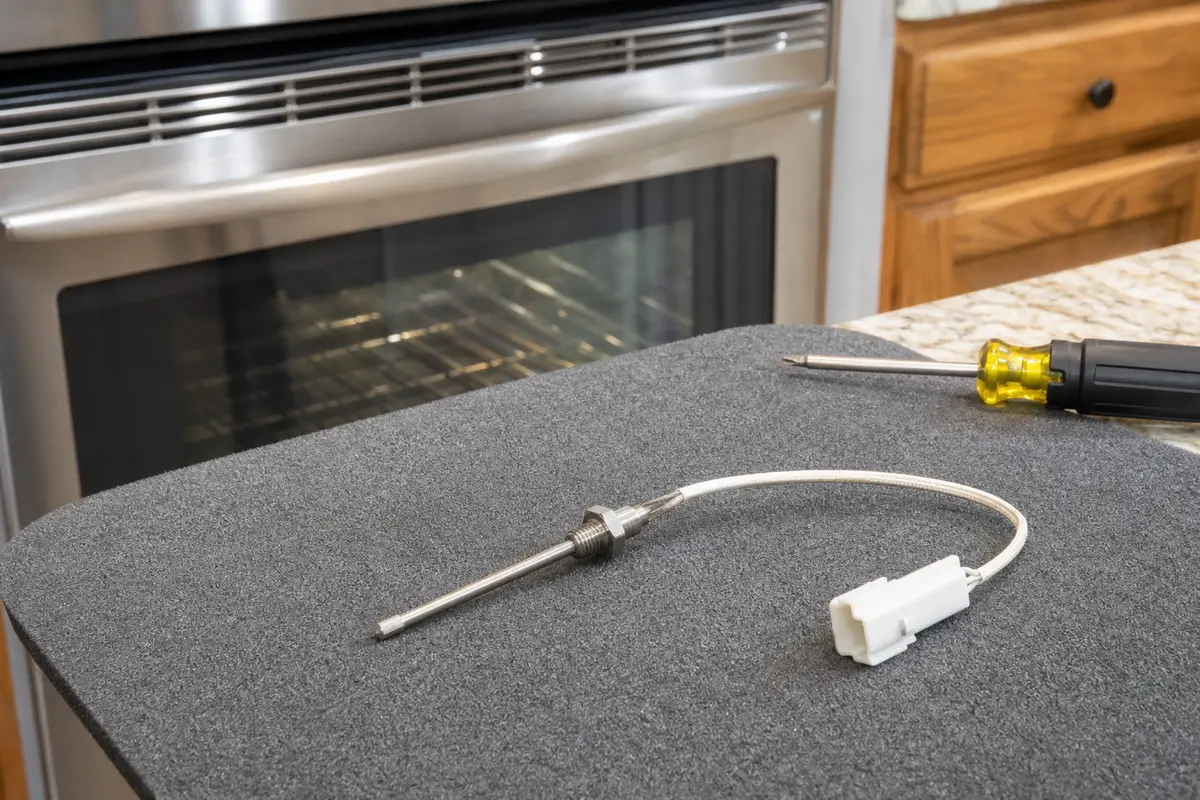
Helps when: The oven acts hot while cool, baking temperature has drifted, or a power-off sensor test points to the sensor.
Skip it when: The fan only runs after high heat, the vent was blocked, or the oven bakes normally.
Compare oven temperature sensors on AmazonYes, while the oven is still shedding heat. The cooling fan may run after normal baking and much longer after broil or self-clean. It becomes suspicious when the oven is cool and idle but the fan keeps running.
There is no single safe number because run time depends on heat level, cabinet airflow, oven mode, and recent self-clean use. A fan that gradually stops as the oven cools is usually normal. A fan that runs from a cold oven is not.
You may be hearing the cooling fan, not the convection fan. The cooling fan protects the control area and can run even when convection cooking is not selected.
Yes. Foil, pans, towels, liners, grease film, dust, or tight trim can trap heat around the control area. Clear the exterior vent path before comparing sensors or boards.
It can when the control thinks the oven is hotter than it really is. That clue is stronger when cooking also runs too hot, runs too cool, preheats oddly, or acts hot while the cavity feels cool.
Not first. A board or relay can be the problem, but it belongs after normal cool-down, mode settings, vent airflow, and sensor clues have been checked.
Usually no. A failing motor more often sounds rough, rattly, weak, or seized. A steady fan that will not shut off points more toward heat, settings, sensor input, or control command.
No. Use one controlled reset after the oven is cool. Repeated breaker resets hide the timing pattern and can keep you from seeing whether the fan is following heat or ignoring it.
Self-clean leaves a lot of stored heat in the cavity and surrounding metal, so long fan time can be normal. Stop treating it as normal once the oven is fully cool, the vent is clear, and the fan still runs.
Call for service when the oven heats while off, the fan runs from a cold oven after reset, the breaker trips, wiring smells hot, the display acts erratic, or the repair would require moving a hardwired wall oven or testing live circuits.
Look around the oven frame, door area, storage drawer area on some ranges, or in the owner literature. Use the full model number because probe length, connector shape, and mounting details can differ.
Repair Riot built this page around homeowner-safe sorting: cool-down timing, visible airflow, mode settings, baking-temperature clues, and service boundaries for hardwired oven controls. Use your exact GE Profile model manual for access steps and part numbers.