Did F9 appear right after self-clean?
Let the oven cool fully, then do one breaker reset. Heat often exposes a sticky latch or weak lock switch.
A GE Profile oven F9 code usually means the control does not like the door-lock position. Start with cooldown, one breaker reset, and a power-off look at the latch before pricing a board.
Most cases sort into a latch stuck after self-clean, a lock switch reporting the wrong position, or a control that needs proof before it gets blamed.
First sort the door: locked shut, opens normally, or half-latched. That split tells you where to look next.
Don’t start with: Do not start with the oven control board. The latch and switch feedback are cheaper to prove and match this code more often.
Let the oven cool fully, then do one breaker reset. Heat often exposes a sticky latch or weak lock switch.
Stay with cooldown and reset first. Forcing the handle can bend the latch, hinges, trim, or glass.
That points more toward lock-switch feedback than a jammed door. Inspect the latch position and door seating next.
A latch motor that tries but cannot finish travel supports a failing door lock assembly.
Keep the control and harness in mind, but rule out the latch assembly and damaged wiring before buying a board.
Stop DIY. Those clues move this out of homeowner-safe latch inspection and into service-level diagnosis.
The useful clues are visible at the door opening: whether the latch is parked, hanging halfway, or being held off by a door that is not sitting square.
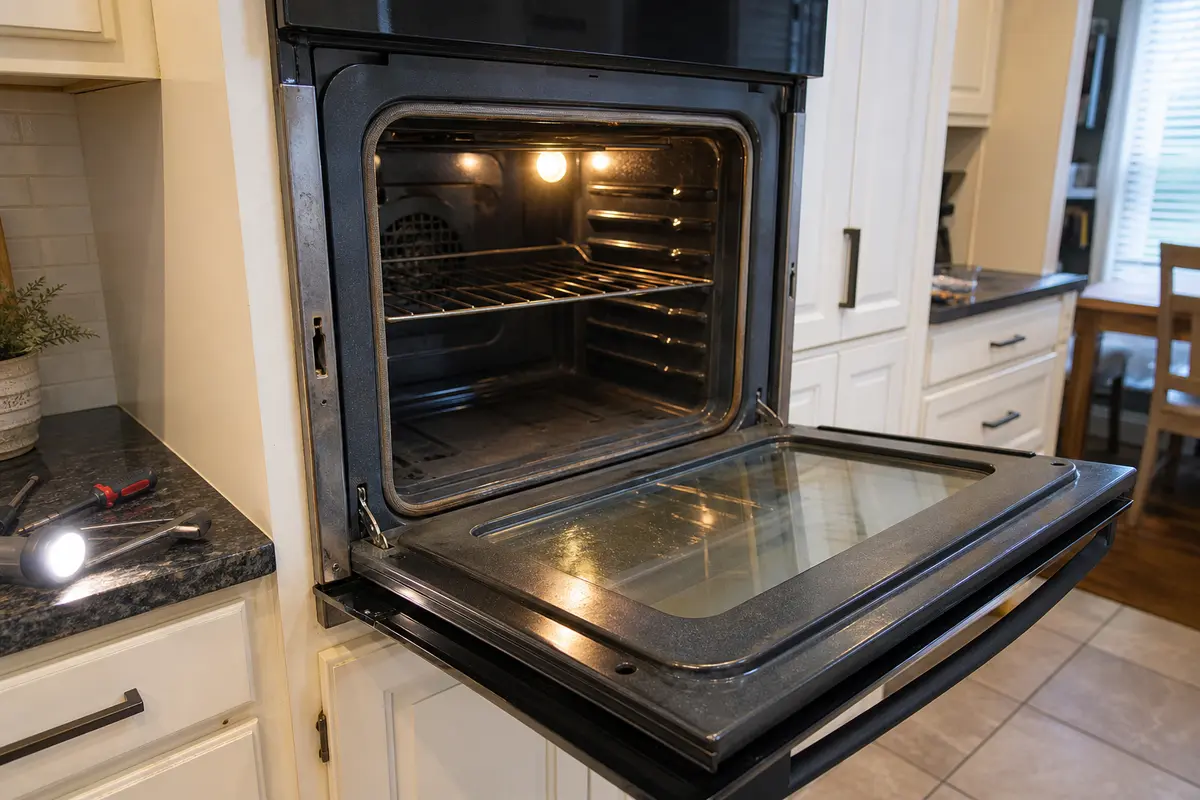
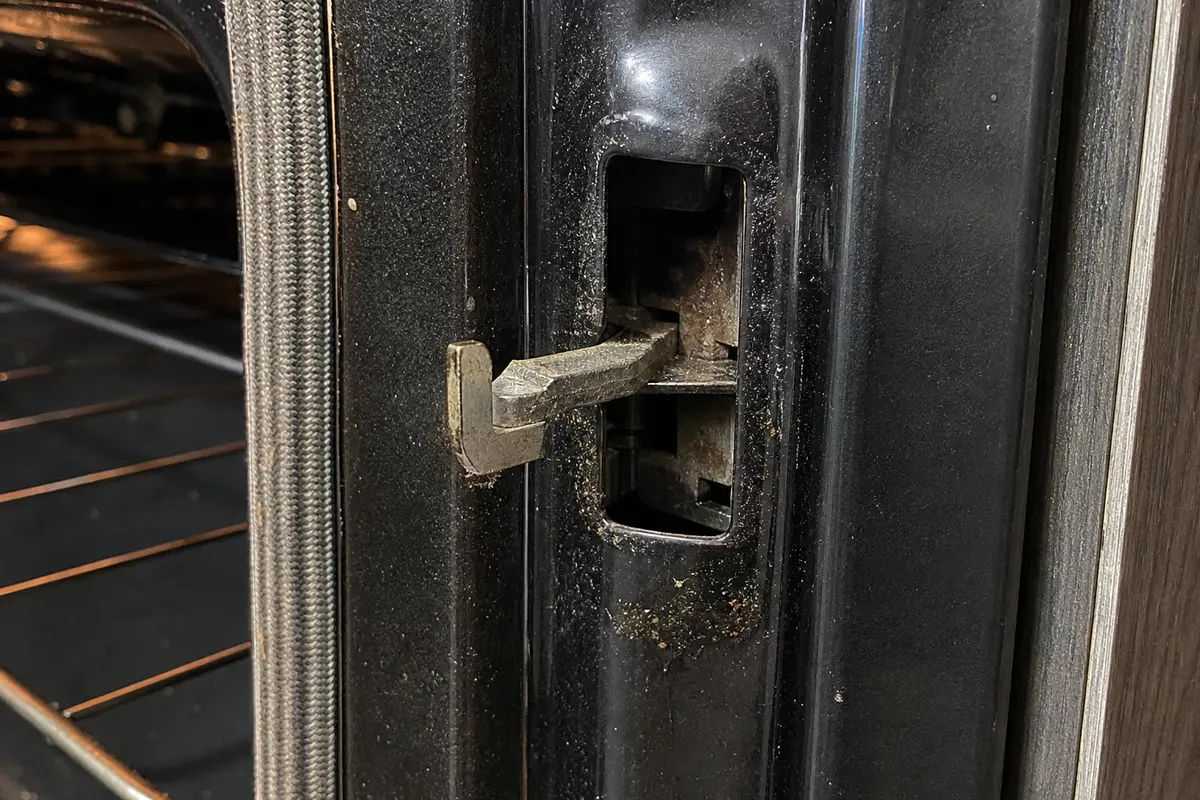
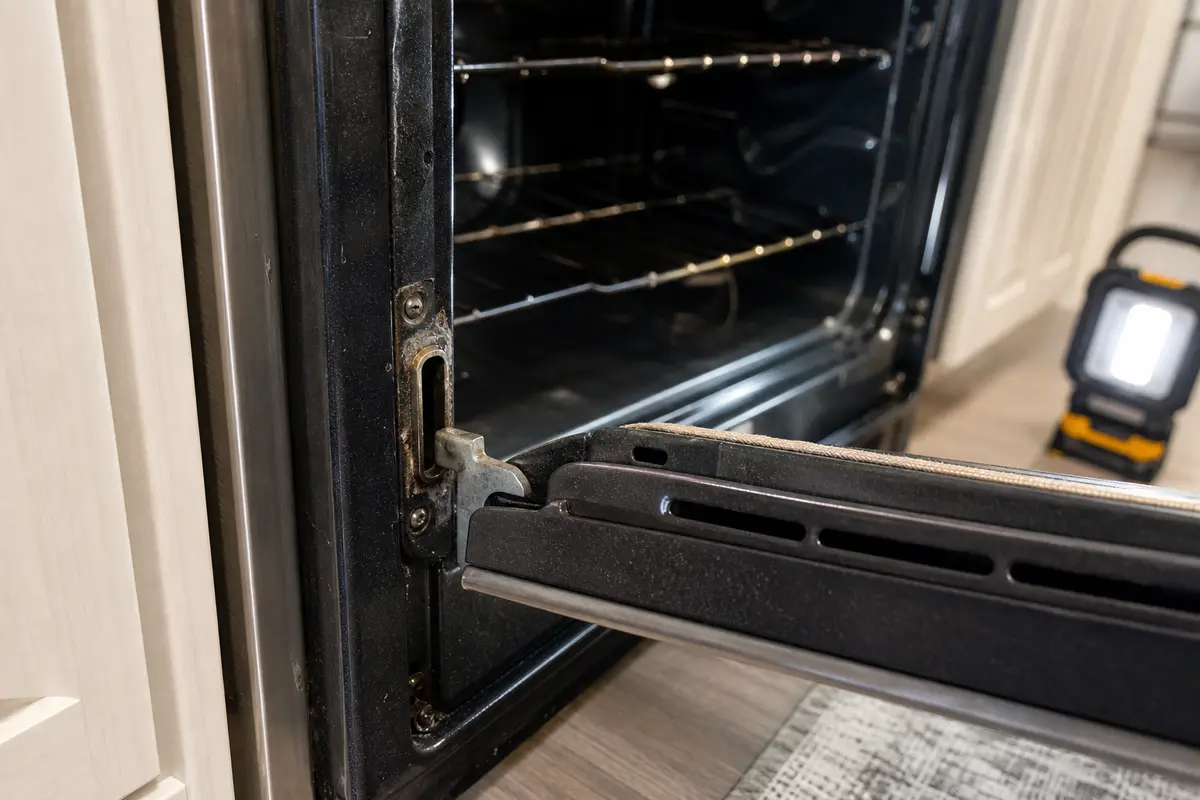
Copy the full model number from the oven frame, drawer area, or owner literature before comparing parts. Buy a GE Profile oven door lock assembly only when the latch sticks, stalls, chatters, or the oven keeps reporting the wrong lock position after cooldown and reset. A control board belongs late in the diagnosis, after the latch, switch feedback, and wiring condition have been checked.
F9 is not a baking-temperature complaint. On this page, treat it as a door-lock position problem until the latch side proves otherwise.
Use the door behavior to choose the next move. The same F9 code can mean a stuck latch, a false lock signal, or a control-side fault.
| What you see or hear | What it usually means | Next move |
|---|---|---|
| Door is locked shut after self-clean | Normal heat delay or latch stuck from heat and residue | Cool fully, reset once, then listen for latch movement. |
| Door opens but the display still shows F9 | Lock switch feedback is not matching the real door position | Inspect latch position, door seating, and switch clues. |
| Latch sits halfway across the opening | The lock assembly did not return to its home position | Stop forcing it and plan on lock-assembly diagnosis. |
| Latch chatters or grinds at power-up | Motor or latch travel is weak, dirty, or binding | Shut power off and avoid another self-clean cycle. |
| F9 appears instantly with no latch sound | Control, harness, or dead lock assembly becomes more plausible | Do not guess-buy a board; service testing is cleaner. |
| Breaker trips or wiring smells hot | This is no longer a simple latch check | Leave power off and call for appliance service. |
A reset is useful only after the oven is cool. Resetting a hot oven over and over hides the timing clue and may send the latch through the same failed move again.
This is the highest-value homeowner check. Keep it simple: power off, oven cool, flashlight in hand, no prying.
F9 gets expensive when the repair starts with force or electronics. Let the physical clues earn the next step.
The oven door lock assembly belongs in the cart only after the symptoms point there. Match the exact model number because GE Profile ranges and wall ovens do not all use the same latch.
These tools support exterior inspection and power-off access only. They are not a reason to work inside a live or hardwired oven.
Paid links. As an Amazon Associate I earn from qualifying purchases. Repair Riot may earn a commission at no extra cost to you.
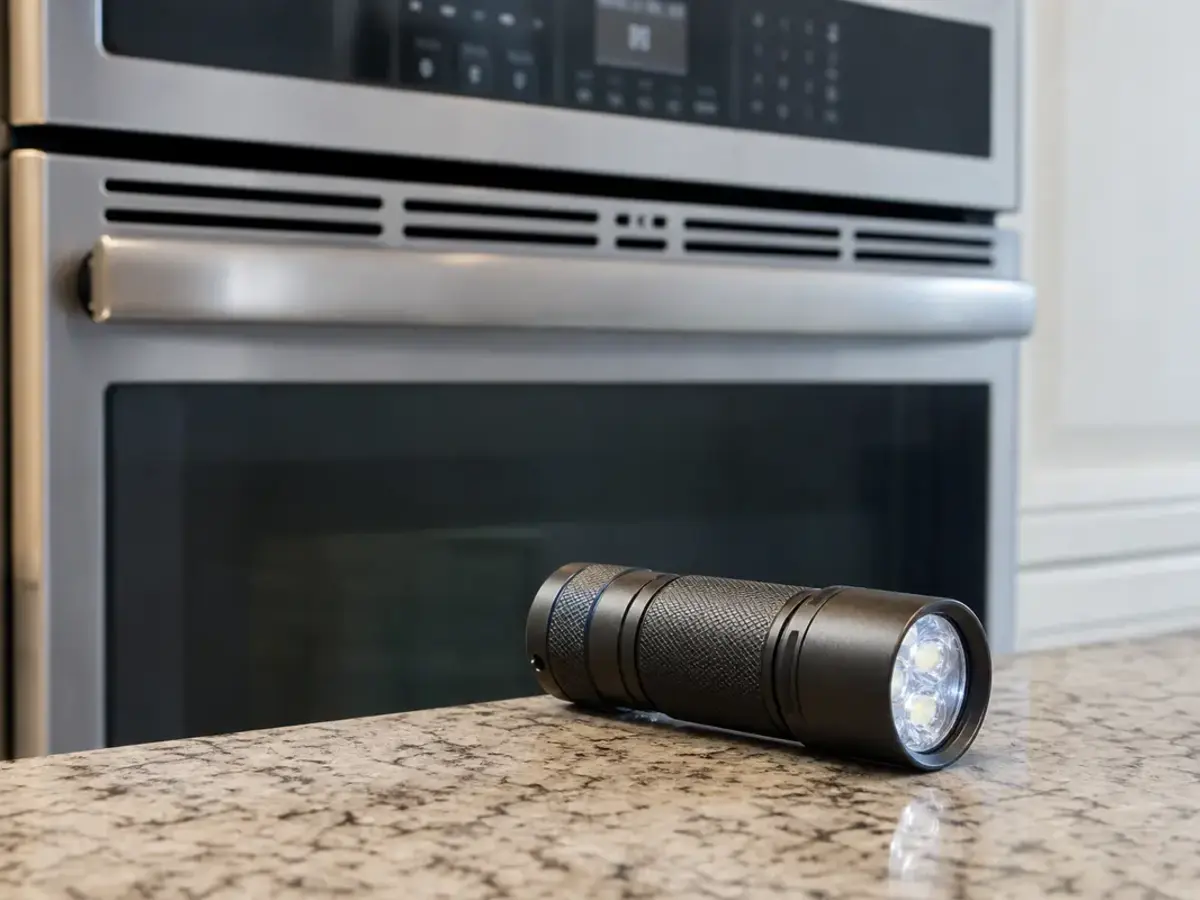
Helps when: You need to see the latch position, gasket edge, and door frame clearly while the oven is cool and power is off.
Skip it when: The next step would expose wiring, require moving a wall oven, or require live electrical testing.
Compare inspection flashlights on Amazon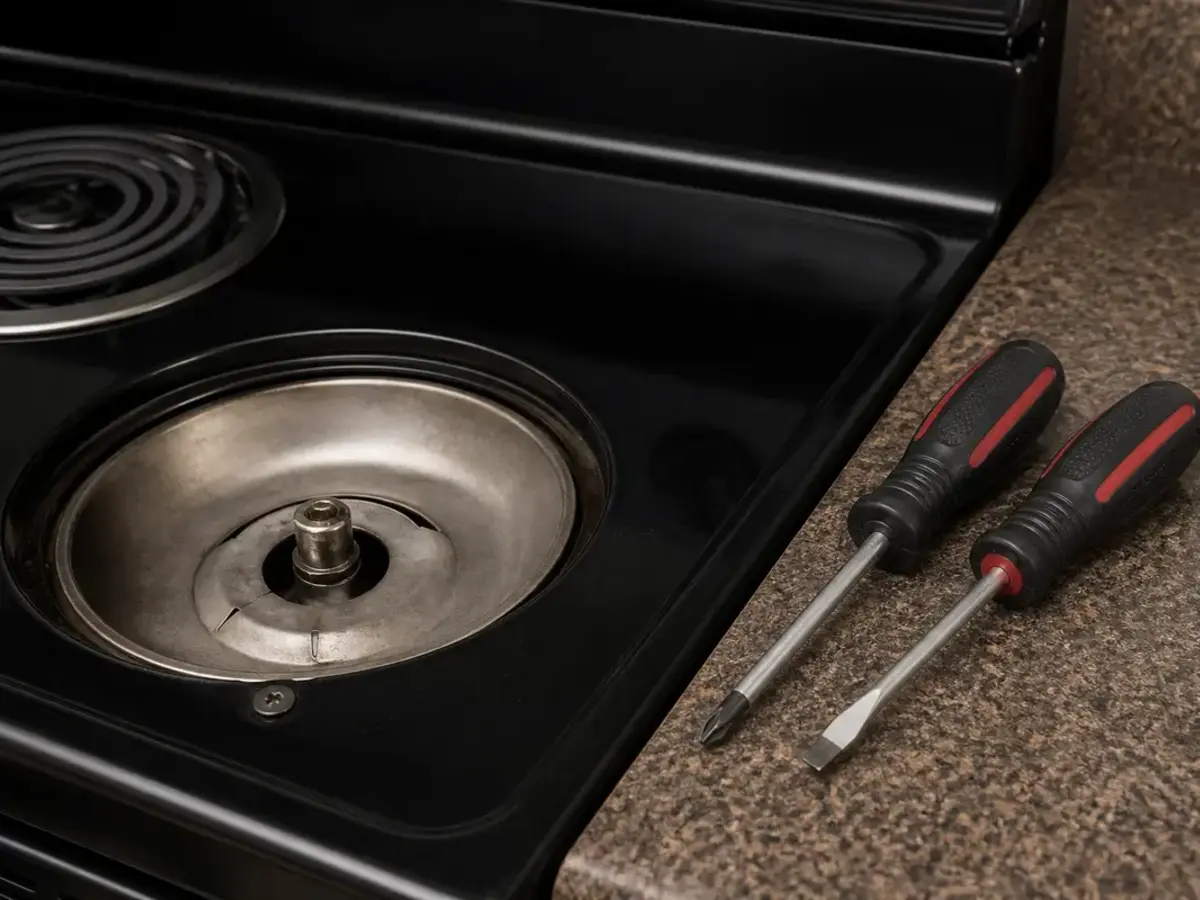
Helps when: Your model gives safe power-off access to a latch cover or service panel and you can reinstall it without forcing screws.
Skip it when: The oven is hardwired, built in, heavy, or the panel would expose control wiring you are not trained to test.
Compare screwdriver sets on AmazonParts advice stays narrow on this one. The latch assembly is the common part path; the control board is a late suspect, not a first purchase.
Paid links. As an Amazon Associate I earn from qualifying purchases. Repair Riot may earn a commission at no extra cost to you.
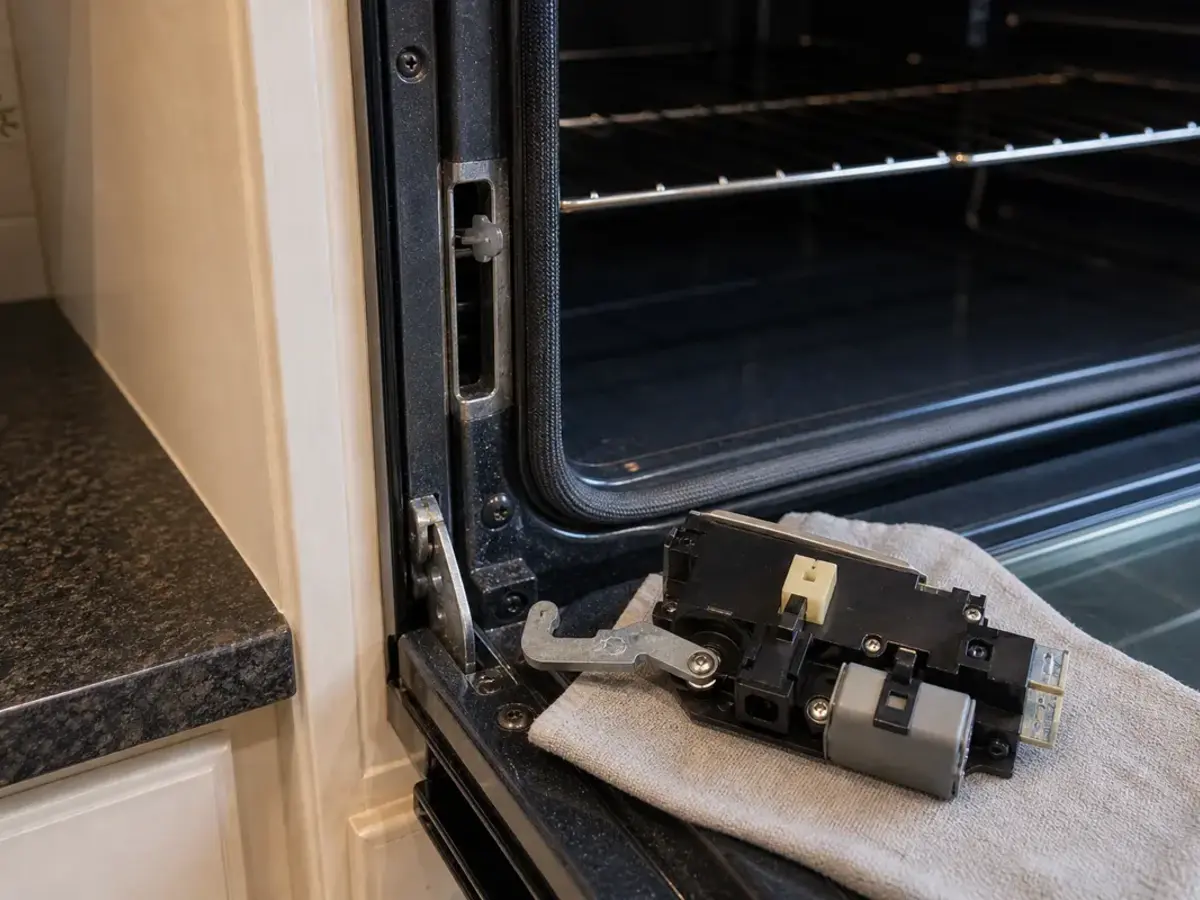
Helps when: The latch is stuck, noisy, slow to return, or the oven keeps reporting the wrong lock position after a cool reset.
Skip it when: The latch moves normally, the door sits square, or the remaining clue is scorched wiring or an erratic control.
Compare door lock assemblies on AmazonIt usually means the oven is not seeing the door-lock position it expects. The latch may be stuck, the lock switch may be reporting the wrong state, or the control may be hung up after self-clean.
Usually no. Many ovens block normal cooking when the lock circuit looks wrong. Clear the code, make sure the door and latch behave normally, then test a short bake cycle.
Self-clean puts heavy heat into the lock area. That can expose a weak latch motor, sticky switch, or residue that keeps the latch from returning cleanly.
Sometimes. A cool breaker reset can clear a temporary lock-state glitch after a power interruption or clean cycle. A code that returns right away needs latch, switch, wiring, or control diagnosis.
Not usually as the first bet. A control can fail, but the oven door lock assembly and its position switch are easier and cheaper to prove before buying electronics.
No. Forcing the door can bend the latch, damage hinges, crack glass, or break trim. Let the oven cool, cut power, and work through the latch checks first.
When the physical clues fit, the oven door lock assembly is the usual part path. Match the full model number before ordering because latch and switch layouts vary.
Yes, but only when it is clearly folded, loose, torn, or holding the door away from the frame. A normal-looking gasket should not be replaced just because F9 appeared.
That pattern points toward switch feedback instead of a jammed door. The latch may have moved, but the control is still getting the wrong lock-position signal.
Call for service when the breaker trips, wiring smells hot, the oven is hardwired and must be moved, the latch repair did not clear the code, or diagnosis requires live electrical testing.
Repair Riot built this page around homeowner-safe F9 sorting: cooldown, one breaker reset, latch position, door seating, lock-switch feedback, and clear stop points for wiring or control diagnosis. Use your exact GE Profile model literature for access steps and part numbers.