Does the display clearly show EC or F0?
Photograph the display and copy the full model and serial number from the rating label.
Frigidaire identifies EC and F0 as sealed-system failures. Confirm the display, unplug the unit, copy the full model and serial number, and arrange model-specific support or service.
Good clue: a code that returns after one unplug reset confirms the service path. It does not name a bucket switch, humidity sensor, or control board.
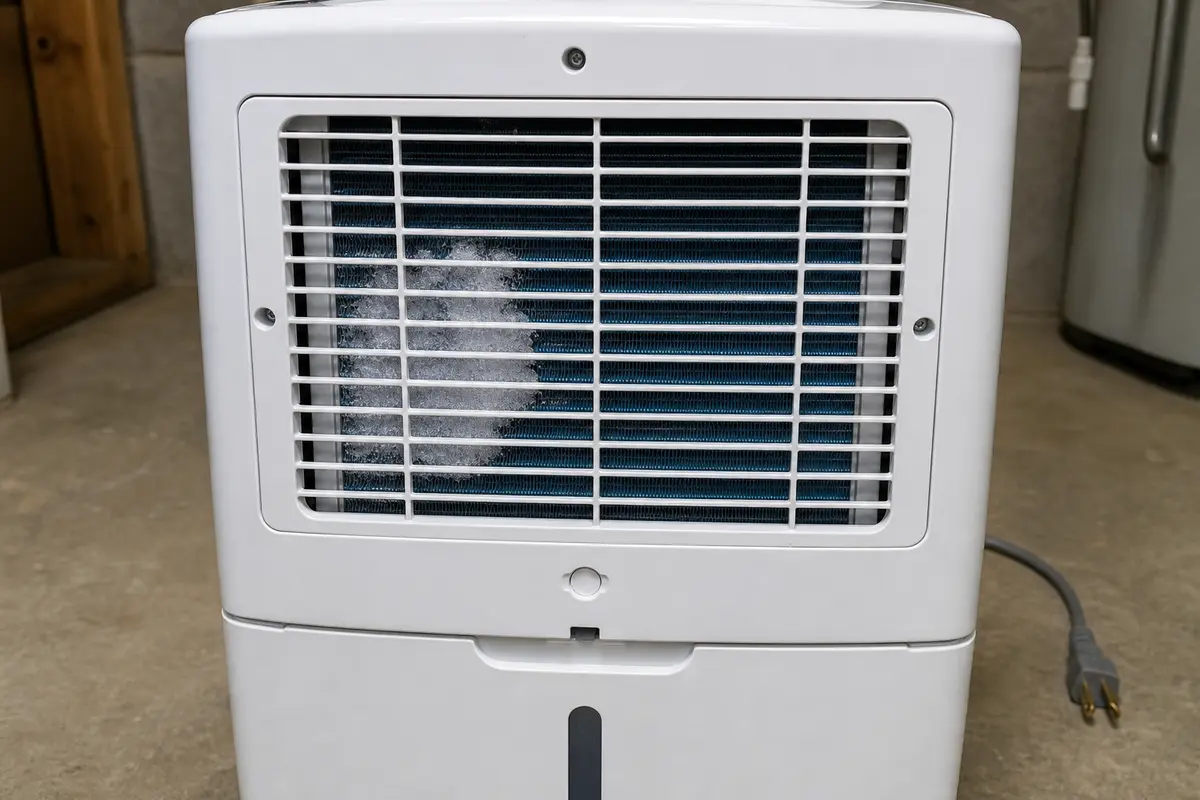
Watch for uneven frost, lost water collection, or electrical warnings, and report those observations without opening the cabinet.
Don’t start with: Do not buy a bucket switch, humidity sensor, control board, refrigerant, or compressor from the code alone. Keep the sealed system closed, and stop restarting a unit that smells hot, trips power, or develops abnormal frost.
Photograph the display and copy the full model and serial number from the rating label.
If the code returns, stop resetting. Frigidaire's published next step is service for a sealed-system failure.
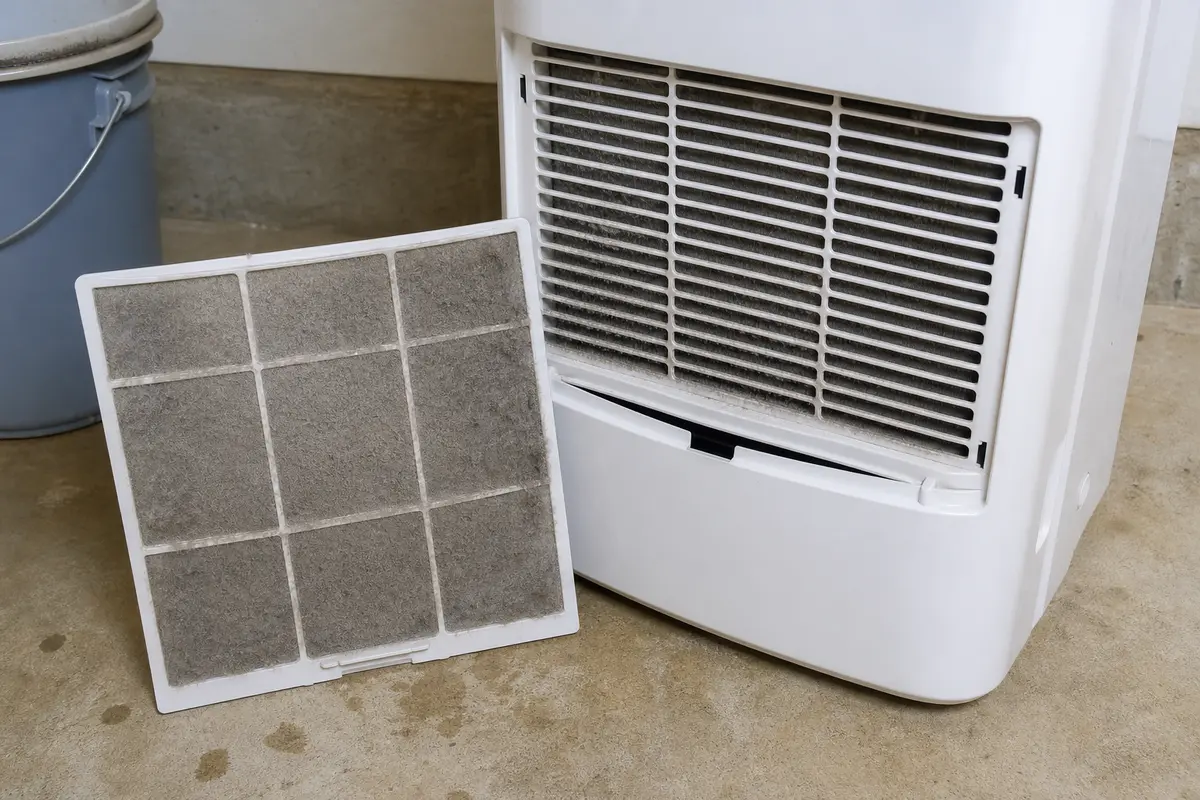
Clean a washable filter only as routine maintenance. Do not treat a clean filter as a repair for EC or F0.
Good clue: that pattern is useful service information. Leave the unit unplugged, keep the cabinet and tubing closed, and report what you can see.
Check the exact model and serial number with Frigidaire before paying for parts or service.
Frigidaire classifies EC and F0 as sealed-system failures. Keep the cabinet closed, document the code and model, and use visible clues only to help service—not to choose a bucket switch or sensor.
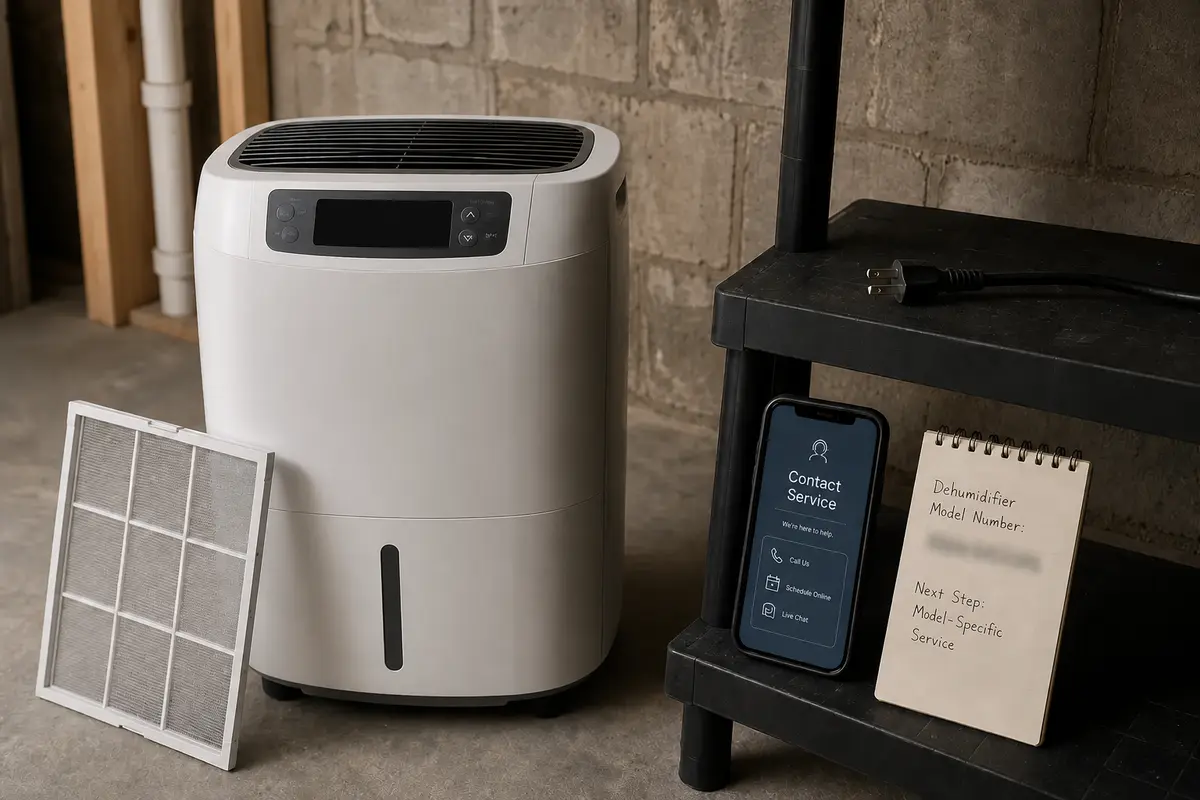
EC and F0 do not identify a homeowner-replaceable bucket switch, humidity sensor, or control board. Record the exact model and serial number, check warranty or product notices, and get a service diagnosis before spending money.
Frigidaire's dehumidifier error-code guide groups EC and F0 under sealed-system failure. That means the code does not point to the bucket switch, humidity sensor, or control board.
In practice, these checks document the problem and rule out a separate maintenance issue. They do not repair the sealed system.
| Check | What to do | What the result means |
|---|---|---|
| Display | Photograph EC or F0 before unplugging the unit. | Gives support the exact symptom instead of a remembered code. |
| Model label | Copy the complete model and serial number. | Lets Frigidaire check the correct manual, warranty, parts list, and product notices. |
| Filter | Clean a washable filter and let it dry fully. | Improves airflow, but a returning EC or F0 still follows the sealed-system service path. |
| Visible coil | Look only through the normal filter opening for uneven frost. | A partial frost pattern is useful service information; do not remove cabinet panels. |
| Power reset | Try one 10-minute unplug reset. | A code that returns is confirmed; repeated resets add no useful information. |
If the display shows EC or F0, Frigidaire's code definition does not support the bucket and sensor parts suggested by an earlier version of this page.
Only simple documentation and filter-maintenance supplies are useful here.
A short, accurate symptom record usually makes the service decision easier. Look for uneven frost through the normal filter opening, loss of water collection, and any electrical warning; these observations are more useful than guessing at a part.
Do not decide from the code alone. A good clue is the exact model's warranty or product-notice status; check that first, then compare the confirmed repair with the price and expected life of a replacement unit.
Frigidaire identifies EC as a sealed-system failure. Turn the unit off, unplug it, record the model and serial number, and contact Frigidaire or a qualified appliance or HVAC technician.
Frigidaire groups F0 with EC as a sealed-system failure. It is not listed as a bucket-switch or humidity-sensor code.
That is not Frigidaire's published repair path for these codes. Empty the bucket before moving the unit, but do not treat bucket parts as the cause of EC or F0.
A dirty filter can reduce airflow and performance, so clean it as routine maintenance if the manual allows. Frigidaire still classifies EC and F0 as sealed-system failures, so a returning code needs service.
No. Frigidaire lists other codes for sensor and electronic-control failures. EC or F0 alone does not justify either part.
Leave it off if EC or F0 returns. Stop immediately for a hot plug, electrical smell, repeated breaker or GFCI trip, water at the controls, or heavy abnormal frost.
No. Portable dehumidifier refrigerant work requires sealed-system tools, correct refrigerant handling, leak diagnosis, and qualified service. Do not puncture or open the tubing.
Have the full model and serial number, exact code, purchase date if available, and notes about whether the fan runs, water collection stopped, or uneven frost is visible through the normal filter opening.
Repair Riot corrected this page to follow Frigidaire's published definition of EC and F0 as sealed-system failures. Homeowner guidance is limited to confirmation, documentation, routine filter care, and clear stop points.