Did it start after a spill or cleaning?
Leave the burner cool and off, then dry the cap, burner head, igniter area, and knob stems before buying parts.
A cooktop burner that keeps clicking usually has a visible clue: water under the cap, crumbs near the igniter, or a cap that rocks instead of sitting flat. Check those first; move to the knob switch only when the cooktop still clicks with every knob off.
A recent boilover, wet cleaning, or cap removed for scrubbing is the best clue because the spark path changes before any part fails.
Sort the click pattern first: after a spill, after lighting, one burner only, or all knobs off.
Don’t start with: Do not buy a spark module or loosen gas tubing. Dry, clean, and reseat the burner first, then match any part by model number.
Leave the burner cool and off, then dry the cap, burner head, igniter area, and knob stems before buying parts.
Clean and reseat that burner cap and head, then watch whether the flame wraps evenly around the burner.
That can be normal during lighting. It becomes a repair clue only when sparking continues after ignition or with every knob off.
Dry around the knob stems. If the clicking returns on a dry cooktop, the burner ignition switch side needs diagnosis.
Stop testing burners. Ventilate, leave the cooktop off, and get qualified help if the odor or delayed ignition repeats.
Most repeat-click calls start where you can see them: cap seating, moisture, crumbs, grease, and the ceramic igniter.
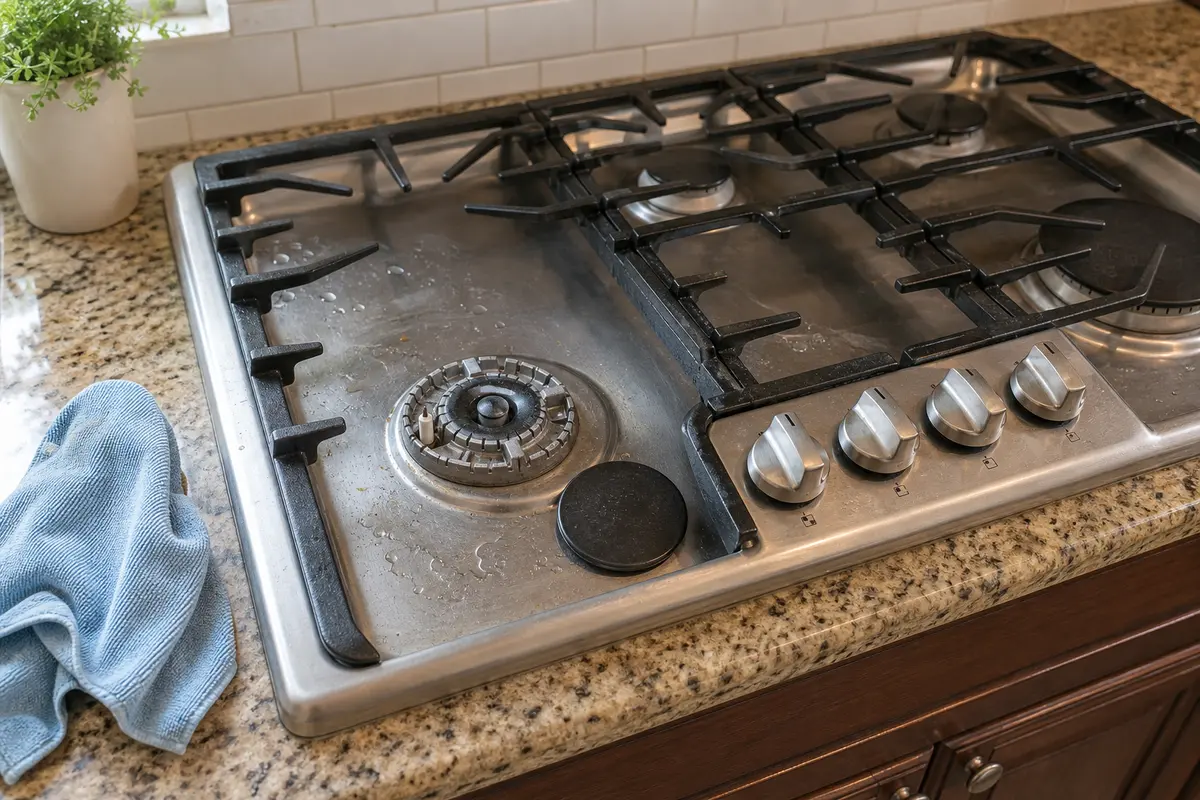
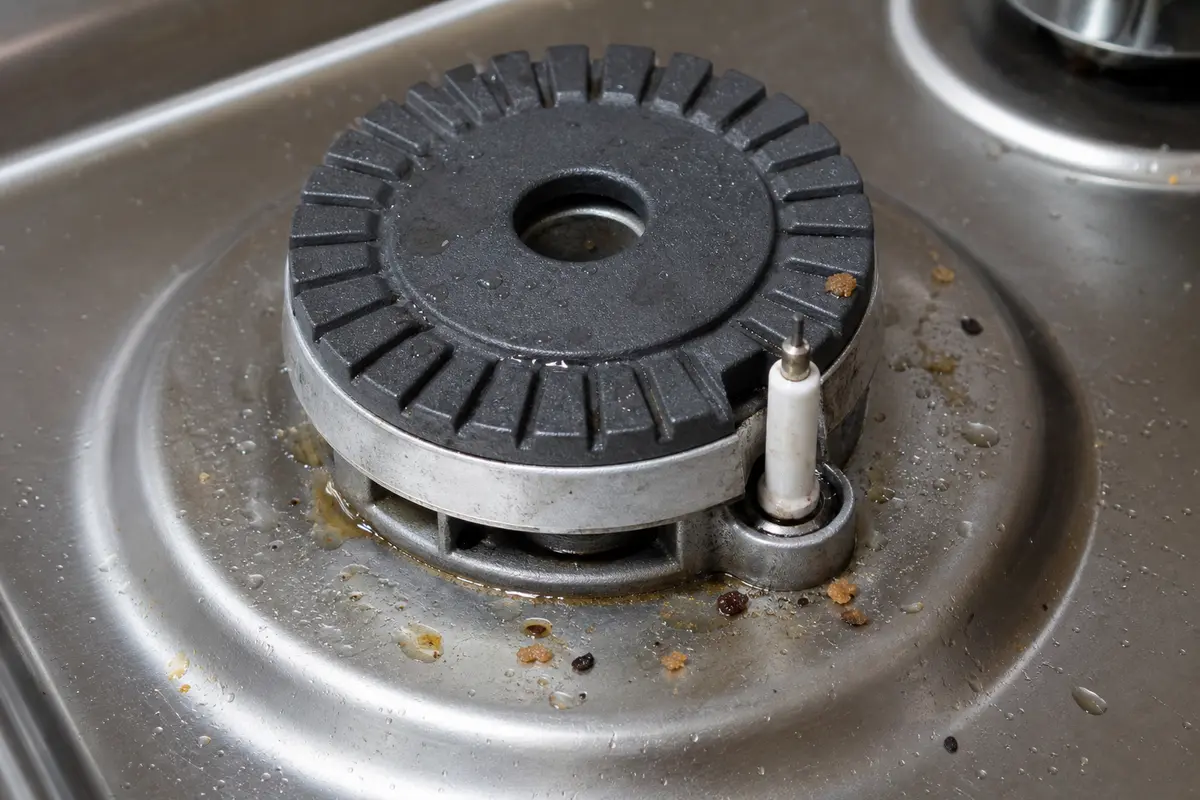
Copy the full model number first. Burner caps, heads, igniters, and ignition switches are model-specific and often burner-position-specific. Buy only after the dry-clean-reseat check points to a damaged burner part or off-cycle clicking points to a knob switch.
The click pattern tells you where to look. If one burner keeps snapping after a spill, inspect the cap, burner head, ports, and ceramic igniter before you think about the spark module.
A clicking burner is easy to make worse if you chase the expensive part first or push moisture deeper into the controls. A good clue that this is still a surface issue is a recent wet cap, sticky spill, or crumb trail near the igniter.
Listen for when the clicking starts and stops. That one minute decides whether you work at the burner top, the knob area, or stop for service.
| What you see or hear | What it usually means | Next move |
|---|---|---|
| Clicks only while lighting and stops when flame catches | Normal spark ignition | No repair if the flame is steady and there is no gas odor. |
| Started after cleaning, soup, pasta water, or a boilover | Moisture or residue around the burner or knob stem | Let it cool, dry the parts, and clean gently before replacing anything. |
| One burner lights but keeps snapping | Cap alignment, dirty ports, or local igniter condition | Clean and reseat that burner, then compare the flame ring with another burner. |
| All burners click when one knob turns | Often normal during lighting | Worry only if the clicking keeps going after flame is established or with all knobs off. |
| Clicks with every knob off | Wet or sticking ignition switch behind a knob | Dry the knob area; if it returns on a dry cooktop, service the switch side. |
Work on a cool cooktop. This is the repair path that fixes many clicking complaints without parts.
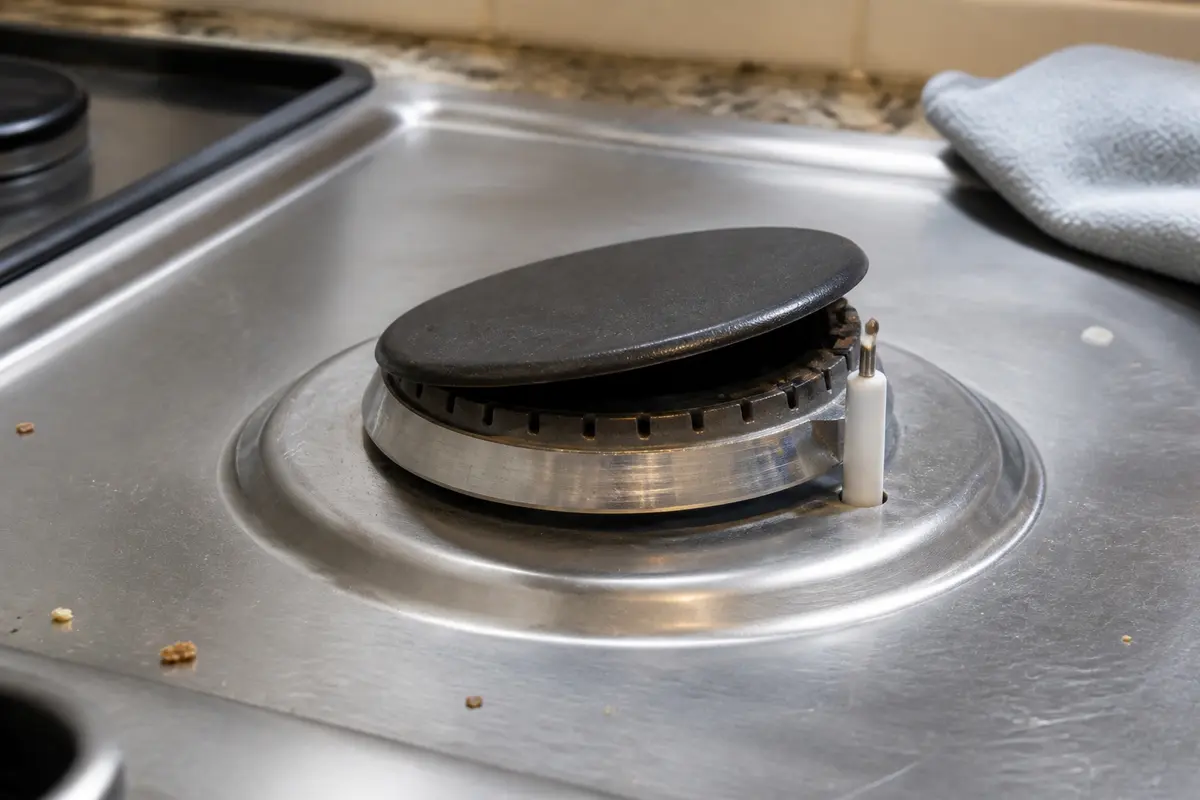
A burner-top problem usually follows one burner. If the cooktop clicks with every knob off after the top is dry, look for one sticky knob stem before you plan a switch repair.
These are for the visible burner-top and knob-stem checks. They are not permission to open gas fittings or work around live ignition wiring.
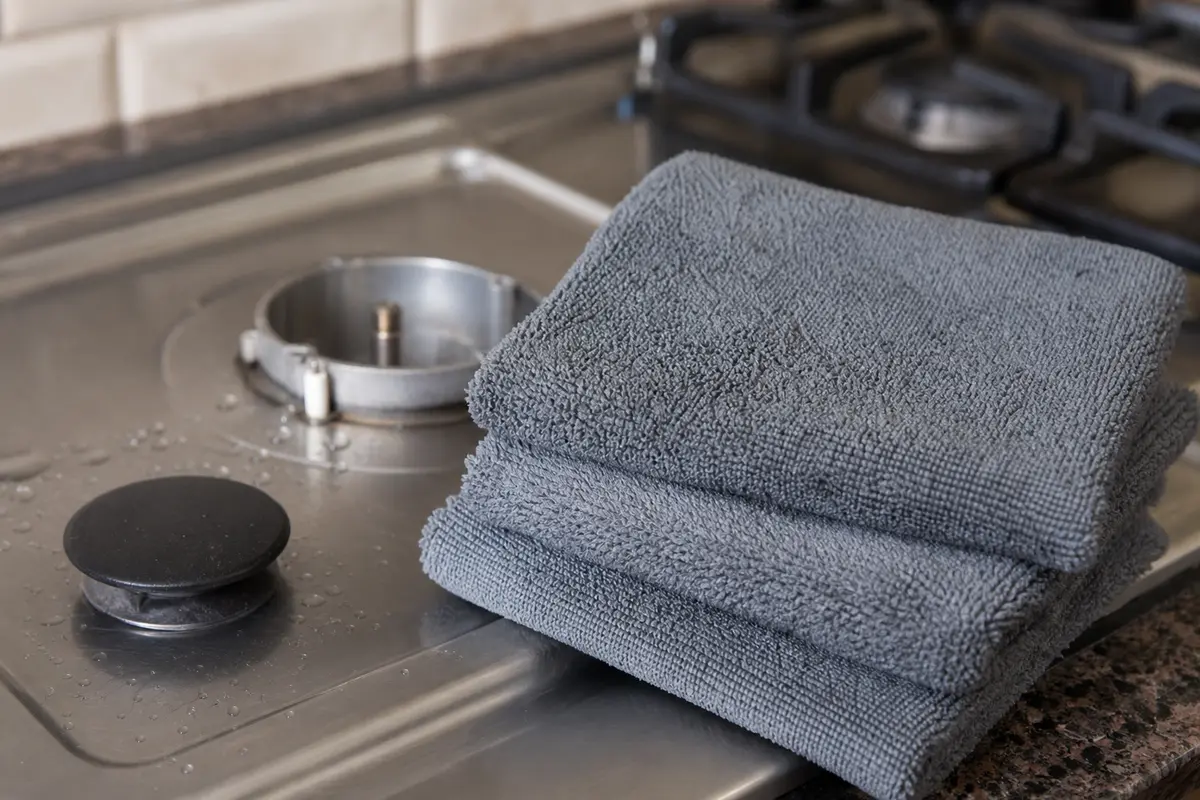
Helps when: Blotting moisture from the burner cap, burner head, igniter area, and knob stems without pushing more liquid into openings.
Skip it when: Gas odor, arcing, scorched parts, or a burner piece that needs force to remove means stop and get service.
Compare microfiber cloths on Amazon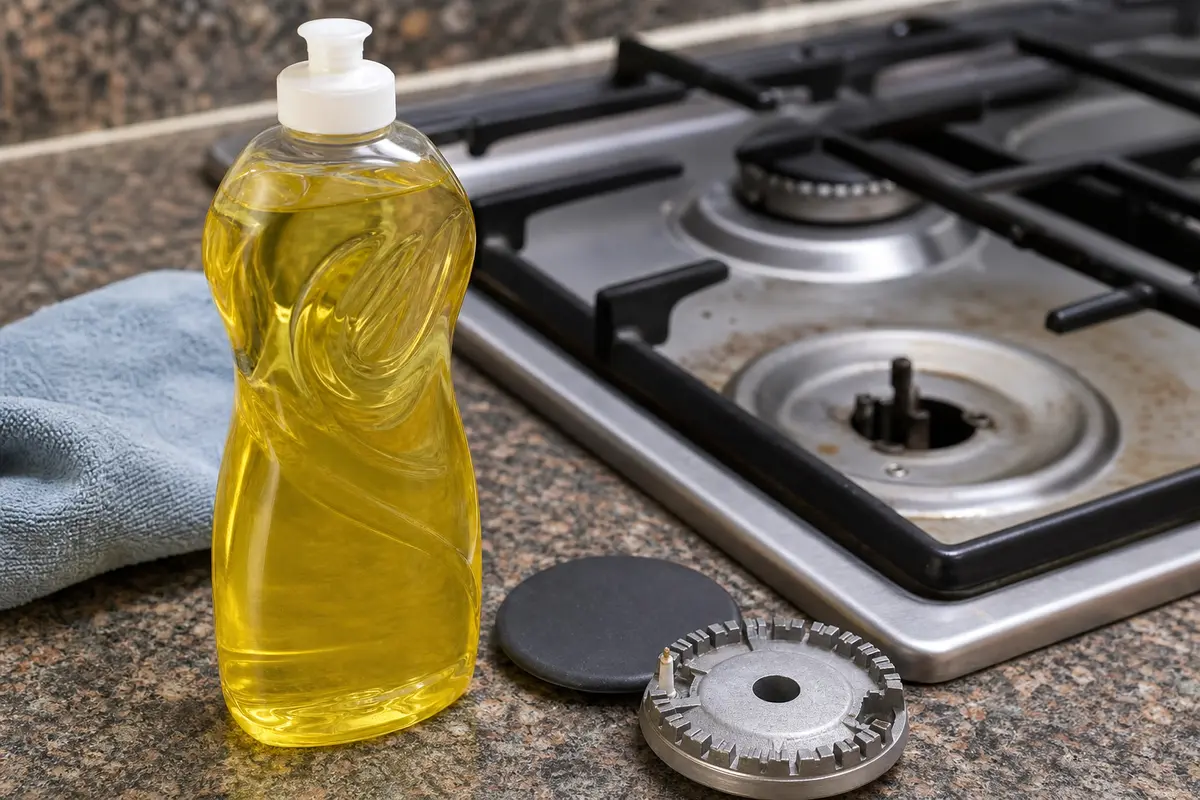
Helps when: Cutting greasy spill film on removable burner parts when plain water leaves a slippery residue behind.
Skip it when: You would need to spray cleaner into burner wells, knob openings, or around the ceramic igniter stem.
Compare mild dish soap on Amazon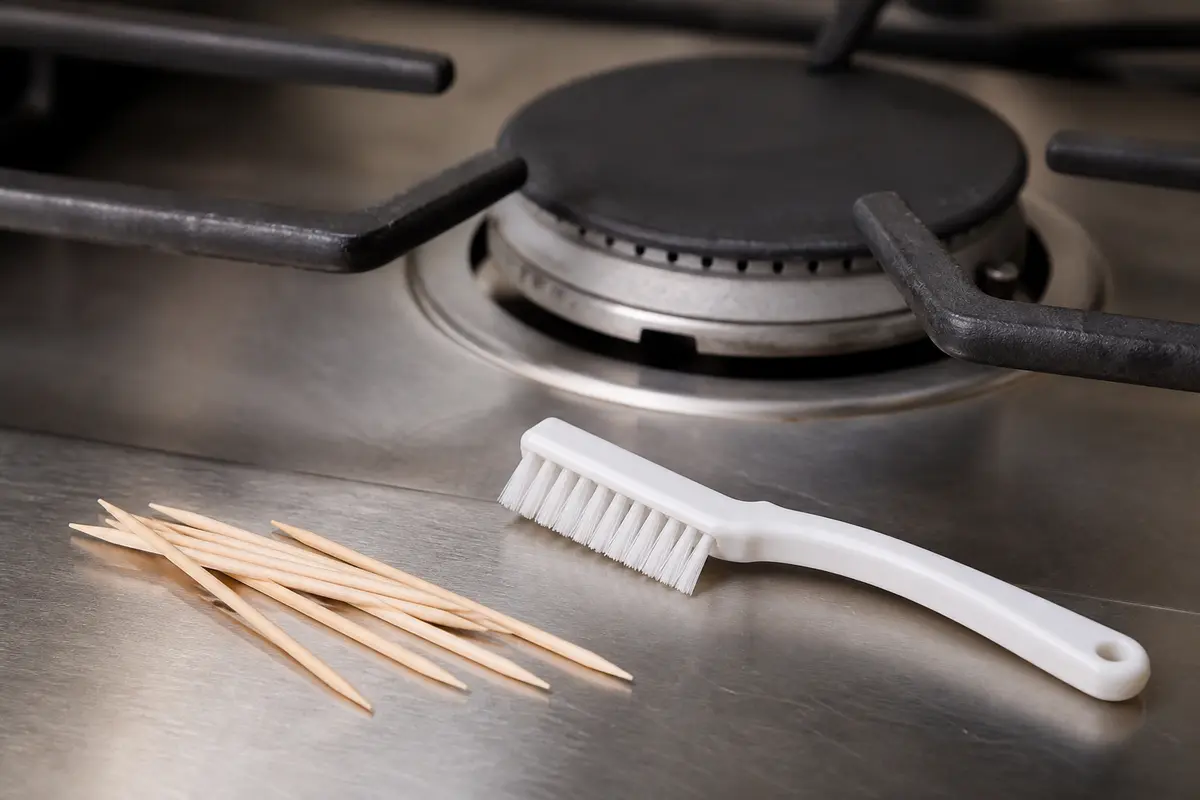
Helps when: Lifting loose crumbs from burner ports and tight edges without scratching the ceramic igniter or changing port size.
Skip it when: The port is blocked by hard corrosion, a metal pick feels necessary, or the burner head is damaged.
Compare non-metal cleaning picks on Amazon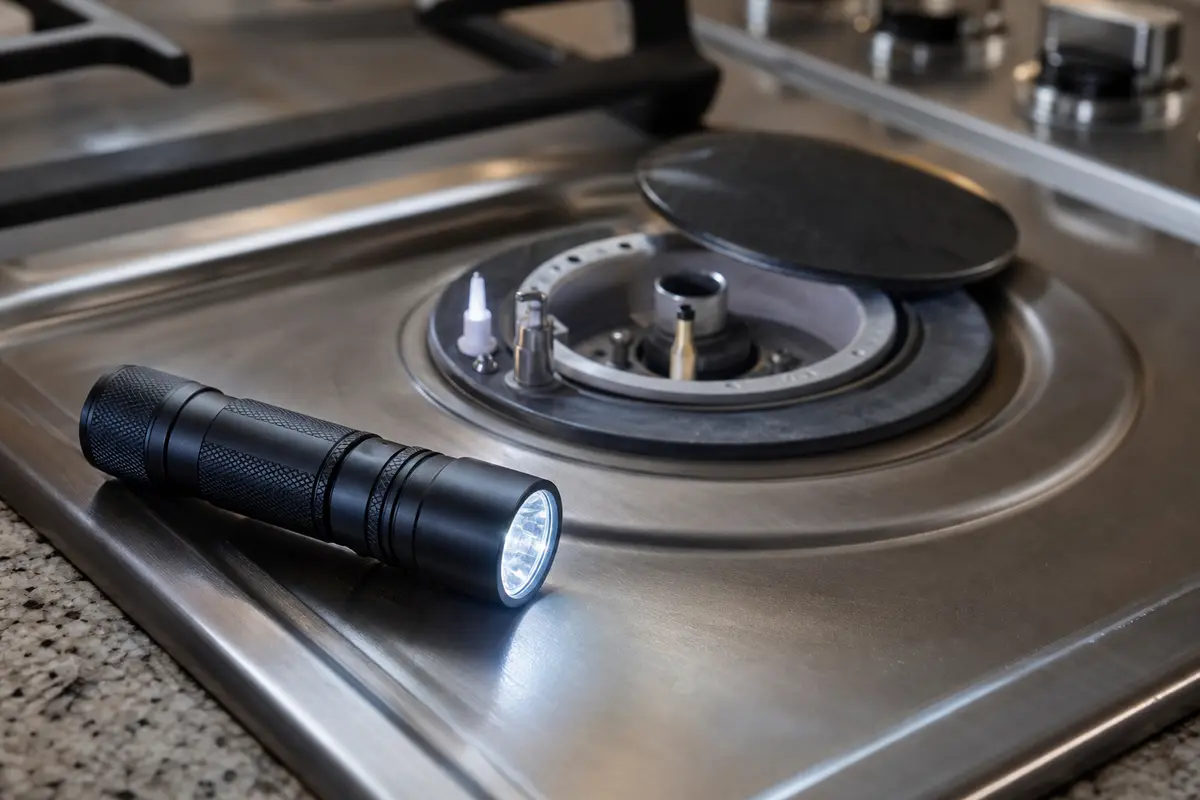
Helps when: Seeing the igniter ceramic, cap gap, burner ports, knob stems, and model tag without pulling the cooktop apart.
Skip it when: Stop and call a pro if the view requires moving gas tubing, opening a wiring area, or reaching under a powered cooktop.
Compare inspection flashlights on AmazonAs an Amazon Associate I earn from qualifying purchases. Repair Riot may earn a commission at no extra cost to you.
Compare parts only after the symptom points there. The burner cap, burner head, spark igniter, and ignition switch are different repairs and they are not universal.
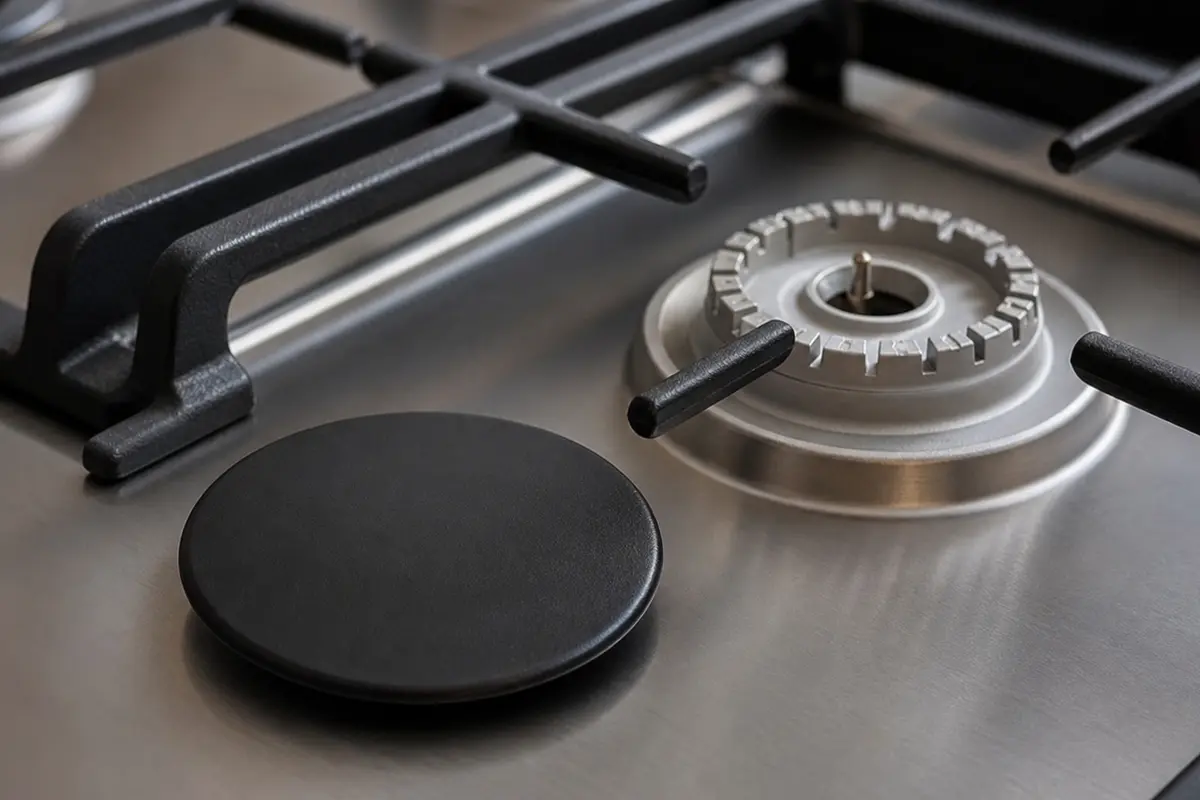
Helps when: The cap is cracked, chipped, warped, or still rocks after you clean the seating surfaces and set it back in place.
Skip it when: The cap sits flat and drying or cleaning restores normal ignition; match by exact burner position before ordering.
Compare cooktop burner caps on Amazon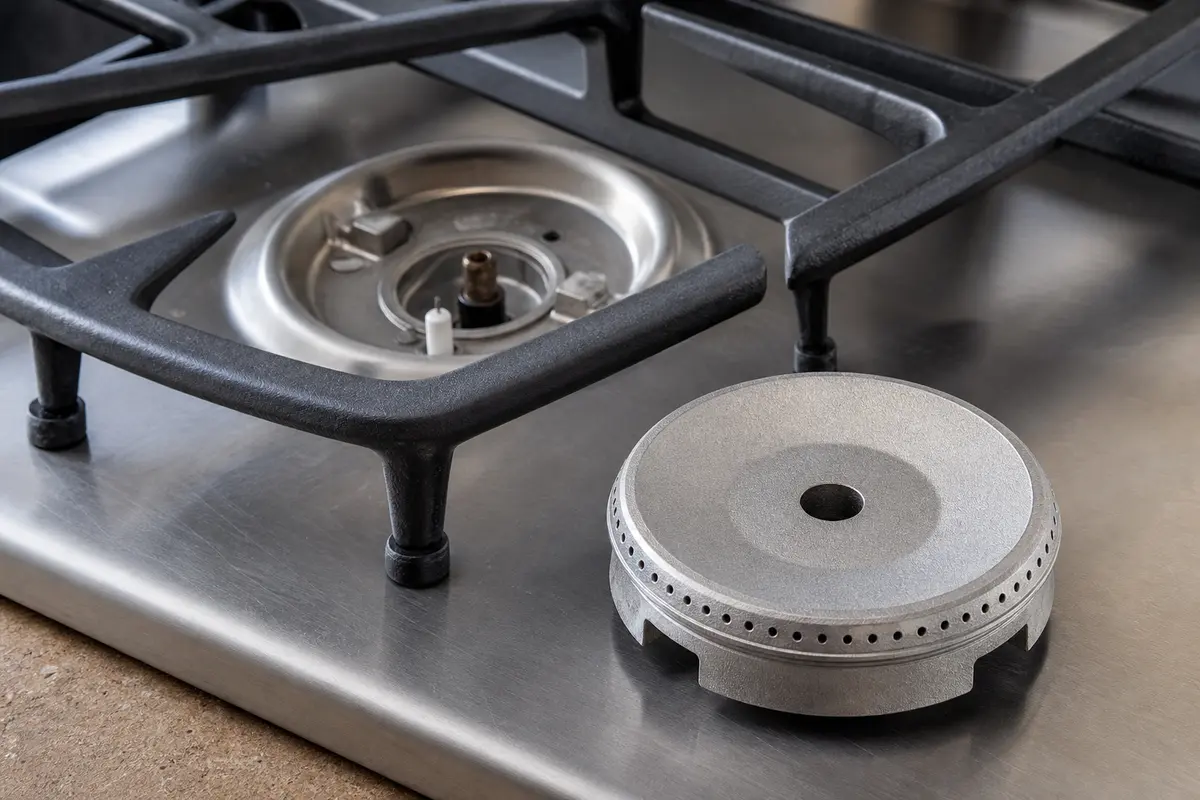
Helps when: Ports are damaged, the metal is badly corroded, or the flame stays uneven after careful cleaning and cap alignment.
Skip it when: The head is only dirty or does not lift off by hand; forcing it can create a bigger repair.
Compare cooktop burner heads on Amazon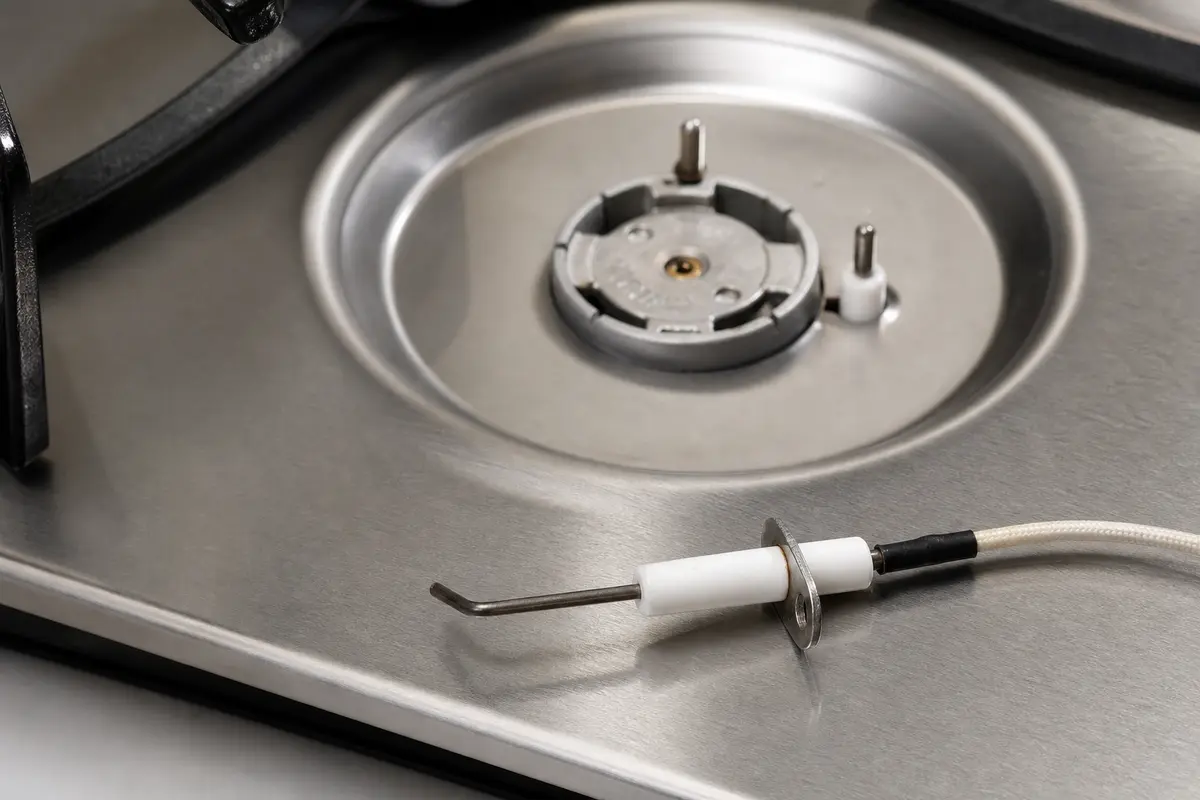
Helps when: One burner is clean, dry, seated correctly, and the ceramic is cracked or the spark jumps to the wrong spot.
Skip it when: All burners click with the knobs off, or the burner still has moisture, residue, or a crooked cap.
Compare cooktop spark igniters on Amazon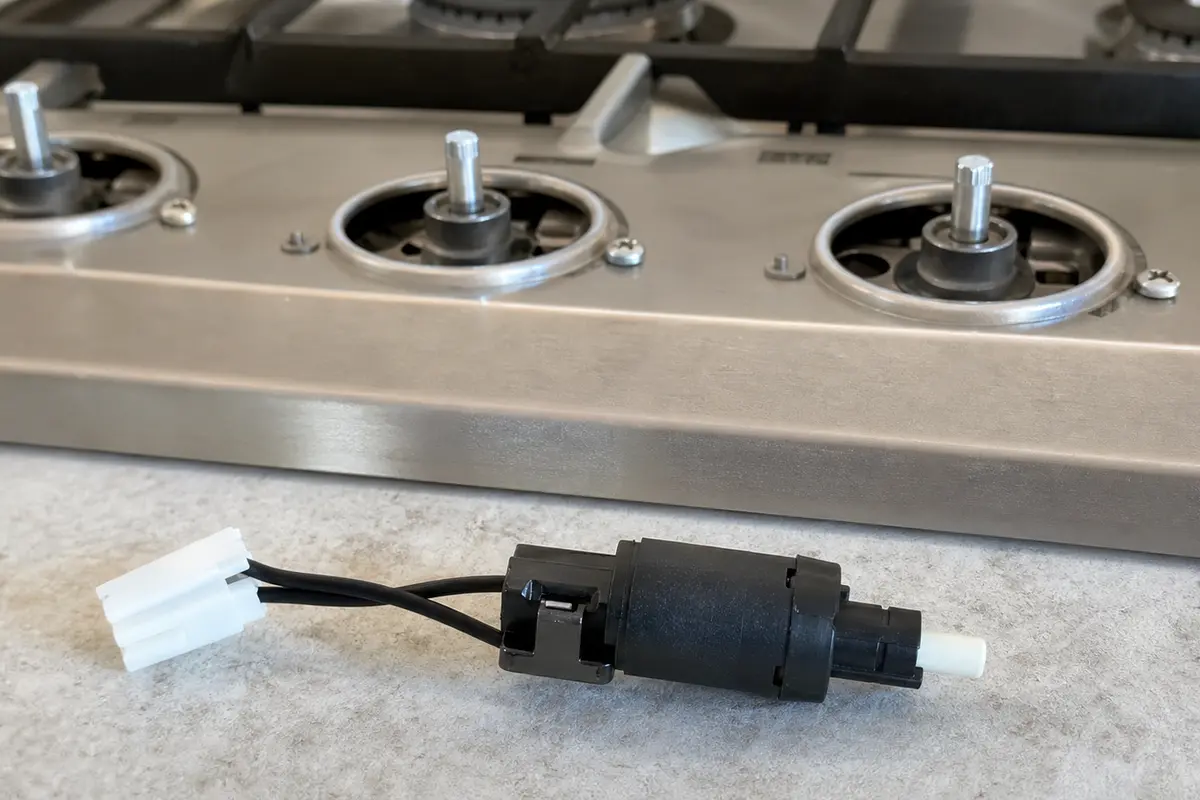
Helps when: Clicking continues with all knobs off after the burner top and knob-stem area are dry, or one knob clearly triggers it.
Skip it when: The symptom stays with one dirty, wet, or misseated burner, or switch access would put you near wiring you cannot identify.
Compare cooktop ignition switches on AmazonAs an Amazon Associate I earn from qualifying purchases. Repair Riot may earn a commission at no extra cost to you.
Write down the pattern before service: which burner clicked first, whether a spill happened, how the flame looked, and whether one knob changed the clicking. Those details narrow the visit faster than a general complaint about noise.
Usually the spark is not grounding cleanly through the burner flame. Lift the cool cap and look for water, crumbs, grease at the ports, a cap that rocks, or cracked igniter ceramic. Clean, dry, and seat the cap flat before buying parts.
On many gas cooktops, yes. Multiple electrodes may spark while one burner is being lit. The safety line is different: if you smell gas, get a delayed whoosh, or hear clicking after every knob is off, stop using the cooktop and troubleshoot that pattern.
Yes. Water from cleaning or a boilover can hide under the cap, around the igniter base, or near a knob stem. Let the area dry fully before replacing ignition parts.
Make sure every knob is fully off, then dry around the knob stems. If the cooktop still clicks with dry burner parts and dry knob areas, the ignition switch behind one knob needs diagnosis.
Not as the first move. Replace a cooktop spark igniter only when one clean, dry, correctly seated burner still misfires and you can see cracked ceramic, a loose igniter, or a spark jumping away from the burner.
Do not keep using it until you know why it is clicking. Leave that burner off if you smell gas, get a delayed whoosh, see an uneven flame ring, or hear clicking with every knob off; those clues need cleanup, part diagnosis, or service before another test.
Often no part is needed after a boilover. If drying, cleaning the ports, and seating the cap flat fixes the flame and stops the clicking, stop there. One clean burner that still misfires points to the cap, head, or igniter; clicking with every knob off points toward an ignition switch.
Yes. Cleaner sprayed into burner wells or knob openings can leave moisture or residue where the spark system should stay dry. Wipe with a cloth instead of spraying directly into those areas.
There is no exact timer. Blot visible water, leave removable parts off while they dry, and give the burner longer if liquid ran under the cap or toward the knobs. Do not use a flame to dry parts.
This page is for gas cooktops with spark ignition. An electric or induction cooktop making clicking sounds can involve relays, controls, or power issues, so the gas-burner cap and igniter checks will not apply.
Repair Riot built this page around homeowner-visible clues: click timing, wet burner parts, cap seating, knob-switch behavior, and gas-safety stop points. The sources below shaped the safety and model-matching context.