Did E126 show up after cleaning, steam, or a spill?
Turn power off and let the panel dry. A damp or contaminated touch area is a better first clue than a bad board.
Bosch range E126 is usually a control-panel or interface-side clue. Reset once, then watch whether it returns at idle, after a touch input, or only as heat starts.
Start with a temporary control lockup, damp keypad area, sticky key, loose control harness, or failing user interface. A good clue is whether the code appears before any button press.
Watch for repeat timing, keypad behavior, and visible moisture before buying a user interface, harness, or control board.
Don’t start with: Do not order a control board just because E126 is on the display. Copy the Bosch model number and E-Nr, then sort the reset and keypad clues first.
Turn power off and let the panel dry. A damp or contaminated touch area is a better first clue than a bad board.
The fault is still active. Keep the keypad, user interface, harness, and control board in the diagnosis.
That points toward the keypad or user interface. Write down the exact key before comparing parts.
Cancel the cycle and let the range cool. Heat-triggered faults move wiring and control electronics up the list.
Leave the range off. That is no longer a keypad-only check; call appliance service or a licensed electrician.
E126 is not enough to name a part. Use the reset result, the keypad surface, and any heat-triggered behavior to decide the next lane.
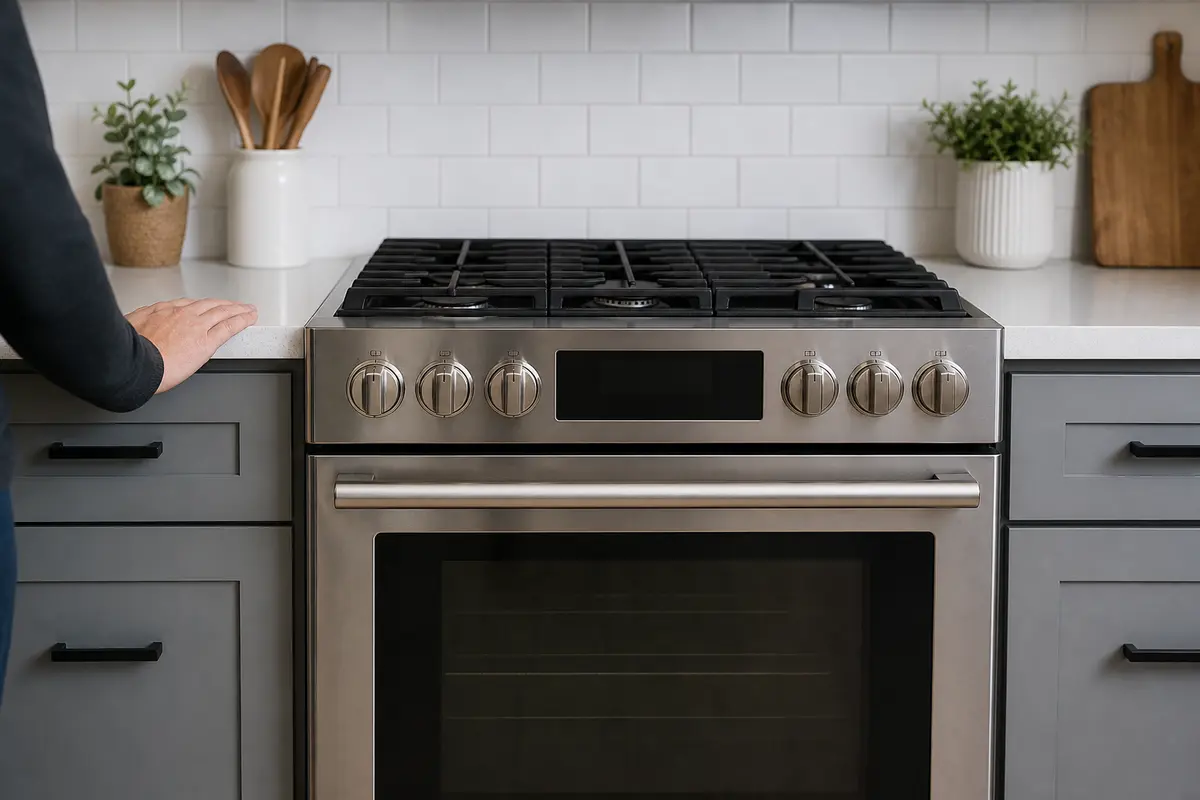
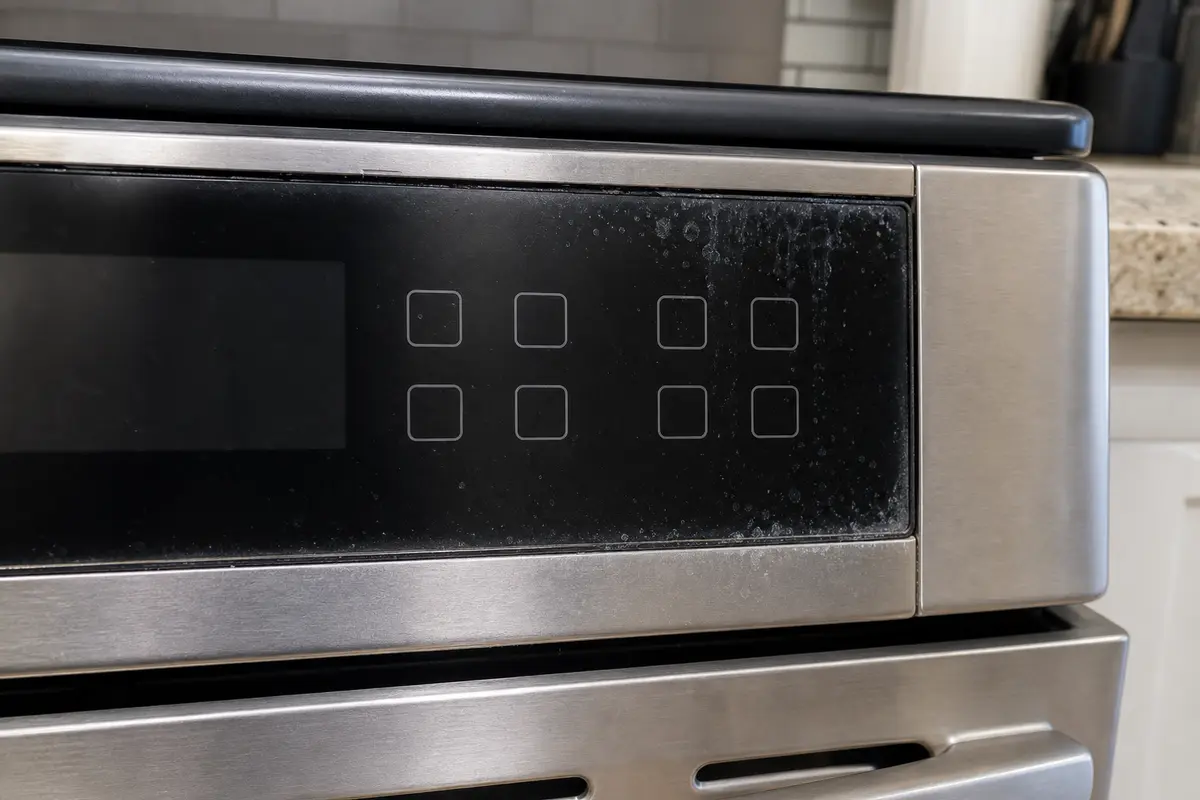
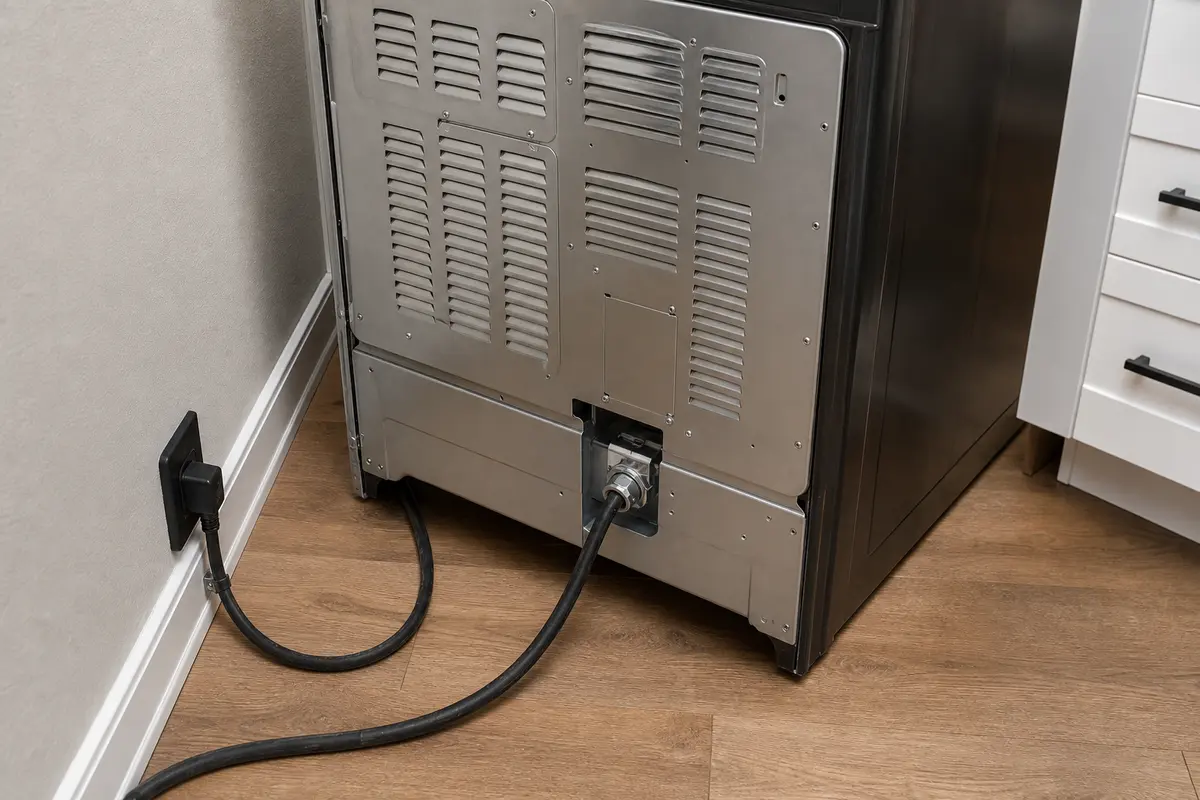
Copy the full Bosch model number and E-Nr first. E126 can look like a keypad, user interface, harness, or control-board problem from the display. Do the reset, dry-panel check, and idle-versus-heat split before you price electronics.
Treat the code as a control-side clue until the range proves otherwise. The timing matters more than the letters on the display.
E126 can send people straight to expensive electronics. Slow down until the symptom points somewhere real.
Stay outside the energized control compartment. These checks sort the fault without guessing at live wiring.
After one full breaker reset, watch when E126 returns: at idle, after one key press, or only when heat starts. More resets will not tell you anything new.
| What you see | What it usually means | Next move |
|---|---|---|
| Code clears and stays gone | A temporary control lockup is possible. | Use one simple function at a time and watch for a repeat. |
| Code returns before any touch | The range still sees an active control-side fault. | Stop parts shopping and document the model and timing. |
| Same key brings it back | That key or touch area is the strongest clue. | Dry the panel, note the key, and compare interface parts only after model lookup. |
| Code appears only during heat | Heat may be stressing a harness, connector, or control. | Cancel the cycle and keep deeper inspection power-off or pro-led. |
| Breaker trips or anything smells hot | This may involve wiring, supply power, or a shorted component. | Leave the range off and call service. |
These tools support exterior checks and documentation. They do not make powered console work safe.
Paid links. As an Amazon Associate I earn from qualifying purchases. Repair Riot may earn a commission at no extra cost to you.
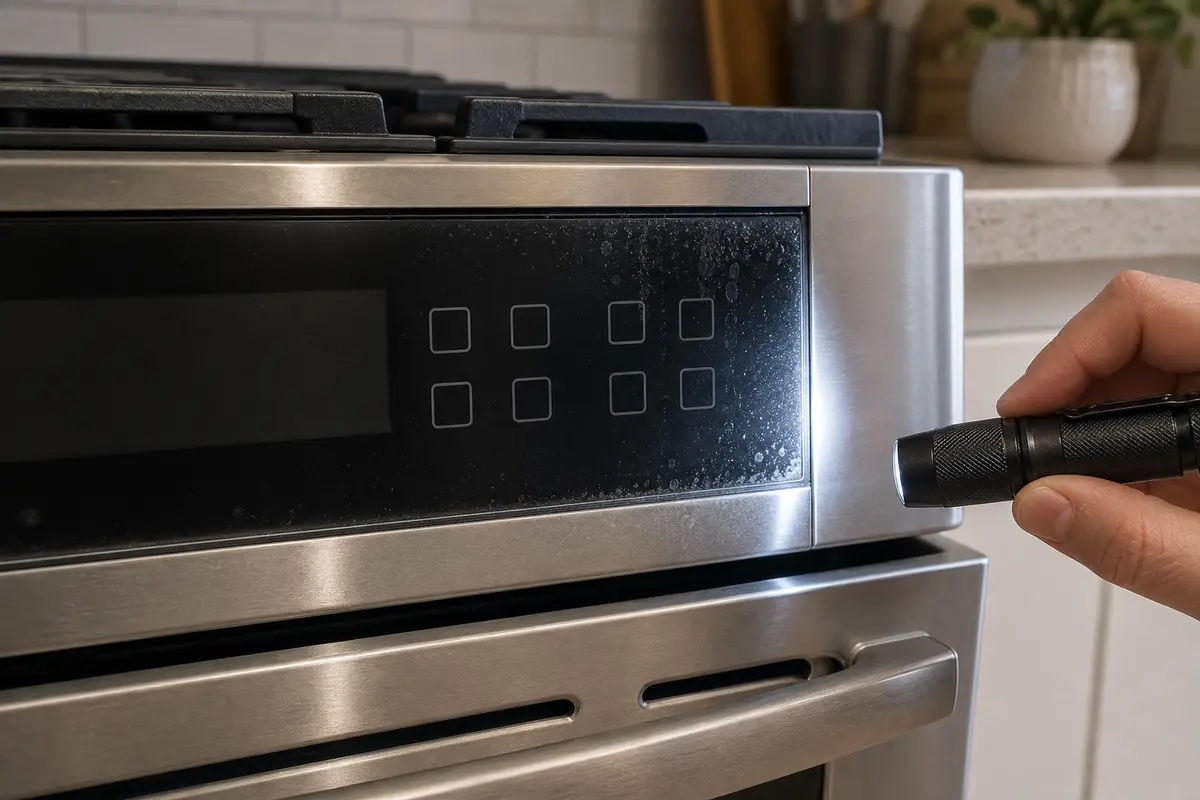
Helps when: Use an inspection flashlight to find hair, trap sludge, code timing clues, or the first wet point without guessing.
Skip it when: Skip work until the area is dry, accessible, and safe to inspect.
Compare inspection flashlights on Amazon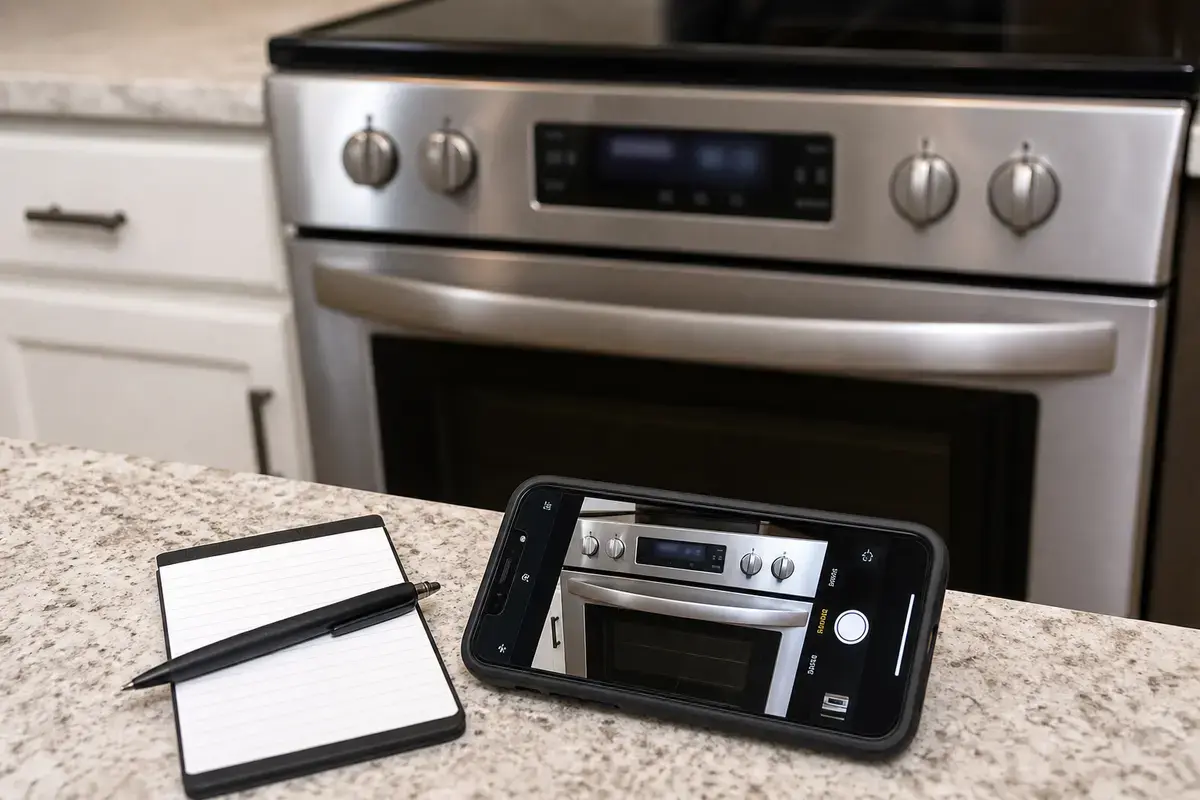
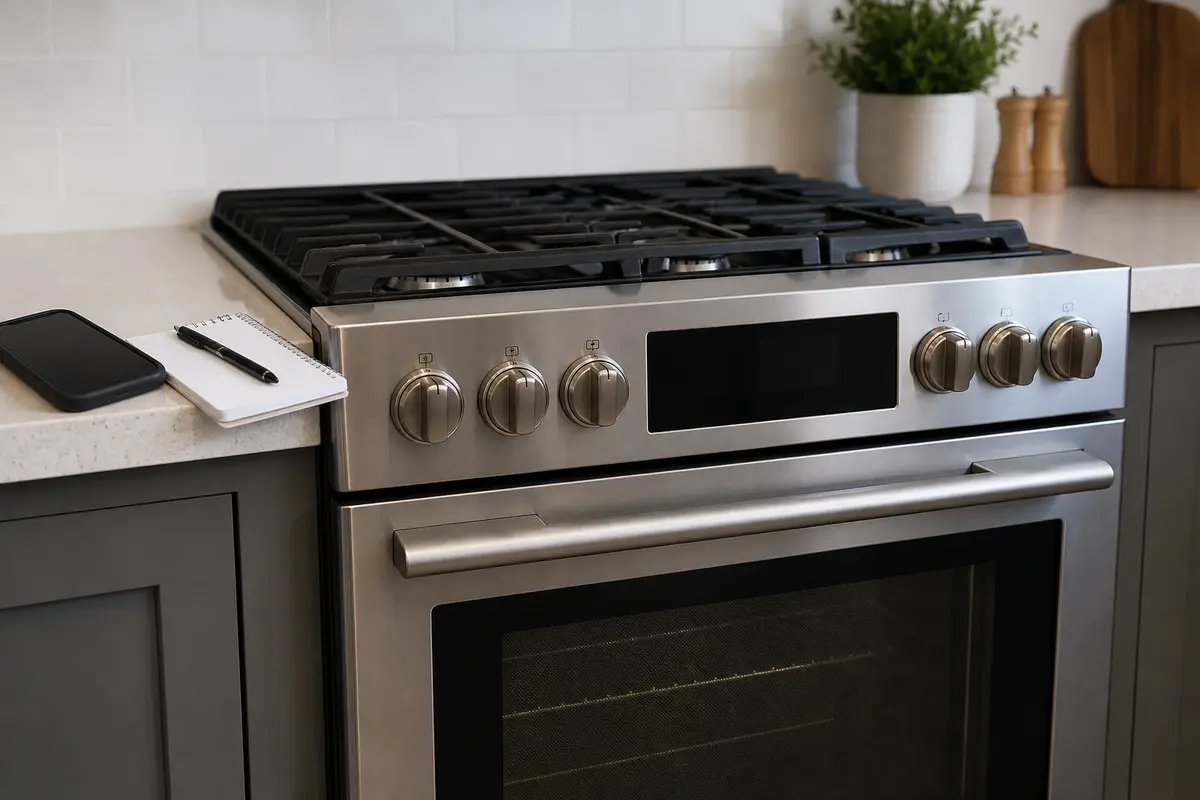
Helps when: Use a phone camera to document the code, timing, model tag, and visible connector or cord condition for service notes.
Skip it when: Skip using photos as a reason to open energized panels or guess at control parts.
Compare phone repair-note accessories on AmazonParts are a later decision on E126. A keypad, interface, harness, and control board can all look similar from the display.
Paid links. As an Amazon Associate I earn from qualifying purchases. Repair Riot may earn a commission at no extra cost to you.
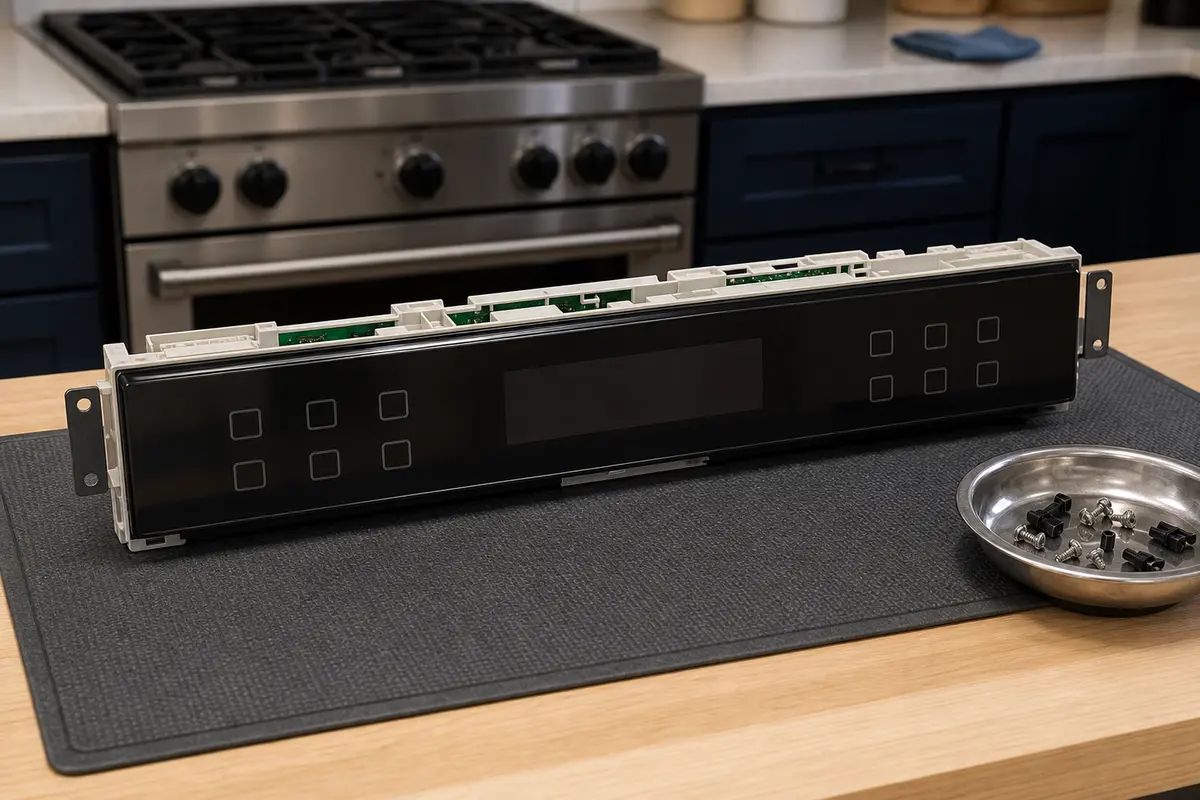
Helps when: Use a user interface assembly only after E126 timing and model-specific diagnosis point to the control panel.
Skip it when: Skip replacing it from the code alone or from a similar-looking search result.
Compare Bosch range user interface assemblies on Amazon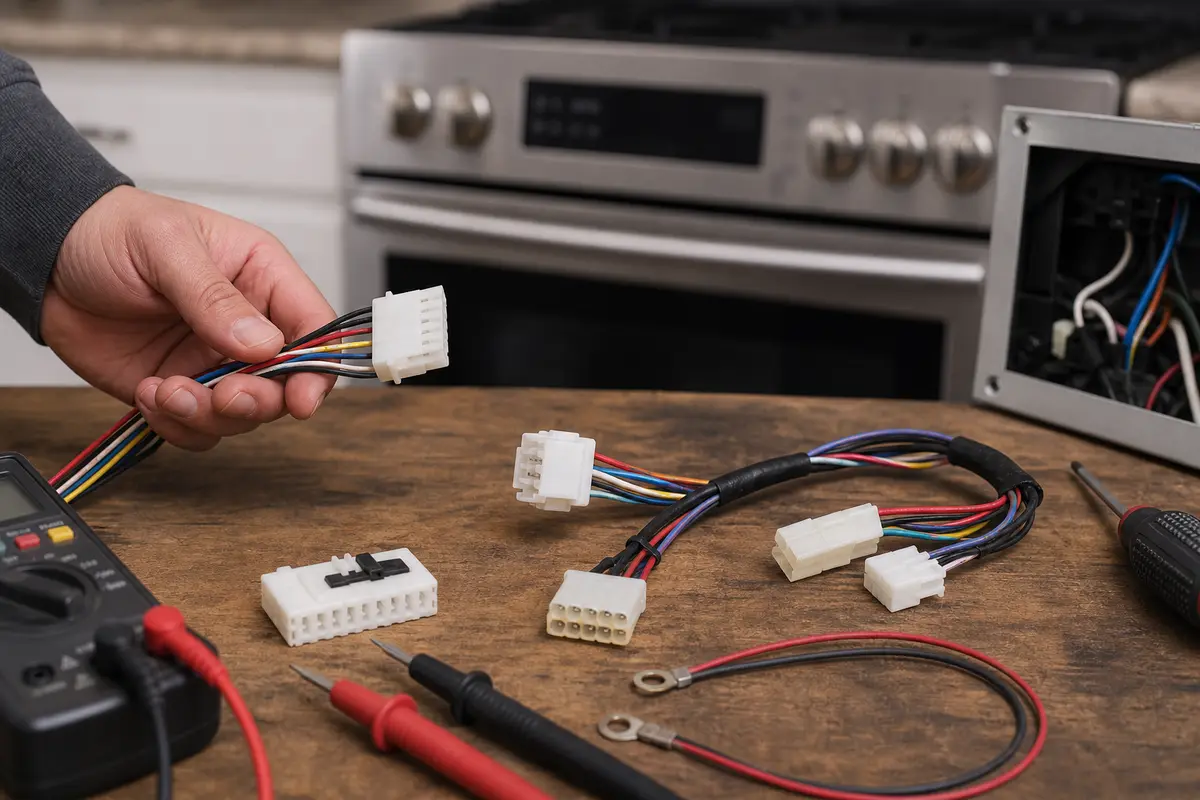
Helps when: Use harness or connector repair only when diagnosis finds a damaged or loose control-side connection.
Skip it when: Skip DIY live-console work and match connector details by exact Bosch model.
Compare range control harness connector parts on Amazon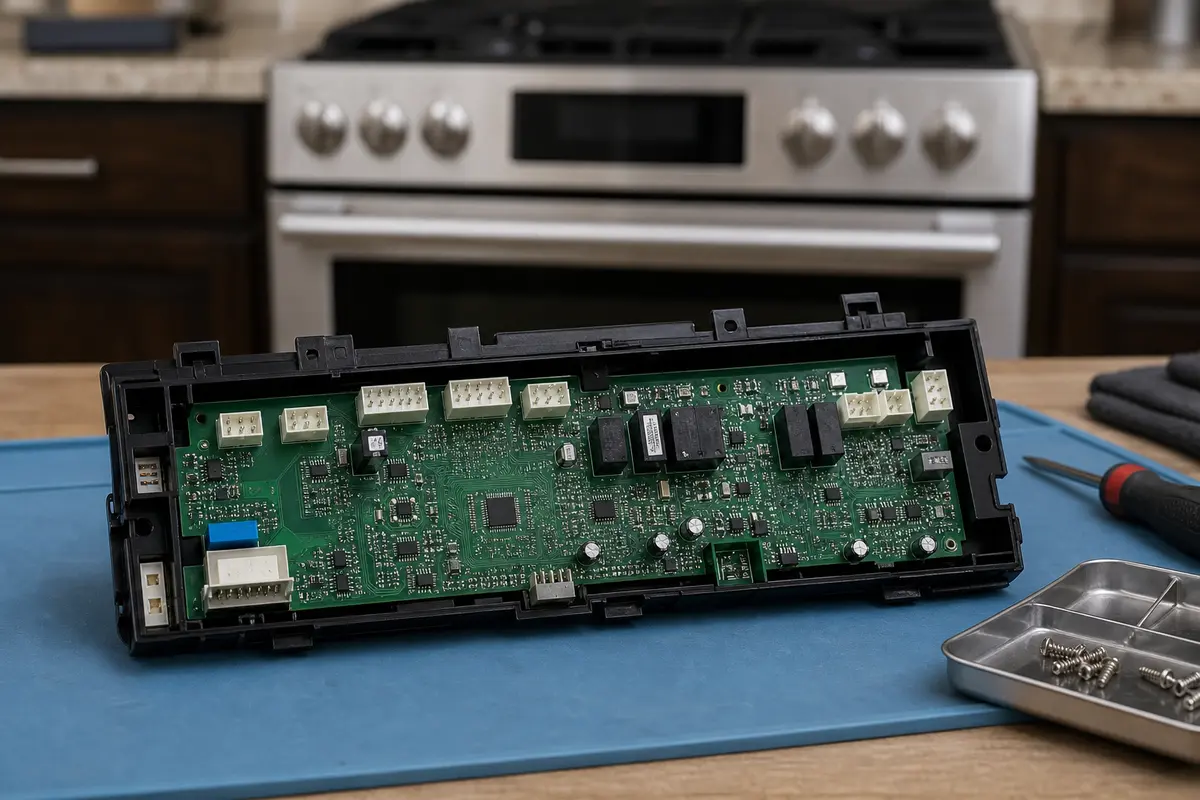
Helps when: Use an electronic control board only after interface, harness, and model-specific diagnosis justify it.
Skip it when: Skip blind board swaps from E126 alone; boards are expensive and easy to mis-match.
Compare Bosch range electronic control boards on AmazonTreat E126 as a control-side fault clue first. Sort it by timing: idle return, one bad key, recent cleaning, or heat-only return.
Sometimes. Turn the range breaker fully off for five minutes, restore power, and wait one minute before touching controls. If E126 returns right away, stop treating it like a one-time glitch.
Cleaner residue, steam, or moisture can make a touch area misread. Turn power off, dry the surface, and avoid spraying cleaner into the keypad seam.
Not as a first guess. Heat can expose a weak control connection, but the first checks still sit around the keypad, interface, harness, and control.
Only after the reset, keypad, moisture, harness, and model-fit checks point there. A blind board swap is expensive and can still miss a bad interface or connector.
That means the range still sees a fault at idle. Keep the control panel, user interface, harness, and main control in the diagnosis and avoid repeated resets.
Cancel the cycle and let the range cool. If E126 stays away at idle but returns as preheat warms the panel, keep a control-area connection or electronic part in the diagnosis before blaming a burner or element.
Use the model tag location shown in your owner manual or Bosch support lookup. You need the full model number and E-Nr before comparing electronic parts.
Call for service if E126 returns after a proper reset. Also stop for a damaged key, overheated wiring, breaker trips, flicker, burning smell, or gas odor.
Repair Riot built this page around checks a homeowner can see without live console work: reset timing, keypad feel, cleaner or moisture at the panel, heat-triggered return, model lookup, and stop points. Bosch range error-code guidance varies by family, so copy the exact model number and E-Nr before comparing any electronic part.